

Dell Pro Max 18 Plus Power and Battery
Given that we have the high-end CPU and GPU, and a huge laptop, you would be correct in anticipating that there is a large power brick as well.
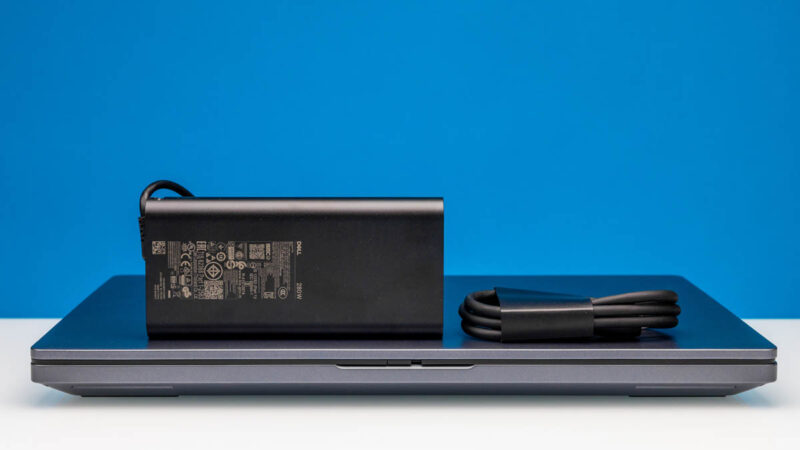
This is a massive 280W unit. Unlike older generations, it delivers power using a USB Type-C connector.
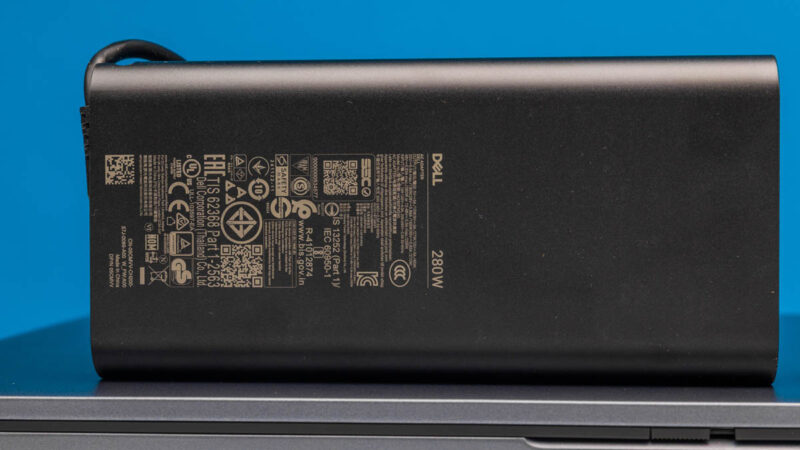
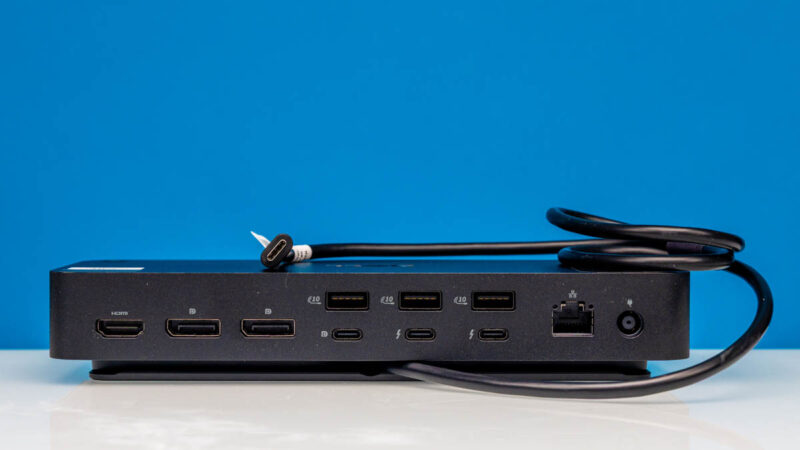
If you saw our Dell Pro Thunderbolt 5 Smart Dock Mini-Review, that also has the capability to power 280W Dell notebooks, and this is a prime example. Dell is doing a bit of extra engineering here to go beyond 240W.
Let us talk about that 96Wh battery for a moment. At first, that may sound ample.
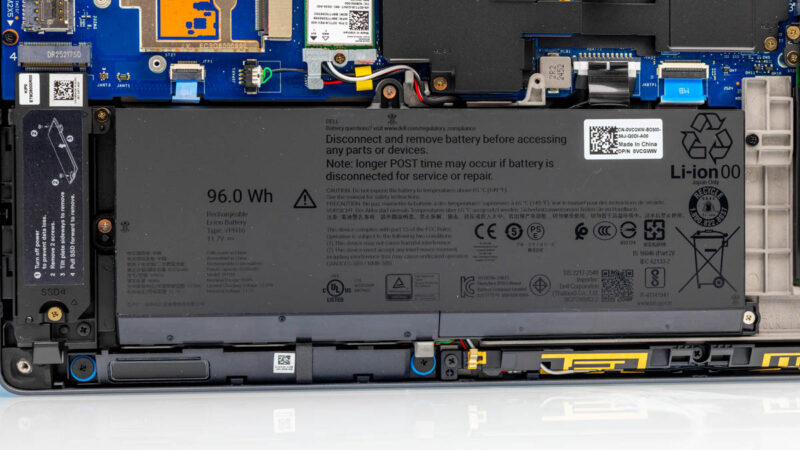
Just sitting at the desktop in Ultra Performance mode, however, we were looking at a 55%/ hour discharge rate and less than two hours of battery life.
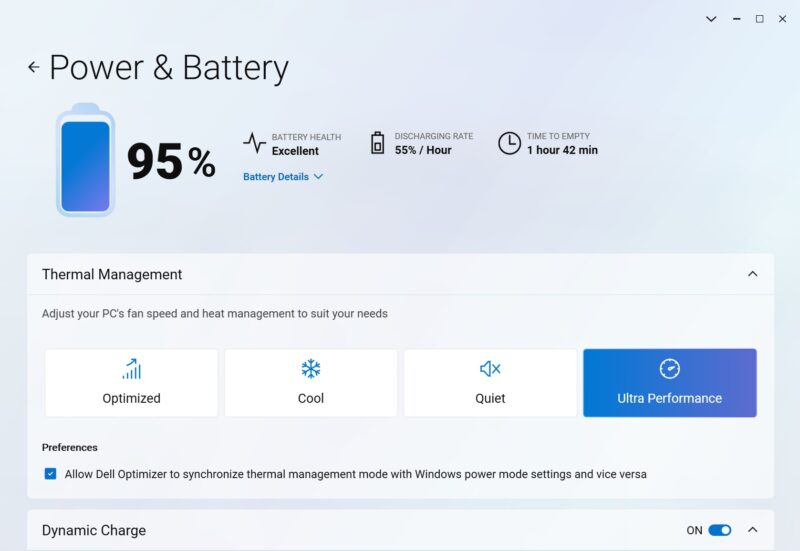
We learned a few things with this one. Instead of thinking about this as a laptop that you can take a 10+ hour flight across an ocean and not worry about having your charger out, think about it as a portable desktop setup that has enough power to go on standby for longer trips or not turn off when you need ot move it. Actually, this, inside a pickup truck with a 120V outlet, was a great use case.
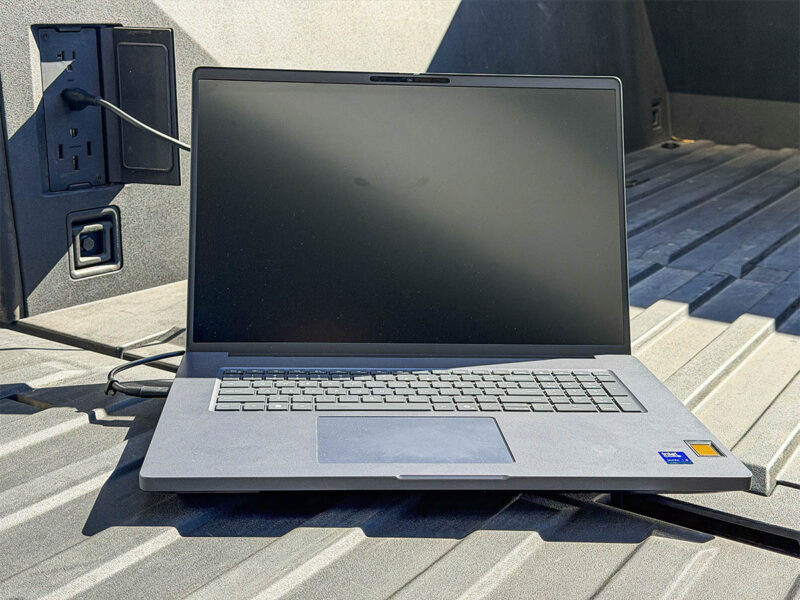
I was running AI models at a dude ranch in central Arizona, off a dirt road, and that was neat. For folks who are on the road all the time, and by that I mean in large trucks or vans, I can certainly understand this being a useful portable form factor.
Final Words
Having done hardware reviews for 16+ years at this point, there are times when you review a product that is clearly not for you. Given I am almost at 100 flights this year, and work a lot on airplanes and airports, this is not the right laptop for me, but Dell has plenty of smaller options. Instead, this is a desktop replacement laptop for those who simply need everything in one notebook, including a massive 24GB GDDR7 NVIDIA GPU, four NVMe SSDs, and the ability to move it without dealing with wires. Instead of just saying “desktop replacement,” it is more like a “desktop, monitor, keyboard, mouse, speakers, cameras, and battery backup unit replacement.” If you take that stance, it is extremely compact.
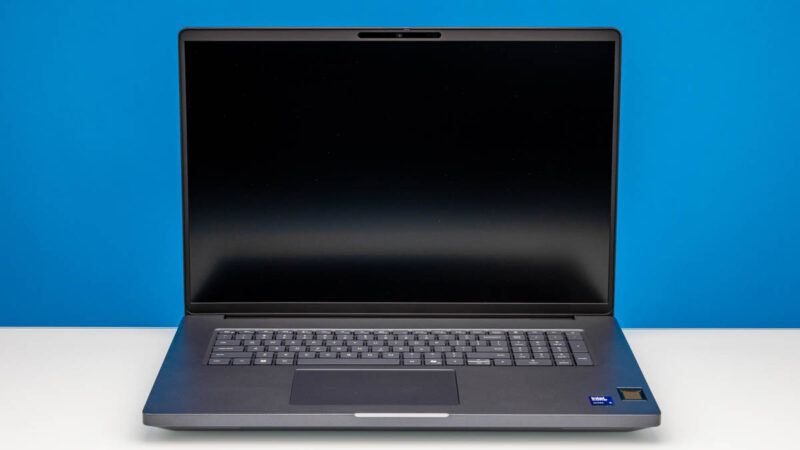
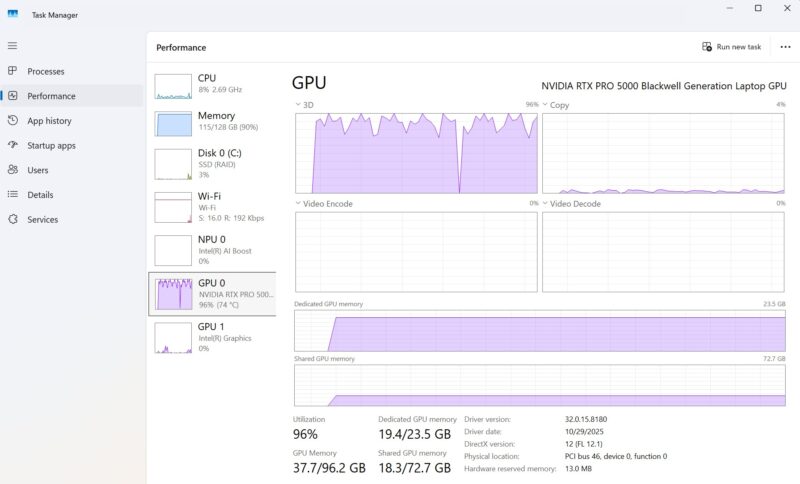
Over our time with the system, something became clear, though. This machine had absolutely ripping performance if you are looking for a portable AI system. You even have access to not just NVIDIA’s ecosystem, but also Intel OpenVINO and its iGPU and NPU. Whether you are in engineering, software development, video production, or even professions like medicine and law, AI is moving everywhere. A machine like this, with lots of performance, acceleration, and memory, is spot-on the AI trend for those using what is becoming a universal cross-domain capability.
Up to 256GB of RAM and 16TB of storage are huge specs for a notebook as well. We had two SSDs and 128GB of memory, and from a performance perspective, it is better than many of the smaller form factor desktops we have. Perhaps it should be. List pricing on a configuration like this, before discounts, is over $9000. Keep in mind that well under 5% of these systems are likely purchased online at list prices, and most companies get a substantial discount off of list pricing. This is a high-end system with an appropriate price tag. Still, we were shocked to see instances where it was outperforming desktop systems even with the same processor and more volume for cooling.
Is this a laptop for everyone? Absolutely not. If you, however, want the ability to transition from back to desk to back again in seconds, and deploy a lot of performance whenever you are working, then the Dell Pro Max 18 Plus is a stellar system.




It’s a nice machine, but it somehow feels a bit half-baked. That fingerprint reader seems to be the same thing they used on the E7270, back in 2016 and I can’t fathom what made them decide to use an internal SIM slot instead of a tray. It looks as if the whole thing was designed a decade ago, which may be the case because they simply don’t expect to sell large enough quantities of this to warrant designing a “proper” chassis for it, but if the MSRP is this close to the 5-digit territory, I would expect them to do better than this.
They were using that style fingerprint reader in the Precision M6600 (Sandy Bridge, 2011) mobile workstation era. Considering the Dell Pro Max Premium 16 (MA16250) sibling has a reader properly integrated into the power button on the keyboard, one has to wonder what they’re doing on this model.
So–they found room for a numpad but they couldn’t be bothered to include a proper tnav layout for the arrow keys? WTH Dell? Nor pgup/pgdn/home/end keys? It’s not like you don’t have room on that massive deck.
A $9k laptop, maybe not ruined, but with significantly impacted usability for the sake of a $17 part that can’t be changed out by the user later.
” It’s over 9000! ”
/ faints
Why do they need numeric keyboards?
I’d be more than happy with extra keys as long as the alphanumeric part is centered with screen and trackpad.
This is quite a refreshing break from all the race to the thin and light on the other side of the spectrum. Yes, it’s definitely not for everyone (not for me either), but it’s good to see it’s being made for those who need it.
Does anyone make something similar with an AMD CPU?
Some of the specs are impressive, like having more m.2 SSDs than most full-size ATX motherboards. Yet, the choice to go with RAID0 with two 1 TB SSDs is a bit unexpected. Wouldn’t it in most cases be better to get a single 2 TB PCIe 5.0 SSD instead? But maybe they want to find a way to use those four slots…
I have briefly tested this model and returned it. The screen is atrocious. Not just low resolution, especially considering 18″, but also bad contrast and ghosting. Max spec CPU and GPU were really fast though, and it was a less noisy at both idle or load compared to other fast laptops. Would have loved it with a better screen.
I’d love to know what the screen resolution is, but I can’t be bothered to look up what WQHDXYZ+ means in useful units. Would be nice if future reviews avoided those god awful acronyms.
I’d also be curious to know how the Linux support is, since Dell seems to be doing worse and worse on that front.