

Dell Precision 3240 Compact Power Consumption and Noise
Our Intel Xeon W-1250 system with only the add-in NIC came in at 16W idle and around 120W under load with its Dell 180W power brick. We played with the power settings and got idle here down to around 7W, but the default was fairly high.
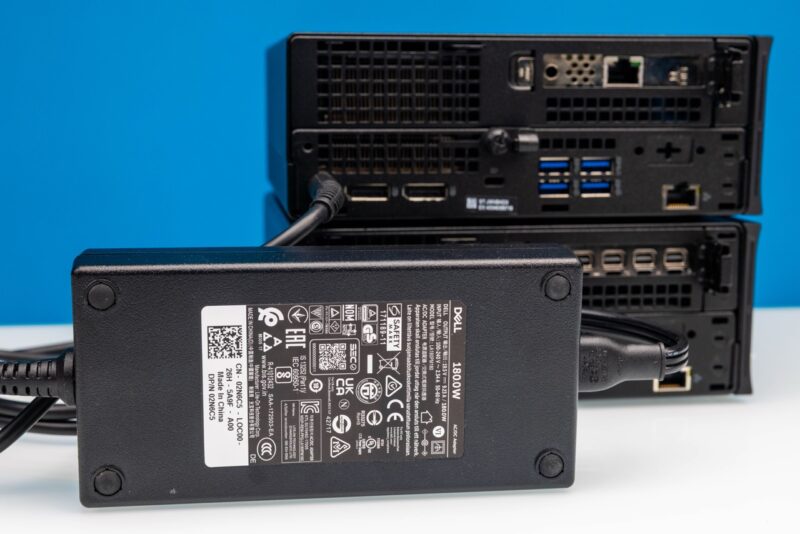
With the Intel Core i5-10500 system with the NVIDIA Quadro P620, as one might expect power consumption was higher at 32W idle and around 200W under load.
Both systems were very quiet with 35-37dba at idle and 40-43dba under load readings in our 34dba noise floor studio. We cannot say they were silent systems, but they were still very good in this regard. Something with buying second hand mini PCs is that a lot of folks get them and they are loud because dust has built-up in the fans. So that is always something good to clean out before using these systems.
Key Lessons Learned
For our key lessons learned, let us get to the challenging bit. At $300-350, this is a relatively lower-cost node. At the same time, one has to take a step back and remember, it is also not a newer node.
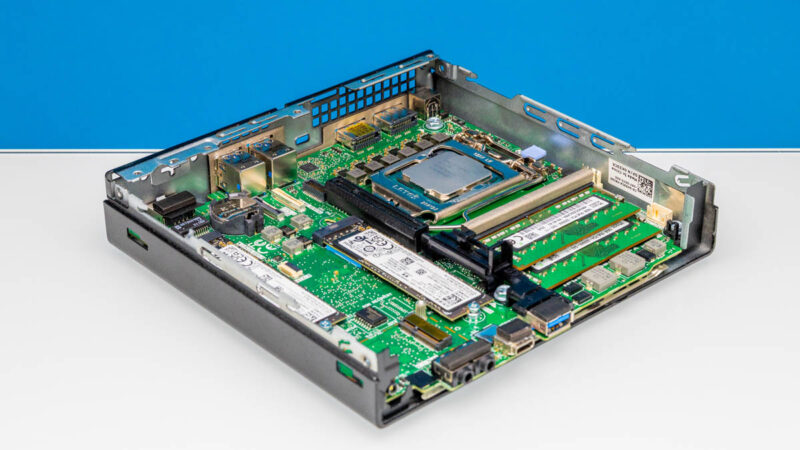
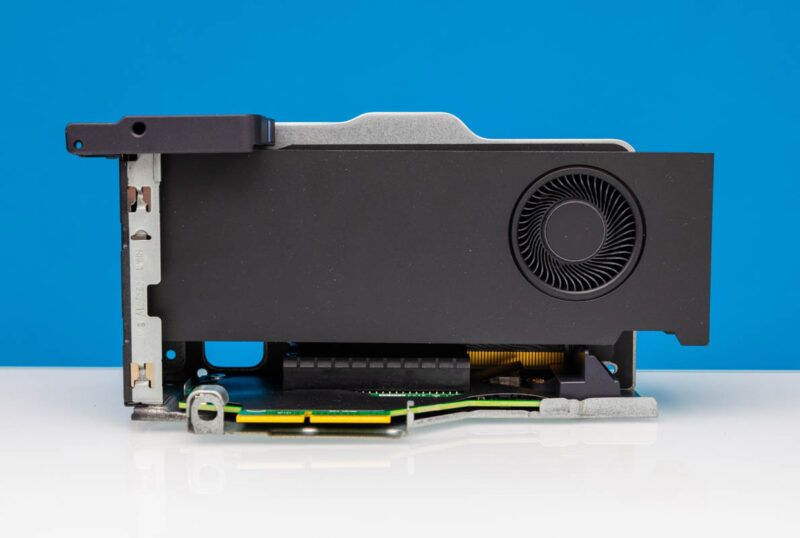
The older NVIDIA Quadro Pascal generation GPUs often found in these are getting old. Pascal was pre-RTX. GPU compute was flourishing, but AI was still some time off. One has a GPU, but for AI applications this is probably not ideal. Likewise, for gaming, the NVIDIA Quadro P620 in one of our systems started to be outpaced by integrated graphics years ago in the AMD Ryzen 7 5800U generation. Modern integrated graphics are several times as fast, save for solutions AMD’s Radeon 610M which are meant for only basic GPU tasks like installing OSes. The point is more that, unlike when we started Project TinyMiniMicro around five years ago, two major application areas, AI and gaming, have driven GPU performance. At the same time, we have seen the Intel and AMD competition drive CPU performance.
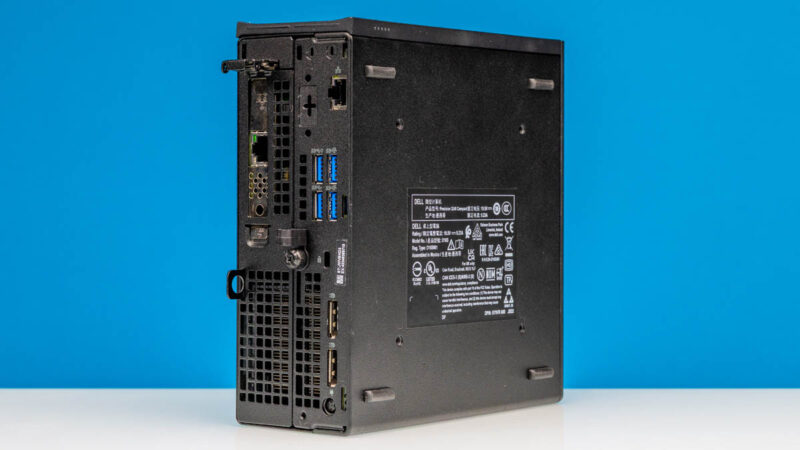
Maybe that is a long way to say that I went through a transformation in my own thought processes with this system. When we purchased the systems, we were also testing the Dell Precision 3280 Compact with the NVIDIA RTX 4000 Ada SFF which is a great GPU. I thought what I really wanted was a system with a NVIDIA GPU. After seeing how useful that is, and feeling underwhelmed by the Quadro P620, it made me re-think the use of the PCIe slot and therefore the use case for this system.
With all of that said, this is also a system that I can easily imagine that folks will stop me at trade shows, in airports, or elsewhere to tell me about how they saw this and now have clusters of these systems.
Final Words
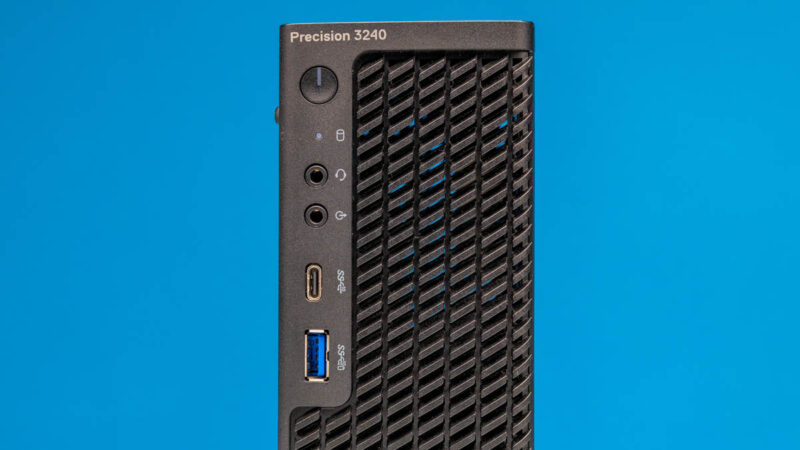
To me, the reason to get the Precision 3240 Compact over the OptiPlex 7080 Micro if you are in the market is fairly simple: you are willing to trade volume for the PCIe Gen3 x8 low profile slot.
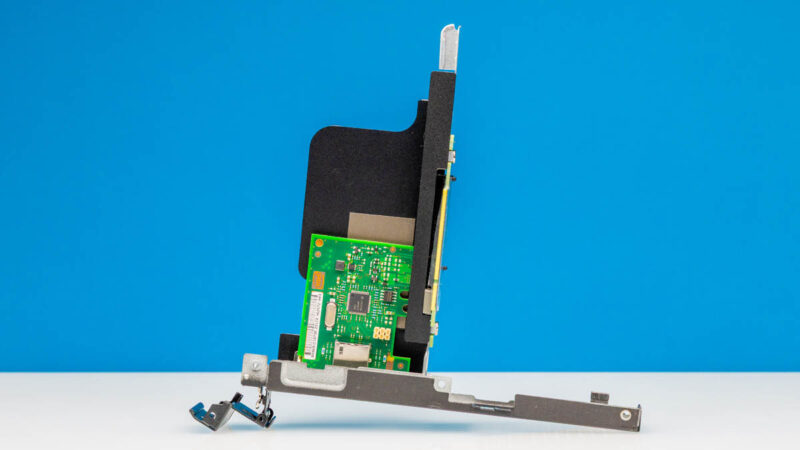
Both the NVIDIA Quadro P620 and Intel i210-T1 cards that we got are not what we will have in these systems going forward as that PCIe card slot needs a high-value component to be useful. Still, they were good indicators that the systems had the PCIe risers included.
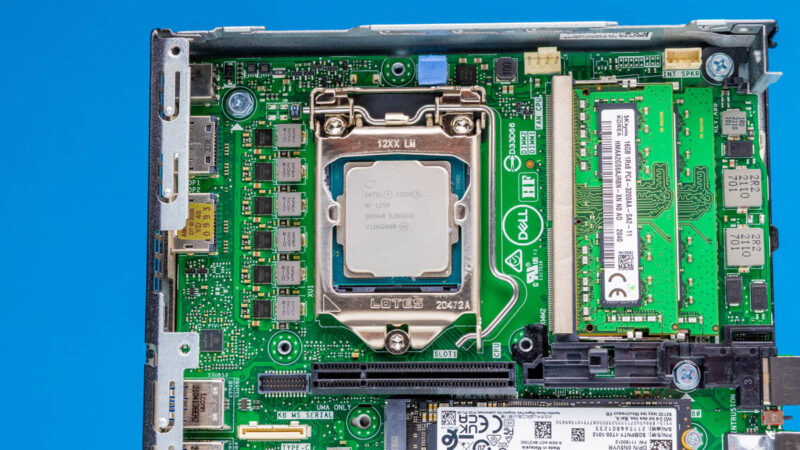
The other standout feature is really the Xeon W. If you can find a Xeon W system that supports ECC memory, then you can get ECC, multiple M.2 SSDs, and potentially decent networking if you add something like a QNAP QM2-2P10G1TB (Amazon Affiliate) with dual M.2 slots and 10Gbase-T to get a lot in this box.
Still, as progress and competition has intensified, and the GPU has become more important, the way we look at these systems changes. Going forward, this is a neat option for those who might want either a low-cost homelab node today, or a Windows/ Linux system today that they transition to server roles in the future. Again, if you want to see more of the Core i5-10500 option with the Quadro P620, we have that in the video, but that GPU is hard to recommend in 2025.
Where to Buy
If you want to see some of the components we used, here are some affiliate links to systems and components:
- Dell Precision 3240 Compact (eBay search)
- 64GB DDR4 SODIMM Kit we use (Amazon Affiliate)
- 2TB NVMe SSDs (Amazon Affiliate)
- Cheap 10Gbase-T NIC (Amazon Affiliate)
- IOCrest 5GbE M.2 Adapter (AliExpress)
- QNAP M.2 and 10Gbase-T card (Amazon Affiliate)


Great review, I’ve been slowing researching lower cost “home lab” nodes that I can use for more compute heavy applications but will not require a full rack space setup. I appreciate the depth of research here!
I think the best graphics card “officially” supported is a Dell-branded RTX 3000. It’s a double slot low-profile card but the PCIe bracket is actually a single slot, so that it can fit into the 3240. I happen to have one and am sure it works.
You know, for articles like this it would be nice if you included a bit more information about the system in the opening blurb for those of us who don’t want to google it. Saying that it’s an “older generation system” with “Intel Xeon” isn’t very useful. Just including the year of release would be much better.
I also went searching for the CPU model used.
Just got a couple of these. One thing to note: I don’t think the x8 PCIe slot supports bifurcation. I tried a 2 NVMe adapter and it only saw one drive.