
Cisco Catalyst C1300-24XTS Management
The Cisco CLI is well established in networking, so here we are focusing on the web management interface for administrators who prefer a graphical approach. We worked with software version 4.1.3.36 during our walkthrough of the interface.
After logging in and changing the default user credentials, Cisco presents a Getting Started page rather than dropping you directly onto a dashboard. The Initial Setup column offers links for managing stacks, management applications and services, device IP address settings, creating VLANs, and configuring port settings. The Quick Access column provides shortcuts to password management, software updates, backup configuration, MAC/IP ACLs, and QoS settings.
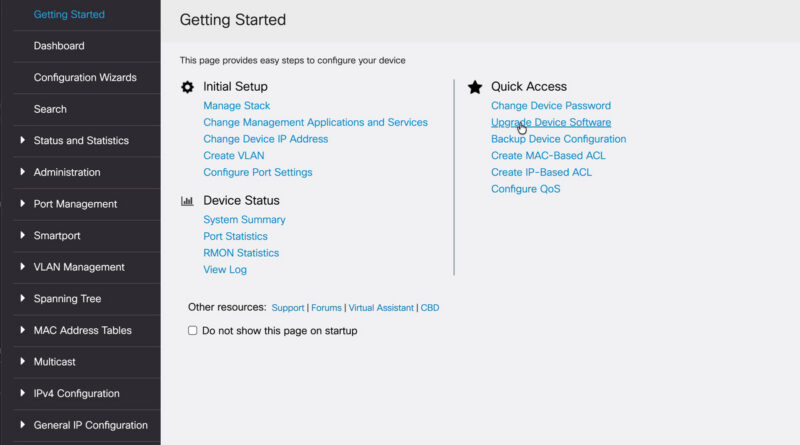
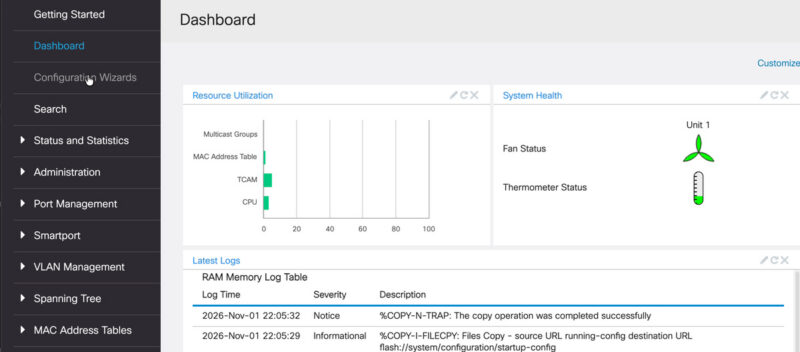
Most dashboards we see have all of the port status so you can see which ports are linked at a given speed, but Cisco’s dashboard focuses on system status and logs.
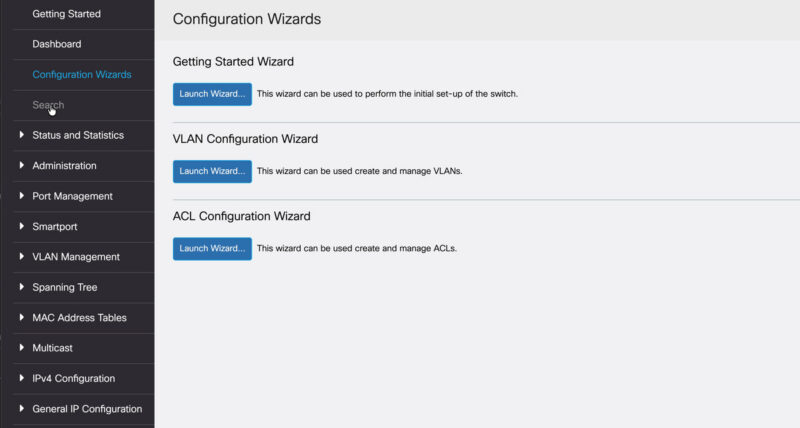
Cisco provides configuration wizards here, which are helpful for administrators who are not deeply familiar with Cisco CLI syntax. The Configuration Wizards page has launch buttons for Getting Started, VLAN, and ACL wizards.
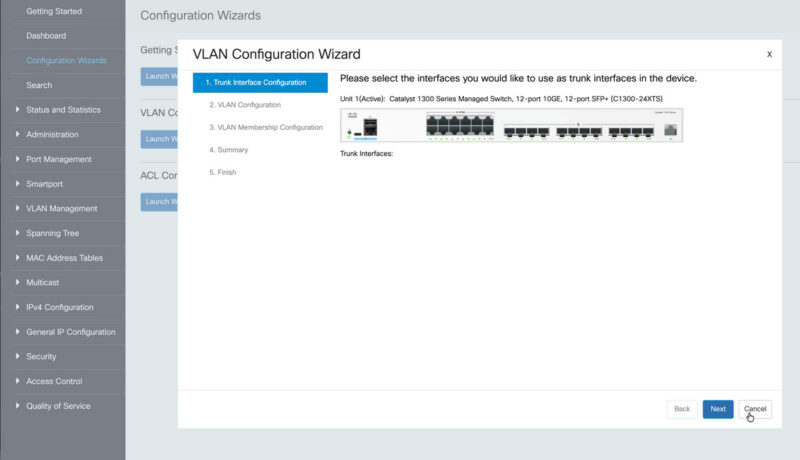
The VLAN wizard walks through selecting trunk interfaces via a 24-port chassis graphic, then proceeds through VLAN Configuration. This just makes it easier for a novice admin to navigate.
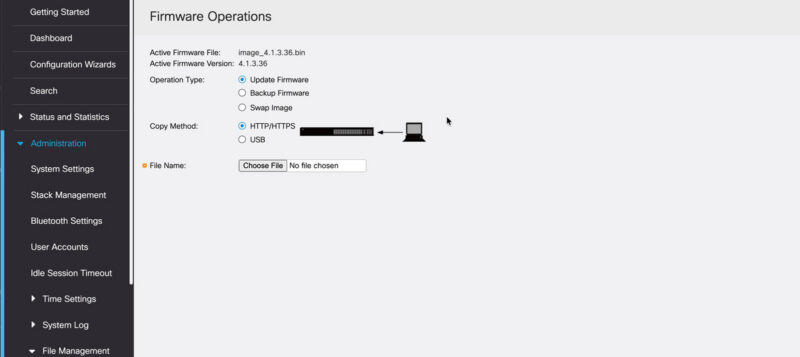
There are a numbe of ways to update the firmare from the web interface.
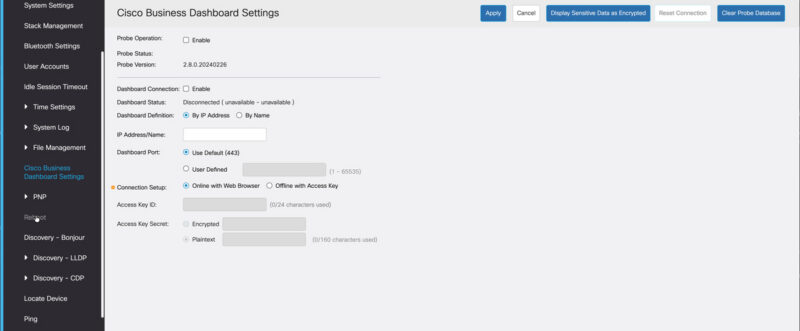
Since this is Cisco, not a small vendor, they are focused on selling and managing larger solutions, so we get a Cisco Business Dashboard settings page here.
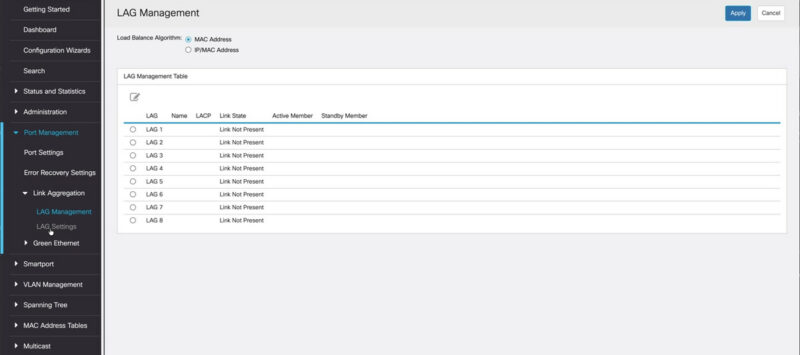
You can of course do Link Aggregation in the interface.
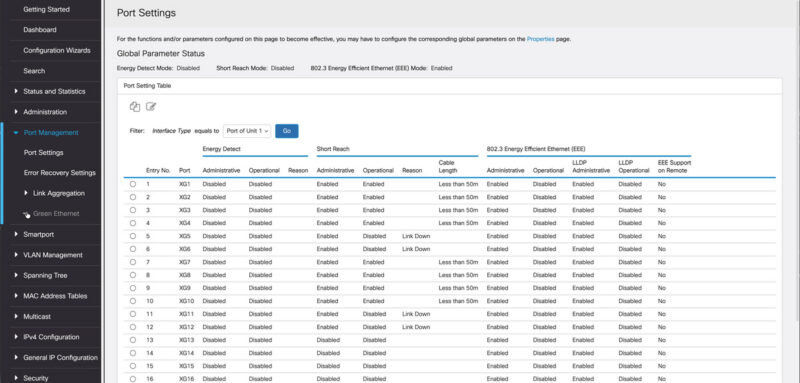
There are even Green Ethernet Port Settings page allowing administrators to inspect energy-feature states.
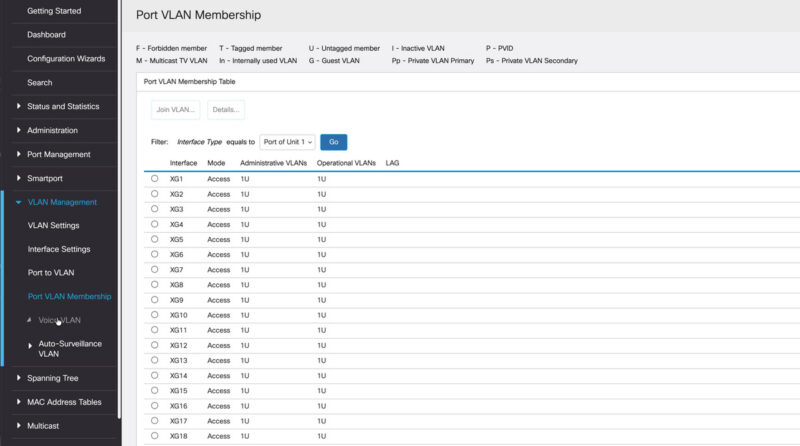
You can also manually setup ports and VLANs.
We often get asked about STP, and there are plenty of options here.
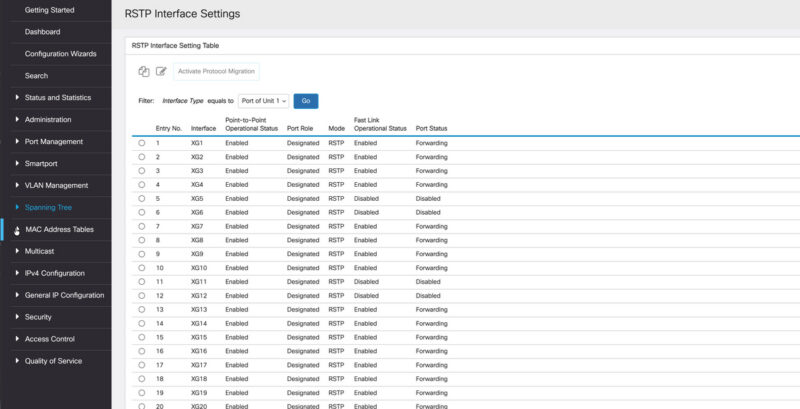
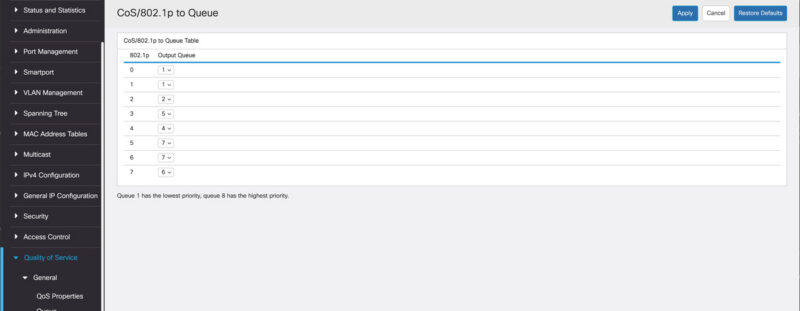
Cisco also has QoS and ACLs that you may want to setup.
Overall this was very easy to navigate and having wizards helps a lot especially if you are new to Cisco. The one thing we would change is the speed. It is far from the slowest web management interface, but it was super slow to load pages
Next, let us get to the actual switch performance.