

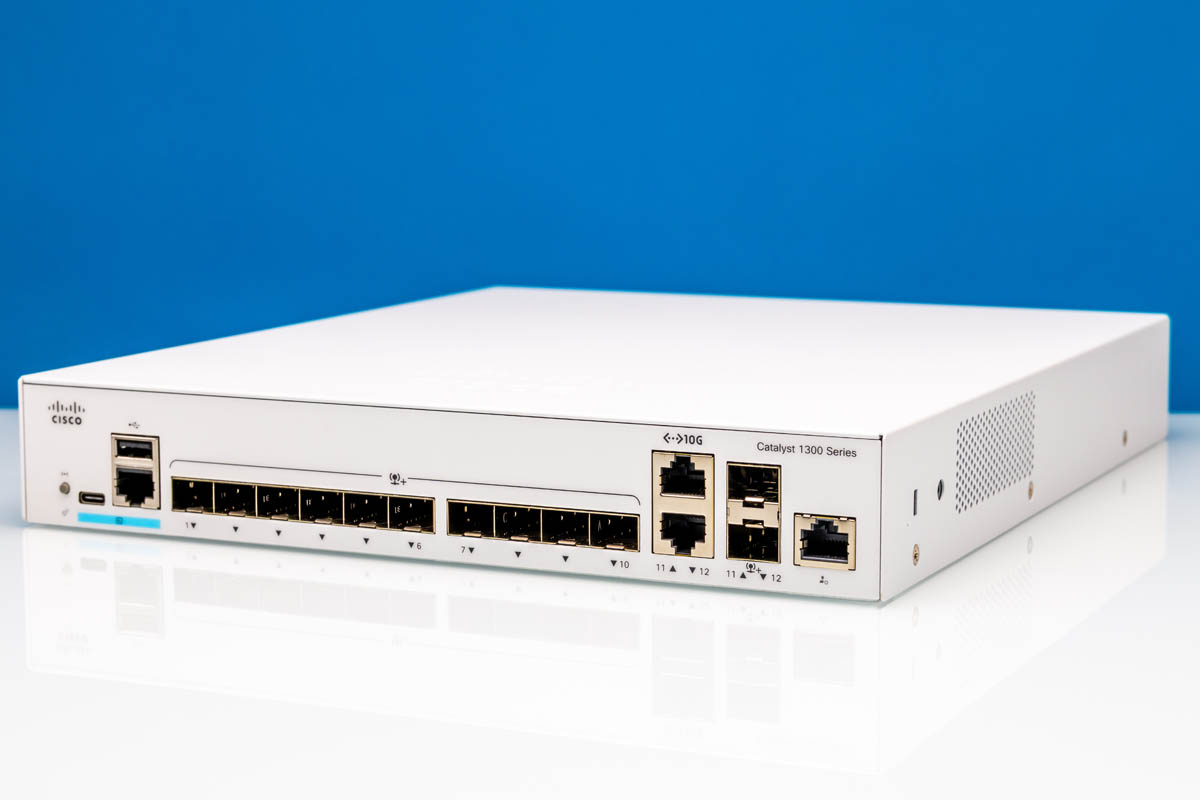
Today, we are taking a look at the Cisco Catalyst C1300-12XS. This is a neat switch with twelve 10Gbps ports. There are ten SFP+ 10G ports, and two combo ports that support either SFP+ or 10GBase-T. That adds just a bit more flexibility to the switch. Cisco’s gear is far from the cheapest you can get in this segment, but it is from the most well-known vendor in the space. As a result, there are some neat features we do not see elsewhere. Let us get to it.
If you want to purchase one of these, here is an Amazon Affiliate link. We also found them on B&H (affiliate link.)
Cisco Catalyst C1300-12XS Hardware Overview
The Cisco C1300-12XS is a 1U rackmount switch. We did not have the rackmount ears for it, but there is a lot going on.
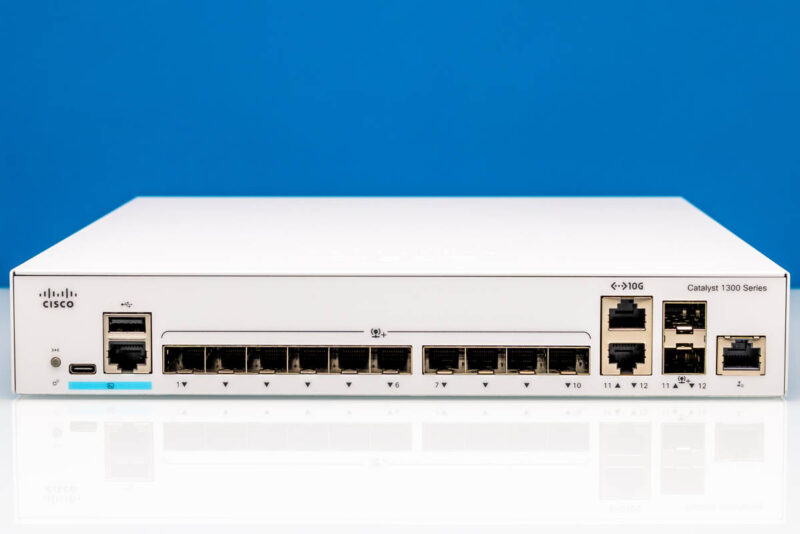
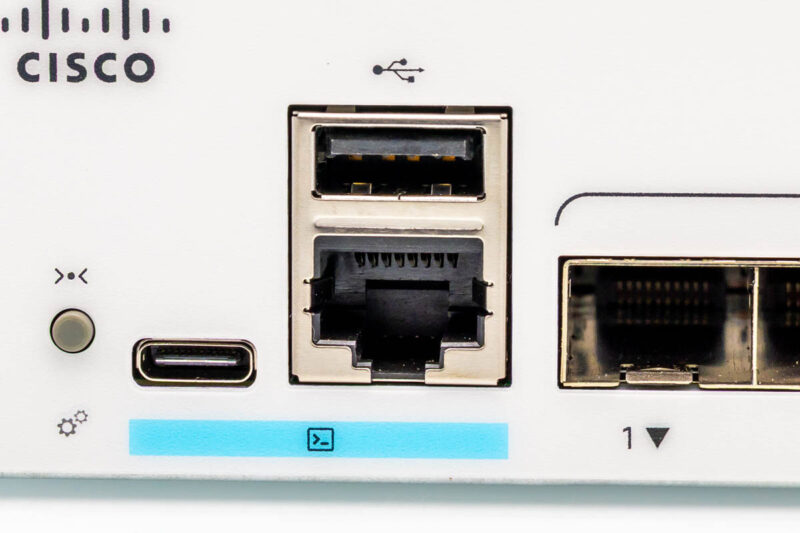
Folks often ask whether switches have a “Cisco-like” CLI. Here, because it is a Cisco switch, it has various methods to get to a CLI.
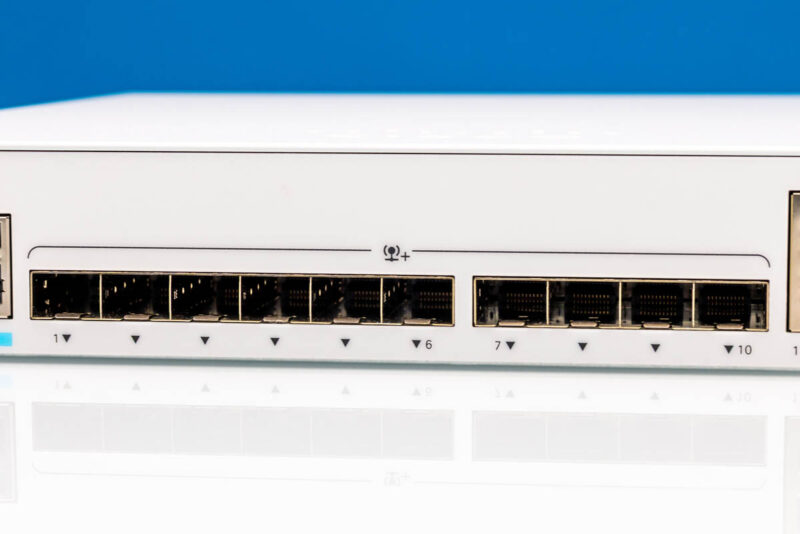
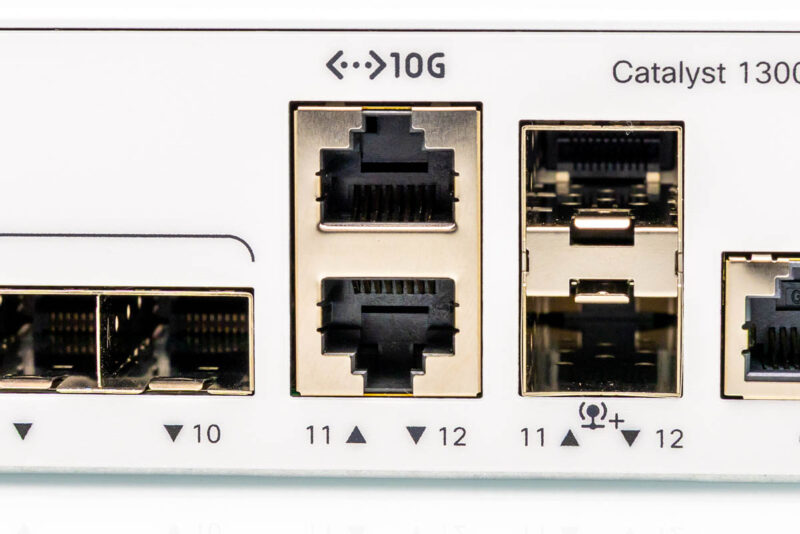
Next, we have ten SFP+ ports which are ports 1-10. This is a solid number of 10Gbps ports. These days, we are seeing many more 10GbE devices, so having a good block of ports is always nice.
Next, there are ports 11 and 12. These are combo ports, so you can use either the 10GBase-T or SFP+ interfaces. That adds a bit more flexibility since we see a lot more 10Gbase-T devices, and that is a major theme of 2026, where we expect more client devices to support 10Gbase-T.
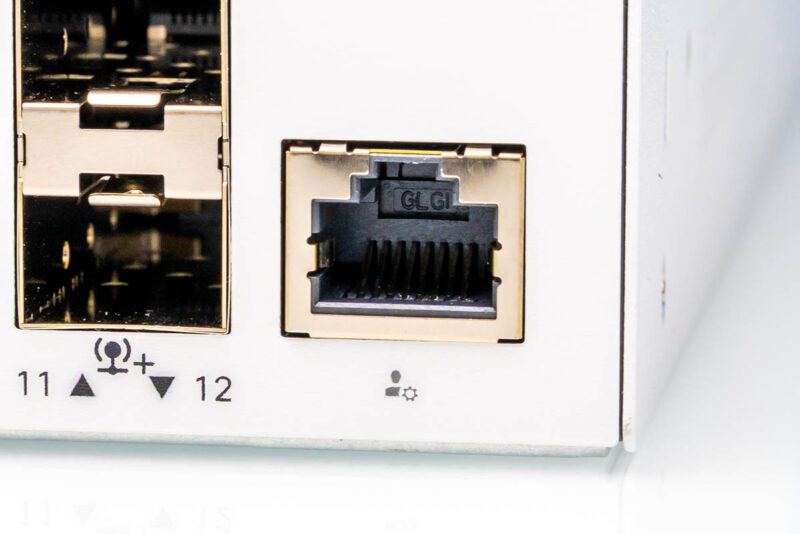
Something that we get on this switch, that we did not get on the Cisco Catalyst C1300-8FP-2G is the additional out-of-band management port. In some networks, this will go unused, but it is something we have come to appreciate as data center gear typically has its own out-of-band management.
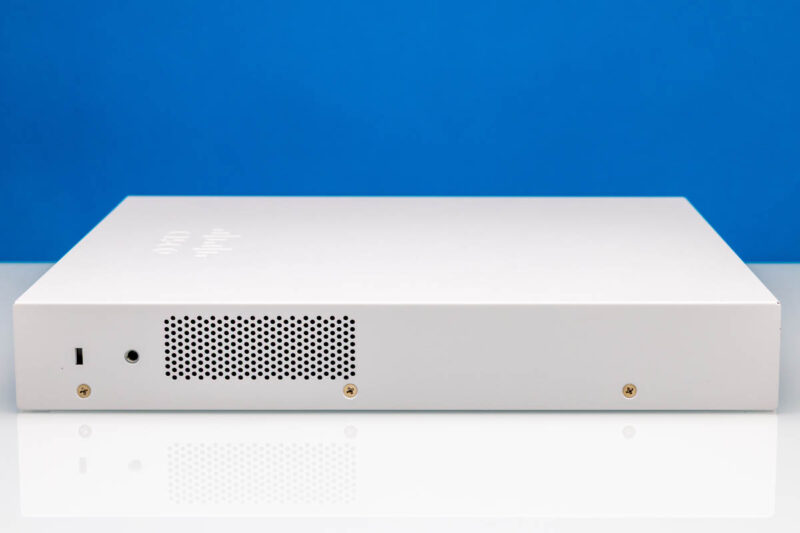
On the side of the switch we get a vent.
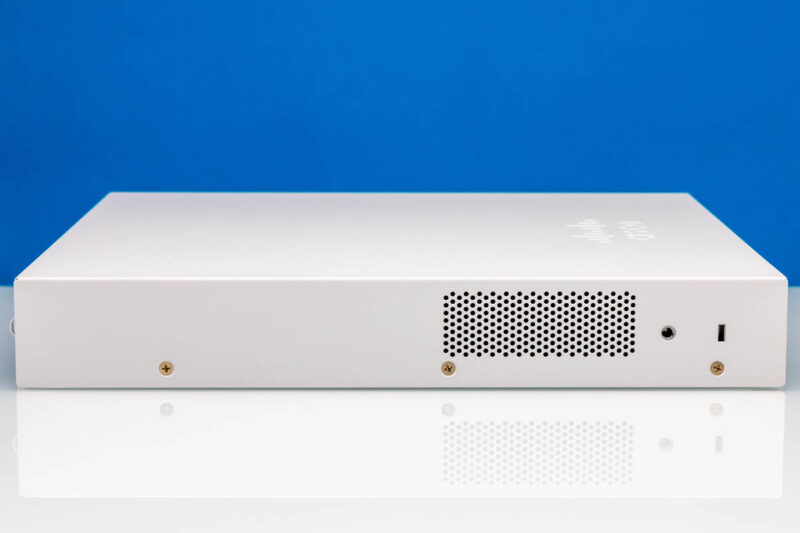
On the other side, we get another vent.
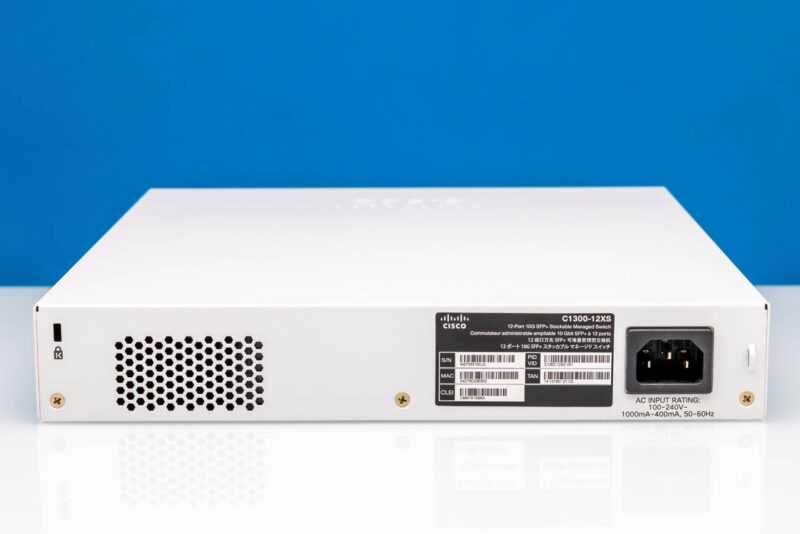
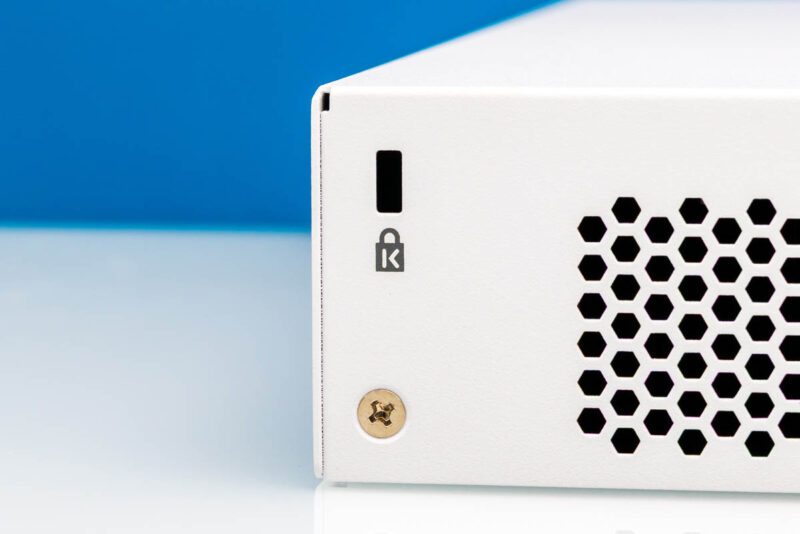
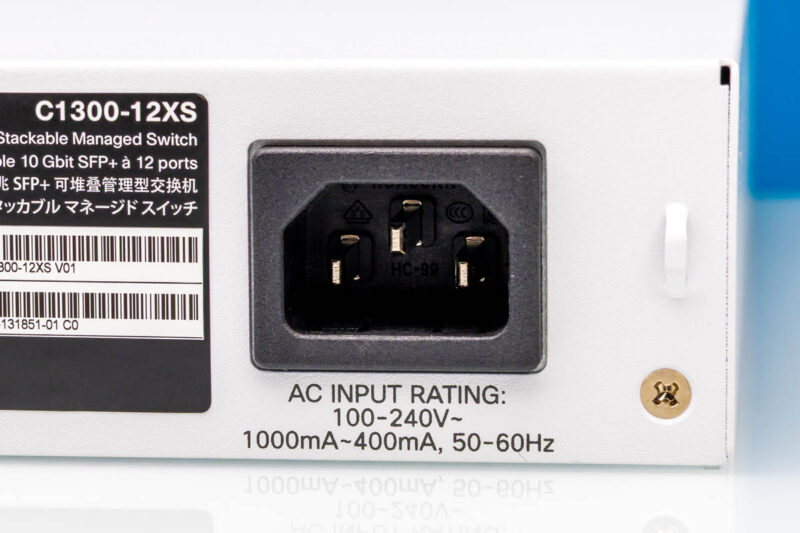
On the rear, we get a Kensington lock port, a vent, the product label, and an AC power input.
This is something we do not see on all switches, a lock point to secure the switch.
We also get an internal power supply. This is a single AC power input, so if you wanted to provide A+B power to this switch, you would use an Automatic Transfer Switching ATS PDU.
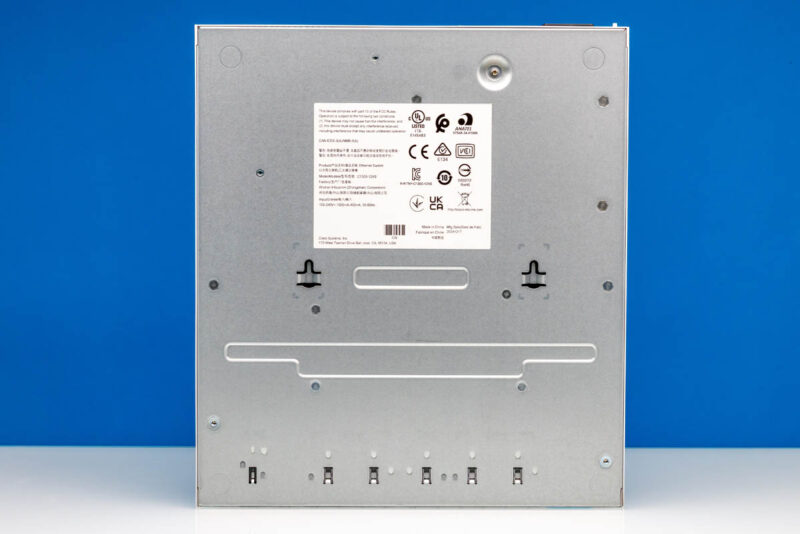
On the bottom, another label, but then also mounting points.
Next, let us get inside the switch to see how it works.

In future network switch reviews, can you include a shot of the power draw when the switch is under full load testing?
I know you do the idle + a single port additional and (math exercise left to the reader). But it might be visually interesting enough to show the switch when it’s wired up for testing, and the power draw during that time.
Interesting Cisco use Marvell parts. I always assumed they designed their own silicon, so interesting to see they use the same parts as MikroTik and others. I had always assumed Marvell was a bit of a budget option since so many lower cost vendors use them but evidently the secret sauce is in the FPGA and firmware rather than the physical port controllers.
Hopefully we’ll start to see more 25G reviews coming, as 10G is getting a bit long in the tooth now.
On the label on the back it says that this switch is stackable. Stacking does have some drawbacks in an enterprise environment (firmware upgrades will typically require the whole stack to reboot at the same time, yielding a network outage), but this is another feature of this switch that most other ‘cheap’ 10Gbit switches don’t offer.
For people who are mislead by Cisco marketing:
This is Cisco SG300/SG350/SG550/CBS250/CBS350 Small Business Switch Series. These do NOT have IOS on them, but a custom linux. The feature set from the Web UI very similar since SG300 times with some more modern design. Works well for some setups, 40+ switch topologies work just fine. Often main drawback: not hardware PTP support in the whole series.
Advantage: no licenses or recurring license fees.
C1200 (ex-CBS250) and C1300 (ex-CBS350) is called Catalyst but is a complete serparate series with different target group than C(atalyst)9200, C(atalyst)9300 and the like..
My entreprise network as mostly D-Link except one FS S3900-48T6S-R, a switch Cisco like this one can handle VLAN in conjunction with D-Link and FS switches ? I know there are issues between D-Link and TP-Link on same network
This one (C1300-12XS) does not have rack ears and there are not mounting points for it.
The bigger C1300-24XS does have rack ears.
I must correct myself.
You can order rack ears for the smaller units such as the C1300-12XS & the C1300-8T-2G.
The part nr is: RCKMNT-CMPCT-1K=
I ordered a few and mounted both types with it in a 19″ rack.