The Low-Speed Path
One of the more interesting aspects of this project was that since our goal was to use essentially four different types of systems (NVIDIA GB10, AMD Strix Halo, Apple Mac Studio M3 Ultra, and Threadripper/ Xeon GPU workstations) the networking side got much more complex. Something we needed to solve for was not just a higher-speed 25GbE -200GbE RDMA network, but also lower-speed 10GbE networking. At first, that may sound like an easy task, but often when you put a SFP+ optic in a SFP56 port, for example, you end up lowering the speed of not just one, but four SFP56 ports.
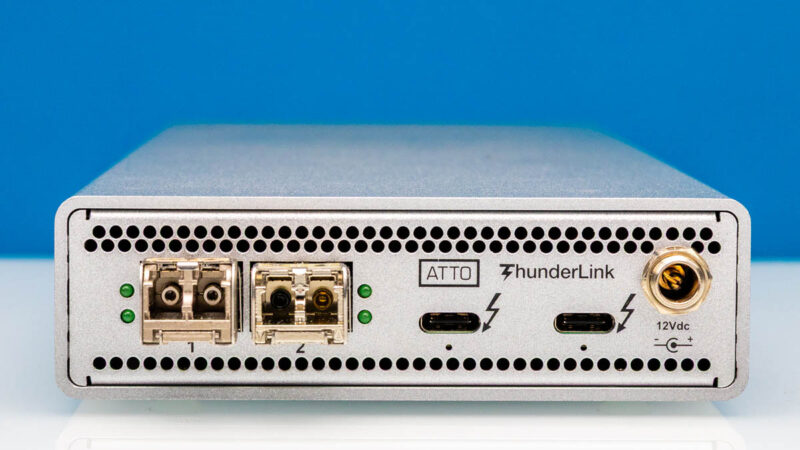
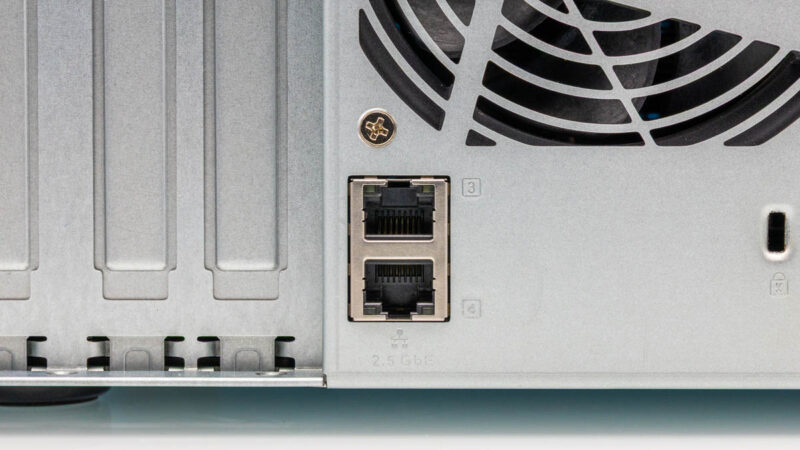
That meant that we actually had a low-speed 10GbE network with SFP+ and 10Gbase-T that we needed to onboard onto the storage as well. Indeed, even the GMKtec EVO-X2 an early AMD Ryzen AI Max+ 395 system only had 2.5GbE. The Framework Desktop only came with 5GbE networking. As we went on this journey we realized fairly quickly that we needed a Nbase-T network. The system came with two 2.5GbE ports based on the Intel i225-V.
Our solution ended up being adding another Intel X710 card for SFP+. That SFP+ we put into the QNAP QSW-M3216R-8S8T. It may sound strange to our readers, but we used this as a gearbox to handle the 10Gbase-T and the slower 5GbE and 2.5GbE networking. We had tried the Dell N2224X-ON at first, but that did not help with the 10Gbase-T ports. We have actually purchased a few of these switches to act as gearboxes.
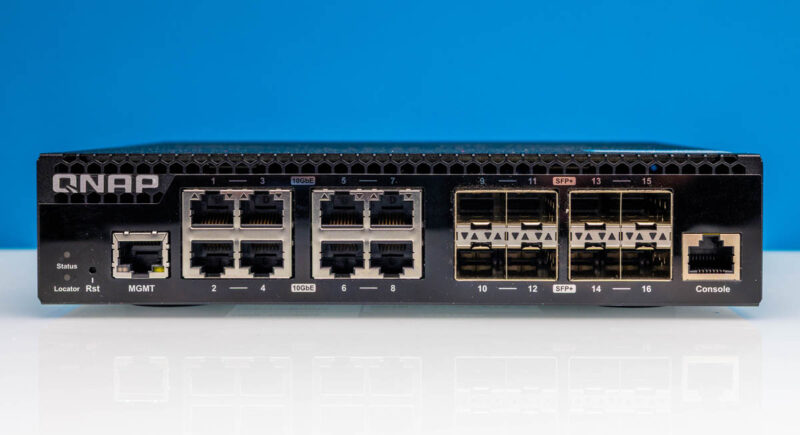
Again, if you just have 1-3 10GbE or slower devices, then the hard disk based storage worked relatively well. As the number of AI nodes grew in our edge AI cluster, we found even our “low-speed” network had over 120Gbps of network ports just from what was sitting on a single desk and running almost silently. As the number of devices grew, so did the needs for simultaneous access and that is when the SSD NAS started to make a much larger impact.
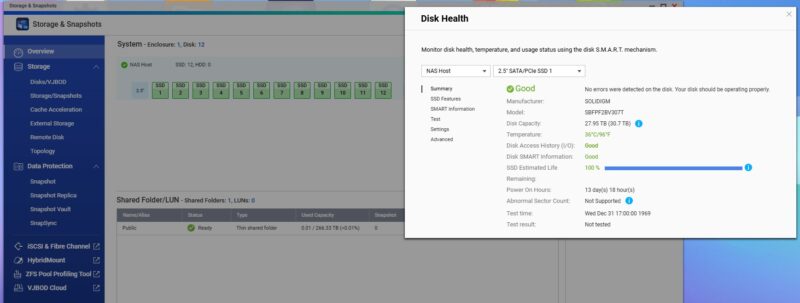
I think many undertaking a similar project will immediately jump to the higher-speed 100GbE/ 200GbE RDMA networks, and underestimate the needs of the lower-speed networks. One of the reasons we have been so focused on all-flash NAS units is because these edge AI platforms started stressing our storage performance at the same time that they were stressing our need for capacity.
Final Words
Do you need to follow this exact template to do storage for an edge AI cluster? Absolutely not. Still, RDMA networking, paired with QLC SSDs that allowed us to get high capacity at a low cost has been a game-changer. Some folks will want fewer drives to start, then to expand. Others will want to use higher performance drives, but we are a bit more limited in the QNAP than in a higher-end server. For many, a higher-end server might be the answer. For others, getting a small setup with two NICs and two to four SSDs will be the right option. I think our key lesson learned was that adding shared capacity, especially with the size of models used in 128GB+ memory systems, saves quite a bit by moving to a QLC-SSD NAS architecture.
This type of architecture does not make sense at one or two systems. A smaller version probably makes sense at 3-4 systems. By the time you are at 6-8 systems, it becomes a lot more useful and grows from there. As we look forward to the NVIDIA GB300 developer stations (which we expect will be $70,000+ systems) with high-speed networking built-in, getting this high-speed NAS at the edge will become even more important.
Hopefully this piece just gives folks some ideas and a place to start and some lessons along the way. Also, expect to see this little storage system used quite a bit over the coming months as we have some neat content that we are building using the cluster.