

ASUS ESC A8A-E12U Motherboard Tray
Starting with the motherboard and PCIe tray, here is the giant unit that itself would be a really neat server.
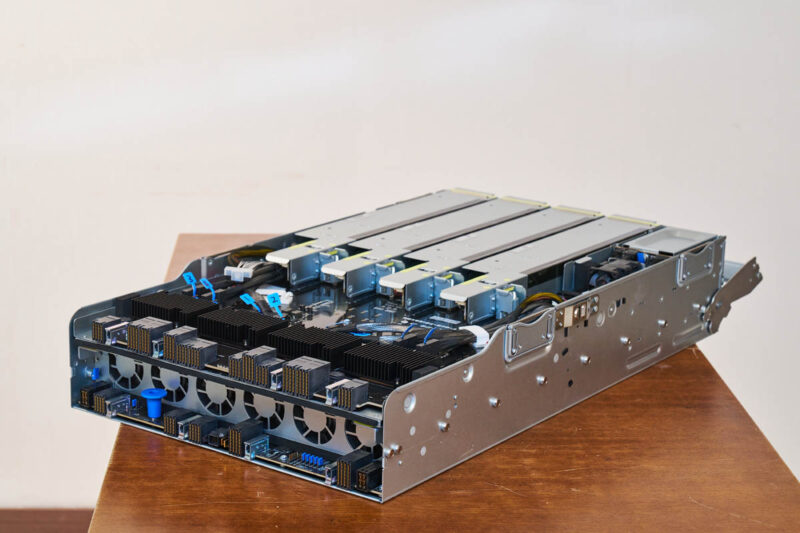
This tray has two elevations of connectors at the rear.
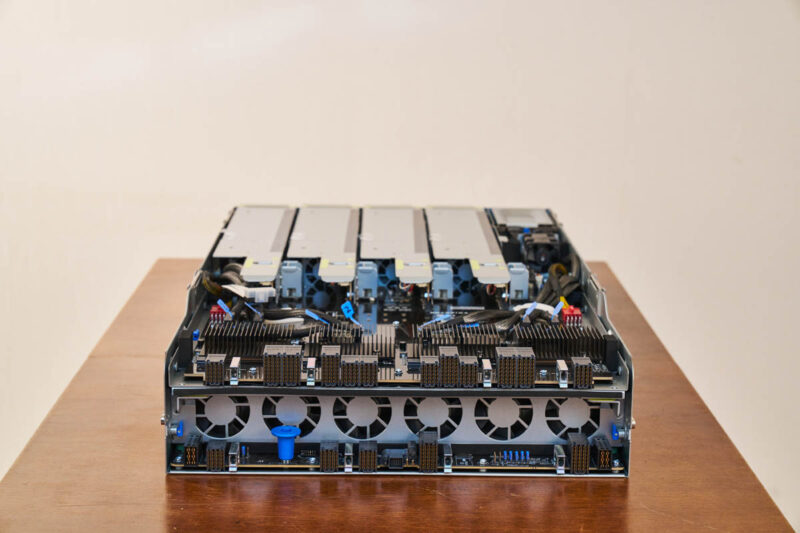
The top is primarily for the PCIe connectivity.
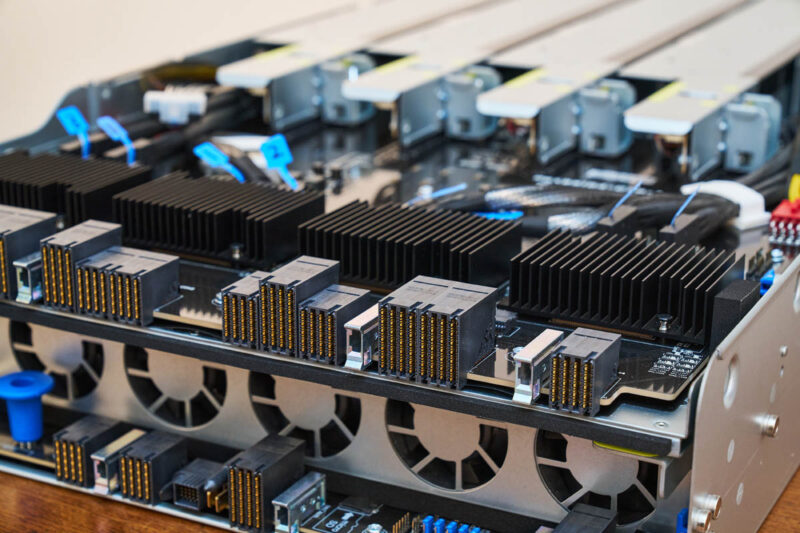
In these systems, the PCIe topologies are massive, so it is common to see bundles of MCIO cables crossing the chassis.
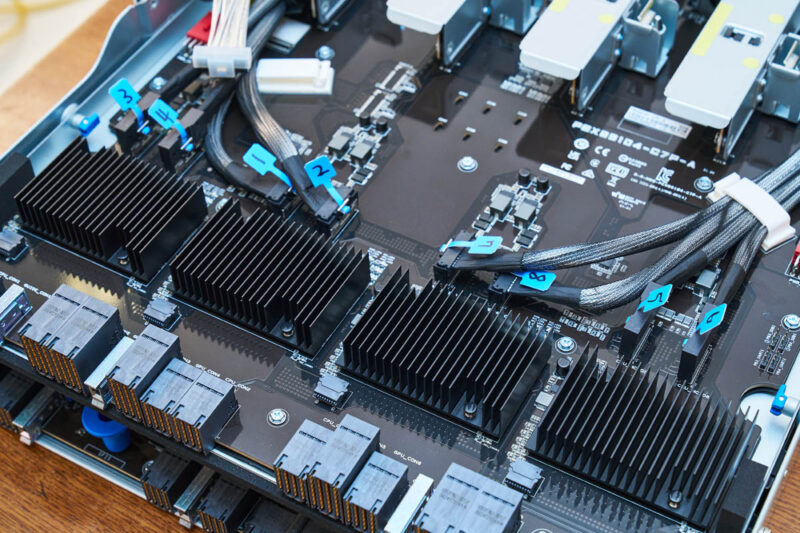
The top portion of this tray is focused on this PCIe connectivity and has these easily swappable PCIe risers.
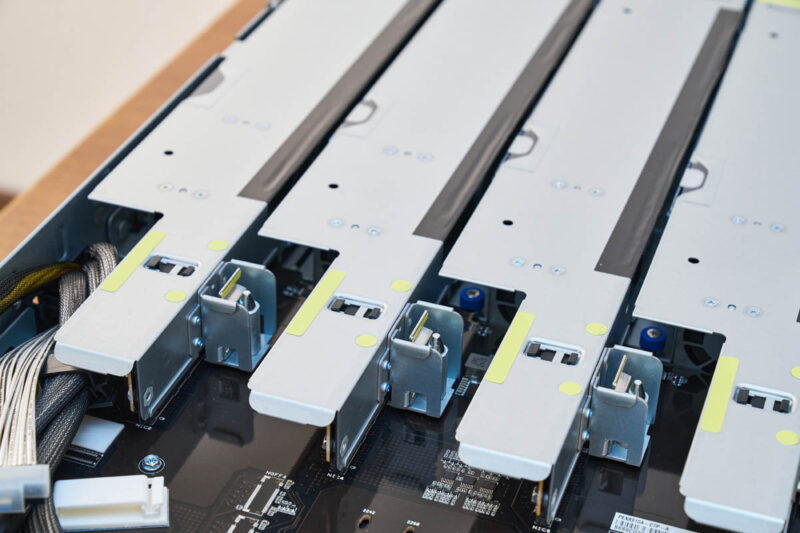
Each riser has two slots plus its own cooling fan. Between these and the sheet metal, this design keeps air flowing through the NICs to keep them cool.
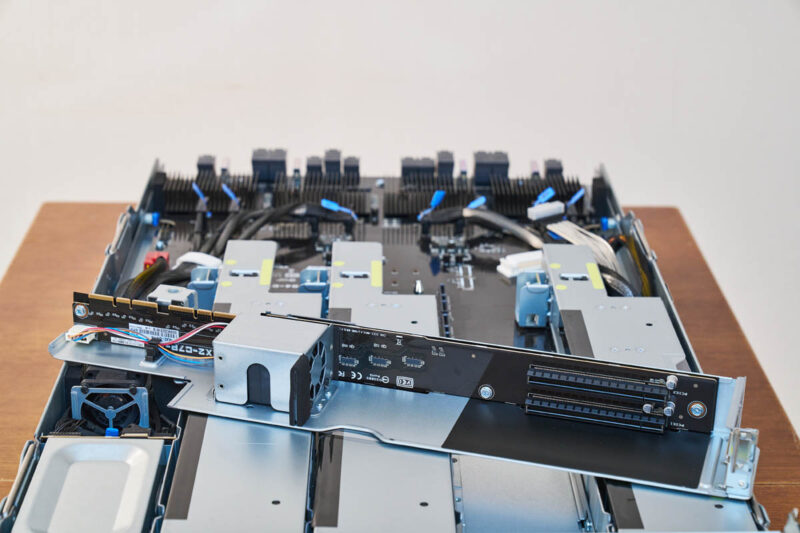
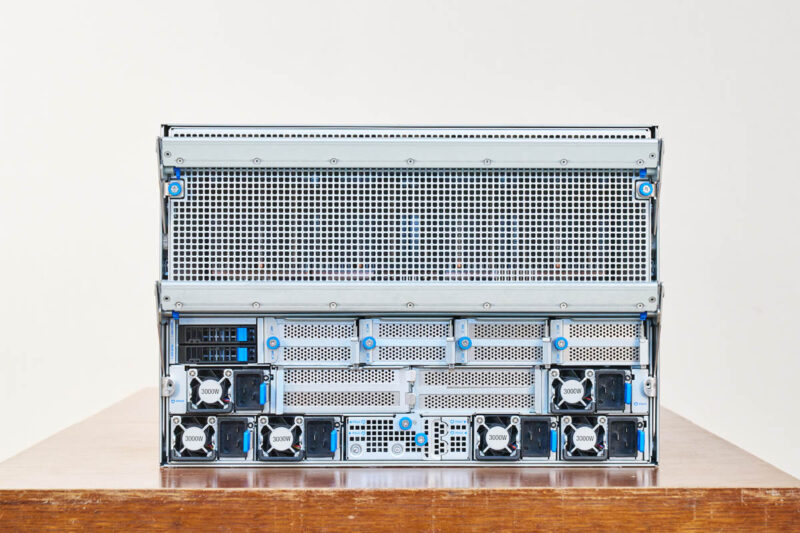
Here is a quick look at what this looks like again from the rear. Low-profile NICs are very common in AI systems. Typically, we see eight 400Gbps low-profile NICs, one for each GPU.
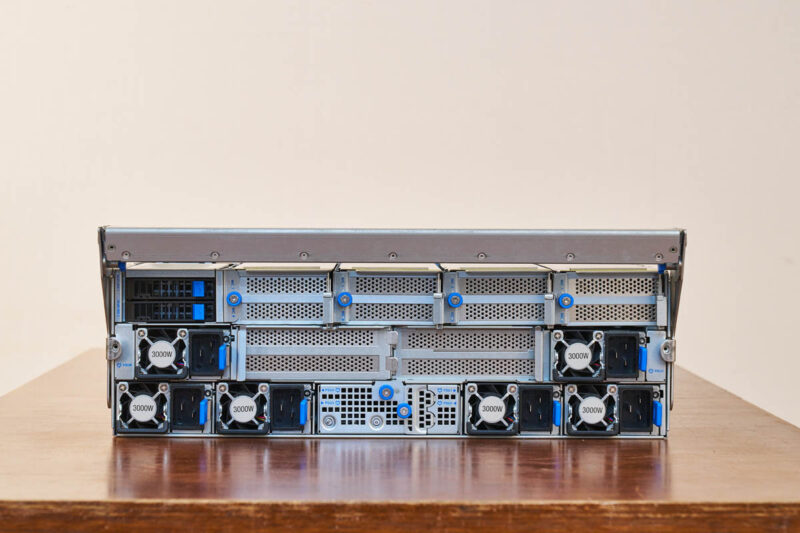
Since we took these photos in Taiwan, we were able to get an extra motherboard and show you it without all of the cables. This sits at the bottom of the tray. We have it atop the PCIe section, but if you look at the bottom, you can see the aligned connectors.
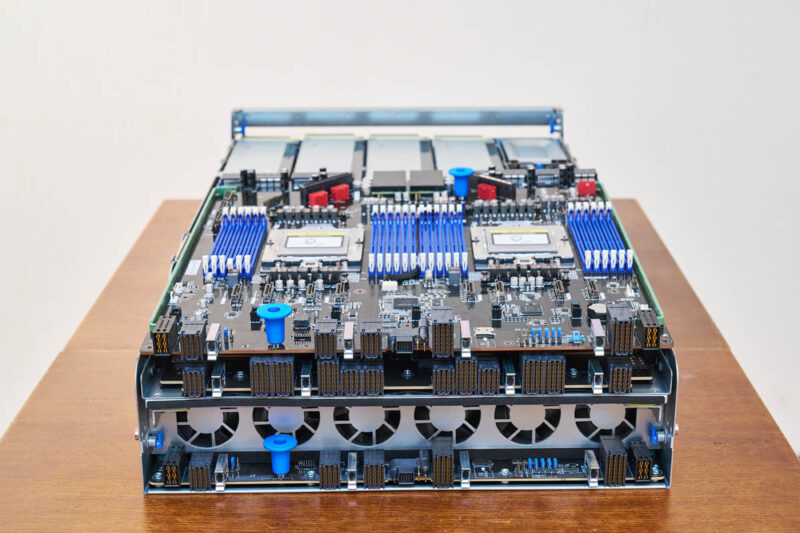
Something you will notice here is that, along with the higher-density connectors at the edge, we also have a ton of MCIO cables across this motherboard, but there are no real areas for risers. This is a purpose-built motherboard.
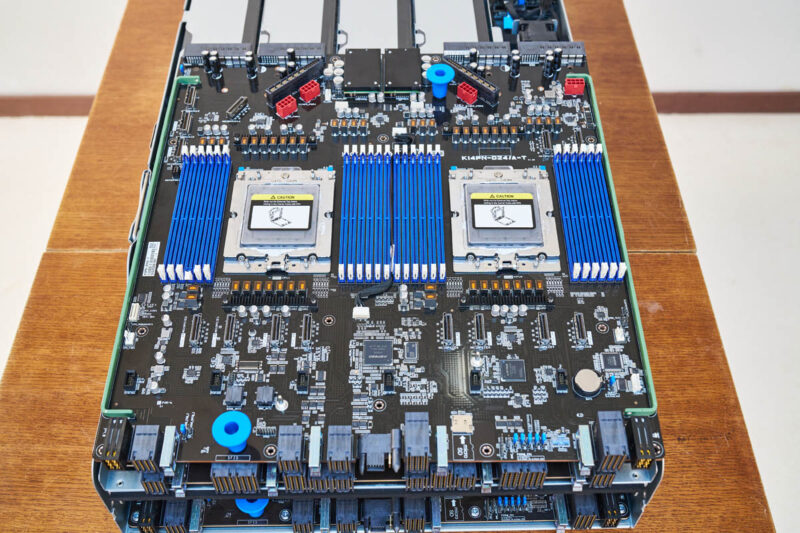
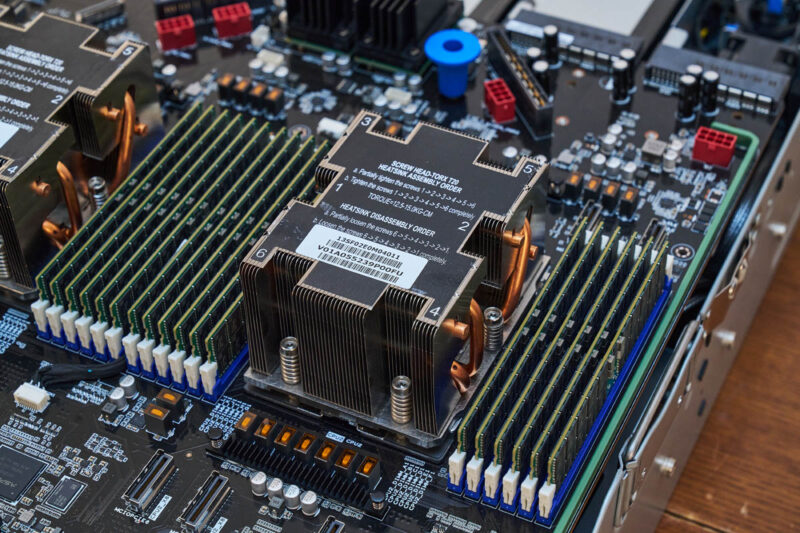
For CPUs on the ASUS K14PN-D24/A-T, we have dual AMD EPYC SP5 sockets. That means you can use AMD’s big CPUs along with its GPUs. Each CPU has twelve memory channels for 24x DDR5 DIMM slots total.
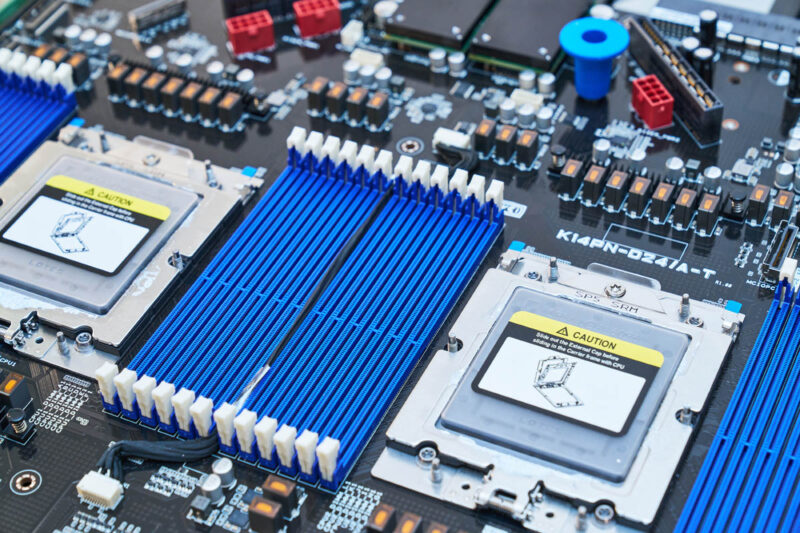
Aside from the CPU and memory sockets, this is a very different motherboard from typical servers.
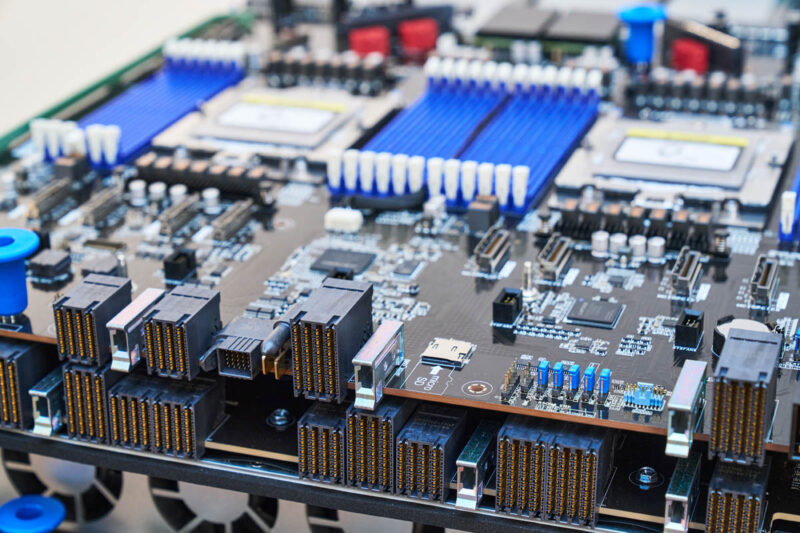
For a quick bit of orientation, here was a view of the motherboard again from the top.
Here is the motherboard populated with CPUs, heatsinks, and DDR5 ECC RDIMMs.
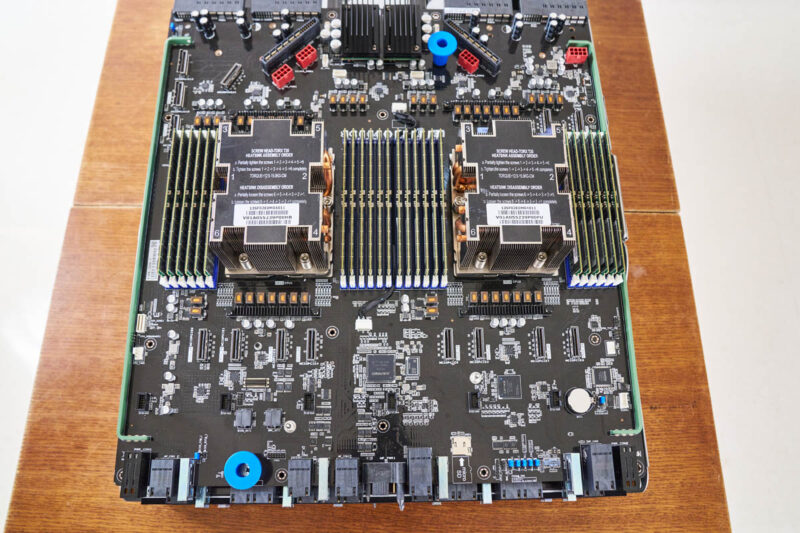
Here is another angle from the connector side.
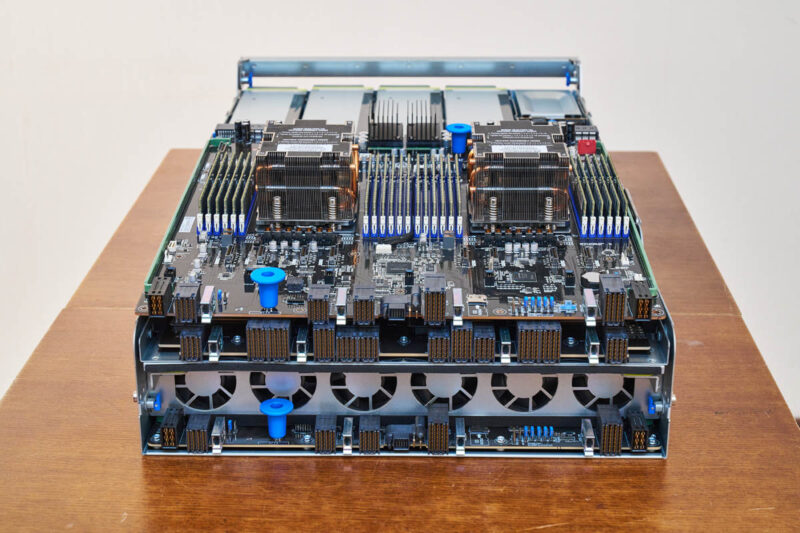
Since this is an air-cooled AI server, the CPUs and DIMMs are also air-cooled. You can see the fan partition in the middle of the tray that is designed to cool these components.
Next, let us get to the GPUs.
ASUS ESC A8A-E12U AMD Instinct MI325X OAM Tray
In the ASUS ESC A8A-E12U we looked at, we had AMD Instinct MI325X OAM GPUs, but this system can also handle the newly announced AMD Instinct MI350 air-cooled GPUs.
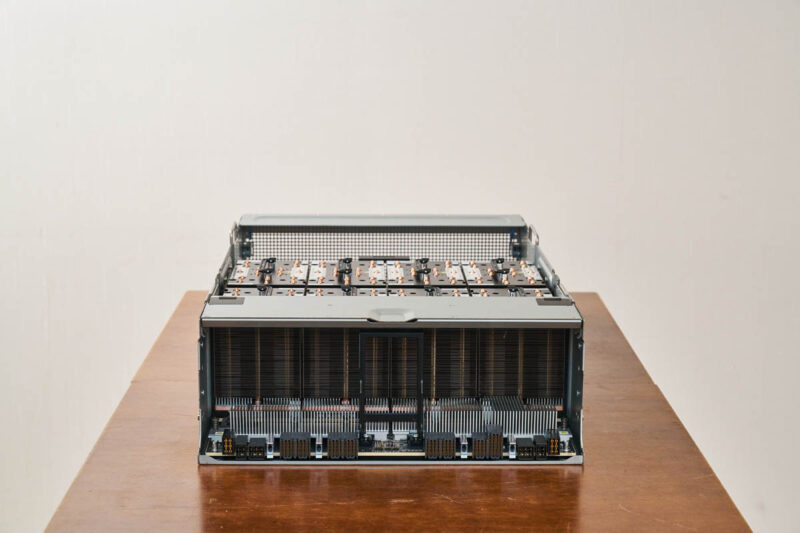
For some frame of reference, this is the tray that goes in the top of the chassis and can be removed by pulling down on the lever/ latch.
The tray houses a universal baseboard (UBB) with eight AMD Instinct MI325X GPUs. Each GPU has 256GB of HBM3E memory for a total of 2TB of HBM on this UBB.
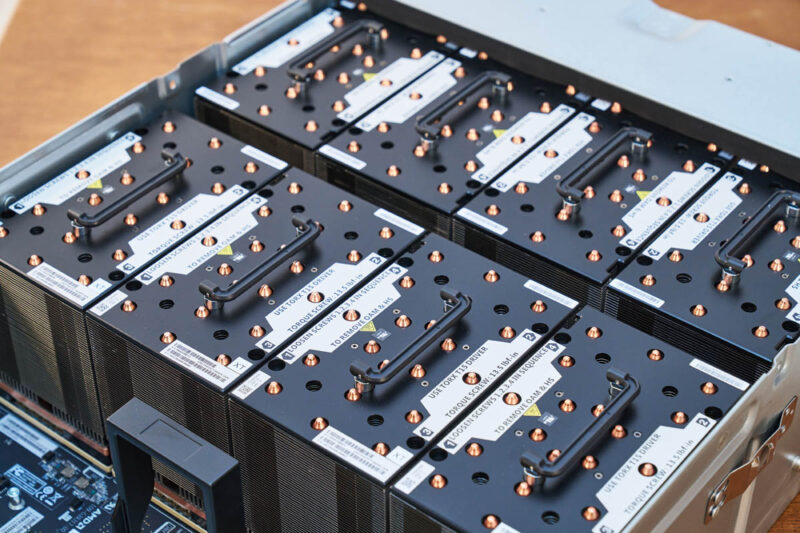
Since we have a lot of heavy heatsinks, we also have handles.
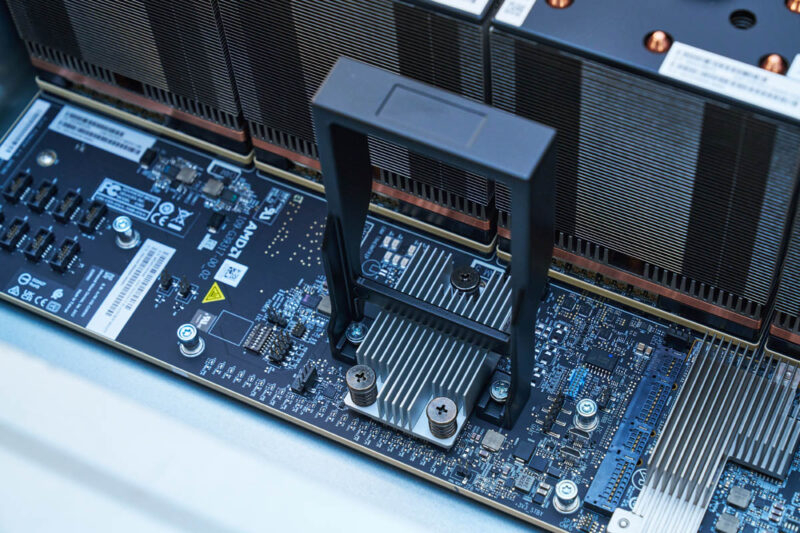
There is also the AMD SMC for its Instinct UBB in this system to manage the GPUs.
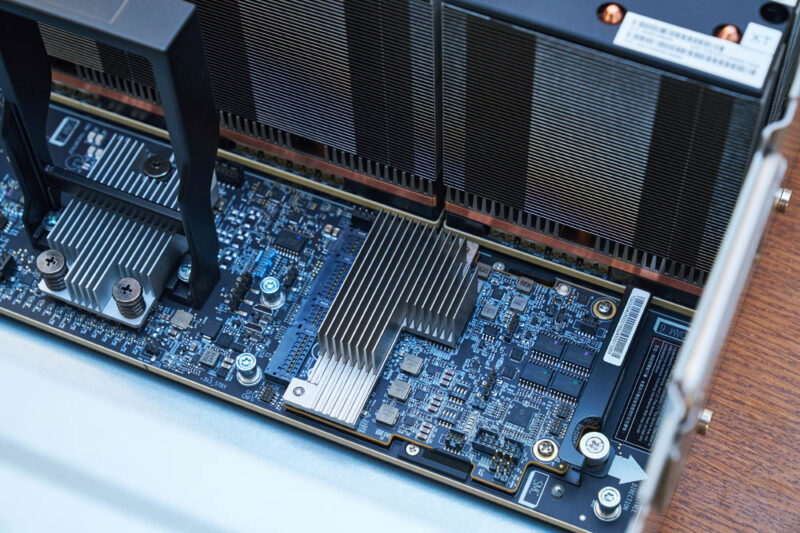
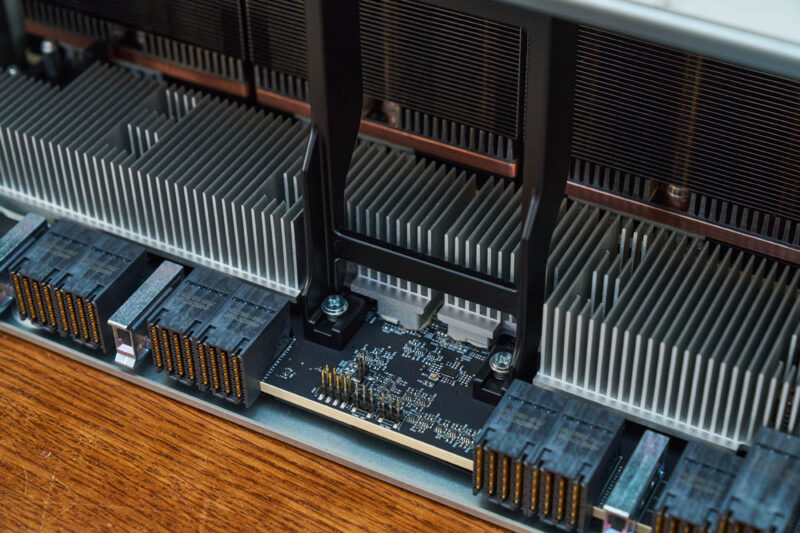
On the connector side, we see a familiar design.
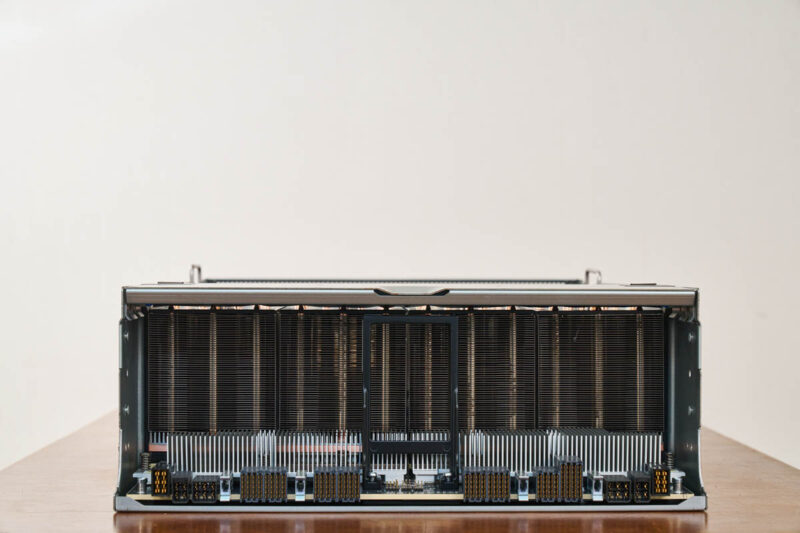
Here we have the UBB connectors as well as the PCIe retimers. AMD uses the PCIe retimers to avoid some of the signaling issues NVIDIA has faced on its high-end systems.
Next, let us get to the block diagram and topology for this server.



Also the image link for the image captioned: “ASUS ESC A8A E12U Llama 405B FP8 On AMD Instinct MI325X 5K Tokens Per Second” is wrong. It takes you to a picture of a 10GbE switch from a different review.