

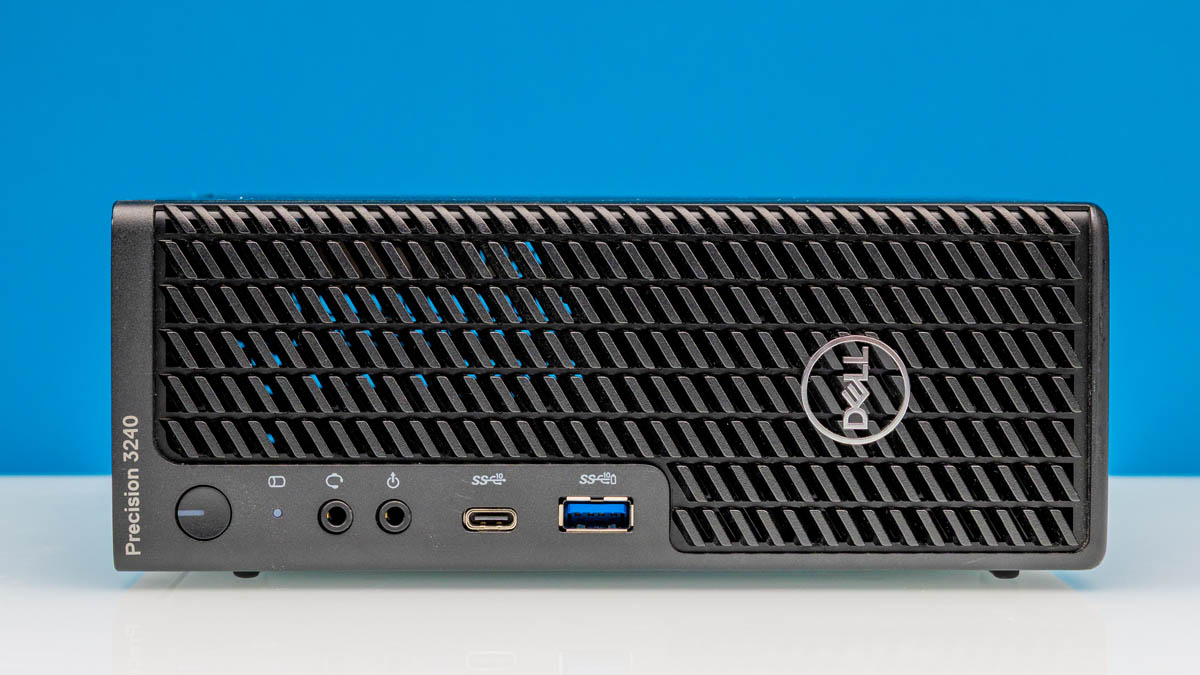
Today, we wanted to take a look at the Dell Precision 3240 Compact. This is an older-generation compact system that is garnering new life on the second-hand market as homelab nodes. What makes this system extra special is that it offers both a PCIe slot and the capability to accommodate an Intel Xeon processor and either a higher-speed NIC or a GPU. For this, we have a video.
If you want to check out the newer generations, here is our Dell Precision 3260 Compact Review and our Dell Precision 3280 Compact Review. We purchased two units on eBay for $299-349 each. One was an Intel Core machine, the other a Xeon. Both had additional features.
Dell Precision 3240 Compact External Hardware Overview
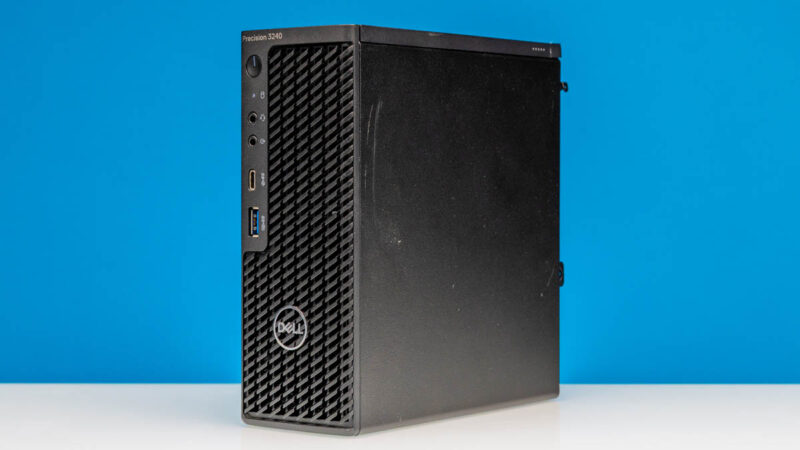
The system is “compact” insofar as it is smaller than Dell’s larger systems, but it is also larger than its 1L PCs, almost as though it is a double height 1L PC. At 188.10mm (7.40in) tall, 70.20mm (2.76in) wide and 178.65mm (7.03in) deep it is just over 2.3L in volume. That is quite a bit smaller than the Precision 3280 Compact which has grown to accomodate larger GPUs and hotter CPUs.
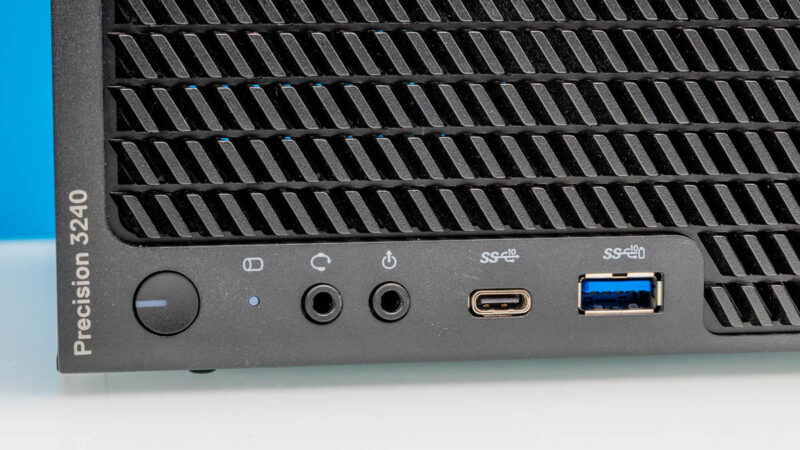
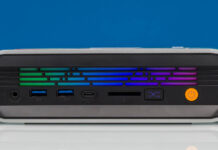
On the front, we get a power button that doubles as a system status indicator and a SSD indicator light. There are then two audio jacks and two USB ports. Both are USB 3.2 Gen2 ports at 10Gbps but one is a Type-A and one is Type-C.
Something quite different with this generation from future generations is that the chassis is designed primarily to sit horizontally instead as in a tower mode.
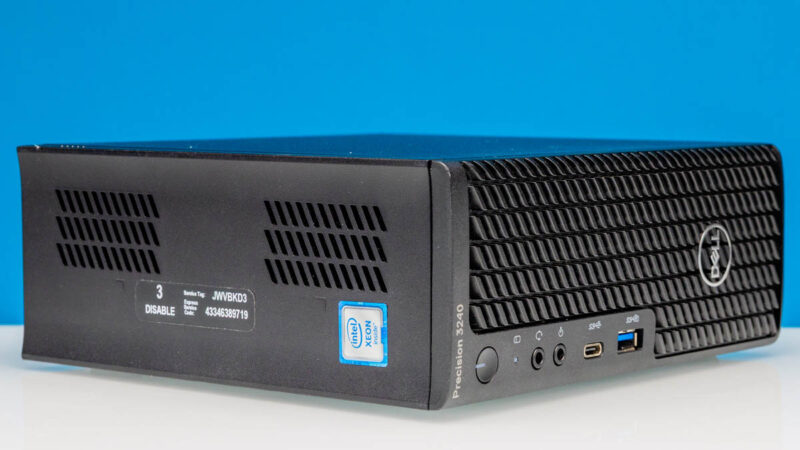
One other item to note is that the system itself can support Intel vPro for remote management if you are using a compatible CPU. We somehow purchased two of these that both had vPro disabled. Certainly look for that on the sticker side of the units if you are buying them used and care about that feature. Some systems have CPUs that support vPro, but the buyers had the feature disabled for security purposes since it allows for remote management.
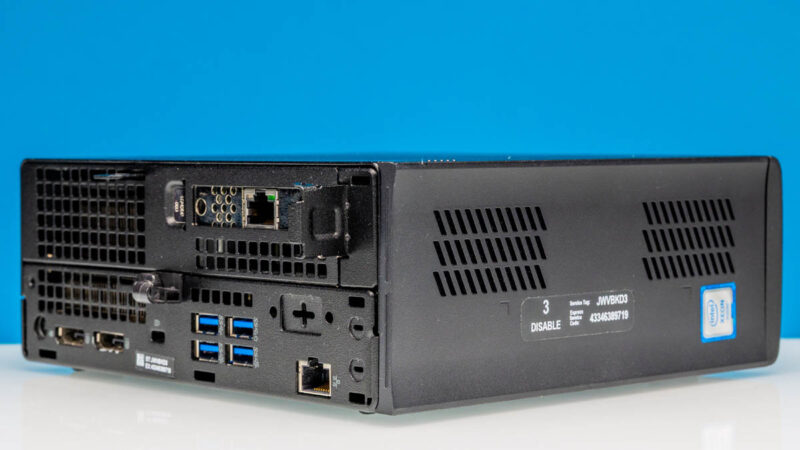
On the rear, we have a large area dedicated for cooling, but then you can see what is effectively a 1L PC on the bottom with extra cooling and a low profile PCIe card slot at the top.
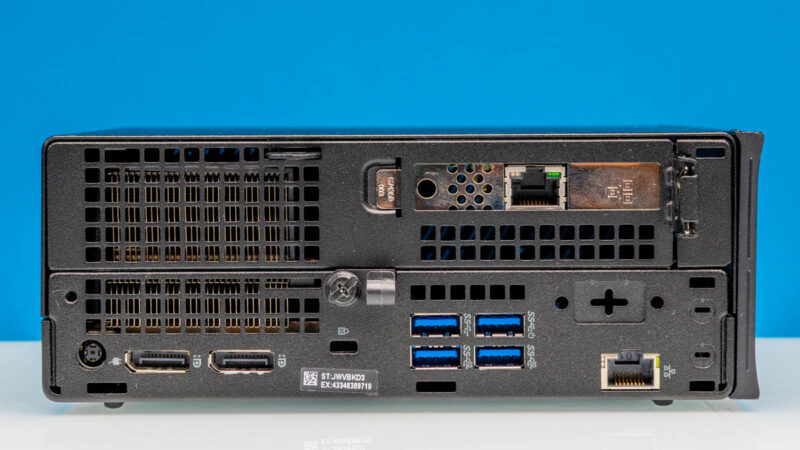
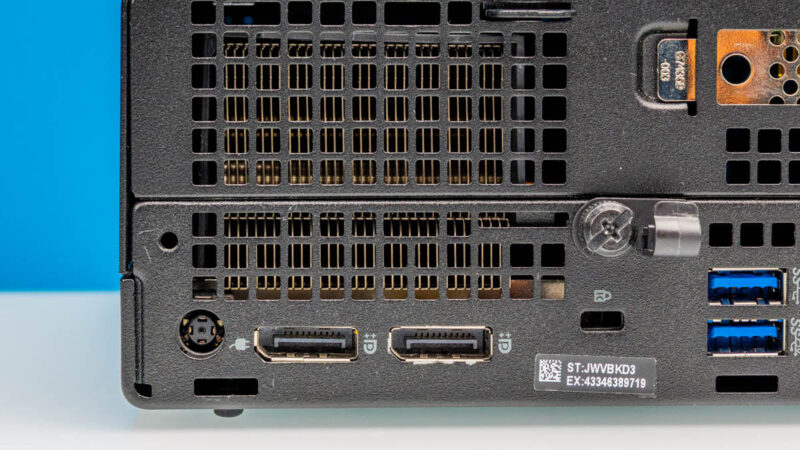
We get our Dell power adapter DC input along with two DisplayPorts.
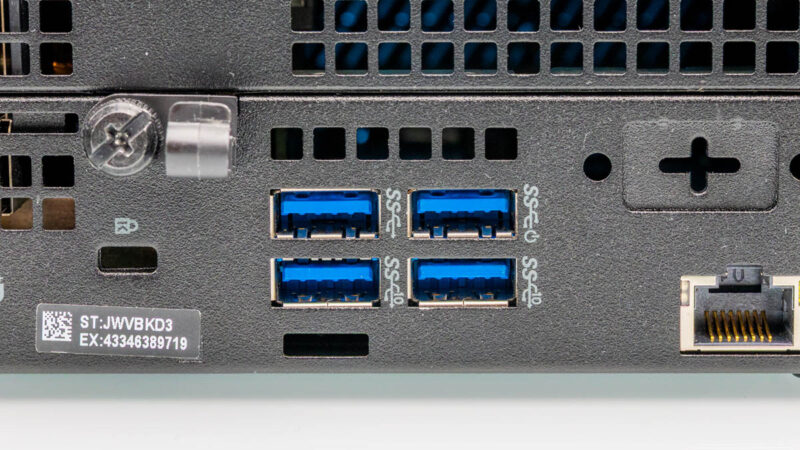
On the right, we get that PCie card slot that we will go into more when we get inside. Then there are four USB ports, an Intel i219-LM 1GbE port, and then an optional port where we simply have a blank. Something to point out quickly here is that you can see the very left side of the photo below has a piece of plastic. This is a decoration that will need to be removed in order to open the chassis. It shows a bit about where this system falls in the timeline since that mechanical design had yet to be optimized which happend in the Precision 3260 Compact.
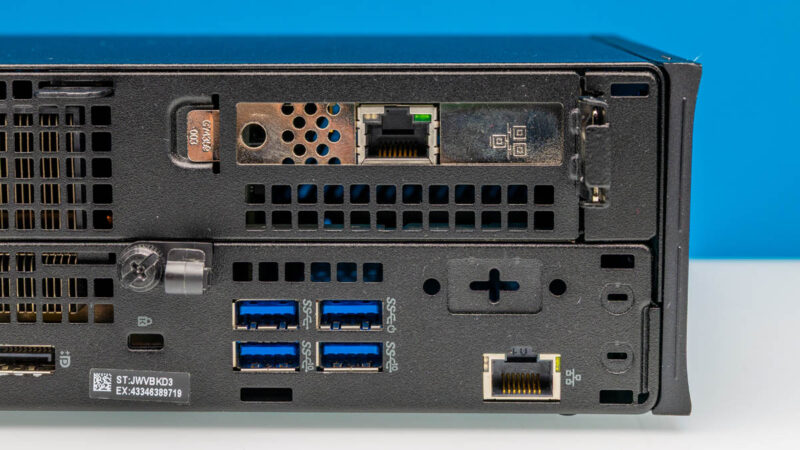
This is a very small bit, but Dell does a great job of labeling the four USB Type-A ports with two being 5Gbps ports and two being 10Gbps ports. We wish all vendors put speed markings and labels next to USB ports.
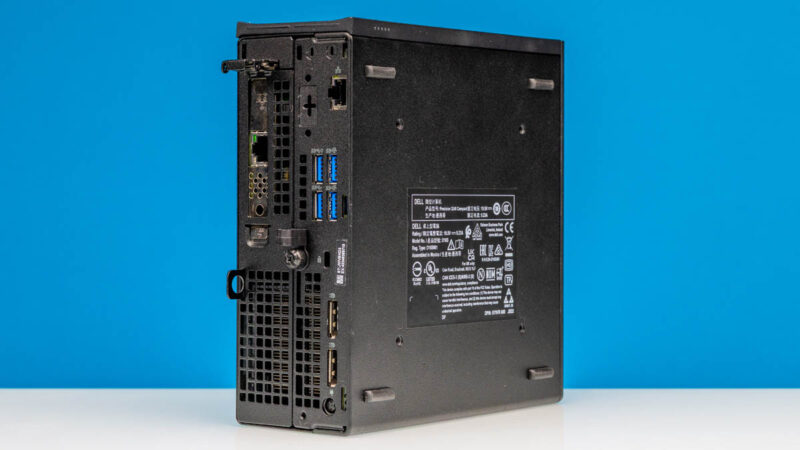
Something you may have noticed is that the feet are on the bottom of the chassis, but not on the smaller sides for a tower orientation. That tower orientation is something that came with later models like the Dell Precision 3260 Compact but it was not present on this generation (at least on both of our copies of this generation.)
Also, the lid was slightly different extending the lips further than in future generations of this product. One way to think about this is that if you took the 1L OptiPlex Micro, made it roughly twice as tall, and then built a cover to make up the difference.
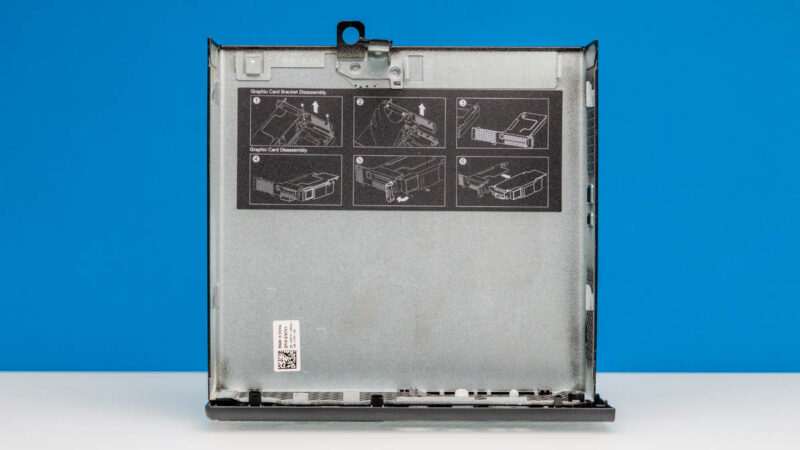
Dell did, however, already have the on-device service labels. That is a nice touch that small PC vendors usually do not have.
Next, let us get inside the system to see how it works.


Great review, I’ve been slowing researching lower cost “home lab” nodes that I can use for more compute heavy applications but will not require a full rack space setup. I appreciate the depth of research here!
I think the best graphics card “officially” supported is a Dell-branded RTX 3000. It’s a double slot low-profile card but the PCIe bracket is actually a single slot, so that it can fit into the 3240. I happen to have one and am sure it works.
You know, for articles like this it would be nice if you included a bit more information about the system in the opening blurb for those of us who don’t want to google it. Saying that it’s an “older generation system” with “Intel Xeon” isn’t very useful. Just including the year of release would be much better.
I also went searching for the CPU model used.
Just got a couple of these. One thing to note: I don’t think the x8 PCIe slot supports bifurcation. I tried a 2 NVMe adapter and it only saw one drive.
Comments are closed.