

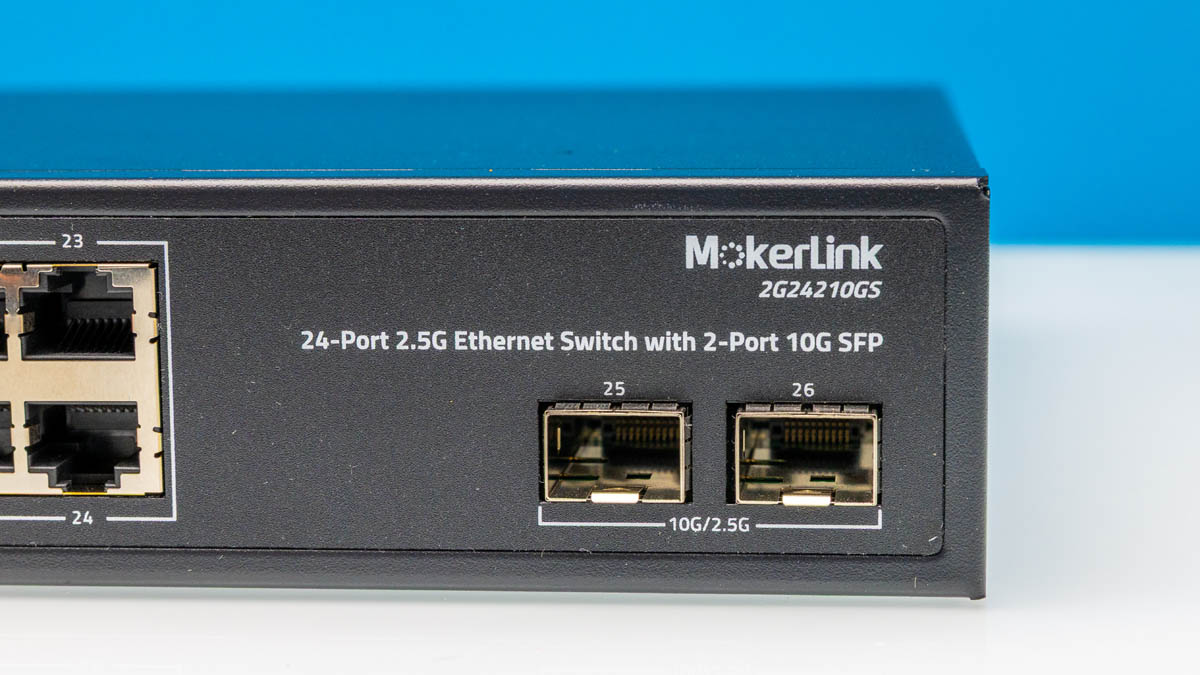
We have taken a bit of a pause in our 2.5GbE switch series, but it is time to restart it. We are restarting the series with our Mokerlink 2G24210GS review. This is a 24-port 2.5GbE switch with two SFP+ ports for 10GbE. It is also a silent unit, making it extra interesting.
Update 2025-09-10: We covered this one in a video:
If you want to check current pricing or buy one of these, here is an Amazon Affiliate link.
Mokerlink 2G24210GS External Hardware Overview
The switch itself is 1U of rack height. It came with rack ears that are not pictured but that simply screw into the sides.
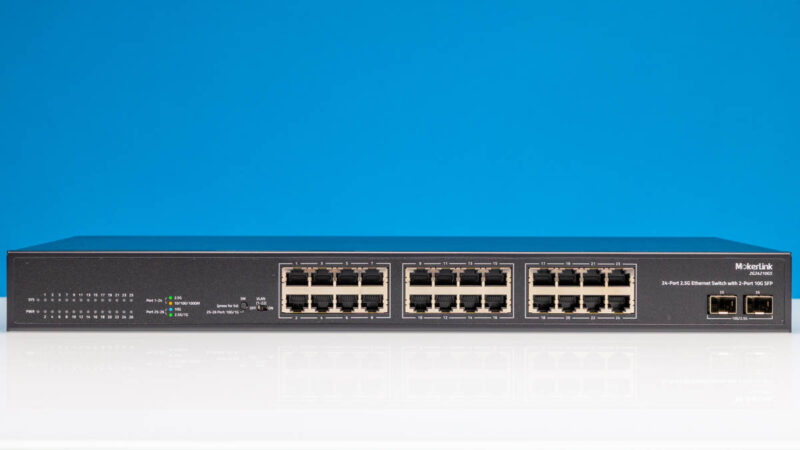
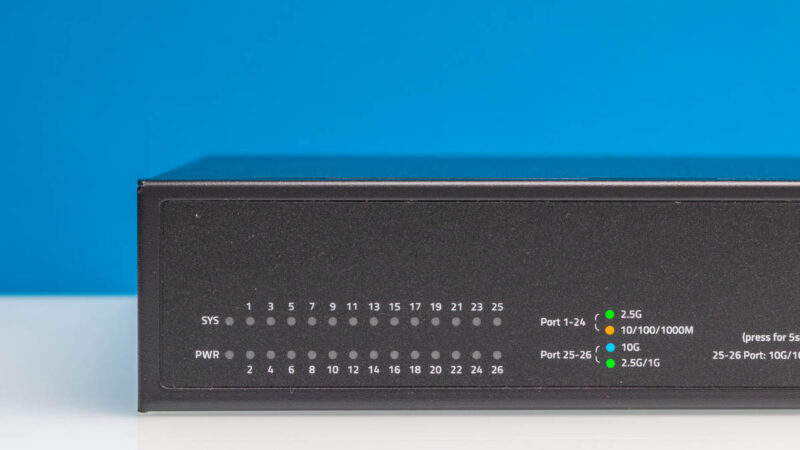
On the left, we get status lights. I generally prefer the status LEDs to be next to the ports.
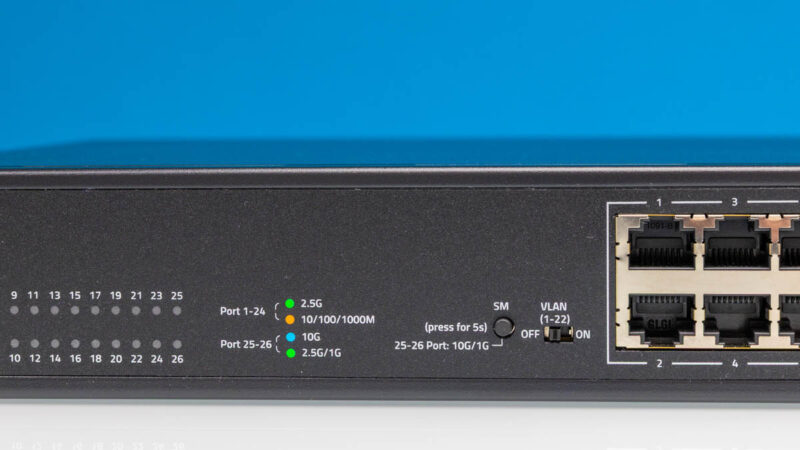
There are some different features. For example, the SM switch changes the SFP mode from 10G/2.5G to 10G/1G. The VLAN switch changes VLAN mode on/ off. That VLAN mode isolates ports 1-22.
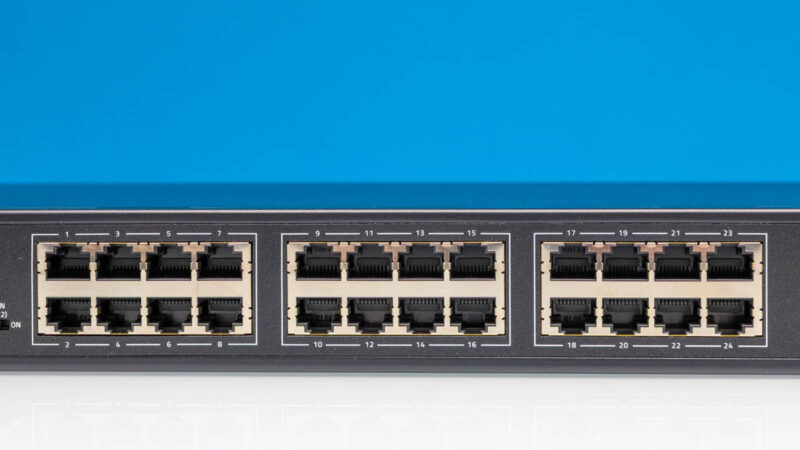
In the middle, we get 24 ports of 2.5GbE.
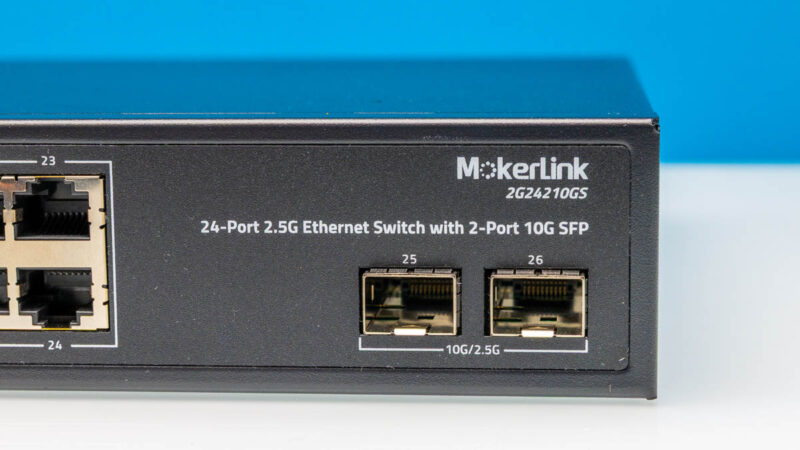
On the side, we get two SFP+ ports. These by default can run at 10G or 2.5G speeds. The toggle allows them to run at 10G or 1G instead. Strange, but it is what it is.
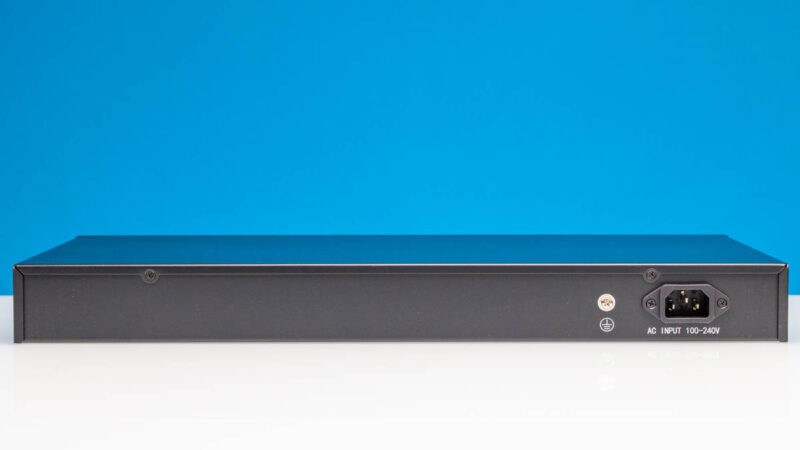
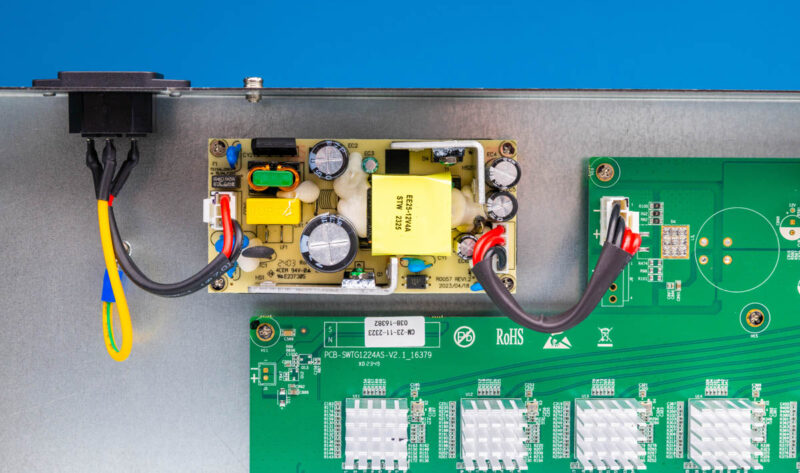
At the rear, we get a power input. This has an internal power supply.
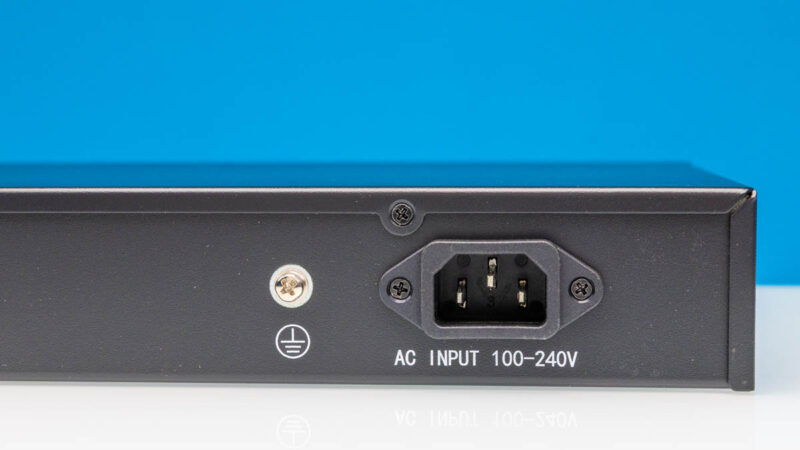
Here is the AC input and grounding point.
Next, let us get inside the switch.
Mokerlink 2G24210GS Internal Hardware Overview
Inside we get a simple layout.
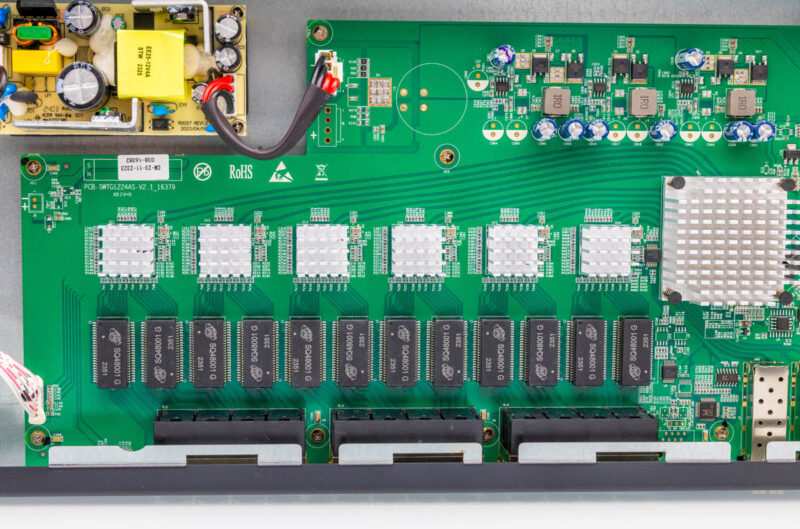
The internal power supply is near the AC input.
There are then the PHYs for the 2.5GbE ports.
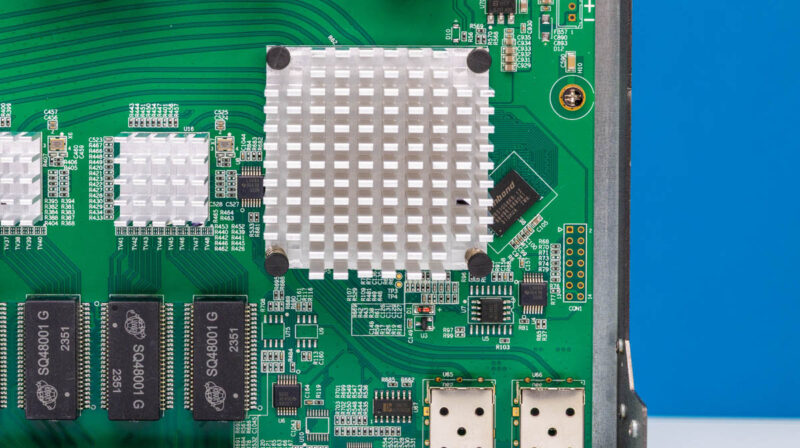
On the side, we get the switch heatsink.
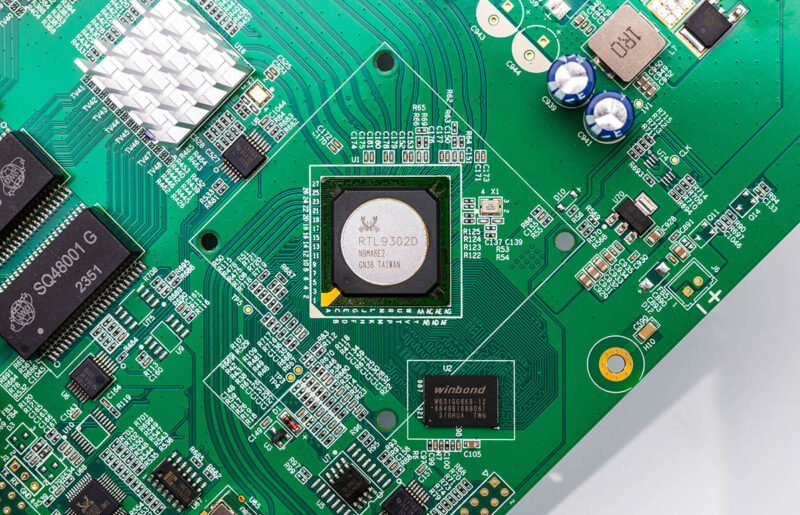
The switch chip is a Realtek RTL9302D. That is a “managed” switch chip (basic management), but this is an unmanaged switch.
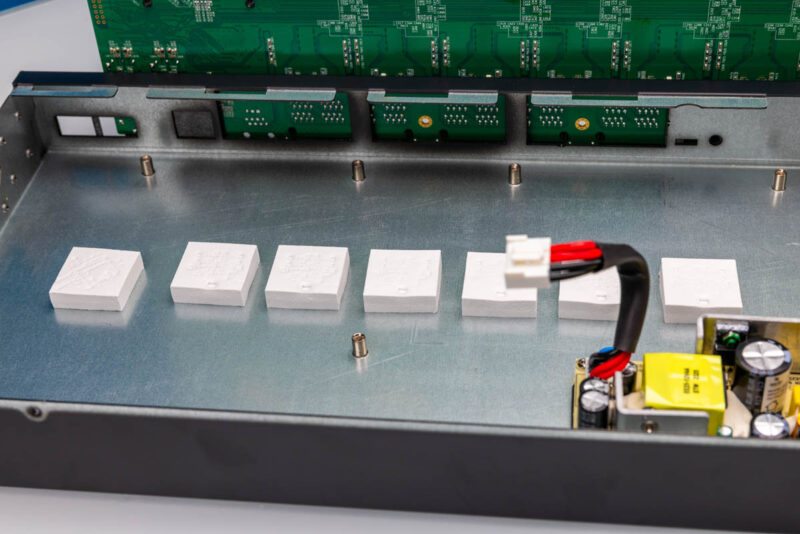
Something we saw was pads on the bottom of the PCB. Some switches are just bare, so this is a small upgrade.
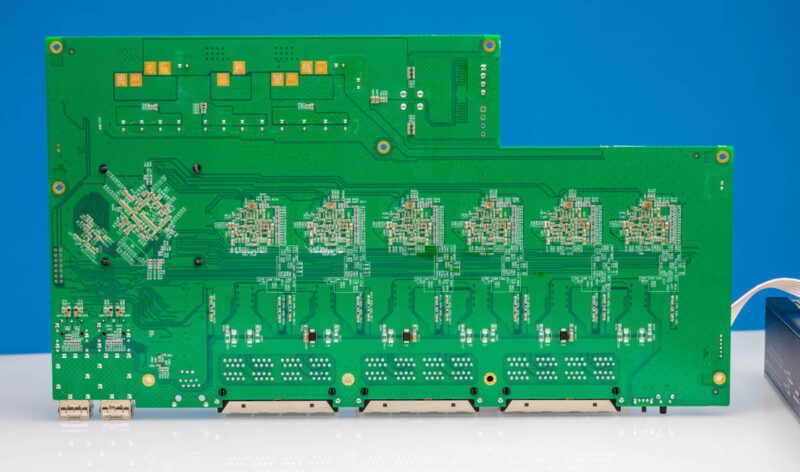
Here is the bottom of the PCB for those who want to see it.
Next, let us get to running the switch.

I don’t get it, wouldn’t you want 25 or 40Gbit for uplinks with this? 10Gbit is a bottleneck if you have 24*2.5 = 60Gbit all running at once
@Kingneutron: It’s absolutely a bottleneck; but traditionally edge switches have gotten away with a fair amount of oversubscription. The ‘uplink is also gigabit; but optical for distance’/’10Gb uplink is the big spender model/a proprietary option card’ thing seems to have become significantly less common over time; but I routinely see setups where 48 port switches are just left with half their uplink ports empty because 1 link means no redundancy but nobody actually cares that 2 rather than 4 is less than half of peak downstream bandwidth).
Given what the core switch of someone buying ~$260 unmanaged switches looks like; they quite possibly don’t want 25 or 40Gb, just because they won’t necessarily have anything to plug it in to. Makes me wonder how much they would have had to charge for 4x10Gb.
That said; if you look at it as a relatively cheap way for a basically 1GbE switch to have a few ‘VIPs’ at a time(without the hassle of a fixed port allocation that you need to plan and wire accordingly) I can see the appeal: if your overall usage patters are still light-ish 1GbE edge switch stuff people mostly won’t notice the 20Gb uplink; but when someone does need to do an install from the internet or file server it can happen at 2.5Gb speeds.
What is the x-axis showing in the performance chart?
They show time elapsed. IIRC on old charts that was like 30 min worth
> The switch chip is a Realtek RTL9302D. That is a “managed” switch chip (basic management), but this is an unmanaged switch.
This probably means if you can get OpenWRT running on this thing, it can actually be a managed switch. Similar to how https://github.com/openwrt/openwrt/commit/39b9b491bb585ba6c16dfc28e5dd0316c8fe7b0d made it possible to use the RTL9303-based TP-Link TL-ST1008F as a managed switch. Is there a serial header somewhere? I don’t see it from a quick glance at the top-of-PCB photo.
“The toggle allows them to run at 10G or 1G instead. Strange, but it is what it is.”
I suspect this could be for connection compatibility down the line; I’ve had a lot of routers & ‘gateways’ that wouldn’t do anything except 100Mb unless I forced the connection mode to 1Gb FDX. Interesting feature!
@Scott Lamb
> Is there a serial header somewhere? I don’t see it from a quick glance at the top-of-PCB photo.
Maybe that “CON1” 14-pin location has serial on it?
I see the Winbond chip is 128MB DDR3, so not great but passable. I couldn’t figure out where the flash chip is, too hard to read all the candidates, but that might be too small (or at least require some soldering to bring it up to spec). A 128/512 device should work just fine with OpenWrt, as you don’t need any of the space hog packages on a switch…
@Eric, the PCB shot of the unmanaged 24 x 2.5GB + 2xSFP+ switch on the STH youtube channel has a 512MB Micron DDR3 chip instead (at 11:57) – which is pretty curious lack of cost optimisation for a switch marketed as unmanaged :o).
Comments are closed.