

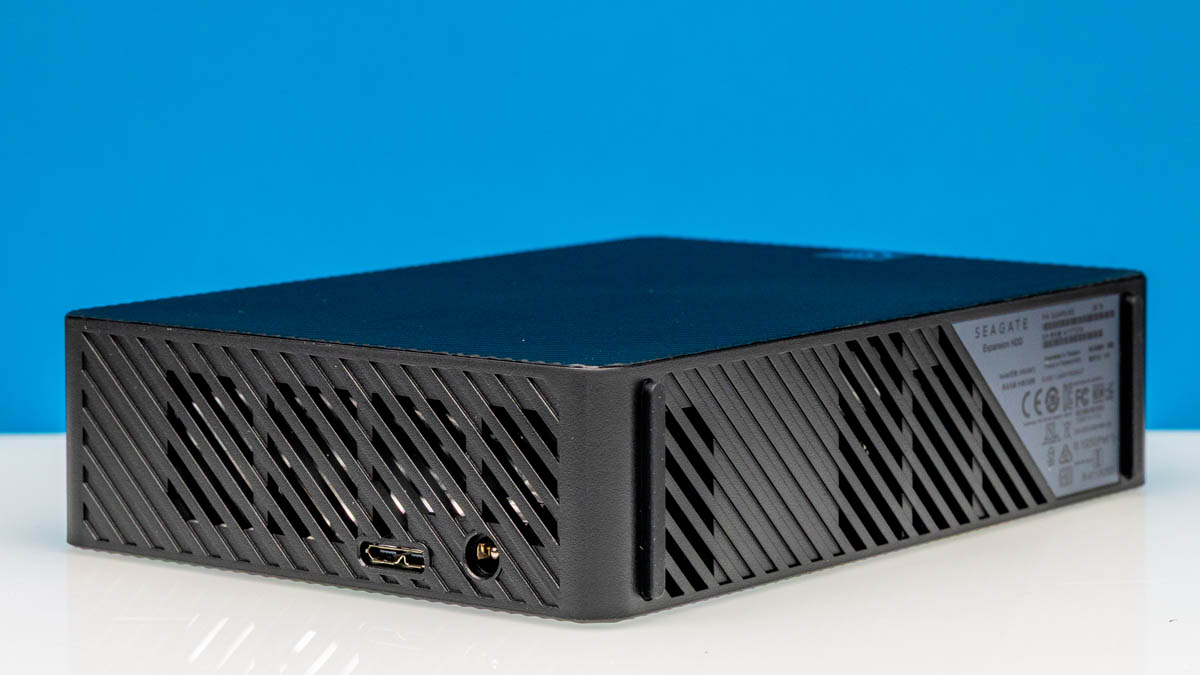
At STH, we know a lot of folks consume a lot of storage. We have been building our own storage servers for over 16 years now. New capacity hard drives are always great, and those that use new technology are even more interesting. Now, the Seagate Expansion 28TB offers a lot of capacity in an external USB 3.2 drive form factor. We also know a lot of folks want to see inside since 28TB internal hard drives are currently $570 or so, and these external drives are usually $330. As such, we are going to get shucking.
If you want to purchase one of these drives or just check pricing, we have an Amazon Affiliate link here.
Seagate Expansion 28TB External Hard Drive
The Seagate Expansion 28TB drive is a fairly classic external USB drive design.
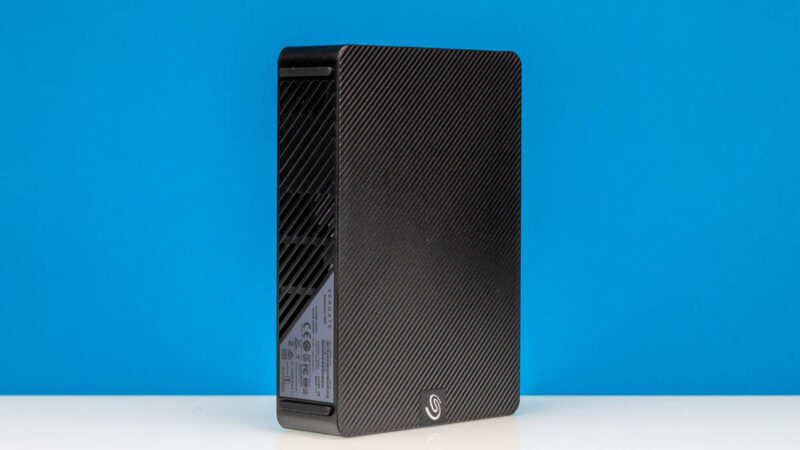
The first hint of what is cool here is on this label. You can see we have a “CLASS 1 LASER PRODUCT” on the external drive’s label. Normally, hard drives are magnetic. The laser means we have a HAMR or heat-assisted magnetic recording drive inside. In HAMR, the laser helps to heat the surface of the recording media, allowing for denser storage. This laser warning is required for HAMR drives due to that technology.
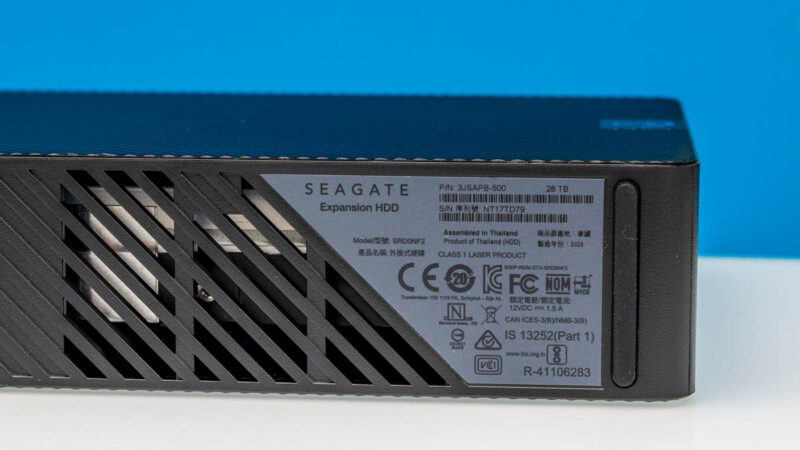
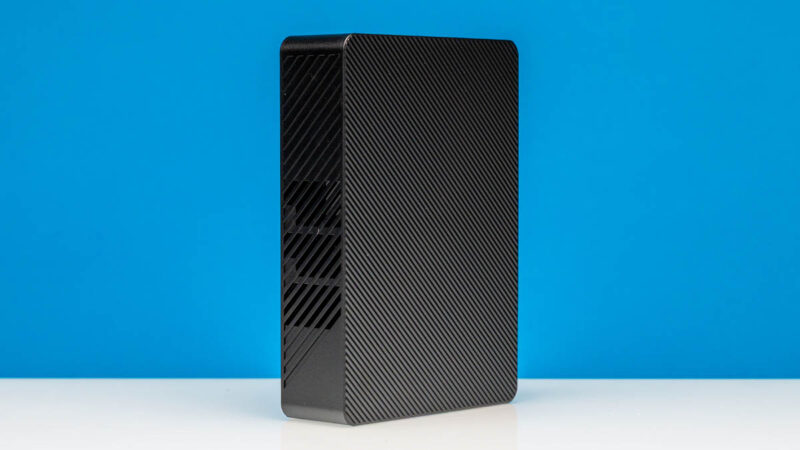
Here is another angle of the enclosure.
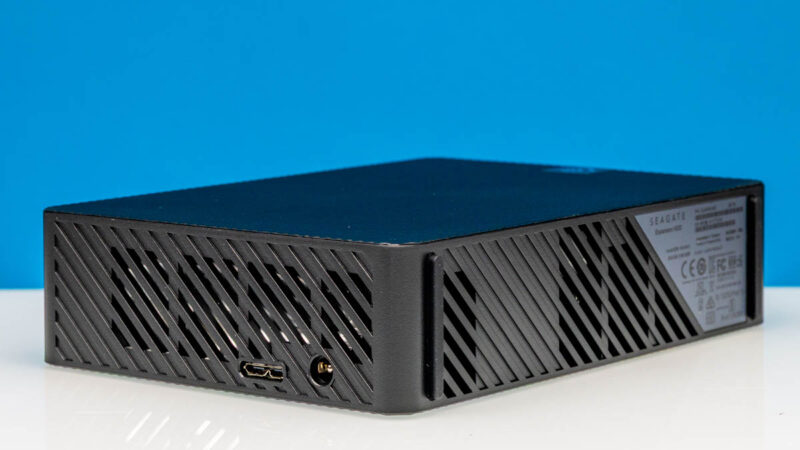
This is the business end of the enclosure as the rest is primarily there for protection and to provide a bit of airflow.
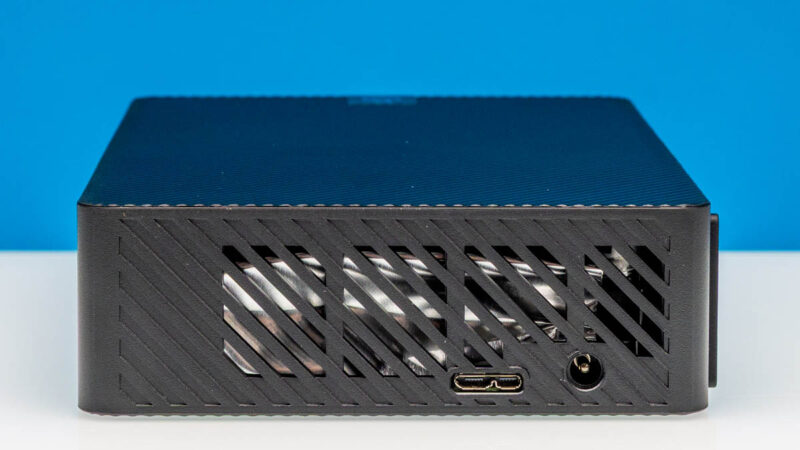
As you can see, we have our USB interface and a DC power input.
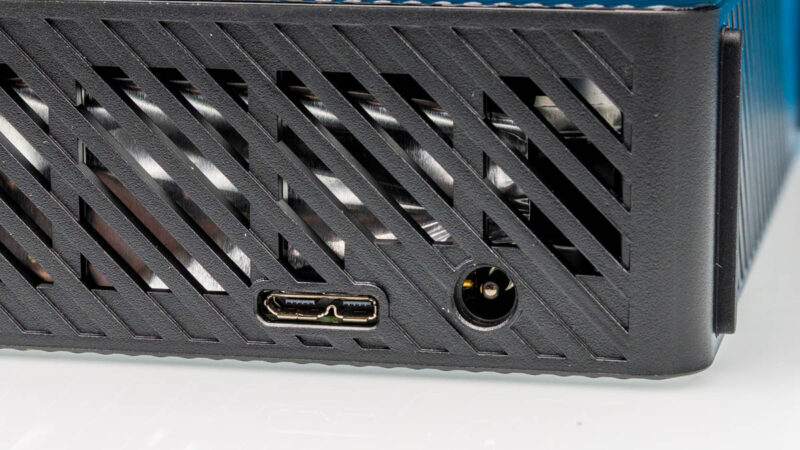
For those wondering, we tried, and unlike a typical external USB SSD, with the hard drive we needed the power adapter.
Next, let us get inside the enclosure to see what kind of drive is there.
Shucking for a 28TB Barracuda HAMR HDD
There are many non-destructive ways to get inside the drive enclosure, but unlike Western Digital drives, the Seagate ones are a pain to shuck. For those who are unfamiliar with the term, hard drive “shucking” is like shucking corn. You remove the enclosure (husk) to get what you are after inside. Since these are new capacities of drives, we wanted to see what we would get.
Inside, we got a Seagate Barracuda 28TB drive, again with the Class 1 Laser warning.
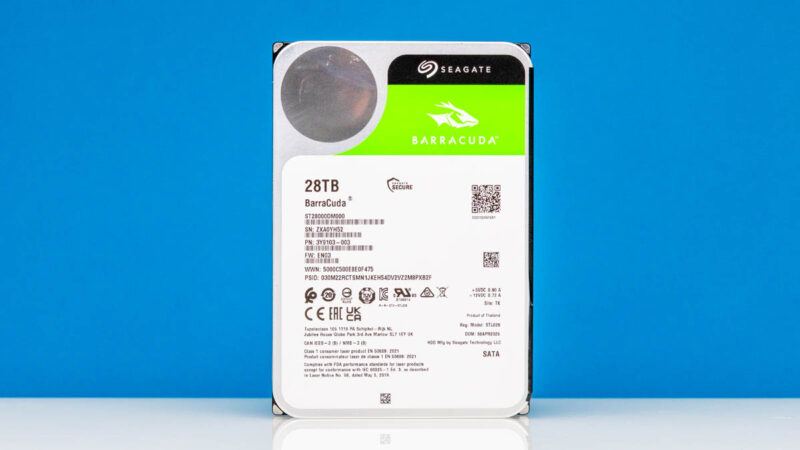
Seagate does not currently sell Barracuda 28TB drive. At the time of publication, Barracuda only goes up to 24TB in capacity.
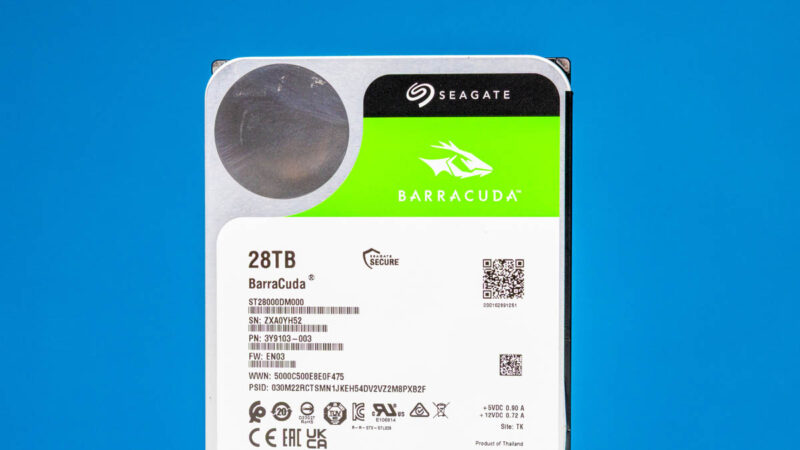
Seagate does have Mosaic 3+ drives like the Seagate Exos M and IronWolf Pro platforms that are HAMR drives at 28TB and 30TB.
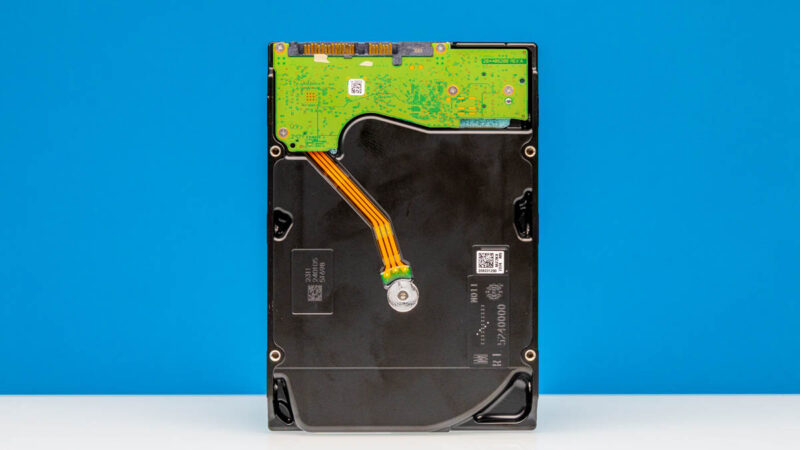
Our best guess is that this is a drive from that family that has been rebadged. At the same time, since this is an external drive, Seagate can put whatever it wants into them. That also means the drive inside can change over time. Still, this is notable for what we received.
Since an internal HAMR 28TB drive is $569 right now from Seagate, the $330 of these external drives saves $240 per. We do not expect to be able to warranty drives, but if one fails, we can easily afford to buy spares above a 5% AFR and self-warranty.
Next, let us get to the performance.

I know we don’t really care much about the enclosure, but why the hell is it not usb C? It’s not 2015 anymore, who is even still making those weird micro usb 3 connectors
@Thomas, I think it is because they want to require the wall-wart power supply for these enclosures. I have a couple of them in small capacities, and it has always bothered me that they don’t print the input specs somewhere on the enclosures, so I don’t have to go digging for the no-name one they provide.
I am also very disappointed to see those micro-B connectors. Even the cheapest boards and enclosures from Aliexpress use USB-C these days.
@DiHydro, I don’t think it has anything to do with the wall-wart. Those are there, because USB is only used for data and ports on computers don’t generally support USB-PD, even if it’s a USB-C port (would be nice if they did, some GPUs do have USB-C ports that do and go up to at least 12V). So that’s why they need an extra power supply, but whether the data goes through a micro-B or USB-C port shouldn’t make any difference whatsoever. There are plenty of external hard drives that have a PSU with a USB-C port.
Why can’t we have a 28 TB U.2 NVMe SSD in the enclosure instead? Why are old-fashioned hard disks still a thing? I don’t get it at all. I swear, consumer SSDs are seemingly forever stuck at 4 TB while server SSDs are pushing 256 TB and up. Yet, spinning rust is the only game in town if the average Joe or Jane wants storage in a single unit that’s more than 4 TB. Kinda sad if you ask me, which nobody is.
Do you have any measurements about heat?
Does it get much hotter during writing in comparison to a 24gb nonHamr drive?
I guess laser is not used at reading?
Also any hint if it is 5400 or 7200rpm drive
> Why can’t we have a 28 TB U.2 NVMe SSD in the enclosure instead?
You could, but instead of costing $330 it would cost thousands of dollars. Both SSDs and spinning rust keep getting bigger, but the price differential per bit doesn’t really change all that much. The physics of how these devices operate probably means that for larger capacity, spinning drives will continue to be more affordable quite far into the future.
(Also, add me to the club of people disappointed in the old fashioned connector. Now that really is sad.)
“For those wondering, we tried, and unlike a typical external USB SSD, with the hard drive we needed the power adapter.”
Is the author quite new to computing? I think most people know the difference between a traditional hard drive and an SSD. And it’s not exactly a state secret that your 3.5 inch external hard drives need a power supply. Which kind of why (a) the unit has a power socket, and (b) the drive is supplied with a PSU.
Miv – I can tell you the author is not, but you have to remember that many folks are new to external hard drives, or buy them once every 5 years. Just because you know why does not mean some of the 150K+ people who have already seen this article do not.
I have always envisioned STH as a venue where we offer a range of content, while also providing on-ramps for folks to learn. That kind of comment is not kind to those who are learning.
Ok, fair do’s.
Can anyone definitively point out if it’s cmr or smr. The higher capacity HAMR drives are smr. Eg 34tb+
There is a thread here but nothing is definitive:
https://www.synoforum.com/threads/seagate-expansion-28tb-stkp28000400-cmr-barracuda-has-anyone-tried-it.14757/post-73375
If you’re in the UK, take a look at serverpartdeals.com or robertelectronics.co.uk. They sell manufacturer recertified drives – with Robert Electronics offering a full 5 year warranty on theirs.
I’ve got two from RE in my NAS; a friend of mine has 3 and this week, one of his failed so RE are sending him a replacement, no charge.
Pricing is competitive with the shucked approach but you actually get a warranty.
Comments are closed.