

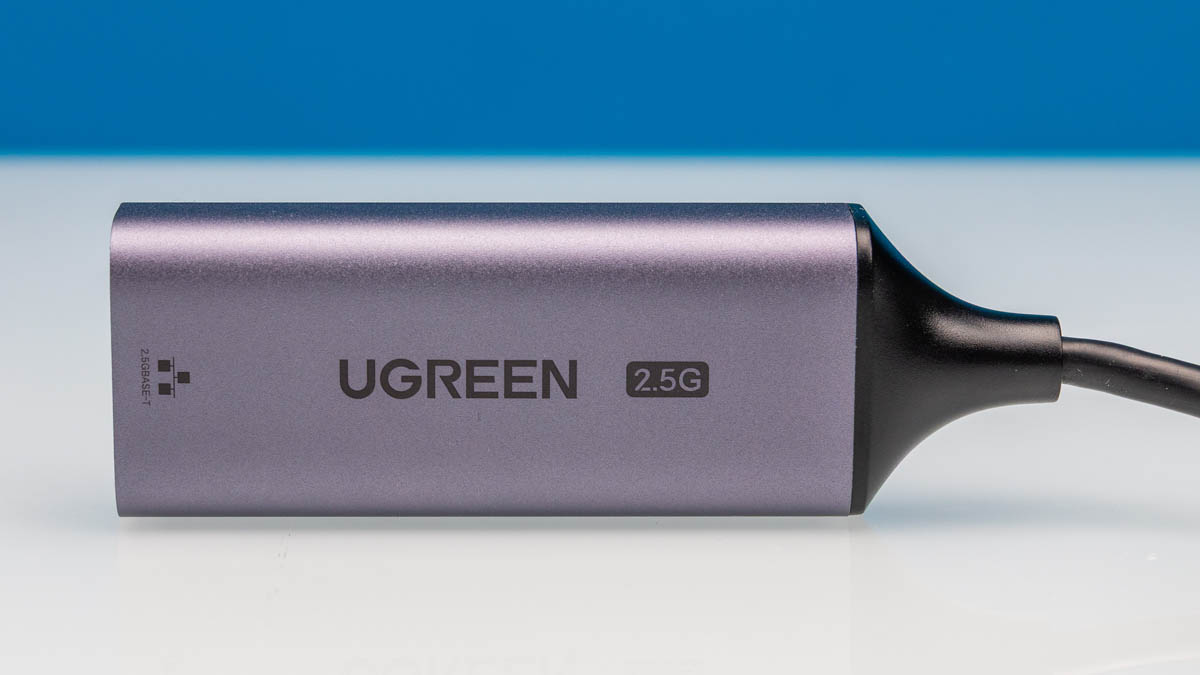
The UGREEN USB-A to RJ45 2.5GbE is a simple network adapter. We purchased a few of these because we needed additional physical interfaces for one of the jump boxes. We had open USB Type-A ports, and simply needed additional network interfaces so we could get onto the physically separate networks we use for our high-end testing. The idea is simple: we plugged in the adapter, and then we had a 1GbE/ 2.5GbE interface to use to connect to these additional networks. As a fun one, we considered getting a USB Type-C adapter as well at some point, but then we realized we had reviewed the USB Type-C version in 2021. The price of this one is almost 20% higher than the 2021 review unit at $25 and change, so it is not the case that after almost five years, the price of technology has gone down.
Here is an Amazon affiliate link to the adapter we purchased.
UGREEN USB-A to RJ45 2.5GbE Adapter Overview
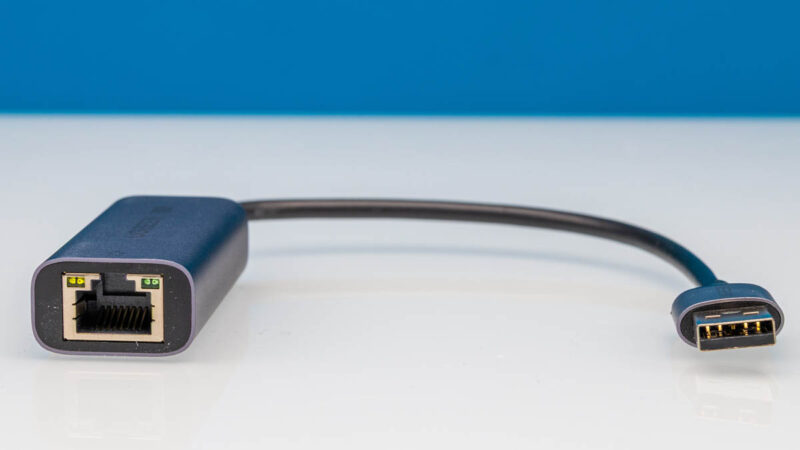
The adapter itself is a fairly simple device, taking a USB 3.0 Type-A connection on one end and an RJ45 network port on the other.
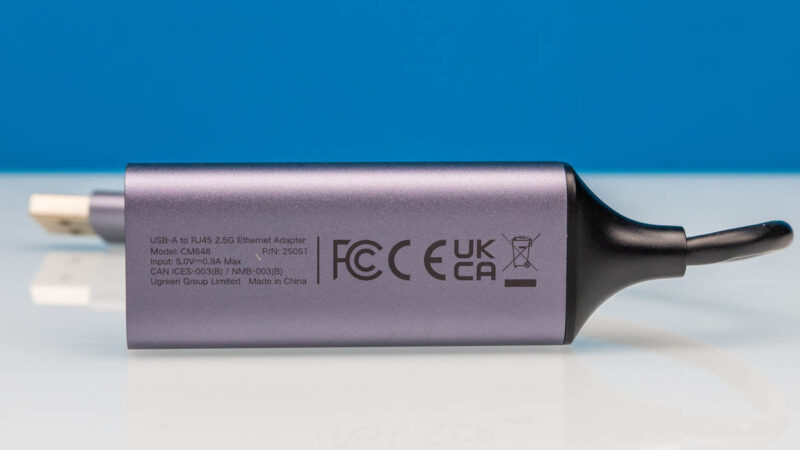
Here is the back of the adapter. It would be nice if they just included that the chip inside is a Realtek RTL8156BG. Most OSes have built-in support, but you can look up that chip model number to see yours or get drivers from Realtek.
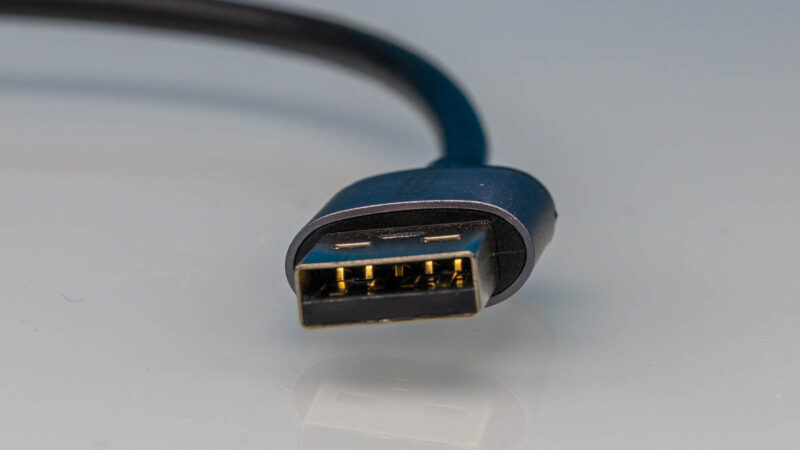
This is the USB Type-A port. Note that you need a 5Gbps (or faster) USB 3 port to get full speed from this device, as a USB 2.0 port does not have the bandwidth to support 2.GbE speeds.
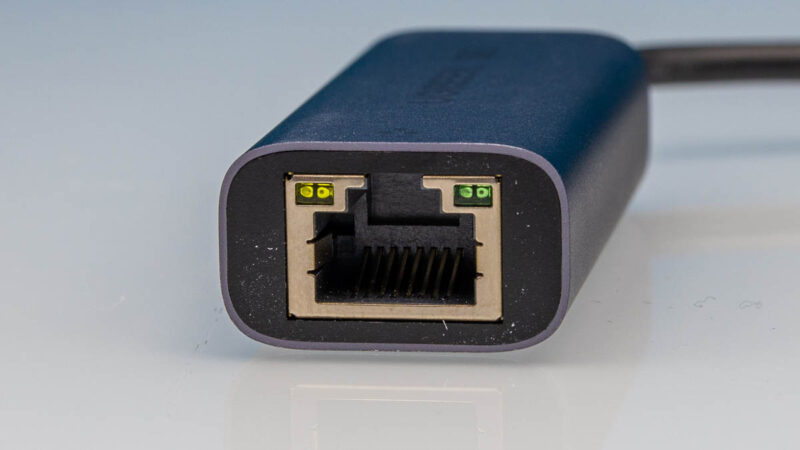
On the network port side, we also get status LEDs which are useful to ensure that the NIC is linked.
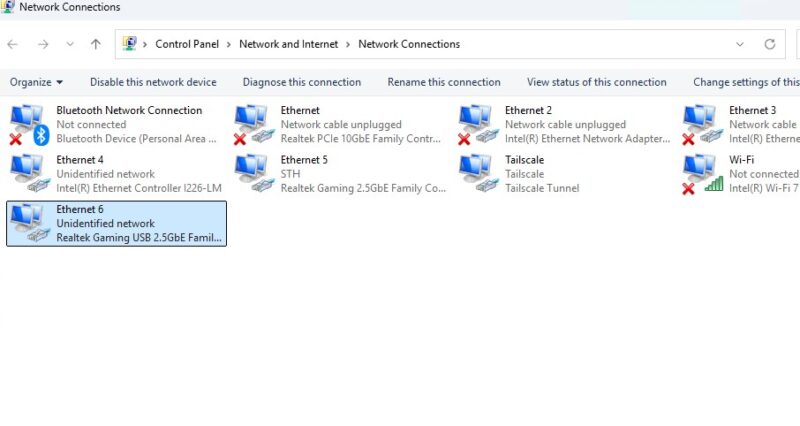
Upon installing the NIC, it generally shows up in the OS. Here is a Minisforum MS-02 with the USB NIC installed.
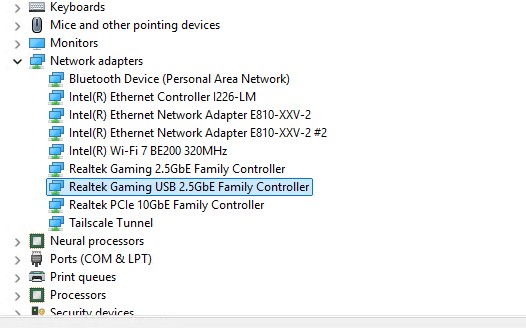
Here is another look at the device manager entry for the device next to others like the Intel i226-LM and the Realtek RTL8125 NIC.
Next, let us get to performance.
UGREEN USB-A to RJ45 2.5GbE Performance
We used iperf3 to test the NIC’s performance.
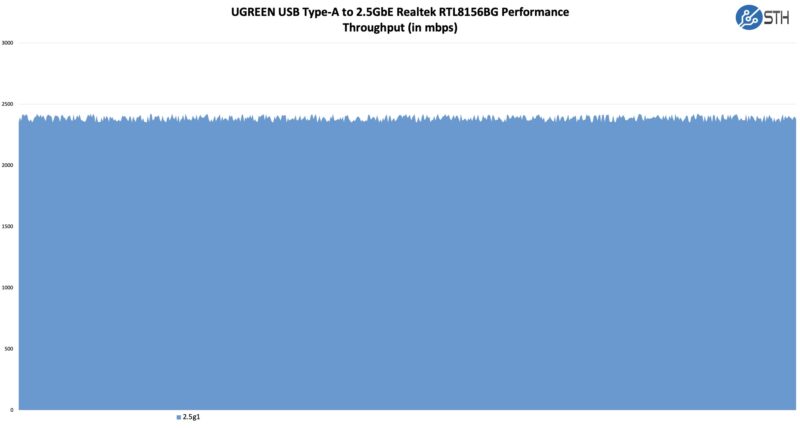
Overall, the performance is about what we would expect from a Realtek RTL8156BG device. To be frank, almost all of the NICs with that chip perform about the same. Also, 2.5GbE is much lower power than 10GbE at only 1-2W, so they tend to work better in low-cost USB devices.
Final Words
This type of USB 3 to 2.5GbE adapter is not special. Let us just call it what it is. These types of adapters have been around for years, so there is a big push to sell the lowest-cost adapters.
Although we generally deal with higher-speed networking these days, sometimes you just need a port to plug a cable into and get network connectivity. The 2.5GbE networking on a USB 3 5.0Gbps port is more than just getting basic connectivity since 2.5GbE is quite a bit faster than 1GbE. When we reviewed the USB Type-C version in 2021, 2.5GbE was much less common, and switches were more expensive. Now, even if you have a new PC like the Lenovo ThinkCentre neo 50q Tiny QC and want to add faster networking, this is about as easy as it gets.
Where to Buy
Here is an Amazon affiliate link to the adapter we purchased.


UGREEN has an newer USB-C to RJ45 2.5GbE Adapter which looks like this USB-A to RJ45 2.5GbE Adapter. I suspect that it is the same device but with a USB-C interface and connector.
Got one plugged into a 1L PC running a proxmox node. Had no issues and did a bit of testing with some large transfers between other machines just to see what would happen. Seemed to hold the advertised speed. Has been running a couple of months with multiple reboots and has always been detected.
Have had this since it first came out. (USB-C version) Super reliable. Works in Linux very well, but does not work in Android last time I checked.
Question is how hot is it? Last time I used a USB to 1Gbps adapter it’s hot uncomfortably so I don’t keep it long and reverted to a pcie card
@Bull not hor, as per their line of it not much power, I use these to add 2.5Gb to my QNAP NAS boxes as they have inbuilt drivers for the realtek chip and they are not too hot to handle.
When I tried iperf3 it got 3.5 Gbps throughput. Have you published any info on the test setup?