

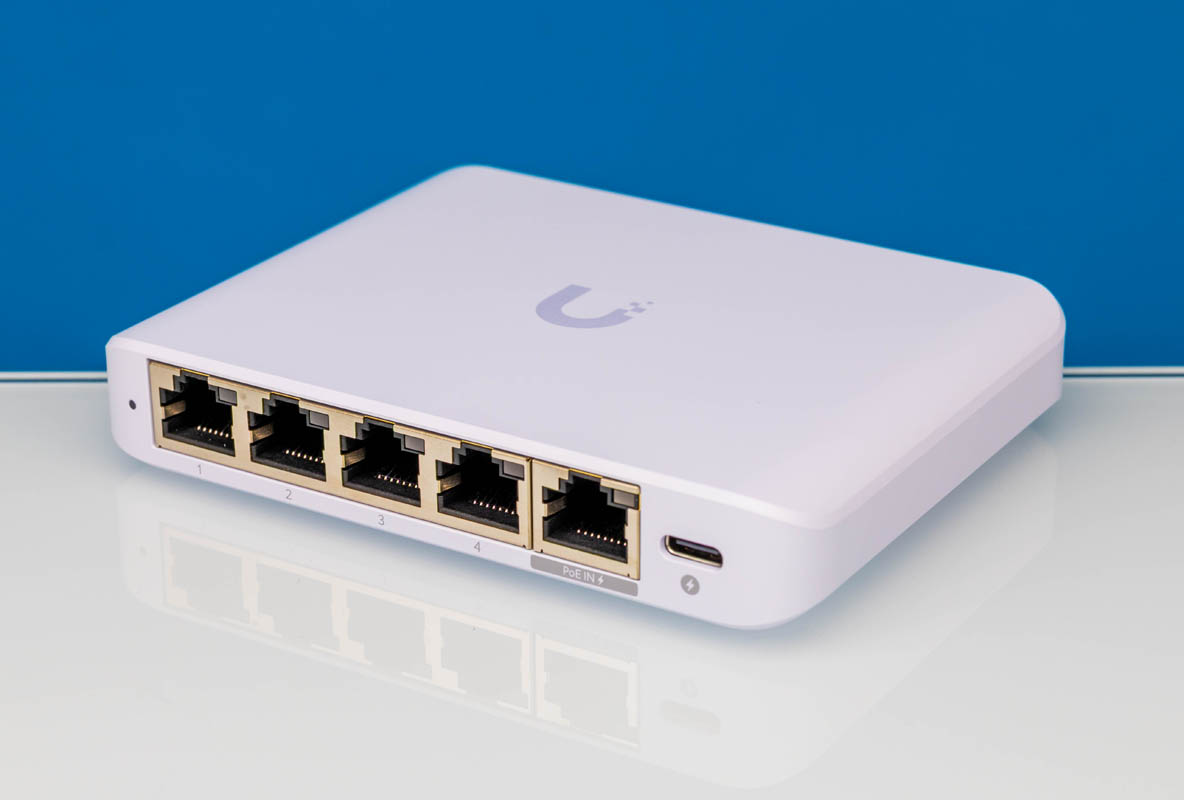
The Ubiquiti Flex Mini 2.5G has been a highly requested review on STH since we launched The Ultimate Cheap Fanless 2.5GbE Switch Buyers Guide. This is a 5-port 2.5GbE switch also known as the USW-Flex-2.5G-5. Low power, PoE-in, and UniFi management make it quite different. At the same time, we opened it up and found that it is the same internal chipset powering some of the 4-port 2.5GbE and 2-port 10G switches that are under $30, which we had not seen anyone go into detail on previously.
As a quick note, we purchased these units thanks to our STH YouTube members. We have refused to sign the “Influencer Testing NDA” with Ubiquiti that everyone else does because there is a line in there that Ubiquiti would not allow us to remove, saying that we could review the product provided Ubiquiti is allowed to review the post prior to publication, and that we would incorporate that feedback if needed. While we tour data centers, manufacturing sites, and similar locations and let people preview to ensure we are not leaking confidential information, we do not allow vendors to preview and provide substantive feedback that we would be required to incorporate into our reviews. Our readers and YouTube viewers have requested that we review this box over the years, so we purchased a few to provide an honest assessment. As a fun one, when Patrick was at Microcenter this week buying extra units, one of the YouTube viewers said hello and commented on the recent Ubiquiti UniFi Cloud Gateway Fiber UCG-Fiber Review.
Patrick’s Editor’s Note: Ubiquiti reached out the evening after this was published and requested edits to be made to the paragraph above. Although disctinctly recall Ubiquiti told me that everyone else signs the “Influencer Testing NDA”, there may be people who did not, so we are going to strike that out. Fair point. We also changed the “standard NDA” to “Influencer Testing NDA” because Ubiquiti, when making the requests, also said that they were not aware of the review and incorporate feedback language in question. While doing that, they had copied the person in Legal who actually e-mailed me the document and who I discussed my concerns with. I have never had a request like this in 16+ years of reviewing products in the industry, especially when we are buying product for editorial review.
If you are just looking for a purchase link, you can find these at B&H Photo (Affiliate link.)
Ubiquiti Flex Mini 2.5G Hardware Overview
The switch has five 2.5GbE ports as the headline feature. What Ubiquiti is doing is also making the profile of the switch minimally larger than the ports themselves.
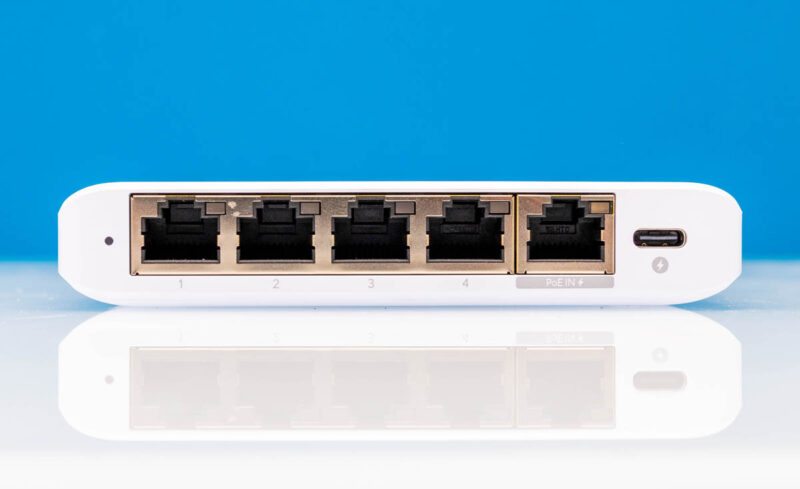
Powering the switch can happen over the 5th port, which has PoE IN or a USB Type-C 5V power input. As a quick labeling note, it would have been nice for Ubiquiti to label this as port “5” to match the other four.
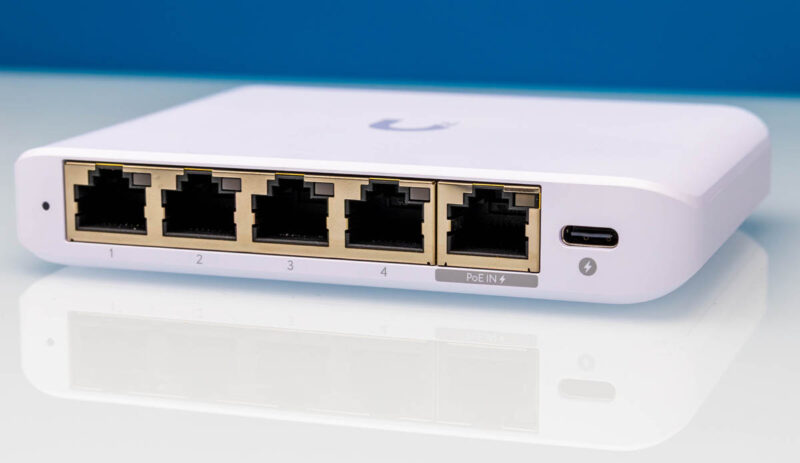
The first thing that should strike you about the Flex Mini 2.5G is the size. At only 4.6×3.5×0.8in or 117.1x90x21.2mm it is a very small switch.
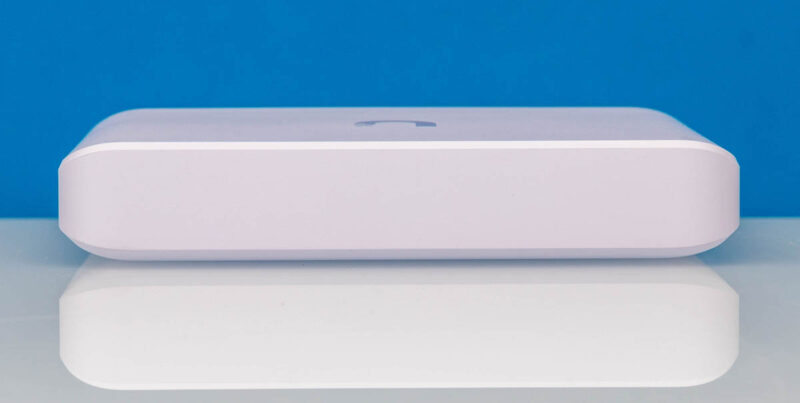
In fact, the plastic housing makes it one of the smallest switches in its class. That presents cooling challenges which we will get to when we get inside.
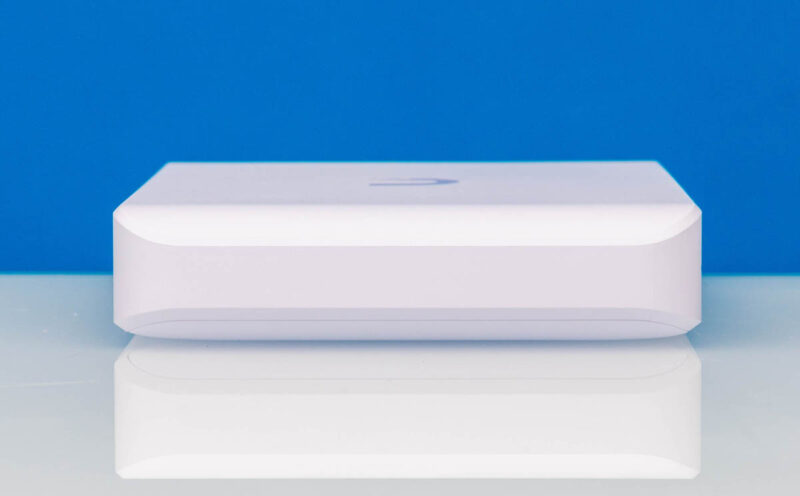
The sides of the switch do not have vents, so there are no obvious vents in the plastic case.
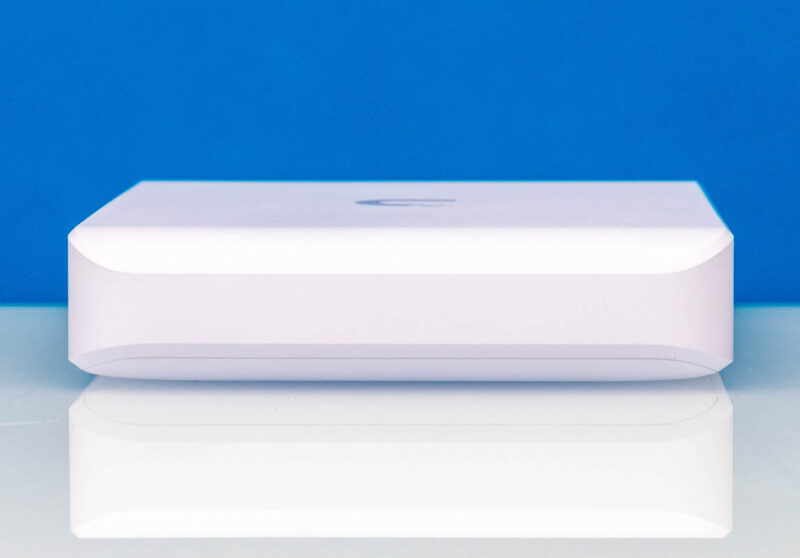
On the top we get the Ubiquiti logo.

Here is the bottom of the unit. There are nice rubber feet installed, but if you were thinking that they are hiding screws to open the case, you would be incorrect. This is another snap together design from Ubiquiti.
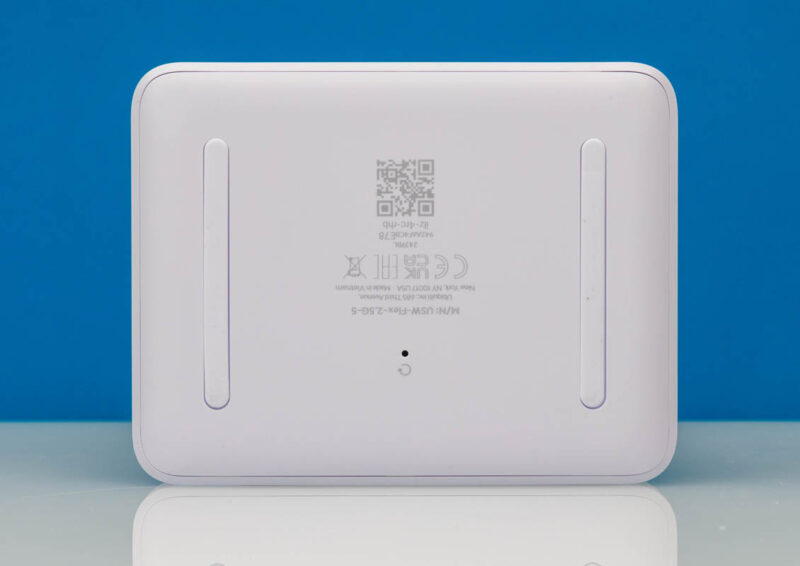
You will notice a reset button at the bottom. That pushes on a small reset button at the bottom of the switch PCB.
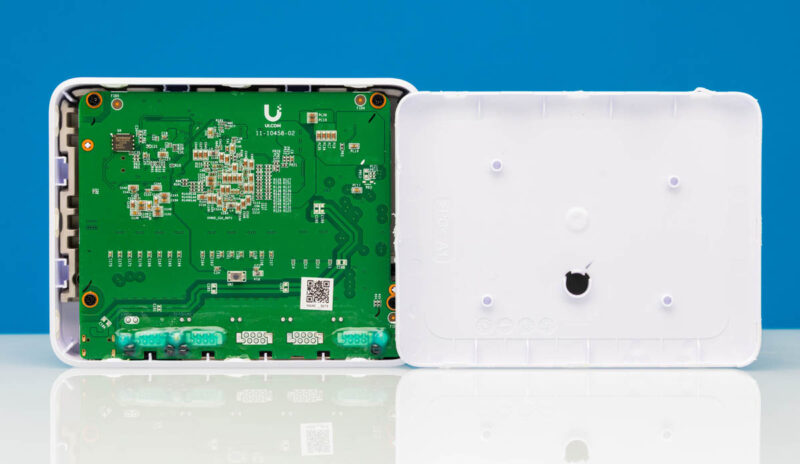
On the cooling side, Ubiquiti has a challenge. It has a chassis with virtually no airflow, and it is made of plastic, limiting the amount of heat that chips radiate into the environment. Instead of just using a metal chassis and small heatsinks like other devices, Ubiquiti has a custom heat spreader that makes contact with the larger chips and helps cool them. Luckily this is a low-power device.
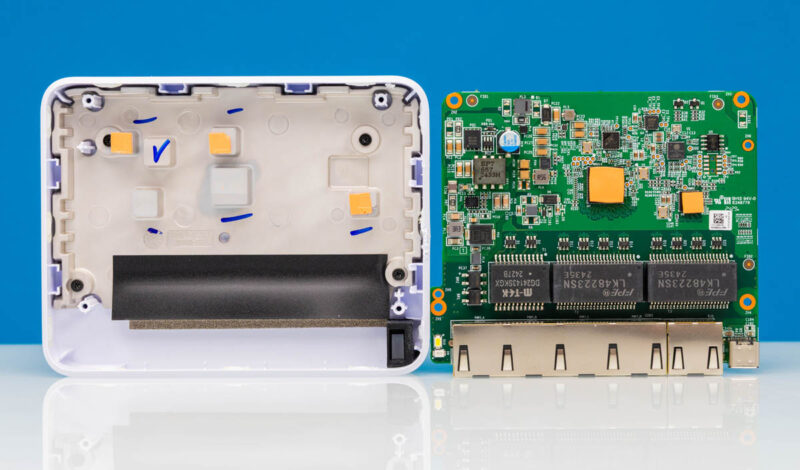
Here is something really cool. The Realtek RTL8372N is the big switch chip. That is the same switch chip driving many of the 4+2 (4-port 2.5GbE and 2-port 10G) switches on the market because it has two 10G SerDes interfaces.
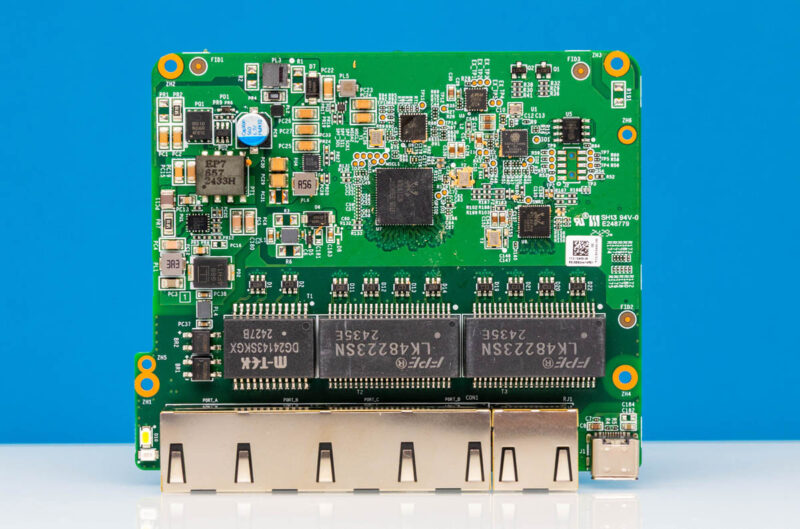
It appears to be the same as the main switch chip in the Ubiquiti UCG-Fiber as well.
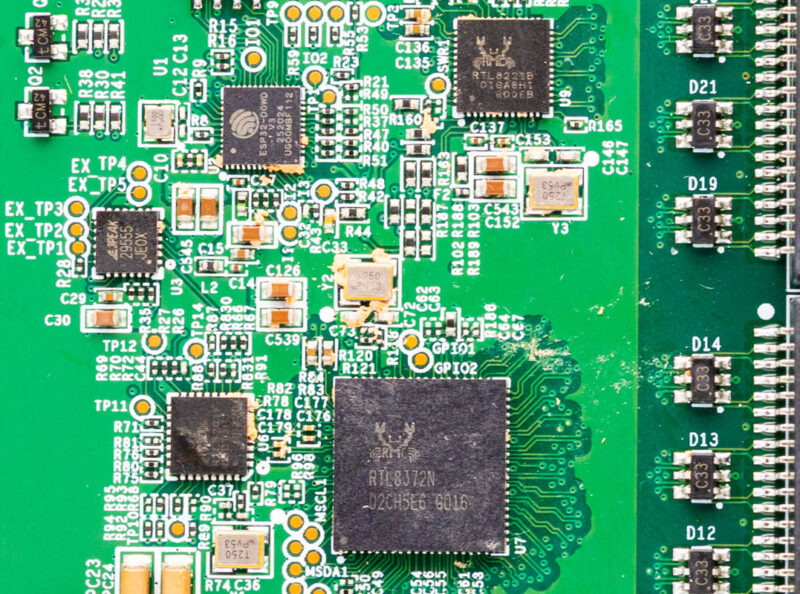
The smaller Realtek chip is the RTL8221B, which is the same as we would find in something like a Yulinca switch going to its 5th 2.5GbE port.
Next, let us get to the performance.



 and see both how it is constructed and how it performs, finding a neat similarity)
Hasn’t this switch been out for years? This is the first genuine review. Good on STH for doing real networking reviews. For $50 nobody else has taken it apart? I’ve seen other “reviews”
When are you firing on FortiNet SonicWall Cisco Palo Alto Juniper and those kinds? I’d like that and more 2.5Gb fanless since there’s new brands. Why not review that Bros one?
Is that an ESP32 in there to the left of the RTL8221B? Seems like an odd choice if you didn’t need WiFI/BT capability, I wonder what it’s used for.
You’ve got to love it when STH reviews gear! I’d be more upset, but this is a cheap a$$ switch. I’m more upset that there’s china sellers on the Zon selling 4 and 2’s for $30 and these are $50 since Zon’s takin a 20% cut too.
Rohit you’ve done not only a great review, but the best ever on this product
I’m more interested in 10G. Ubiquiti has the Flex-10G, which would be great for me to extend 10G to a shed I’d like to convert to a server room, but inexplicably the PoE in port is only 1G
Since it is a small plastic box with no vents, as mentioned, I thought there would be some words about the temperature (in Celsius..).
Great test! Did you reach out to ubiquity about the start-up issues? Did they have anything to say about this. Would it be something that can be solved via firmware update?
So no mention of temperature or load power consumption? :(
I’ve seen other older references saying this does NOT support LAGG, curious if that is that still true or if Ubiquiti maybe added it in an update?
I’ve been searching for a small and affordable 2.5Gb switch with LAGG so I can take the 2.5Gb uplink and aggregate two gigabit links to a 24 port switch to give it effectively 2Gb of available bandwidth. Open to other recommendations if this still doesn’t do LAGG.
So if i understand correctly, they use the plastic housing as a heatsink?
I loved this switch because I could pick it up same day at Microcenter and I expected great things being of the Uniquiti brand (which at first was the case). For a few months, it worked great. I upgraded two of my PCs to 2.5G pci-e NICs and was hitting expected speeds across this switch to speed up intra-network file transfers.
This all changed one day when I found I was unable to remote into one of my PCs. Strangely enough, the switch had no LEDs illuminated. I unplugged the switch for a minute or two then powered it up, seeing no issues and I chalked it up to a “reboot fixing the issue” thing. Strange as I’m using it as a dumb switch, but I was just glad to have it working again. Unfortunately shortly after, I saw the same issue with no LEDs almost as if the power distribution board was having issues. I unplugged all my network cables and plugged just the switch into a completely different outlet on a different circuit and sure enough after a period of time the switch went dead again.
I didn’t think the switch got warmer than one would expect a fanless design to get (I didn’t get an IR reading by any means either), but I am curious if it has anything to do with the fanless design. I have had several fanless stitches with no issues, so I’m going to start the RMA process and see what Ubiquiti comes back with.
@Ben
I think the ESP32 is used for management. The switch chip does not have CPU cores to run a management firmware
Why on earth does Ubnt requires anyone to sign any documents if STH are buying it and testing it out by themselves.
Thank you for confirming the switch chip used. I speculated on this using an RTL8372 back when it was released, but this is the first teardown I’ve seen.
That delay before passing traffic is weird. It’s the first time I’ve heard of it, but perhaps it’s something that only happens when pushing traffic to all ports at the some time or something like that. Interesting none the less.
The language and grammar in the article are atrocious and infantile
Do you have a better photo of the IC closest to the RTL8372N?
It’s not possible to identify it on the pictures.
The RTL8372N has an integraded CPU but from what I hear the Realtek SDK is very limited, apparently you’re limited to only modify the branding, etc. of the standard realtek webinterface (no custom code possible).
To make their controller magic happen most likey they used the second 10G serdes to connect to the ESP32 which then controlls the RTL8372N via it’s I2C interface.
Since Ubiquiti released the Flex Utility Pro outdoor box and listed pretty much the entire flex line in their compatibility list, I’ve been wondering about how these switches would hold up in outdoor usage. I’m in Florida, and it can easily get well over the listed operating range of this switch (113f) inside an enclosure. Any chance of doing a torture test on some of these?
They do cheap every thing that’s why eol is sooner you finish ticket and billing
I’ve been guessing about this since launch, so this teardown is the first real confirmation I’ve seen.
Is there a cheaper switch with 2.5gbe ports and usb c power? I can’t find any.
I think the 20 second time to send traffic means the switch is doing spanning tree by default, which is good. You can probably turn that off in Unifi or over console. Although the line chips may be the same, the software is a distinguishing factor with ubnt hardware.
Is the Unifi Floating Mount UACC-Switch-FM compatible with this 2.5 Flex Mini?
Link:
https://techspecs.ui.com/unifi/accessories/uacc-switch-fm?subcategory=accessories-installations
Interestingly, there’s actually an ESP32 inside. Since the PCB lacks any Wi-Fi/Bluetooth antennas, it’s likely used solely for management purposes.
This has sparked my interest in reverse-engineering Unifi’s management protocol. You see, some people are DIYing 4×2.5G + 2xSFP+ switches for under $20 in china, while smaller 8xSFP+ switches also only cost around $50 — making them several times cheaper than official Unifi equipment.
Intersed in Unifi Flex 8 PoE or non Poe review as there ara claims that Flex 8 isnt a true 8 port switch but two 4 port switches with shated 10G uplink