

Supermicro Hyper SuperServer SYS-222HA-TN Internal Overview
Behind the front storage bays, there is an array of six fan modules.
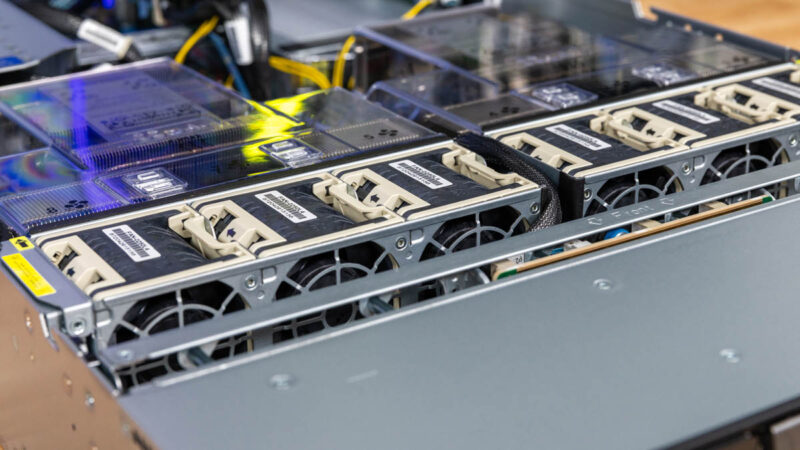
These are hot swappable.
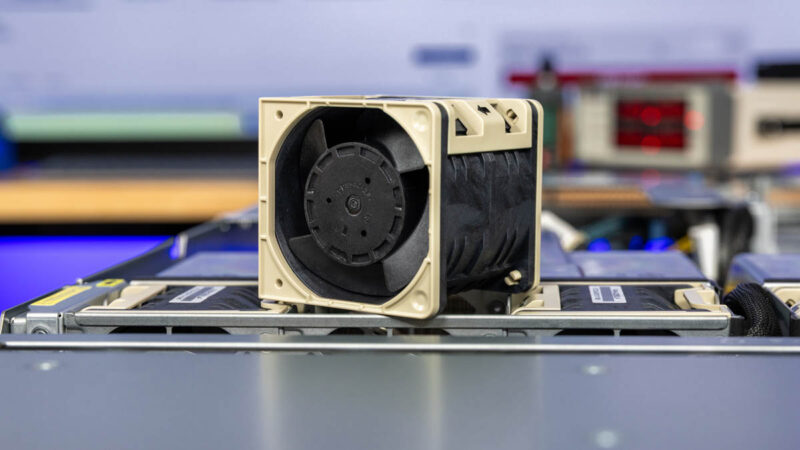
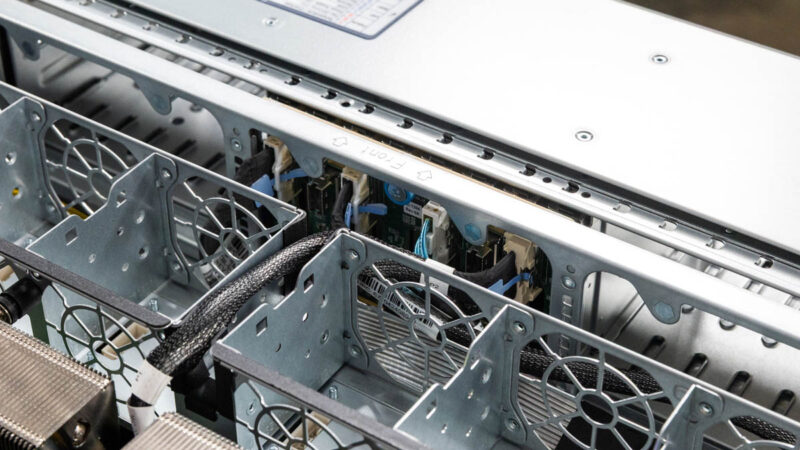
If we pull them out, we can see the NVMe storage backplane and some of the cable routing though the partition.
The fans push air through airflow guides that channel air through the CPU heatsinks and DDR5 DIMM slots.
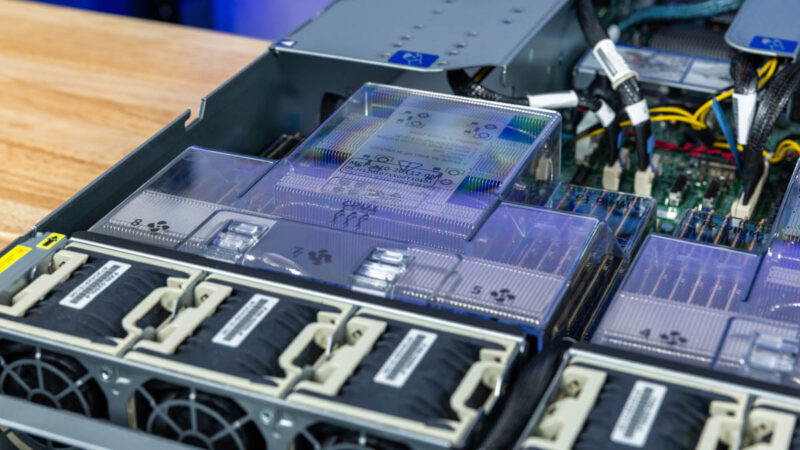
This is going to sound like a minor point, but the clear plastic airflow guides can be removed independently. While to many, this is trivial, we have seen other vendors design airflow guides where PCIe cables need to be removed, and a full-width airflow guide removed, in order to service a CPU or memory. This is a much easier to service design.
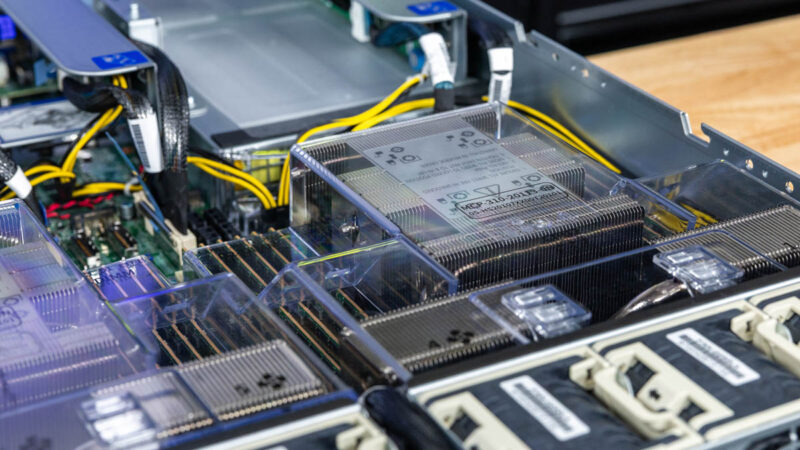
The heatsinks look extra cool. This server can handle up to 500W TDP CPUs, so we tend to see these heatpipe coolers in servers like this.
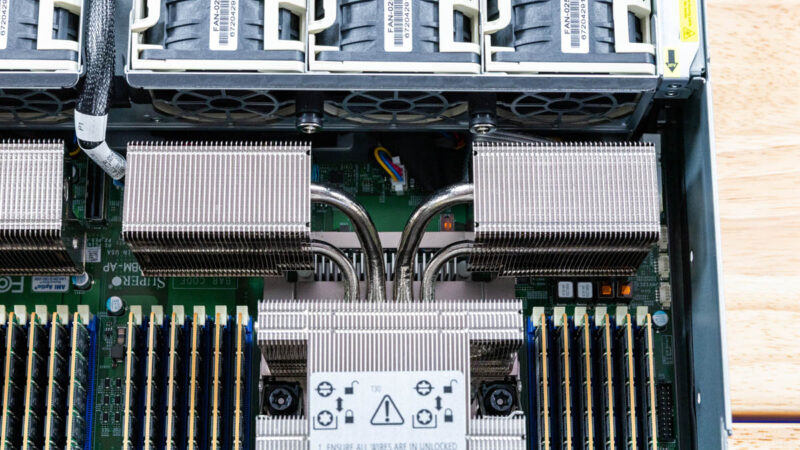
The CPUs themselves are dual Intel Xeon 6900P series. Currently this is the Granite Rapids-AP generation that we reviewed in: Welcome Back Intel Xeon 6900P Reasserts Intel Server Leadership.
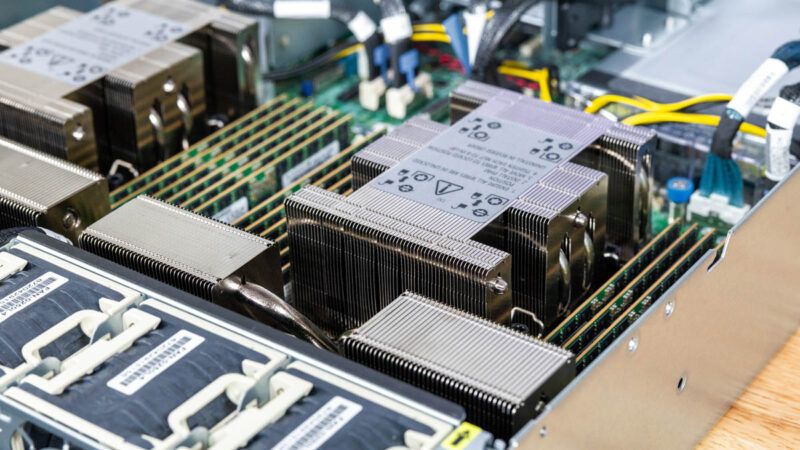
Each CPU gets 12 DIMM slots for 24 total. A neat feature of the Xeon 6900P series is that they support up to 6400MT/s DDR5 RDIMMs or up to 8800MT/s MCRDIMMs/ MRDIMMs. That gives a lot more memory bandwidth. Pictured, we have the MCRDIMMs/ MRDIMMs. Our review is going to focus on the 6400MT/s DDR5 configuration, but stay tuned for a subsequent piece on the two different memories in this server.
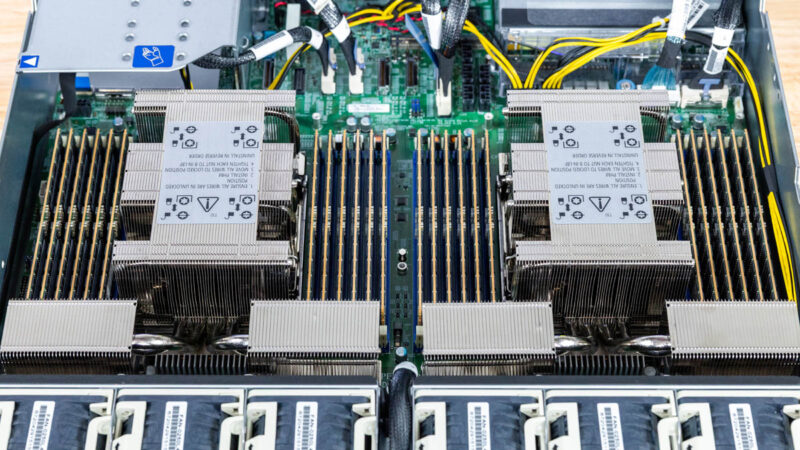
The motherboard does not extend all the way to the rear of the chassis. Instead, we get a number of PCIe connections that are routed to the various slots of the server.
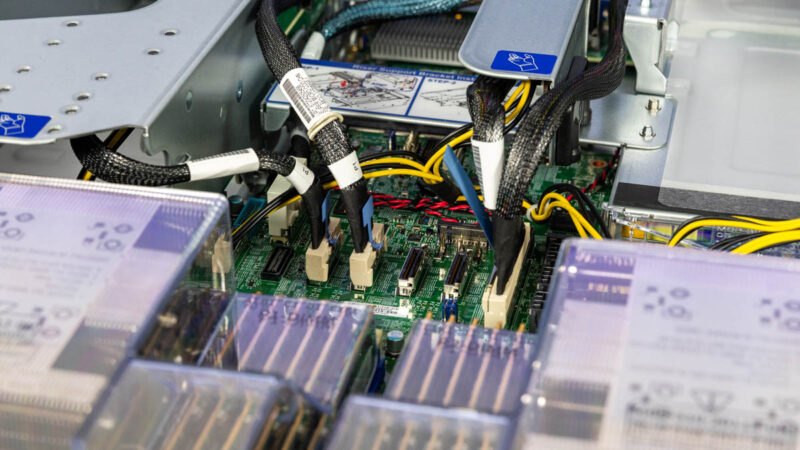
Also, we get power connections so higher-power components like GPUs and accelerators can be used in the system.
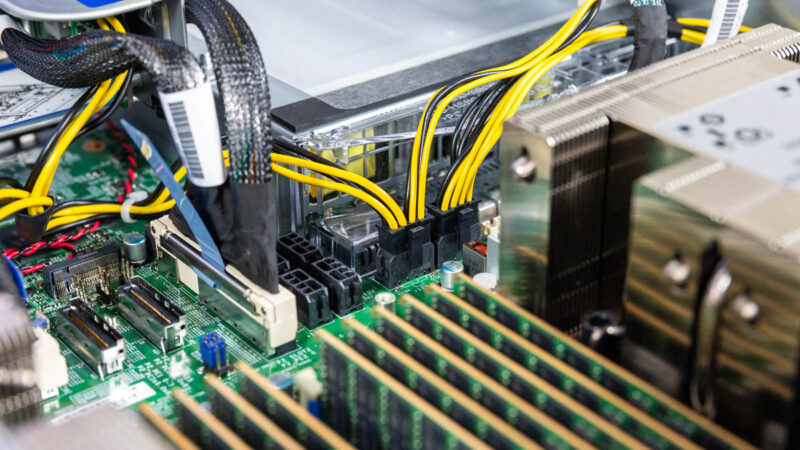
Cabled connections like these MCIO conenctions are seemingly everywhere.
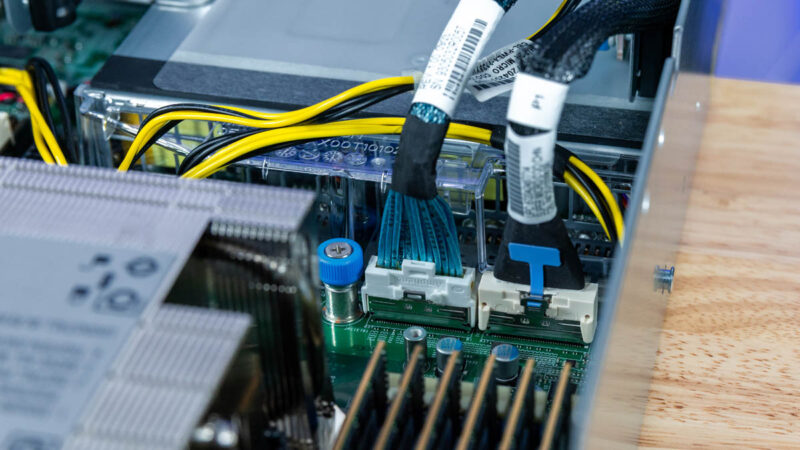
We mean everywhere.
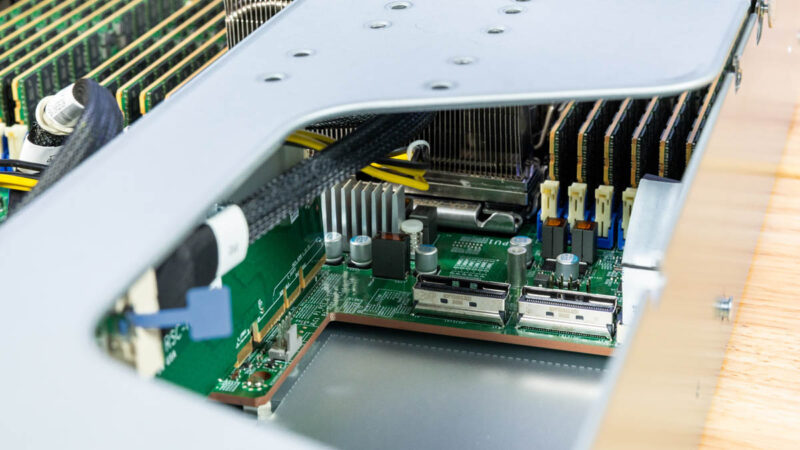
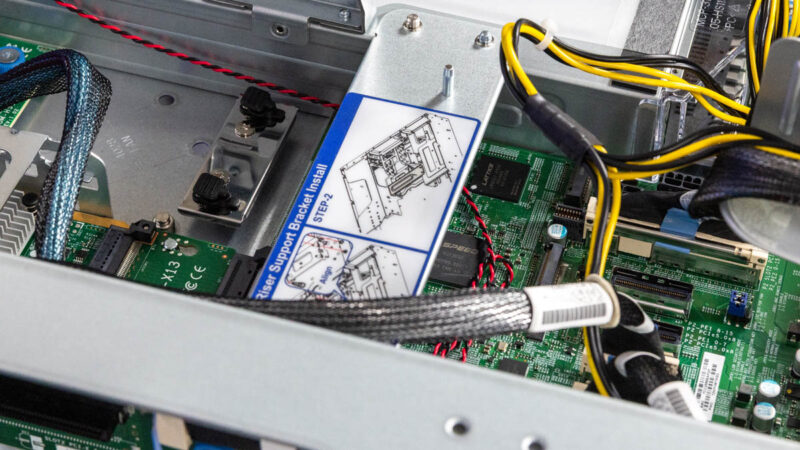
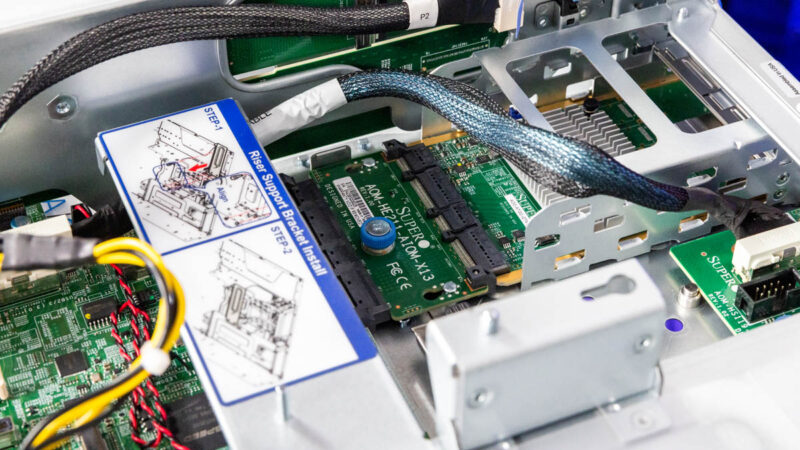
Just to give you an idea of how short the motherboard actually is, it starts near the fans at the front, but it does not extend all the way to the rear. In fact, to fit two M.2 SSDs in the system, the M.2 slots face towards the rear of the chassis and the latches are attached to the chassis, not the motherboard.
We mentioned this in the external overview, but the Supermicro AIOM / OCP NIC 3.0 setup is one standard, with an option for a second. If we were ordering this server, that would be something we would want.
Next, let us take a quick look at the block diagram to see how this is all wired.

I dislike when companies reuse their marketing keywords and the features introduced in the prior usage no longer seem to apply.
Example: “Hyper” (as used by SuperMicro) used to mean ‘enterprise (safe server) overclocking’, now it seems to mean: better front and rear I/O, PCIe 5.0 NVMe SSDs, and AIOM.NICs.
It doesn’t seem to include what was mentioned in this STH article: “Supermicro Hyper-Speed Server BIOS”.
Not STH’s fault.