Sodola SL510S-4T2XS Internal Hardware Overview
Removing the cover reveals a fairly straightforward design.
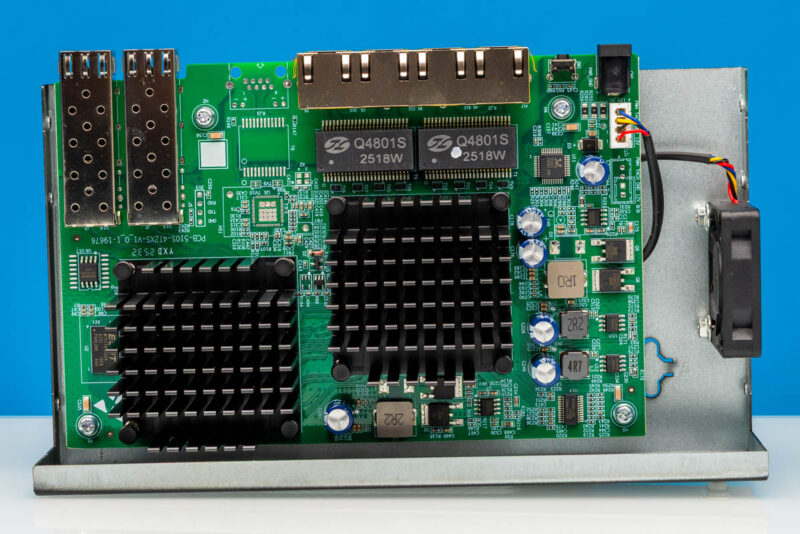
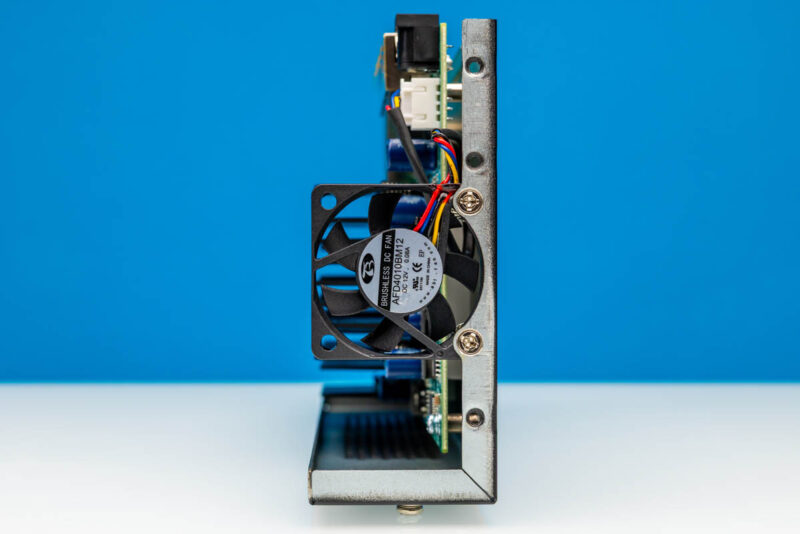
One feature that one might want to change is the fan which is held in place only at the bottom.
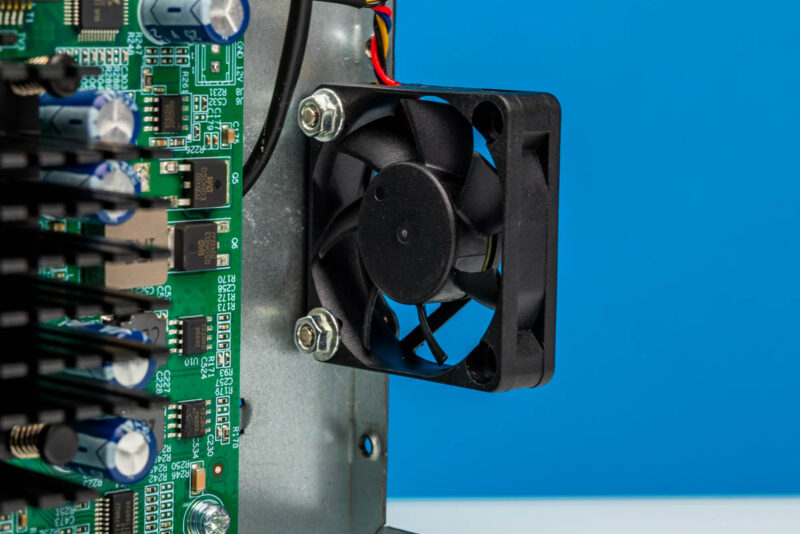
Since it is a 4-pin powered 40mm fan, it is certainly one we could imagine folks wanting to replace, perhaps with a better unit. We did not test this, and it will take some work to do a swap, but it looks like it would be possible. Still, let us be clear that this switch needs airflow.
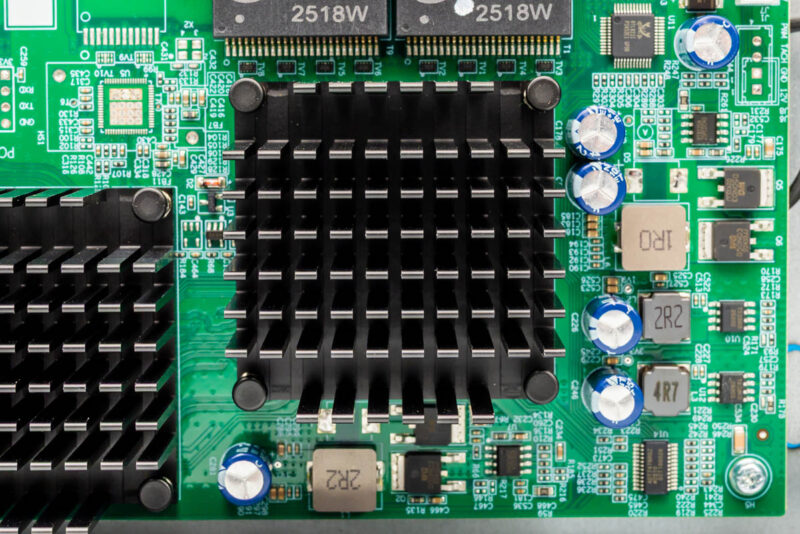
Inside, there are two big heatsinks.
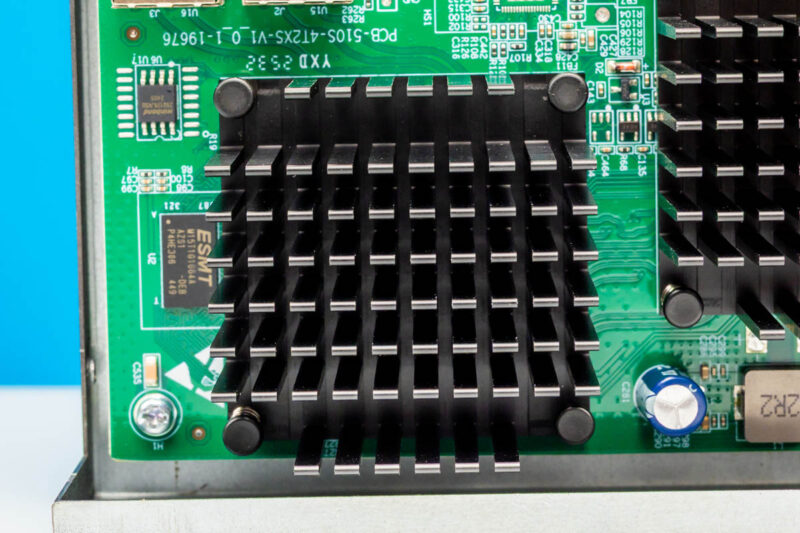
Our guess is that they are for the switch chip and the 10Gbase-T PHY, but we need to dig in a bit more to see.
Here is the switch PCB with the heatsinks removed.
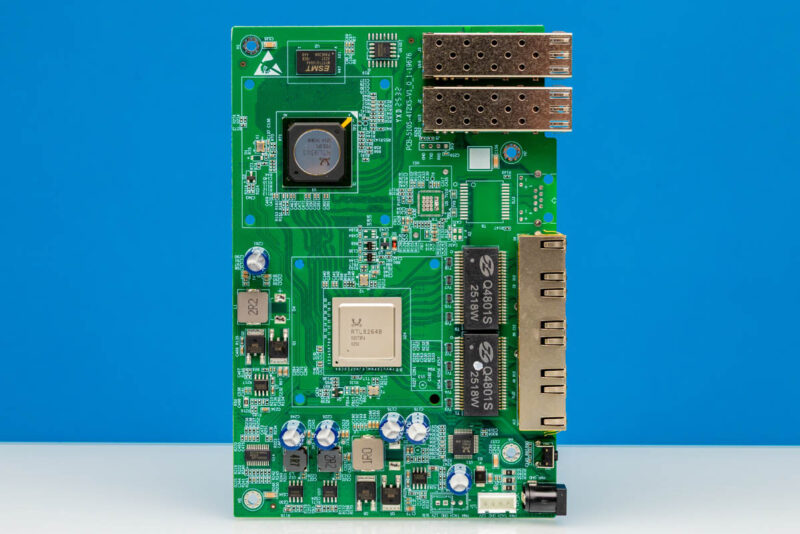
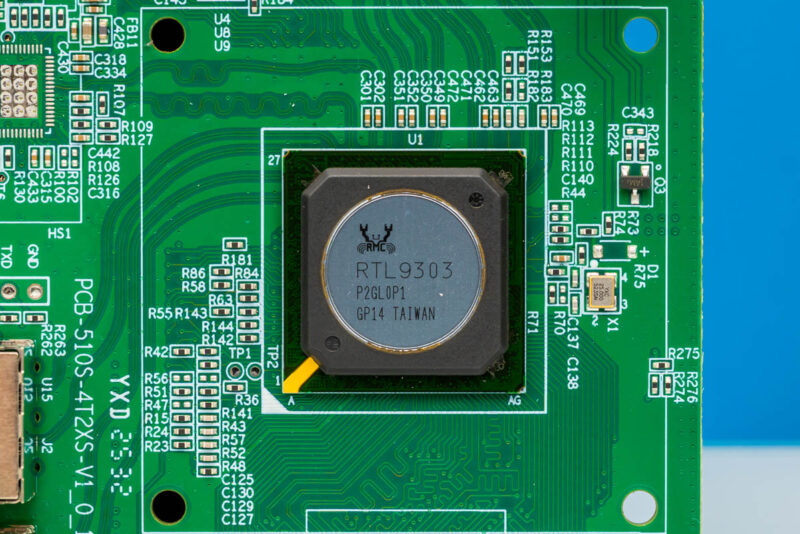
You can see the main switch chip is the Realtek RTL9303. This is the same switch chip we saw in units like the QNAP QSW-L3208-2C6T, an 8-Port 10GbE switch.
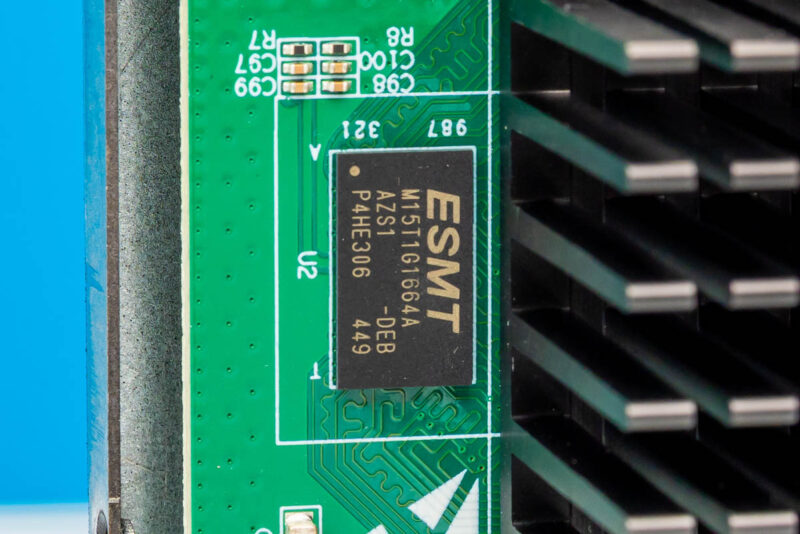
Here is the ESMT chip that looks like a DDR3 chip.
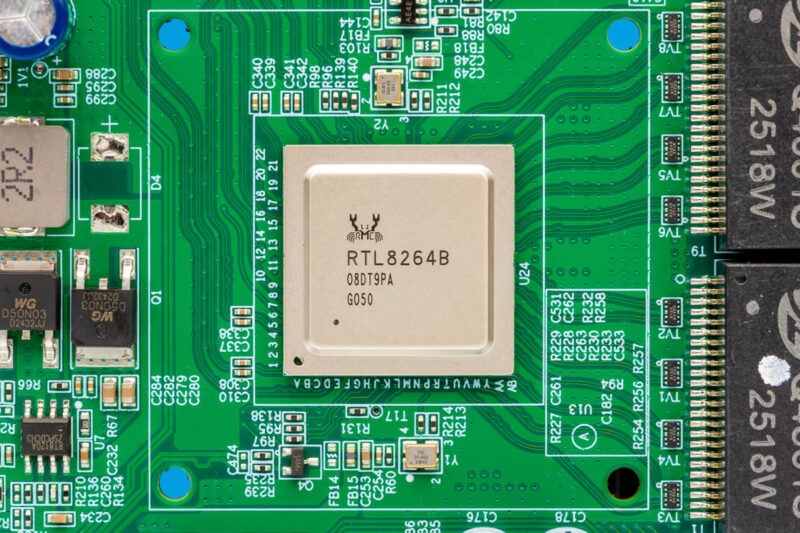
Under the other heatsink, there is a Realtek RTL8264B. That is the same PHY we saw in the Sodola SL-SWTGW2C48NS.
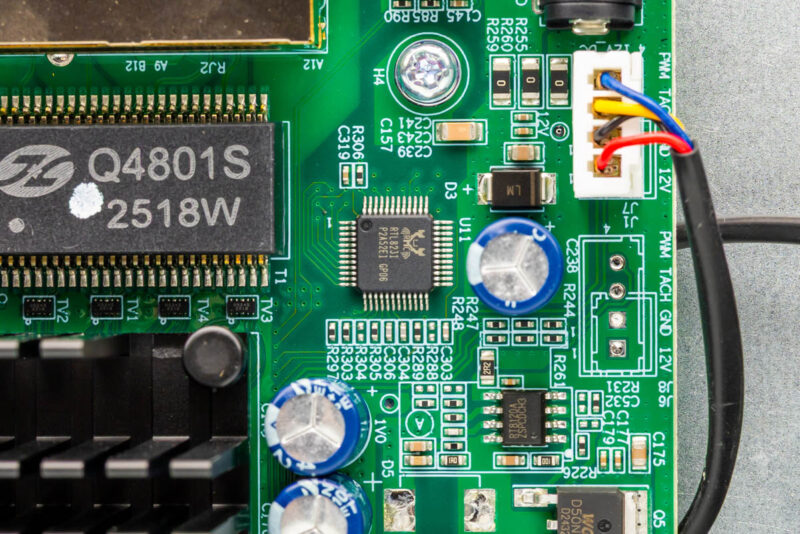
We also found a few more Realtek chips like the RTL8231 here.
And here is another glamor shot that Sam took.
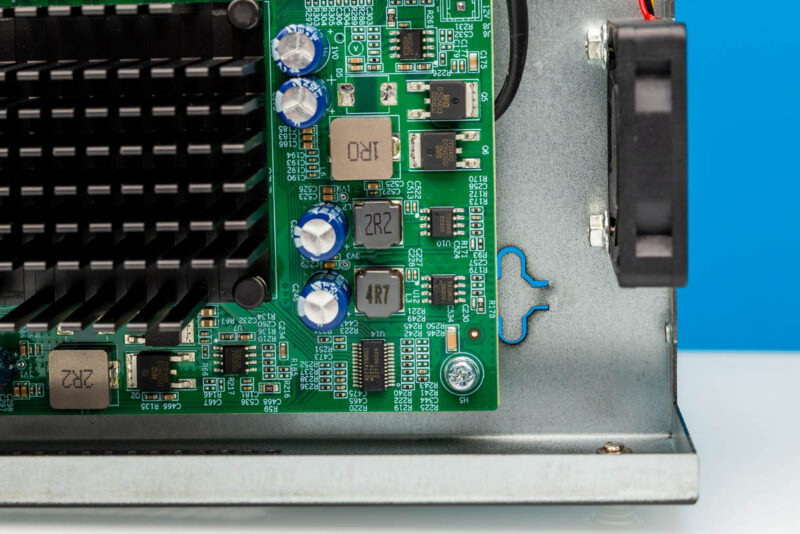
For those who are interested, here is the bottom of the switch.
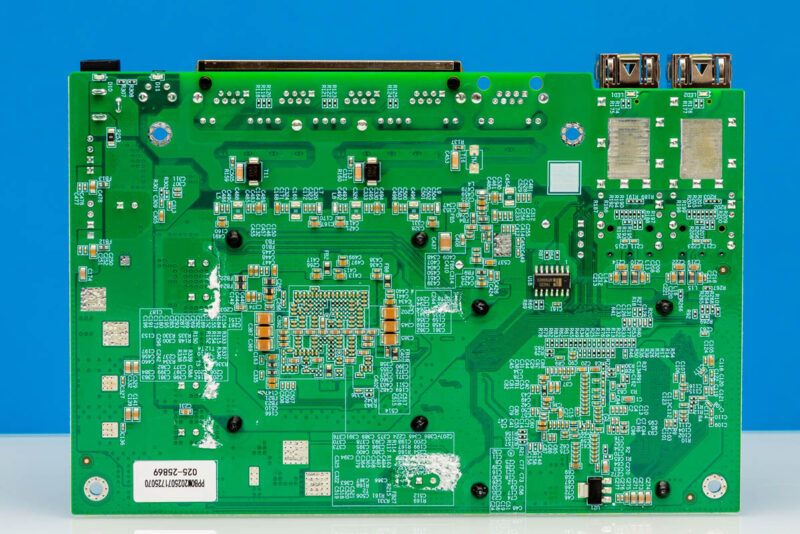
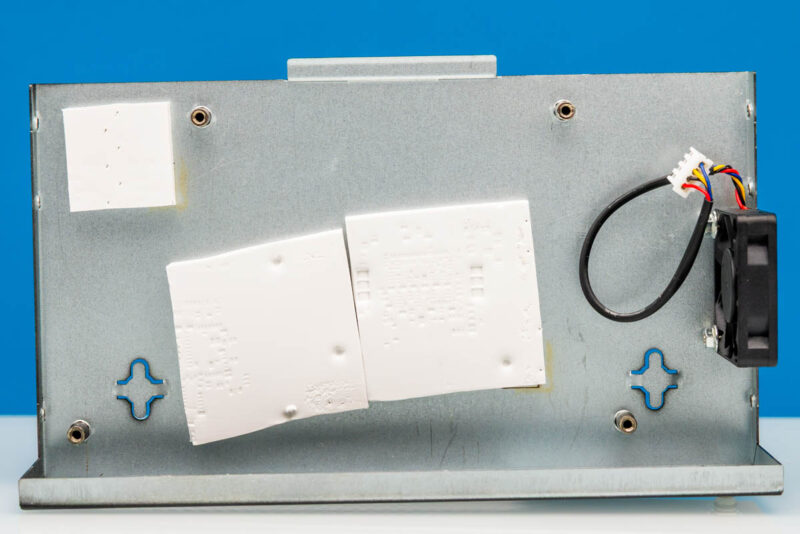
On the bottom part of the casing, you can see there are big thermal pads that help move heat away from the larger components like the SFP+ cages, PHYs, and the switch chip.
Next, let us check out the management.
Sodola SL510S-4T2XS Management
Logging into the switch, the default password is admin/ admin.
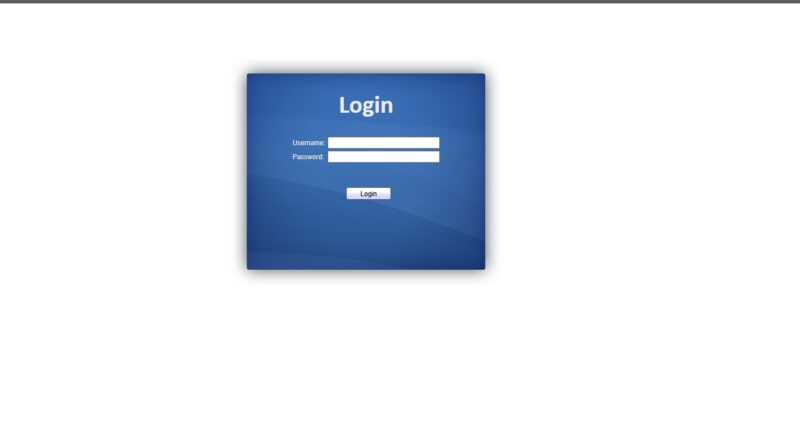
Once we logged in, we have a fairly standard web management interface that would look at home a quarter century ago. Still, for SMB and home markets, just having a management interface adds more capabilities than many of the unmanaged switches we have reviewed.
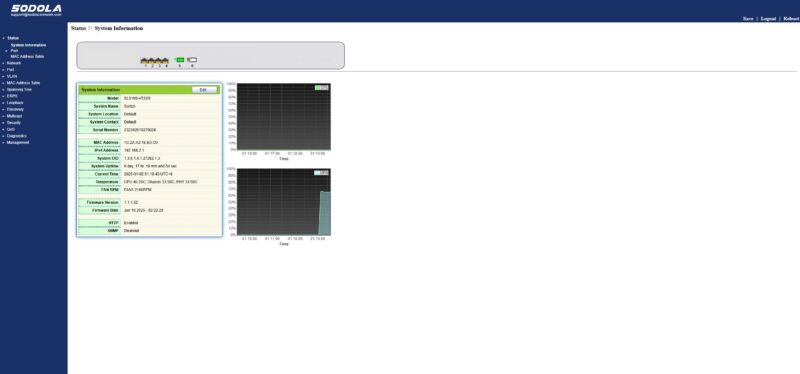
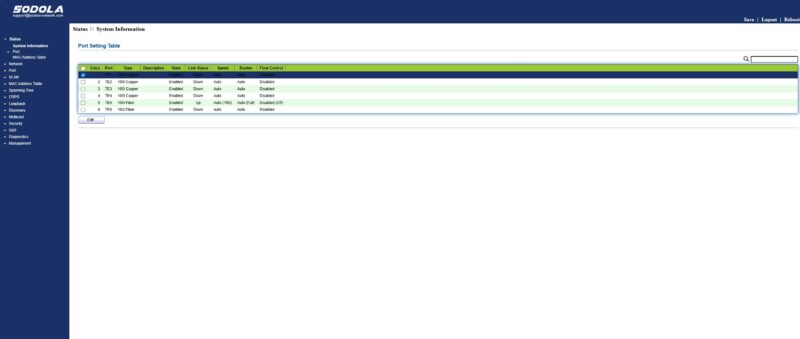
Here you can see the port settings.
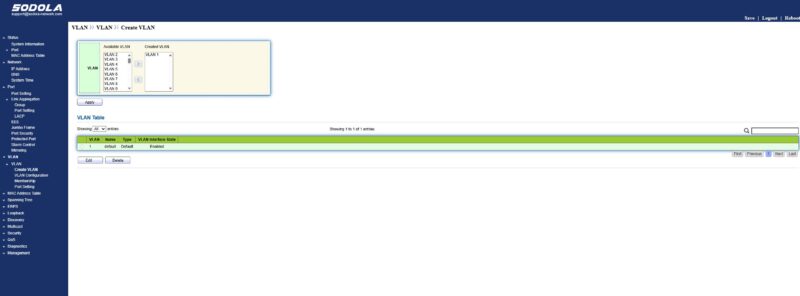
One of the features that will probably be used most is the VLAN feature. Again, think of this as a basic web managed switch instead of an enterprise switch replacement.
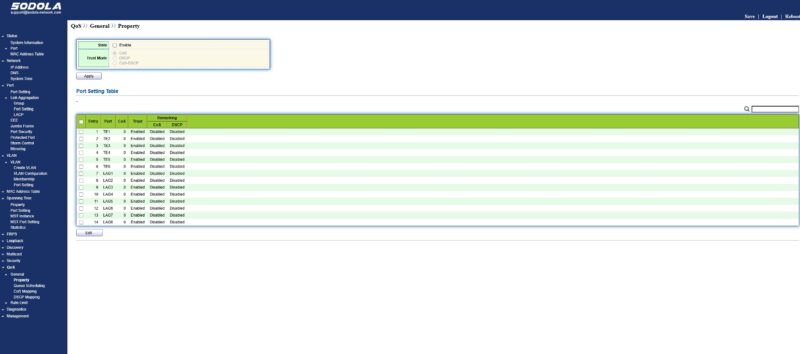
Here is the QoS settings page.
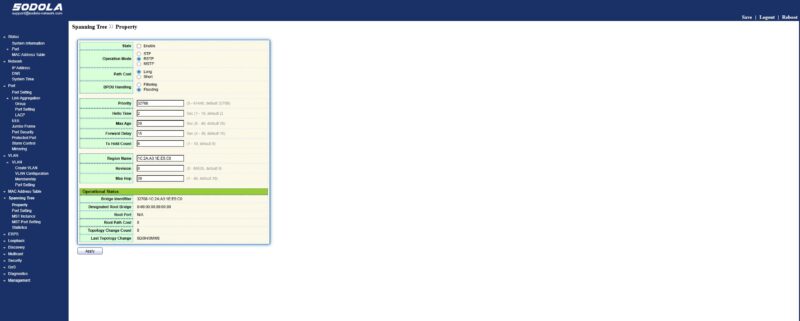
Here is the spanning tree settings since folks usually want to see this one.
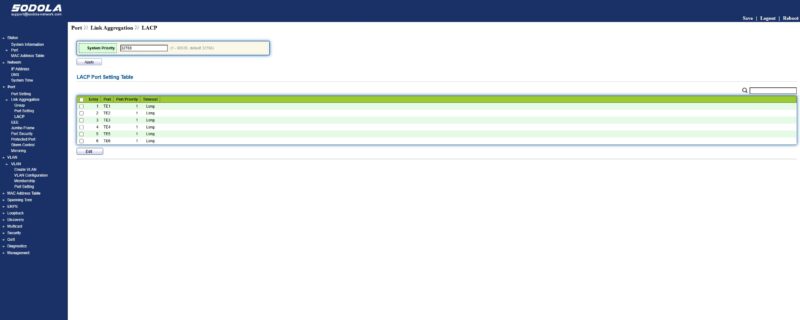
Since folks have asked us, there is a settings page for LACP.
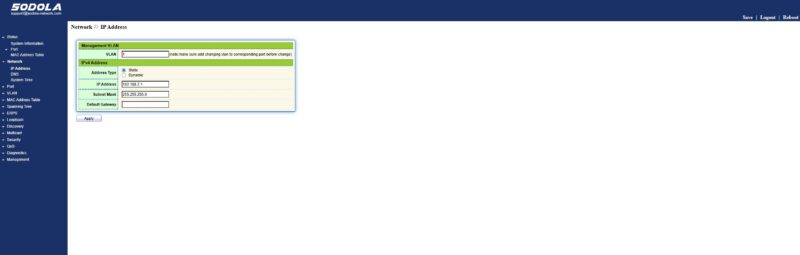
There is also a way to set the management IP address, although there is not an out-of-band management port nor a serial console port on this switch.
Next, let us get to the performance.