

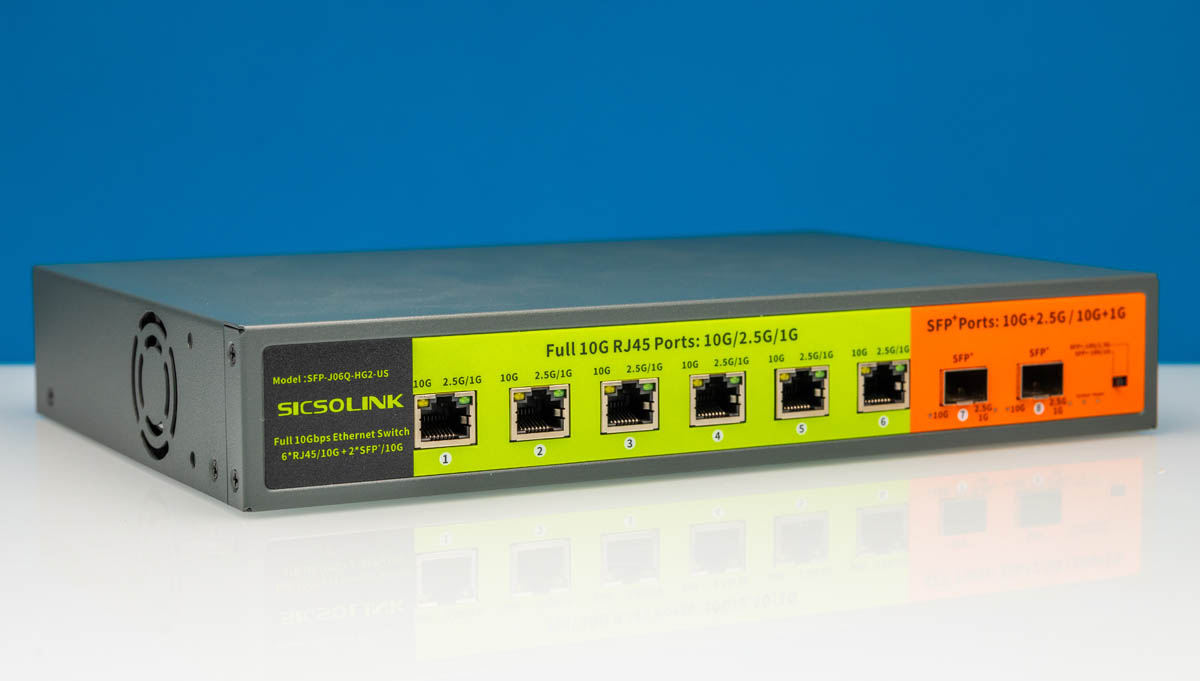
Today, we are taking a look at the SICSOLINK SFP-J06Q-HG2-US. This 8-port 10 gigabit Ethernet switch is visually shocking. There are six 10GBASE-T ports and two 10G SFP+ ports in an unmanaged switch. Let us address the obvious, though, the branding on here is unique. First, if you try saying “Sicsolink” you might first say something that sounds like “Cisco link”. That feels intentional. Also, the entire front of the switch is bright green and orange, unlike standard grayscale switches we often see. Perhaps that is why we ended up buying this switch, as the sub-$200 listing also caught our eye. We decided to purchase one just to see what you get for $25/ 10G port.
Here is an Amazon Affiliate link to what we purchased.
SICSOLINK SFP-J06Q-HG2-US Hardware Overview
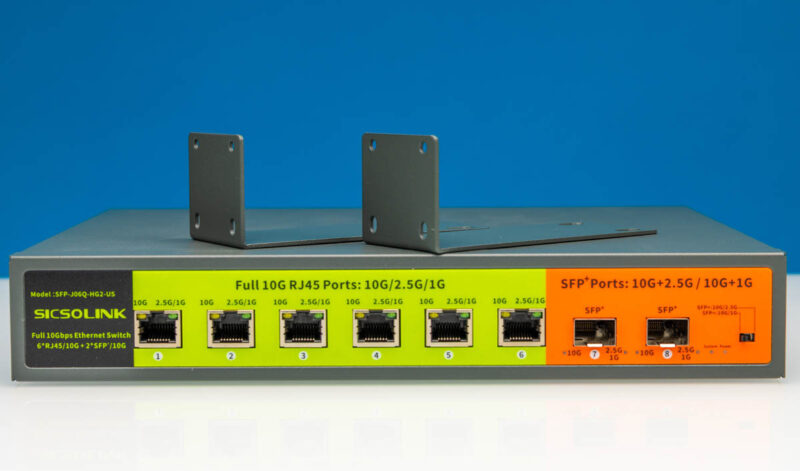
SICSOLINK offers a standout design for a 1U box. It has color labels representing the 6 10GbE RJ45 ports (in green) and 2 10Gbps SFP+ ports (in orange). Perhaps there is a reason for the coloring.
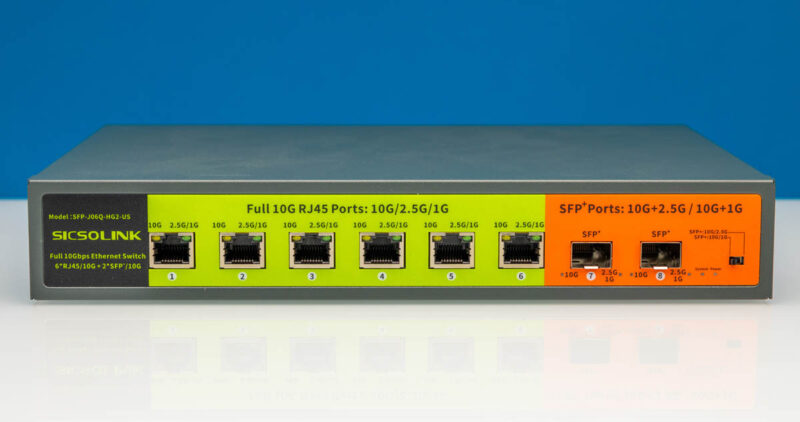
The port text labeling is pretty basic, describing 10G vs. 2.5G/1G for the 10Gbps RJ45 Ports.
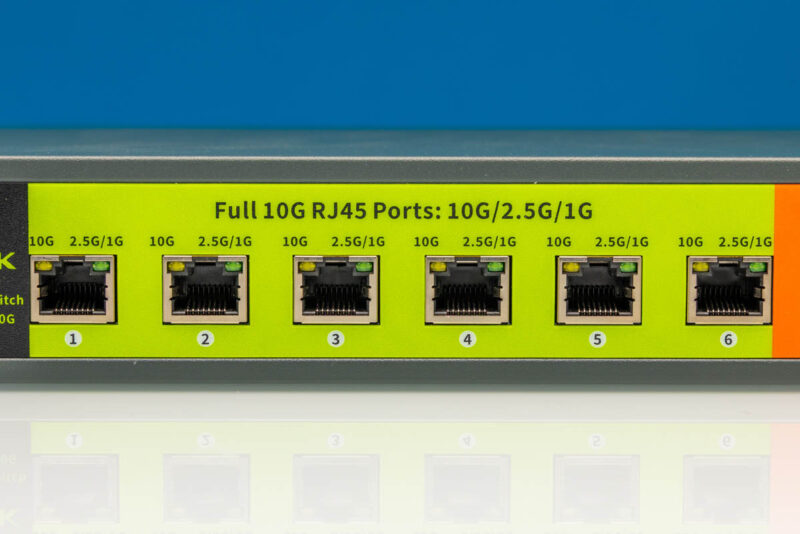
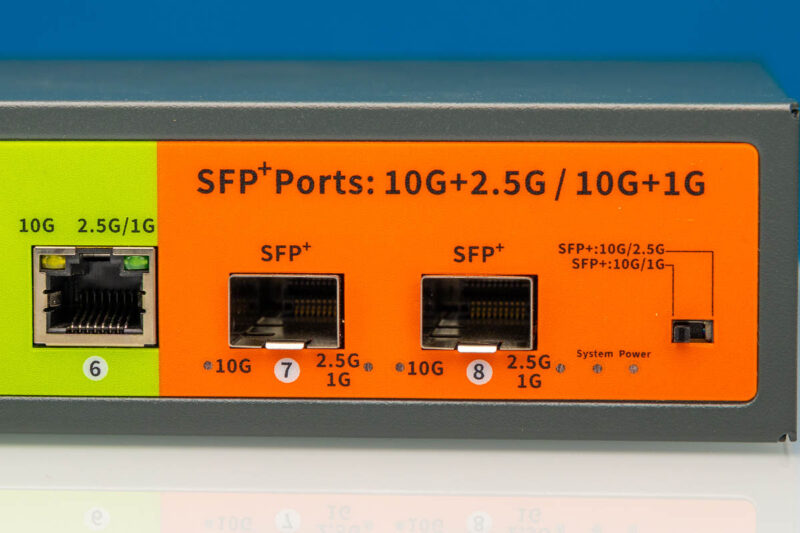
Similar labeling can be found for the two 10Gbps SFP+ ports. There is also a little toggle that lets you pick whether you are using 10G multi-Gig SFP+ modules or 10G and 1G versions. The implication is that there is one toggle, so if you have one faster and one slower SFP, you are only going to use one type. (e.g., 2.5G and 1G would be a challenge.)
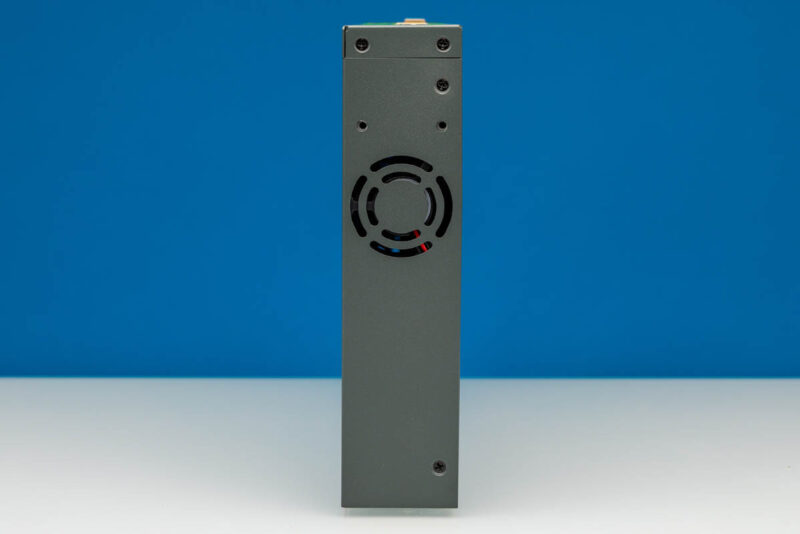
There is a fan on the side of the switch to help with airflow.
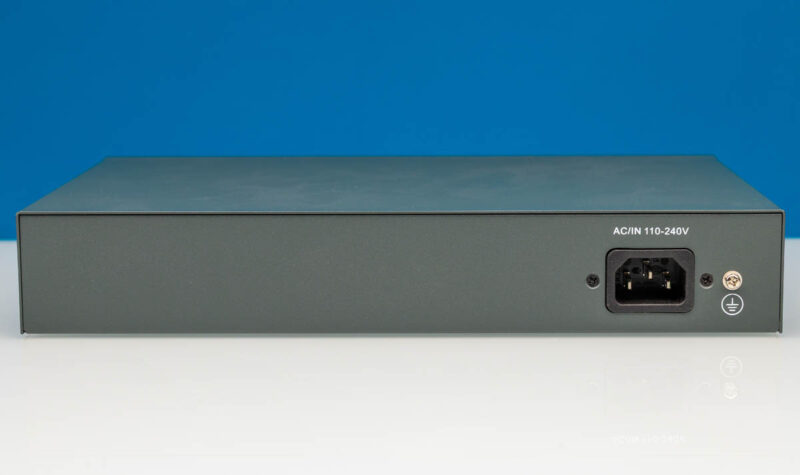
The SICSOLINK SFP-J06Q-HG2-U relies on its own internal power supply. On the rear, we find an AC power connector. Coupled with a grounding point, that is the entirety of the rear of the switch.
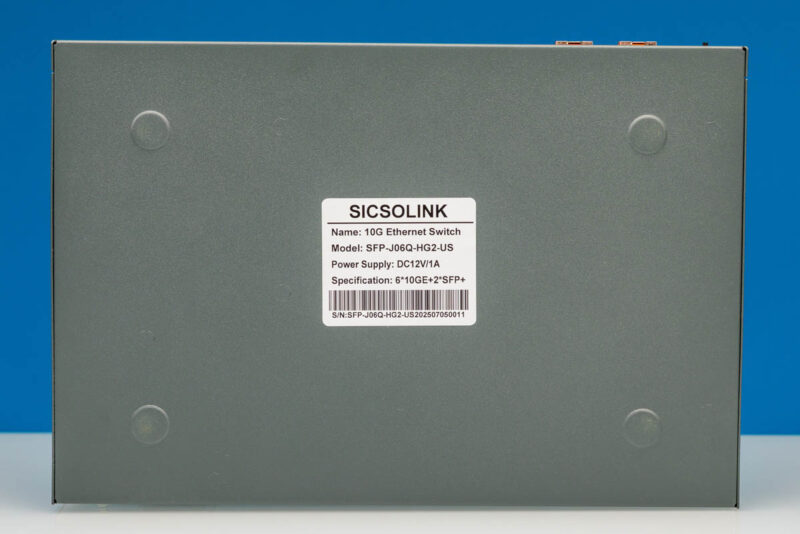
The switch includes feet to keep it slightly elevated. In this case, they are metal feet built right into the bottom plate of the switch, making the entire setup a single piece of metal. We generally prefer rubber feet.
SICSOLINK includes a set of rack ears for mounting the switch in a standard networking rack if you do not plan to put it on a desk or flat surface.
Inside, we find a similarly basic design for the electronics.
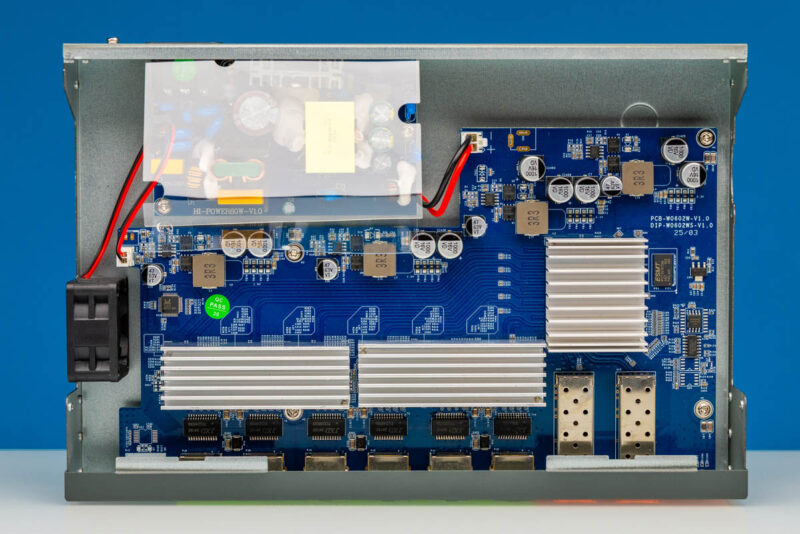
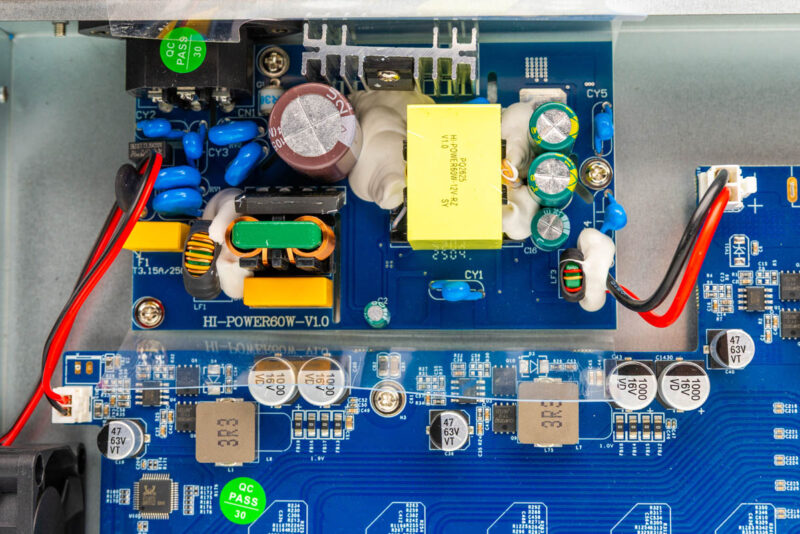
Towards the rear of the switch is a small power supply mounted on its own board, supplying DC power to the separate switch board. The power supply has a built-in protective plastic cover. Here is the PSU under that cover.
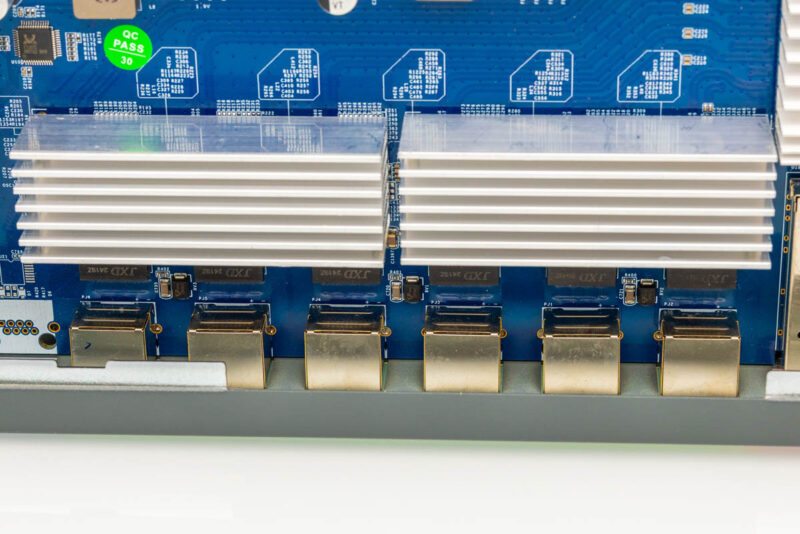
On the switch board, we find six 10GBASE-T ports with the PHYs under the heatsinks.
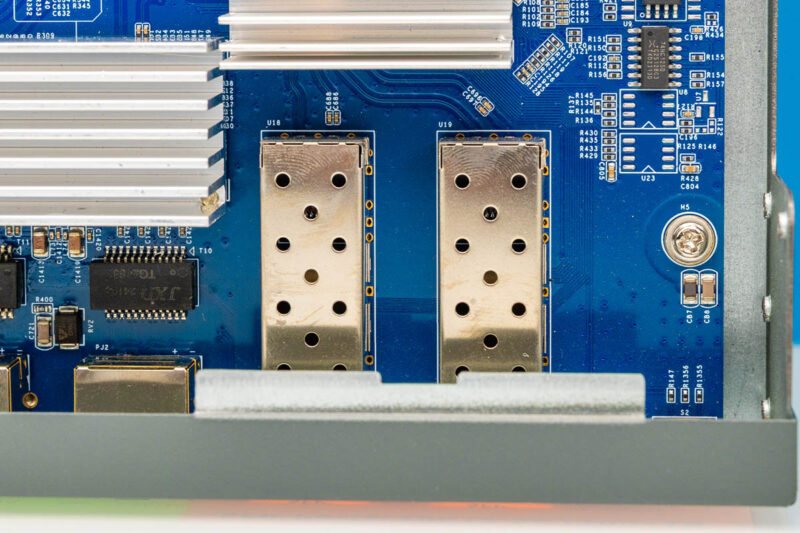
Also on the switchboard are the two SFP+ cages.
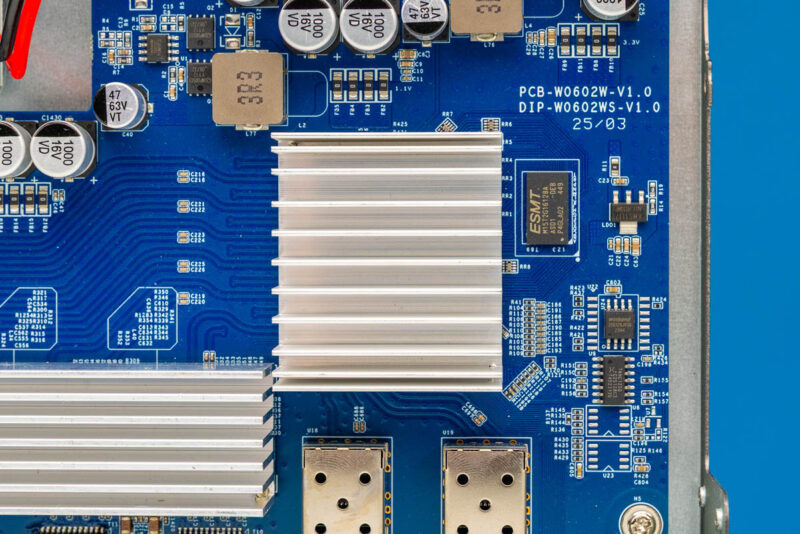
All of which ultimately feeds into the main switch chip, which is covered by its own heatsink. We could not get this heatsink off without potentially damaging the switch, so we could not confirm whether it is a Realtek RTL9303, but it certainly looks a lot like a RTL9303 from the profile.
Now, let us power up the switch and see what its performance is like.

Refreshed several times but still don’t see nothing on the second page, is the page blank or something wrong on my side?
@eorof
A rogue DIV ate the second page. The DIV has been dispatched, and it coughed up the rest of the article in the process.
Now just need one of these cheap china brands to make this but with one PoE ports for high-bandwidth APs like the EAP783/787
@Milan exists, though with 4 poe+ rj45 ports, 1 10gb rj45, and 1 sfp+: https://amzn.to/4sTViFs
How does this compare to the Mokerlink (and related clone) unmanaged SFP+ switches from a few years ago? I have several of those, and was lucky enough to pick them up around the $80-100 mark.
10GbE is pretty great.
Low power use.. can it be modded into near silence?
May be I’m old or stupid, but how on Earth I will give such money for a such a mockery, when we have Dell Force 10 for at least half money in the bay?
@Buko
I agree that a Force10 or equivalent can be a good deal, but this switch uses a lot less power, and generates a lot less noise than a Force10 (or any used Enterprise 10Gbit switch). 39-41dB is something that I could live with in by my router, wifi AP, cable modem, etc (which reside in the livingroom).
Would it be posible to test the SFP+ port’s power consumption with a DAC or an optical transceiver? In both cases I would expect the pwoer consumption to be lower than with an SFP+ to RJ-45 adapter.
Furthermore, I think that actually attaching a cable to the RJ-45 transceiver would likely increase the power consumption further, so the curent comparison with the native RJ-45 ports wouldn’t stand. Which would make sense, as you’re comparing an actual 10Gb link with the idle power consumption of a transceiver.