

MiTAC G8825Z5 AMD EPYC Motherboard and PCIe Switch Tray
Here is the motherboard and PCIe switch tray.
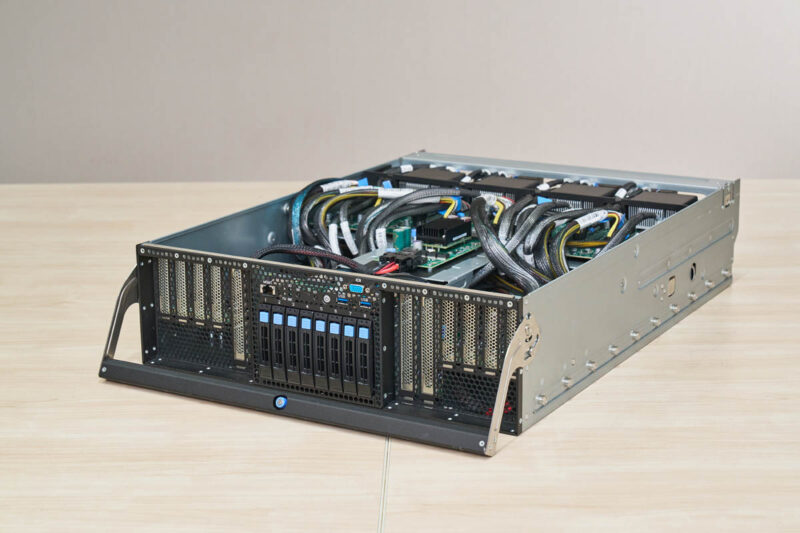
On the front, we get twelve PCIe slots along with storage and the front I/O.
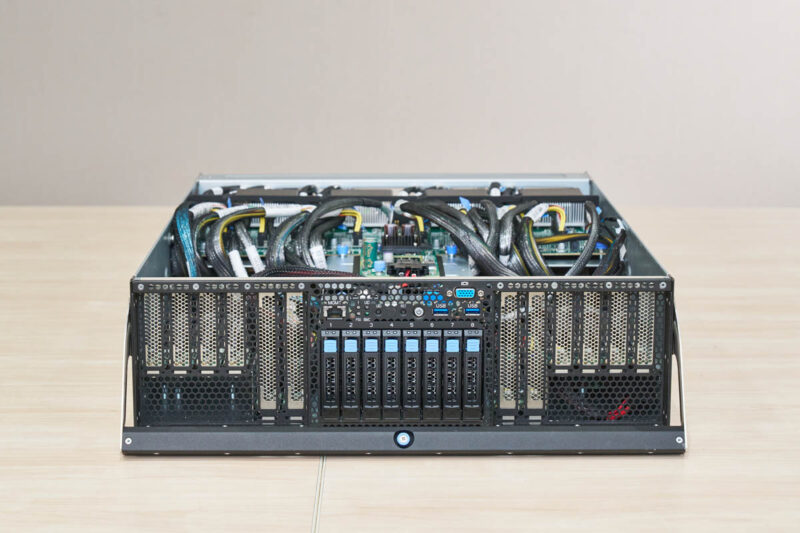
In the center, we get eight NVMe drive bays and then the front I/O.
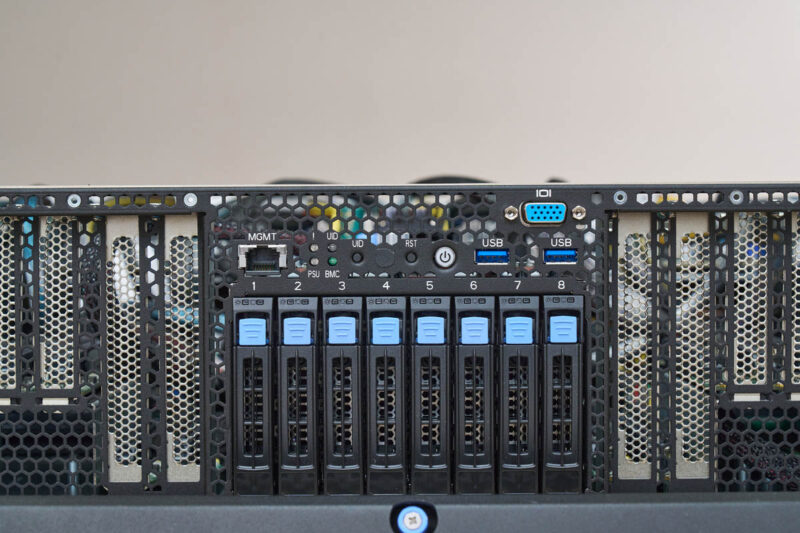
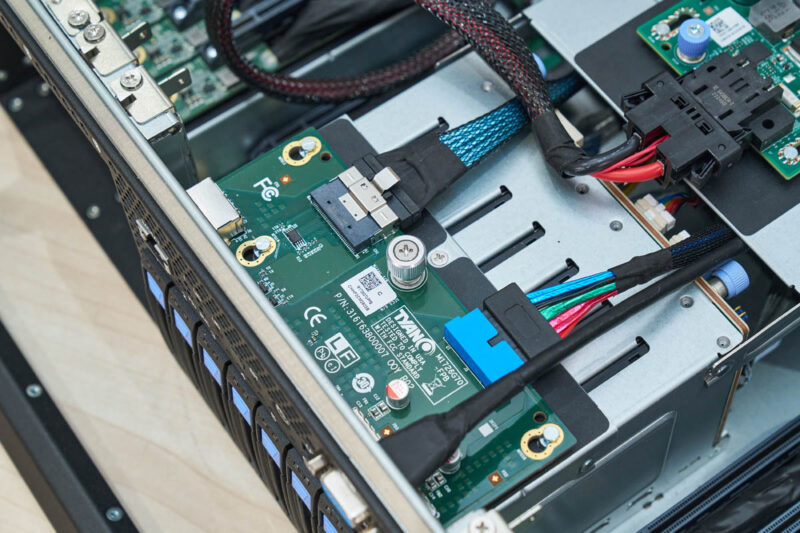
For the front I/O we get a management port, two USB ports, and a VGA port. These are powered by a cabled breakout board that you can see below.
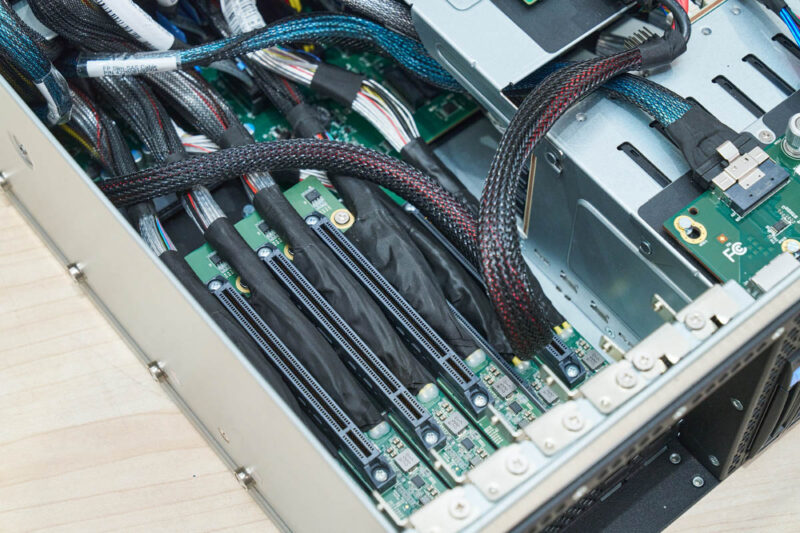
On either side, we get arrays of six PCIe slots.
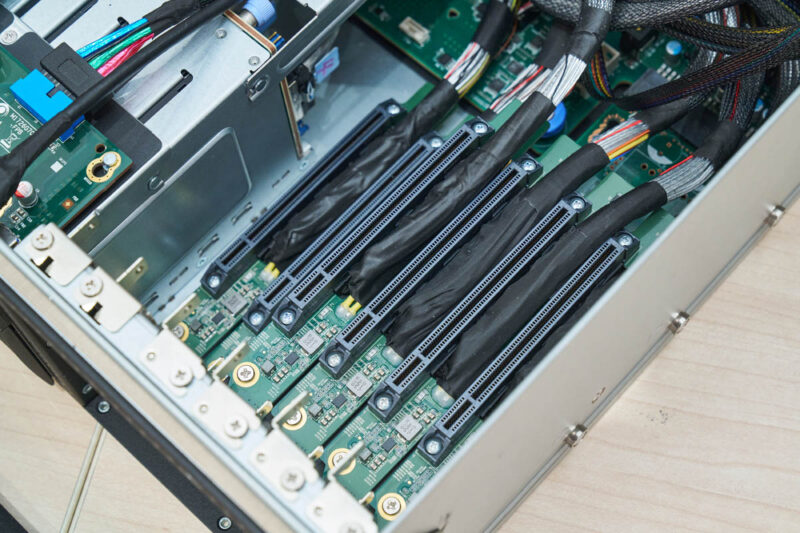
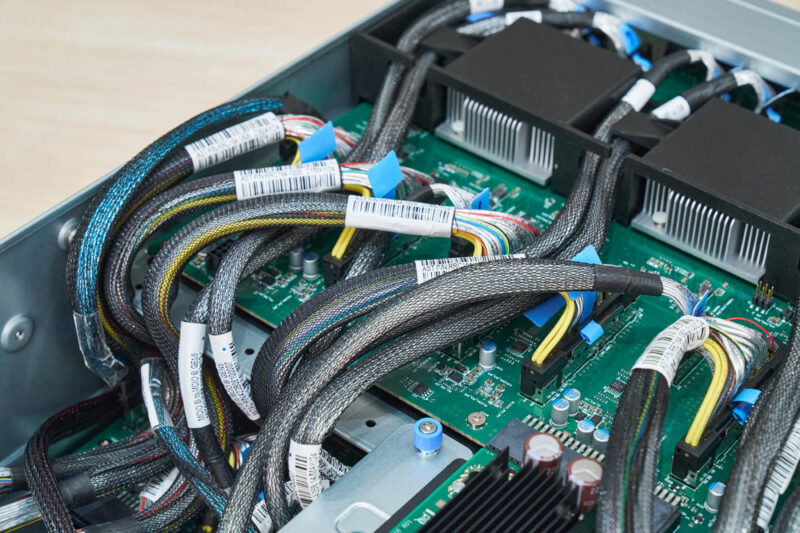
Here is a view of both sides. Something you will notice, and continue to notice, is that there are a lot of cables in this system.
Moving to the rear of the CPU tray, we get our power inputs as well as high-density connections.
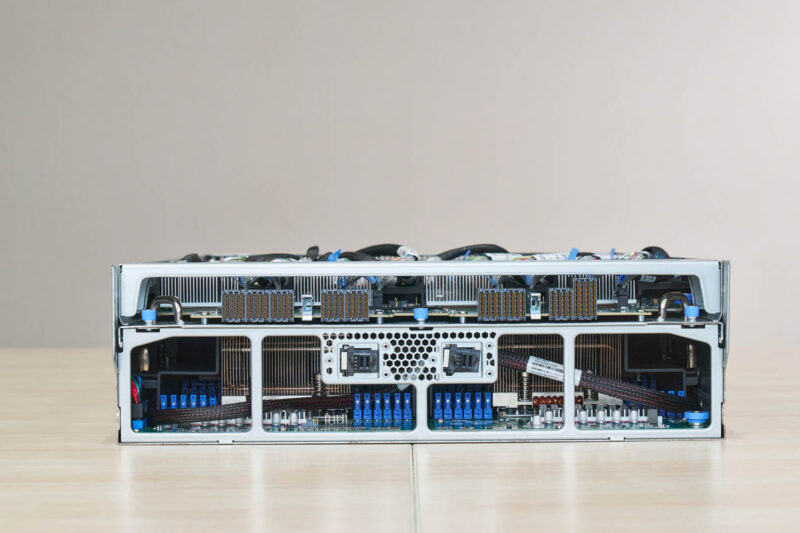
On the top, we get the PCIe switch board while at the bottom we get the motherboard.
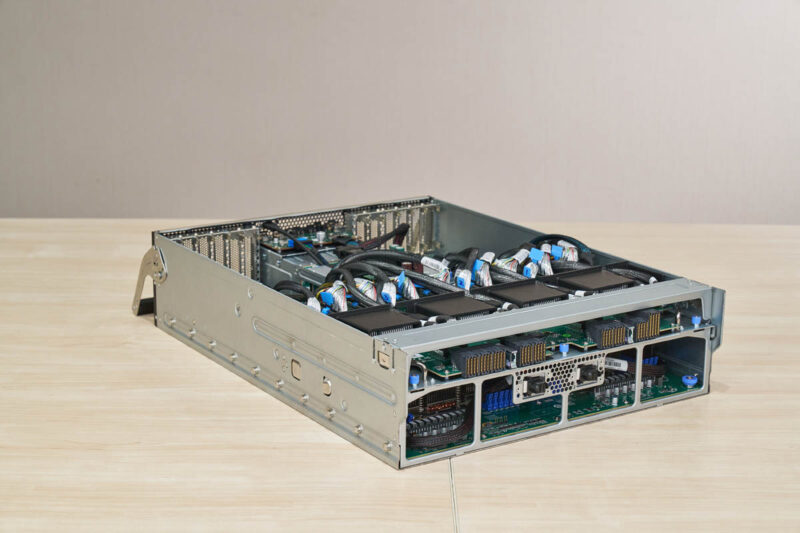
We used a second motherboard to show you what the board looks like. It was underneath the PCIe switch board, and there were a lot of cables, so this seemed like a lower-risk way to show the motherboard.
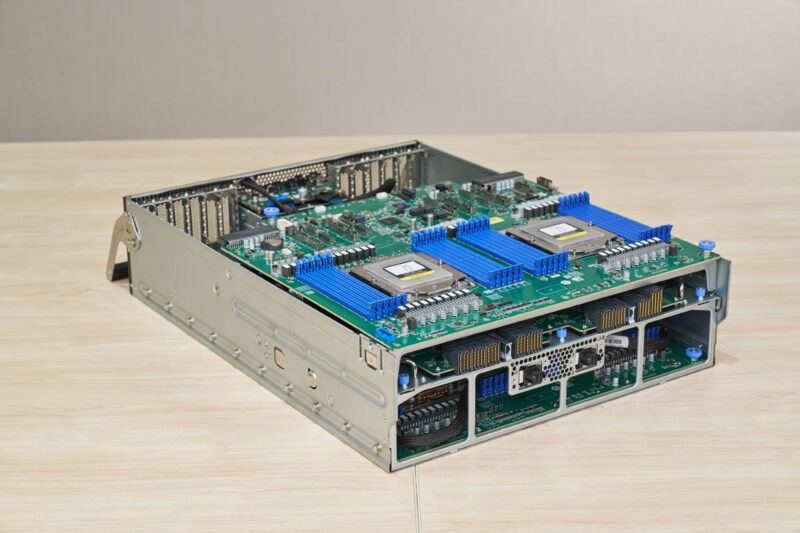
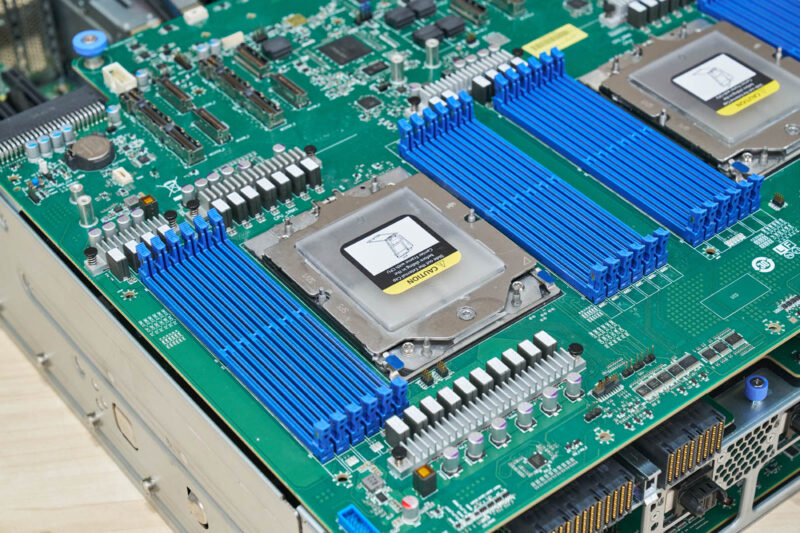
Here we can see dual AMD EPYC SP5 sockets. In the system we tested, we had the high-speed AMD EPYC 9575F 64-core high-frequency parts, but one can also use the 192 core CPUs if you want.
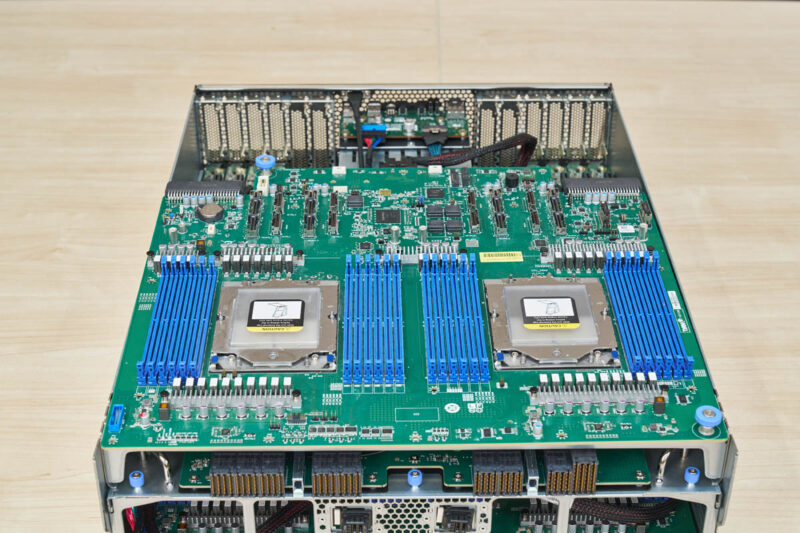
Each socket has twelve DDR5 RDIMM slots. Across the sockets, that is for 24 total.
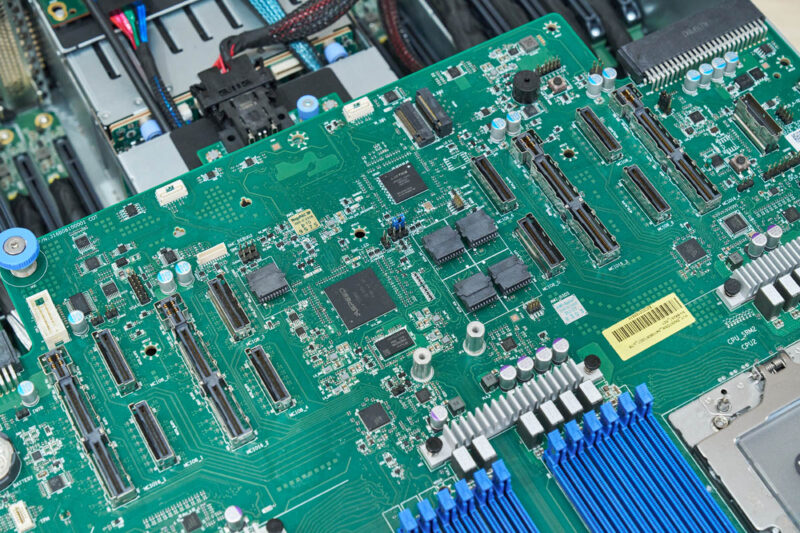
The back of the motherboard is almost all connectors for the various other components in the system. We can also see the ASPEED AST2600 BMC, a M.2 storage slot, and power inputs here.
On top of the motherboard is the PCIe switch board.
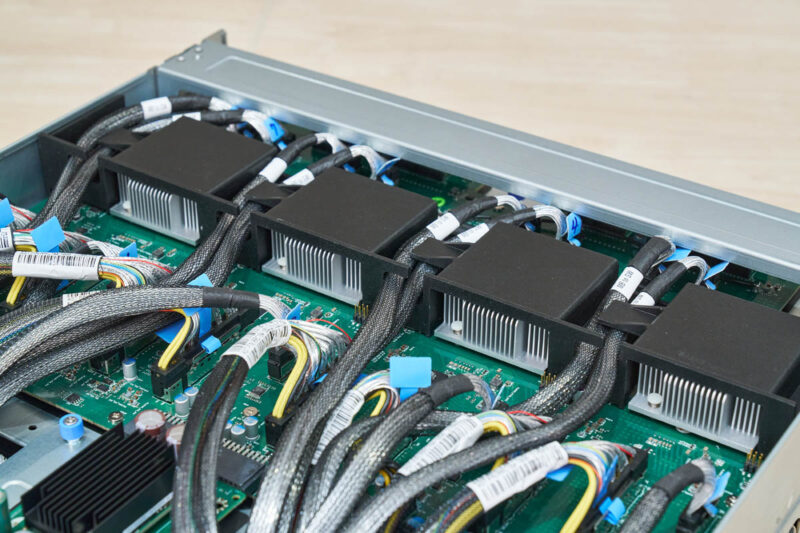
We also have that board here. We can also see the massive number of connectors on the board along with the four PCIe switches.
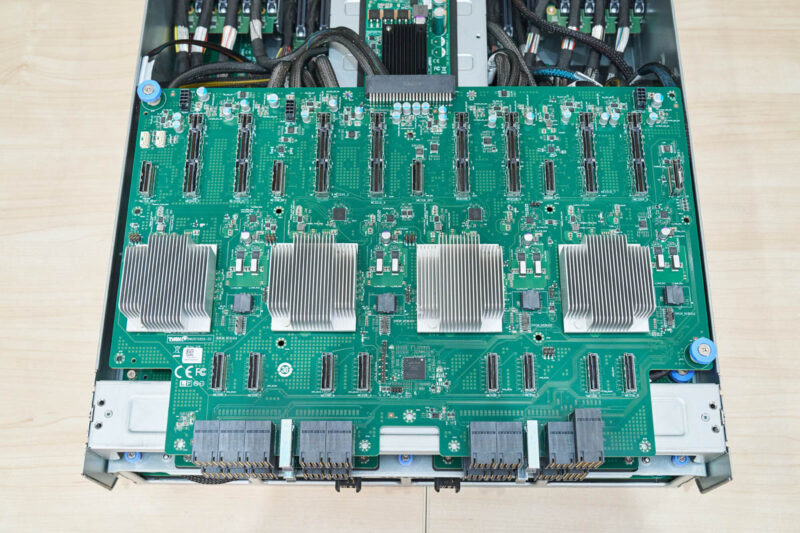
The reason we have so many headers is that between 12x PCIe Gen5 x16 slots (192 lanes), 8x GPUs (128 lanes), and eight NVMe front panel SSDs (32 lanes) the AMD EPYC CPUs do not have enough lanes for direct connectivity. Also, there are many applications where you want traffic to flow through a PCIe switch instead of between PCIe root ports on CPUs. All told, that means there are a lot of cables.
Next, let us get to the OAM tray.




Great deep dive into the MiTAC G8825Z5. The tray-based serviceability and redundant PSU setup are impressive, especially for dense GPU workloads. It is fascinating how designs like this balance airflow and expansion. Thanks for the detailed breakdown.
Roughly, how much would this beast cost?
(I know, I know, if you have to ask…)
@TurboFEM: I’ve been debating about buying a house in La Jolla, CA, or just keeping my apartment in Akron, OH . . . in the end, it’s really not a difficult choice, as I don’t need to move ;)
All well and good, but will it run Crysis?
That last photo is great, a Patrack.
Also great is when the manufacturer has their webpages up for this and it’s brother.
They also have a DOCs page (with PDFs) and a cool YouTube video of an exploded view fly-through:
https://www.mitaccomputing.com/en/products/8U_Rackmount_Server
https://www.mitaccomputing.com/en/documents/Barebones/G8825Z5_G8825Z5U2BC-325X-575#dc
https://www.youtube.com/watch?v=TQBd3mHhtZo
Thanks for bringing this to us, even if we can’t afford it. @TurboFEM 8*30K + Memory+ 2 processors, SSDs and network cards. So, north of 1/2M.
“Laurence ‘GreenReaper’ Parry September 1, 2025 At 10:05 pm
All well and good, but will it run Crysis?”
*How many 4K instances of Crysis can this run?
Nice write-up Patrick!
BTW, what tool do you use to display the PCIe topology like that?
Reach out to ussales@mitaccomputing.com for more information for G8825Z5
@Ash
That is the lstopo command
default output is graphical, but there is also an ASCII output.