
JetKVM Software Interface
The web interface gives you a very modern look with key features like status, virtual keyboard/ media, and more, all there.
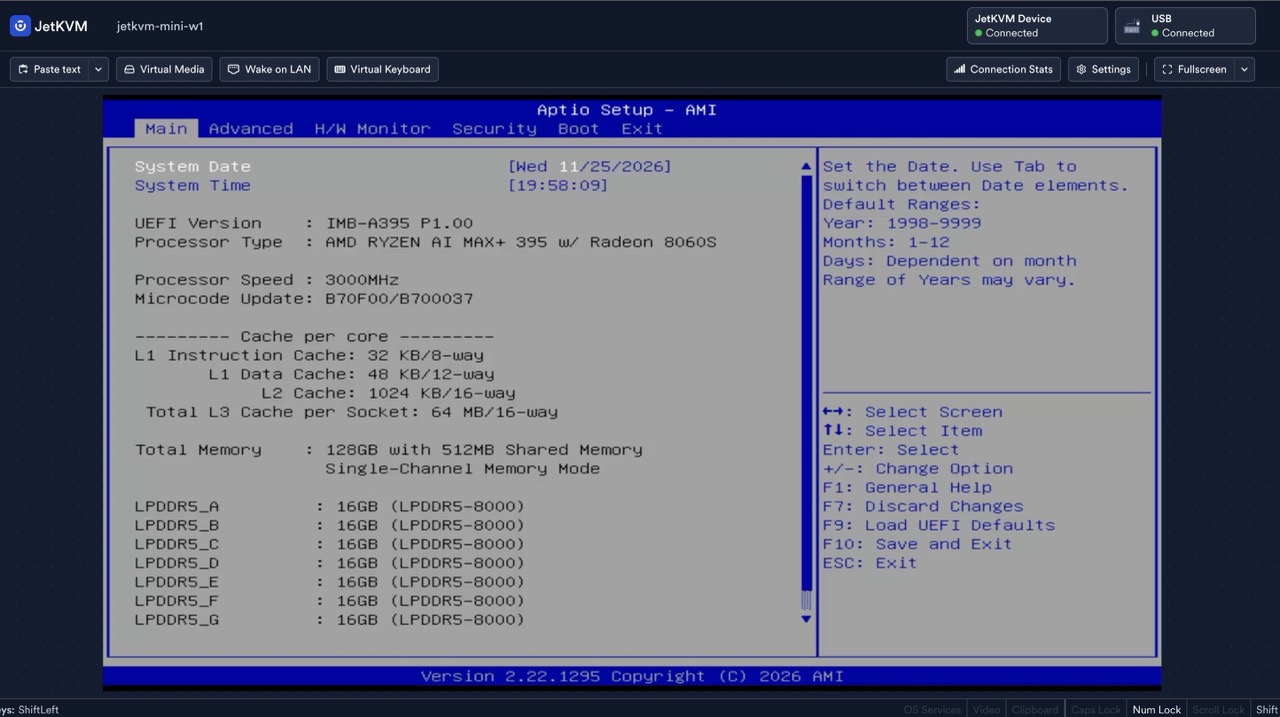
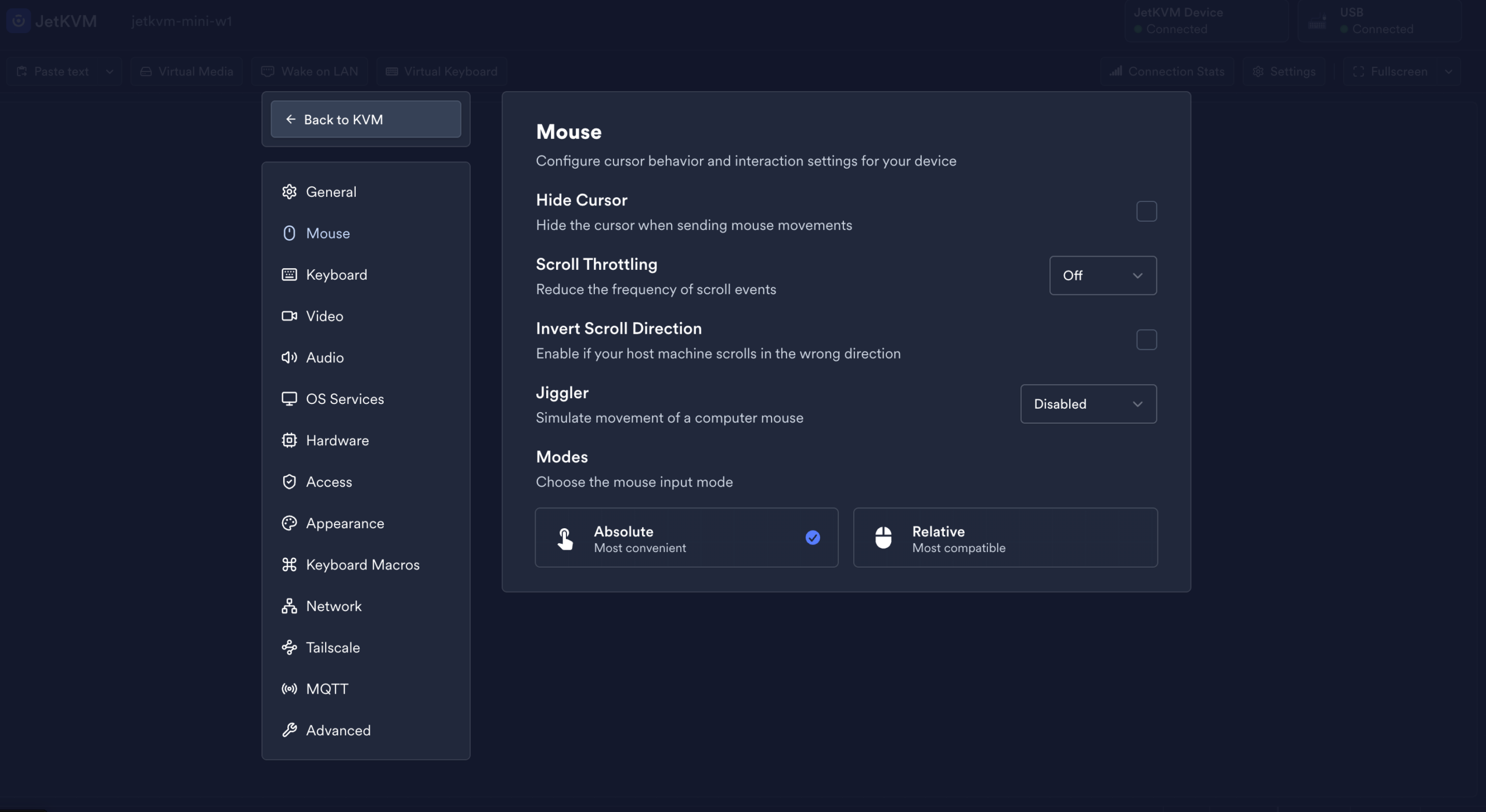
Going to the settings and starting with the mouse, there are a bunch of useful settings. Absolute versus relative mouse positioning is very common on KVM devices, but there is more. One example is the jiggler which helps keep a mouse moving a preventing a system from sleeping.
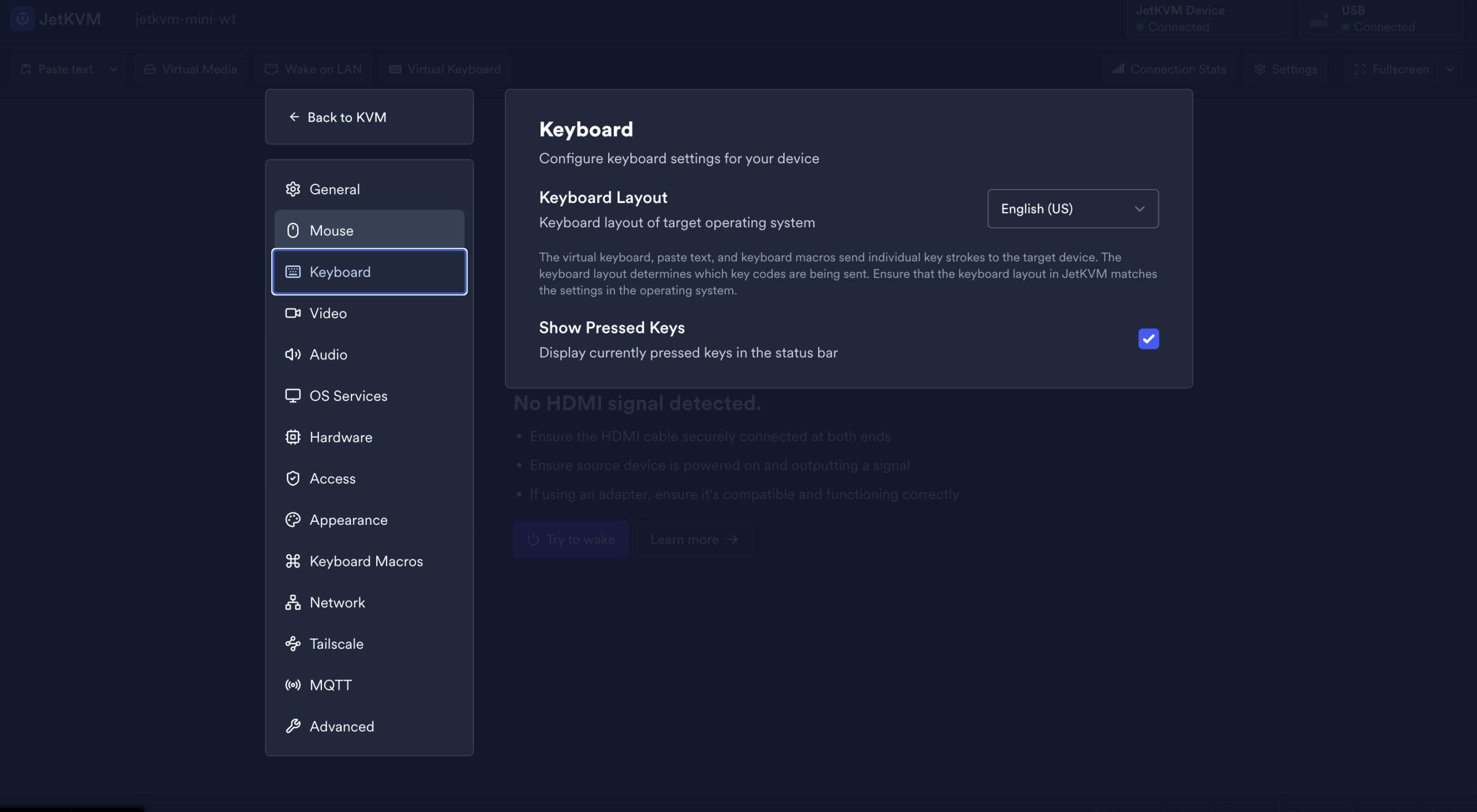
There are a few keyboard settings.
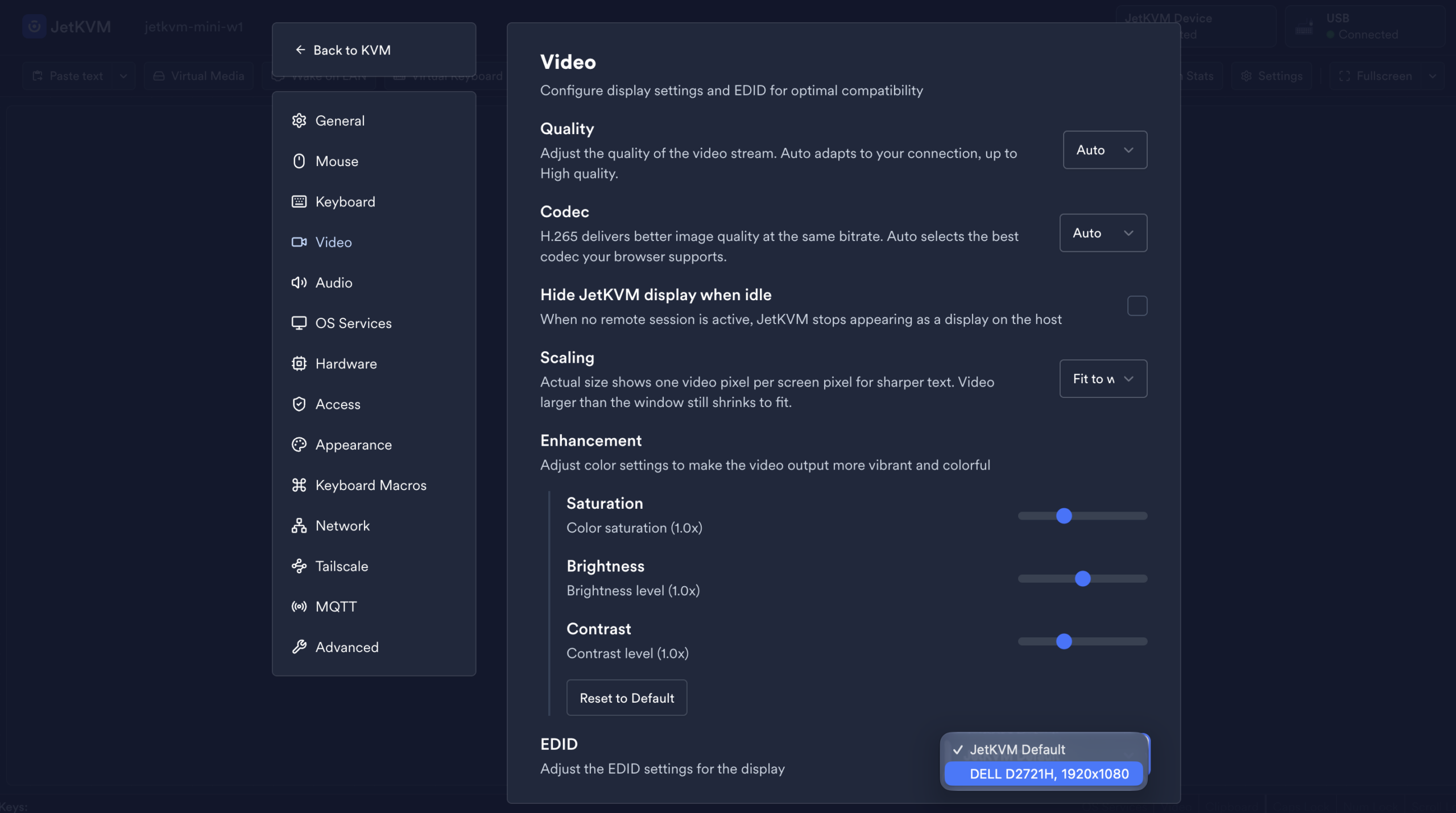
Video allows you to set codecs, scaling, and even the EDID. The EDID only has two options, so this is something where the GL.iNet units tend to have more options.
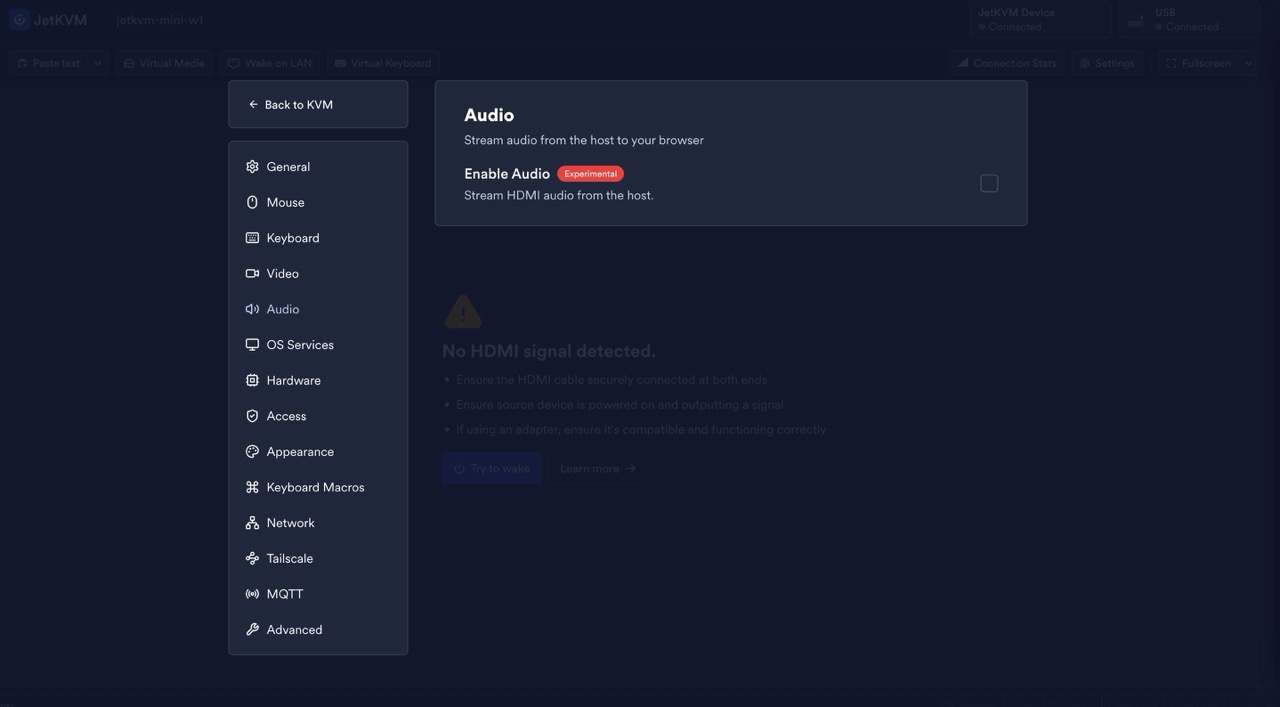
You can enable audio streaming from HDMI.
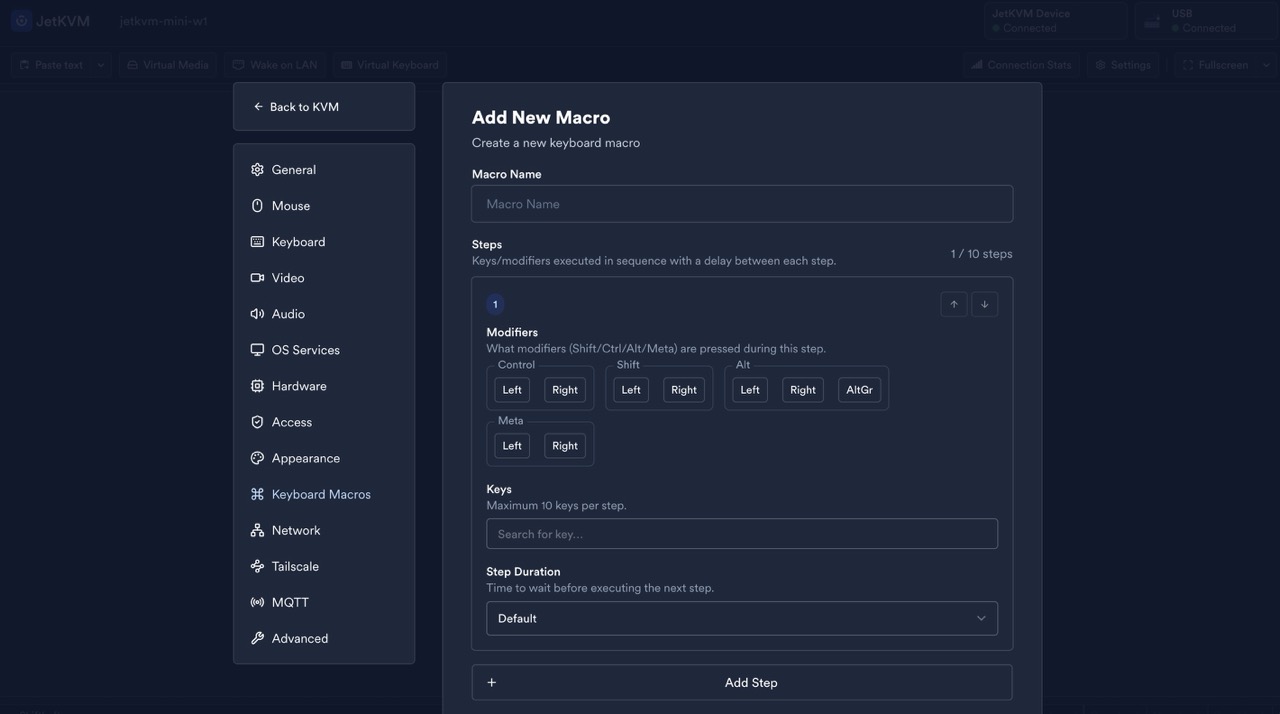
There are keyboard macros that you can record.
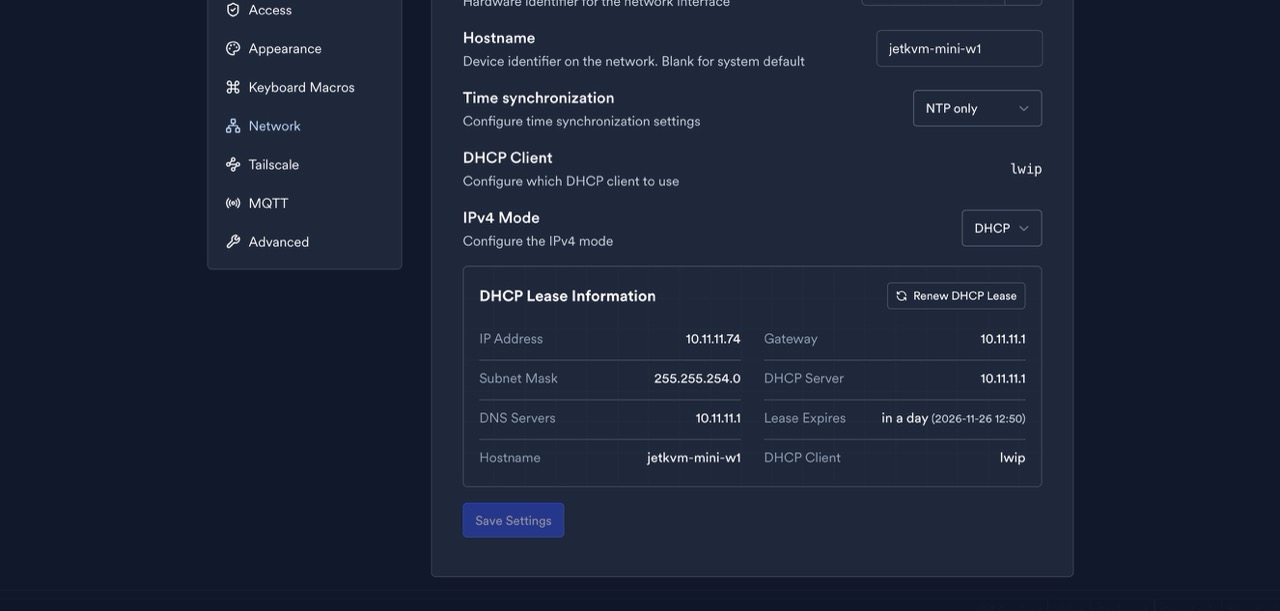
One important feature is the ability to change the hostname. When you have many KVM devices on a network, having the ability to change the hostname is very useful.
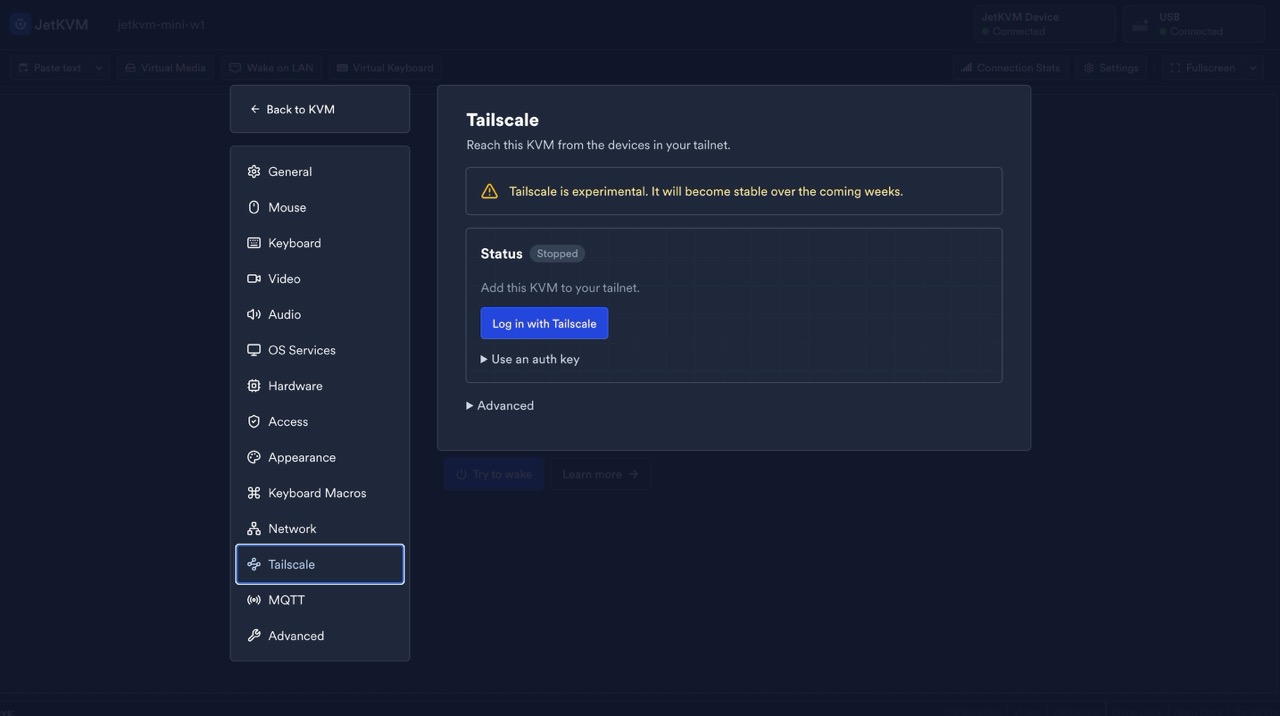
One other useful feature is the ability to attach the unit to your Tailscale account for remote access. I am a fan of Tailscale, but others might want other VPN options.
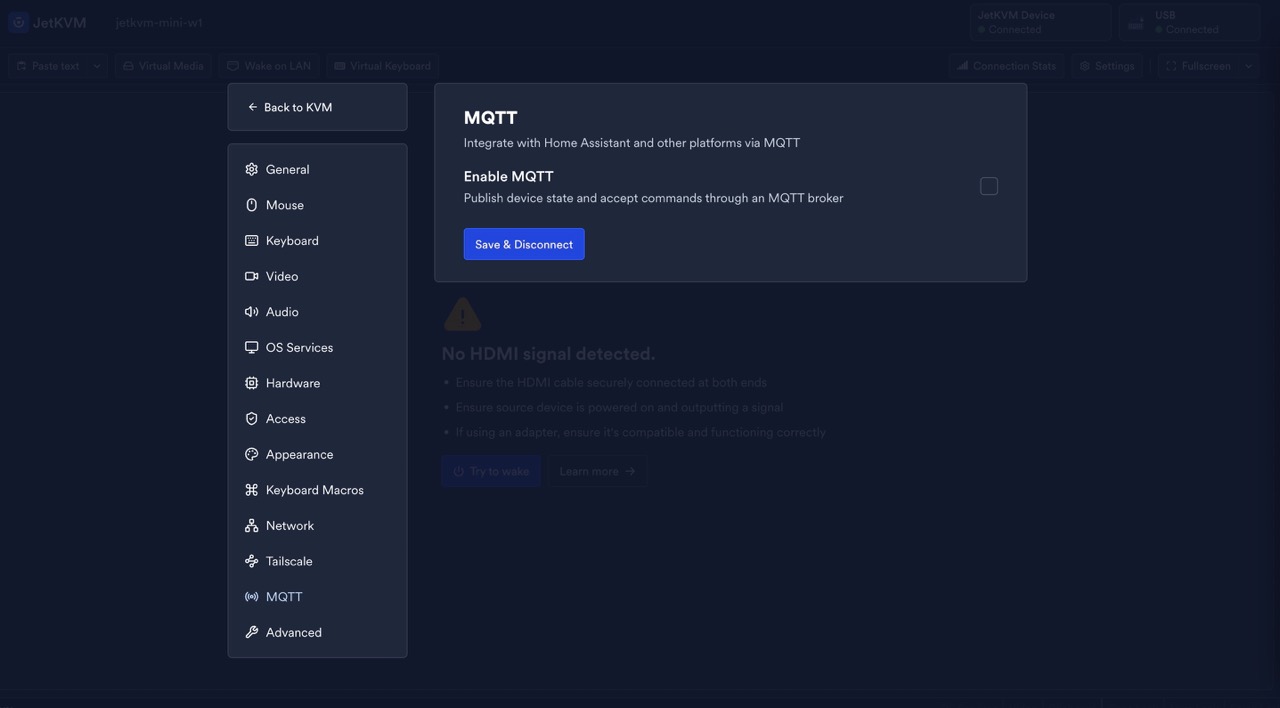
One neat feature is that the device has an MQTT feature which can be used with Home Assistant.
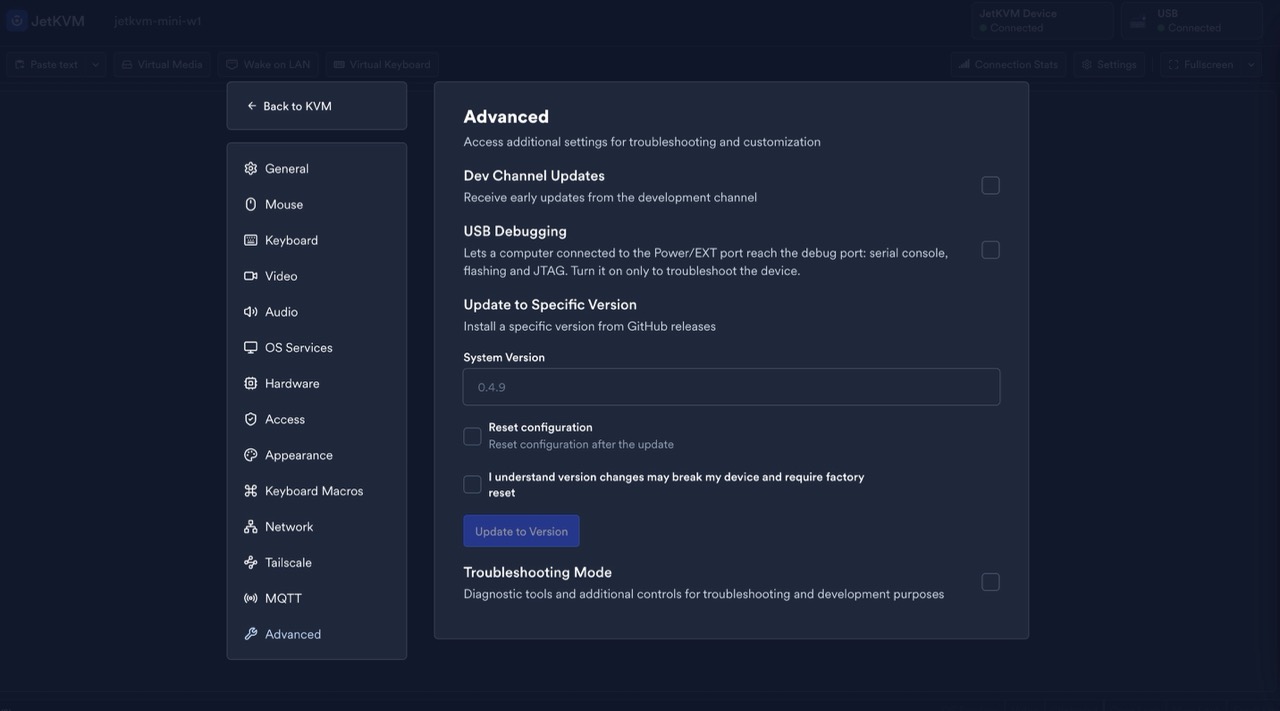
There are a few advanced options here as well.
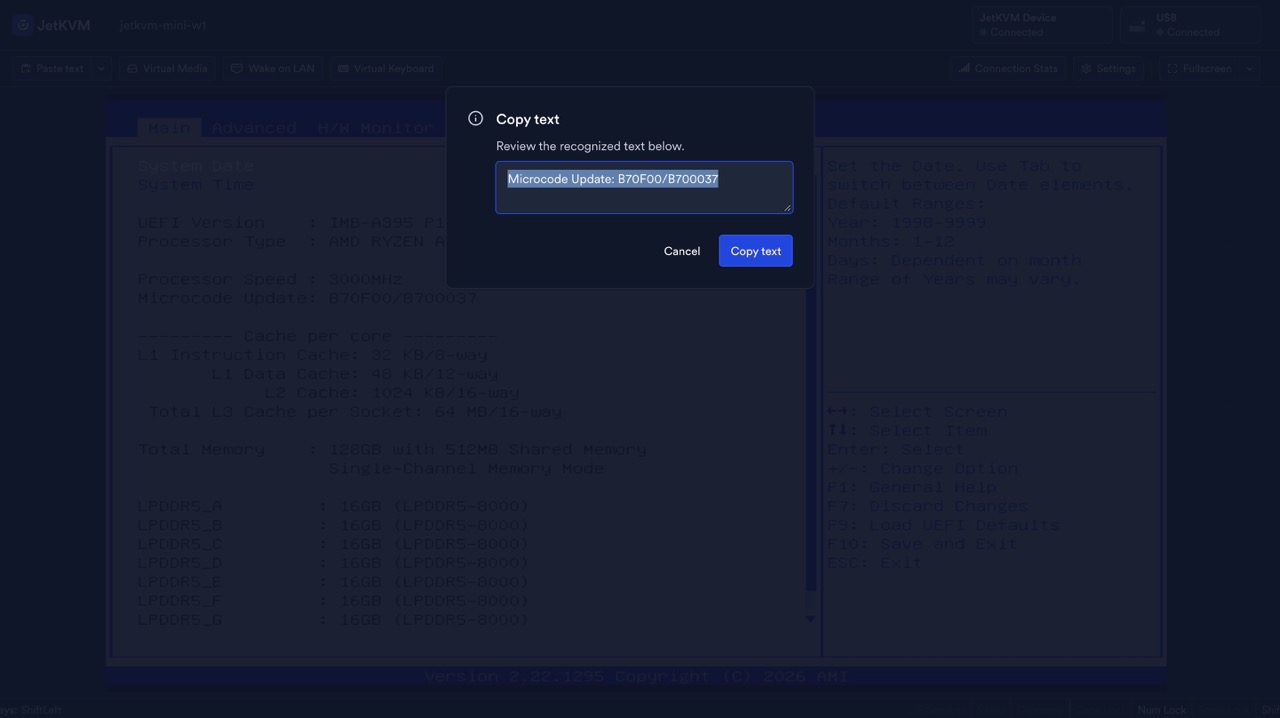
Then there is a feature that is really neat. Most KVMs have the ability to copy text from the browser to the managed system. JetKVM allows you to select a portion of the screen, and it OCRs the text. So if you see a BIOS Microcode version on screen, you can get the text to copy/ paste from the browser. That is super useful and a feature that, if you use enough of these, makes you just say that it is “great”.
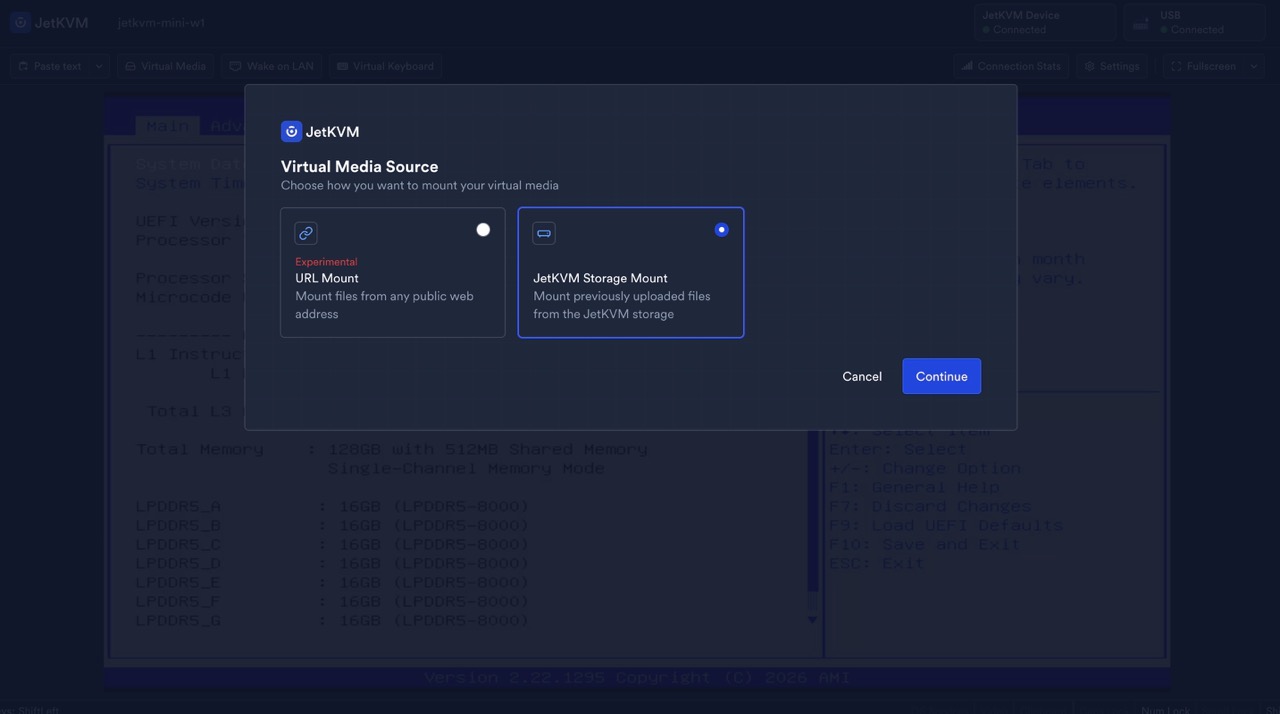
Of course, you can mount virtual media, but you want to have a microSD card installed for this.
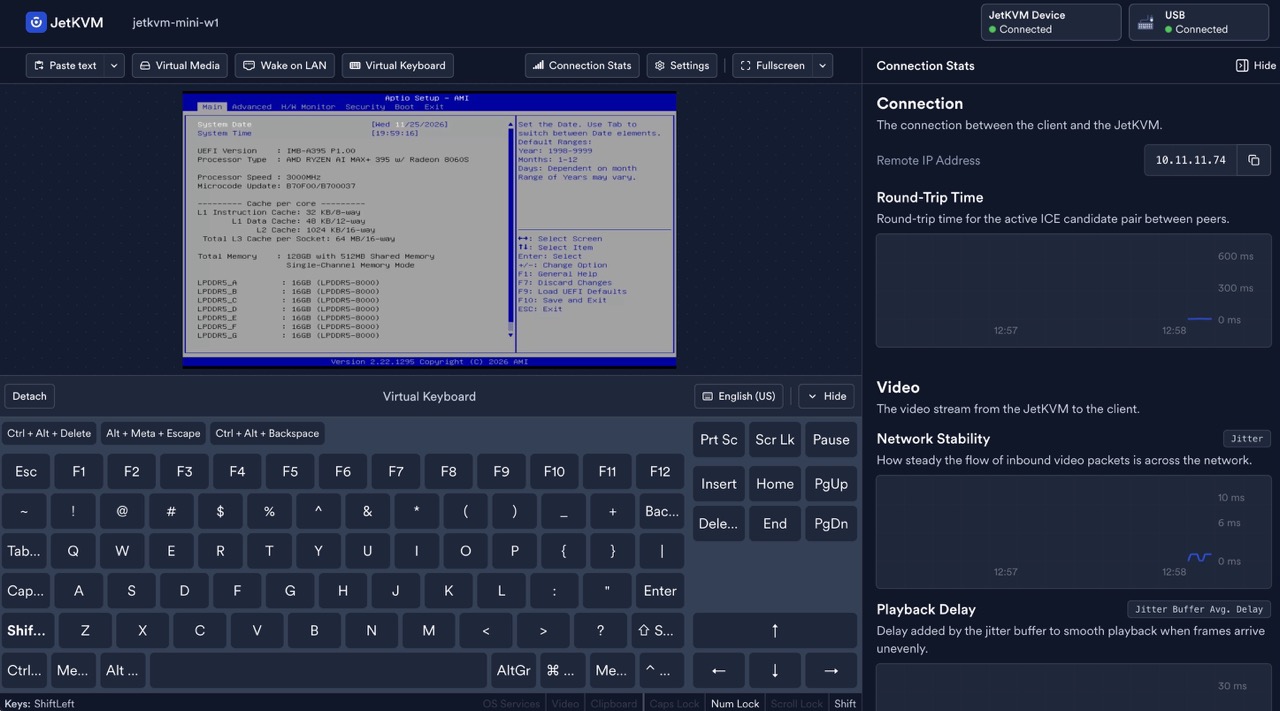
You can also pull up a virtual keyboard, status, and more.
Overall, the software side of this is very good, and that OCR feature is the real standout.
Final Words
At $42, this is a great package. It is small but feels premium. If you work in environments with a consistent WiFi connection, this is easy to use. To me, the GL.iNet Comet Q GL-RMQ1 (here is an Amazon Affiliate link) is perhaps the closest competitor we have looked at recently. The Comet Q has more VPN options, a bigger touchscreen, and a really neat single-cable connection. It is physically larger, but it is also very simple. The JetKVM Mini W costs less than half and has a TF card slot, which makes virtual media more useful.
If you were to go back 10 years, when we had Lantronix Spider devices that were a few hundred dollars, used Java (later HTML5), and were huge, the idea of a small wireless $42 device with this much functionality would be hard to fathom. Single-unit KVM devices these days feel great. If you prefer the wired/ PoE model, we will have that review soon.