

Using the GL.iNet Comet Q GL-RMQ1
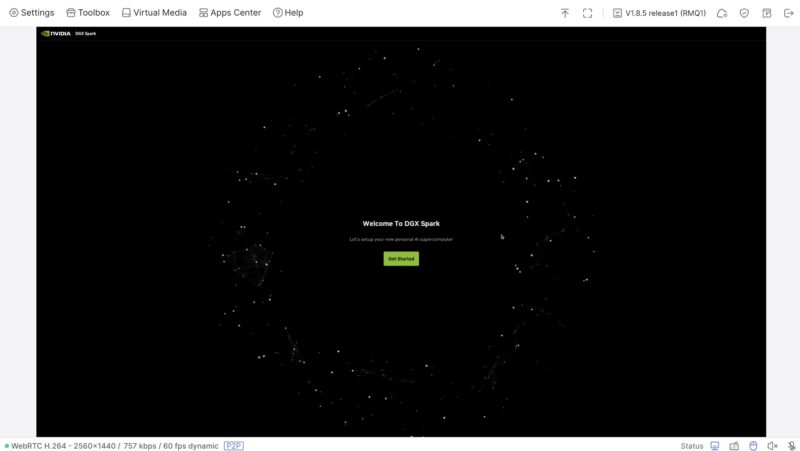
Plug this in to get a display, keyboard, mouse, and remote media connection. Here, we use it to set up a new NVIDIA GB10 AI box. Those systems only have Type-C connectivity, so this is a natural device to connect. Something important is that it is a maximum of a 2560×1440 60fps/ 2560×1600 50fps device. We could not get 4K, but we can downscale to 1080p, for example. Sometimes you may want higher resolution, and this, unlike some of the other GL.iNet units, is not capable of 4K.
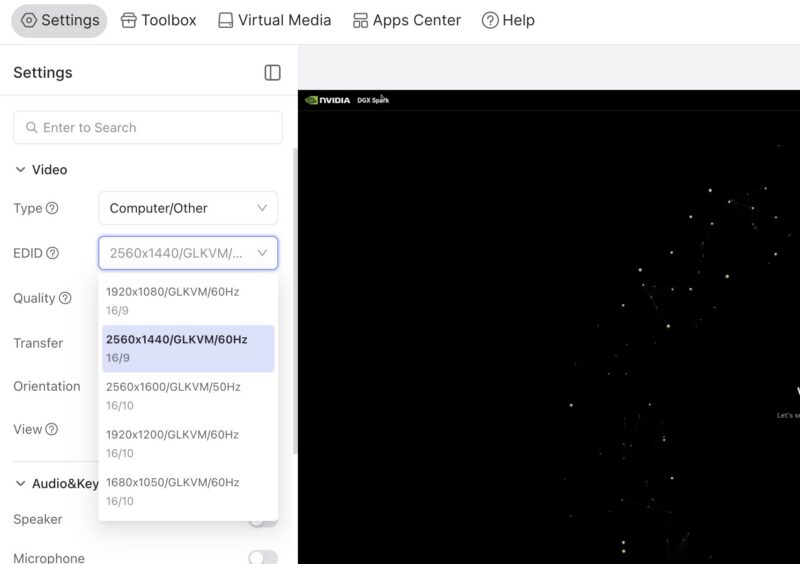
In the settings, you can select different resolutions and choose whether you are connecting to an iPad, phone, or similar device.
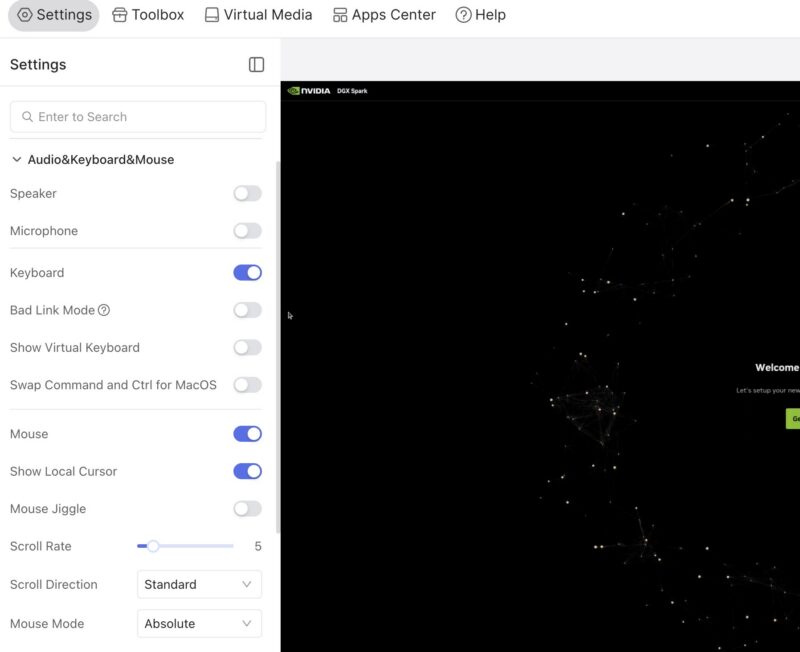
There are other settings for audio, keyboard, mouse, and so forth that are useful when working on different systems. The virtual keyboard is sometimes very useful.
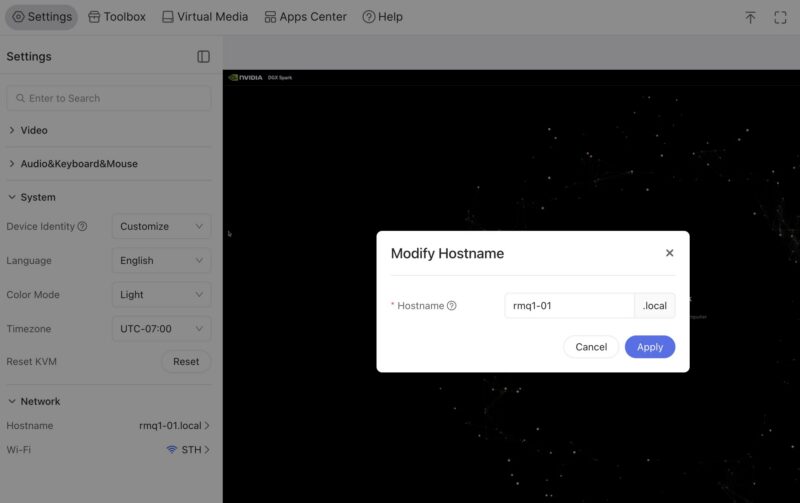
Another feature is being able to change the network and also the hostname. The hostname one is something that early GL.iNet units could not change. Luckily, this was added and is included in the GL-RMQ1, so you can set up many of these units with different hostnames.
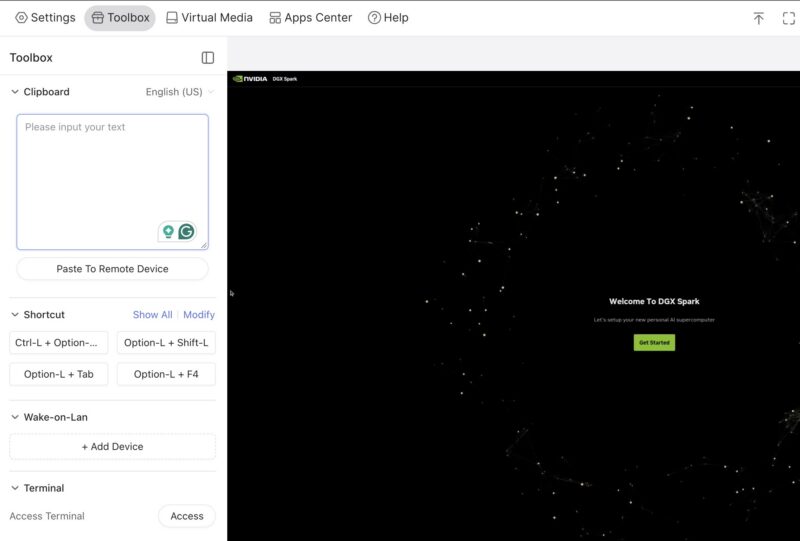
Normally, with an iKVM device, you do not get a shared clipboard. At least this lets you paste text and send it to the remote system.
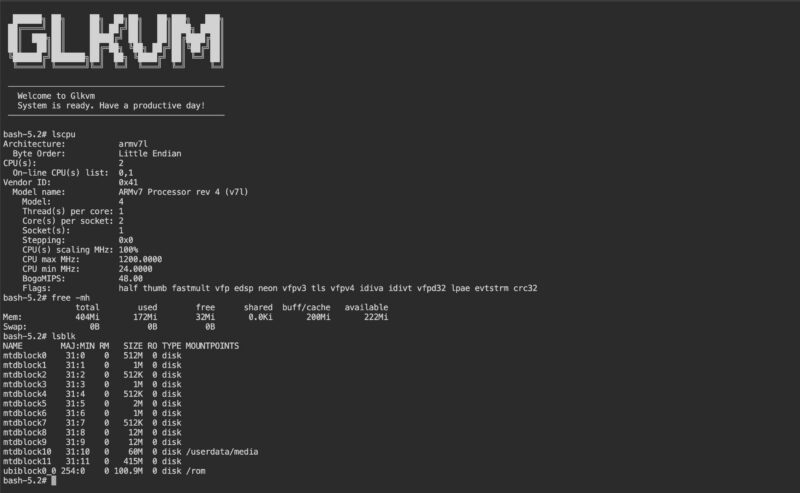
There is also a terminal so you can see that we have a dual core Armv7 processor, 512MB of memory and a 512MB storage onboard.
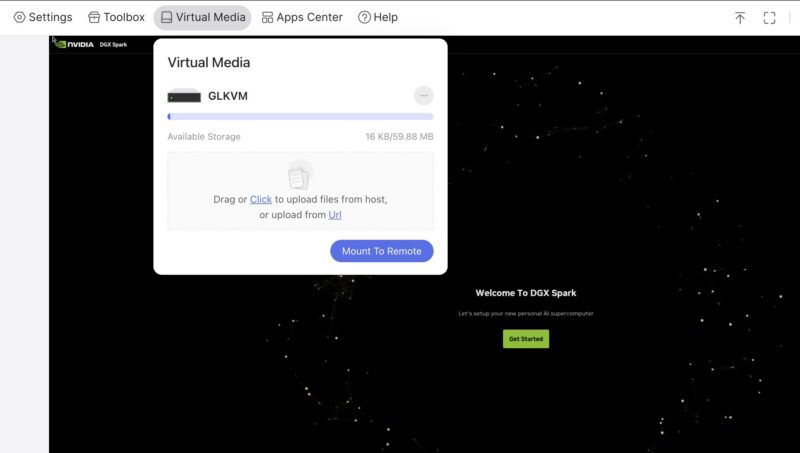
That storage matters because unlike many of the larger units we have tested, there is a very limited amount of storage at just under 60MB. Most OS images, for example, do not fit in 60MB of storage. That feels like a miss even though it is done for cost optimization purposes.
One nice feature is being able to bind this to Tailscale or ZeroTier. That makes it easy to get to devices remotely.
I will just point out that the firmware version on this is a bit different than the GL.iNet GL-RM10 Comet Pro, for example. The latest firmware version numbers are different, for example, but this does not seem too far behind.
Final Words
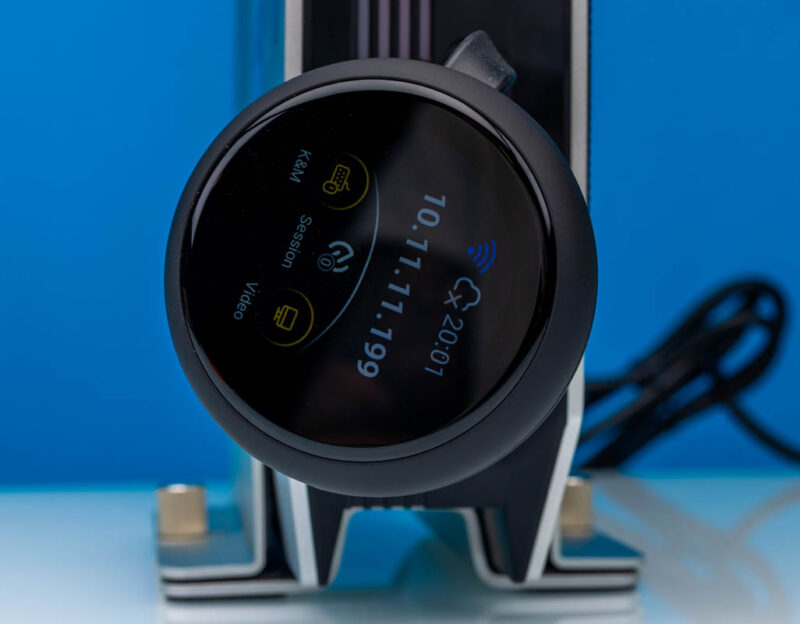
Real talk here. The reason you get this one over the dozens of other options out there from GL-iNet and others is that it is compact and easy to use. You pull the attached cable out and plug it into a machine. It connects via WiFi and Tailscale, and you are ready to go. We have a ton of these devices, and that is great since it makes everything easy. It is also designed to control an iPad or phone, which is useful.
The real thing you get is not size. Here is the JetKVM mini as an example next to the GL-RMQ1. You can also easily see the benefit since it is a much cleaner design. That design makes it much more difficult if you need to attach to a system that does not have a Type-C port with video. Also, if you need to remote-mount media, other options with more built-in storage are better. 4K video is something we did not see often a few years ago on these types of devices, but if you need it, then you should be looking up the stack.
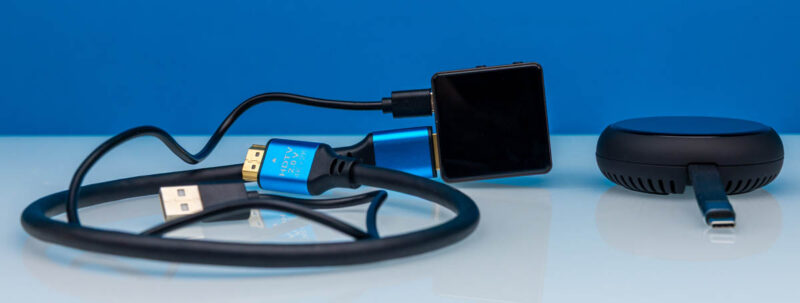
If you have a mobile device to connect to, it can make a lot of sense. Otherwise, it is probably a good one to stick in your bag if you know you have a Type-C-capable system. For us, we will probably use other solutions like the GL.iNet GL-RM10 Comet Pro as our primary devices since they are only $40 more ($179 versus $139 right now) but offer features like 4K and larger local storage. This ends up being a secondary unit to lower cable clutter and just for its ease of use.
Where to Buy
Here is an Amazon affiliate link to where we bought ours.
 review, we see how this USB Type-C remote KVM device with Tailscale makes connectivity easy)