

CWWK X86-P6 NAS Power Consumption and Noise
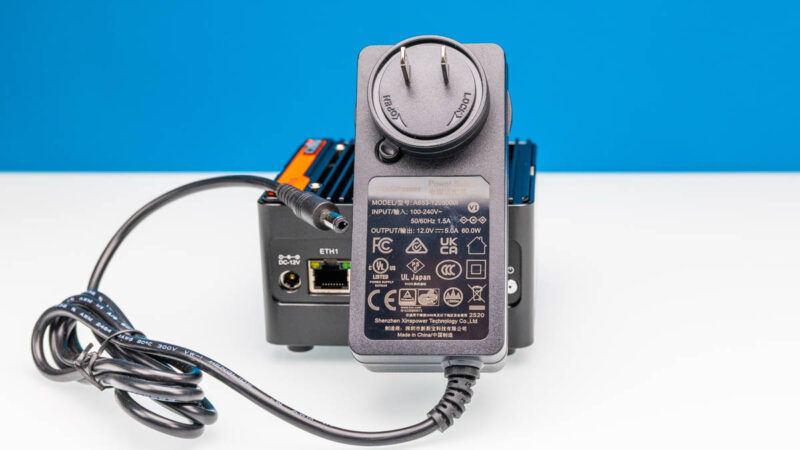
The Intel N150-based unit came with a 12V 5A 60W power adapter that plugs directly into the wall.
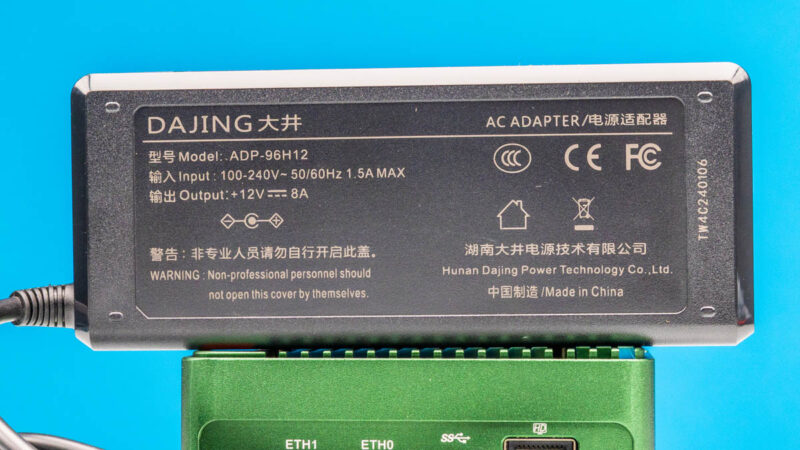
The Intel N355 version came with a Dajing 12V 8A 96W unit that was a more traditional power brick and that we have seen before.
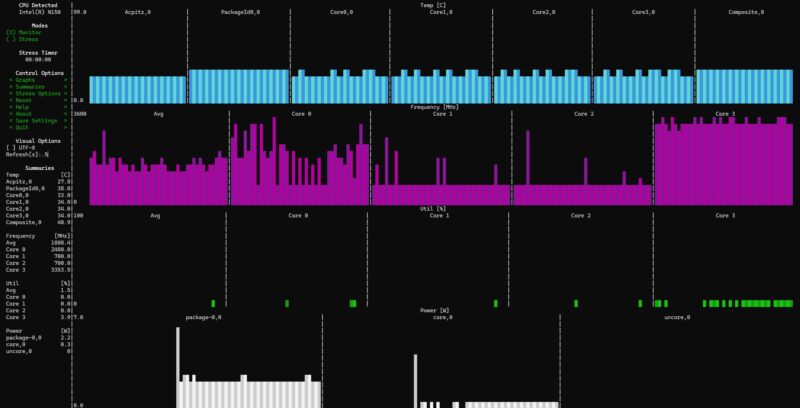
At idle, the N150 used around 2.2W for the SoC power.
Under load, we would see that jump to 8.6W.
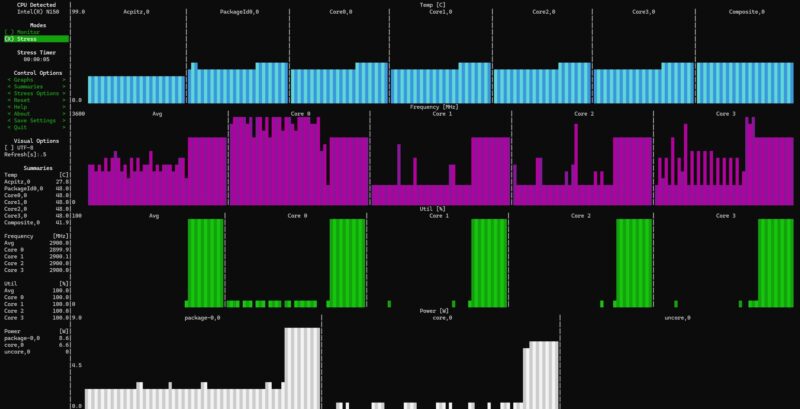
After around 30 seconds, we would see the SoC power down to around 6.1W.
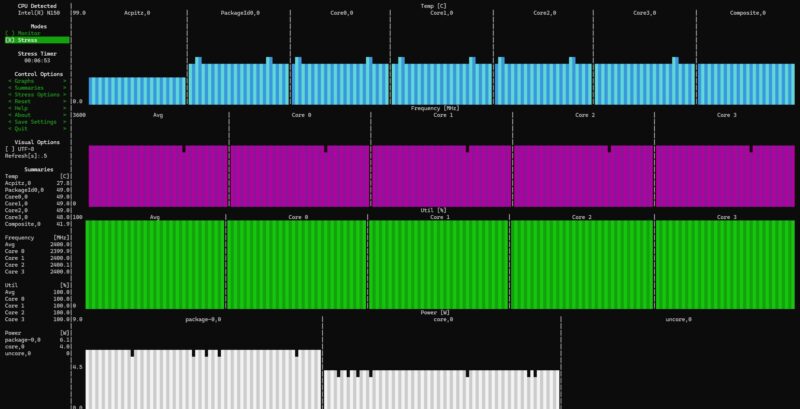
The N355 would start at around 3.2-3.4W at idle.
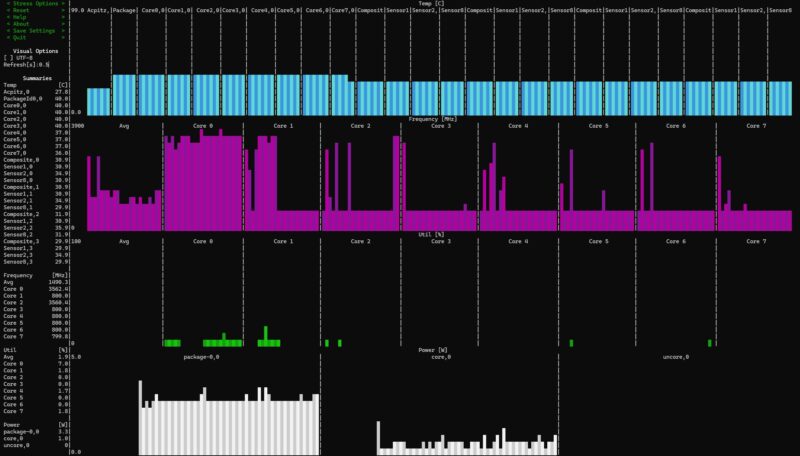
The burst was around 12W.
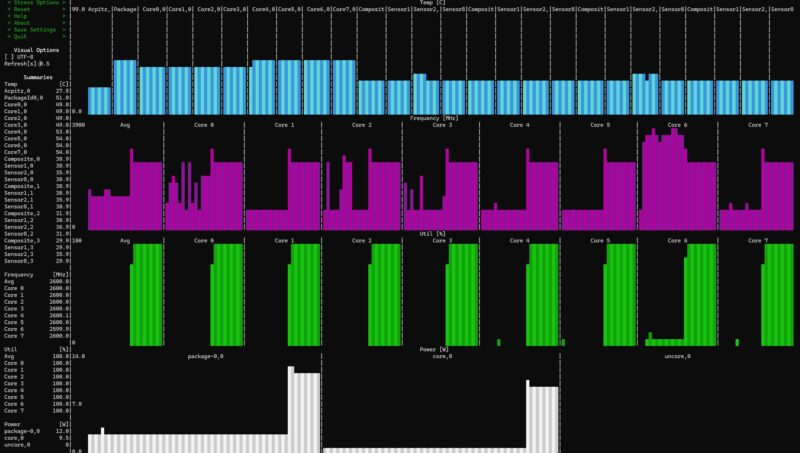
After 30 seconds it would settle into the 8.6-9W range.
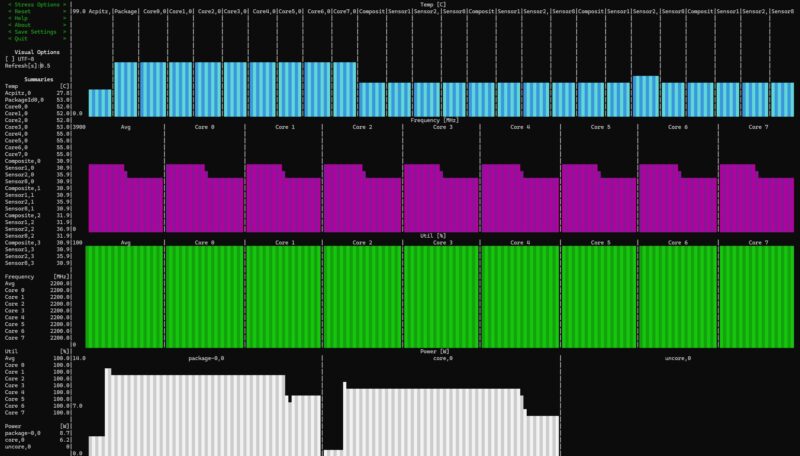
The impact here is that the N355 is not running at the same sustained speeds as we saw it in the Qotom 10Gbase-T Mini PC with Intel N355 networking focused box which leads to lower performance.
We wanted to show a more minimum versus maximum view, so we configured the N150 with only a single SSD and without the USB fan that used around 0.5-1W. At the wall, the N150 unit was giving us 10-11W at idle, 22-23W for the burst load, and 17-18W under a sustained load. The N355 unit was 12-13W at idle, 30-31W for the burst load, and 24.5-26W under sustained load. Remember, the N355 also had three more SSDs and the USB fan helping to cool them installed. Still, at around 25W maximum sustained, that is great for a mini NAS like this.
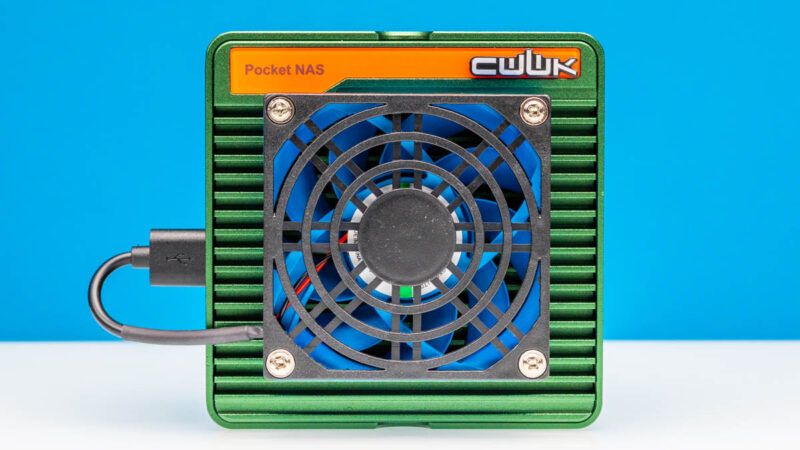
Noise was usually 36-37dba for the units in our 34dba floor studio, but the USB fan added 2dba so we got to 38-39dba with that installed. Overall, this was a quiet solution.
Key Lessons Learned
Earlier in this, I mentioned that this has flown on over two dozen flights and well over 35,000 miles with me in the last two months. The compact size is great. For an on-the-go NAS, it works very well. It is compact, quiet, and low power, and 12V DC is easy to source even though I might prefer USB PD just to minimize the number and size of travel power adapters I have.
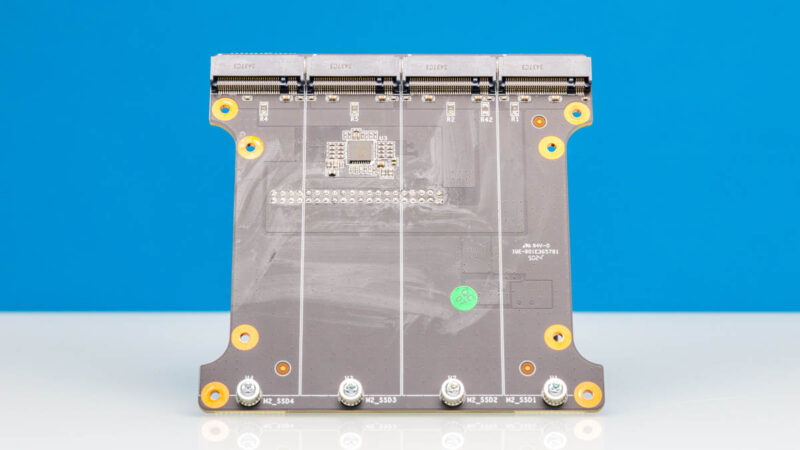
At the same time, I wanted more. I kept thinking of the TerraMaster F8-SSD Plus NAS and having eight SSDs. The challenge is that 4TB M.2 drives in a NAS only get you 16TB, and less usable. Using 1TB or 2TB drives the capacities are low enough that even with an added redundancy benefit, it is probably easier to just carry USB SSDs. With a 6x or 8x M.2 NAS, you start getting into much larger capacities with cost-effective 4TB drives. Add to that a QuickSync GPU for transcoding and it is a useful portable package.
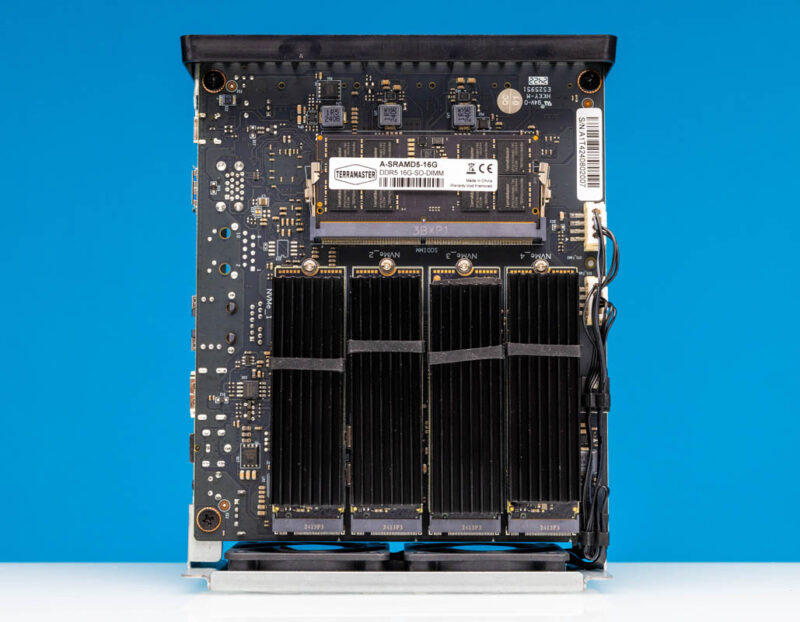
The other strange thing is that usually I recommend the N305 over the N100, but in this case, I actually think I would prefer the N150 over the N355 unless I really needed the additional cores. With the sustained power cap at around 9W, the N355 was not twice the performance of the N150 with twice the cores, and not close to twice the performance either. For a NAS, the N150 is plenty and it costs much less for the system, although the price is usually dominated by the SSDs used.
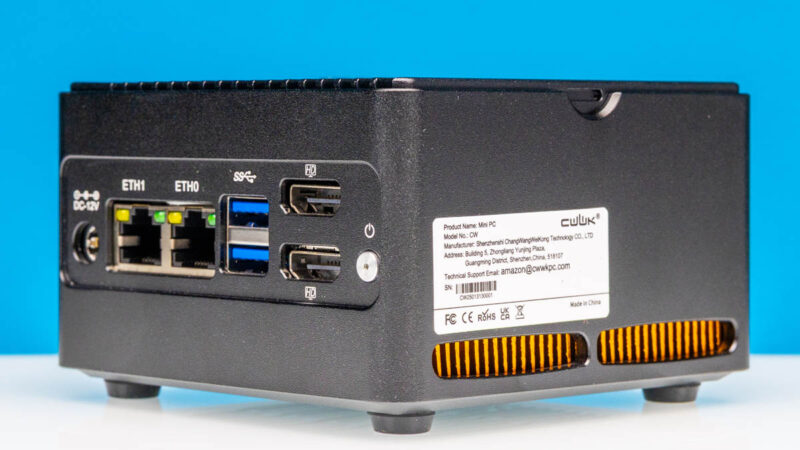
A few weeks ago when I was on a ferry between Helsinki and Tallinn working on my MacBook and I had this NAS sitting next to me serving footage and transcoding video, it was a pretty neat use case.
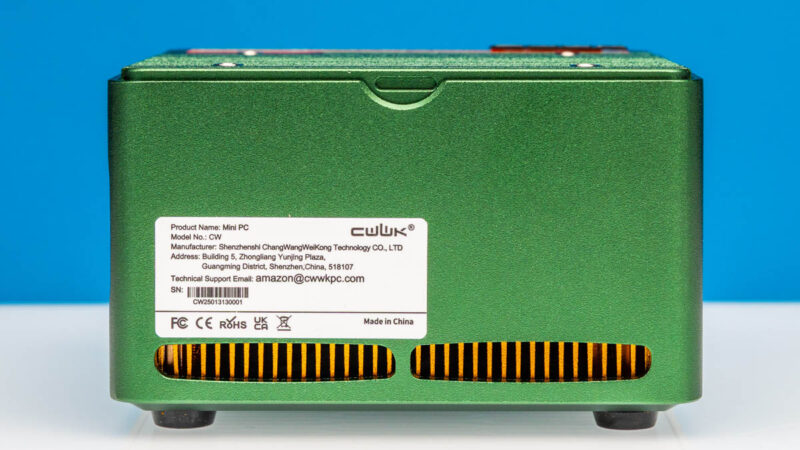
The other important one is support. Folks need to be aware that there is a big support difference between getting a box like this and a machine from a Dell, HP, or Lenovo. We often get folks who buy these low-cost machines, then wonder why they are not getting next-business-day 3-year onsite service. Part of what you pay for with the bigger vendors is that support, so it needs to be clear that there is a trade-off being made.
Final Words
Perfect? Not by a long shot. An extra USB port, USB PD input, more M.2 SSDs, and so forth would all be big wins for a system like this. Also, I really would prefer 10GbE over 2.5GbE, even though I understand the challenges when there are only 9x PCIe Gen3 lanes.
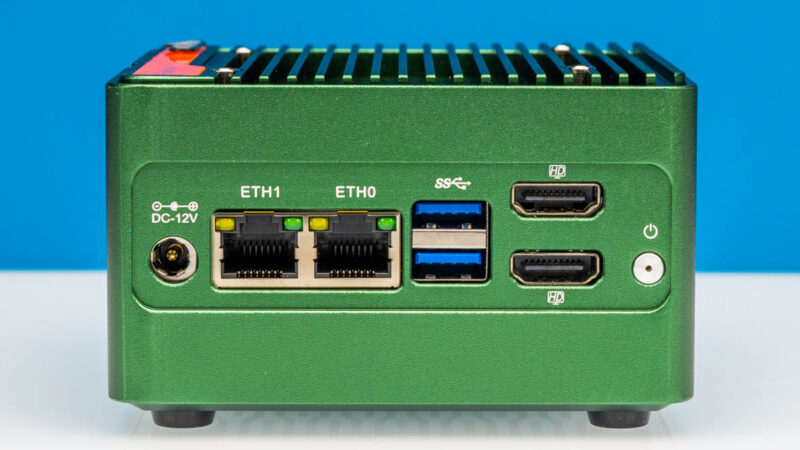
At the same time, this is one where I ended up using this often, throwing the N355 version in my bag for travel. My bag space is very limited, so the fact this made the cut on long international filming trips (I cannot wait for folks to see what we filmed in July) says a lot. Even as a low-cost and low-power $200 barebones that you can use as a small server today, then add M.2 storage to over time it is not a bad option.
Where to Buy
If you want to check for these, you can find them on CWWK’s site or on normal reseller sites like AliExpress (affiliate link.) Here is an Amazon Affiliate link to a seller we found there. As always, check with the seller if you want some of the accessories, like the USB fan, and if they are included.
Here is an Amazon Affiliate link to the Crucial P3 Plus 4TB SSDs we use for this class of systems. Here is an Amazon Affiliate link to the Crucial 16GB DDR5 SODIMM we use.

I wish more of these would be built somewhere else than China. I pretty much stopped watching your videos, because all you show is Chinese stuff. Sigh….
Bought the N150 back in February, plopped a 48 GB RAM stick and 4×4 TB SSDs in (2x Samsung 990 EVO Plus & 2x WD Black SN850X). There seems to be some kind of power and/or thermal issue, as a RAID10 configuration kept failing after a few seconds of benchmarking/stress testing. There’s a couple of similar reports from other users on Reddit as well.
I suspect it’s either that the 3.3 V cable powering the NVMe board is too thin to handle the peak current draw, or the PCIe switch (which splits the single PCIe 3.0 x4 into four x1 lanes for each M.2 slot) overheating. The SSDs are not visible in BIOS for several minutes after such failure occurs, so I’m leaning towards the switch chip being the culprit.
The only reasonably stable configuration is with 2 drives (but don’t try pegging the CPU/iGPU too hard…), at which point the 4-slot daughter board is kinda pointless.
Overall, my system running TrueNAS SCALE with two SSDs in a mirror runs pretty warm and idles at 18-27 W, which is suspiciously high.
Like the “Unreliable” commenter said, most of these mini NAS systems don’t supply enough v3.3 power to the m.2 slots. I’ve experienced the same thing on two other brands of mini NAS. It’s frustrating that print and YouTube reviewers neglect to test for this, seemingly only using cheaper non DRAM SSDs in their reviews. Leaving consumers that buy bigger SSDs to have surprise problems after they already bought their gear.
I see a lot of “default string” in your stats and tables, this must be a bug. Thank you very much for all the valuable information on STH!
@Patrick: Please, could you fix your strings? As written on 08/25, some Informations are missing.
@Unrealiable: Your WD Black SN850X pulls 8 Watt each…. So no wondering about failing raid-sets und tests.