

Cisco Catalyst C1300-12XT-2X Management
The Cisco CLI is well-known, so we are going to focus on the web management here just to give folks who do not want to go to the CLI, a view of what the management looks like. Cisco’s documentation on where to find the management interface often has the cisco / cisco default password, but we did not see the 192.168.1.254 default IP in some of the quick start materials.

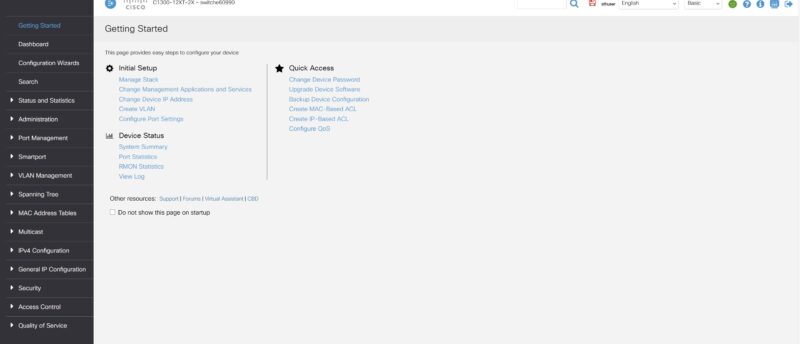
After setting a new login, Cisco does something different. In the industry, you typically log in and are taken to the dashboard. Cisco has a “Getting Started” page to get you up and running quickly (you can also choose not to go here in the future through a checkbox.)
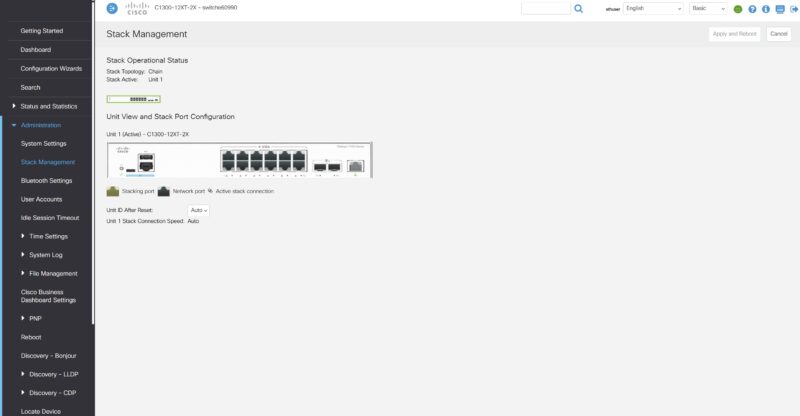
Cisco lets you stack switches using front-panel stacking. This is not common in lower-end switches.
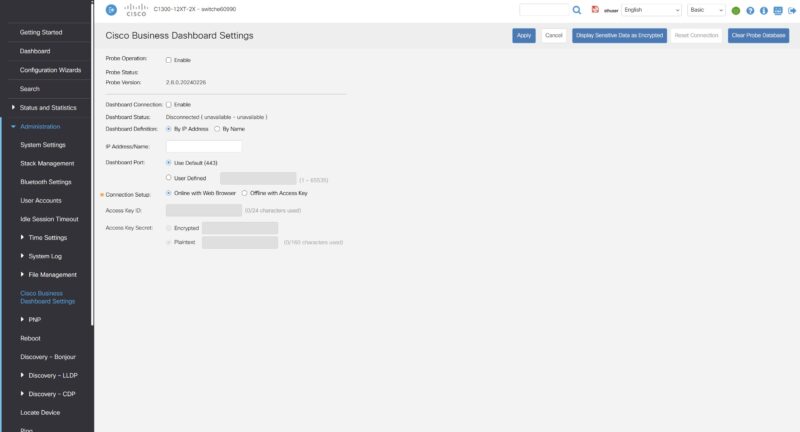
Cisco has the Business Dashboard. Hopefully, one day we get to show you this.
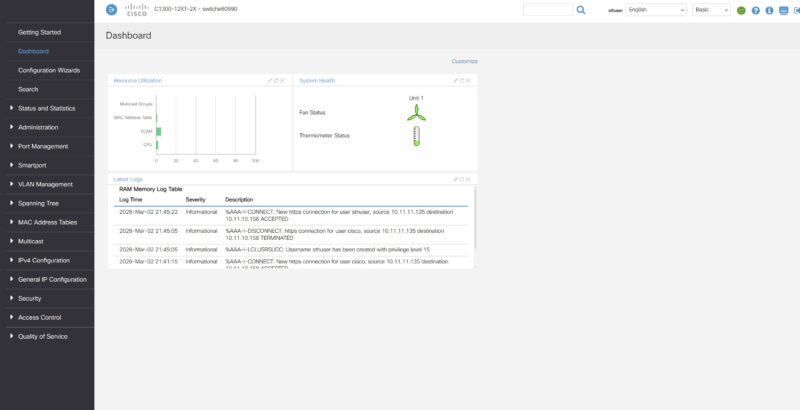
Here is the dashboard, which, admittedly, looks different from some of the other vendors as it focuses on logs and system status rather than ports.
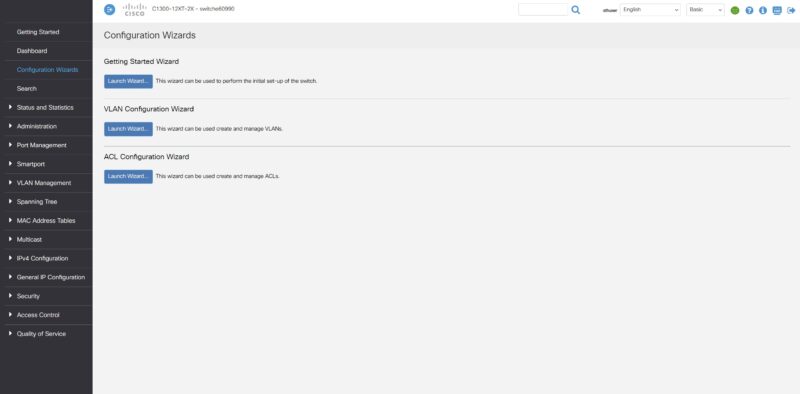
Another really neat feature that Cisco has is its configuration wizards. There is one for getting started, one for VLANs, and one for ACLs. This is just a great way to help those who are not Cisco-certified to get up and running on the switch.
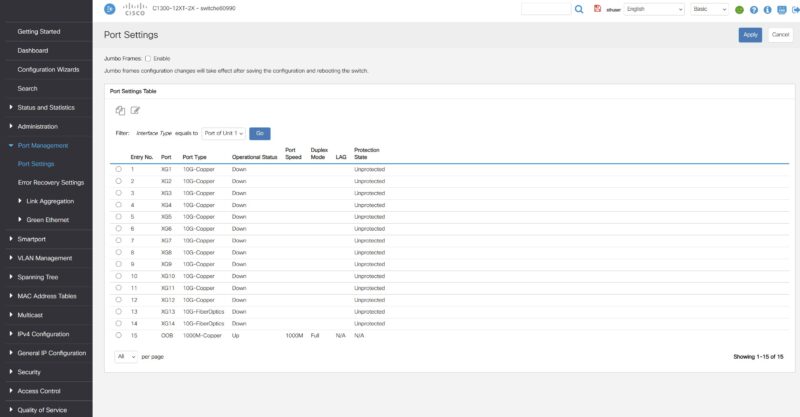
Of course, there are still port settings.
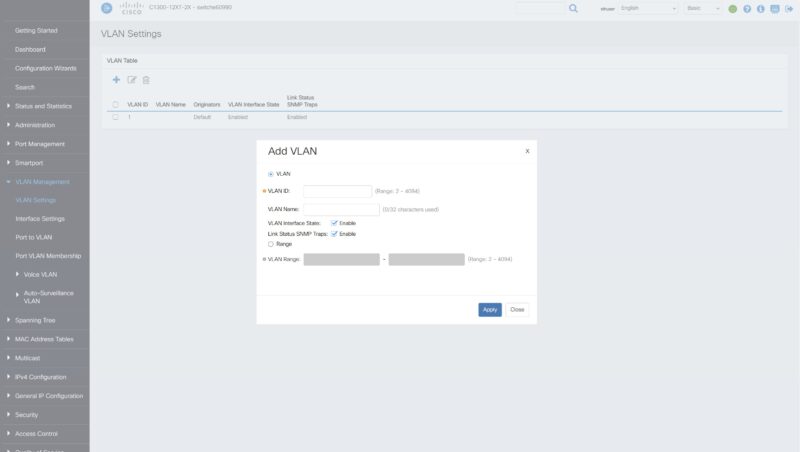
The ability to add and set VLAN configurations.
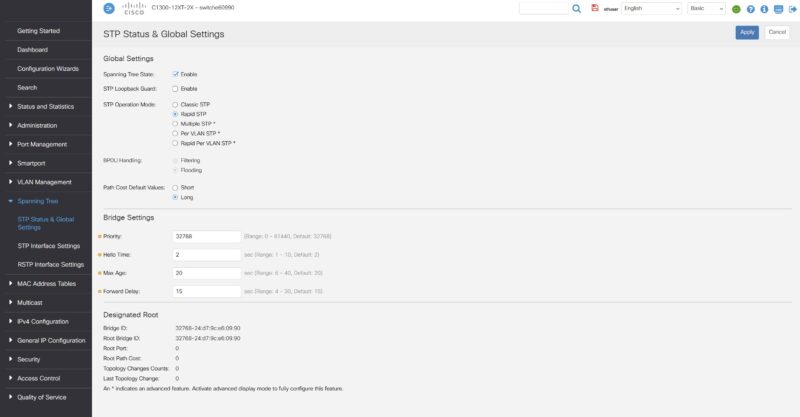
Cisco also has a fairly robust spanning tree setup compared to lower-end switches.
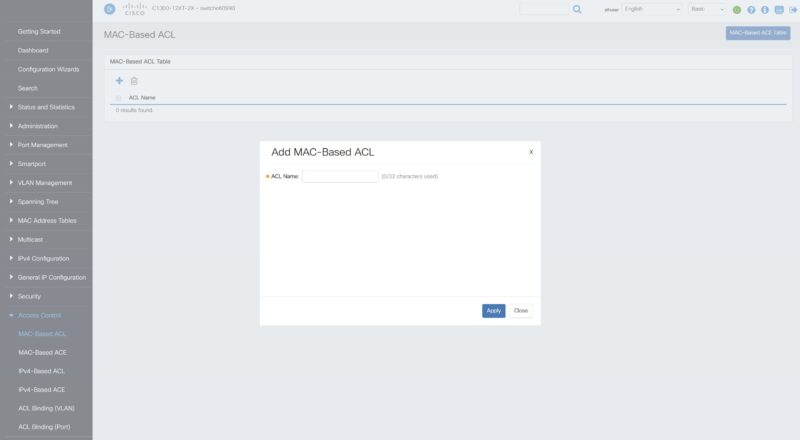
There are ACL settings that are also fairly robust.
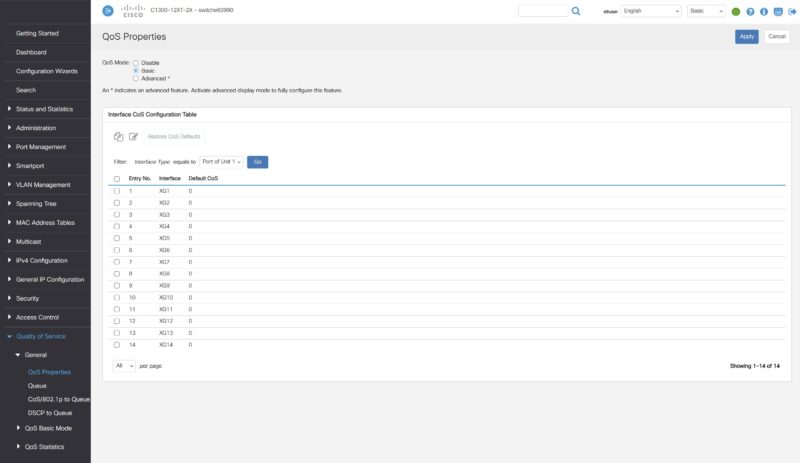
Cisco has Quality of Service settings.
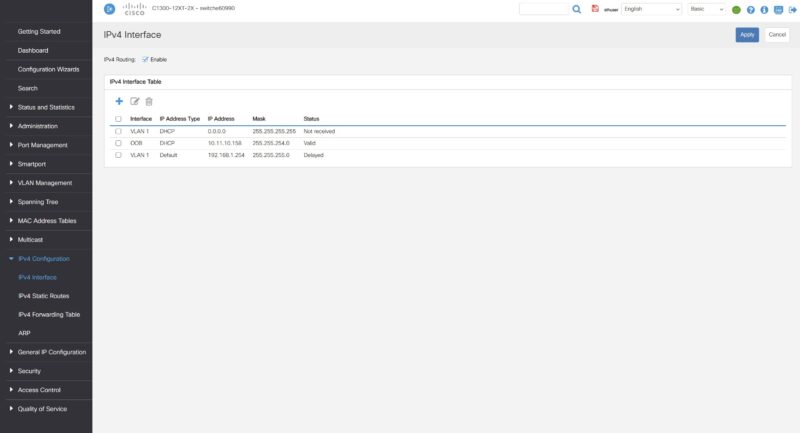
You can also set the IP settings to access the switch.
On that note, let us hook this up to our high-end network testing setup to see how the switch performs.

Why is average latency always “N/A”?
OK, so it’s Cisco and it has some higher quality components, but is it worth 3 times the price? Where does the value proposition appear? 10GbE is becoming commodity now.
It’s no faster, no slower, it manages the same as its peers. The only question is does it last as long?
You don’t need to be a Cisco CLI god to use it.
If they still owned Linksys, the case could have been blue and have reduced the price by 25%
looks very simular to a Mikrotik switch….
This should have had the 2 spf+ ports also double as 25Gb ports, so you could redirect 3 of the 10GbE ports to 2 sfp28 ports, for connectivity to a server or other 10Gb switch. But that would mean this could live a long time instead of early end of life, as it would start as backbone and then later as edge connected to a 25Gb backbone.
I’m lovin’ STH actually doing switch reviews. It’s great that you’re doing all of this. Can you do FortiSwitch too?
Can you verify that the RJ45 ports fully support 2.5G/5G speeds as well as 10G? Cisco doesn’t confirm this in their specs. Thanks, and great review!
@Bryan Y: Spec sheet says 100M/1G/10G
https://www.cisco.com/c/en/us/products/collateral/switches/catalyst-1300-series-switches/nb-06-cat1300-ser-data-sheet-cte-en.html
@spuwho I am aware but the last C1300 review they did showed that the combo ports indeed did support 2.5g/5g and was not listed on the spec sheet. Would prefer an official confirmation.
@world
indeed an excellent iNFOGAP about the NBASE-T …
well done!
Yep. Too few, too late and too expensive in comparison with MikroTik.
From Cisco Docs, this is a wire-speed L3 routing switch for both Ipv4/ipv6, with thousand of route for both 1 and 10Gb traffic.
Idk how true it is, but even if it is for only on 20ish that it is impressive for the price.
the blower is a nice touch.
They cope better with static pressure, so I really do not know why more companies don’t use them.