


The ASRock Rack AMPONED8-2T/BCM is the successor to the ASRock Rack ALTRAD8UD-1L2T that we reviewed, but it represents an enormous upgrade. Transitioning from the Ampere Altra Max to the AmpereOne, we get more updated cores, DDR5 support, and PCIe Gen5. The challenge has been getting a standard form-factor motherboard. When we saw this motherboard at FMS 2025, it represented the hope that the community would have a new, faster solution to build Arm servers. Now, we have the motherboard, so let us get to the review.
As a quick note, the motherboard came from ASRock Rack, and the CPU was provided by Ampere.
ASRock Rack AMPONED8-2T/BCM Hardware Overview
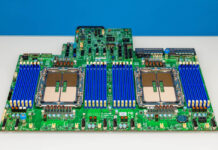
As noted earlier, one of the distinctive aspects of ASRock Rack’s AMPONED8-2T motherboard is that it is in a standard form factor, something of a rarity for these mixed-use case server/workstation motherboards. With that said, that standard form factor is CEB (Compact Electronics Bay), a larger than ATX form factor that measures 12×10.5 inches.

Compared to its predecessor for the Ampere Altra platform, the ASRock Rack ALTRAD8UD-1L2T this is larger, but that space is also full of connectivity. That said, CEB is a longer version of ATX. So even if an ATX chassis does not officially support CEB, it may still fit anyhow – so long as there is room to spare for the deeper board. This means ASRock Rack has effectively gone from a deep mATX board to a deep ATX board in successive generations. I know many prefer smaller form factors, and I appreciate those who want more MCIO connectivity, but for those who want slots, this is awesome.
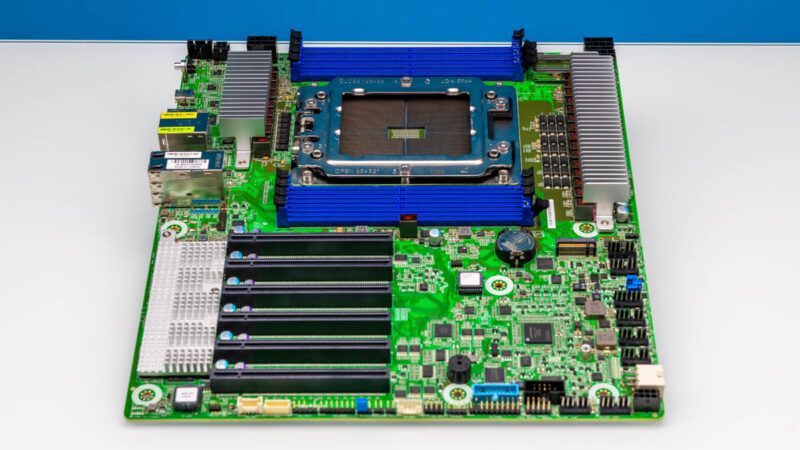
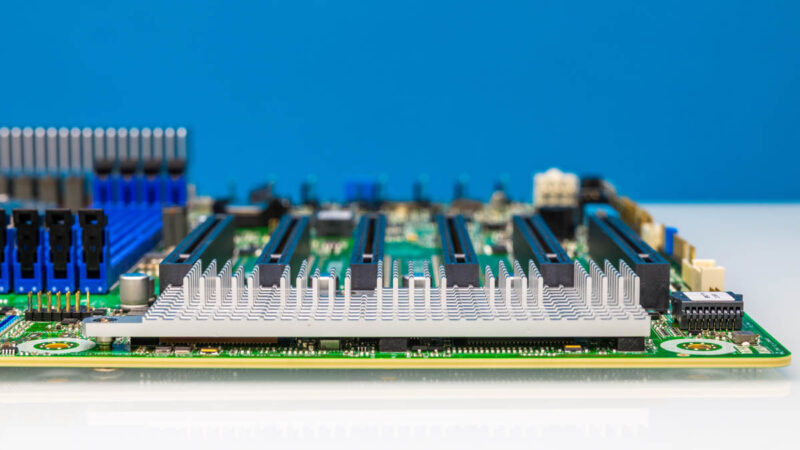
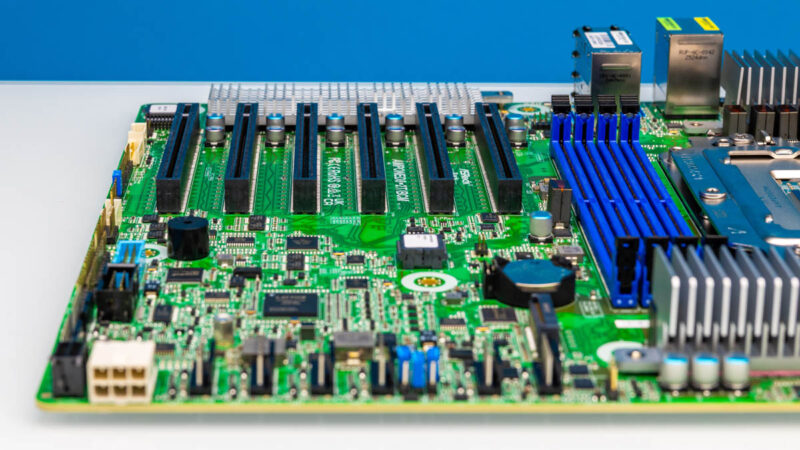
It is here we may as well start with our focused look at the board. One of the AmpereOne’s major platform upgrades was moving from PCIe 4.0 to PCIe 5.0, so the total amount of I/O bandwidth available to the CPU has doubled. For those looking at adding cards to an AmpereOne, this is an exciting view. Remember the PCIe bandwidth of the Altra Max platform was effectively just four of these x16 slots because we are now using PCIe Gen5 versus Gen4.

As a further bonus, unlike some previous Altra/ Altra Max boards, all of the slots here are capable of accepting full-length cards. There are no longer components blocking some of the slots as was the case on the previous generation board. So the AMPONED8-2T/BCM is completely unimpeded when it comes to adding PCIe cards.
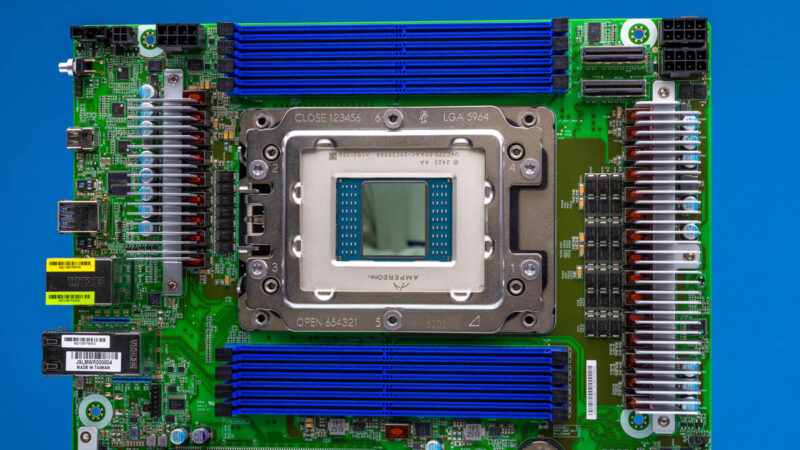
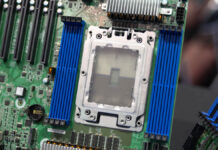
Moving to the top of the board, we have the 5964-Pin FCLGA socket for the AmpereOne CPU. While AmpereOne did not add any more memory channels in this version, there is an AmpereOne M that you will see on STH soon with 12-channel memory. This is Ampere’s 8-channel platform, however.
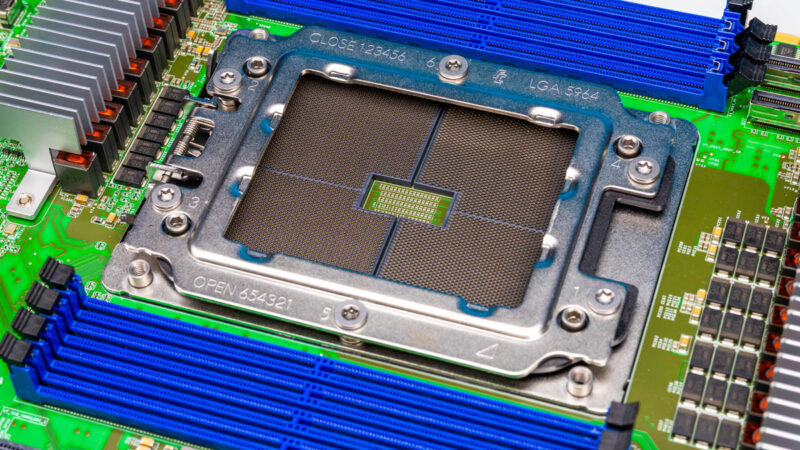
The AmpereOne chip itself has all of the cores on the center die, then the memory controllers and PCIe controllers closer to the edge of the package under the spreader.

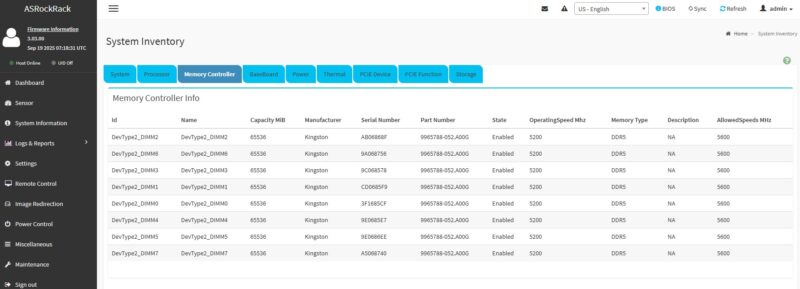
With AmpereOne supporting up to 8 memory channels, these are arranged in a straightforward 1 DPC layout. The platform and board support RDIMMs running at up to DDR5-5200 speeds. You will notice that we are using DDR5-5600 memory running at DDR5-5200 here. Even STH is not immune to DDR5 pricing. That is what we had free in the lab, and the memory down clocked to DDR5-5200 speeds without issue.
We missed a photo of this, but installing an AmpereOne does not get the adrenaline flowing like the old Altra and Altra Max platforms. Instead of just suction cupping, or really just placing (with a prayer) a huge chip in a socket with Altra, with AmpereOne there is a carrier that you can see the outline of in black. Installation is relatively easy now.
With 96 of the PCIe 5.0 lanes allocated to full-size PCIe slots, the remaining 32 lanes get allocated to various other I/O options on the board. We will see some of the finer details when we go through ASRock Rack’s block diagram for the board. But in regard to user-expandable/ installable hardware, a further 16 lanes are allocated to the board’s two Mini Cool Edge IO (MICO) connectors.
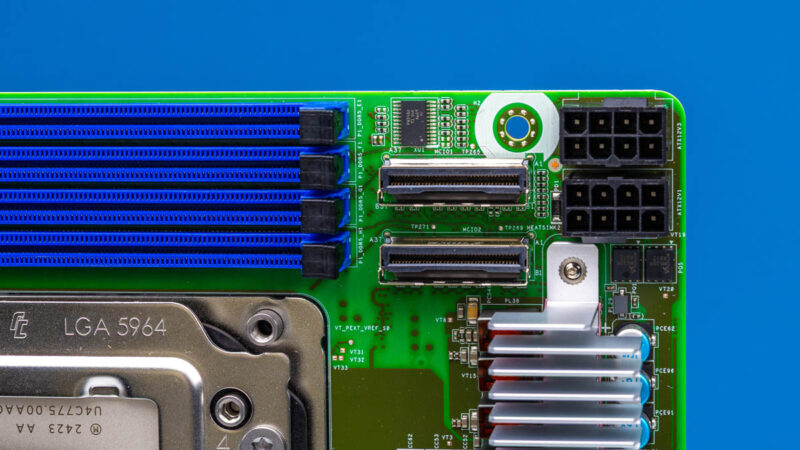
These connectors replace the SlimSAS connectors on the previous Altra board, and each carries 8 lanes of PCIe 5.0 data. As with SlimSAS, the idea here is to hook up front-panel NVMe drives. To be fair, there are many who would prefer more MCIO because so many servers use MCIO-connected risers these days. That is fair, but the counterpoint is that many still like slots.
Towards the bottom-right side of the board, we find a single M.2 slot. Fed by a further 4 PCIe 5.0 lanes, this slot has enough clearance to fit even an M.2 22110 (110mm) size drive. But the trade-off is that this is the sole M.2 slot on the board, as despite the larger board, ASRock Rack has removed the second M.2 slot that was on their Altra board.
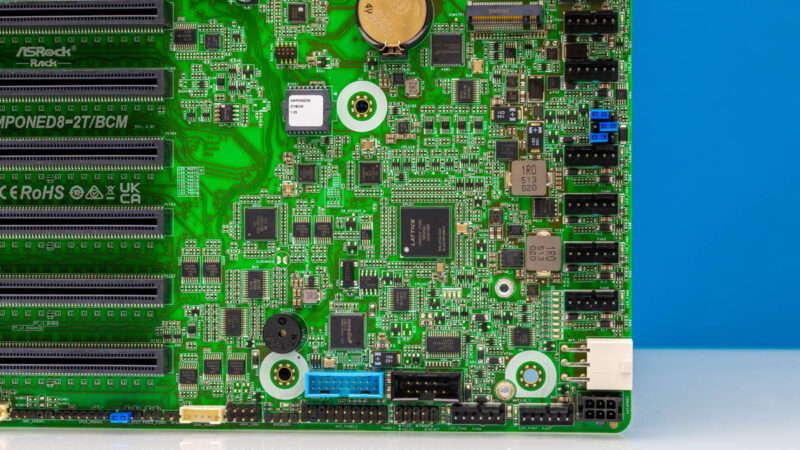
There is also one other chip of heft in this area of the board: a Lattice CPLD. The LCMXO3LF is used to support the BMC elsewhere on the board, supplying GPIO and I2C connectivity to the BMC.
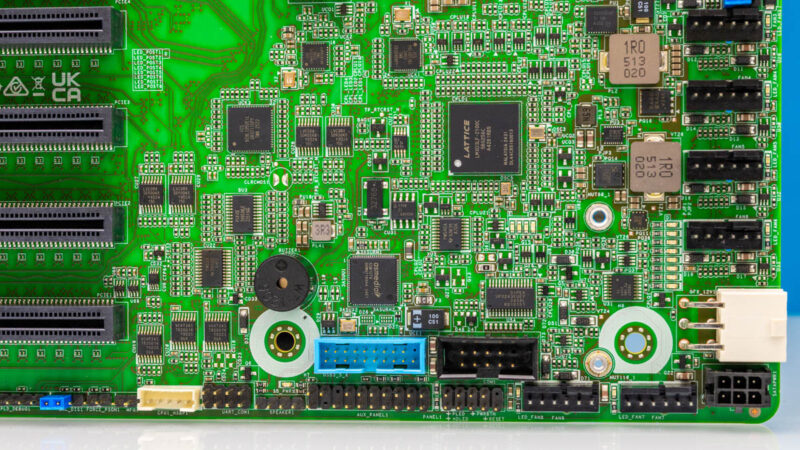
The server board’s obligatory BMC is found near the left edge of the board, beyond the PCIe slots. Though there is not much to see here: ASRock Rack has placed a heatsink over the widely-used ASPEED AST2600 BMC with that heatsink also providing cover and cooling for a Broadcom networking chip.

And with that, let us talk external/rear I/O. The titular “BCM” in the AMPONED8-2T/BCM name is the Broadcom BCM57416 controller that ASRock Rack uses to supply 10GbE connectivity to the board.
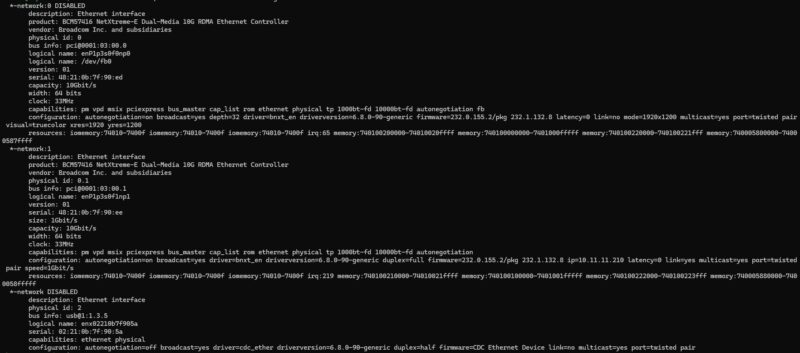
The controller supports two such ports, which are at the farthest end of the rear I/O port block, stacked on top of each other.

This is a PCIe 3.0 controller, so it is relatively expensive in terms of I/O pins, consuming 4 lanes of PCIe from the CPU.
To the left of that, we have the Ethernet management port for the BMC, a relatively straightforward 1Gbps port.
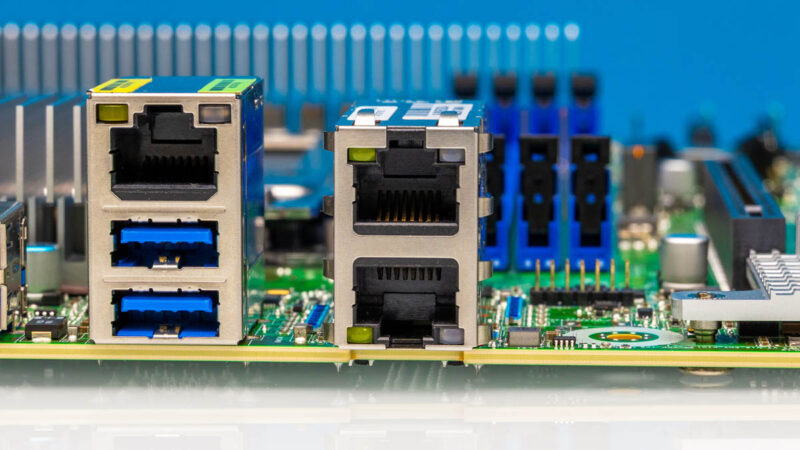
Flanking that are the board’s 4 USB-A ports. All of these are USB 3.2 Gen 1 ports, supporting data transfer rates up to 5Gbps.
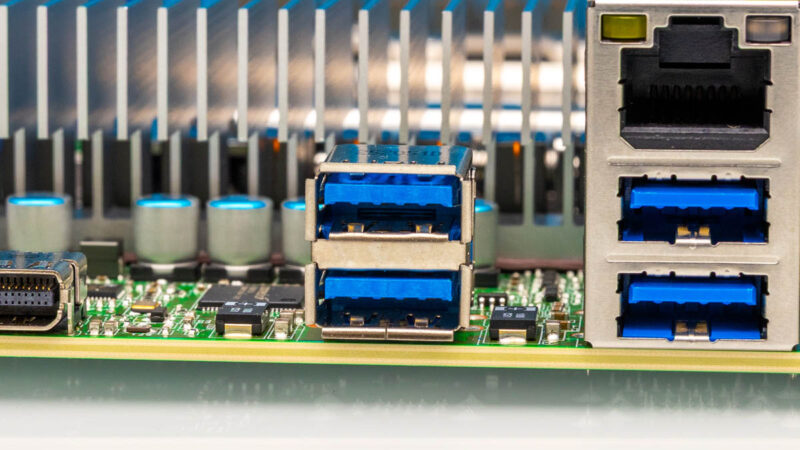
And to the left of that we have a curious sight: a mini DisplayPort.
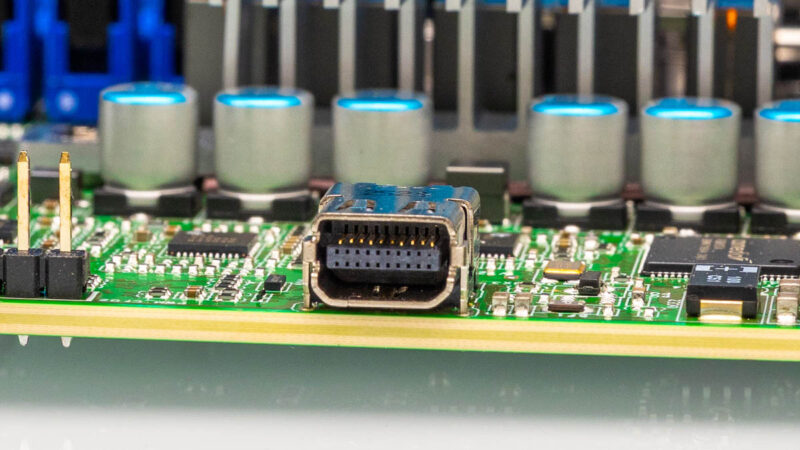
Gone is the antiquated VGA output that has been on servers for decades. In its place, ASRock Rack has finally gone digital via DisplayPort 1.1a support baked in to their BMC. Though at face value, using the smaller and less widely used miniature version of DisplayPort is a bit of a surprise. It feels like there is enough room for a VGA port. On the other hand, often these boards are built first for specific customers, so the main customer may have wanted mDP instead of VGA.
Finally, to power the AMPONED8-2T/BCM, there is a plethora of power ports. Routed all along the top of the board, there are four power connectors, yet to many, there will seemingly be one missing.
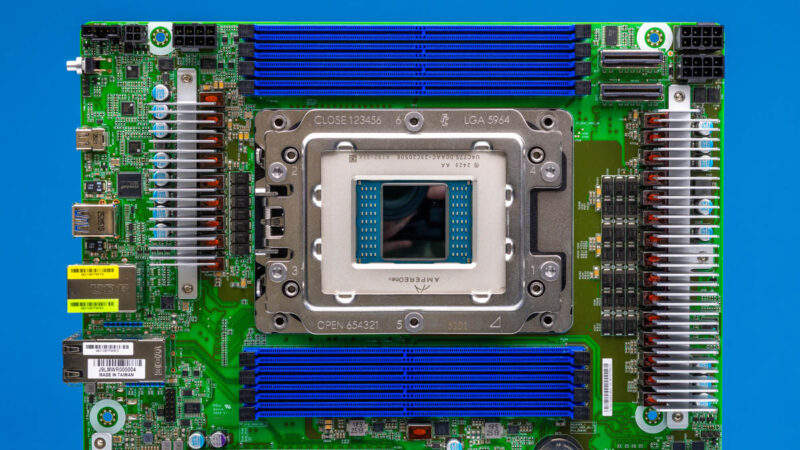
On the right side, we have two ATX12V power connectors, which in a true ATX system would be auxiliary power connectors for additional power. Here they are the main source of power for the board. Just a quick note, since these power connectors are back-to-back if you have a 12V EPS CPU power connector that has anything on the backside they will interfere a bit. We found this out the hard way.
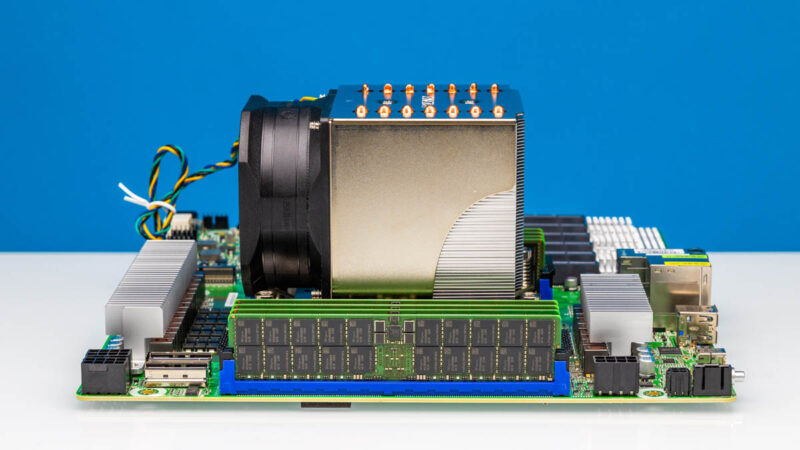
Even after those two CPU power connectors, two are not enough, which is why there is a third ATX 12V connector towards the rear I/O panel. This ended up being a challenge because we know many folks will want to make desktop servers, or servers with standard power supplies out of this platform, given the CEB form factor. We solved it because we had two Super Flower Leadex VII XP 1200W 80+ Platinum power supplies (Amazon Affiliate link) where they use universal modular ports. So we just took a CPU power cable from the second power supply, and that gave us three. The Super Flower CPU power connectors, however, have protrusions on the back, so the back-to-back installation was not aesthetically pleasing.
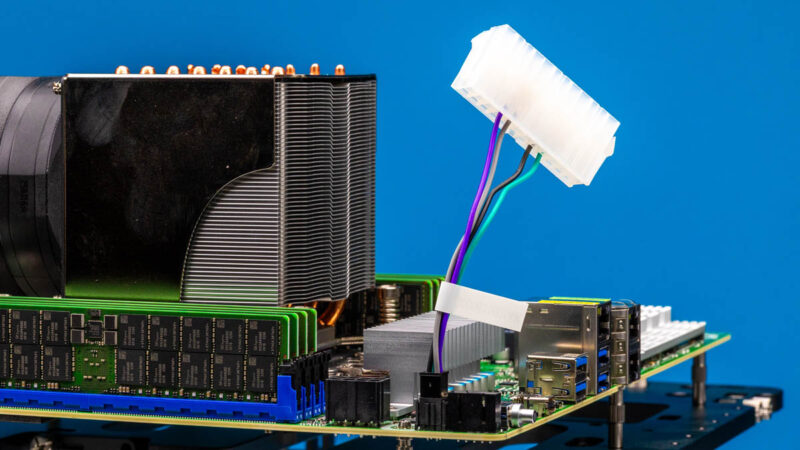
Meanwhile, a cut-down 4-pin ATX-derived connector provides for power control signaling. As ASRock Rack’s board does not require any of the other power pins from a traditional ATX 24-pin connector, the company saves space by only putting a 4-pin connector on the board itself. Which, when used with a standard ATX power supply, is then plugged into a 24-pin to 4-pin adapter, allowing the full 24-pin ATX connector from a power supply to be plugged in away from the board.
Finally, all the way at the other end of the board we find one more power connector: a lone PCIe 6-pin power connector. This connector is not used for basic system operation, but it is needed to help power a discrete video card if one is installed.
Next, let us get to the block diagram.

Patrick, I think you need to test again: your CPU jumper (number 15 on the motherboard layout diagram) is set to the wrong VREF voltage, which (according to ASRock) can have an impact on performance.
Thanks Jeff. We have different folks taking photos, testing, writing, and so forth. Usually, when Sam is taking photos/ B-roll, it is before we get things formally set up for testing, because if we take photos after, we end up getting too many fingerprints/ scuffs on gear.
This board is around $4700.
My experience is that asrock rack hardware is cool, but they are really horrible about long term software support (bios updates, etc) which makes them a bit of a crapshoot. Would be cool if sth made a habit of going back after a year or two and report how things are going in that respect.