

ASRock Rack 2U12L2S-SIENA Internal Overview
Starting with the storage backplane, this is a SATA-only backplane fed by SFF-8643 connections. Each provides four SATA III lanes.
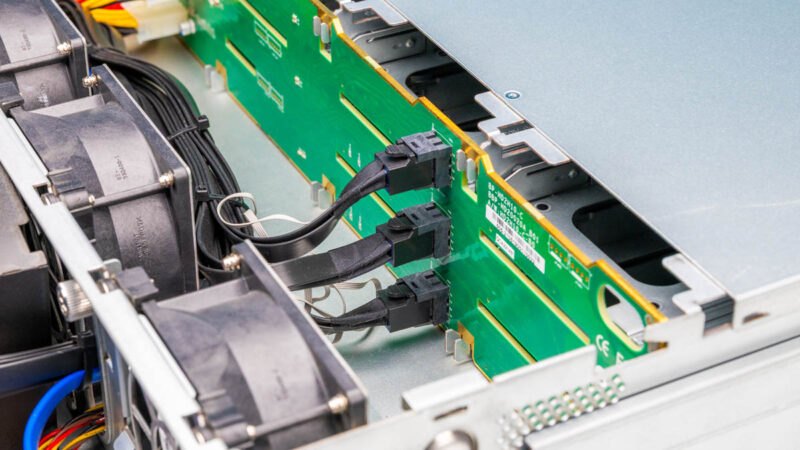
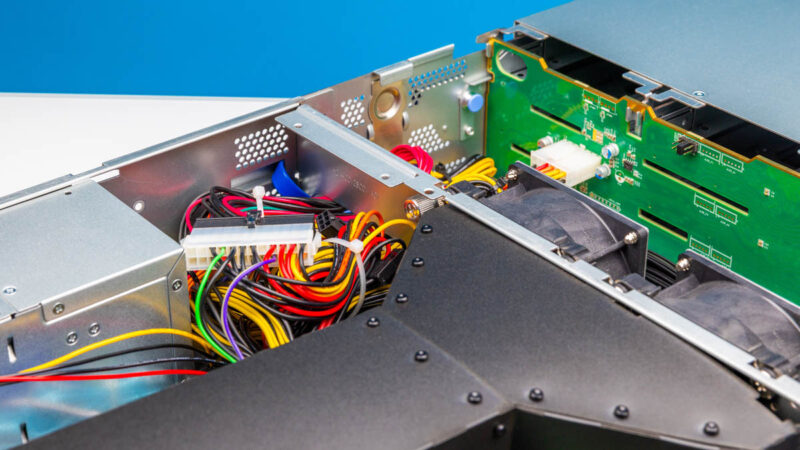
Behind that, we get the fan partition. This fan partition has cutaways to allow the cables to pass through.
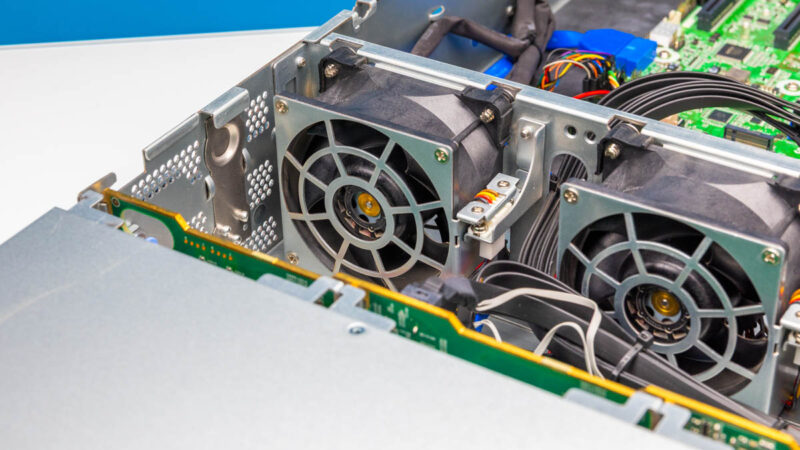
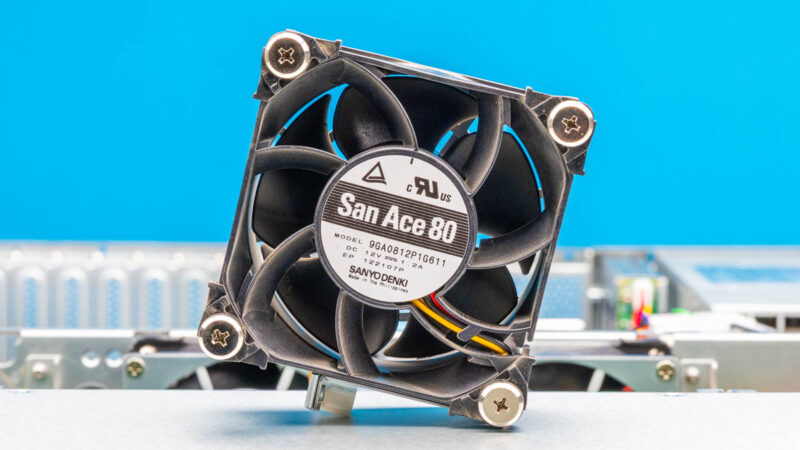
The fans in our test system are San Ace 80mm fans.
Here is another look at the fan partition.
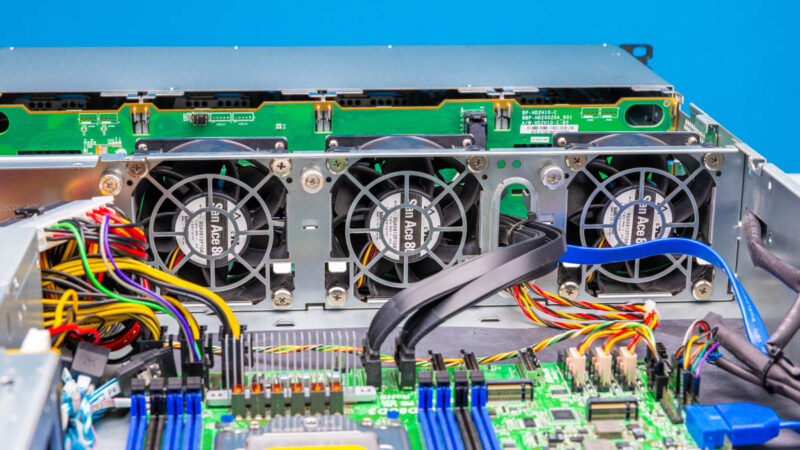
Instead of a fourth fan, there is an area where excess cables are stored. There is then a soft airflow guide.
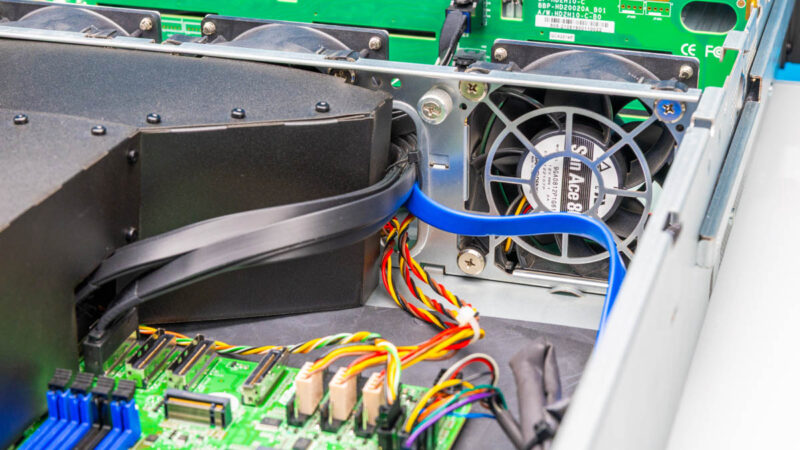
Herei s a quick lookk at how the data cables route around the airflow guide and through the fan partition.
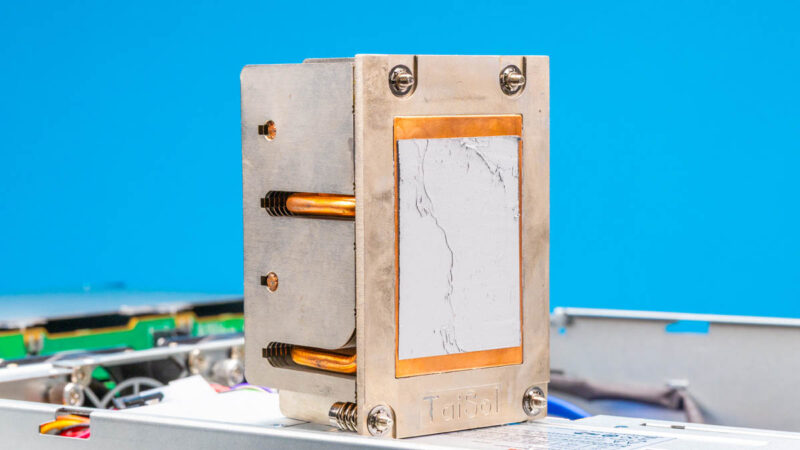
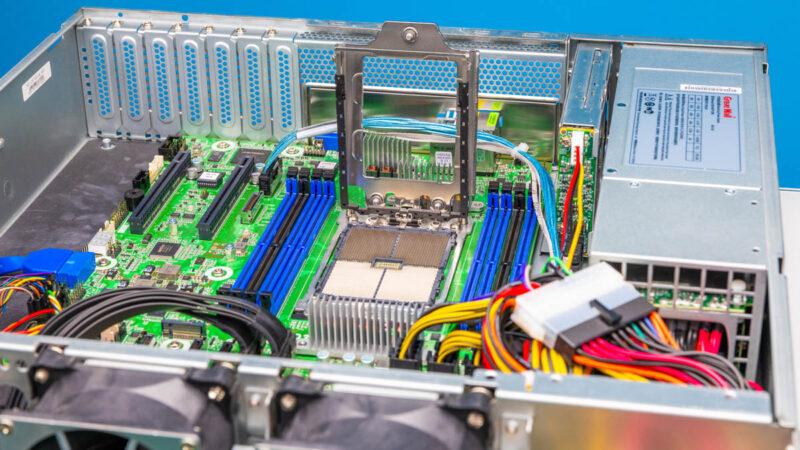
For cooling, we have a 2U passive cooler. LGA4844/ SP6 is not the hottest socket by any means, and 2U provides plenty of height for fins.
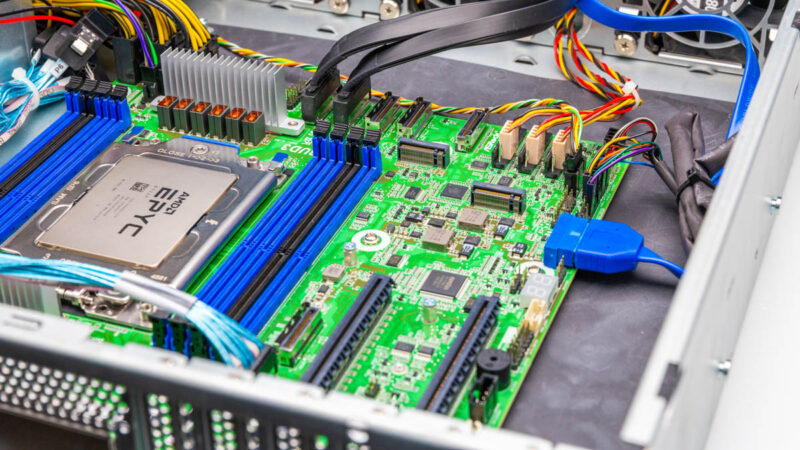
The motherboard is actually one we have seen before. We reviewed the ASRock Rack SIENAD8UD3 motherboard previously. In that review, we noted that this can actually support up to 32 SATA lanes, so the 14 we have in this system is not an issue.
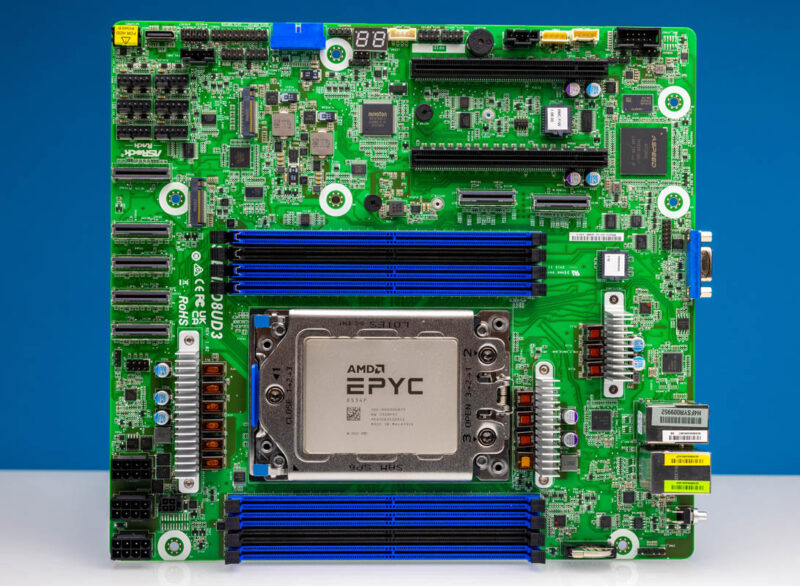
In terms of CPUs, we get the AMD EPYC 8004 “Siena” sereies. We have another piece coming up in July where we used this motherboard due to its awesome performance and lower power consumption.
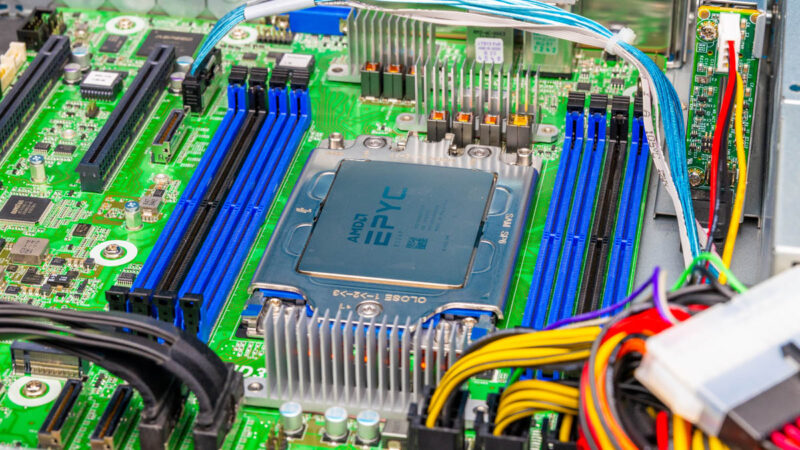
The CPUs for this scale from 80W to 200W. One can even lower the TDP on the 64 core EPYC 8534P unit to only 155W if you just wanted a lot of cores at a lower power level. 155W puts it below some 16 core chips we have seen. If you just want connectivity and lower power, there are chips like the EPYC 8024P at 8 cores.
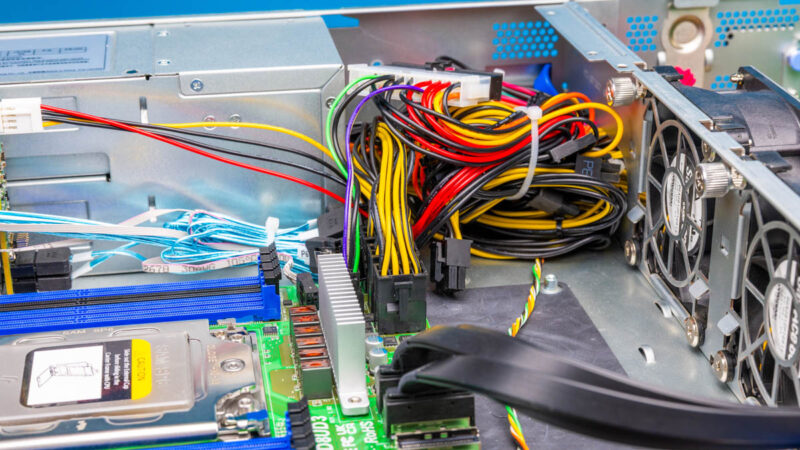
Here is another look at the power cables. This redundant power supply setup has many cables, and many that are not used in this configuration.
For NVMe storage, we get two M.2 drives that can be either M.2 2280 (80mm) or 22110 (110mm.)
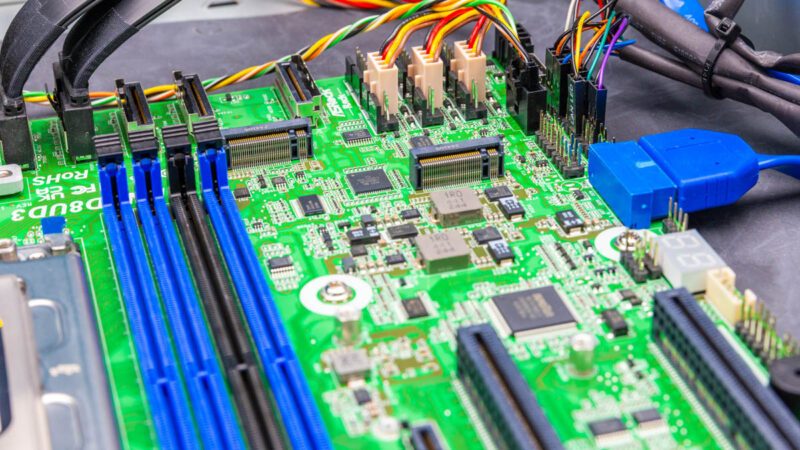
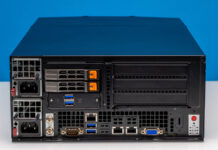
For PCIe slots, we get two PCIe Gen5 x16 slots, so not all of the rear low profile slots can be populated with cards. Still, we suspect one of these will be filled with a NIC in most systems.
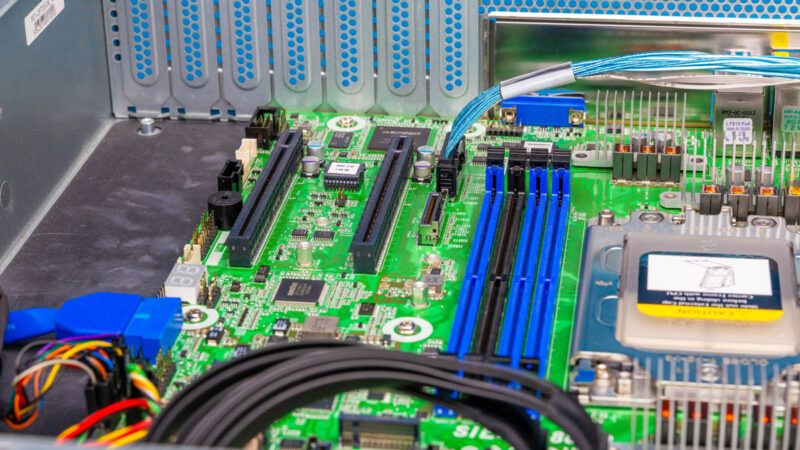
Here is the rear of the two SATA SSD bays where you can see the little backplane.
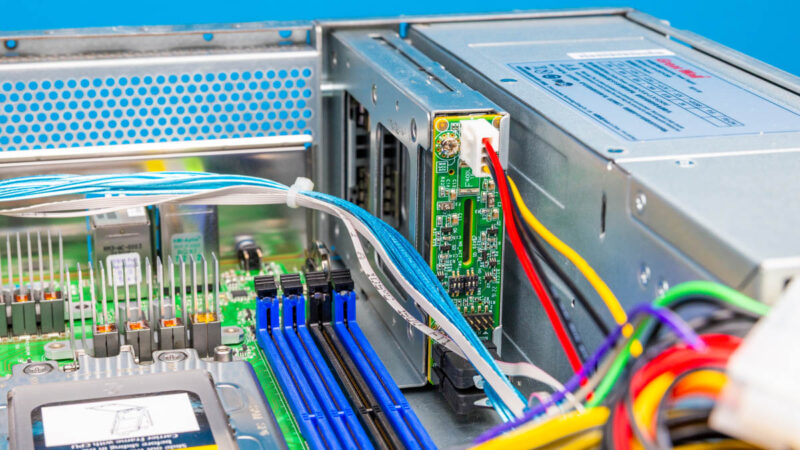
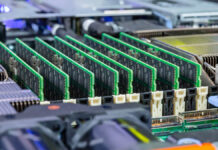
Something to keep in mind here is that there are eight DIMM slots, but there are only six memory channels. Adding the seventh and eight DIMMs is really there for folks who need extra memory but you do not add memory bandwidth with them.
Since there is a lot here, let us next get to the block diagram.

At this point, where’s the AMD EPYC 8005 Sorano for the same SP6 socket?