

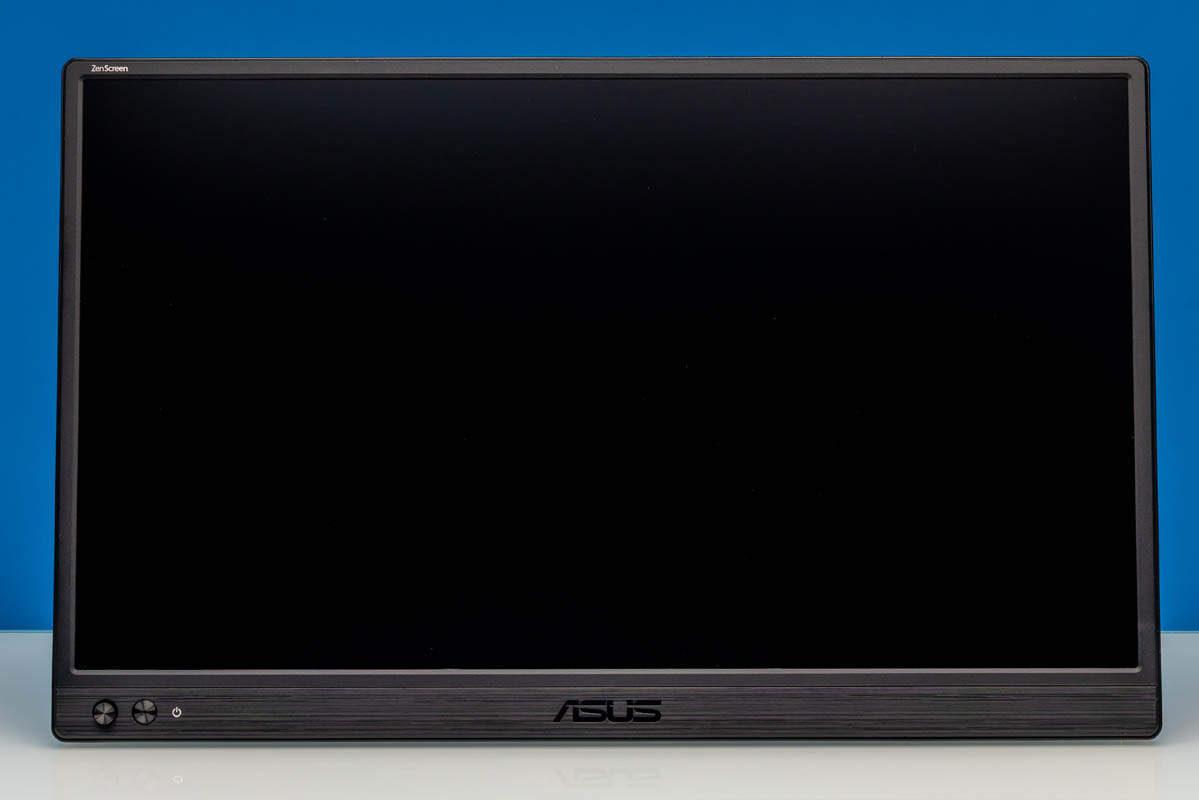
The ASUS ZenScreen MB169CK is a 15.6-inch portable monitor with a 1920×1080 IPS panel, 60Hz refresh rate, dual USB Type-C inputs, and a mini HDMI input. It is a more flexible design than the older single-port ZenScreen models, with a detachable 360-degree kickstand and more conventional cabling options for travel or desk use. ASUS positions this as a mainstream portable USB monitor rather than a high-refresh or high-resolution specialty display. That makes the MB169CK interesting mostly for its physical design and input flexibility, not because it is trying to compete with the 2.5K and 180Hz portable monitors we have reviewed.
Here is the Amazon affiliate link to where we purchased this unit.
ASUS ZenScreen MB169CK Hardware Overview
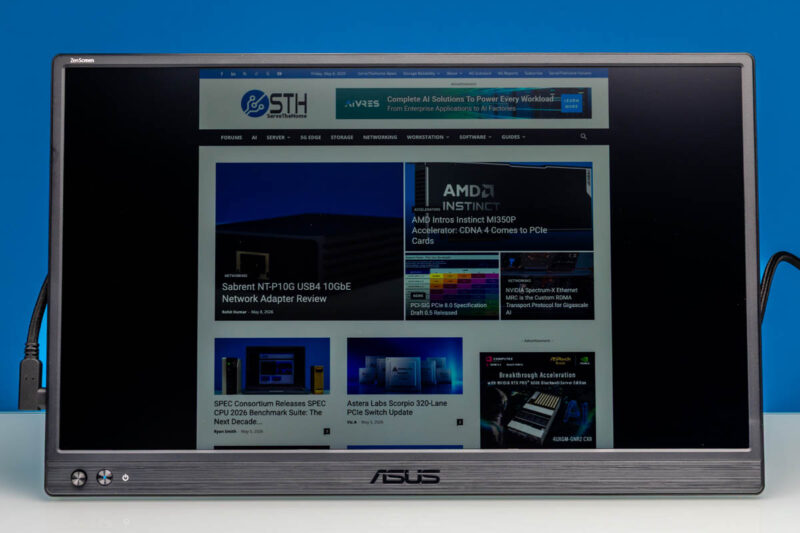
The ASUS ZenScreen MB169CK is a 15.6-inch 16:9 IPS monitor with a Full HD 1920×1080 resolution. It has a 178-degree viewing angles, 60Hz refresh rate, 250 cd/m2 typical brightness, 800:1 typical contrast.
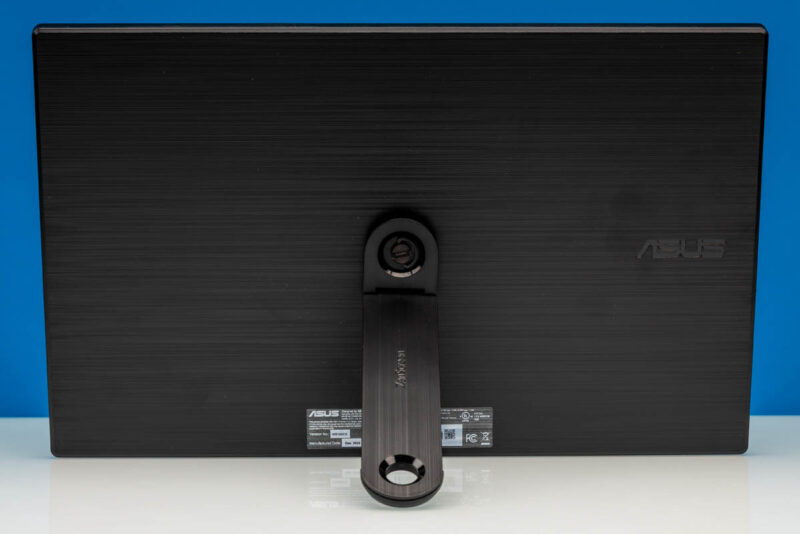
Around the back, this is a different design from the MB16ACE. Instead of relying on a folding cover as the primary stand, the MB169CK uses a detachable kickstand. This kickstand is super easy to install and does not require any tools.
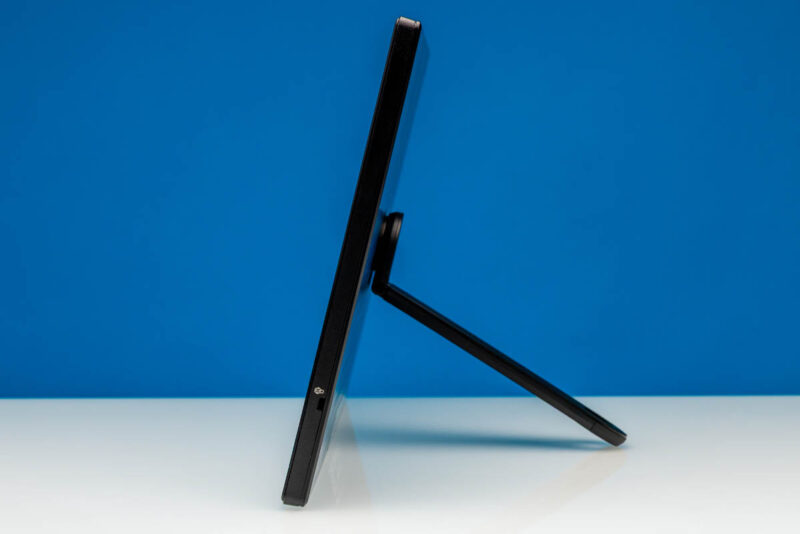
Here is a look at the stand from the side. The stand gives you varying viewing angles. The monitor dimensions without the stand are 14.17in x 8.90in x 0.47in, with a listed weight of 1.72lb.
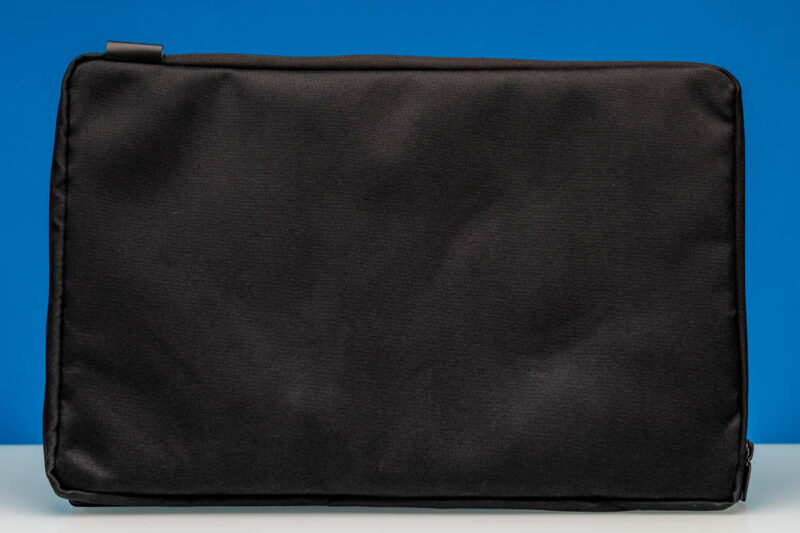
The ASUS ZenScreen MB169CK also includes a sleeve.
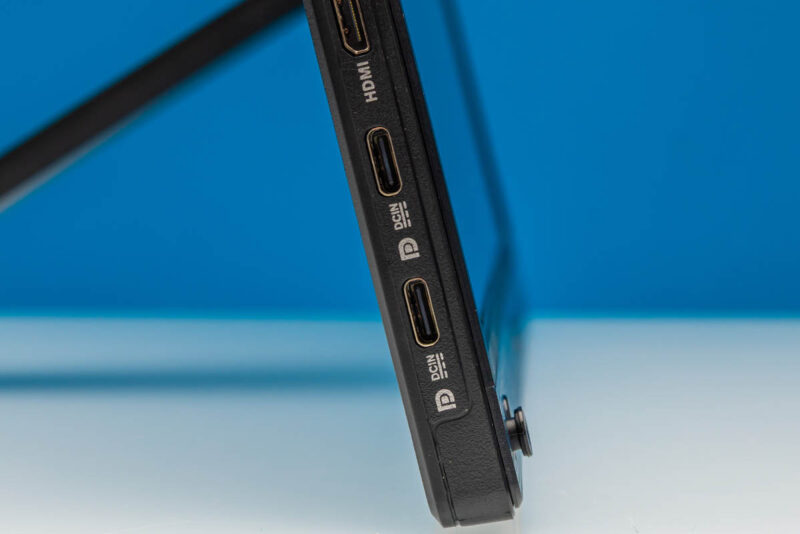
For display inputs, the MB169CK is much more flexible than the single-port MB16ACE. This has two USB Type-C ports with DisplayPort Alt Mode support.
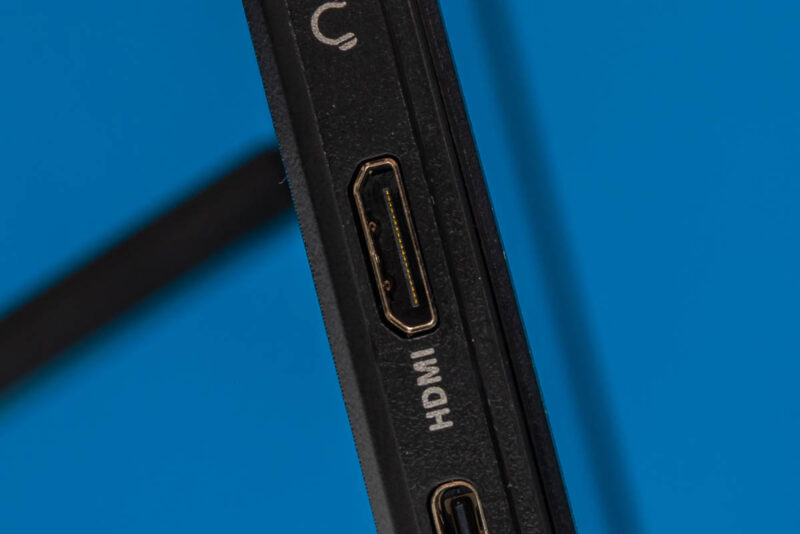
There is also a mini HDMI input.
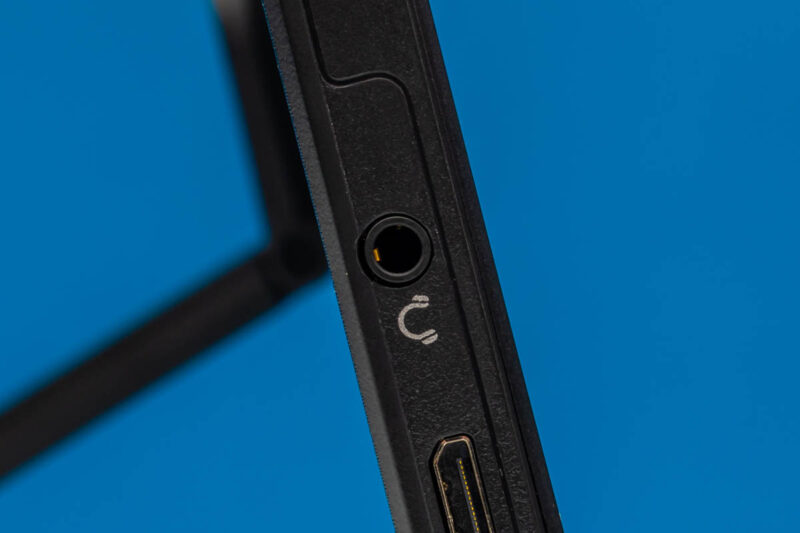
On the other side, ASUS includes a 3.5mm audio jack. The monitor does not have speakers built in, so this is primarily for audio passthrough.
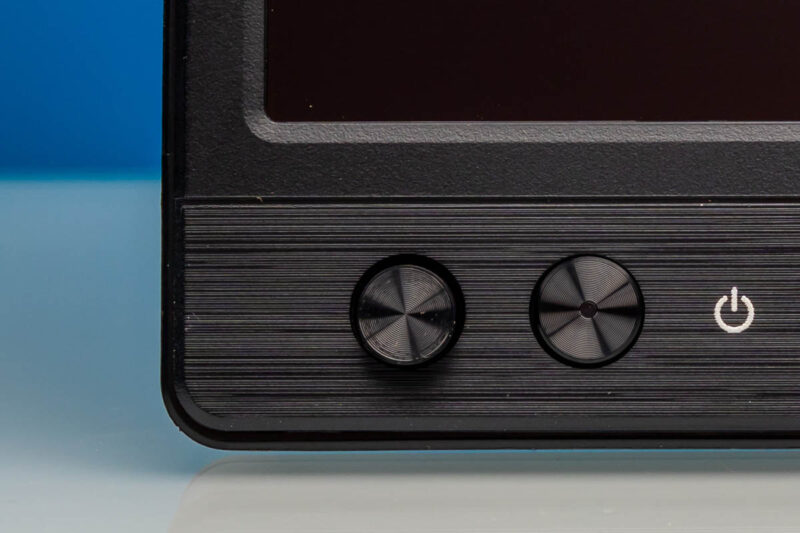
Controls are split between an adjustment button and a power button.
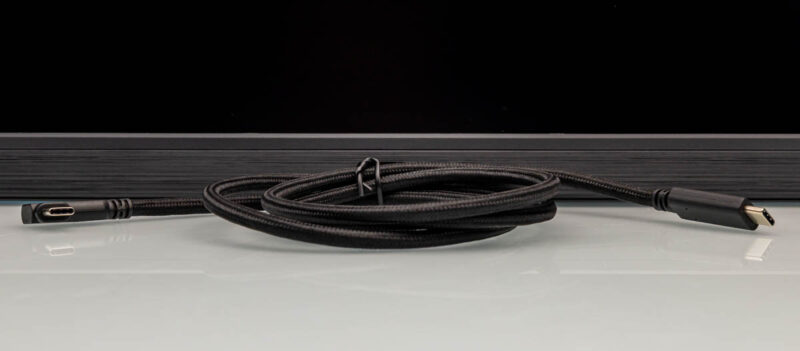
A USB Type-C cable is included in the box.
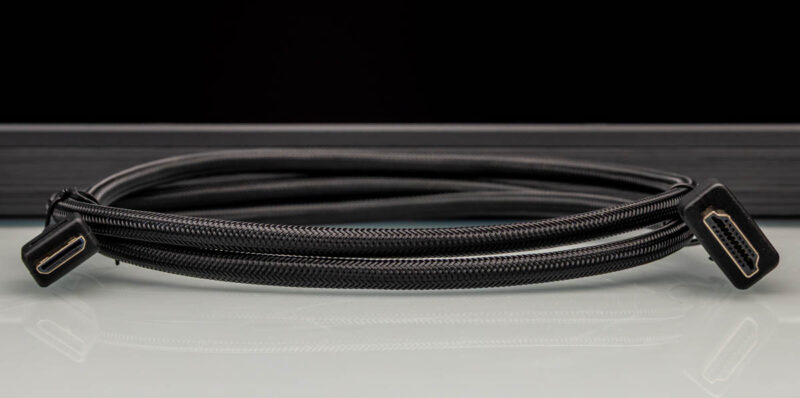
There is also a mini HDMI to HDMI.
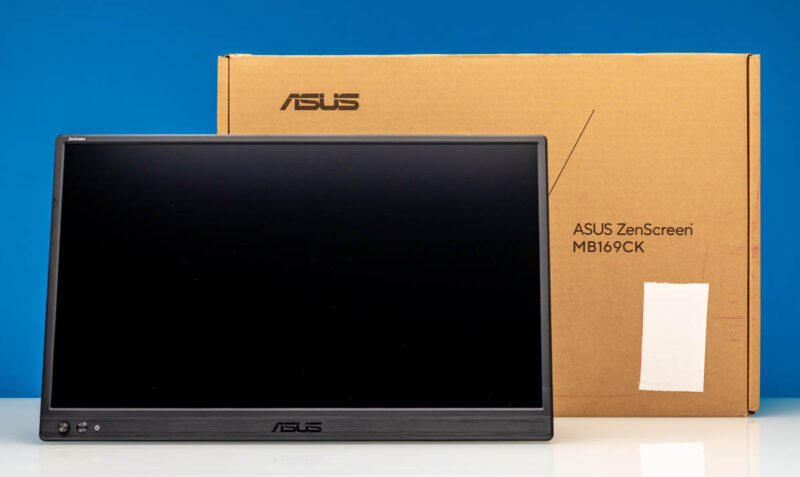
Here is the monitor with its retail box.
Next, let us see how the ASUS ZenScreen MB169CK performs.



I may have missed it but how did portable monitors become a thing that STH now reviews so regularly?
Also interested in why you havent come across Espresso Displays yet, I have one and really really like it.
Adam – Not really sure. We started with a quick look, now it tends to be some extra weekend content. Perhaps a part of this is just running more big projects has become challenging due to memory pricing. It now costs us like $48K to get a 2P 2DPC server filled with 64GB DIMMs so we cannot support that.