

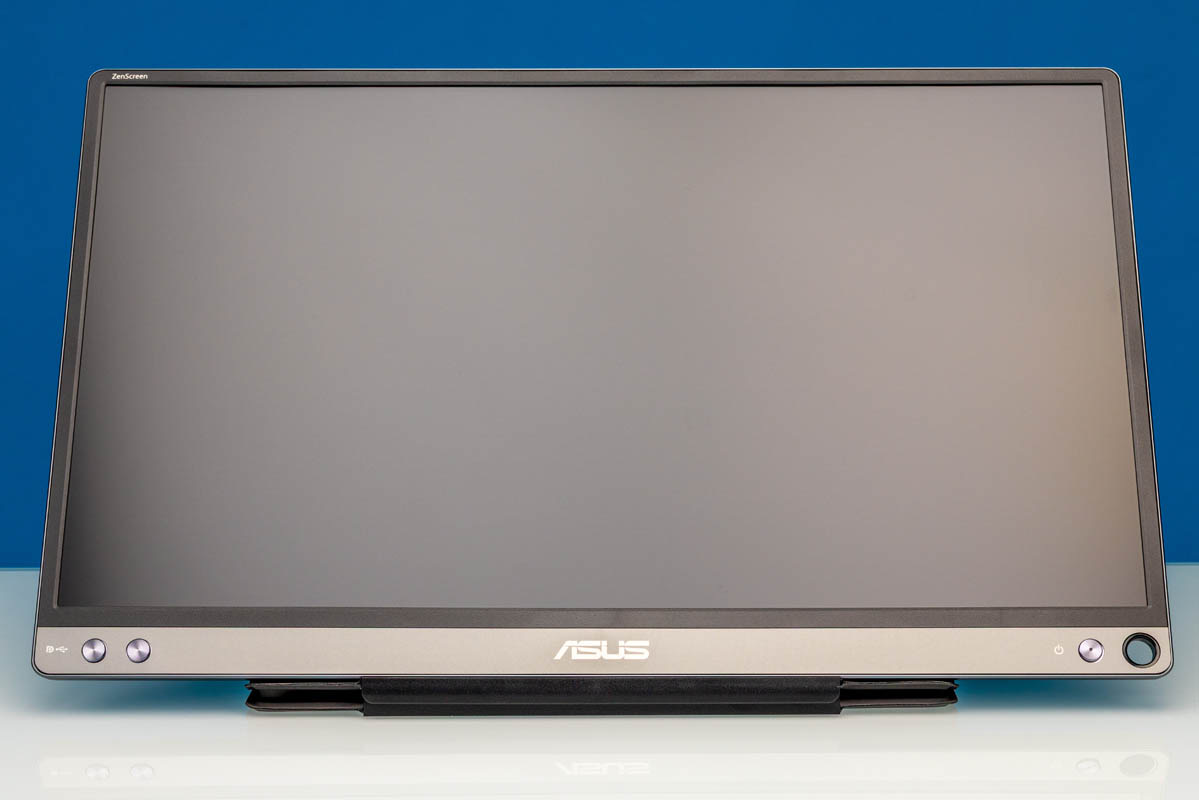
The ASUS ZenScreen MB16ACE is a 15.6-inch portable monitor built around a 1920×1080 IPS panel, a 60Hz refresh rate, and a single USB Type-C input. It is one of ASUS’ slimmer ZenScreen designs, trading the broader port selection of some budget portable monitors for a cleaner one-cable setup and a smart cover stand. At $167, it is nowhere near the bottom of the cost ladder, so we wanted to see how it performed. If you are looking at this class of monitors, the main question is usually whether a branded portable display does anything meaningfully different than the many low-cost USB-C displays we have reviewed. With the MB16ACE, ASUS is leaning into portability, the smart cover, and broad laptop compatibility more than raw panel performance.
Here is the Amazon affiliate link to where we purchased this unit.
ASUS ZenScreen MB16ACE Hardware Overview
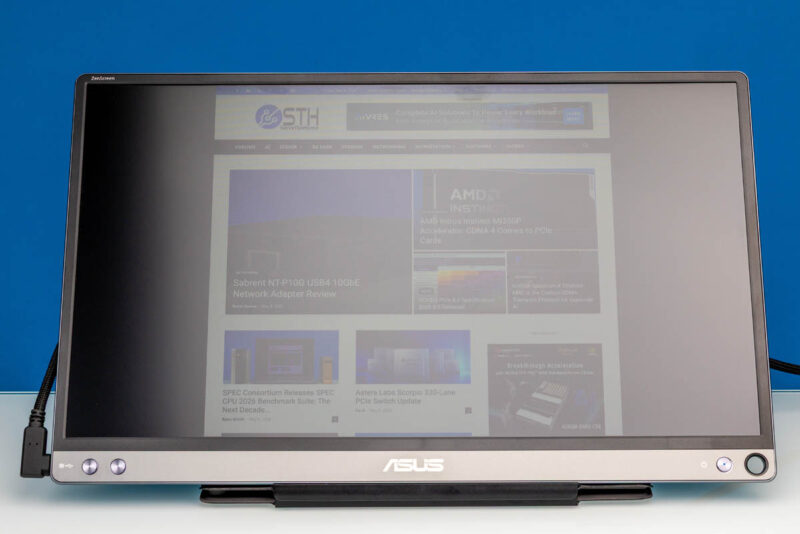
The ASUS ZenScreen MB16ACE is a 15.6-inch 16:9 IPS portable monitor with a Full HD 1920×1080 resolution. It has 178-degree viewing angles, a 60Hz maximum refresh rate, and a typical, but not great, 800:1 contrast ratio. It is also an “anti-glare” screen, but the studio lights are substantial.
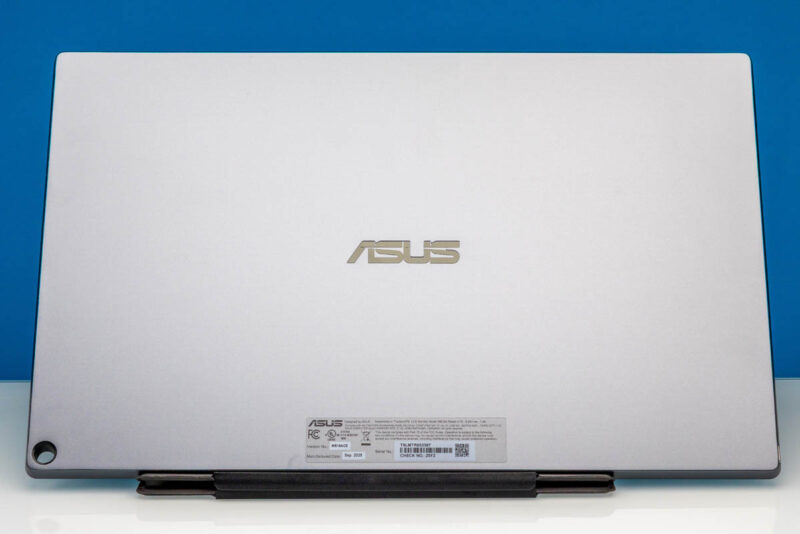
Here is a look at the monitor’s back. The dimensions are 14.16in x 8.91in x 0.31in.
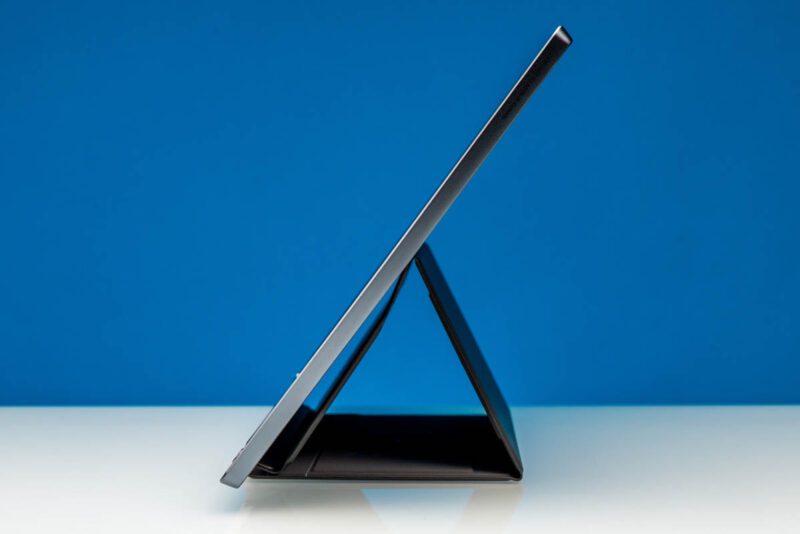
From the side, you can see how thin the monitor’s depth is. ASUS does not build a kickstand into the display itself, so the bundled case is a very important addition. We were fairly mixed on the case design. We have used less sturdy options. Still, compared to the Dell Pro 14 Plus Portable Monitor P1425’s stand, this is nowhere near as sturdy or flexible.
ASUS also supports pen or stylus use and includes a built-in compartment to hold it.
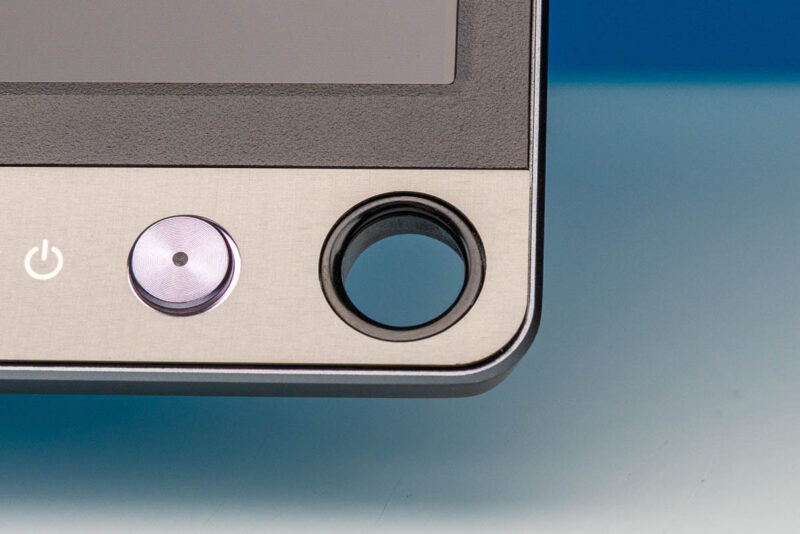
For display input, the main takeaway is that there is only one USB Type-C port. This port does support both power and display functions. Many portable monitors we have reviewed include two USB-C ports and a mini HDMI input, allowing one USB-C cable for power and another cable for display input.
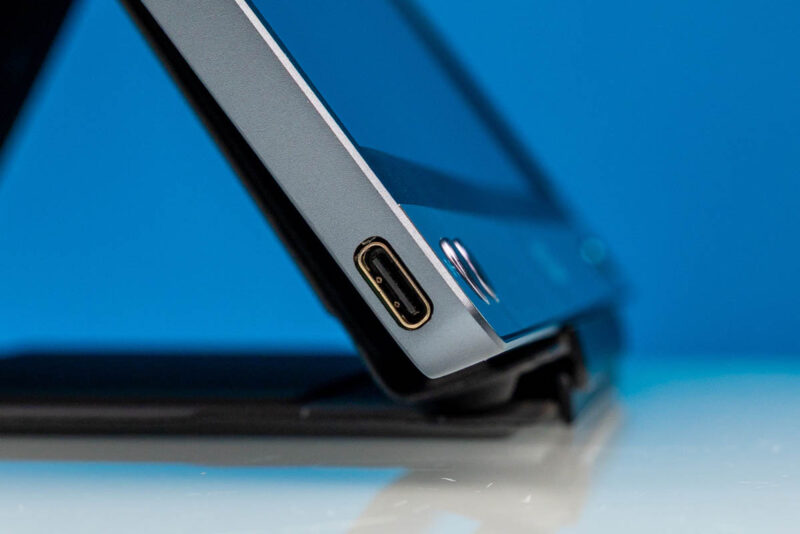
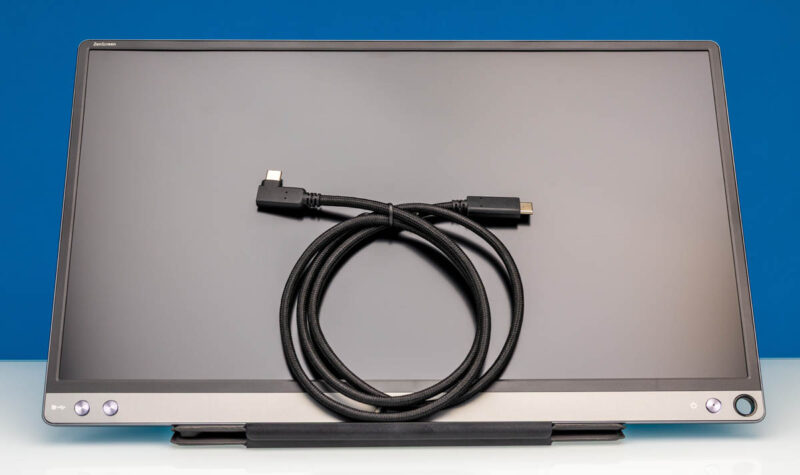
ASUS includes a USB Type-C cable in the box.
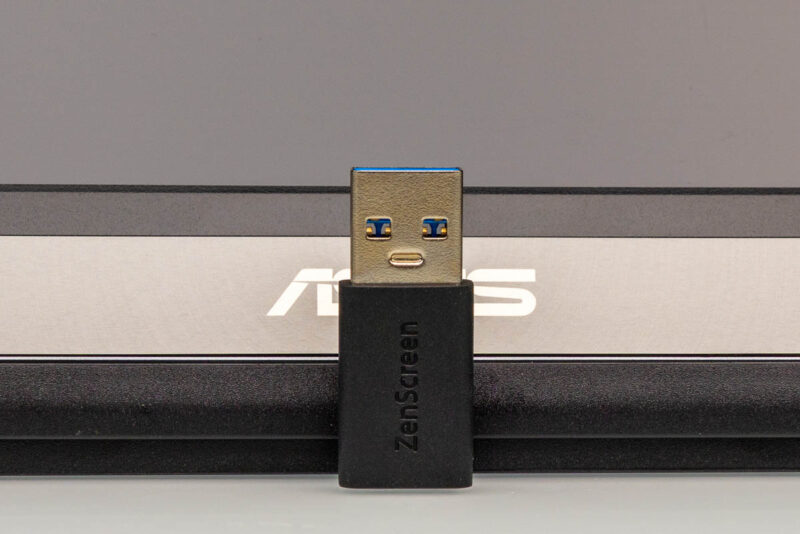
There is also a USB Type-C to Type-A adapter. That is handy for systems without a full-featured USB-C port, but it also reminds us that this monitor is not as universally simple as models with a separate HDMI input.
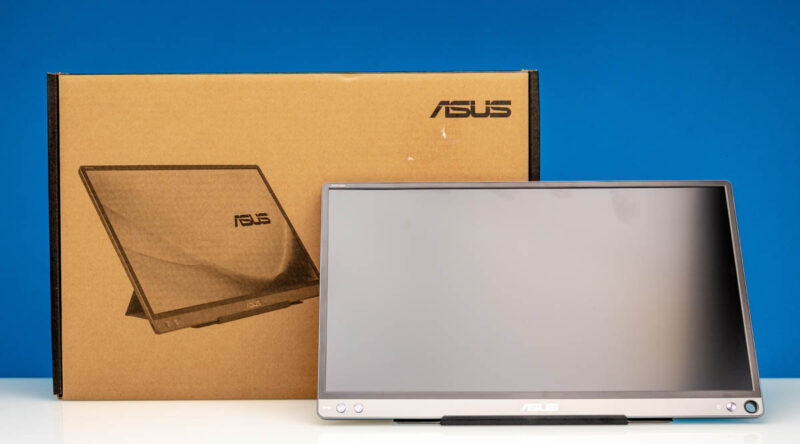
Here is the monitor with its retail box.
Next, let us see how the ASUS ZenScreen MB16ACE performs.


Given “pen or stylus use”, is this also a touch-screen?
Suitability for server aisle crash cart use?
Honest question … for all I know, Dsub15/VGA is still necessary.
How is this better than the $50 options? Seems excessively expensive for the performance figures.
@ splifingate
It is not a touch screen. The hole is for putting in a pen when not using the stand. Great engineering ;-(
ASUS Says: “ZenScreen MB16ACE is designed in a smart pen hole in the bottom right hand corner, where you can insert a pen to prop the screen up when not using the smart case.”
@ Bob Niland
A much better choice is using the Arzopa Z3FC QHD Portable Monitor.
https://www.servethehome.com/arzopa-z3fc-16-1in-180hz-2-5k-portable-monitor/#comments
It has 2x USB-C ports (one for power & one for signal) and 1x HDMI Mini port.
But you would still need a VGA to HDMI Adapter.
1. Get a VGA to HDMI Adapter at Amazon.com: Search for FOINNEX-Converter-Computer-Projector-Portable
2. Connect the supplied HDMI Full/Mini cable
The drawback is that you would also need USB power for the adapter to work. One more cable.