

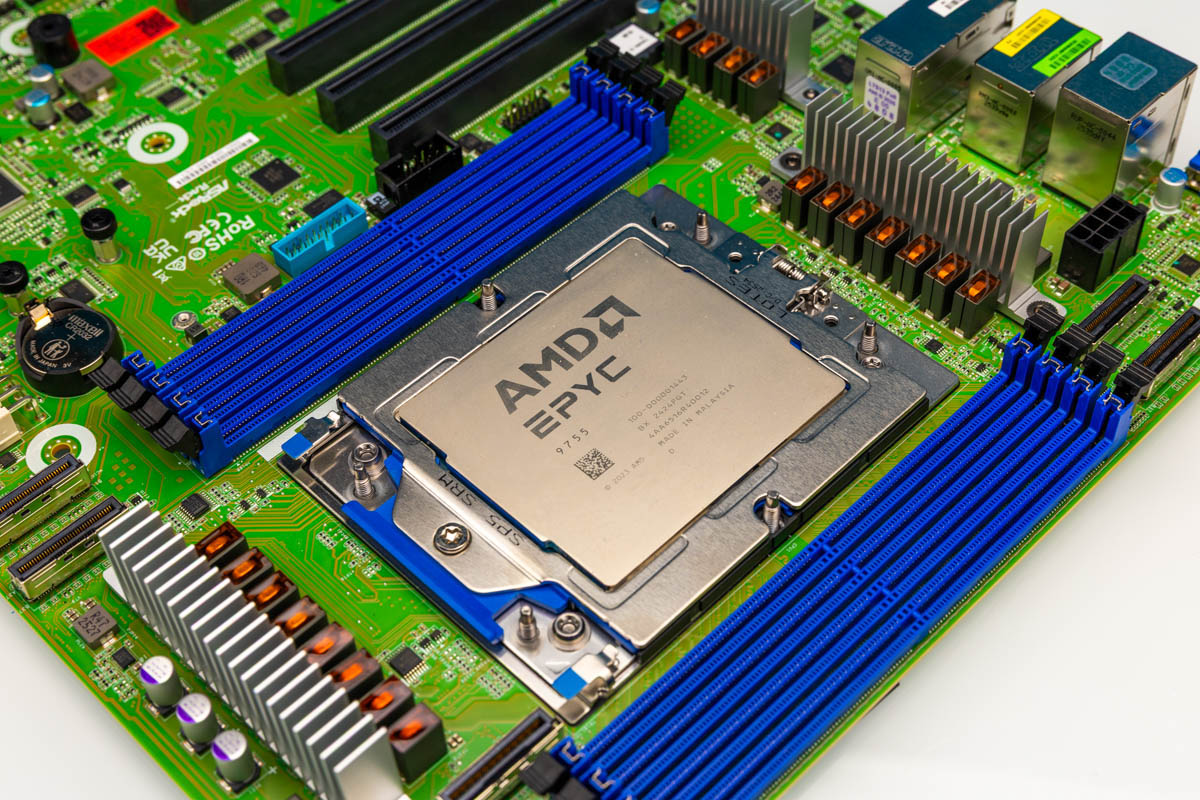
The ASRock Rack TURIND8-2L2T is a really neat motherboard. In a world where so many motherboards for current-generation server processors are a custom form factor, those who want to use a tower chassis, larger server chassis, or just want flexibility in their system can be at a loss. With TURIND8-2L2T, there is a standard-size, standard-format motherboard with lots of PCIe slots, an AMD SP5 socket, and 10Gbase-T built in. Still, there are some trade-offs ASRock Rack had to make, and we will also explore them in our review. Let us get to it.
ASRock Rack TURIND8-2L2T Hardware Overview
Starting off, this is a 12″ by 10.5″ CEB-sized motherboard. For reference, the ATX size is 12″ x 9.6″, so it is slightly larger. A major portion of that is just how big sockets are today. ATX was defined in an era of smaller CPU sockets, so these days even going larger than ATX means trade-offs need to be made.
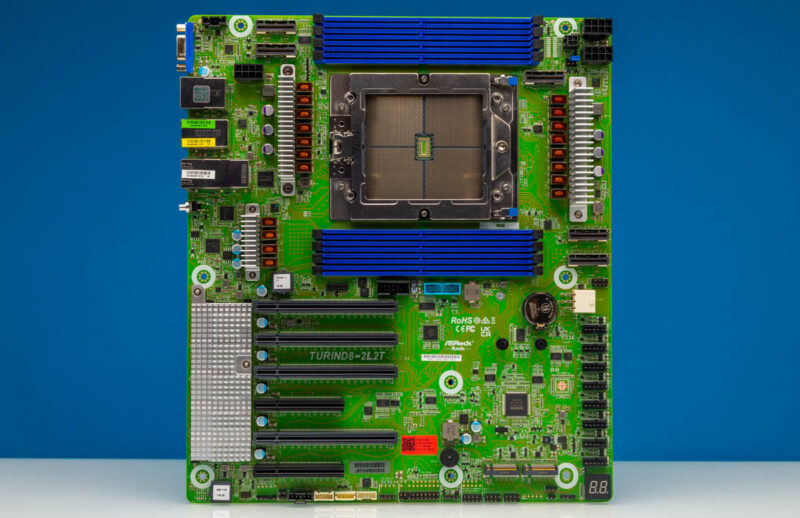
The biggest feature, by far, is the AMD SP5 socket. Although the board says “Turin” in the title, it supports Genoa, Genoa-X, and Bergamo processors as well.
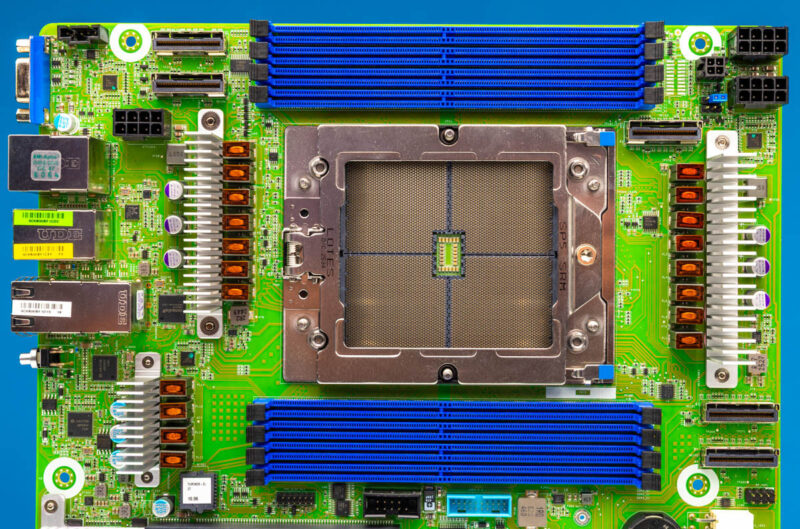
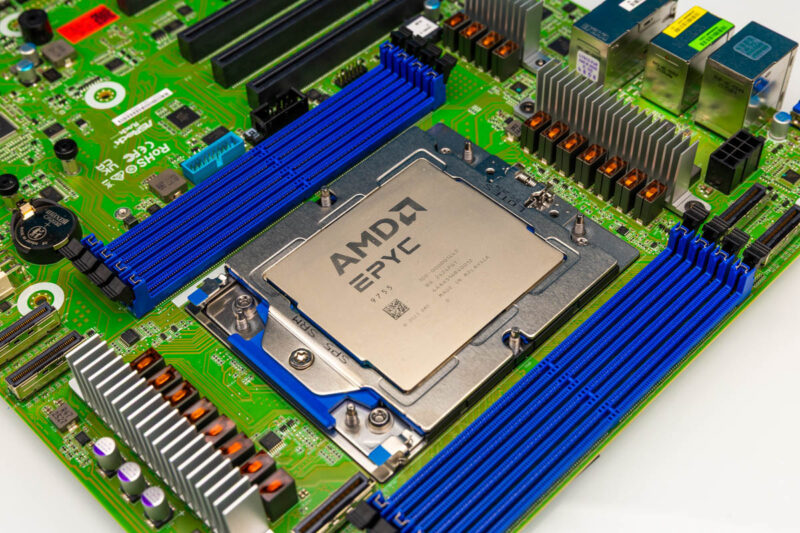
One fun one we would not recommend: we actually ran this for a short time with the 450-500W AMD EPYC 9755 before double-checking the specs and realizing the board’s maximum TDP was only 400W. There is an expansive CPU support list, but it is worth keeping that limit in mind.
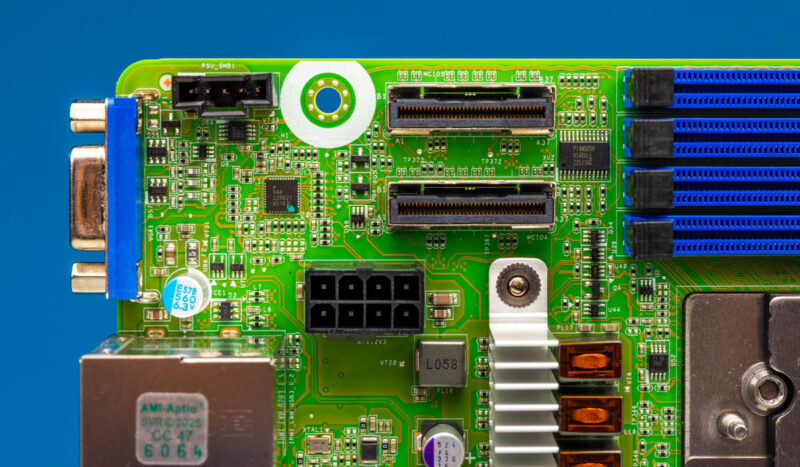
In the top corner of the motherboard, the big features are two MCIO x8 connectors and an 8-pin CPU power input.
On the top right side, there is another MCIO x8 connector, and then two more 8-pin CPU power inputs. Three ATX 12V connectors are a challenge because we know many folks will want to make desktop servers, or servers with standard power supplies, out of this platform, given the CEB form factor. We solved it because we had two Super Flower Leadex VII XP 1200W 80+ Platinum power supplies (Amazon Affiliate link), which use universal modular ports. So we just took a CPU power cable from the second power supply, and that gave us three. This is certainly not the most efficient way to do this, but it worked and was similar to the ASRock Rack AMPONED8-2T BCM.
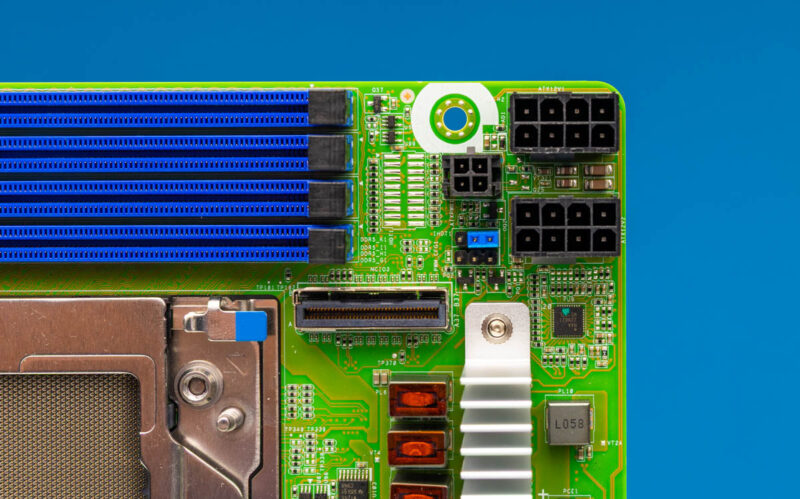
Also, in the photo above, the cut-down 4-pin ATX-derived connector provides power-control signaling. There is no ATX 24-pin connector on the board to save space. ASRock Rack has done this on many motherboards previously, and the solution is to plug a 24-pin PSU connector into an adapter so the board can receive power signaling. When we talk about trade-offs to save space, this is one that seems strange if you have never seen it before, but after several generations of these, it makes sense.
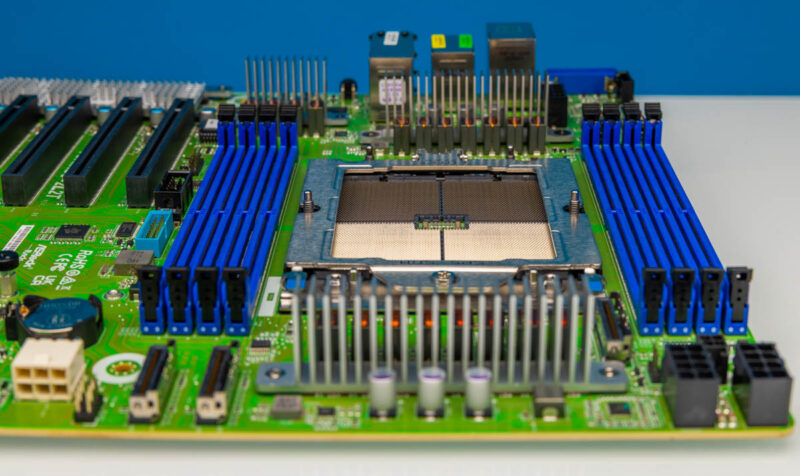
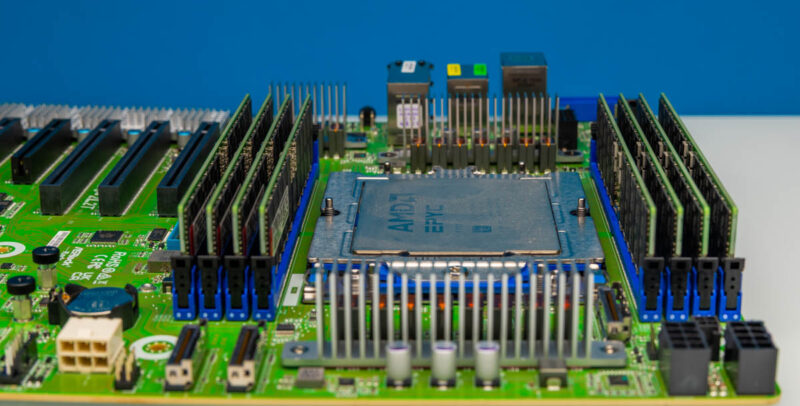
The memory situation is notable. This motherboard only has eight DIMM slots. A typical AMD EPYC SP5 processor has 12 DDR5 memory channels and can run in 2-DPC mode to support up to 24 DDR5 DIMMs. Those 24 DIMMs would take up more than half of the width of the motherboard. The 8-channel memory here seems primarily as a design decision to allow for more PCIe slots. DDR5 pricing has gone up a lot, so only having 8 DIMM slots is fine if you want a lower memory capacity. At higher memory capacities, you might want more DIMM slots so you can use lower-capacity, and often less expensive DIMMs.
Continuing around the motherbaord there are two more MCIO connectors. With so much of the industry moving to NVMe SSDs, having MCIO connectors to get cabled connections to drive bays is always useful.
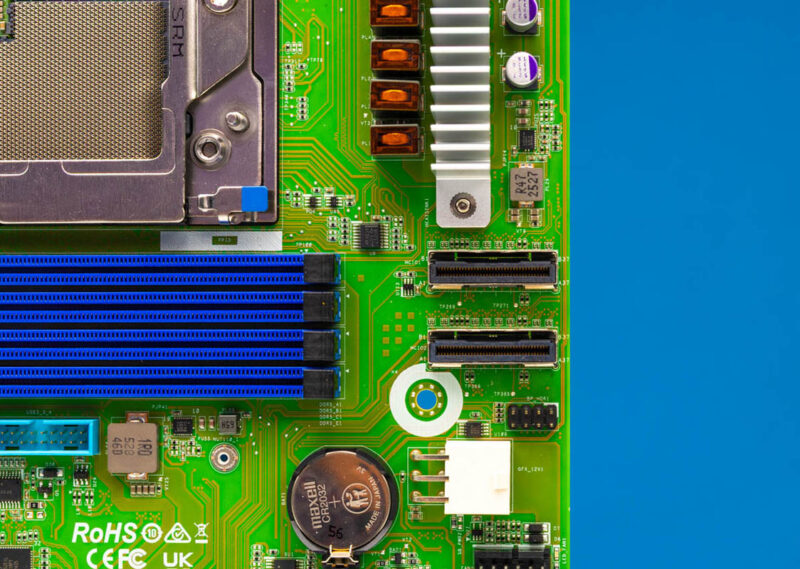
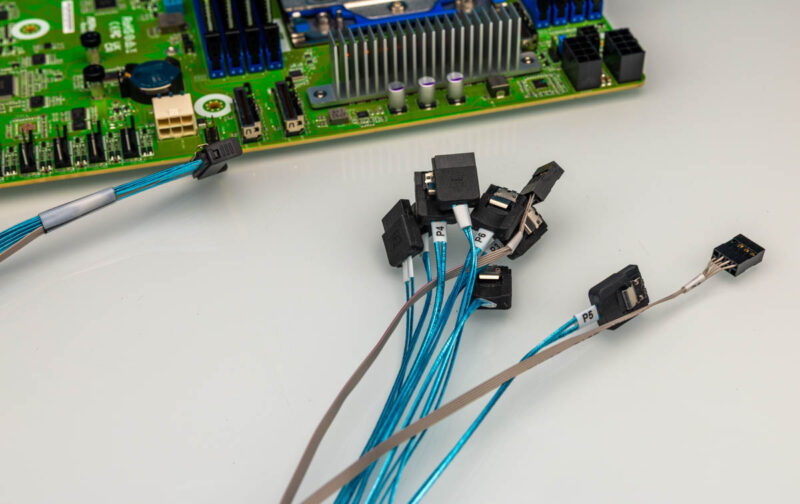
You will notice that there are no SATA ports onboard, but the AMD EPYC 9004/ 9005 series can still run its PCIe Gen5 lanes in SATA mode if necessary. There are MCIO x8 to 8x SATA cables that are designed to make that breakout happen.
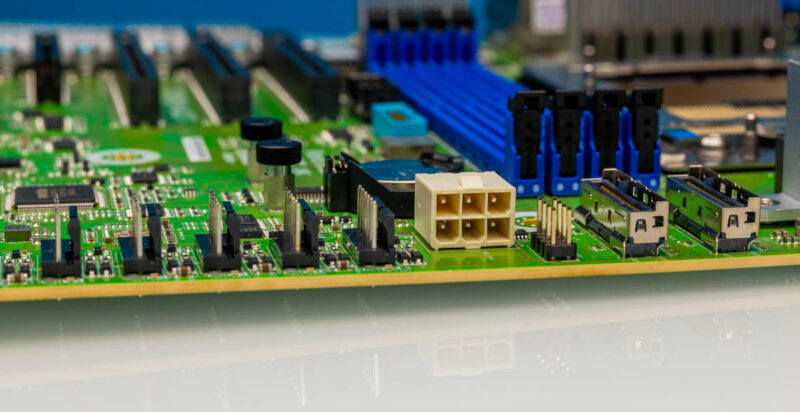
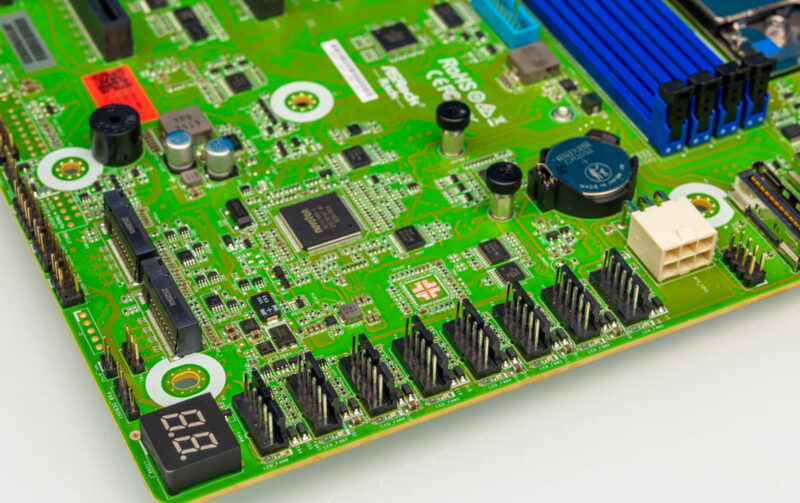
On the edge of the boards there is a PCIe power connector.
Then, on the bottom portion of the board, there are eight fan headers.
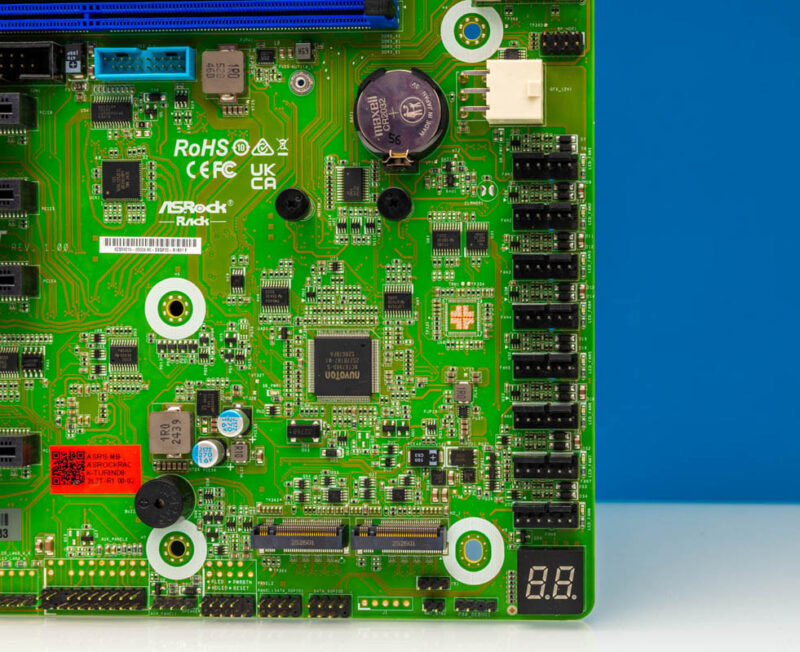
There are two M.2 SSD slots onboard for boot SSDs.
Next is perhaps the other big feature. There are six onboard PCIe slots. There are four PCIe Gen5 x16 slots and two Gen5 x8 slots. The x8 slots are open-ended, so if you want to install a longer card, you can. Also, all of the PCIe slots except two of the x16 slots support CXL 2.0 as well.
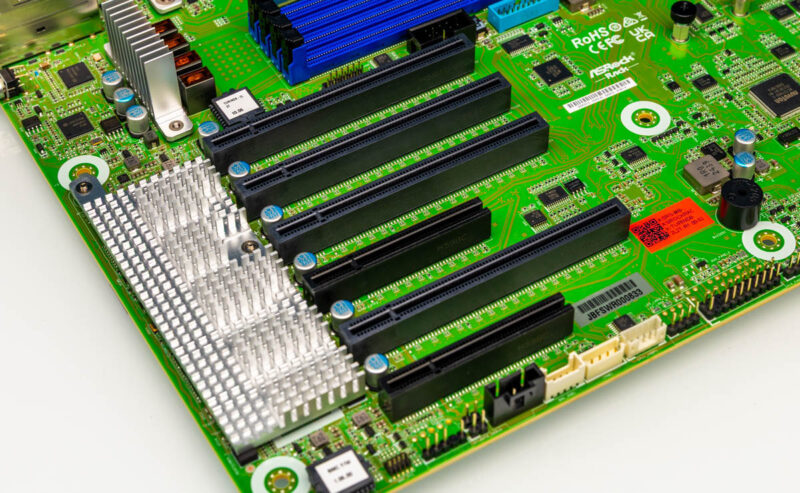
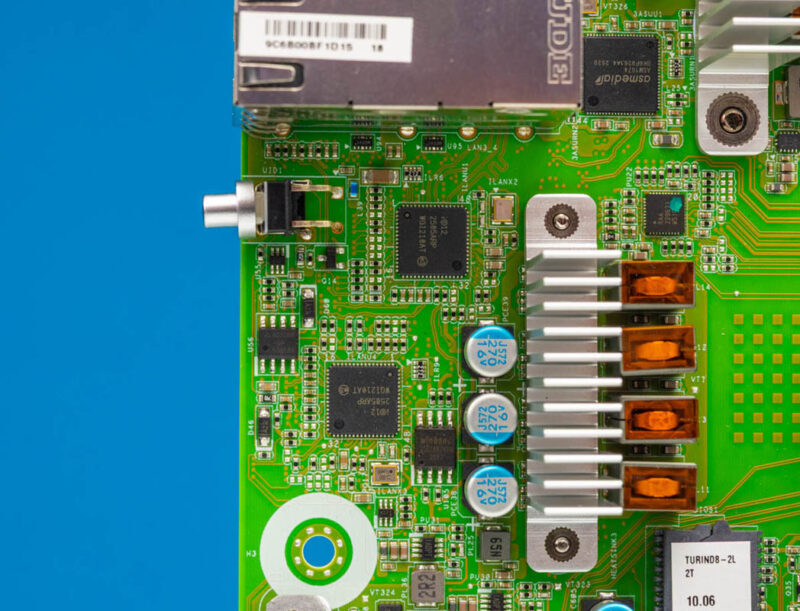
There is a heatsink below the slots that primarily cools the Intel X710 10Gbase-T NIC.
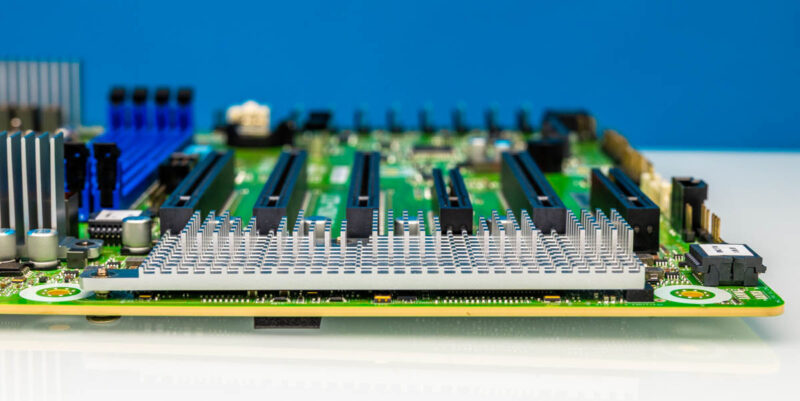
A small but notable feature is the orientation. Almost everything on the motherboard is designed for front to back airflow in a chassis, which is exactly what most servers and high-end workstations use. Consumer cases can have other orientations, so this is just something to consider. Here, even the fan headers are designed for that airflow.
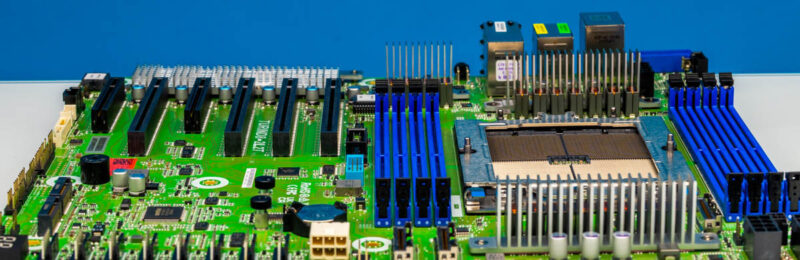
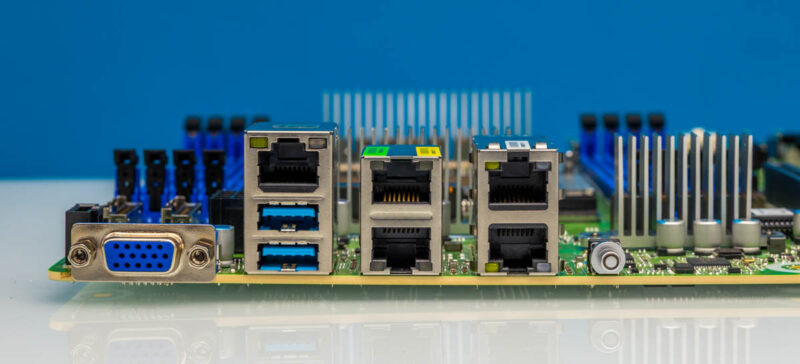
In terms of rear I/O, we get a VGA port and two USB Type-A ports. Atop the USB ports is an out-of-band management port. Next to that are two 1GbE ports using an Intel i210 NIC. Then the Intel X710 powers the two 10Gbase-T ports.
While the X710 has a heatsink over it, the low-power Intel i210-at NICs are visible on the board.
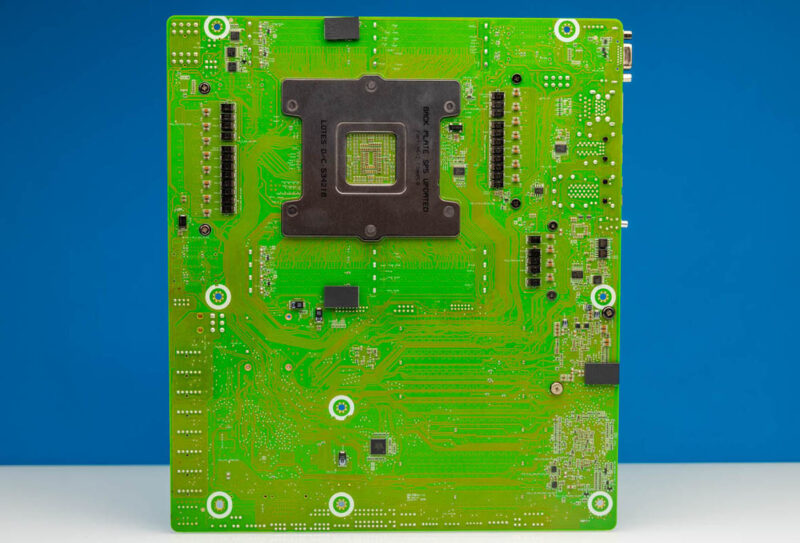
Something we do not often do is show you the underside of the motherboards. This motherboard, however, has little pads in key spots to help support the motherboard and keep it from contacting the chassis. That is a small, but nice touch.
This is going to sound like a small feature, but since we reviewed the ASRock Rack AMPONED8-2T BCM earlier this quarter, it was apparent that there is a common design philosophy between the platforms. Both have 8x DDR5 DIMM slots, utilize the three ATX 12V power connectors, and so forth. For some, that will be neat since it gives you an option to build around the general motherboard layout, then pick your CPU as needed.
Next, let us get to the block diagram.

You’re not actually supposed to max out the saturation slider.
Maybe the board got heavily irradiated during shipping? And that’s why it fluoresces green?
on page 3, the CPU cooler’s “Amazon Affiliate” is not actually pointing to a link?
Fun about the higher-TDP CPU booting and making it to a stress test. Do we know if it throttled the CPU down to what the board could reliably give, or tried to provide the higher wattage with the decreased reliability that implies? Either way not a setup you’d want to run of course!
I’d be interested in an article featuring a complete build with one of these, since it’s somewhat at the extreme of what you could DIY.
I’ve always wanted to build a homelab server/workstation type system with lots of nothing but U.2/U.3/EDSFF bays, and this would be a good motherboard for that application, but there’s a paucity of cases with bays/backplanes to do that.
That appears to be a upgrade (?) to the BERGAMOD8-2L2T. Which already supported Turin via a BIOS update. I couldnt see any visual changes while flicking from one board to the other. I wonder what actually changed there. Maybe changes for better signal integrity to support higher memory speeds?
“Maybe the board got heavily irradiated during shipping? And that’s why it fluoresces green?”
nope, thats just how ASrock boards look