

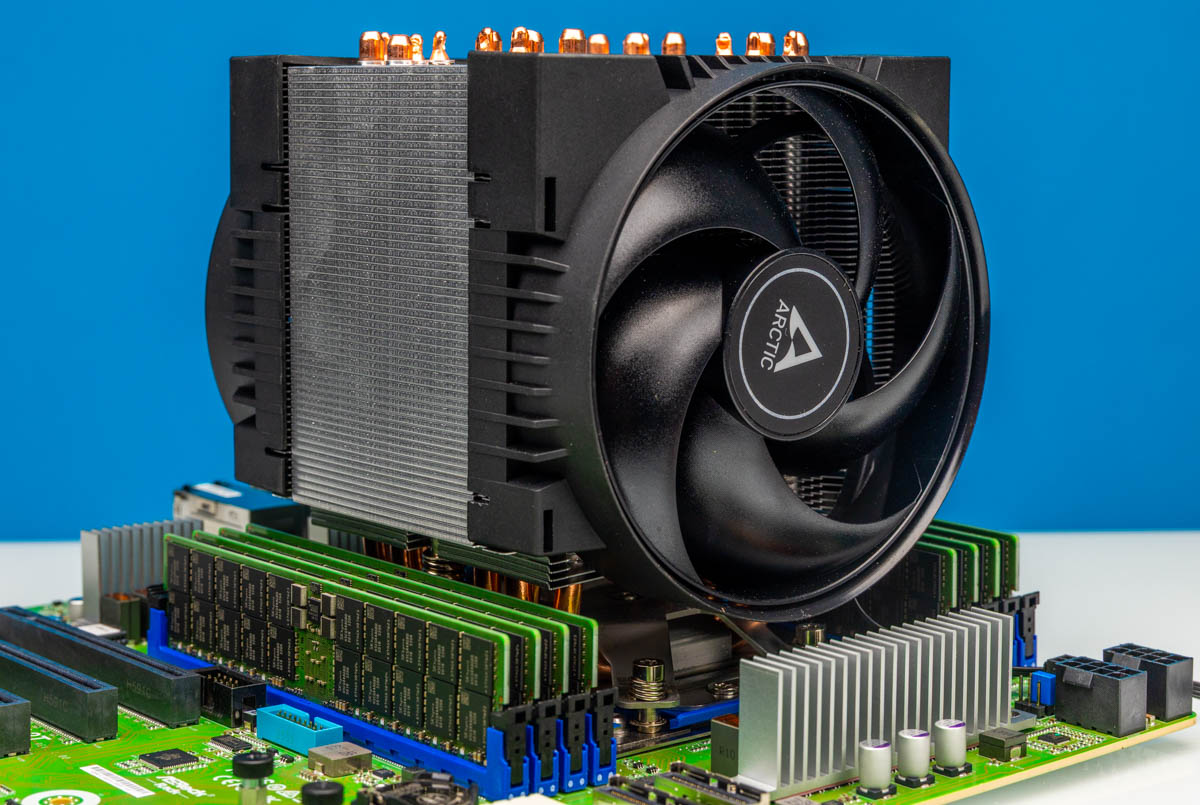
The Arctic Freezer 4U-SP5 is something really interesting. As the name suggests, it is a 4U cooler that is designed to cool AMD SP5 platform processors. For those who are buying AMD EPYC 9004/9005 series processors like Genoa, Bergamo, and Turin. Perhaps the best part is that these sell for around $55, which is less than half of what we have been purchasing the Noctua ones for on other sockets like SP6. There are, however, a few small things we might change.
Here is an Amazon Affiliate link to what we are reviewing.
Arctic Freezer 4U-SP5: A Great AMD SP5 Cooler
Starting off, the unit is a 4U tower designed to fit into most workstation and 4U server cases. The difference between lower-profile coolers and this is enormous because a 4U cooler can utilize a 120mm fan, lowering the noise profile of cooling high-end server processors.
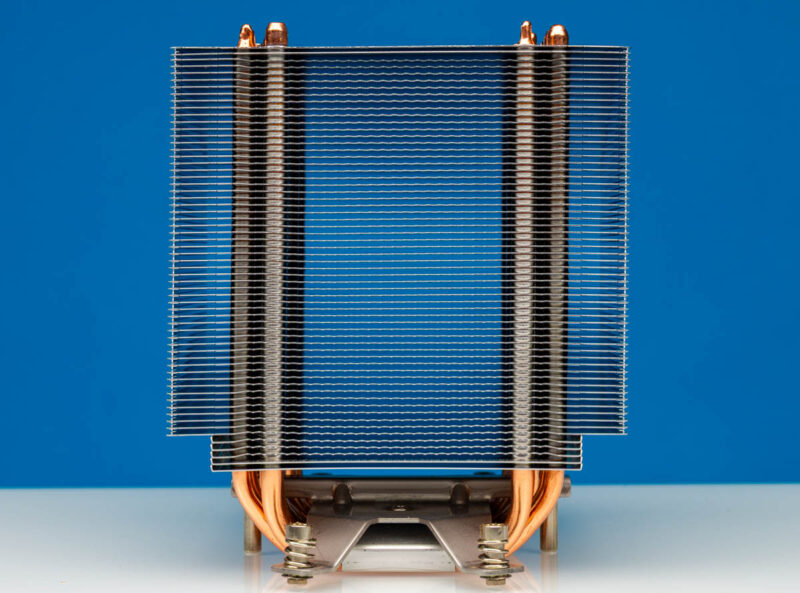
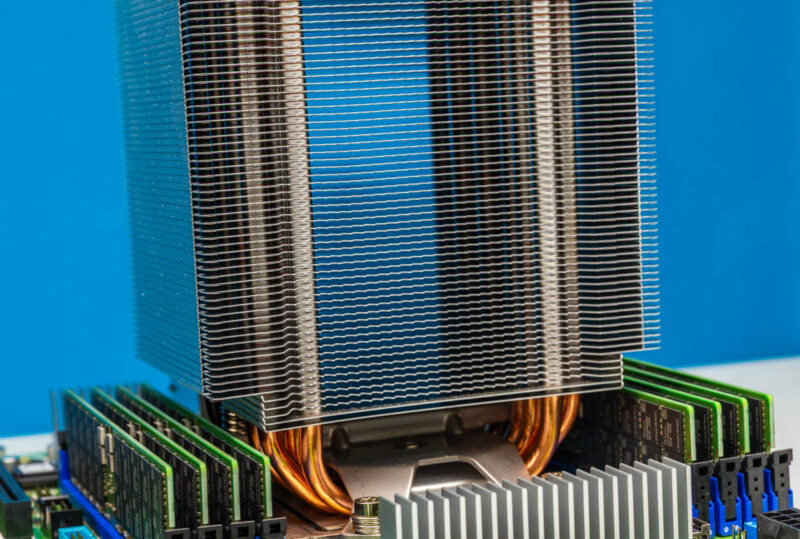
Something a bit different is that the heatsink is not the deepest profile we have seen from a cooler, which makes the front and rear SP5 screws accessible. For the side ones, Arctic has a neat solution where there is a long extension rod that goes through the heatsink and allows you to screw the side retention from the top of the tower.
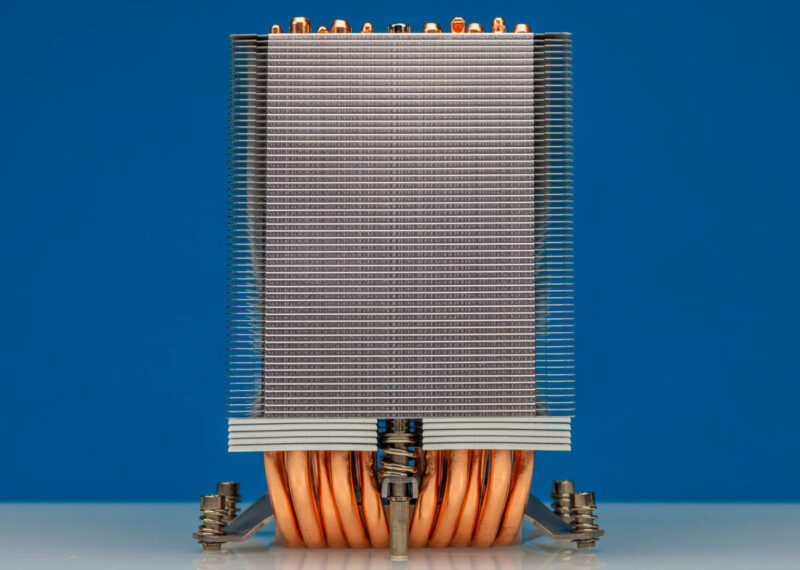
Overall, this is a fairly large unit, and you can see that to fit everything, it also needs to decrease the width of the bottom fits. This is to allow room for the DIMM slots.
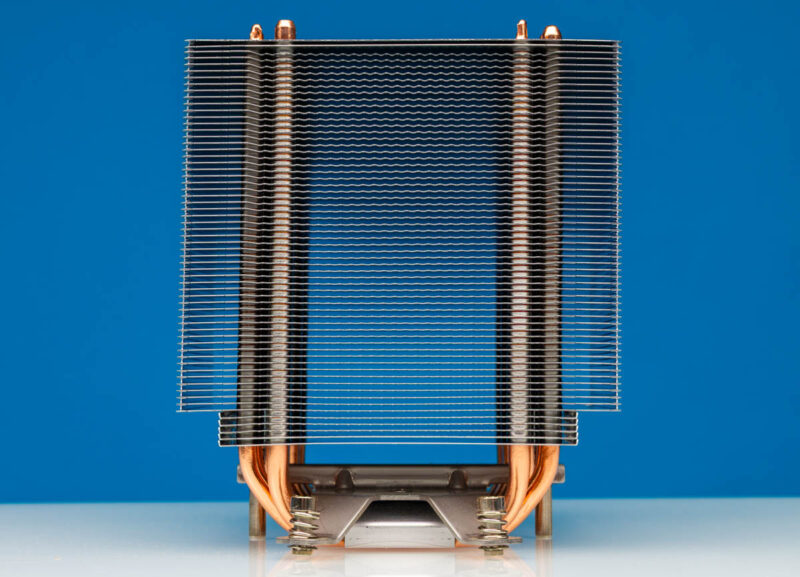
Another interesting item on the fins is that the fins do not have a flat front and back. Instead, there are many points going across the heatsink fins.
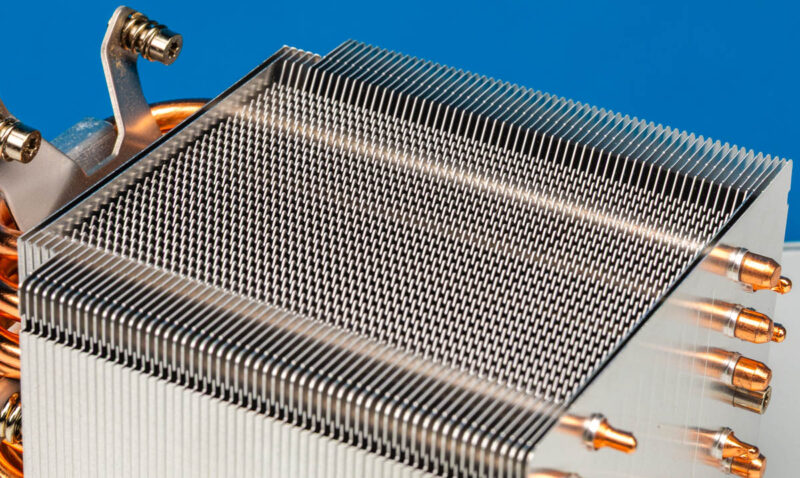
On top, we can see all of the heatpipe ends and the Arctic logo. You can also see the Torx screws that allow you to screw the cooler into the side retention points of the AMD SP5 socket.
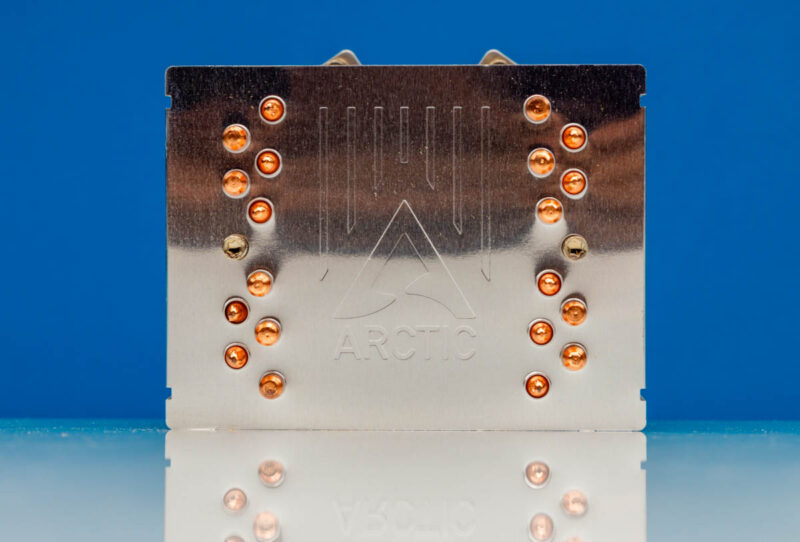
On the bottom, we can see the ten heatpipes and a sticker covering them to keep everything clean and smooth.
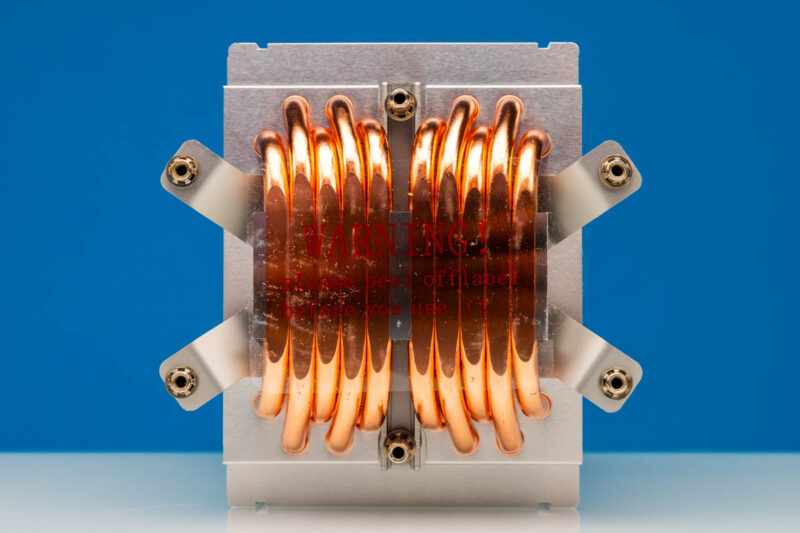
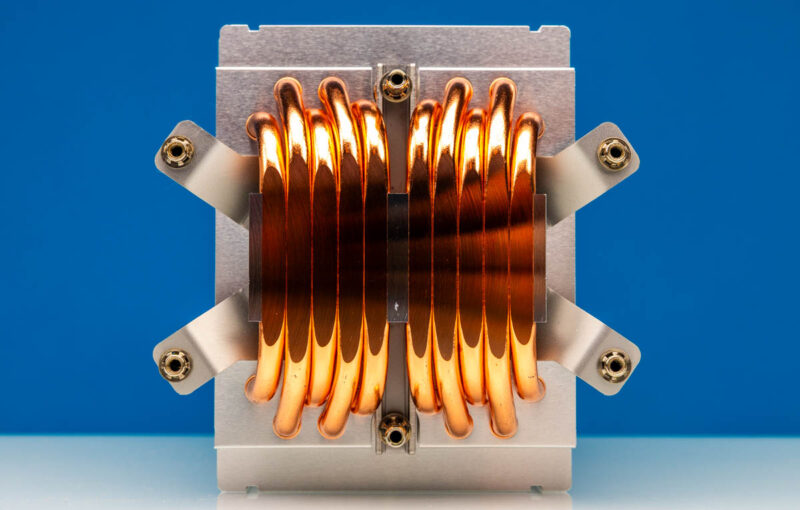
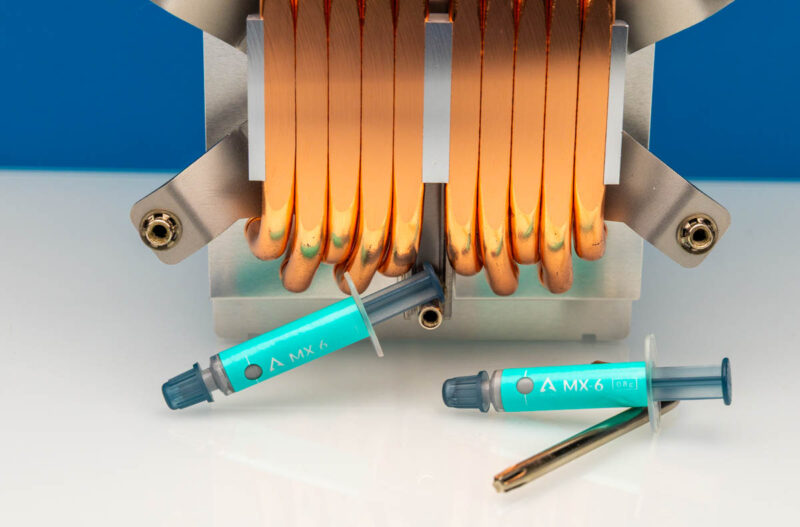
Pulling off that sticker, we can see the heatpipes. We probably should just note here a big difference between this and a typical server heatsink. Usually, server heatsinks have pre-applied thermal compound. This is more of a DIY method.
Installing the heatsink into the motherboard is super easy. This is the ASRock Rack TURIND8-2L2T motherboard.
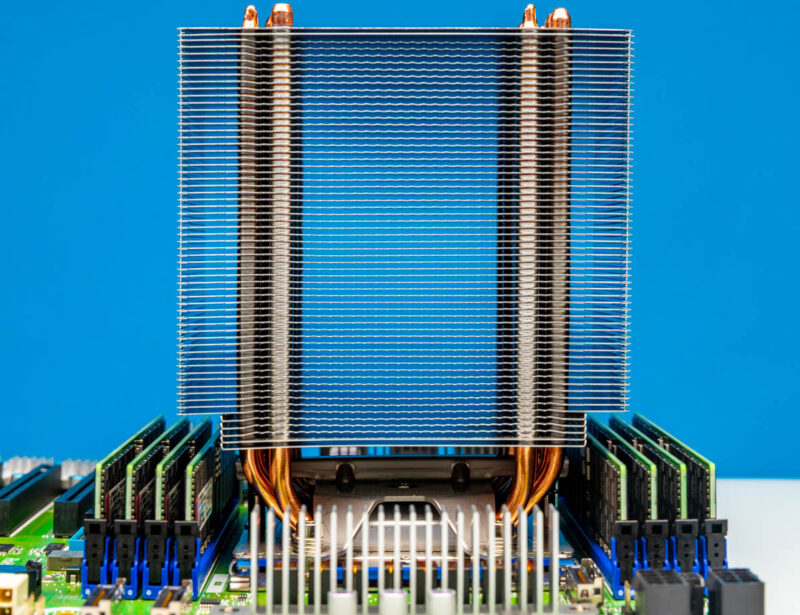
Here you can see the space available for DDR5 RDIMMs under the heatsink fins. We did not run into any fitment issues. At the same time, it would be rough to service the last DIMM or two in a cramped chassis.
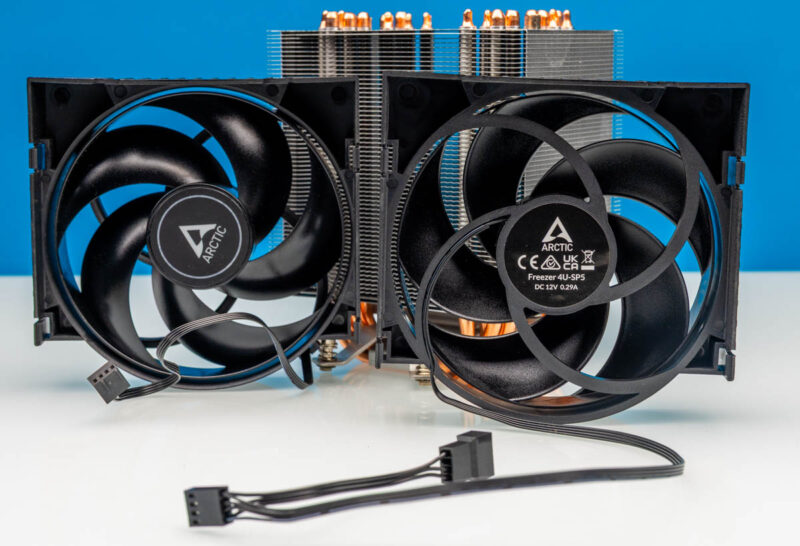
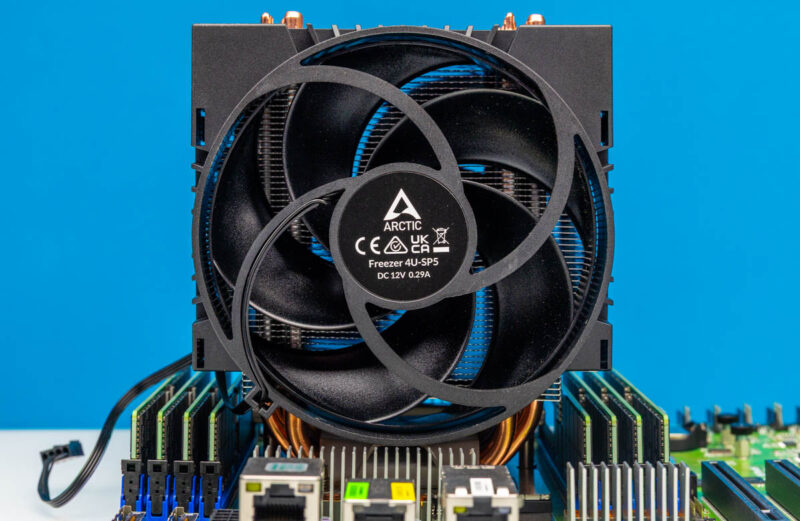
In terms of fans, we get two Arctic dual ball-bearing fans. You can see they are 4-pin PWM fans, and interestingly, one has an additional connector to allow both to be powered from one fan header. We actually needed that with the ASRock Rack motherboard since it has all of its fan headers near the leading edge of the motherboard. It would have been nice to have a bit more fan cable reach as well, since server motherboards often do not have close CPU fan headers.
Here is another look with the fans installed on the heatsink.
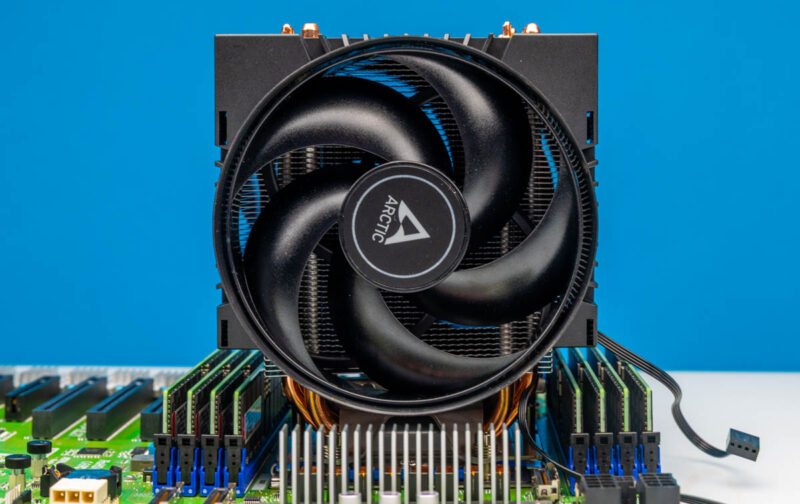
Here is the setup with what are now very pricey 64GB DDR5 RDIMMs.
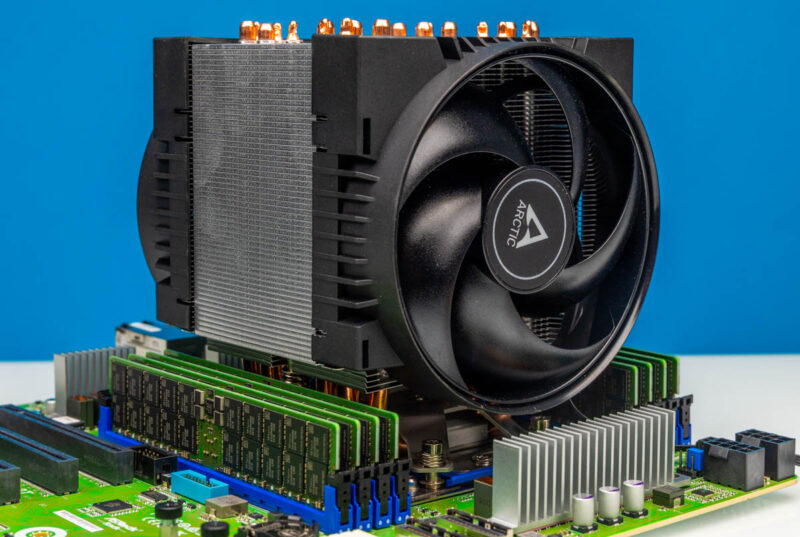
Here is another look at having to use the extension and the mounting of the heatsink over the DIMM slots.
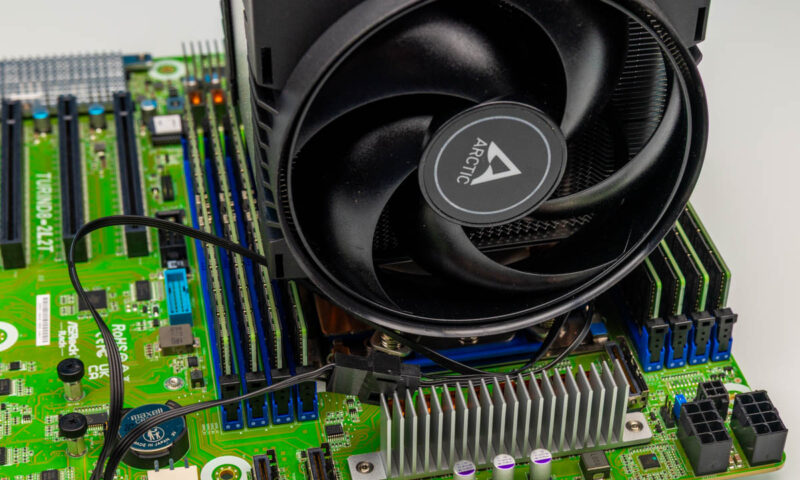
Here is a look at the opposite side of the motherboard with the 4U-SP5 installed.
Also included in the box are two Arctic MX-6 tubes and a small Torx wrench. These are useful, but again, we would prefer if the thermal compound were pre-applied. I know that is not the “enthusiast” way, but the SP5 server chips can cost many thousands of dollars, so you do not want to leave it to chance that someone forgets or does a poor job.
Overall, though, this was a quick and easy installation.
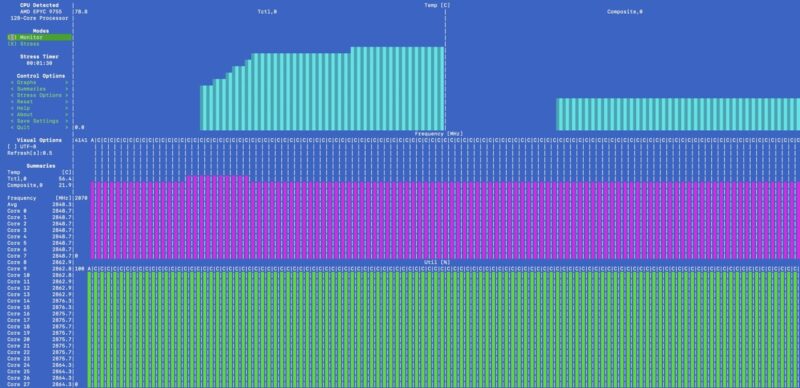
We actually used this with the AMD EPYC 9755, and here it is running in the ASRock Rack TURIND8-2L2T, which is not a supported CPU on that motherboard, but it was running stress-ng for 20 minutes without down-clocking cores.
Final Words
In the $50-60 range, getting a cooler that fits into a 4U chassis and that is relatively quiet is great. At some point, folks will want the extra PCIe lanes from the server chips, and getting a bigger cooler is always nice, especially when the alternatives are usually similarly priced server units that are loud or other enthusiast brands that can cost twice as much. A bit longer on the fan cables and pre-applied thermal compound would be nice to have, but to save a few dollars, it is worth it. Another small point is that the official spec page does not have a TDP range for this cooler.
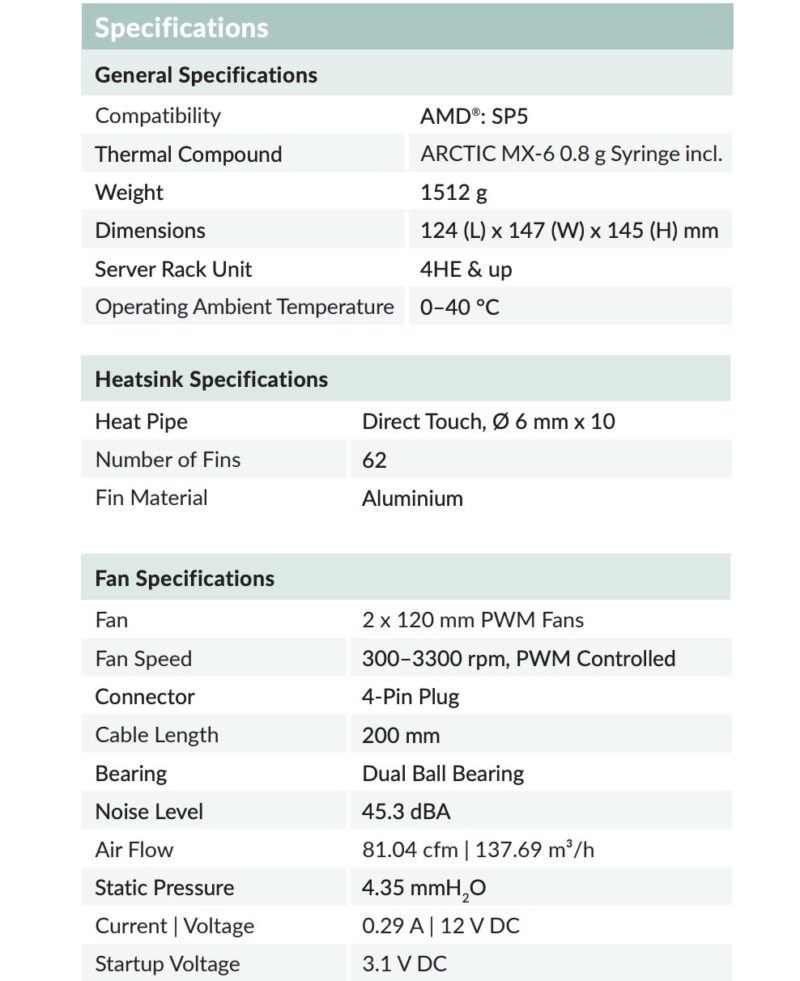
Server CPUs often have large ranges in how much power they can consume.
Overall, this installed without drama, which is exactly what we would want. We will likely buy more of these Arctic units for the lab in the future because they work and save a lot of money.
Where to Buy
If you want to check current pricing or buy one, you can find them at this Amazon Affiliate link.



The review seems a bit lacking. For the dynatron cooler, you show thermic diagrams. Here nothing…
Cooler includes no TDP numbers.
Expected: So we tested and discovered…….
I don’t like that the fan seems to use a proprietary mounting/shroud system? So replacing it in the future would be difficult if the model is no longer in production, or if one would like to install a different fan from another manufacturer. Guess this is due to height constraints? Either way, this is a hard pass from me, the industry should move towards interoperable/interchangeable components.
I too am puzzled by the lack of useful data. All those photos, but no idea at all how it actually performs!
The comparison to Noctua is strange given that Noctua doesn’t make an SP5 cooler at all, only sTR5/SP6. Even further confusing is the lack of any data in this “review”. While I’ve used plenty of Arctic fans/CPU coolers in the past, I would not trust anything close to a 400W CPU with this, the typical quality (control) of Arctic is at a very different level than Noctua Dynatron etc. and the contact surface seems sub-optimal.
We tested this cooler in the lab up to 550W on the SP6 model, for SP5 though as CPU are not overclockable, we tested only to 400W.
The choice of non-standard fans has been solely to allow a 120mm fan to fit, the fans are available for purchase on ARCTIC’s website or through the customer support. if you really want to have a standard 120mm on it, a 3D printable bracket is available on ARCTIC Support website.