

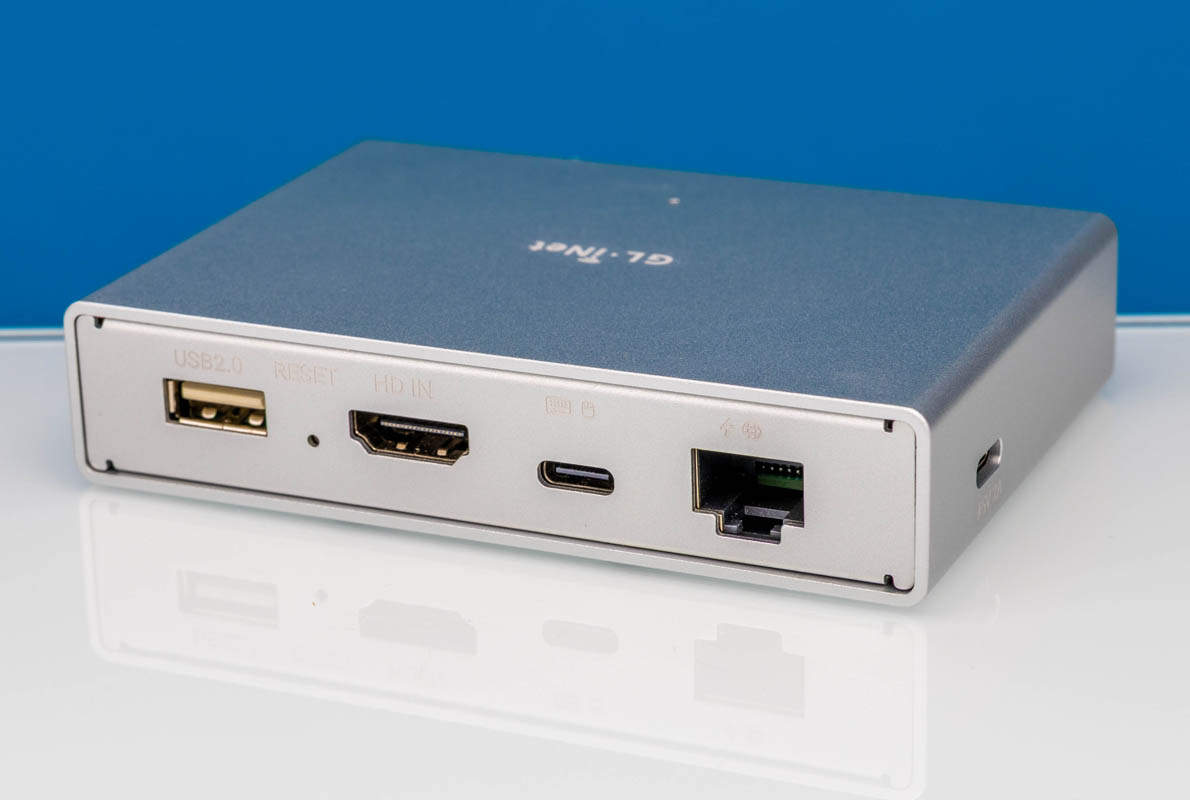
In this mini review, we are going to take a look at the GL.iNet Comet PoE, or the GL-RM1PE. If you saw the GL.iNet Comet GL-RM1 Remote KVM Device Mini Review we did a few weeks ago, this is a very similar unit, however, one that can be powered by PoE. There are also a few new software features that have shown up in the meantime. We have been purchasing many of these units as they can connect directly to Tailscale and offer a 4K resolution option.
We bought ours on Amazon (Affiliate link.)
GL.iNet Comet PoE 4K Remote KVM GL-RM1PE Hardware Overview
This is one of the more “no frills” experiences. When we compare this to something like the JetKVM or the Comet Pro, this does not have a small screen. Instead, it is just a small metal box.
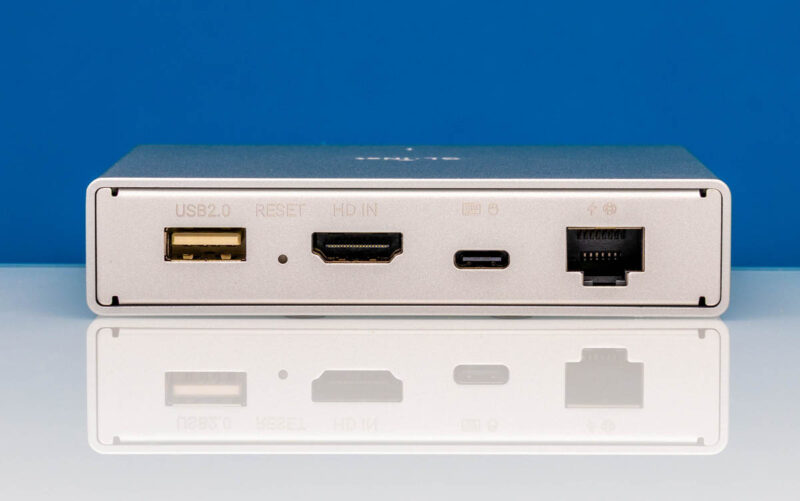
On the front face we get a USB 2.0 port for accessories, there is also a reset button, a HDMI input, and then a USB Type-C port for providing keyboard and mouse output. The basic idea is that you connect the system you want to control to the HDMI port, then connect the Type-C port to a USB port on the remote system and that is how you capture the video output and provide the mouse, keyboard, and emulated drive outputs. There is also a network port that in this version is a PoE in port so you can power it using PoE instead of another adapter.
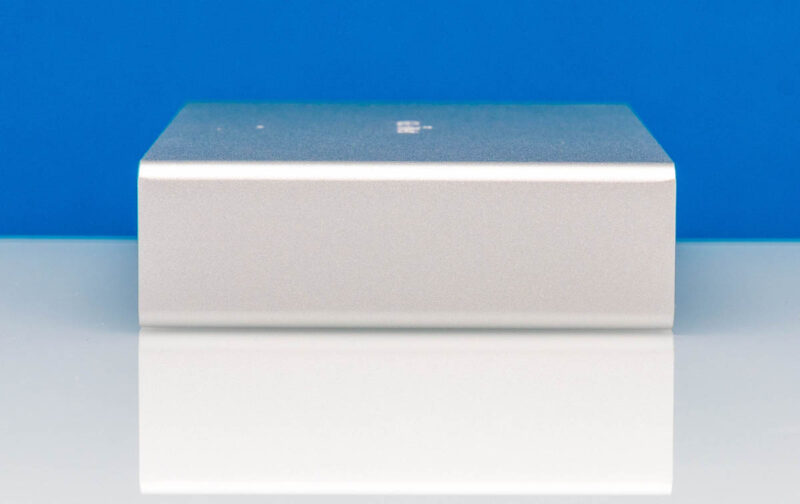
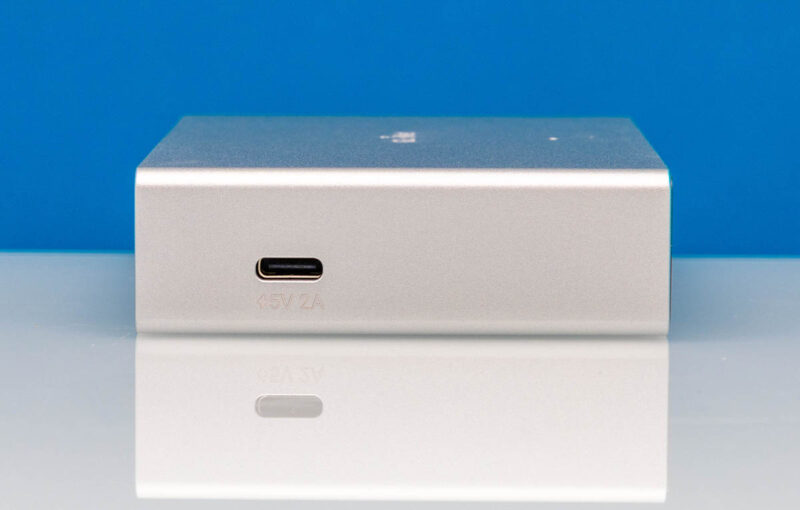
One side has nothing, but the other has a 5V 2A power input.
The rear is just a panel.

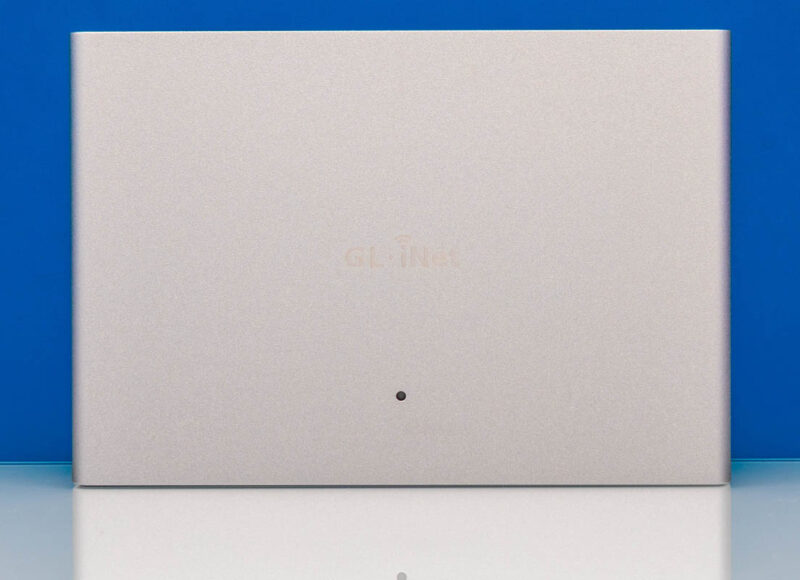
On top, we get the GL.iNet logo and a status LED.
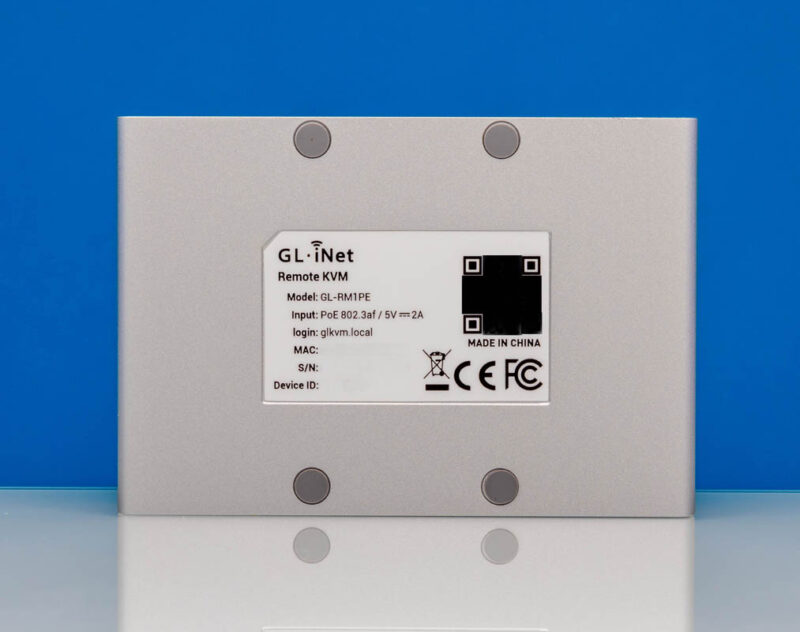
On the bottom, we get our connection and device ID information. Something that we are not huge fans of is the rubber feet placement, which we usually like at the corners. That is a small nitpick, but here we are.
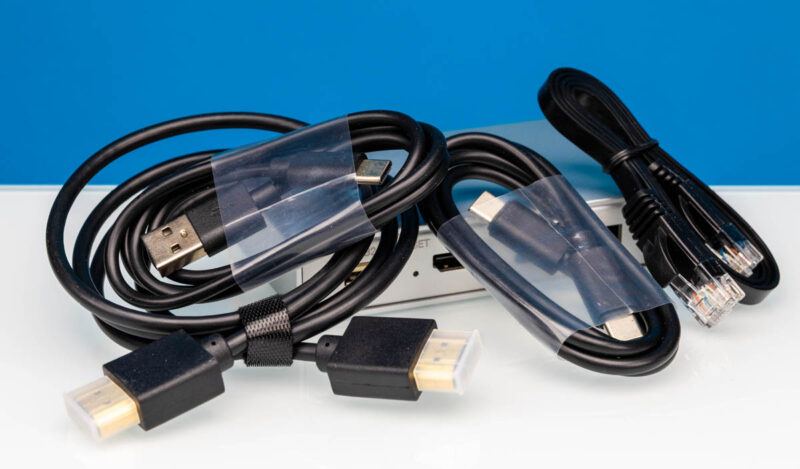
With the device, we get an HDMI cable, a USB Type-C to Type-C cable, a USB Type-C to Type-A cable, and a short network cable. Unlike the non-PoE version, we do not get a power adapter. Since we have gotten two different power adapters on the non-PoE one, we would suggest that this cable bundle might change, so we are documenting what we received.
Next, let us plug in the unit to see how it works.



Hey look, another chinese IP KVM review where you don’t bother looking at who the KVM phones home to.
This is just flat out negligent at this point.
Didn’t someone already do the packet? I saw it in the comments of the other review and remembered reading it then https://medium.com/engineering-iot/remote-control-done-right-reviewing-the-comet-pro-remote-kvm-b3f2141fb84a
You might want to run a packet capture when powering this thing up. It ping floods public DNS servers, and bombards NTP servers.
I wouldn’t be surprised if it doesn’t have a key logger built it.
Whoever operates such devices without an isolated VLAN is insane.
I prefer JetKVM to this. But it is hilarious to see people making negative assertions about a vendor without process with their neurons.
The other review mentioned by @cheecho71 says “the vendor has chosen to facilitate cloud service functionality by broadcasting sensitive device information in plaintext on the local network” because its DNS-SD traffic includes these fields: model name, device ID, firmware version and base64 encoded MAC address. This really made me lmao.