The GigaPlus GP-S25-2402 is a 24-port 2.5GbE and 2-port SFP+ 10GbE switch that we purchased a few months ago. It is certainly far from fancy, but we wanted to use it to contrast it to the GigaPlus GP-S25-1602 we reviewed. The 16-port model had a really funky internal design, so we wanted to test the 24-port model to see if it was the same.
We featured this switch in a video that we did some time ago, which you can find above. We also reviewed the 8-port model in Gigaplus GP-S25-0802 if you want to check that out. Although we did not test it, there is another PoE model that you can find at this Amazon affiliate link.
GigaPlus GP-S25-2402 Hardware Overview
The switch itself is a full 1U sized switch that came with rack ears.
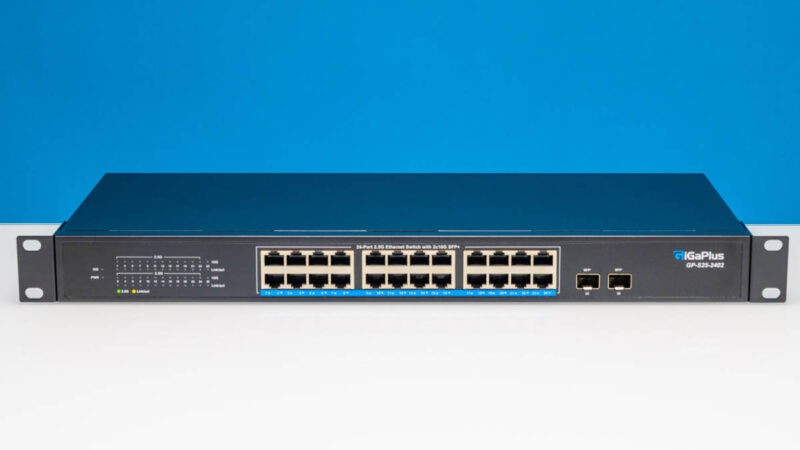
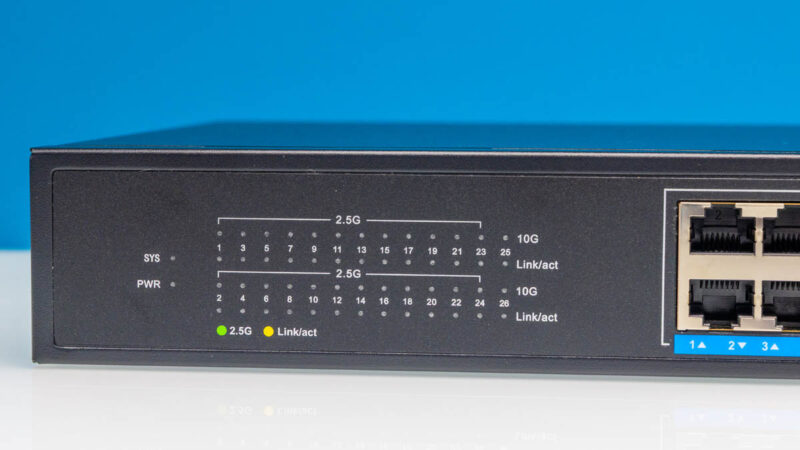
Something that some people love, but I am not a fan of, is the status LEDs being away from the ports. I like having the status LEDs on the ports so I can quickly see link status. Some prefer status off to the side like this so the view is not blocked by cables. Call this a personal preference point.
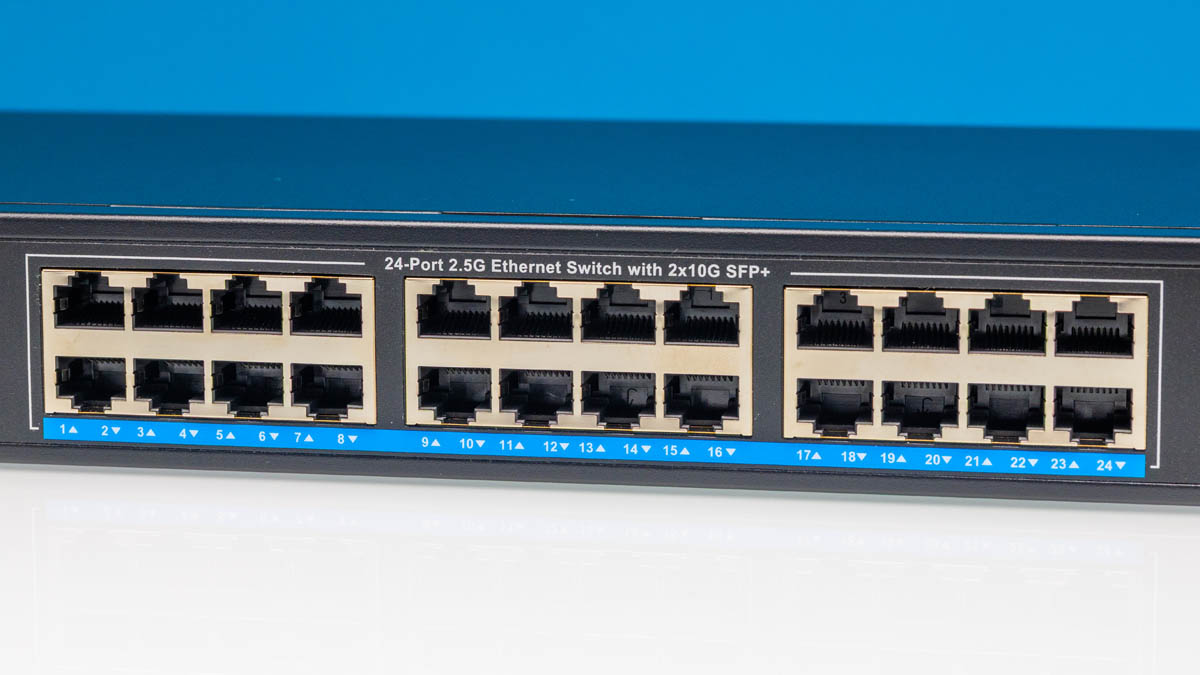
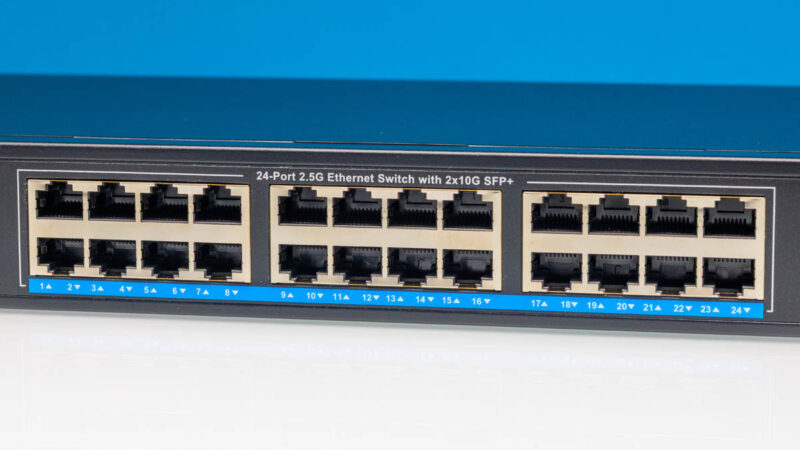
The main feature here is the 24-ports of 2.5GbE, arranged in three blocks of eight.
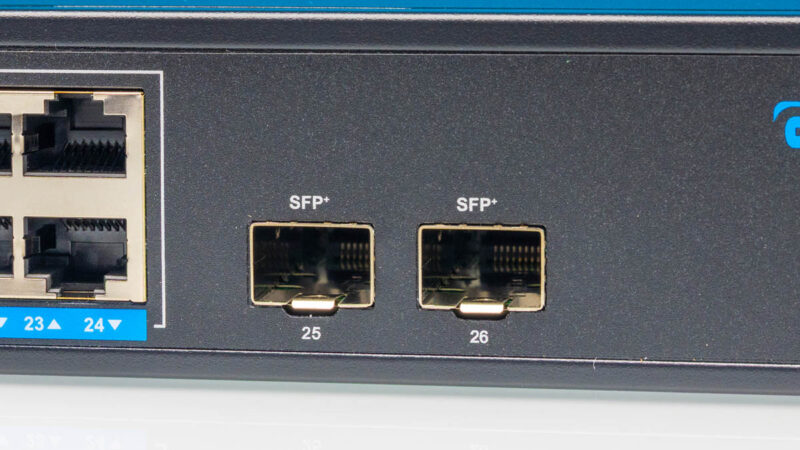
Then there are two SFP+ ports. This might be the first time we have seen the plus (“+”) as superscript labeling ports.
The chassis is metal, which we would expect on a $280 device. Many may take issue with that price, but if you simply need more ports, then there is certainly an advantage of having one larger switch instead of having a bunch of small switches. Someone will say that getting three 8-port 2.5GbE switches or six 4-port with SFP+ connecting them can be a few dollars cheaper, but at some point it is nice to just have one if you need more ports instead of a bunch of smaller devices.
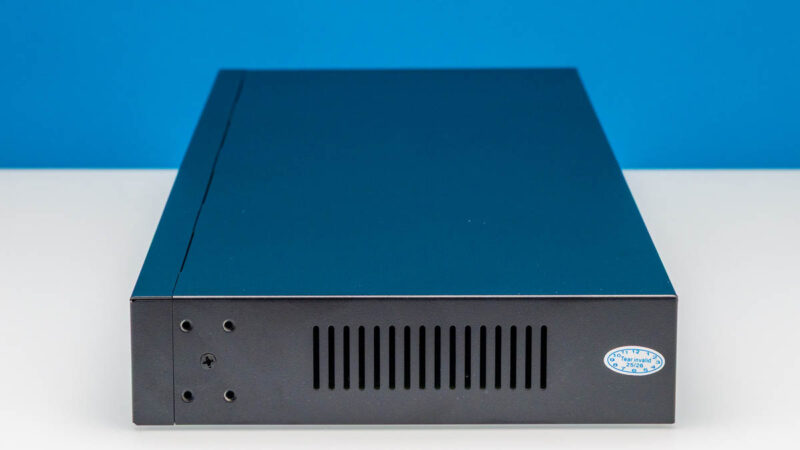
On the sides, we get vents.
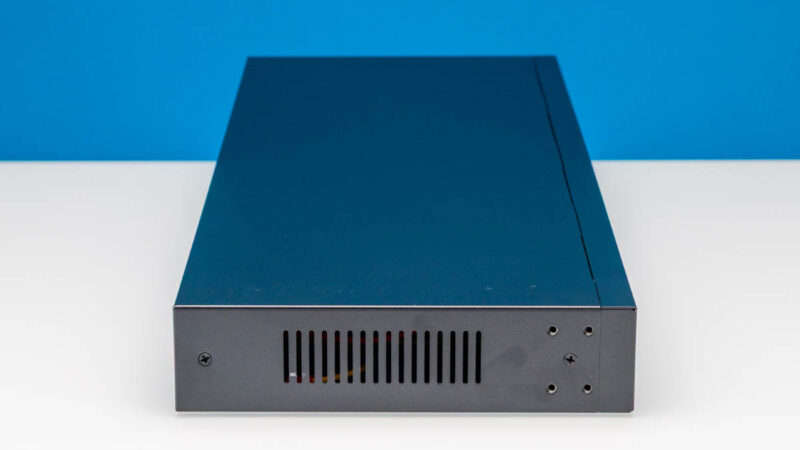
The rack ears install with four screws. It may seem trivial, but unlike some other cheap switches, these are actually the correct width for a 19″ rack. We have found instances in our series where that is not the case.
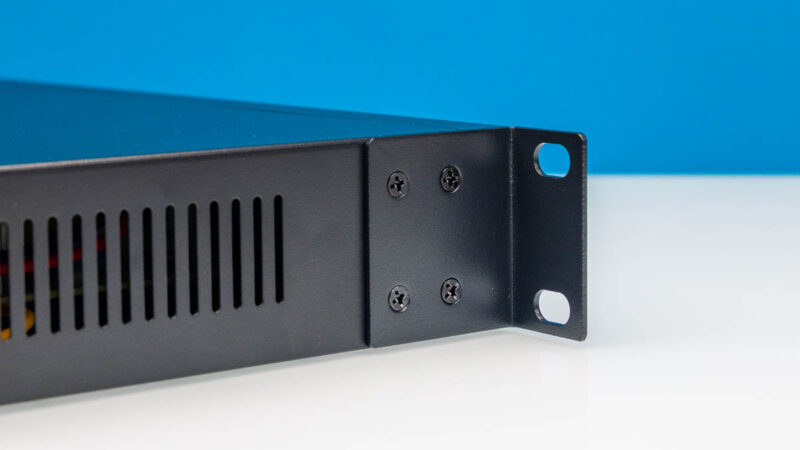
On the bottom, we get a label and some metal protrusions for feet.
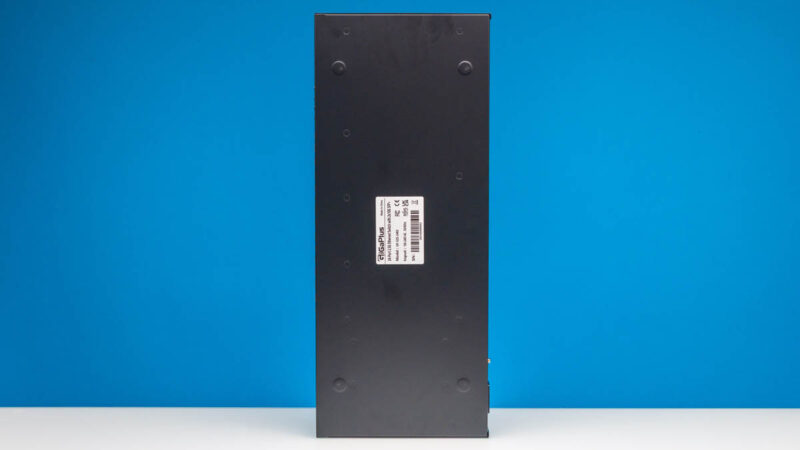
At the back, there is not much going on.
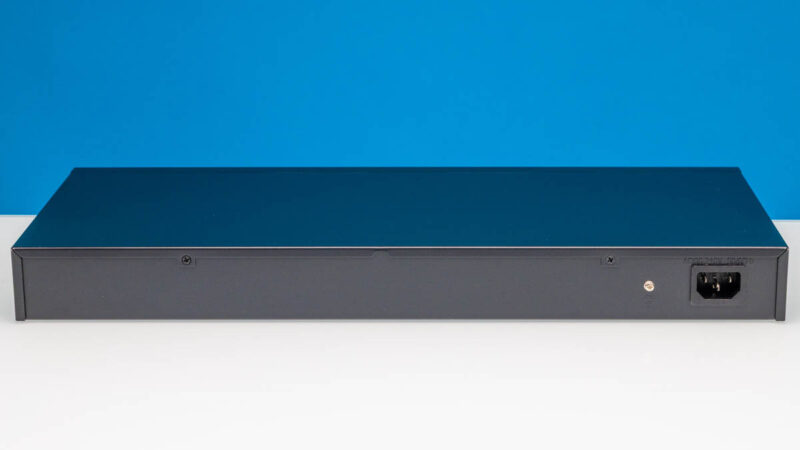
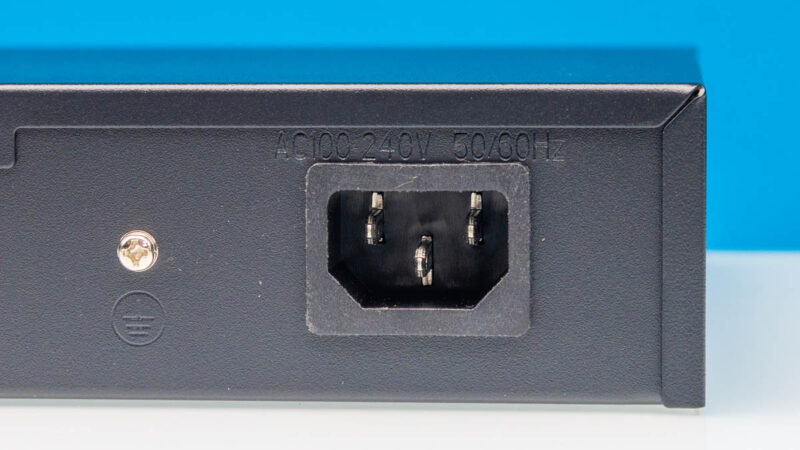
This has an internal power supply, so we get our AC input and a grounding point.
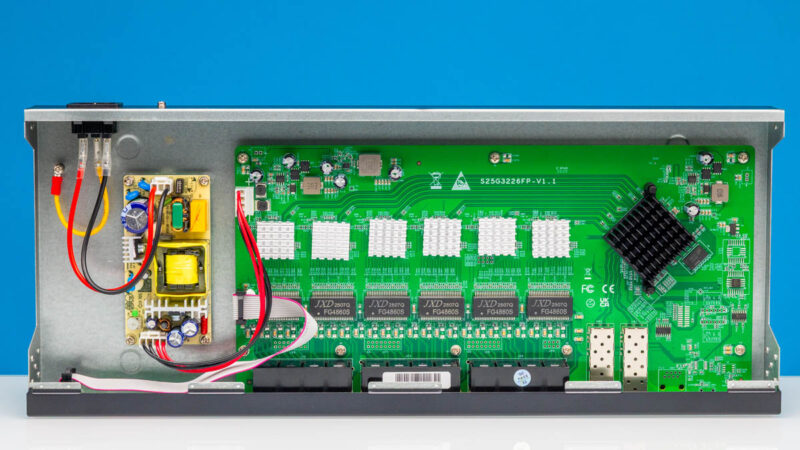
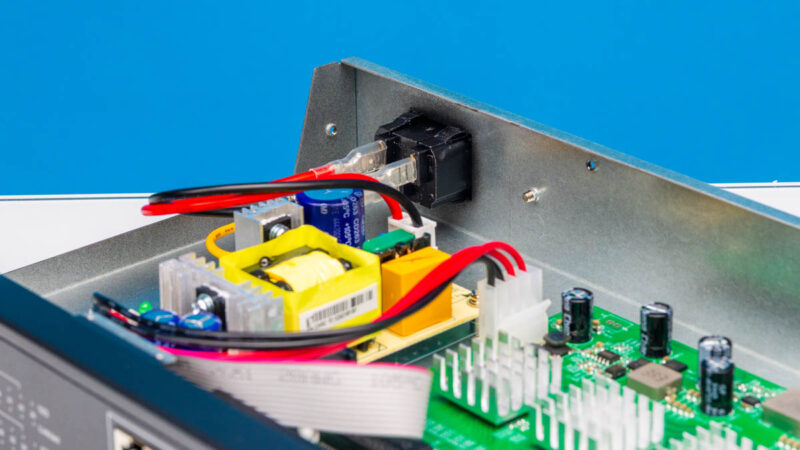
Getting inside the switch, we have the internal power supply then the main switch PCB.
Here is a quick look at the internal PSU.
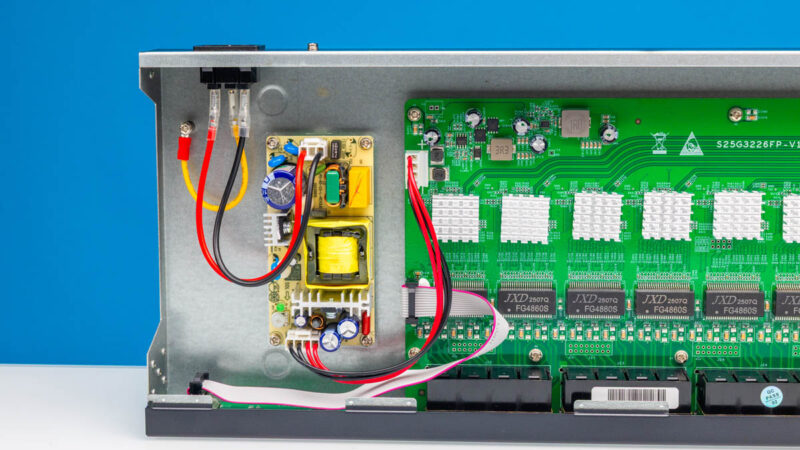
Here is a second angle.
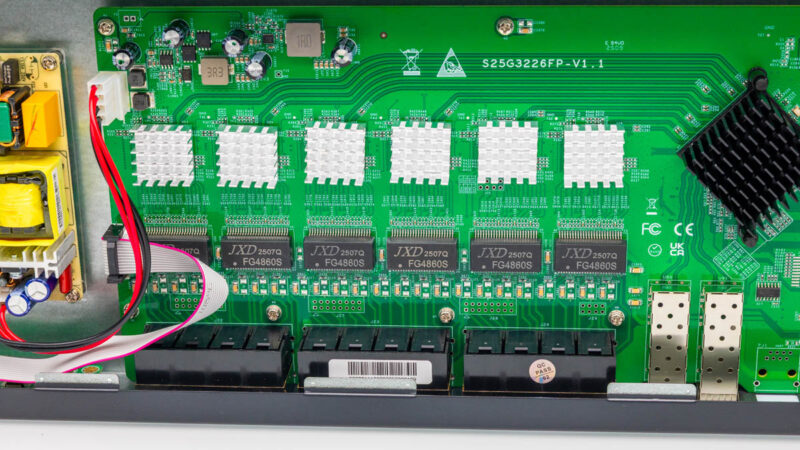
Here is a look at the PHYs for the 2.5GbE ports. The glued heatsinks mean that we cannot remove them to see what is underneath.
The switch chip is a Realtek RTL9302D. That is a “managed” switch chip (basic management), but this is an unmanaged switch.
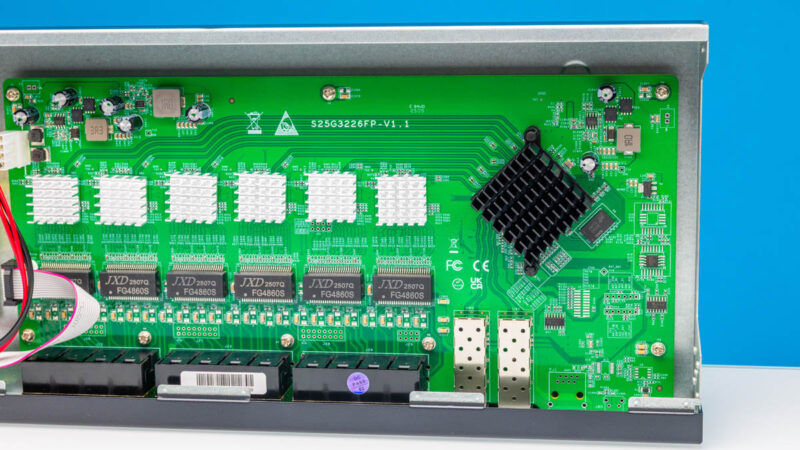
Overall, this is pretty standard. What is nice is that the design is a bit better than the 16-port model that simply daisy-chains the 4+2 switch chips. Another important design element is that we do not have an internal fan.
Next, let us plug the switch in to see how it performs.