

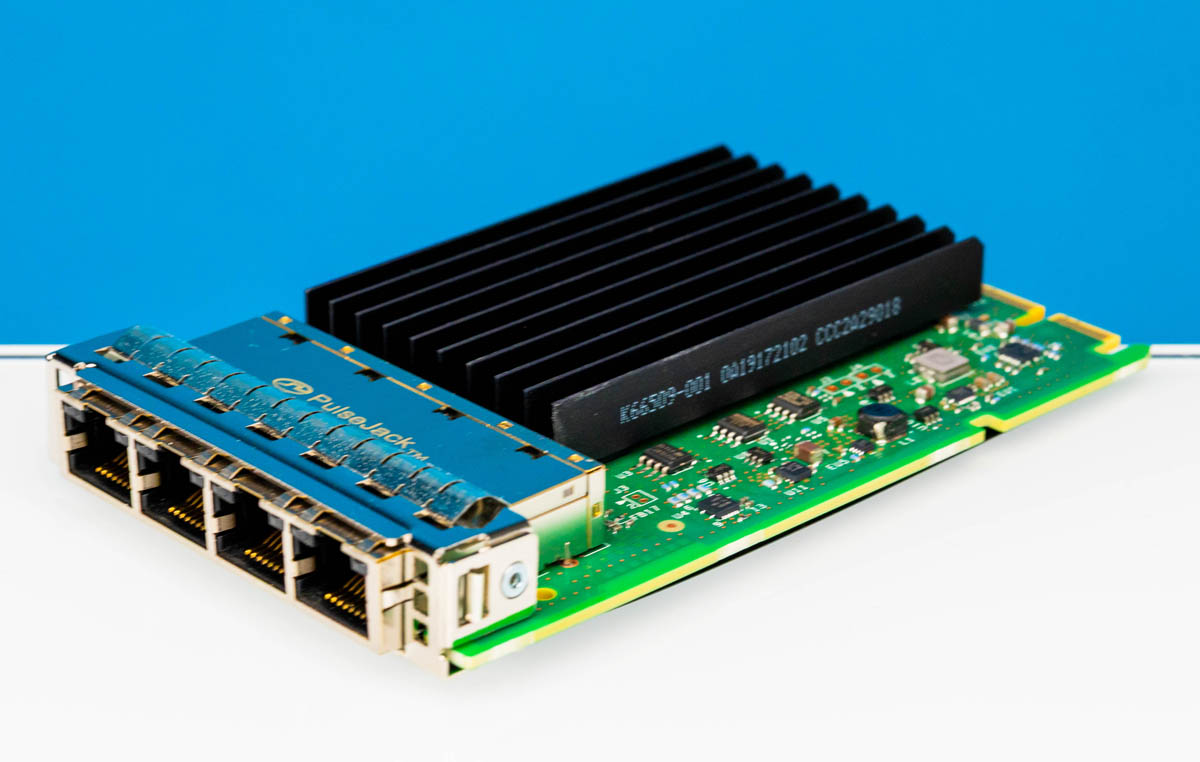
As a quick weekend piece, we thought we would take a quick look at the HPE OCP NIC 3.0 Intel i350-T4. This is a fairly basic NIC. One of the HPE part numbers for it is P08449-B21. It is commonly used in the almost barebones systems that HPE sells with a lower-end processor and a single DIMM. Still, some folks may find one and want to know what it is.
HPE OCP NIC 3.0 Intel i350-T4 Quick Look
The OCP NIC 3.0 design is the one designed for an internal latch. I know at least two team members who have gotten pinched fingers getting this design out of HPE servers because there is neither a rear ejector latch nor a pull tab. Also, getting to the internal latch means that you usually have to remove risers, making this one of the hardest OCP NIC 3.0 designs from a service perspective.
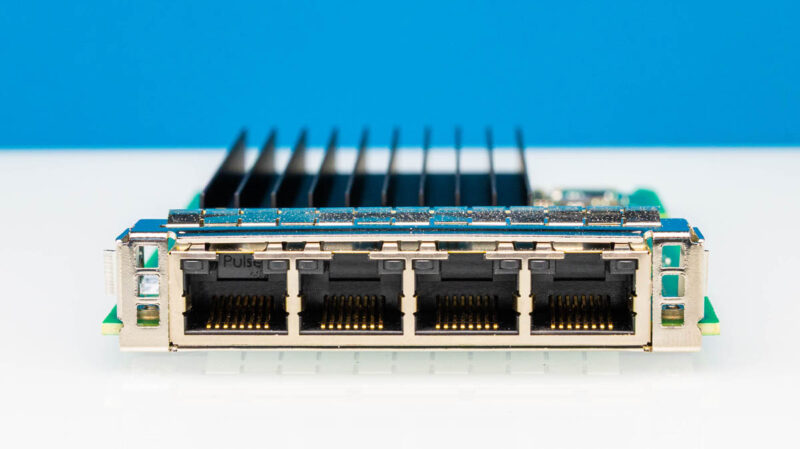
Onboard this uses the Intel i350 NIC, which is a quad-port 1GbE adapter. The Intel i350 is supported in virtually every OS at this point since it has been one of two of the mainstream 4-port 1GbE NICs for a long time. For some sense, the Intel i350 V2 cards came out in 2014. A decade ago we did a piece Investigating fake Intel i350 network adapters. This OCP NIC 3.0 version came out first in 2019, and they are still widely used today, even as PCIe Gen2 x4 parts.
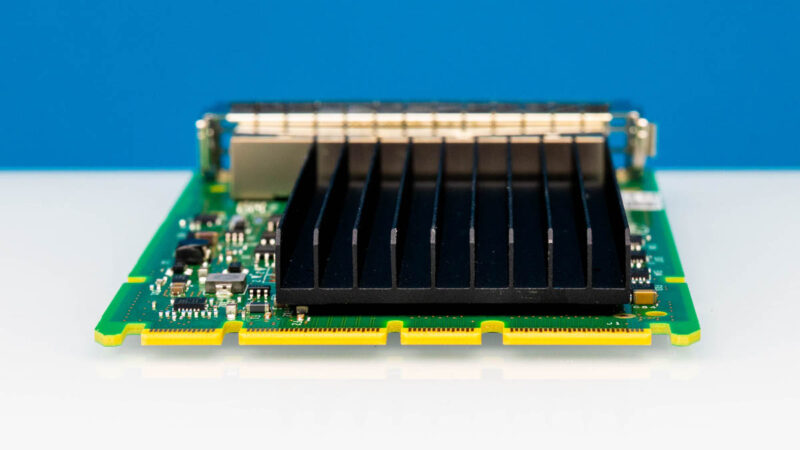
In terms of performance, this is a quad 1Gbps NIC.
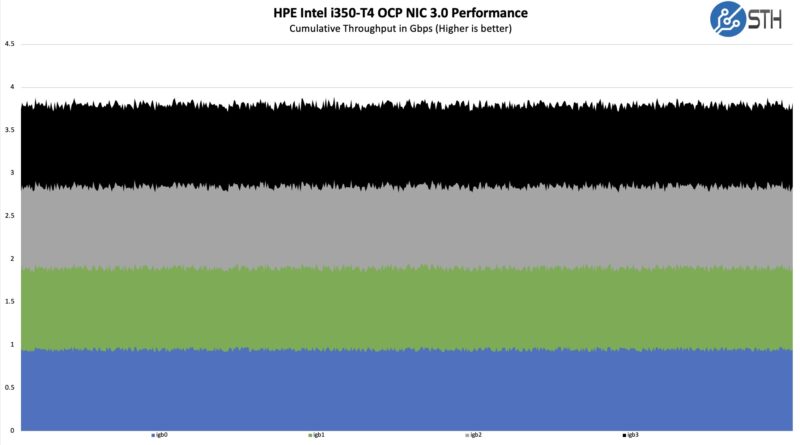
It is almost crazy to see a quad port solution at this speed when we now see 400GbE adapters as common, and multiple 400GbE adapters at that. Combinging the ports, this is 1/100th of the speed of a high-end OCP NIC 3.0 NIC.
Final Words
We know that our readers sometimes either need to find these parts, or find these parts and need to know what they are. We thought as a quick weekend piece this would be worth showing. At the same time, if you have an OCP NIC 3.0 slot, this is unlikely to be an efficient use of PCIe lanes given it is a Gen2 x4 device.

„when we now see 400GbE adapters as common, and multiple 400GbE adapters at that“.
Sorry but 400gig is far from common in most servers. 10gig and 25gig are mainstream. Maybe 100gig in same rare cases. Anything above that is found in hyperscaler environments, HPC or IA farms etc.
When we talk about the large part of servers sold worldwide, 400gig is rare because most customers don’t have cores and backbone that fast. Not everybody is a Meta, Microsoft or Google.
Joe – Common, not the most common. The AI server buildout is driving a huge portion of the server market. In that, 400Gbps NICs are what is being used, and like 8-10 per server.
Intel networking is one of the reasons I need Intel to survive their current woes. Ive always been a fan of the stability, performance, and long term driver support.
@Michael … well Intel is just the old shady Intel, even in networking.
I’ve got some E810-CQDA2 … and I just can not understand what they were on while designing it. The docs say – its not a 2 port 100G card, rather a 100G + failover link.. because the whole chip is barely able to sustain 100G traffic, and wont do 2×100..despite having a 256Gbps PCIe Gen4x16. At Gen3x16 (128Gb/s raw bw), the performance drops to like 60-70 Gb/s (using two cards on EPYC server, with iperf3 UDP).
The E810 does not support 40 GbE unlike other 100G products (eg an ancient QLogic).
The 4x25G split is possible only for single port (4×25+none) while 10G works on both (8x10G) .. further confirming that inherent 100G total bw cap.
@Daniel
The mythical Intel driver quality isn’t there either for E810. It’s not possible to support LACP, OVS and SR-IOV, it simply doesn’t work. Meanwhile Mellanox supports this even on the stock Linux driver (without the need for their specialized driver). The Intel driver documentation is full of “this doesn’t work”, and “know issue, no fix”. For example the eSwitch switchdev mode is completely broken negating the hardware offload performance gains:
Flow counters or per-flow statistics are currently not supported by the Intel® Ethernet 800 Series (800 Series) for hardware offloaded flows. Therefore, the Open Virtual Switch (OVS) software does not detect hardware offloaded flows as active and deletes them after a preset max-idle value (default is 10 seconds, though it can be extended to 10 hours). After the OVS max-idle time for each flow, packets are re-passed through the slow path before again being offloaded to hardware until the next timeout value is reached.
I’m baffled that Intel networking is still perceived like it was 15 years ago. They are long past that level of quality, in every segment from desktop to server.
Comments are closed.