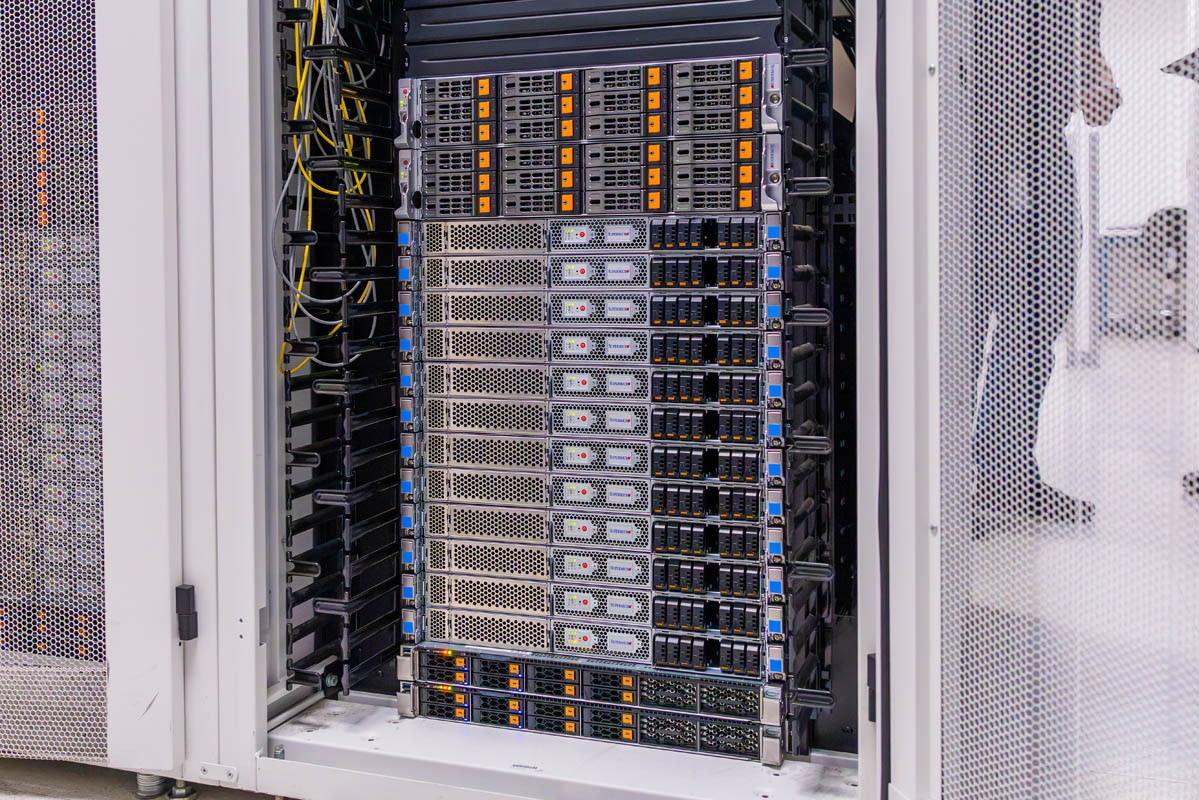
Continuing our lab tour series, we toured a lab with the F5 BIG-IP application delivery and security stack running on NVIDIA BlueField DPUs. It can also run on host CPUs, but then it consumes those valuable cores. F5 BNK, short for BIG-IP Next for Kubernetes, sits between clients and GPU infrastructure to handle LLM routing, token governance, and L4 to L7 security at the network edge. We also got to see it running and its impact on performance, which I think is important. If you can find ways to increase GPU performance in a meaningful way, that means you can get more performance from the same power and GPU footprint, both constraints today.
We flew to California to see the lab and shoot the video, and normally you cannot walk into the lab and film, so we have to say this is sponsored by F5.
Touring the F5 Lab
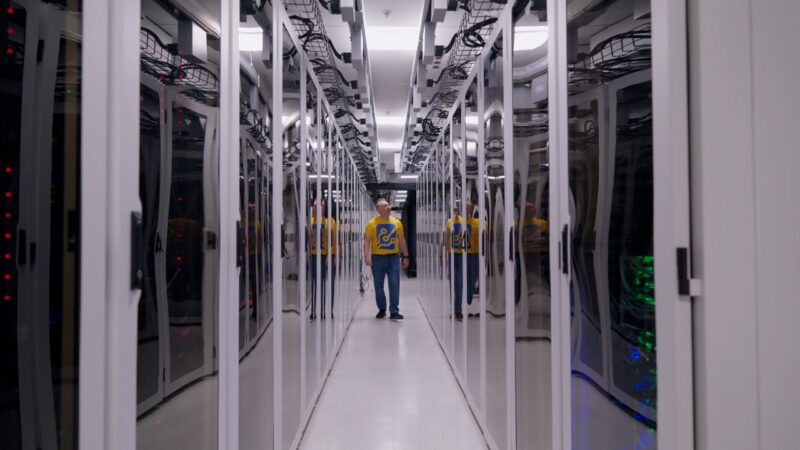
First off, and I mentioned this early in the video, the F5 lab we toured looked really good. Hopefully next week or the week after, we will show you inside a hyperscaler’s networking lab, but filming the videos only two apart, I walked into F5’s lab and thought it was very clean.
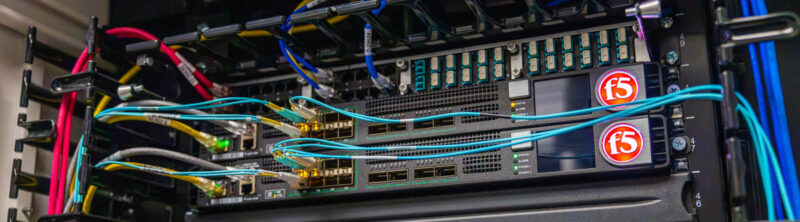
Another neat thing about touring the lab is that F5 makes hardware appliances as well. The BNK solution that we are here to see, though, brings a lot of what used to be on an appliance onto the NVIDIA BlueField-3 DPUs (or host CPUs, but that is less cool in my opinion).
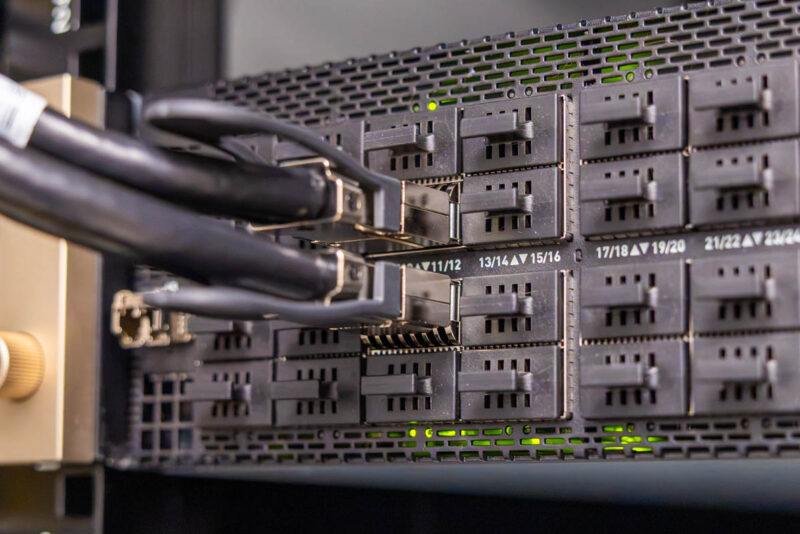
I always like to capture networking in AI racks when we can. Many assume networking is easy. Realistically, there are networks for GPU-to-GPU traffic, GPU-to-storage, for users and applications, for control planes both for the nodes as well as the host OSes, even the switches, cooling infrastructure, PDUs, serial console servers, and more all have networks.
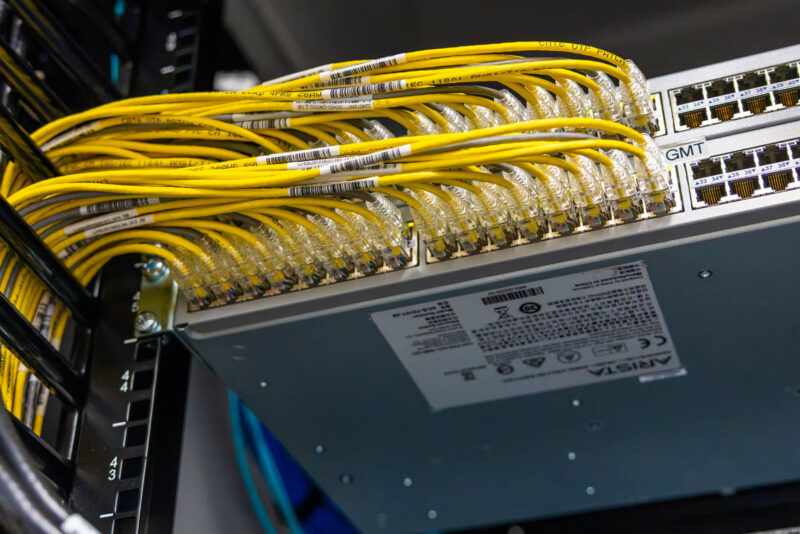
Some of these are low speed networks.
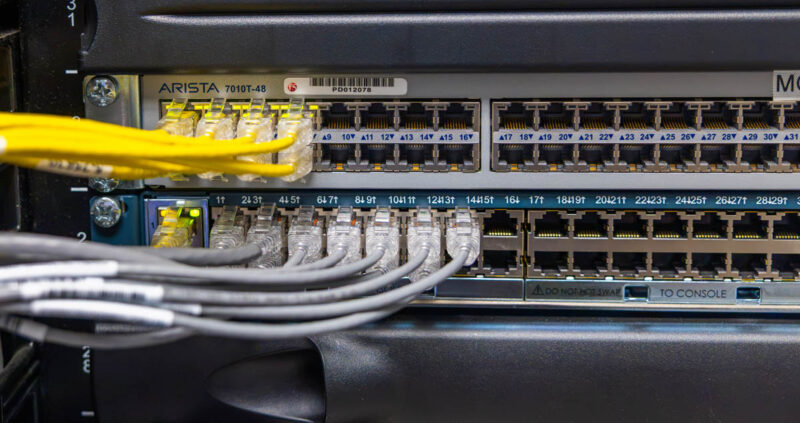
Others are high-speed networks often running at 400Gbps or 800Gbps per port these days.
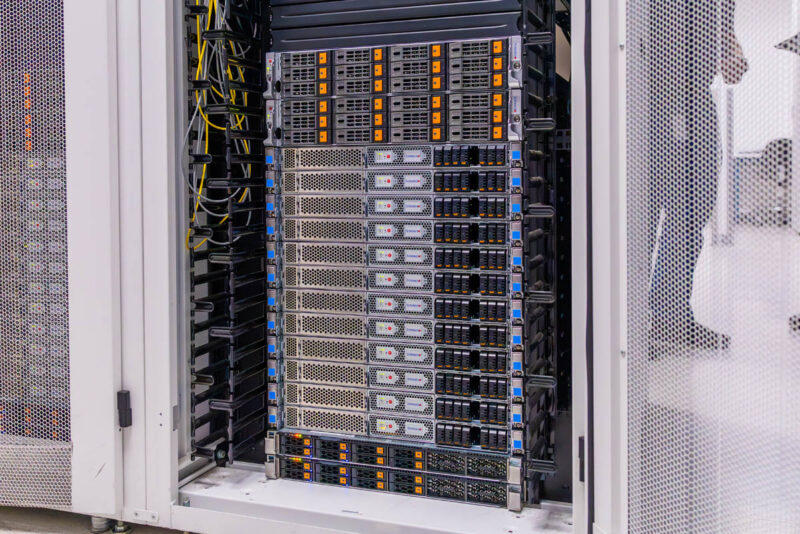
That gets us to the heart of our test cluster. Since we are going to simulate many users, we needed several GPU servers. Of course, GPU servers are a hot commodity these days, so we have NVIDIA H100 “Hopper” generation GPUs and Supermicro servers. We also need servers for Kubernetes hosts and cluster storage. Beyond networking, many servers sit outside traditional GPU servers in these clusters.
Moving to the back, this was perhaps my most exciting view. The Supermicro GPU servers each had two NVIDIA BlueField-3 DPUs, but then the top 2U servers had eight DPUs each.
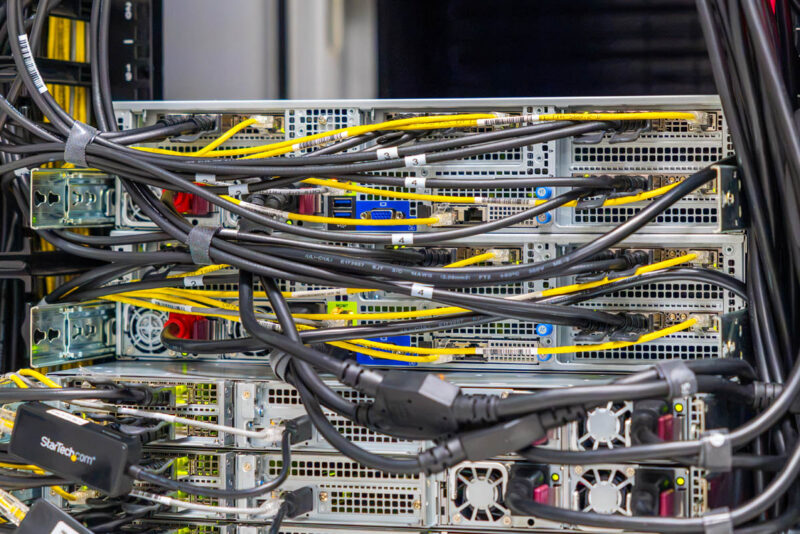
When we talk about how many networks are in a GPU cluster, another one is that even the DPUs have their own management interfaces.
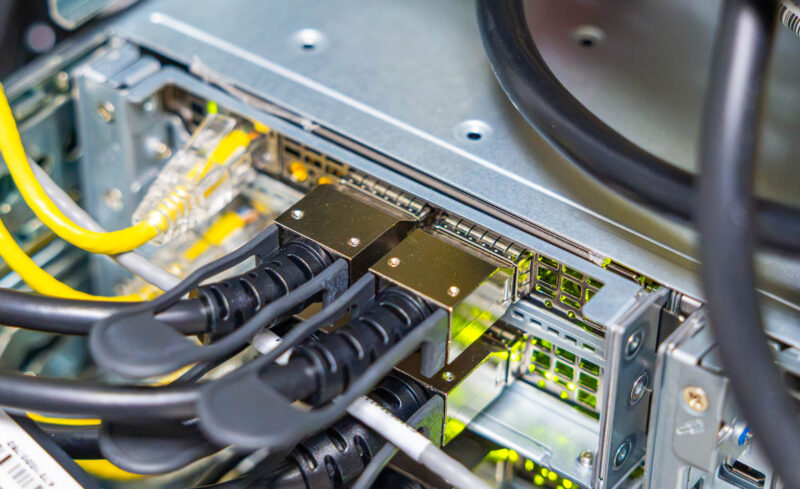
At STH, this is a big reason we have invested in putting Keysight IxNetwork and CyPerf load generators in the lab, each capable of over 1.6Tbps of traffic (and we are adding a new smaller one for in-studio shoots later this week). The sheer amount of networking, types of networking, and different users and applications is staggering in the AI clusters, especially as we get to the era of AI. Seeing this lab was a reminder that someone needs to manage the application delivery, users, security, and more across all of this complexity.

Let us get to what we are here to test, and that is the F5 BIG-UP Next for Kubernetes solution.