

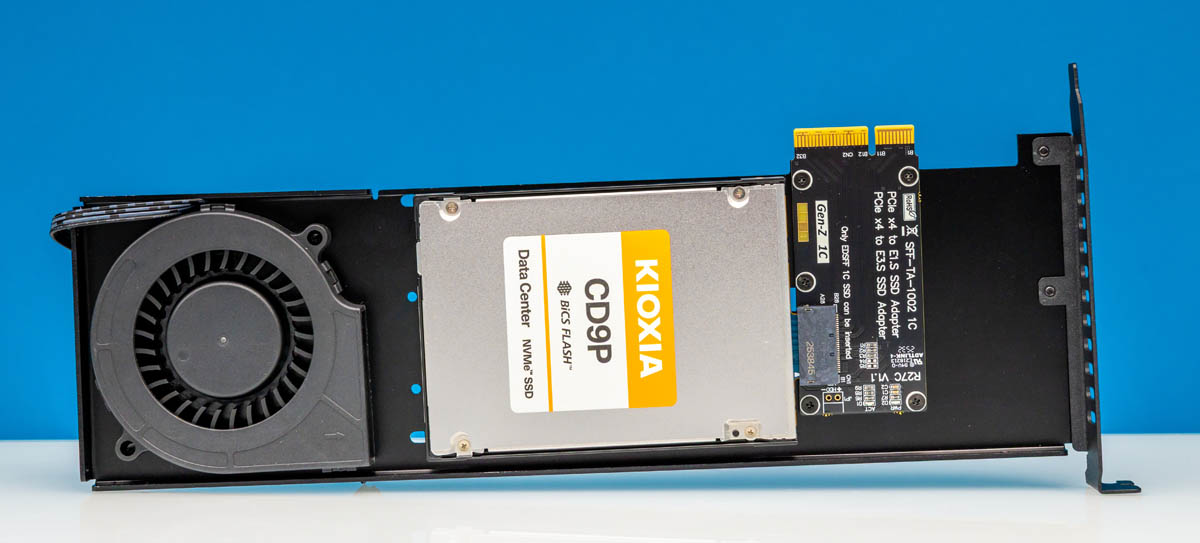
Recently, we purchased a few of these low-cost E1.S and E3.S PCIe adapters that can be found on Amazon and AliExpress. For about $60, you can get an adapter with a fan to fit an EDSFF drive into a PCIe slot. Still, we had a question of how well these actually worked. We purchased the fan versions because we were not confident we could get enough airflow through the bare units.
You can find what we purchased on Amazon (affiliate link) or AliExpress (Affiliate link.) There are different versions, including a U.2 version, so make sure you are buying the correct model.
ADT R27A-BK3 EDSFF E1.S and E3.S to PCIe Slot Review
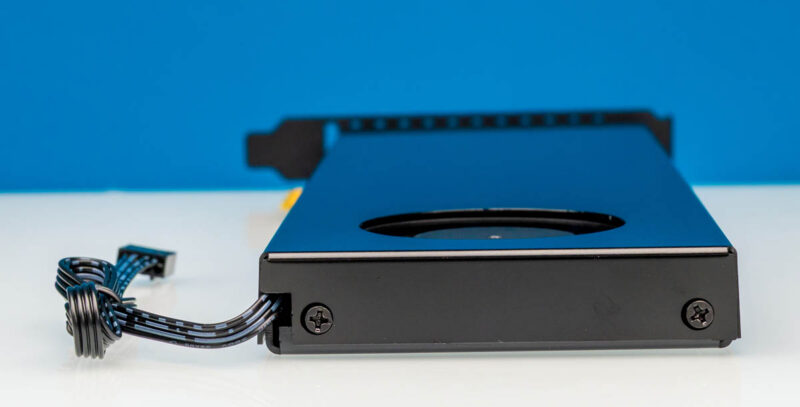
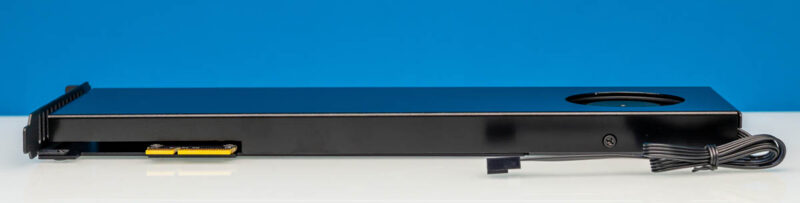
The card itself is large because it needs to fit an E3.S SSD, a fan, and then a converter board.
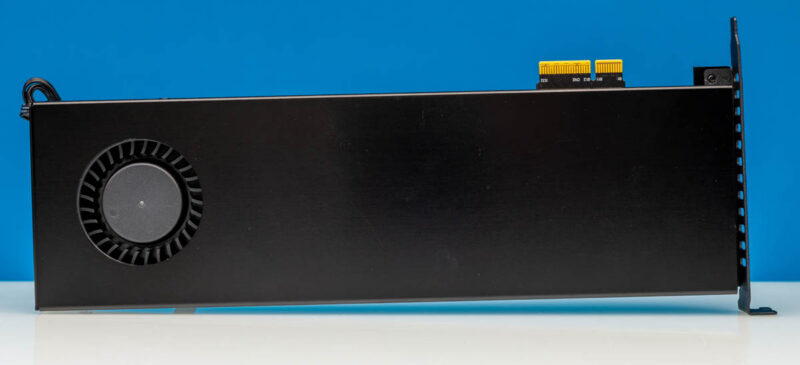
Along the top, there is just the metal cover.
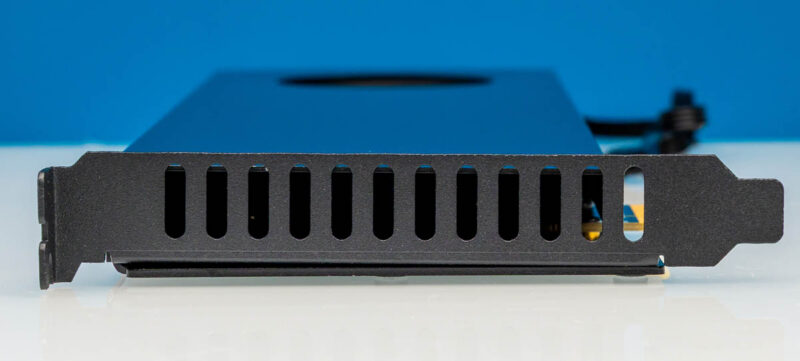
The I/O plate is mostly just there to hold the card in place and provide vents for airflow.
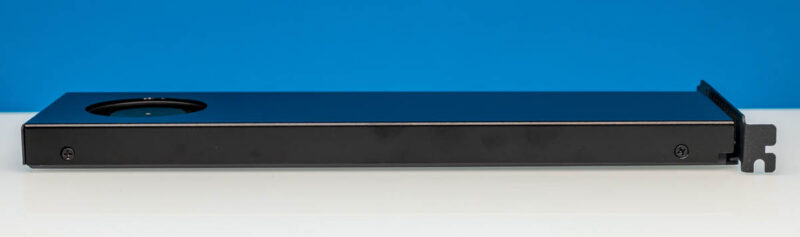
On the rear, in Sam’s labeling or what we might call the front if it was installed in a server, you can see we just have screws and then the fan cable. It takes a 4-pin PWM fan connection.
Here is the bottom edge with the PCIe Gen5 x4 connector. There is a Gen4 version of this, so make sure you are getting the version you need.
Taking off the cover takes a few screws and then we can see what is inside.
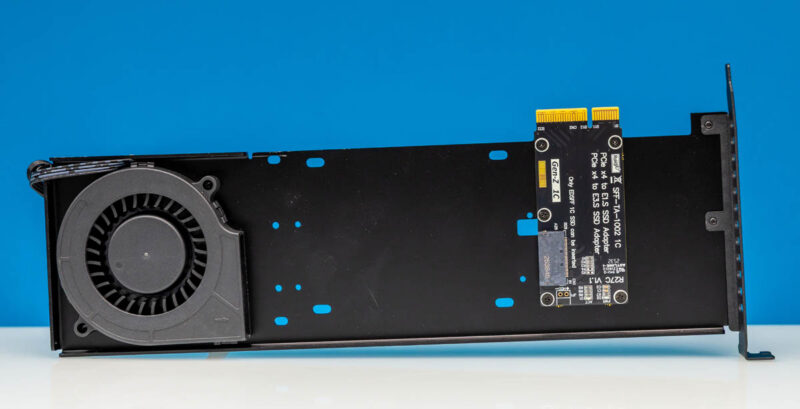
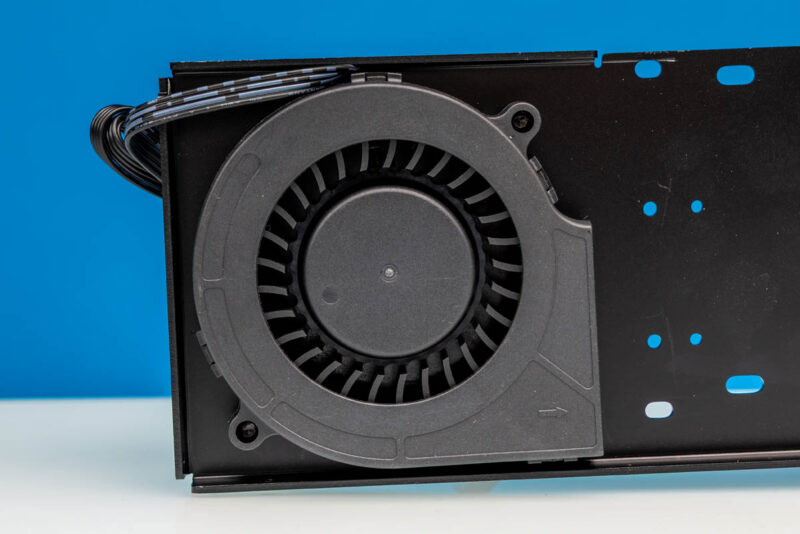
First, there is the 4-pin PWM blower fan.
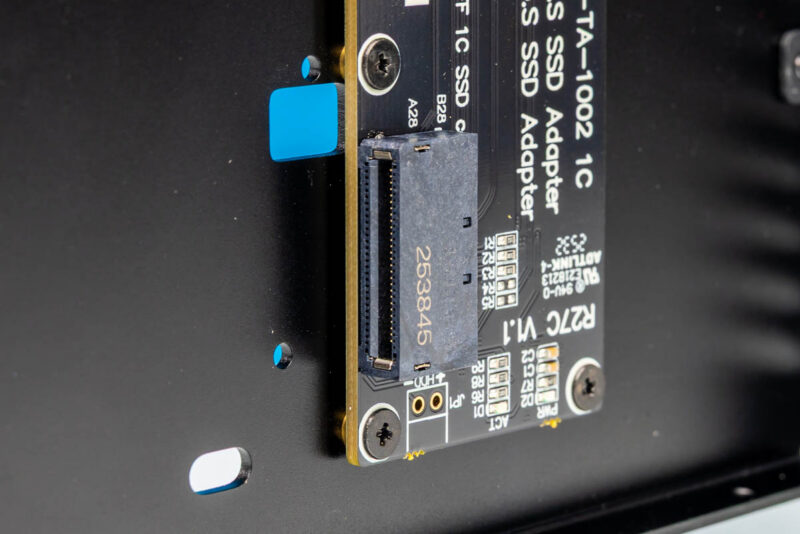
There is also a PCIe x4 to EDSFF 1C SSD.
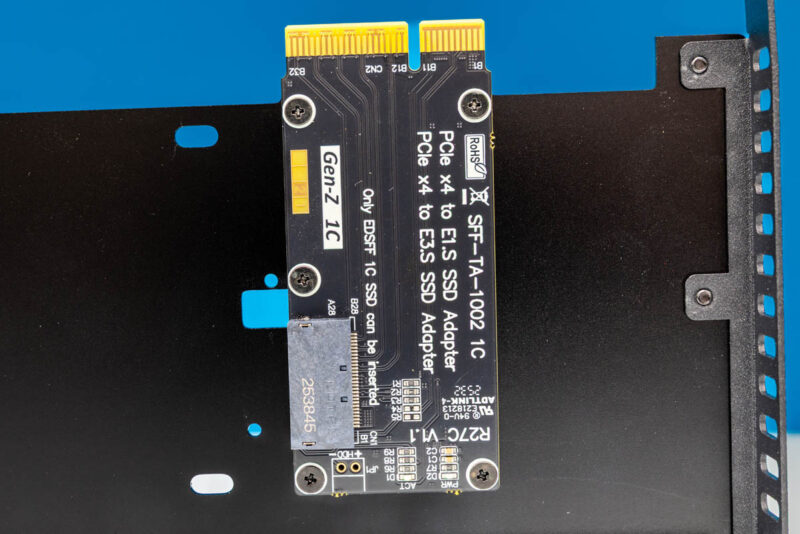
Since it is a shared connector, that means we can install either E1.S or E3.S SSDs into the slot here.
Next, let us get some drives in the unit so you can see what this looks like.


I use two 9.5mm E1.S Samsung PM9A3 drives in my desktop with simple cables. (Be very careful with using cables for these drives, as the connector is mechanically reversible, but the electronics do NOT support that.) They have been running without much in the way of direct airflow for months and while they are certainly warm to the touch, it doesn’t seem to bother them much.
However, these are 9.5mm drives, rated at a relatively low 12V 1.2A, which is 14.4W, at the very low end of the spectrum. I believe the connector is capable of 40W for E1.L drives and 70W for some E3.L drives.
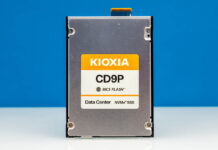
Having said that, I am surprised that the fan is simply incapable to cool down a CD9P, which is supposed to use around 23W.