

Getting the Realtek RTL8159 to Work in Windows 11
The Realtek RTL8159 chipset requires specific drivers for Windows 11. Out of the box, Windows may not automatically recognize the adapter, and you’ll need to install the appropriate drivers from XikeStor’s website or Realtek directly. If you have another NIC installed, you can plug the NIC in and then have Windows Update get you a working driver, but I would always suggest getting the latest from Realtek’s website.
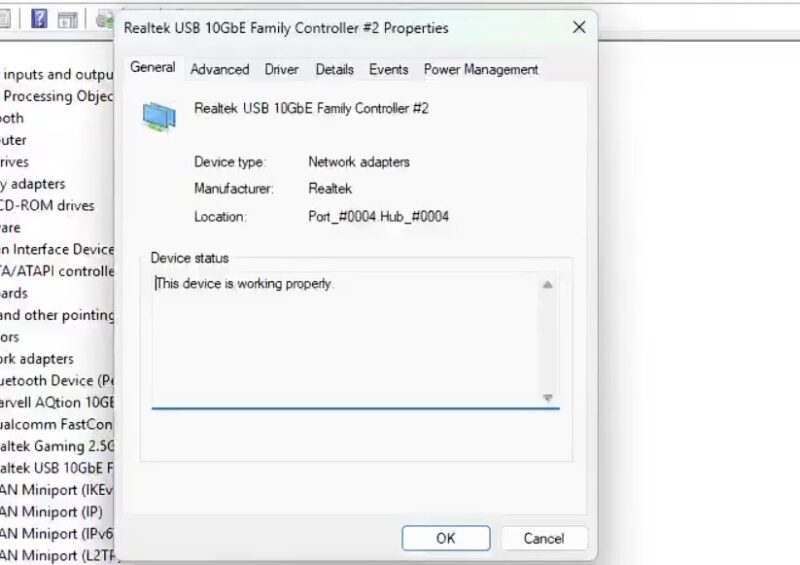
In Device Manager, the adapter appears under Network adapters once properly recognized. Our test system showed the device functioning correctly after driver installation, with no conflicts or issues reported.
Likewise, getting new Linux drivers is usually a good step. On the Mac side, not only will you not (currently) get USB 3.2 20Gbps speeds, but sometimes you will see your Mac report other speeds. It works, and you can get over 5GbE speeds, but getting full 10Gbps on a Mac is not happening at the moment.
XikeStor SKN-U310GT Performance
We tested the adapter across multiple USB generations to understand how it performs under different host conditions. The results show the expected scaling based on USB bandwidth availability.
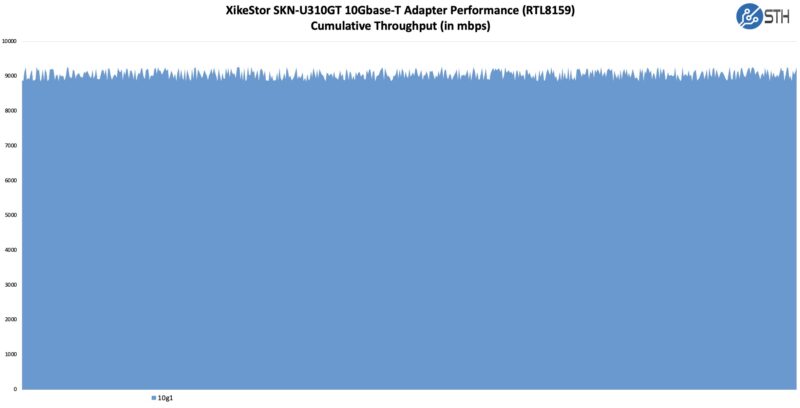
That is really the best-case scenario on a longer run, though. We did see a very slight increase in variability compared to a PCIe adapter. Here are a few peak data points on shorter runs, depending on the platform we were using:
- USB 3.2 Gen 2×2 x86: Measured maximum 9.5Gbps throughput (spec: up to 9.6Gbps)
- USB 3.2 Gen 2×1 x86 Measured 6.6Gbps throughput (spec: approximately 7Gbps)
- USB 3.2 Gen 2×1 Apple M4 MBP Measured 6.3Gbps throughput
- USB 3.2 Gen 1 x86: Measured 4.7Gbps throughput (spec: up to 5Gbps)
The measured performance roughly matches the specifications, with minor overhead from protocol encoding and system-level factors. On a USB 3.2 Gen 2×2 host, the adapter delivers near-line-rate 10GbE performance. Still, you want to be on an x86 machine.
XikeStor SKN-U310GT Power Consumption
We measured power consumption using a Power-Z USB-C power meter (Amazon affiliate link) to understand the adapter’s efficiency under load. We saw power in the 2.0-2.89W range depending on the platform.
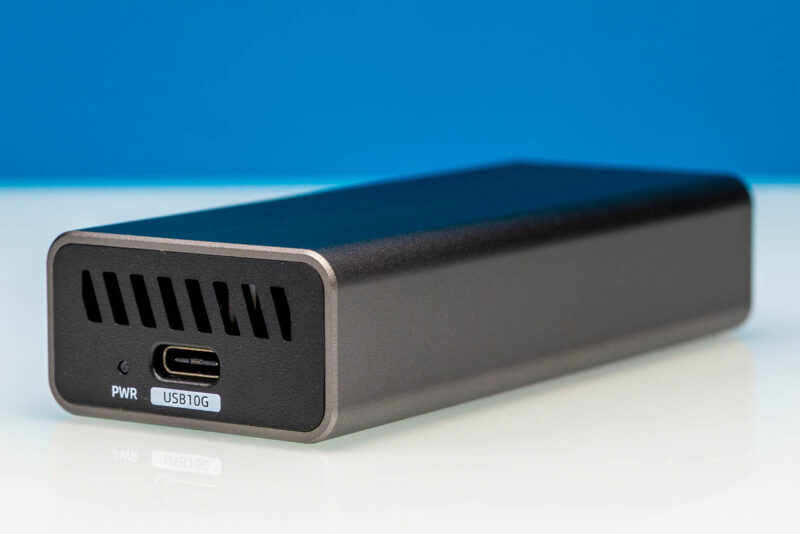
The specified power consumption is 1.95W, and our measurements show slightly higher real-world values. Still, this is reasonable for a 10GbE adapter, and we did not get thermal throttling on our unit. One interesting data point is that when we test switches, we often see 1.6-1.8W of incremental power consumption by lighting up a 10Gbase-T port, so the Realtek RTL8159 is actually doing a phenomenal job.
Final Words
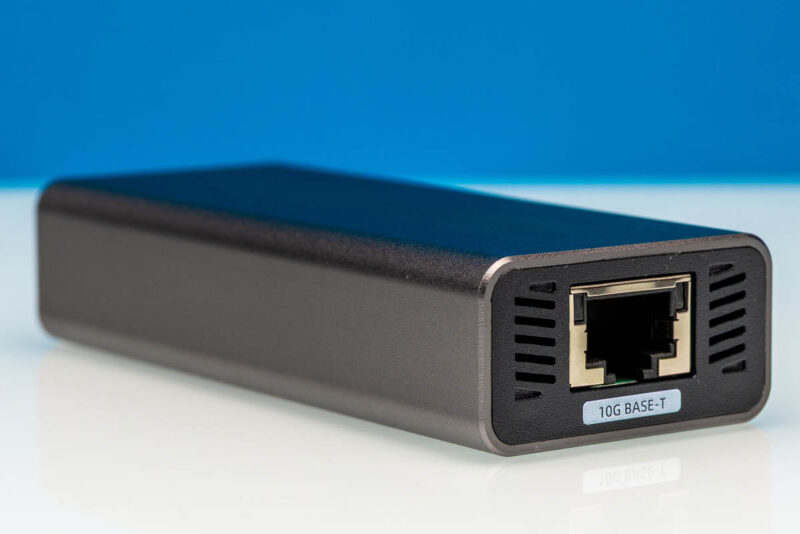
The XikeStor SKN-U310GT delivers solid 10GbE performance in a compact, well-built package. The Realtek RTL8159 chipset is a proven solution for USB-to-Ethernet adapters, and the aluminum enclosure provides both durability and effective passive cooling.
At a $89 or so street price, this adapter offers good value for users needing 10GbE connectivity on laptops or desktops without built-in multi-gig Ethernet. The driver situation requires attention, but once configured, the adapter performs as expected. For those upgrading to 10GbE networks or needing portable high-speed networking, the SKN-U310GT is a competent option worth considering.
Where to Buy
Here is an Amazon affiliate link to where we purchased our unit.




Curious why you don’t just use the terminology Multi-GbE capable, or 802.3bz? It would save you some words around “it can also do 2.5GbE and 5GbE”.
Or has marketing eroded the meaning of the terminology and designation at this point?
Also… why would USB4 limit you to 10Gbps speeds? That makes no sense on the face of things. Can you explain more?
Because thats how RTL8159 works with USB4, not because of USB4 itself
Is the usb-c power meter able to pass through faster than usb 2.0 data rate?
I have the same tester that they’re using. It does and it’ll even tell you if a port is TB3 TB4, does logging, and much more. Meco — you’ve probably seen Jeff Geerling’s piece. STH is using a much better test device.
I bought a similar item by “Sabrent” a few days ago. I’d say this XikeStor model is better looking from the photos, but I guess it’s subjective. Mine runs full line rate, no added latency, stays cool, and eats everything I’ve thrown it so far.
Not sure why I never considered something like this before. I’ve found USB 4 to 10gbe is a convenient option when I can’t fit a pcie card, like in SFF builds, or just for flexibility.
USB 3 Gen2x2 support is such a mess. While conceptually it’s a reasonable standard, the fact that it’s the only USB 3 mode to use multiple lanes means that it has never been very well supported. And that problem goes all the way back to Intel’s Thunderbolt 3 controllers, which couldn’t support USB 3 Gen2x2 even though they could pass 40Gbps of data.
I really wish peripheral manufacturers would just use USB 4 Gen2x2 to get to 20Gbps instead. They could still fall back to USB 3 Gen2x2 if need be, but all USB 4 hosts support that spec’s Gen2x2 mode. I get why they don’t (costs), but 20Gbps over USB 3 is the least well supported way to get there.
10 bucks it cant sustain near 10gbe for more than 5 minutes. if it could it would have been part of a proper test scenario… plus this is realtek, of course its going to crash n burn.
Any idea how to open the case?
Opening the case is probably one of those screws on one end, slide guts out on a sled arrangements. I picked one up based on this article, wifi only on a laptop sucks for testing. Realteks driver works in windows 11 and throughput matches results here.
I tried this on a Mac Pro 2013, attached to the 10-gigabit USB port of a CalDigit TS3+ dock (the Apple TB3 to TB2 adapter is bidirectional). I only got like 1 to 1.5 gigabits out of it. Apple’s CDC-NCM driver seems to devour CPU like crazy.
I tried it on a Surface Pro 11 (Snapdragon X1 Plus X1P42100), and it seems to link up at 10-gigabit USB speed, but I only get about 1.9 to 2 gigabits of throughput.
I tried it on the downstream USB4 port of a CalDigit TS4, connected in USB4 mode to the ASM4242 controller on my motherboard. Despite the ASM4242 being capable of Gen2x2, it seems to link up at 10-gigabit USB mode, and a speed test only gives 5 gigabits of throughput.
The only place I’ve gotten 9 gigabits of throughput is when I have it hanging directly off the ASM4242, where it links at 20-gigabit USB mode.
I’ll probably return it, because it’s expensive for what I can get it to do. Maybe I’d have better luck with a Marvell controller over PCIe tunneling. A ConnectX4 over PCIe tunneling would be even better, but Apple’s Mellanox driver completely disables system sleep!