

TRENDnet TL2-F7080 Management
Starting off, we found the interface at 192.168.10.200.

Here we had a setup wizard that required a strong password upon first logging into the switch.
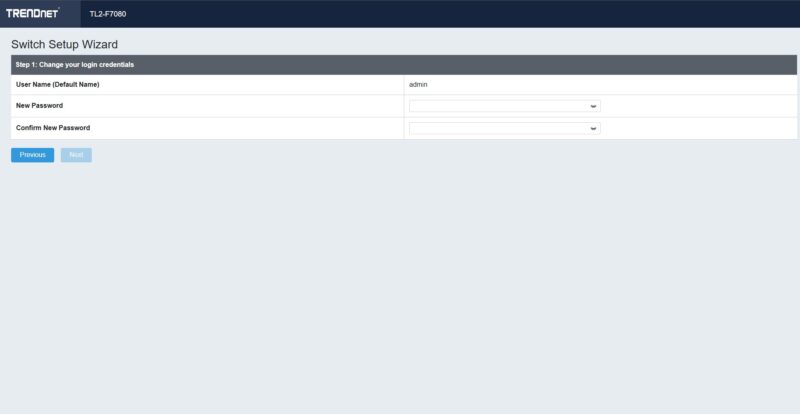
We then had to setup the network.
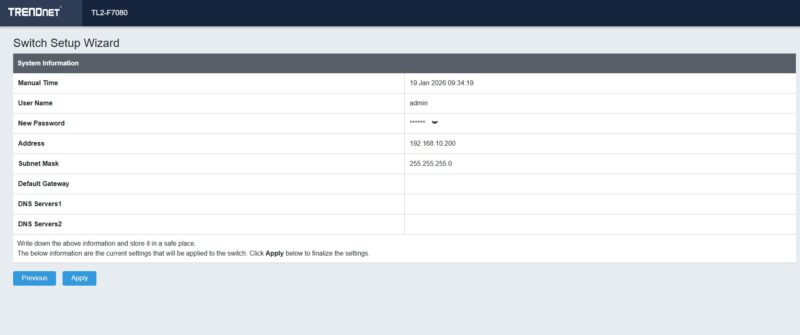
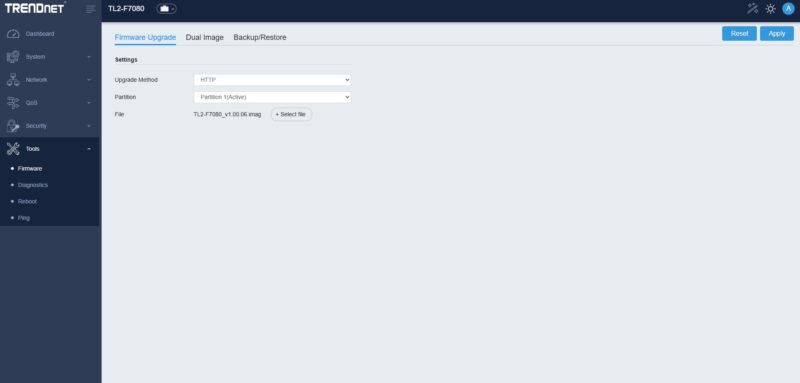
Once we were in, we updated the firmware manually.
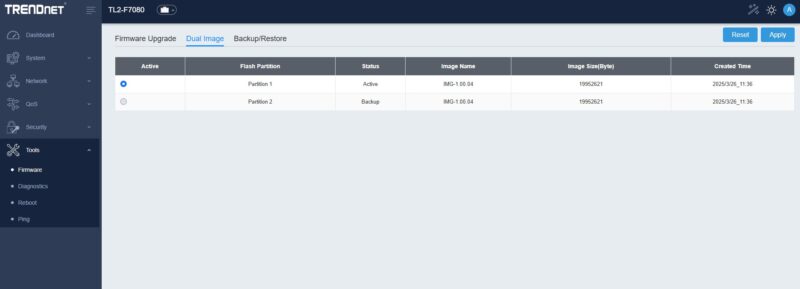
A nice feature is that it has dual image partitions like higher-end switches.
Here is the web GUI dashboard.
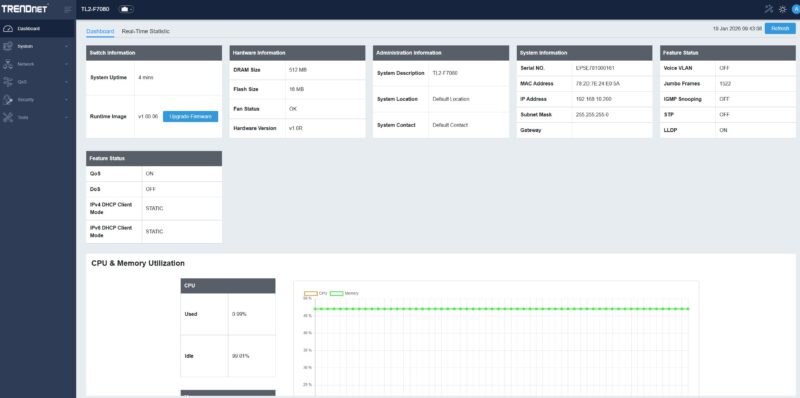
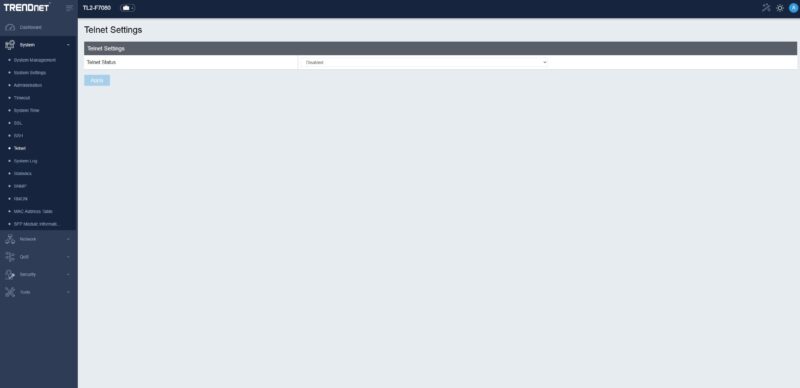
You can also setup Telnet or SSH access to this device if you want.
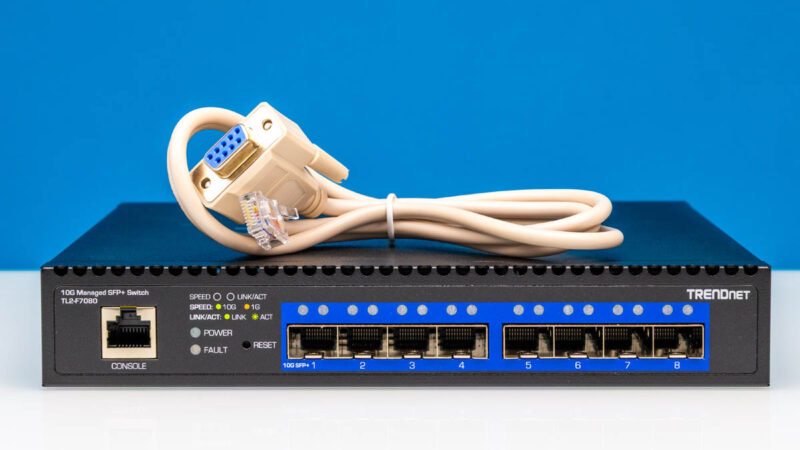
We do not expect that, with this class of switch, the CLI will be used by the vast majority of folks, but we got a console cable.
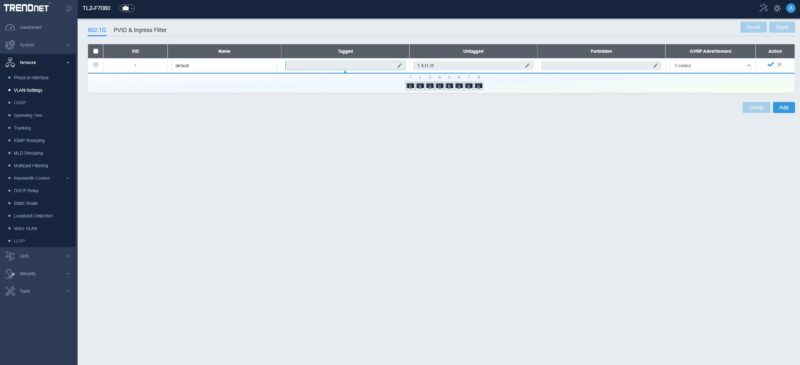
There is a simple setup for VLANs.
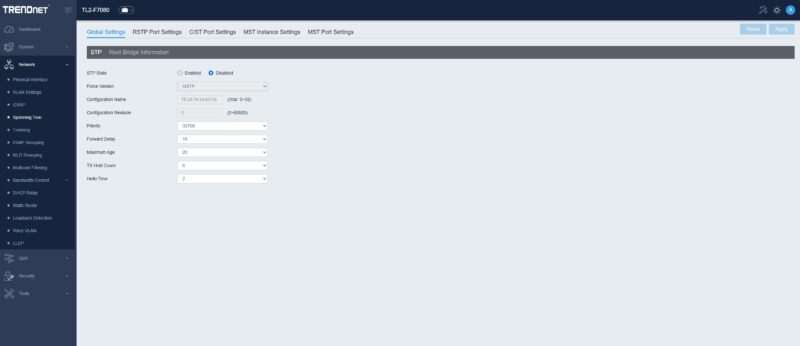
Here is the main spanning tree feature page.
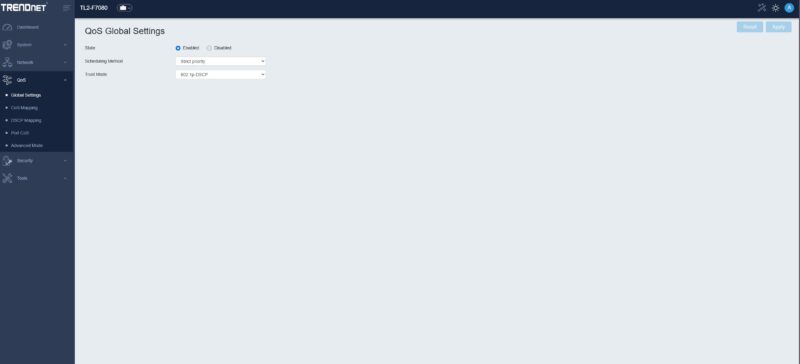
There are some high-level QoS settings, albeit again, usually this is seldom used in this class of switch.
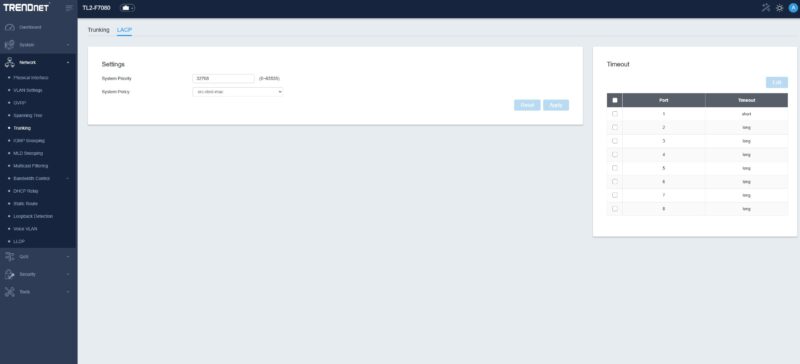
You can also setup trunking and LACP which we could see some using to get to other, perhaps 10Gbase-T switches.
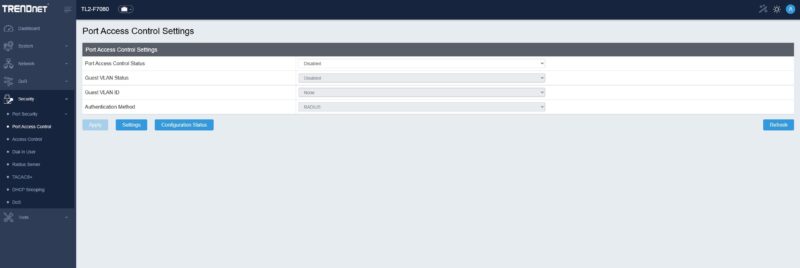
There are also port access control settings and quite a bit more.
Usually on this class of switch VLANs are the most setup feature, but there is a bit more here. Still, it was relatively easy to get to all of this in the menus.
Next, let us get to the performance.

My understanding is that “web managed” means no console and no CLI. This switch apparently has both. So calling it that undersells it significantly.
Seems expensive once you factor in the cost of transceivers? I’d rather buy a 10GBASET switch with a couple SFP+ ports for uplinks. I’m looking forward to your reviews of other options.
I’m in awe at STH’s testing.
If you don’t know, this isn’t something you can just eBay and run for $10K. They’re doing well into $100k+ testing. Ixia uses FPGA based load gen hardware, so it’s many FPGA on a big card in a custom box, custom software. I’m wanting to see the 100G used but it’d be better if they could do 800Gb/s on it
one nice feature is having standard 4-pin connection for cooling fan. easly replaceble with quieter fan.
and if you want to keep sfp+ modules also cool, then you can install/put 2 extra small fans on top of sfp+ sockets.
I can’t understand why people would choose these over mikrotiks SFP switches? They are reputable, solid, and great p/p!
@Bill: I think there’s a major, major difference depending on which side you are approaching 10GbE from.
If you are doing the ebay-and-server-pulls route it’s basically all SPF+; probably-fine DACs are honestly more likely to cost money because of shipping than because they are a hot commodity; and anything but the more exotic and capable optical stuff is also pretty readily accessible; but old top-of-rack switches are relatively thirsty, relatively noisy and you probably don’t need that many ports. For that case all SFP or mostly SFP switches based on contemporary, low power, switch chips that let you go beyond point-to-point links or ‘flat’ unmanaged-only setups are fantastic.
If you are coming at it from the ‘new’ side; and mostly 10GBASET devices, maybe an optical run between wherever your ISP decided that the demarc point should be and where you actually want your switch; filling an SFP cage with copper transceivers is probably the worst available option. They are pretty expensive relative to the equivalent signaling witchcraft built into 10GBASET ports; and they tend to run hot enough that not all SFP cages can take it; if they were expecting optical and DACs. Always good to have a couple in the toolbox; just because you will encounter big fat all-SFP switches that need to have one UPS monitoring card or your laptop or whatever connected to them; but that’s mostly a bodge.
There’s probably a very narrow niche where they are the least-worst option: at one point 10GbE was Very Serious Stuff; so there are SFP switches floating around(though mostly loud and power hungry) built with all the bells and whistles and cost-barely-an-object niceties back when 10Gb was spendy enterprise kit; and it is unlikely that anyone will build the likes of those in 10GBASET, since that’s fundamentally a lower-end tech at this point; but mostly you want to choose the switch that matches your target devices.
Some kind of fan shroud to force the moving air through the heatsink and out the SFP+ ports may have allowed the fan to spin slower, reducing noise.
I initially thought this may be an interesting switch to put by my Netgate 7100 firewall/router, but as this is standing in my livingroom, when I saw the first notes about the noise level, and then especially Patrick’s note about the noise level, this switch isn’t an option for me.
I am a bit sensitive to noise @Dev_Mgr but this is one where I would have to do a fan swap or something. Stay tuned to STH since I think we have a decent option (targeting like 2 weeks until it is live since we did a video.)
On the 10Gbase-T vs. SFP+, there are two other notable wrinkles. First, the ability to breakout from QSFP+/QSFP28 ports is useful in some cases. Second, 10Gbase-T can be useful to deploy in servers because you also get easy 1GbE. If you look even at NVIDIA GB300 NVL72 racks, there are a ton of base-T ports used for management and monitoring. So 10Gbase-T allows you to have a faster interface, but also not have to do any conversion to go into existing 1Gbase-T switches.
Also, on the 10Gbase-T side, we are going to get more into the series tomorrow in a video.
@Ivo – I guess the reason we are doing this is to test that assumption, and to get more useful data than just running an iperf3 test. We are also going to the other end and gathering data for folks asking, “Why buy MikroTik (or Ubiquiti) instead of Cisco?”
Good to see. We need passive 8x 25gb/sfp28 next, hopefully from Mikrotik. Its ten years since they made the 10gb SOHO/condo targeted switches, and 8x is next step.
At work, 1G/10G is purely for mgmt these days. Very very rarely will we provision new 10G long haul at this point. So I view this product as a SOHO option, and in that light, that’s where I don’t understand the SFP+ cages.
Using surplus equipment from eBay makes sense though, I hadn’t thought of that!
This new testing is very welcome and definitely interesting. It’s nice to have a confirmation that the RTL9303 performs well, seeing as it’s used in both cheap AliExpress switches as well as a bit more expensive ones like the USW-Aggregation.
A comparison result from one of the AliExpress models would be interesting as those cost roughly half as much from brands like Horaco, XikeStor or Goodtop when talking L3 managed units. I would imagine that things such as the power supply and certain PCB components are worse in the cheaper models.
This is strange: in the photo captioned “TRENDnet TL2 F7080 Inside 7,” it looks to me like the manufacturer soldered only two of the six pins on the mainboard’s connector to the DC/power switch daughterboard.
Is that right? If so, that strongly implies that four of the pins are unused. But then all six pins are soldered on the daughterboard side. Curiouser and curiouser…
Does anyone have a decent guess as to why that might be?