

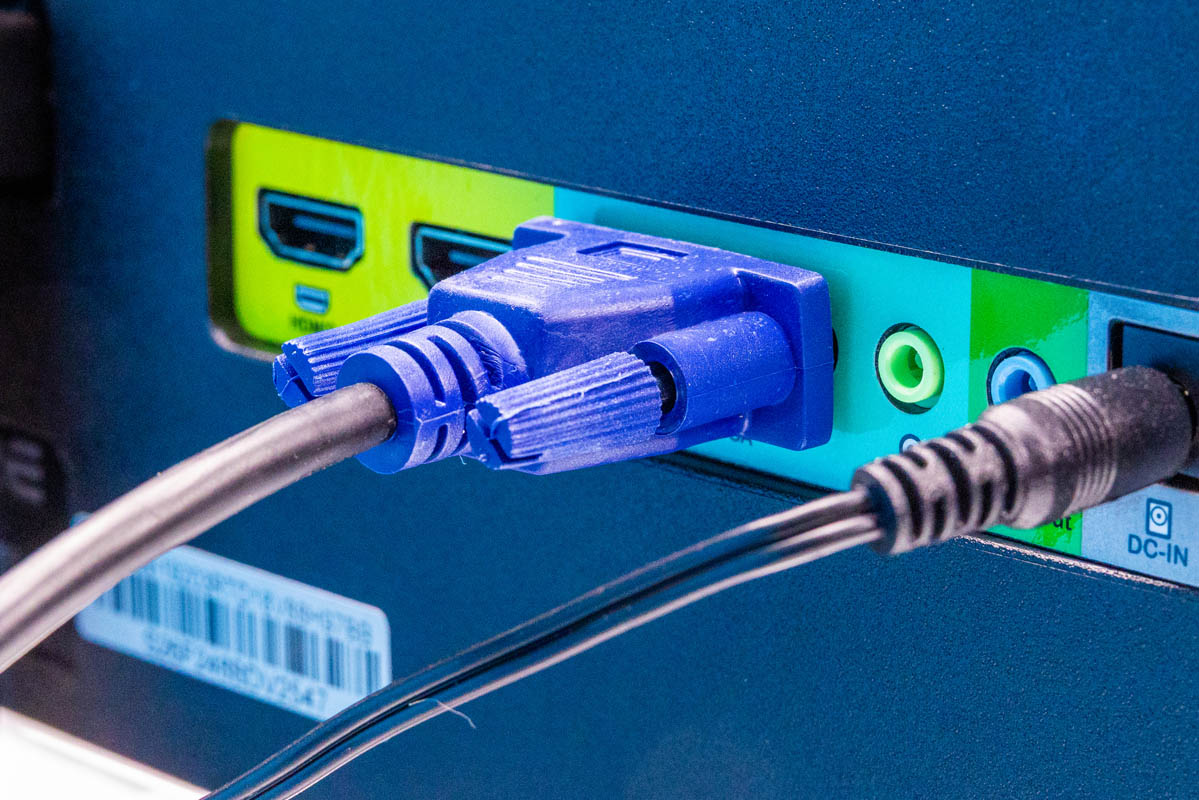
Today, we have a bit of a different one. VGA has largely disappeared from the mini PC, workstation, and mobile markets, but it is still the go-to for new servers. Last week, we broke a 2024 vintage VGA monitor, so we bought a new Sceptre 24-inch Prime monitor to replace it. This is the Sceptre E248W-19203R, and so we thought we should just take a look at what a $89 24″ monitor gets you. Part of the reason for this is just how many tiny and working-adjacent VGA monitors we see on KVM carts in data centers.
Here is an Amazon affiliate link to what we purchased.
Sceptre E248W-19203R Overview
The LED monitor looks a lot like the older 22″ and 24″, but it is allegedly new for this year. This is a 1920×1080 monitor, so it is not a high-resolution display. Something that we never use on this, but we should mention, is that it technically supports adaptive sync and 100Hz refresh rates. Again, we are using this for server VGA connectivity, so we normally do not use these. One small area that we might consider is that we have a pair of the smaller and older 22″ 75Hz models that we use on a production cart in the studio so we can have a camera via HDMI to one an a server via VGA, HDMI, or DisplayPort (using a DP to HDMI cable) on the other monitor.
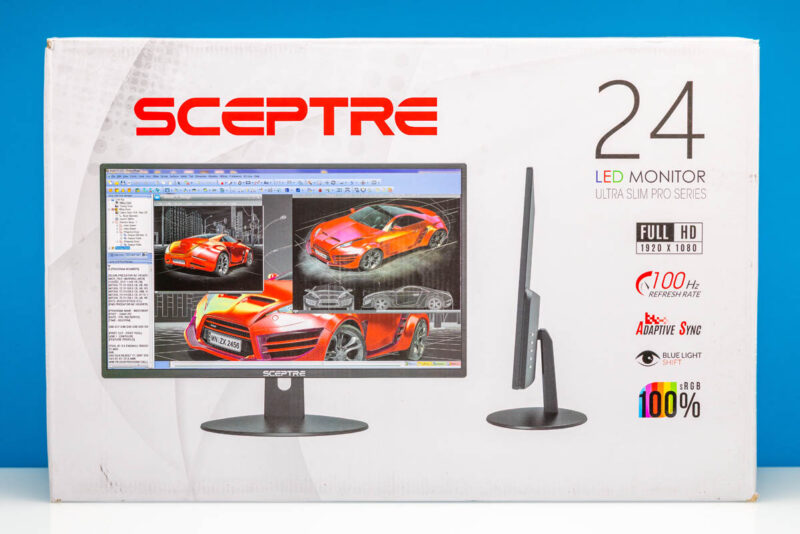
Here is what the monitor looks like when it is put together.
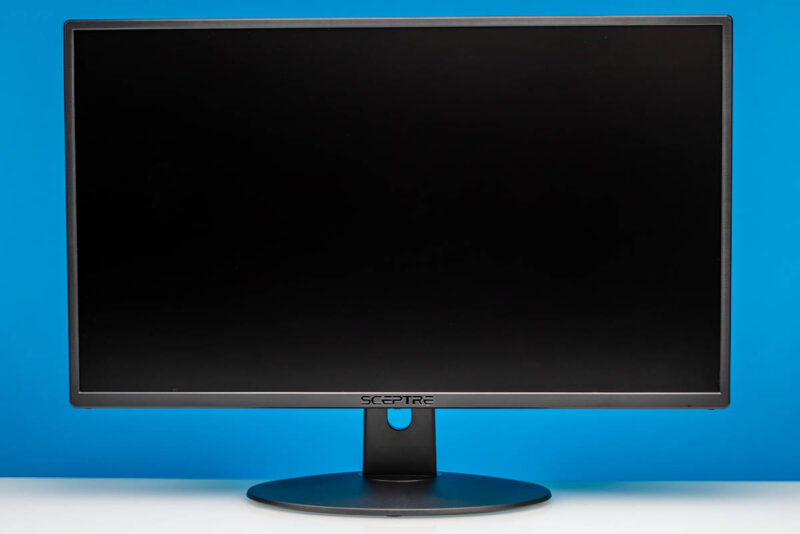
It comes with a basic stand. It may seem like a small point, but the bottom of the old 27″ model was much thinner, and it is what broke, prompting this purchase. The thicker base seems good.
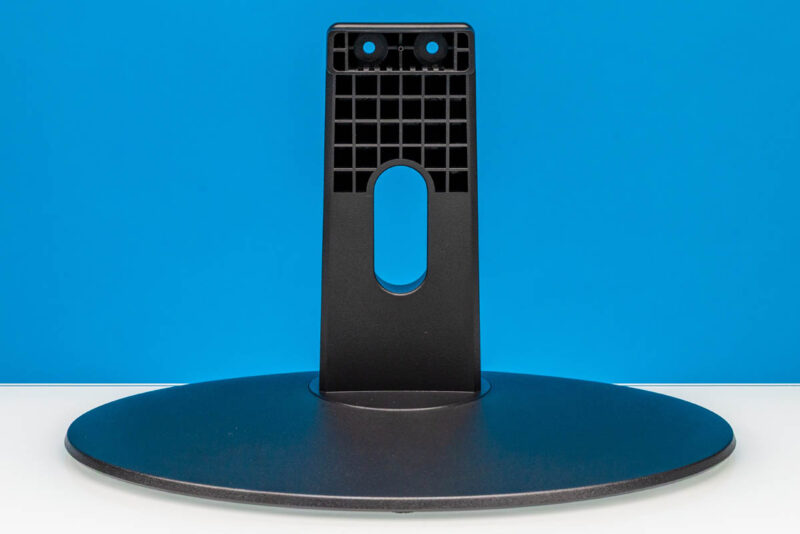
Here is the stand’s connection point to the monitor.
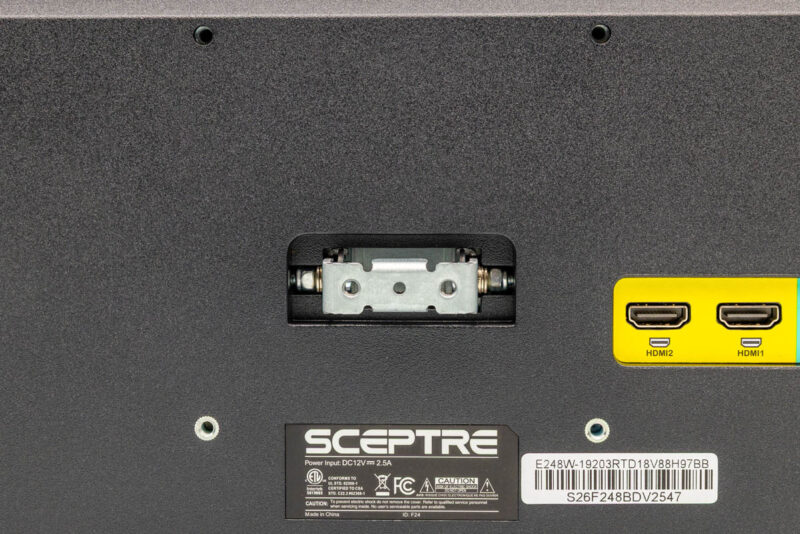
Here is the back of the monitor, just for some perspective on where everything is.
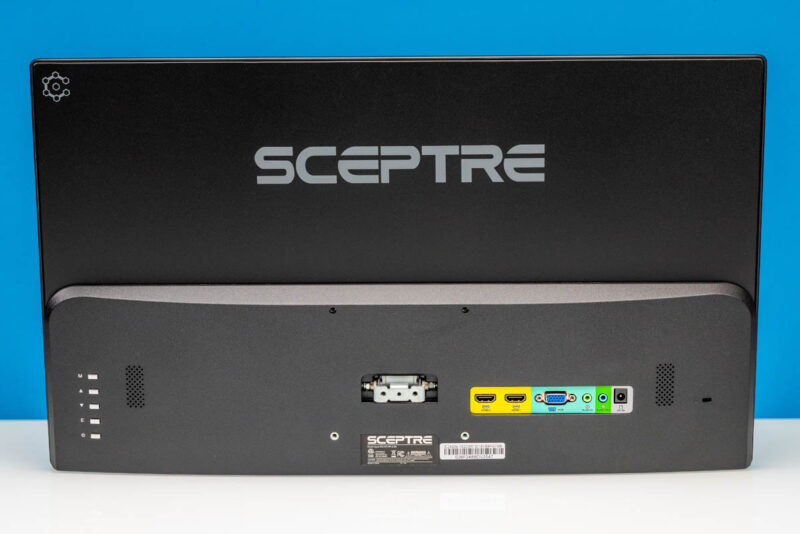
Two screws later, we were ready to go. You will also note that around the stand mounting points are VESA mounting holes, which we use on our other Sceptre VGA monitors.
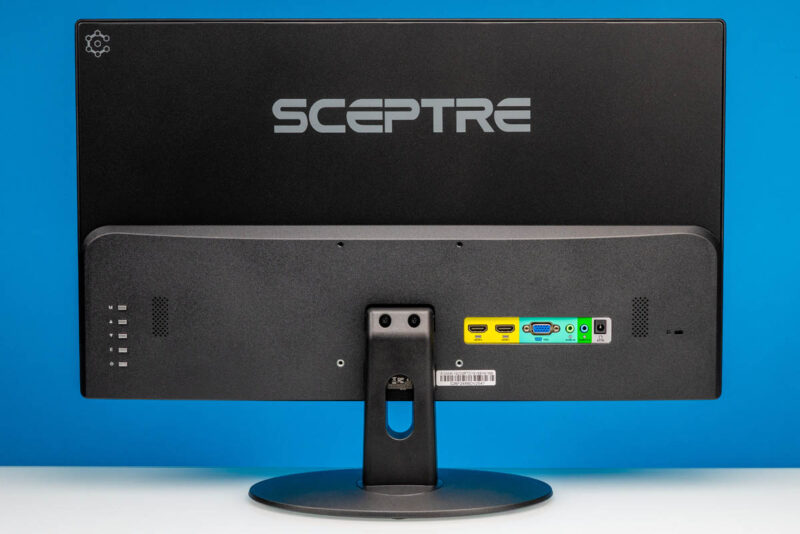
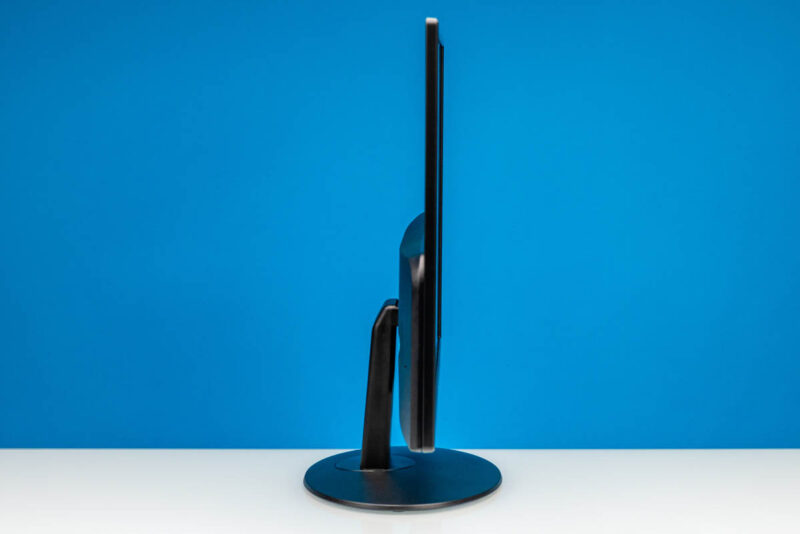
This is marketed as a slim monitor, but it is certainly not the slimmest we use by any means.
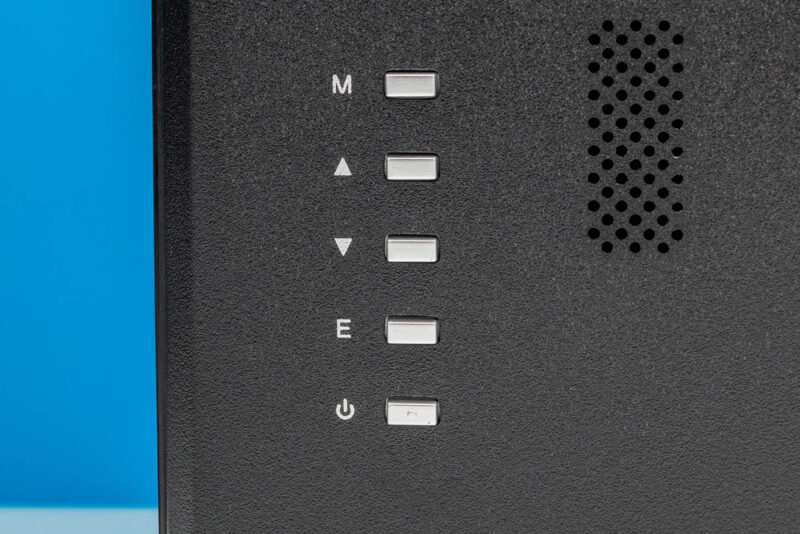
On the left rear or behind the right side of the front of the monitor as you are looking at it we get the power button and various function buttons.
On the other side, we get two HDMI inputs. Most might be looking for a DisplayPort input, but at least with HDMI, it is easy for a lab monitor to use one as HDMI and one as a converter cable. You would be surprised how often we have one of these monitors swapping between HDMI, DP, and VGA inputs on the same day. Also, more servers are coming with mini-DP video outputs, so the HDMI ports are going to become more useful.
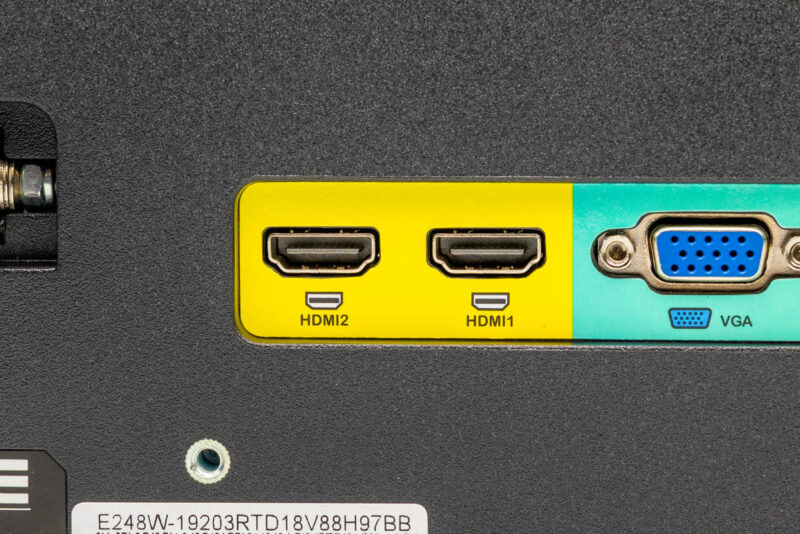
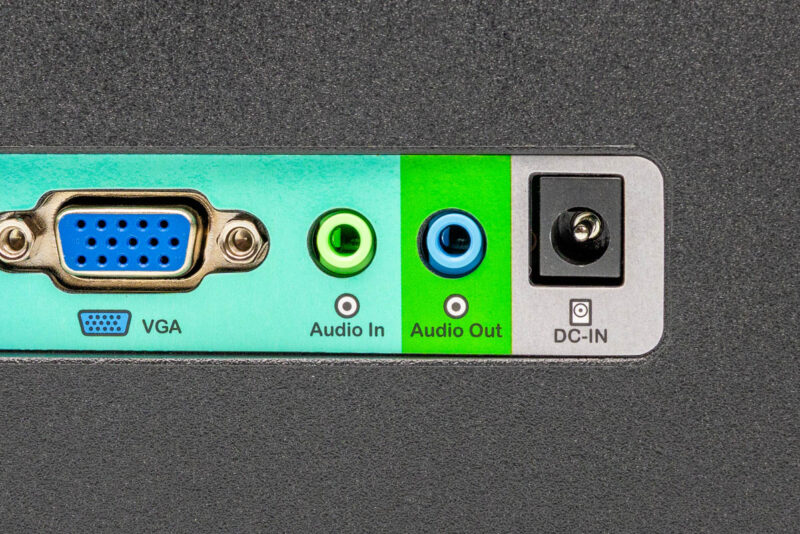
The hardwired VGA input is what we need.
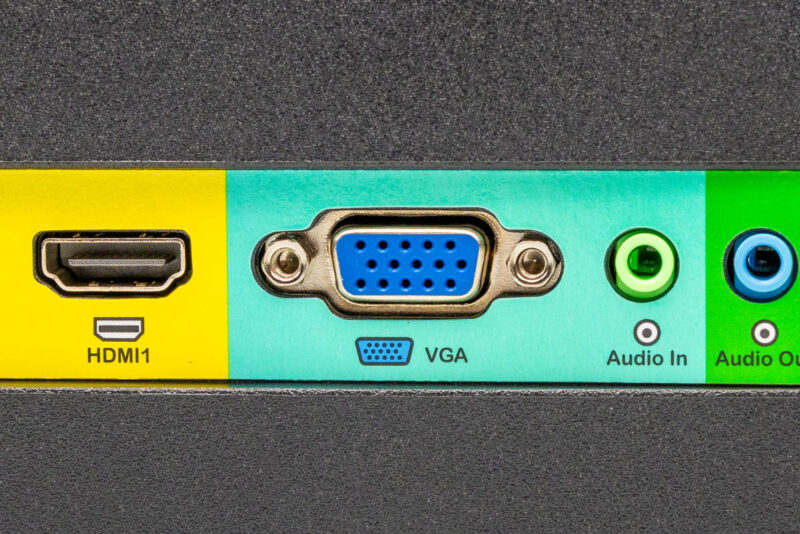
We can stick a cable in there and be ready to go, even on new servers.
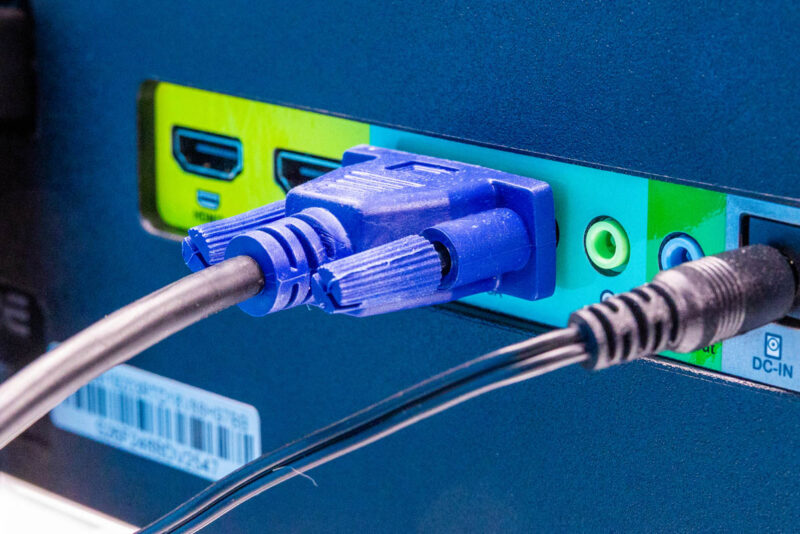
As an honorable mention, there is an audio in/out and a DC input on the back.
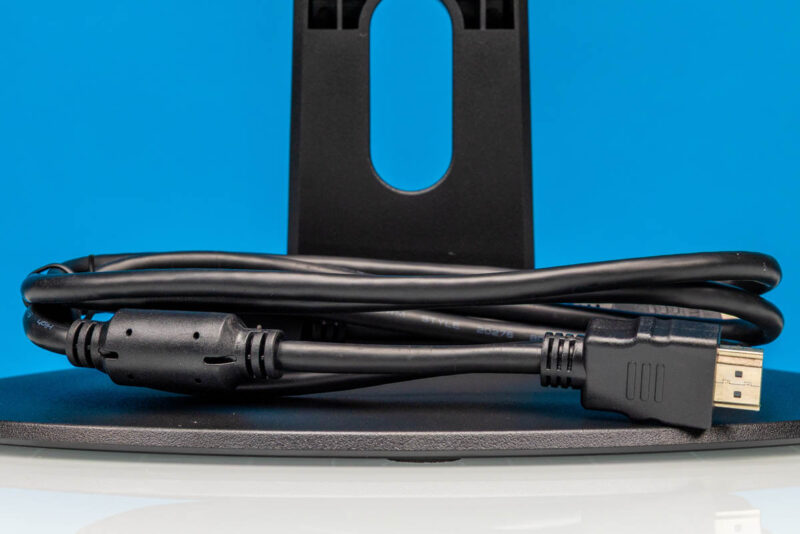
The monitor comes with an HDMI cable. If you were going to spend $10 on an HDMI cable anyway, the entire monitor at $89 is only a net of $79 more.
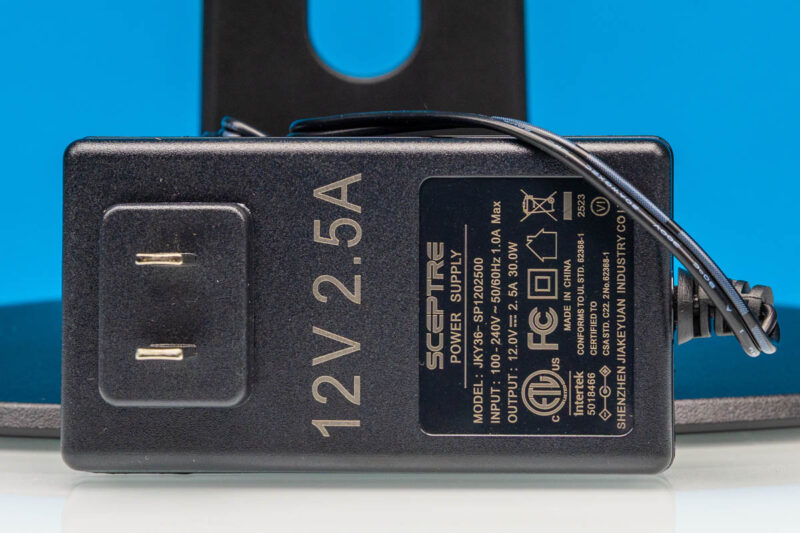
Here is the 12V 2.5A or 30W power supply.
With that, let us get to turn the monitor on and look at the power consumption.
Sceptre E248W-19203R Power Consumption
Here is a quick look at the monitor ready to go into its power save mode at 16.3W.
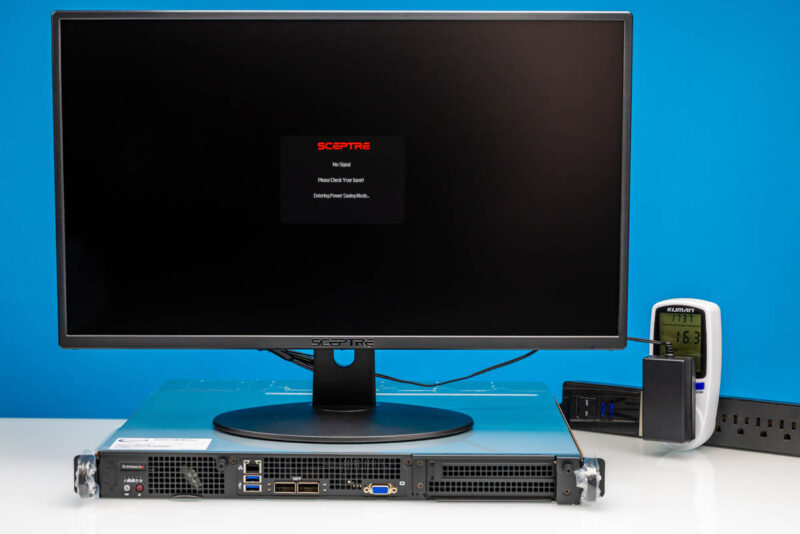
We then hooked it up to a new Intel Xeon D server (Intel Xeon 6 SoC), got into the BIOS, and saw 16.6W. We have seen it cross 20W. This is little power consumption, but if you are pulling power from a loaded whip in the data center, you might want to know how much power it is taking.
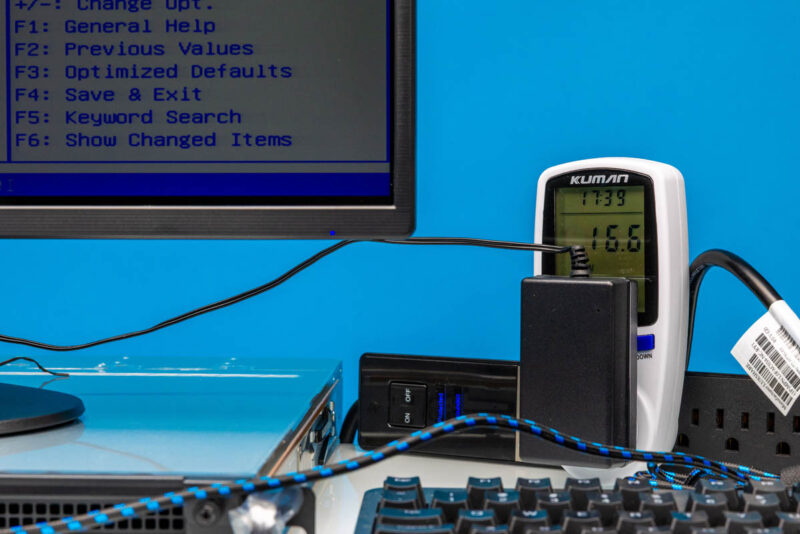
Here is a quick look at that setup. The monitor is bright enough for BIOS and administration tasks. It also has audio output via speakers if you ever need that, albeit the sound is not great. Still, you can see the 1000:1 rated contrast ratio panel getting overpowered by the photography studio lights.
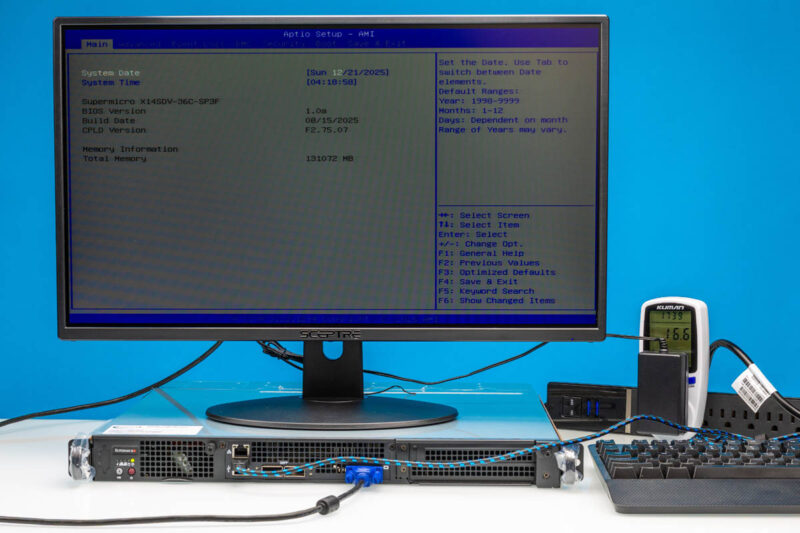
Perhaps the best part about this setup is that we just turned everything on and it worked.
Final Words
At $89 or so, this is perhaps not the nicest monitor. In fact, let us just state this plainly: do not let FreeSync or other certifications fool you. If you can afford a nicer panel, it would be a worthwhile upgrade. For the low bar of a monitor that has a VGA input and “just works,” we have had good luck with these Sceptre monitors since 2023, and the new 2026 model is looking promising thus far. We use these not because they provide the most beautiful picture, but because they are easy to connect VGA devices to and just work.
Some may wonder about VGA in 2026. You will see in the above photos that this is hooked up to an Intel Xeon 6 SoC system, which is new to the market and has a VGA port next to dual QSFP28 100GbE ports. VGA is going to be around a long time, but so are many of the monitors on KVM carts in labs and data centers. There is virtually nothing on new VGA displays, so we thought we would at least give this one a quick feature.
Where to Buy
Here is an Amazon affiliate link to what we purchased.


The Aspeed BMC does have digital output but no vendor is implementing a miniDP or hdmi of any size, or a TypeC which could handle k/m as well, or behave as a multi-serial device. Why? They are avoiding the few cents for certification? 1080p60 would be all one would want. I hate VGA.. always a row or character shifted when you need it.
They should just make a 4:3 ratio monitor. It fits easier on the crash carts, and you don’t need wide screen for a server.
19″-24″ 4:3…mounted to the front of the rack. 19″ will fit inside the rack rails (yeah Helios you can get what a 38″?), 24″ 4:3 will fit outside the rails mounted in front, but you won’t be able to get a door on the rack. There’s a 3U vesa 19″ bracket. I prefer these solutions, if there’s room, to doing a 1U pull-out kvm as it’s more expensive though you get more inputs usually. Slide the server out below the monitor enough to put a key/trackball combo on top of the chassis. Been re-using old 19″ desk monitors for a few years now, keeping them in storage for that reason. I hate throwing them away…bunch of Dell 19’s from the mid-2000s that still run fine. LCD panels seem to last forever.
Trying to find a free cart in a colo is sometimes painful and the pins are beat to hell on the vga cables. Space in colo is a premium but renting by the rack 42-45U you should be able to find 3U where you might only use the backside of the rack for a pdu or switches, and it’s almost always power limited rather than physical space these days.
Food for thought anyway. VGA is still a physically stronger plug if you move it a lot.
IBM mainframes used to have a Thinkpad attached to a swing arm that served as the system console (after the trusty old 3278 followed the dinosaurs into the sunset). As a retrocomputing enthusiast, I love to have VGA ports, especially ones that can go down to NTSC (and PAL) frequencies, but that is not exactly useful in a datacenter. I wonder how many monitors that live on carts these days are just old remissioned 4:3 VGA monitors nobody wants anymore.
@Daniel: you bring it to the point. The Aspeed AST2600 and the newest AST2700 have integrated support for DisplayPort 1.1a. Why does Supermicro not add a DP-outpout or the mini-version of it on their mainboards, so that everybody easily can connect their digital screen to the BMC display output? It is sometimes needed if something goes south.
It’s not that easy to get an 15-pin D-Sub VGA Flatscreen nowadays and even harder to get an ADC-converter, analog VGA in -> digital DP out, the other way around is not that rare.
Been attempting to field 14″ -15.4″ USB-C portable VESA monitors and have a USB-C to VGA Active/Power adapter for backup/legacy support. So far so good if we need to visit rack. Only bulk is the tripod stand for the laptop with a VESA mount clamp. Helps productivity at least.
For crash cart usage, I’d have gone with a unit that has DP (full size or mini) and USB-C. While VGA is still found on many servers with their BMC, newer systems do support mini-DP or USB-C for video output. The nice thing about USB-C is that you can get full keyboard, video, and mouse functionality from a single port. Conceptually you can deliver power over USB-C for the display as well but I have not heard of any server vendor implementing this.
MDF: back in my day …. I put a the guts of a 17″ viewsonic LCD in the lid of a pelican briefcase, a tiny 2 input KVM, and a repurposed HP thin client with serial port,s in the bottom along with a small keyboard and mouse. This was before the Raspberry Pi.
The whole thing had one power cord in, and you could either use it as a KVM or run it as a linux box with minicom for consoling into a router. Also in there were all the weird proprietary breakout cables for servers (cisco and supermicro and HP) along with several console cables.
That case, plus a backpack of Useful Cables, sat by the office door for years, for emergency trips to the local datacenter. We called it the Football (after the US Nucler briefcase) or the Osk ( Oh-Shit Kit )
I never got around to adding legs, so several times it was in the DC being used by some decrepit geek sitting crosslegged on the floor swearing at a cisco 7200 VXR or whatever else had faulted.
Good times !