

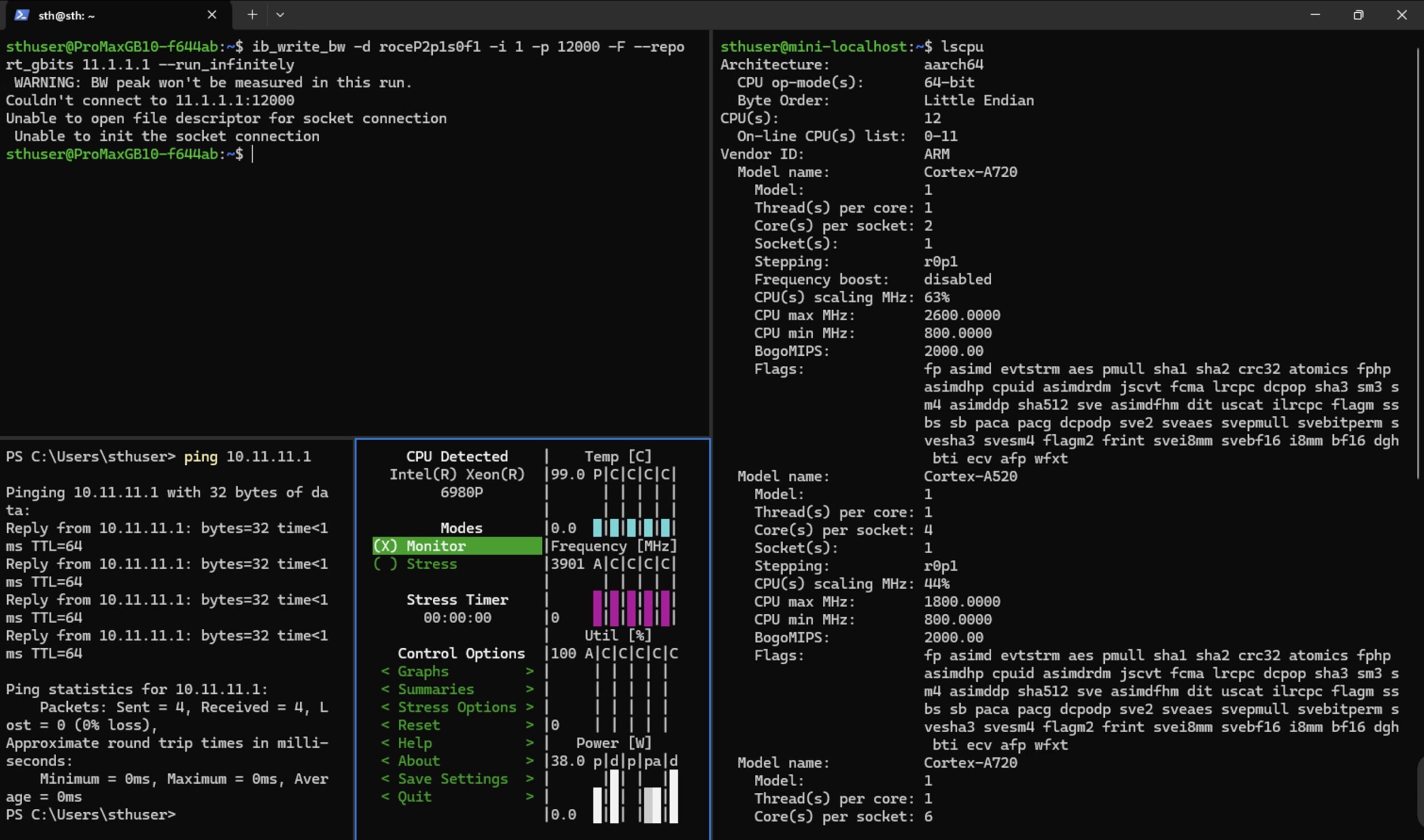
You can split panes in a single window or tab in Windows Terminal and PowerShell. Many people use Windows regularly, utilize PowerShell, and are unaware that this is even a thing. We have been asking folks for the last week, and about two of ten we ask know the feature exists and use it all the time. Others have never used it and think it is Tmux-like magic. Since the adoption rate is lower than we had initially assumed, we decided to highlight this feature.
Splitting Panes in Windows Terminal PowerShell: The Most Overlooked Feature
The reason you might want to split panes is for easy, quick navigation and the ability to see multiple terminals at once without having to play with window sizes. You can either press Shift + Alt and then either the + or – key to split the window, or use the split tab function from the command menu if you prefer. The Split tab option will split the pane along the larger direction so one becomes two. You can even use the mouse to switch between active windows or hit Alt and then a direction key.
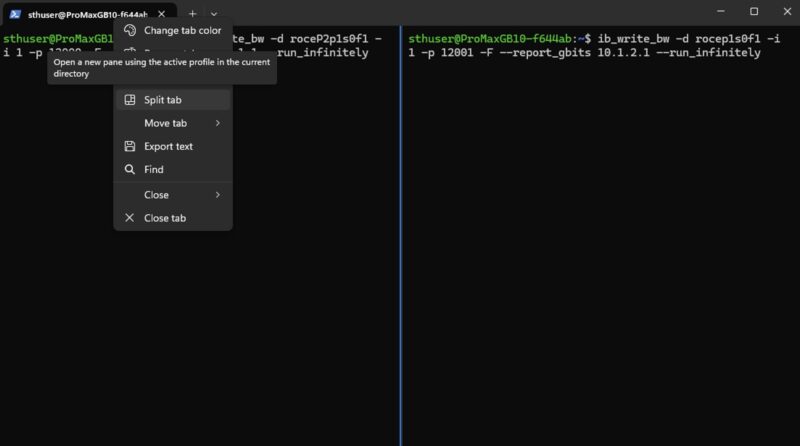
Shift Alt + splits the pane horizontally, opening a new panel to the right. Shift Alt – splits the pane vertically and adds a new panel below.
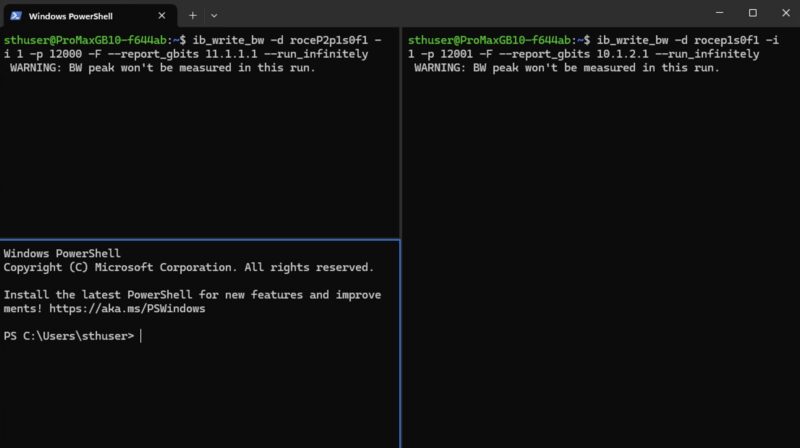
You can close the focused pane using Shift Control W. You can duplicate a pane using Shift Alt D.
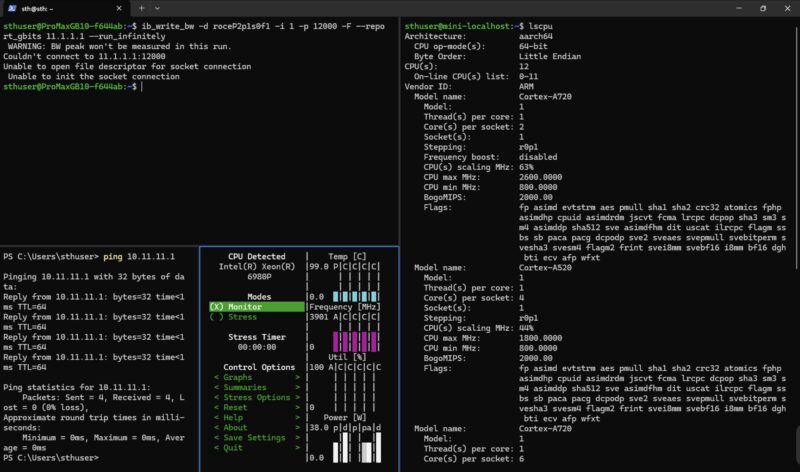
If you are on an active panel and hit Shift Alt, and then use the direction keys, you can resize the panel. You can see the Minisforum MS-R1 lscpu output being resized on the right to smaller and then the Dell Pro Max with GB10 and the Supermicro 2U Xeon 6900P system on the left.
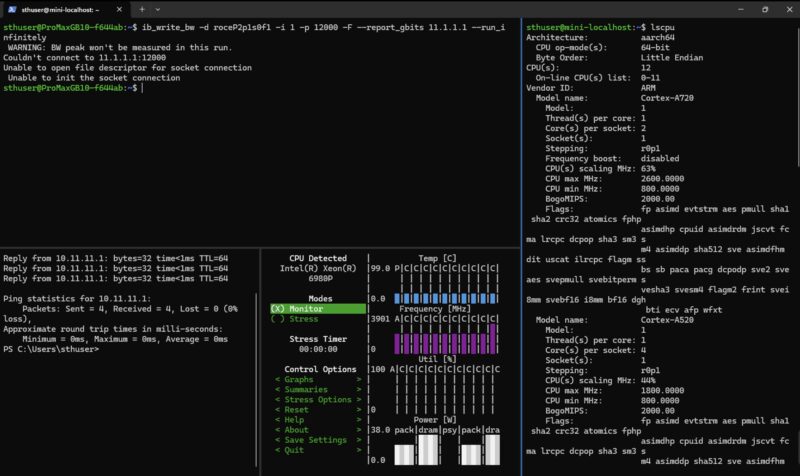
If you are someone who often finds 100+ Google Chrome tabs open, and you have multiple 4K monitors, you might really enjoy this feature.
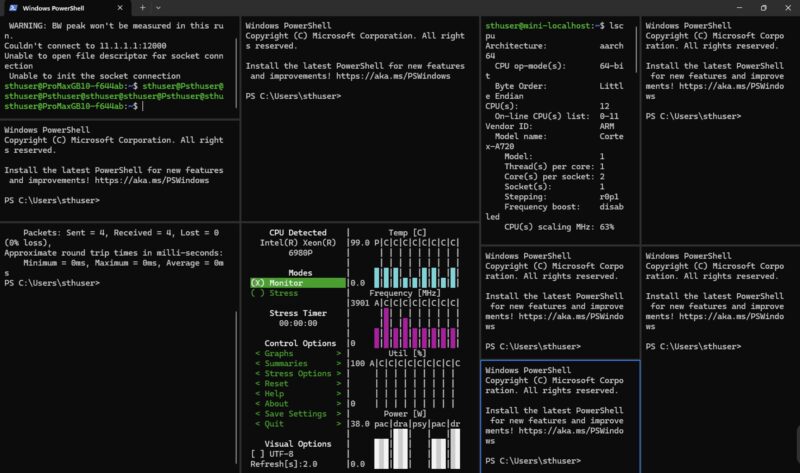
If you are into scripting, you can actually call this via commands in your scripts as well.
Final Words
It is always fun doing articles like this. There is going to be a good portion of STH’ers who are shocked that this is a thing. There will be another portion that has been using this daily for a long time. Still, just based on how many folks we asked, a lot do not know this exists. Hopefully, doing a little weekend piece like this helps raise awareness since this is a super neat and useful feature.

The title is misleading, this is a feature of Windows Terminal rather than PowerShell. You can split the pane for any shell, likewise PowerShell doesn’t have built in functionality to split panes outside of Windows Terminal (conhost.exe for example).
This feature can be used on all consoles that have been configured in the app “Windows Terminal” and is not a PowerShell unique feature.
I’ve been using split tabs for WSL for a long time! :)
What is the tool in the image that shows the CPU temperatures?
Seconding Matt, what’s the commandlet being used for the CPU details graphs? It looks very interesting.
I believe its s-tui. At least that’s what a reverse image search shows.