

Server CPUs to Control Database Costs
Let us take a quick look at how server CPUs influence database costs, and what you can do about it. Looking at both Oracle and Microsoft SQL Server as examples of per-core licensed databases, a 192-core AMD EPYC 9965 can lead to enormous licensing costs when the denomination is dollars per core. Companies like AMD have chips specifically designed for per-core licenses, that are optimized for per-core frequency.
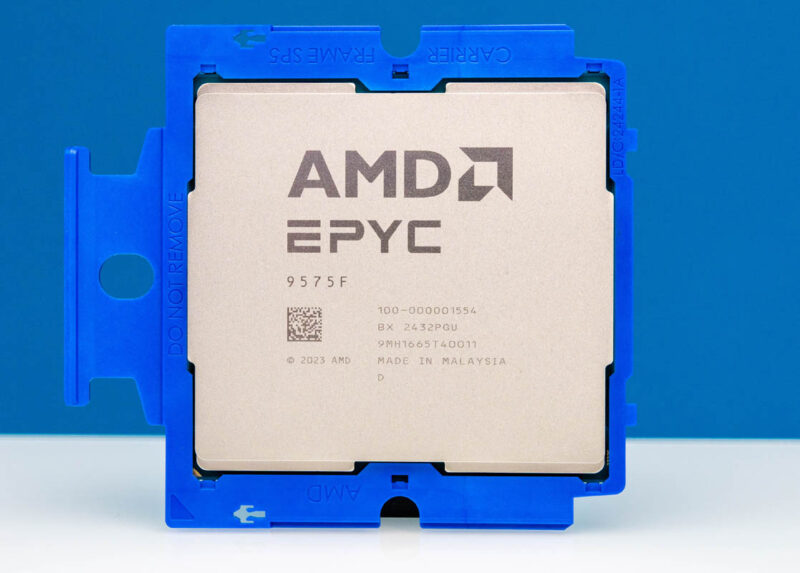
Of course, the total system cost, application performance per system, and so forth also play a role, so parts like the 64-core AMD EPYC 9575F where clock speeds can range from 3.3GHz to 5GHz are useful. On the other hand, that is still 64 cores to license. Server CPU manufacturers know this, and so they have chips like the AMD EPYC 9175F. We do not have one to photograph, but this is a 16-core AMD EPYC 9005 “Turin” CPU that has 512MB of L3 cache, or 32MB per core, and clock speeds ranging from 4.2GHz to 5GHz (4.55GHz is the All-Core Turbo.) At $4256 MSRP it is one of the pricier 16-core CPUs out there, but it can often cost less than incrementally licensing an additional core or two to use with database software.
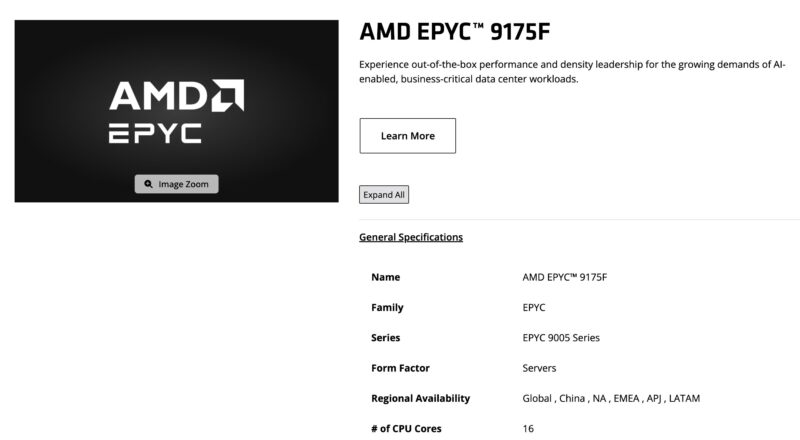
That 512MB of L3 cache is also important. Having more high-speed cache per core increases the likelihood of the data needed being on the package rather than requiring a fetch from main memory meaning the core’s compute resources can be more efficiently filled. If you have a smaller, database that you need to operate at high speeds, the AMD Genoa-X parts (EPYC 9004X) are still current generation parts. They use older Zen 4 cores, and therefore lose IPC benefits of Zen 5. They also have lower clock speeds. Still, with the ability to get a 768MB L3 cache 16-core part like the AMD EPYC 9184X there is a subset of folks that will find this to be a rocking solution. The vast majority of databases do not charge more on a per MB of L3 cache basis.
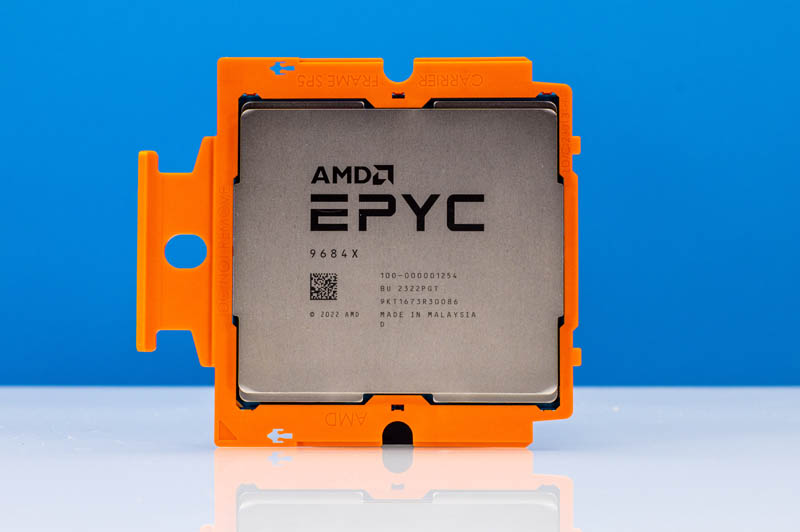
All of these processors are designed to minimize core counts for per-core licensing while maximizing the performance per core. They do this by lowering core counts and using power and thermal headroom to increase clock speed and therefore performance per core. Then they increase the memory hierarchy performance through adding more L3 cache to keep those cores fed instead of waiting for an off-package fetch from main memory.
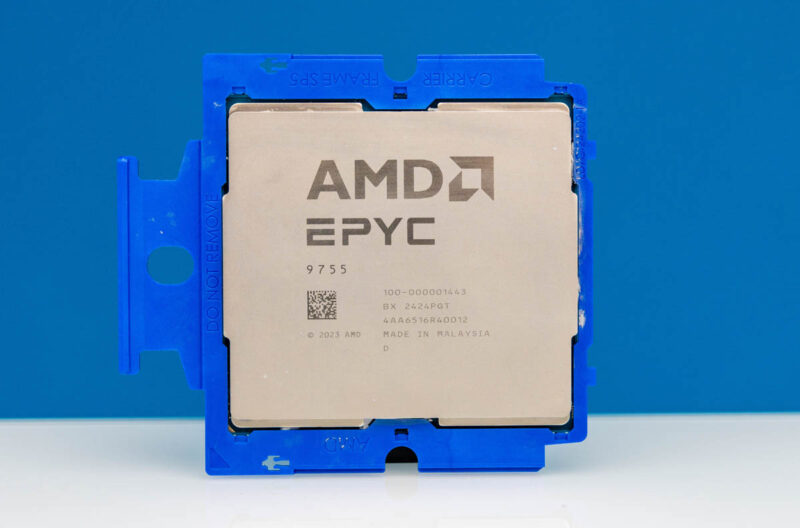
Still, for many per-node or per-socket licensing is more important. For those organizations, often chips like the AMD EPYC 9755 which has 128 cores can be a major win. When you are licensed on a per-node or per-socket basis, then having 128 cores in a socket instead of 16 cores is easily worth losing 10-30% performance per core. In 2025, the AMD EPYC 9755 with 128 cores and 512MB of L3 cache (4MB per core) is sought after to balance getting many cores, while also having higher performance per core. That also makes it popular with applications like vector databases where there is a lot of compute happening.
We showed this as an example in our AMD EPYC 9005 Turin launch piece with the pricing analytics example. This was a real-world tool in the spirit (using fictitious sanitized data) of a high list price, high discount enterprise deal management tool that ran billions of dollars of deals through it.
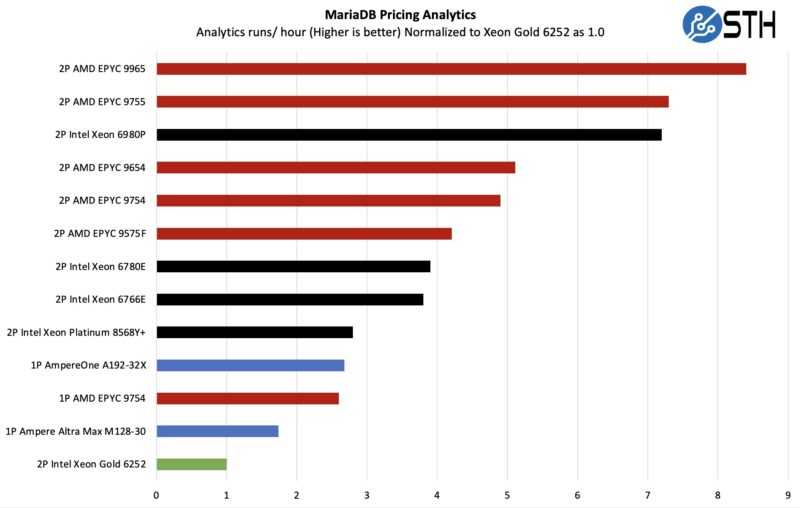
If you were using Supermicro’s most common Cascade Lake era (2019-early 2021) CPU and looking to do a refresh, you could consolidate seven sockets or nodes into one using the AMD EPYC 9755.
Even using the above moving to a frequency optimized part like the AMD EPYC 9575F with its 64 cores or 128 cores per server compared with over four nodes of dual Intel Xeon 6252 processors (192+ cores.) The per-core licensing savings quickly pay for the entire refresh activity.
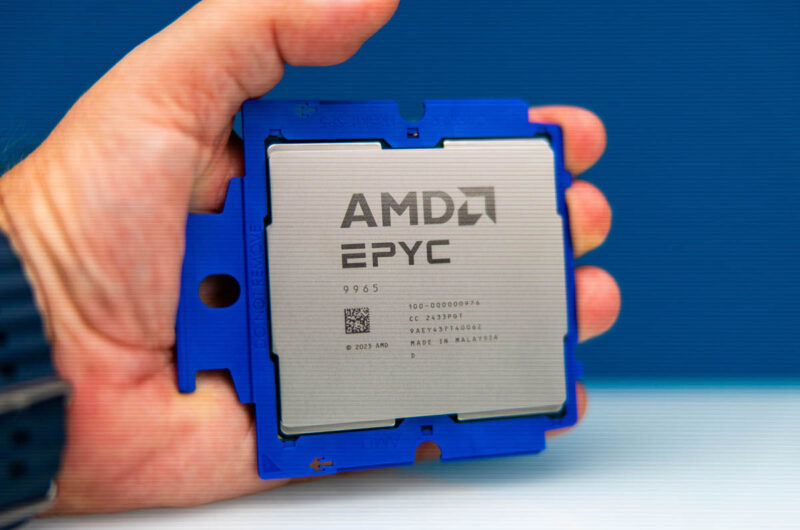
That brings us full-circle to that 192 core AMD EPYC 9965 which is a great CPU for a segment of the database market. Cloud-native databases often have hardware costs as a significant overall cost driver absent software license costs. The two ways to look at that are adding performance for a database application, or one can run many containers and virtual machines on the same hardware. More customers or applications running on the same hardware means better utilization and more value from the server’s hardware and operational costs.
The Cheat Code for Smaller Relational Databases
Since this is STH, I wanted to add a little cheat code. There are a large number of websites that run things like Drupal, WordPress, or other CMS solutions that rely on database servers. Every week we see folks with very strange and often costly or outdated power-hungry solutions running databases for these applications. Almost every website outside of a top 10,000 website, can actually get by with an AMD EPYC 4005 “Grado” CPU, 64-128GB of memory, and then using old Intel Optane SSDs and have absolutely stellar performance.
The notes we get to turning folks onto this solution (and using the EPYC 4004 before that) almost weekly have been very positive. The high clock speeds and Zen 5 architecture make for very fast database nodes when backed by SCM SSDs. For higher-end applications like Microsoft SQL Server, something like the AMD EPYC 9175F is likely better just due to more cache and more memory/ memory bandwidth and better RAS features. Still, for a low-power and low-cost solution to run cloud-native databases with great speed, the EPYC 4005 is very good.
Final Words
Database licensing, and server licensing in general is a very complex topic. There are many consulting firms that specialize in helping organizations to navigate licensing costs. Something most agree on is that software licensing costs, especially with database software, can often cost several times that of the hardware.
As a result, I can be at a dinner where one party thinks a 192 core processor is just about perfect, while another is recounting a nightmare. That is all driven by what kind of database licensing costs folks deal with. We probably should talk more about this in future server CPU reviews on STH. For now, we have this as a resource folks can reference, but also that they can send to friends and colleagues.



I specify a lot of db servers and it’s really not rocket science. For licensed rdbms you want as few, fast cores as possible. Multiply cores x speed to compare. You can save a lot of licensing cost for SQL Server (if you have a good number of vm’s) to throw them all on a virtualisation cluster and license the physical hosts for SQL Server enterprise edition. For Oracle, Exadata machines really aren’t bad value.
Just switch to open source dbs, problem solved
It’s not too complex.
If you must run specific software then you’ll want just enough hardware to service immediate and near future needs, to save a fortune on licensing costs. Otherwise (as Pierre pointed out) run open source, but try to ensure that there’s excellent community support and that there’s paid support available (such as is available from some companies who release a full version publically, and solely make money off it by both offering paid support and accepting some community submissions of code).
With that software model you want maximum L3, high frequency and many cores on two processors, possibly going with half the maximum number of cores; that saves money for memory, cooling costs, and might allow you to sit in a SKU notch where maximal L3 and frequency hide (as they’re just not available on a full out maximum core system).
As long as you aren’t painted into a corner with an expensive upgrade path you’re all set.
Don’t forget, AT and HFT have databases too; and need FPGA SmartNICs. Make sure you have budget for additional hardware and PCIe lanes to access it (thus, 2 CPUs. Both for lower cost memory and more lanes, along with some redundancy).
Short of having to satisfy some unusual functional or compliance requirements – best open source database (which is workload specific) + modern hardware wins every time on a price/performance basis (often by a very large margin due to absurdly expensive proprietary license cost per CPU core).
I think the main reason IBM Power uses eight-way SMT per core is cost optimisation of common but otherwise arbitrary per-core software licensing. Since hardware constraints come from physics, I find it surprising that licensing policies are able to contort hardware in such substantial ways.
Good but you can talk about databases without mentioning MariDB /MySql, the most popular database in the world.
I’m mostly working with Postgres and sometimes MariaDB, I do have a customers who run proprietary database like MS-SQL or Oracle – where this gets complicated is that legacy applications often run a lot of code in the database which makes it more CPU intensive.
One consideration with any database would also be how much of the dataset you are accessing regularly and how much of it is kept in memory. It can be beneficial to have a single CPU server instead of two sockets to avoid issues with NUMA and then you also want to look into optimizing memory bandwidth per-core. Most of what database software does is just copy data around and perhaps do simple calculations so you often see idle CPUs waiting for memory or flash. Better to prefer fewer P-Cores with higher speed over lots of small cores. Additionally it’s often not possible to serve a single query with multiple cores at the same time.
Our SQL database is running heavy SSIS to extract and transform data from the source. We are seeing huge performance improvement moving from 32-core Zen2 to 9375F (Zen5), and are now considering reducing the core license in the next renewal.
We are also seeing a 2x improvement when moving (vMotion) from 32-Core Zen3 to 9375F for our Qlik Sense server, which is running on VMware. The higher frequency, larger L3 per core, and larger memory bandwidth really shine.
We routinely cut cores on large DB-focused instance types in AWS to meet our licensing restrictions for SQL. The drawback is you paid for cores you didn’t use but you typically get much higher ratio of RAM to Cores, and SQL loves more RAM.