

Panduit E36G18L Management Interface
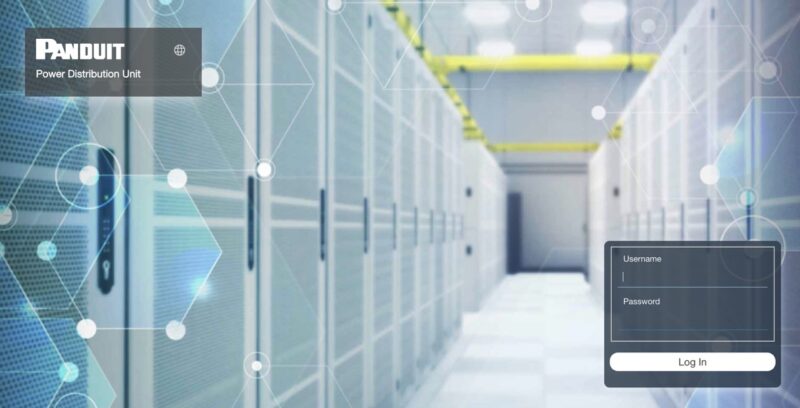
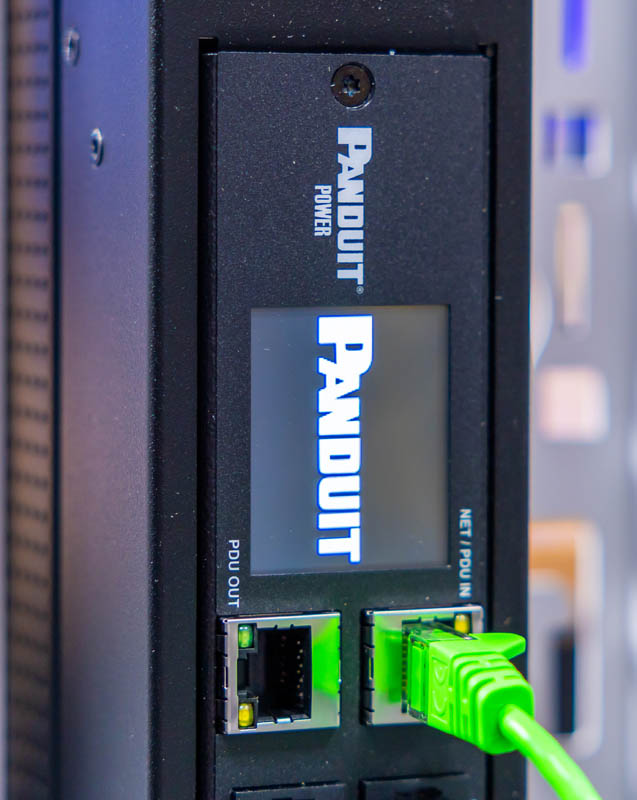
Logging into the device was easy. It supports getting an address via DHCP. Once there, go to the management IP using HTTP and the default username and password is admin.
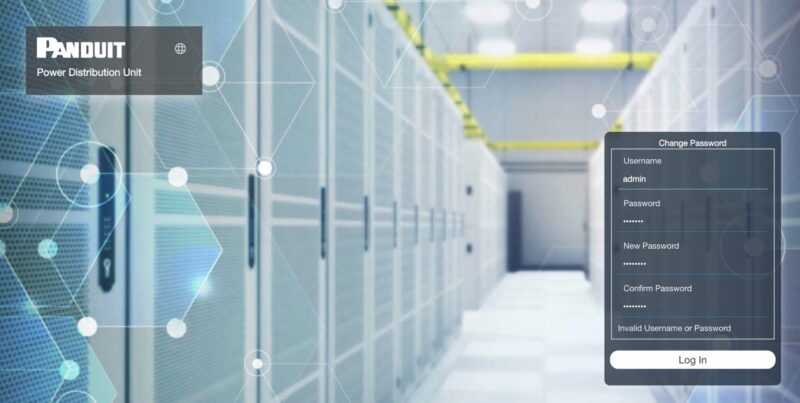
Since that is a generic admin password, you have to change the password immediately.
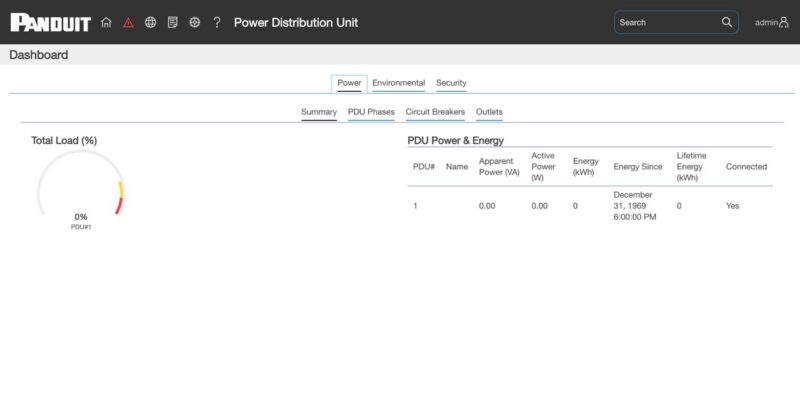
Then you are in the dashboard. This is not some kind of fancy web management interface designed by hundreds of dedicated UI/UX gurus. Instead, this is is a fairly utilitarian design. To be fair, that is really what you want with a PDU.
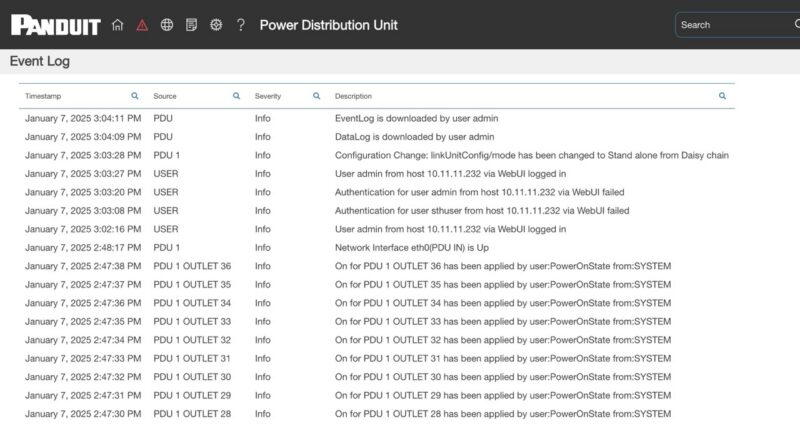
Inside the interface, there are normal features like an event log.
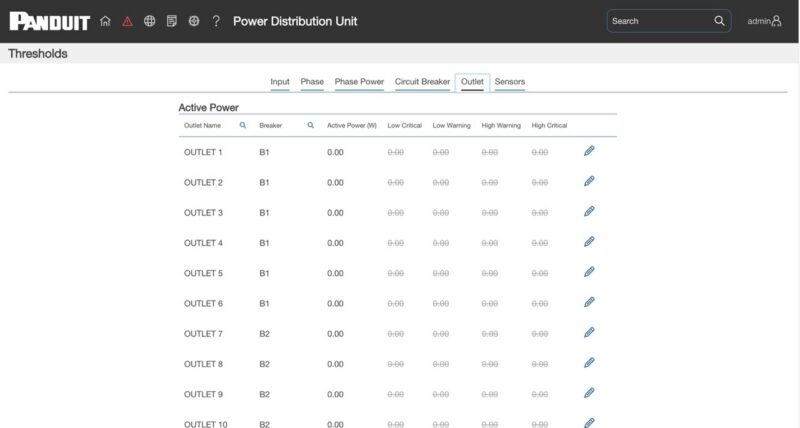
You can also set alarms and thresholds.
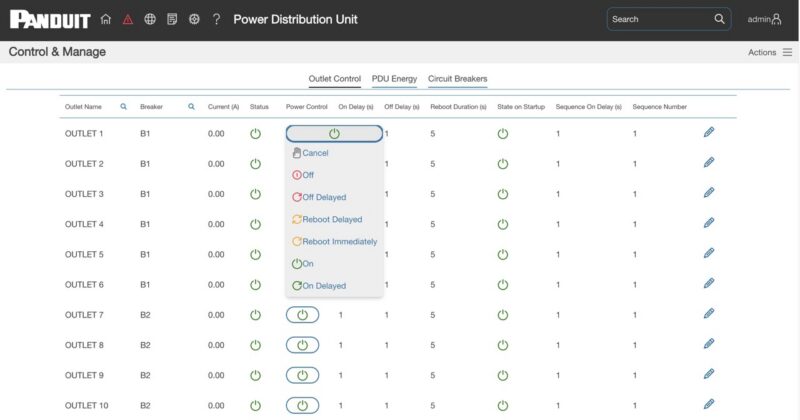
Perhaps the most useful page is the outlet control page. There, you can see the power on each outlet. You can also set up things like the sequence of outlet power-ons, which is important if you are oversubscribed on a rack and are starting up hard disk arrays, for example. Also, you may want networking gear to boot first, so this is how you control that. You can also do outlet-level power control. There are provisions for delays because sometimes you do need time to pass. A good example is when you have a server with large redundant PSUs and a low power draw. There is often a very quick power-on/off that is buffered by the PSUs’ capacitance, so you need a few seconds for the device to fully discharge.
As cool as the management interface is, the more important part is that you have this functionality and data that you can pipe into DCIM software or, given it is 2026, let AI agents handle.
A Word on Panduit E36G18L Power Consumption
An interesting thought we had was about the power consumption of a PDU like this. We hooked up the PDU to a 120V outlet using an adapter and plugged nothing else in. That way, we could see how much power the status LEDs for the outlets, the management interface, including the wired network port, and the temperature sensor were using. While we ran through and did the screenshots, we saw 20-23W for the PDU itself.
Final Words
At some point, about a decade ago, we installed a bunch of APC AP8641 PDUs, which were great because they were metered by outlet and had remote management. Trying a more modern design like this Panduit E36G18L PDU felt like we were being spoiled. Adding per-outlet switching is awesome, and just the overall experience was much better.
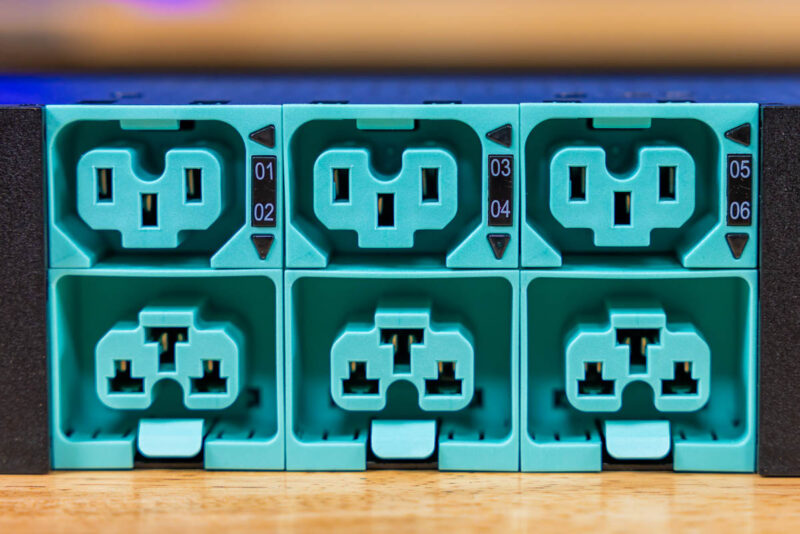
Especially if you are coming from older PDUs, having combination ports that are also locking ports is just awesome if you often swap gear, because it is easier to have the correct cable. I think some of us take PDUs for granted, treating them primarily as devices to distribute power. Over the years, small features like improved monitoring, locking outlets, combo outlets, and better control have made them more versatile.
Overall, the Panduit E36G18L was very impressive for a common 30A 208V class of PDU. On the other hand, that is a class of PDU we were deploying one 8x GPU server and maybe a switch back in 2015-2016. These days, with higher-power AI servers, this is also a class of PDU that is too small for modern AI racks, but there are other PDUs for those segments.

I’m installing a $6000 power strip in my home lab. Leeroy Jenkins!
There’s something I *really* don’t get about the pricing of power/rack accessories.. like even being generous this is maybe $500 worth of parts and development? Why is it over $3000??
nice. How about a 110/220 in the same family. Looking to buy one.