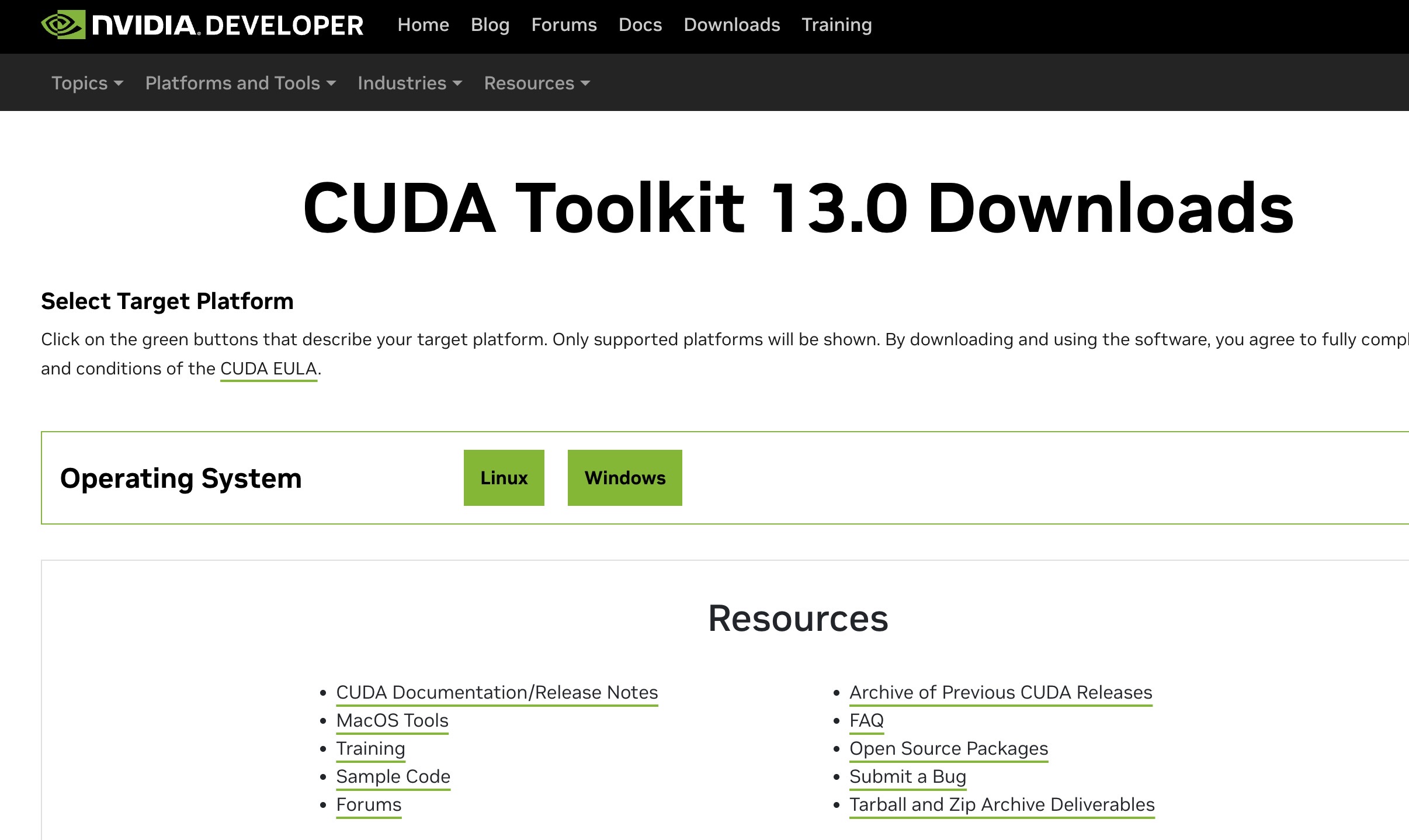
Today, we got a reader tip that NVIDIA posted the NVIDIA CUDA Toolkit 13.0. It is showing up in both the downloads section of the company’s site and in the documentation with release notes.
NVIDIA CUDA Toolkit 13.0 Is Out
It looks like the minimum driver version for the NVIDIA CUDA Toolkit 13.0 is a version equal to or above 580.65.06 at least for Linux. For those running CUDA 12, you will want to stick between 525 and under 580. The other big support note is that Arm is now a unified installation. We Presented a Gigabyte Ampere Altra Max Arm Server with NVIDIA A100 at NVIDIA GTC 2022 calling it important given NVIDIA’s focus on the Arm architecture. Between its Grace CPUs and this, it is becoming an essential capability for NVIDIA as it pushes its CPUs to take more revenue and margin in AI systems.
Here are the general release notes from the official CUDA Toolkit 13.0 Release Notes:
- Arm platforms are now unified in CUDA Toolkit, enabling single-install and consistent builds across all Arm architectures. Note that this applies to new architectures only and does not apply to Jetson Orin, which remains as-is.
- Updated vector types with 32-bit alignment for increased load/store performance on Blackwell (see additional details below).
- Added support for the following new operating system distributions:
- Red Hat Enterprise Linux 10.0 and 9.6
- Debian 12.10
- Fedora 42
- Rocky Linux 10.0 and 9.6
- SM101 has been renumbered as SM110 from this release.
- CUDA 13.0 supports all NVIDIA architectures Turing through Blackwell, including GB200, GB300 NVL72, RTX PRO Blackwell, and the GeForce RTX 5000 series.
- Added support for
cuMemCreateandcudaMallocAsyncon the host, withCU_MEM_LOCATION_TYPE_HOST. - Improved error reporting from CUDA batched memcpy APIs, using CUDA rich error reporting introduced in CTK 12.9. As a result, the batched memcpy APIs have been superseded with a new function prototype eliding the now-unnecessary
failIdxout parameter. - Added CUDA Runtime API support for rich error reporting.
cuda-checkpointutility updated to allow GPU migration. Users can now specify how GPUs from the old and new machines should be matched by specifying UUID pairs.- Coherent memory platforms (including Grace Hopper) can now be initialized in non-NUMA mode, where video memory and kernel memory are managed separately as on more traditional platforms (this does not affect coherency or bandwidth, only memory organization).
- Fatbin file compression now uses Zstd instead of LZ4, improving compression ratios and resulting in smaller generated binaries.
- Added
cuGreenCtxGetIdfunction to allow unique identification of green context IDs without needing to convert from a primary context. - Registers can now additionally spill to shared memory, which is approximately 10x lower latency than spilling to L2 cache. This feature is opt-in and controllable via the pragma
enable_smem_spilling. - CUDA Runtime now uses contextless loading.
- Hostnames are now supported as part of
nvidia-imexnodes_configdomain definitions. This allows dynamic reassignment of the underlying IP addresses of compute nodes by updating the DNS or/etc/hostsfiles. - All Windows userspace
.exeand.dllfiles are now signed. - Added support for managed memory discard in UVM, through the following new APIs:
cuMemDiscardBatchAsynccuMemDiscardAndPrefetchBatchAsync
(Source: NVIDIA)
Overall some great stuff here.
Final Words
CUDA releases are big milestones for the industry. They are the direct way that NVIDIA supports its GPUs and the software industry running atop those accelerators. If you have set up AI systems over the years with NVIDIA GPUs, then you have probably had to work on getting CUDA and driver versions matching. The new version also means that if you are still running CUDA 12, then you will likely want an older matching driver.
If you want to check out the release notes, you can find them here. If you just want to download the new version, you can do that here.