

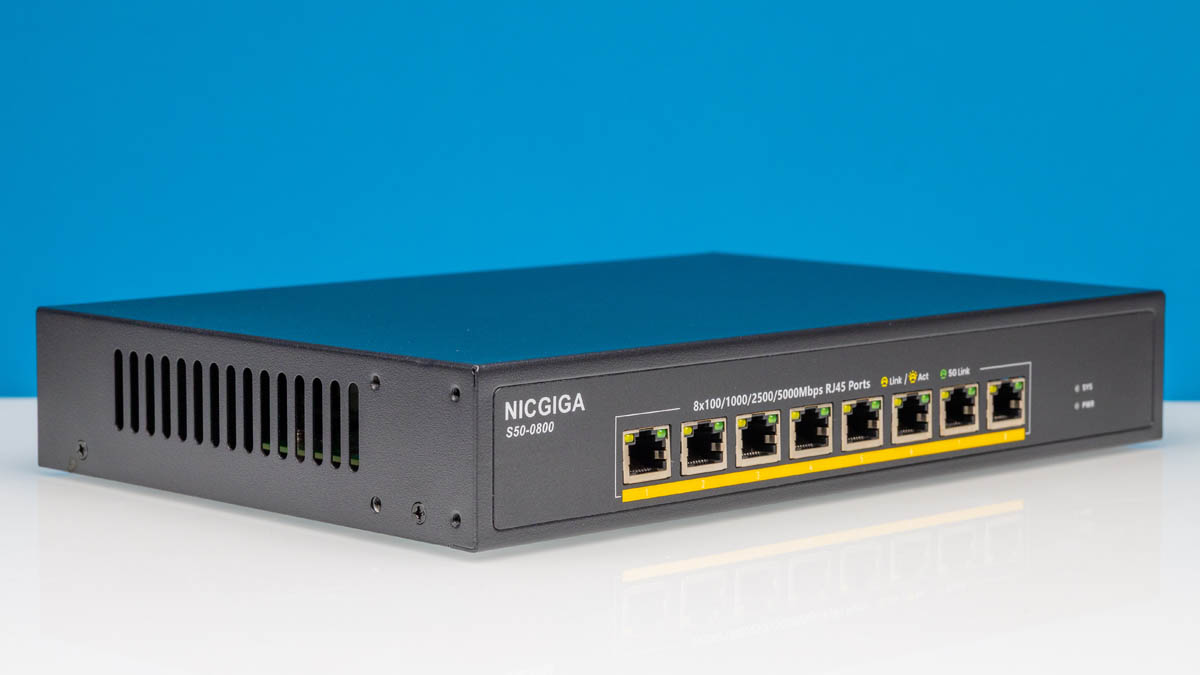
The NICGIGA S50-0800-5G is a new generation of cheap 8-port 5GbE switches that we are seeing on the market. A few weeks ago, we found this online for $179, but we have seen it as much as $199 and as low as $169, depending on the day. Just to be frank, we are doing this review just to show folks what these offer, but we are going to have some thoughts later on. We also started reviewing 5GbE adapters like the BrosTrend 5GbE PCIe Adapter to help provide a more comprehensive look at the 5GbE ecosystem out there. Our hope is that we can start creating a set of resources around 5GbE, like we have around 2.5GbE and 10GbE products. Let us get to it, kicking off the switch series with a brand that combines NIC and Giga.
Here is an Amazon Affiliate link to what we purchased.
NICGIGA S50-0800 Hardware Overview
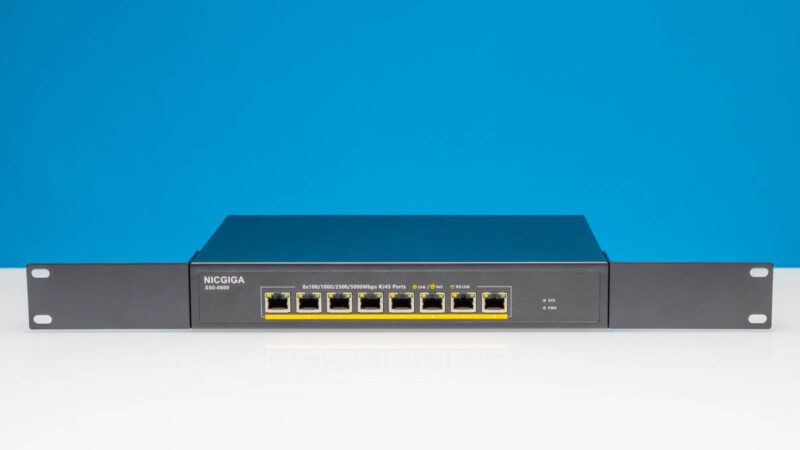
The switch itself is a fairly standard 1U box.
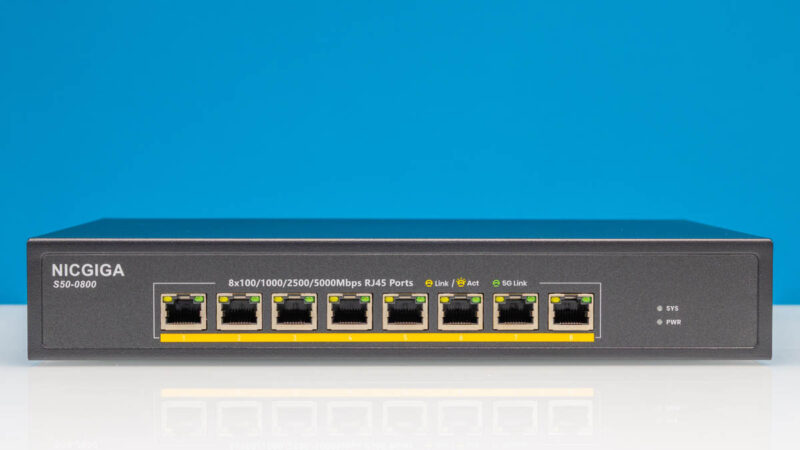
The eight ports are labled as 100M, 1G, 2.5G, and 5G capable.
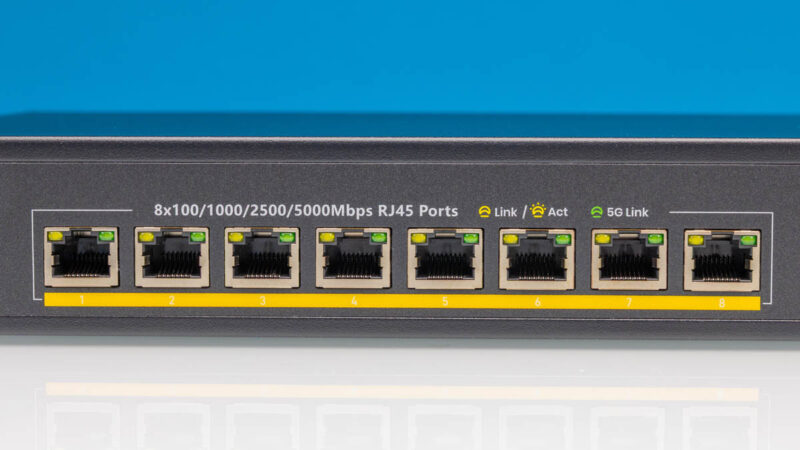
This is going to be a small nitpick, but the port numbers are white digits on a yellow background. This offers little contrast and is hard to see. Hopefully in future versions they use a darker background.
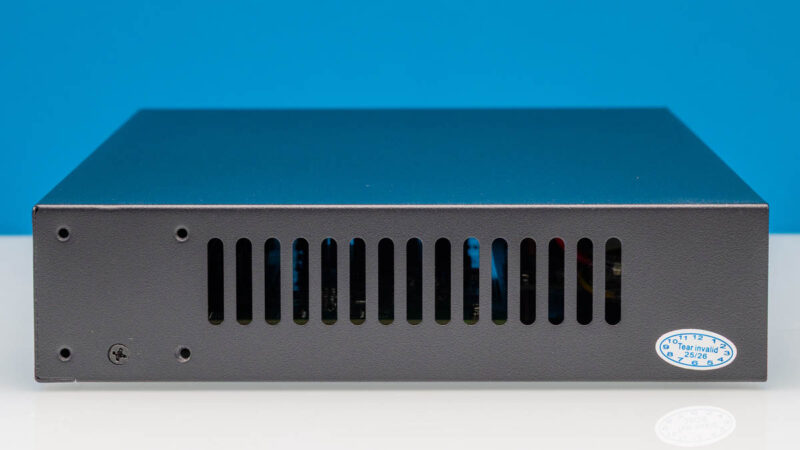
On the sides, we get vents.
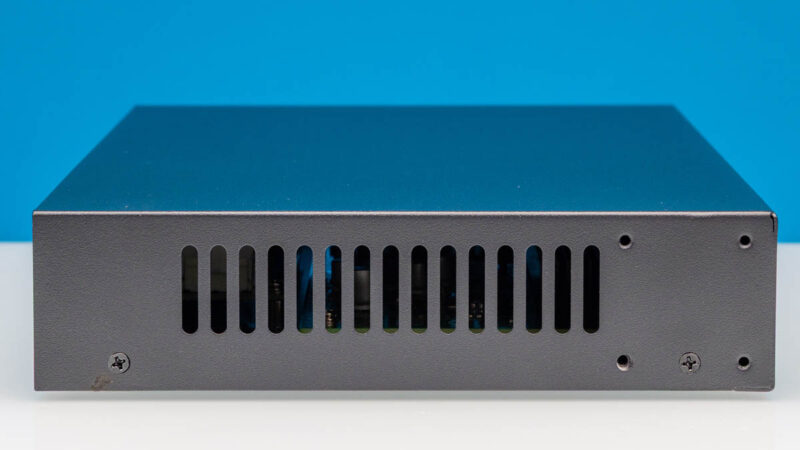
On the rear, there is not a whole lot going on.
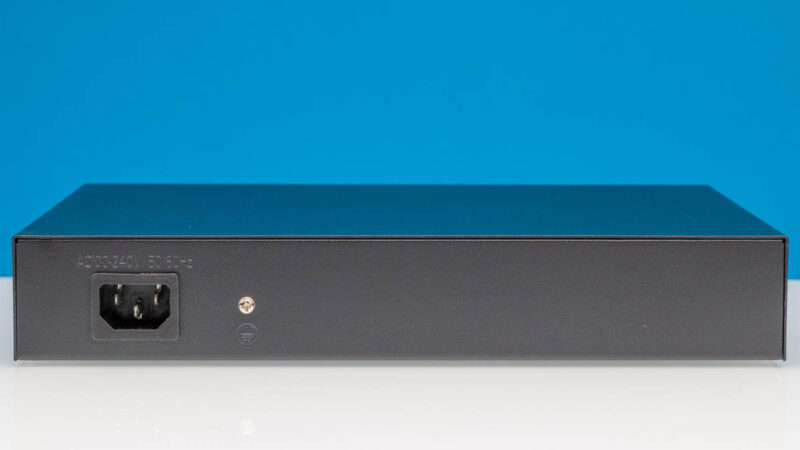
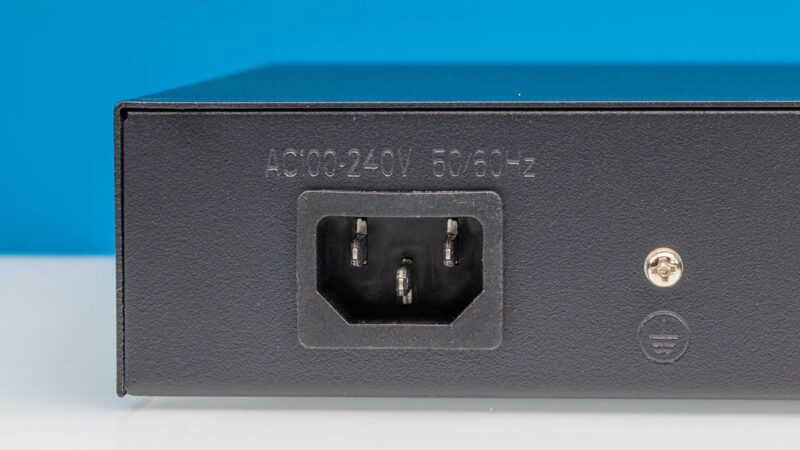
There is an AC input and a grounding point, but not much else.
There is a flat metal top.
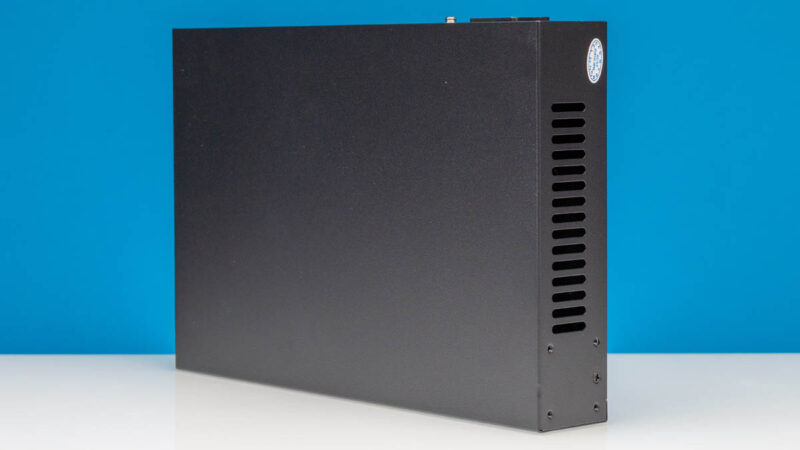
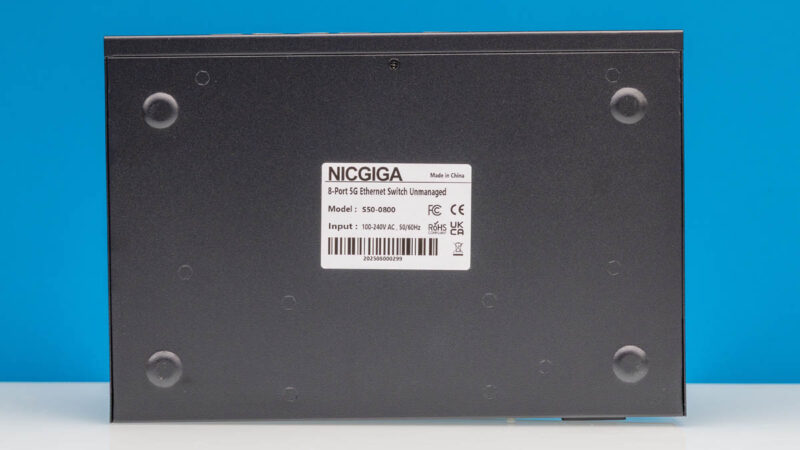
The bottom has raised metal feet, but cost optimizations mean we did not get rubber feet to keep a desk safe.
We also get rack ears that allow us to mount the switch into a rack. This may seem like a small point, but we have found some switches that come with rack ears that do not actually make the correct width for racks.
Inside, this is a relatively simple design.
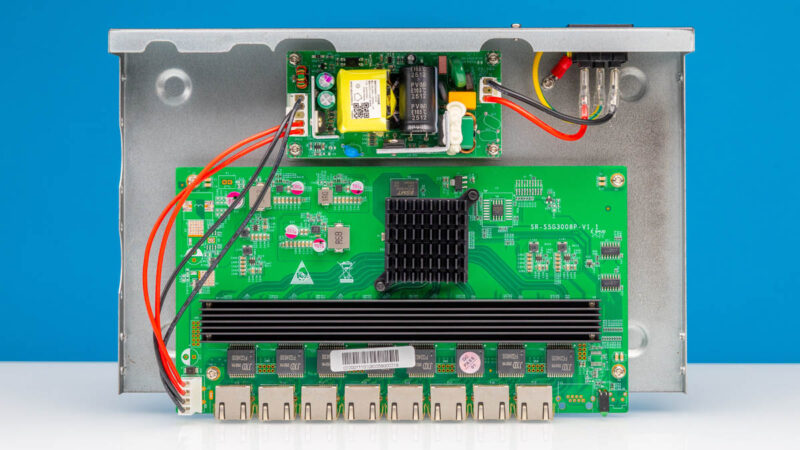
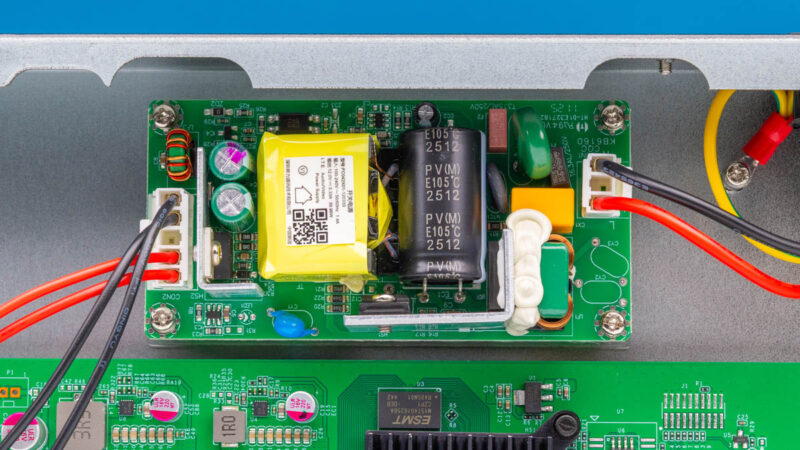
On top, we get the power supply.
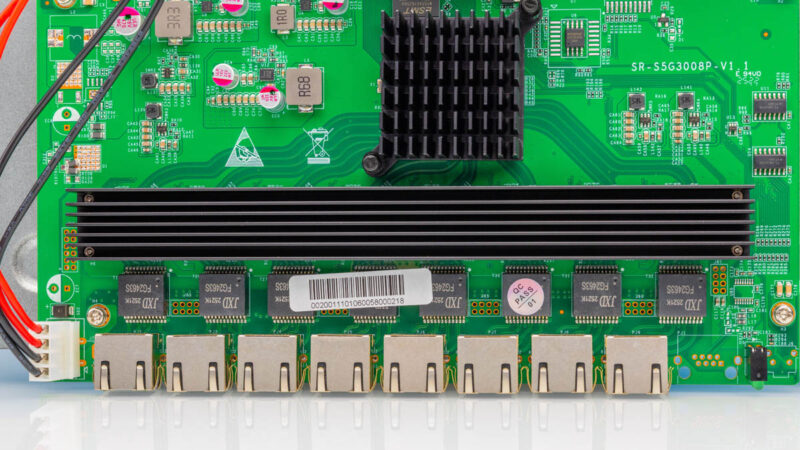
On the bottom, we get our main switch PCB.
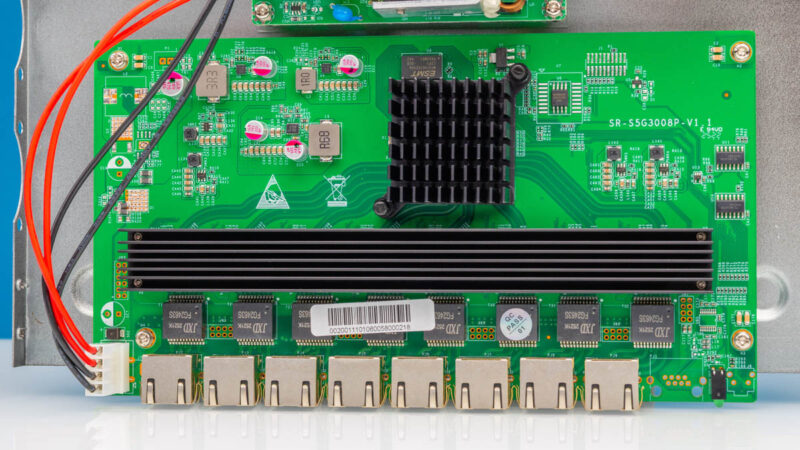
The long heatsink cools the PHYs.
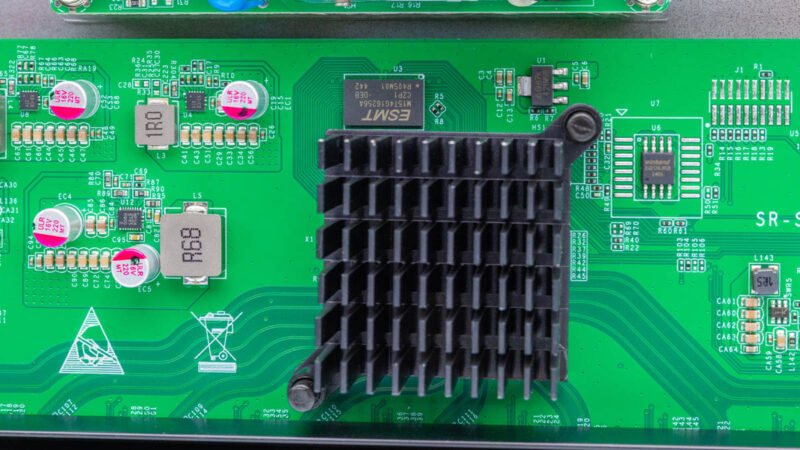
This heatsink, next to the ESMT chip, is our main switch chip.
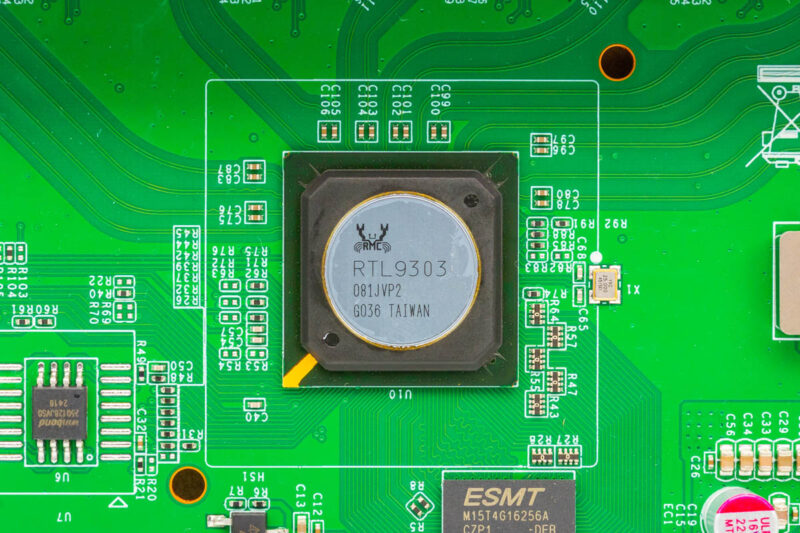
As a bit of foreshadowing, both this and the YuanLey version use the same Realtek RTL9303. This is super interesting. The RTL9303 is the same switch chip that we saw in the QNAP QSW-L3208-2C6T, TRENDnet TL2-F7080, and others. The reason this is interesting is that it is actually an 8-port 10GbE switch.
Next, let us plug the switch in and see how it works.




Thank you for this review! I wonder if these switches are using “rejected” RTL9303 chips that can’t quite run fast enough (or cool enough) to support 8 ports at 10gbps.
Alternatively it would be interesting if there was a firmware hack that could re-enable 10g..
Does it fit in a 10” minirack?
Nice review as always, Rohit! Definitely a nice development to see so many sub-$200 switches and sub $100 NICs being reviewed on this site. Keep up the good work! Two years ago or so I was wondering where the original “home” focus in the site name had gone, but you’ve really made a great comeback to cover this part of the market again, in particular with the excellent 2.5G switch roundup. Don’t get me wrong, I do enjoy reading about the super fancy 200+ Gbps stuff too, and I love that you can keep a good overview of that too. And thanks Patrick for also being so available reading and replying in the comment section! Definitely makes us readers feel more valued!
On topic regarding this specific switch, it’s a bit confusing that they use yellow color under the ports, as many other brands use that to indicate PoE, which this switch of course doesn’t have.
And another thing. Do most of you guys prefer having an internal PSU or external AC-DC power adapter? I would normally vote for internal to avoid clutter with power adapters lying around next to the switch, and also an internal PSU tends to have the cable better fixed and less likely to come loose. On the other hand an external plug can be more easily replaced, in case you don’t trust the no-name included AC-DC power adapter.
The YuanLey 8 port NBASE switch is only $249 @ Amazon. 10/5/2.5/1GbE support.
Total flexibility.
John – That was one of the reasons we brought out the Fluke tester, just to see. If it lit up at 10Gbase-T it would have been neat, but I would not have been surprised. The other question then, is what is the difference in BOM costs if the switch chip, most likely the chassis, switch PCB, and so forth, are the same. PHYs and transformers?
Jeff – I do not think this one fits.
AdditionalPylons – We will continue to do a big mix of gear. Sometimes very high-end. Sometimes very low-end. Then everything in between.
spuwho – I believe we have that one as well as a bunch of other low-cost 10G and 5G switches.
I suspect that there area reasons; but 5Gb seems to be landing so close to 10Gb that it’s hard to understand exactly what the niche is supposed to be.
It’s still comparatively expensive if you just don’t care(1GbE); or don’t really care but have modern WAPs to deal with(2.5GbE); but it’s only barely cheaper than 10GbE if you are actually in the market for speed; and there’s enough 10Gb gear that doesn’t necessarily play nice with multi-gig floating around that the downsides are worse than merely being half the speed would suggest(since interactions with older 10Gbase-T will have to fall all the way back to 1Gb).
I presume that there are still some savings to be had on PHYs and/or magnetics if 10Gb switch chips are being sent out as 5Gb switches; but 5Gb is, if anything, the laggard in terms of availability; and the savings are very modest for cutting performance in half.
Thank you I’ve been waiting a review on a 5gb switch for some time as I just finished pulling cat6 not cat6a through the house. And I don’t want the same issue I had with 1gb on cat5e.( Basically no matter the length or short. I was getting more and more latency, packet loss, and noice. And since I game a lot latency matters more then capacity.) And sense I space cased and didn’t pull cat6a( not do I want to repull). I don’t want to possible run in to the same issues. Or pay more for managed switch just to turn down 1/2 the switch to 5gb.
with PCIex 3, one lane slot : 5Gbps at the most
it looks to be the only reason