

MikroTik CRS812-8DS-2DQ-2DDQ-RM Performance
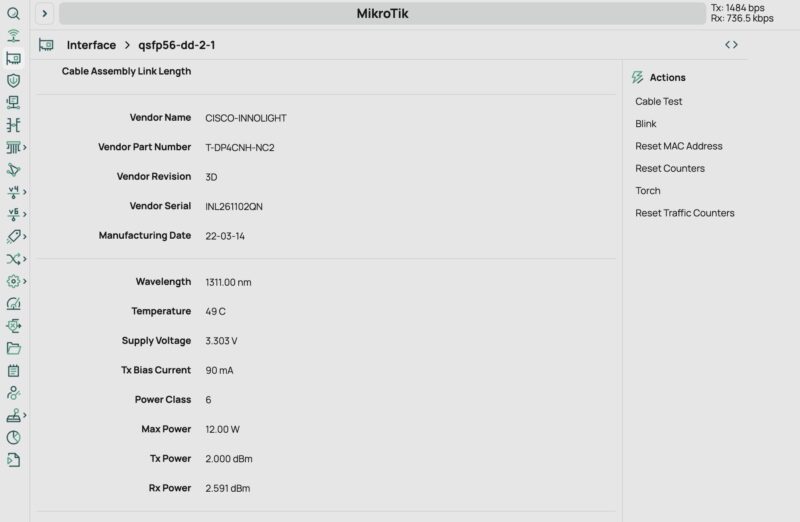
Many folks will naturally want to know the obvious: Are those 400GbE ports actually running at 400GbE speeds or is this a spec monster? We fired up our Keysight CyPerf machine with HTTP traffic and just blasted it across the ports. Key here is that we are still using NVIDIA ConnectX-7 cards with NVIDIA 400G OSFP DR4 optics on the CyPerf machine side. We then have a Cisco branded Innolight optic in one port:
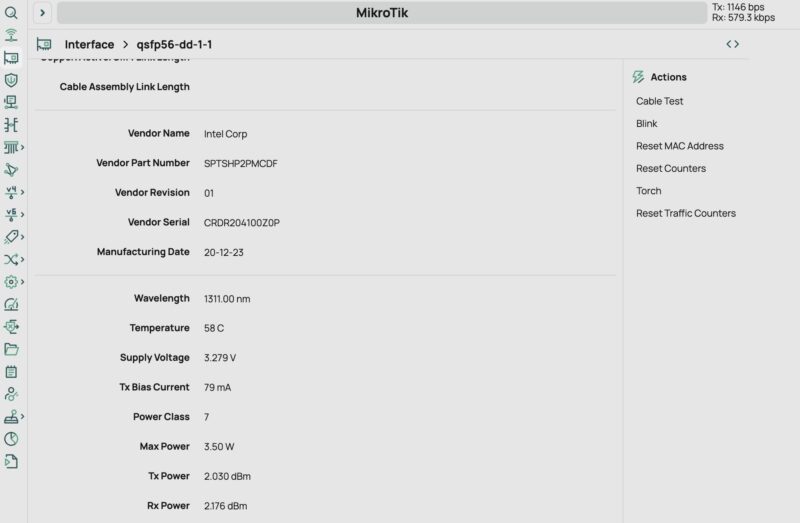
We also have one of the older Intel silicon photonics in the other port:
With that, we blasted bi-directional traffic across the two ports and saw effectively wire speed:
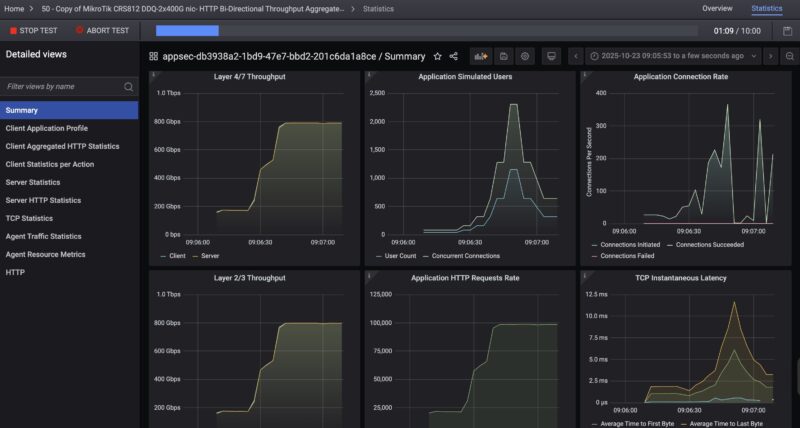
The Layer 2/3 throughput here was 796-797Gbps (roughly 398Gbps in each direction) which is pretty close to the 400G wire speed. The actual HTTP traffic being passed (Layer 4/7 throughput) was in the 789-790Gbps range. There were probably other tuning knobs we could have stepped through, but this was within a half a percent of the advertised value, so we feel fairly good about this result on a $1295 list price and likely $1050 or so street price switch. The optics we are running on each side of the link cost us more than the switch, but it was cool to see.

Still, someone is probably going to get upset on this one and complain that it was not 800Gbps of total bidirectional traffic on the ports, even though we are running HTTP traffic, so we have to caveat this with we are not doing a lot of tuning here.
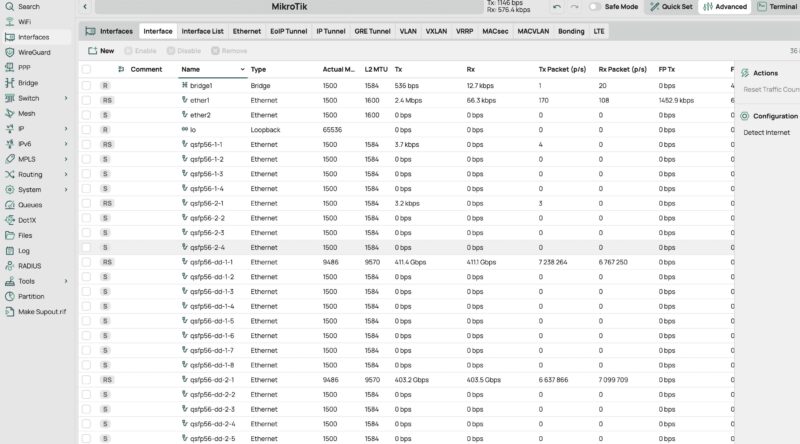
Still, MikroTik’s interface was showing we were over 800Gbps of bi-directional traffic during the test which felt odd. It might also give a better idea of exactly what this test was doing both sending and receiving 400G of HTTP traffic across two ports at the same time.
MikroTik CRS812 DDQ Power Consumption and Noise
The MikroTik CRS812 DDQ is really interesting when it comes to power consumption and noise. There seems to be a wildly misinformed belief out there that this is a high-power switch at idle that we have seen in comments. Our only guess is that this is from folks unable to read spec sheets and also who have not tested the switch. At idle, we saw 28-36W with a single 10Gbase-T management port connected. While this not 11W like the MikroTik CRS504-4XQ-IN, it is also not 4x the idle power even though it is 4x the switching capacity.
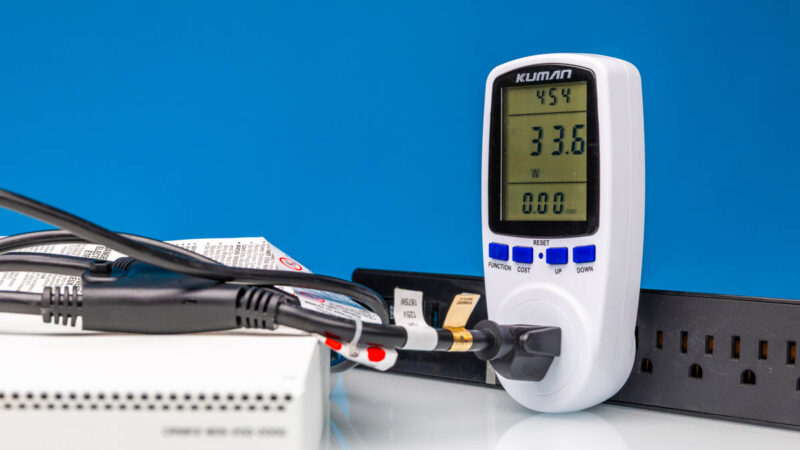
Maximum power for the switch, without attachments, is rated at 81W, but that is not something we have hit. Our sense is that MikroTik is doing something with the Annapurna Labs CPU and the Marvell switch chip to make this happen, but we are never able to reproduce MikroTik’s maximum figures and are always much lower.
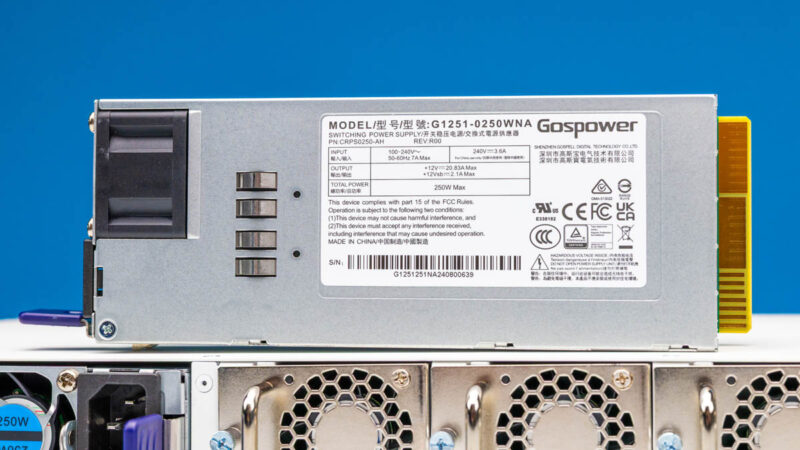
The maximum rated power consumption, with attachments, is 134W. The two optics shown above display why that number matters. For example, the Cisco InnoLight 400G DR4 optic above is rated at up to 12W and for up to 500m and is running in this switch without issue. Two of those are 24W, but two DACs usually will add closer to 1/10th as much power albeit with a much shorter reach.
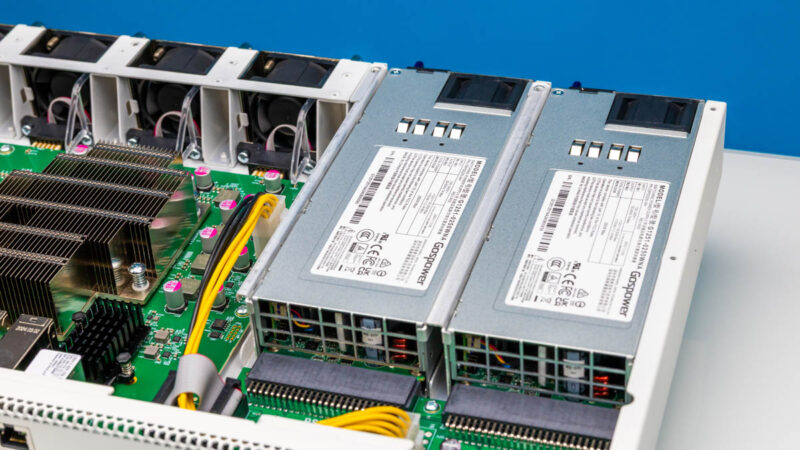
Noise is also really interesting. At idle, this switch is 39-41dba. Under load, however, and specifically with higher-power optics, we can see this easily hit 48dba-49dba, and there is likely room for it to go higher with different optics and loads than we generate. We cannot say this is a silent switch. On the other hand, if you are using mostly DACs, then compared to 32-port 400GbE switches, this will seem almost silent.
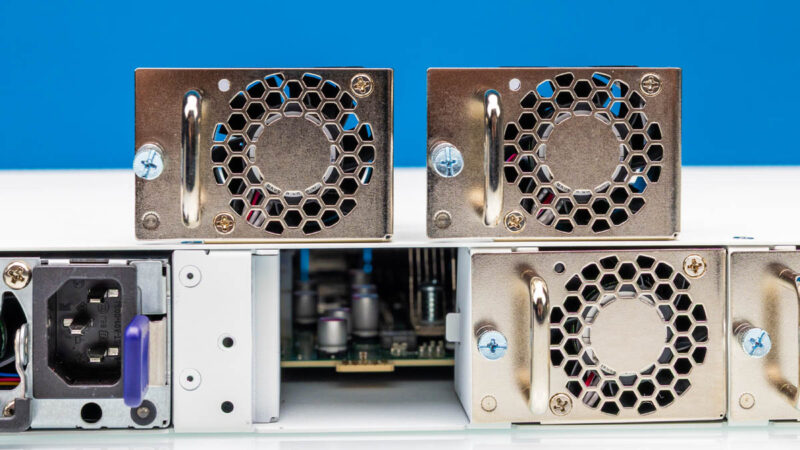
On the topic of other switches, we also have a Dell Z9332F-ON, which is a 32-port 400GbE switch. Of course, that is 8x the capacity of the CRS812 DDQ. On the other hand, the typical power consumption rating is something like 900W and the maximum is closer to 1500W. For higher-end deployments, the Dell is an older but a better switch. It also uses a lot more power.
Final Words
Ever since Patrick saw this switch in his Touring MikroTik in Latvia to See How they Make Awesome Networking Gear this is one he has been buzzing around, especially since we also knew the NVIDIA DGX Spark and the Dell Pro Max with GB10 were coming. It is also the reason you have been seeing pieces like QSFP Versus QSFP-DD Here Are the Key Differences, What are 400G-SR8 Optics and Why Do They Matter, NVIDIA ConnectX-7 Quad Port 50GbE SFP56 Adapter Review, Building New STH Studio and AI Storage NAS, and so forth. We have been prepping content behind this review since he came back from Latvia in July.
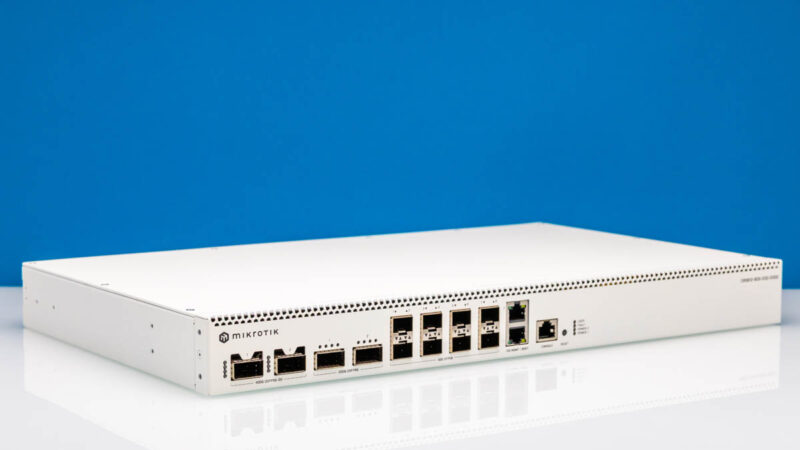
Let me make this simple for you. There are many reasons to get 32-port 400GbE switches inexpensively on eBay. The price per Gbps is lower and they can physically handle more devices. At the same time, with this at around $1050 street price at the time of this review, if you want a lower power and a lower noise solution to 400GbE and 200GbE, this is it.
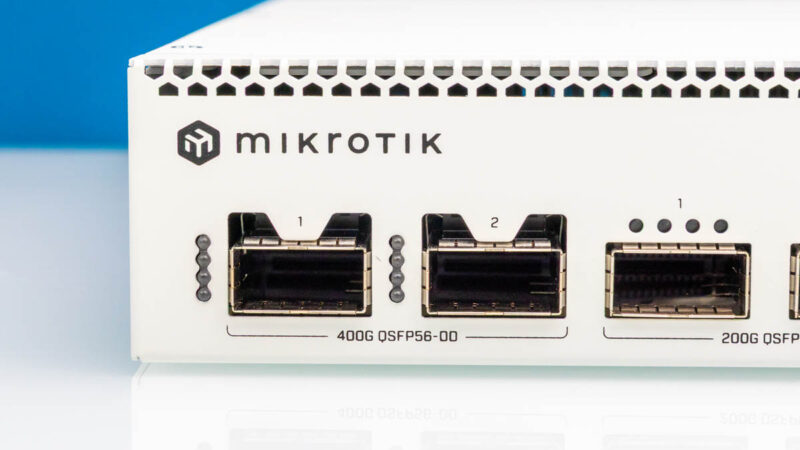
Of course, we are going to have more on this in the future, but for now, this little switch has been great. We will be buying a few more given our experiences thus far.




That’s insane testing. 800Gbps in n out of each NIC. WTF.
I’m not current on pricing, but that’s prolly a cool half-million to generate that load on this switch
Hi!
Is it possible to connect 10Gbe sfp+ and 25Gbe sfp28 nics to the sfp56 ports using an sfp+/28 dac? (Do the sfp56 ports support NZR encoding?)
Thank you
sirca, according to Mikrotik’s brochure is looks like it does but would be good to verify.
So that would give you 8 x 10G or 8 x 25G from the SFP56 ports if you don’t have any 50G SFP56 needs. You could also potentially get another 4-8 25G ports utilizing a QSFP28 to 4 x 25G DAC from the QSFP56 ports. That should also be verified but shows the potential flexibility of this switch and somewhat future proofing. Pretty amazing flexibility of this switch.
CRS812 interface speed support:
2x 10M/100M/1G/10G Ethernet ports
8x 1G/2.5G/5G/10G/25G/50G SFP56 ports
2x 40G/50G/100G/200G QSFP56 ports
2x 40G/50G/100G/200G/400G QSFP-DD ports
* QSFP56/QSFP-DD ports also support breakout modes to 1G/2.5G/5G/10G/25G/50G
THAT’S 1.6Tbps TRAFFIC UNIDIRECTIONAL for $1150!
Lead with that. You’re welcome.
I’m salivating to see you review firewalls with that suite
Sirca, yes, that works well enough. I have that switch at my homelab since the week it became available to purchase.
There are some hikkups in firmware with autoneg but overall it works
And same with qsfp28 to 4xsfp28 breakouts. You can even force some of them to work at 10G speeds (but autoneg works on breakout 1 and assumes all other are same speed)
Very interesting product. Any sellers in USA?
Could you post the output of /interface/ethernet/switch/qos/monitor? I’m curious about the chip capabilities.
Ideally with latest RouterOS beta. There are some fixes for the switch in the Changelog.
@Civiloid @jpmomo
thank you for exhaustive response! :)
@sts,
[admin@CRS812] > /interface/ethernet/switch/qos/monitor
total-byte-cap: 8.0MiB
multicast-byte-cap: 819.1KiB
shared-pool0-byte-cap: 3276.8KiB
shared-pool1-byte-cap: 0
That is with 7.21beta3.
Thanks! 8MB is not a lot for a 400gig switch..
I guess that’s a compromize for being relatively budget friendly
I think that is standard for Marvell prestera switching chips.
That is awesome! Looking forward to some real testing for firewalls using the new CyPerf tool
Any DAC (active I assume) breakout cables recommendations for
1) QSFP56-DD to 4 x QSFP28 and/or
2) QSFP56 to 2 x QSFP28 ?
I need to connect some existing older devices with QSFP28 100GbE ports.