

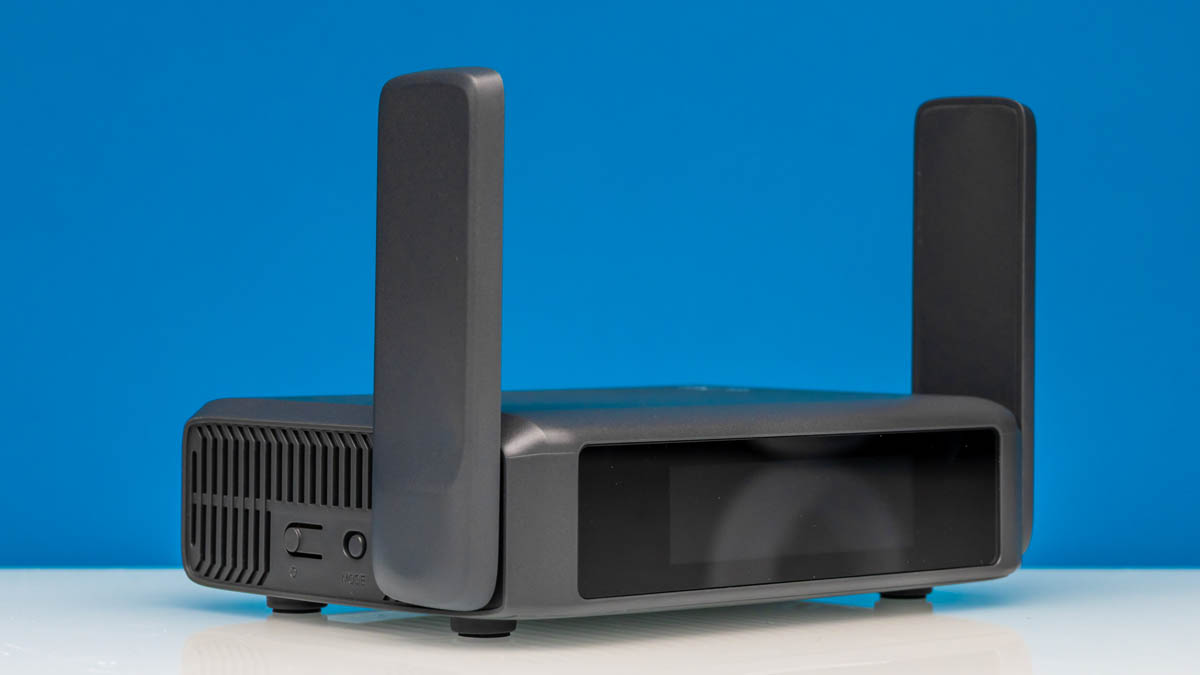
Recently, we had a few requests to test a small GL.iNet GL-BE3600 travel router. This is a WiFi 7 router with 2.5GbE that retails for around $149. While it is not the cheapest out there, it has a number of interesting features, is built around OpenWRT 23.05, and it provides a relatively low-cost 2.5GbE device to use with our new Keysight CyPerf tool. As a result, we purchased a unit for review.
We purchased this unit on Amazon. Here is an Amazon Affiliate link to the device (note this is a paid link since we may earn a commission if you purchase through it, which is how we fund purchasing these to review.)
GL.iNet GL-BE3600 Mini WiFi 7 Router Hardware Overview
The first thing to note is that this is a sleek and small little box. It is designed as a travel router, so size, or lack thereof, matters. At 130x91x34mm and sub 300g weight, it is designed to be packed away for travel.
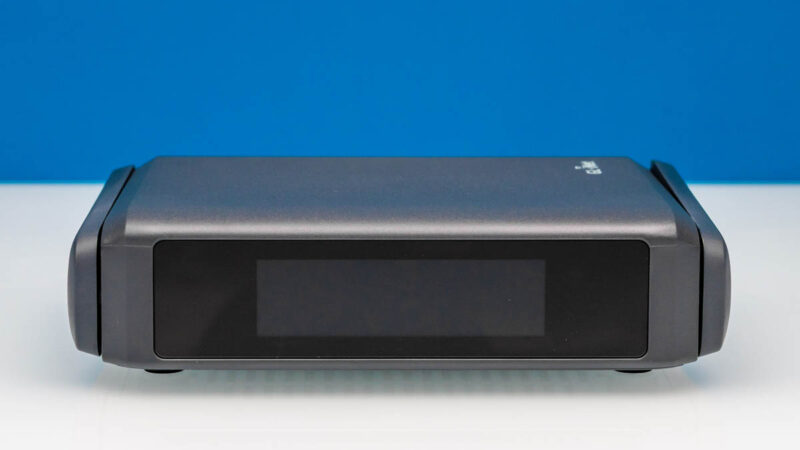
The antennas are quite sturdy, and pop up when you are using them and fold away for travel.
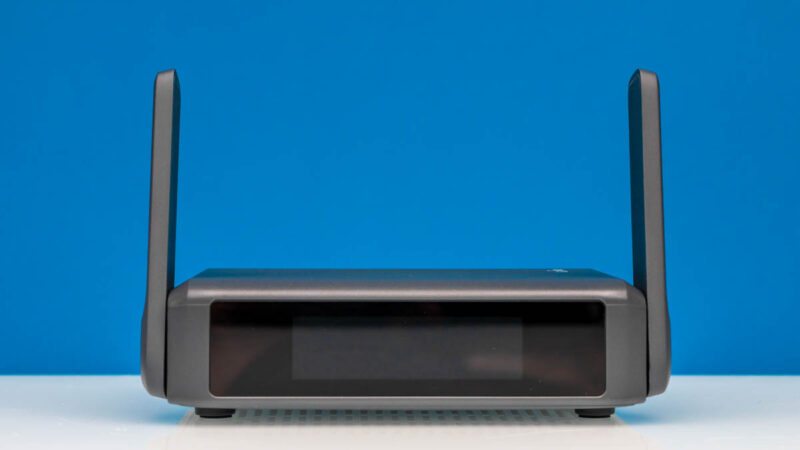
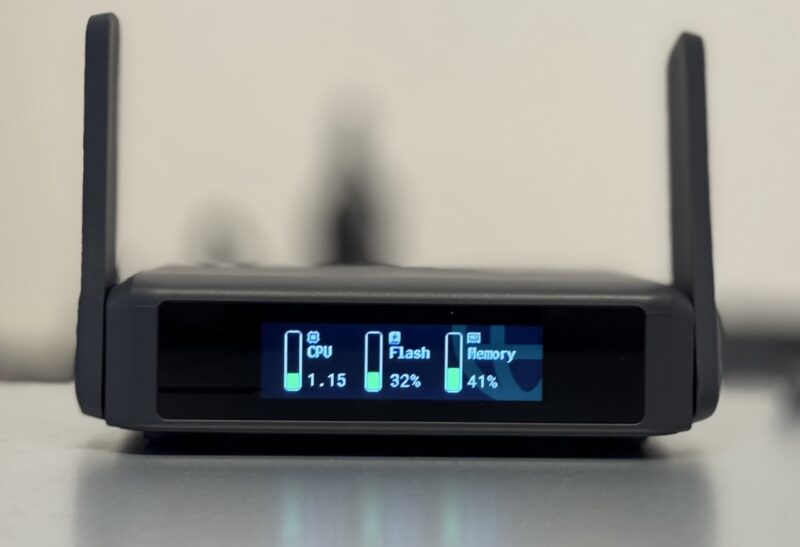
If you are wondering about that front, it is actually a touchscreen. Here you can check different settings and it also has a quick connection via QR codes. That is probably a good thing for ease of use, but is probably not the best for security.
On the side, we get power and mode buttons.
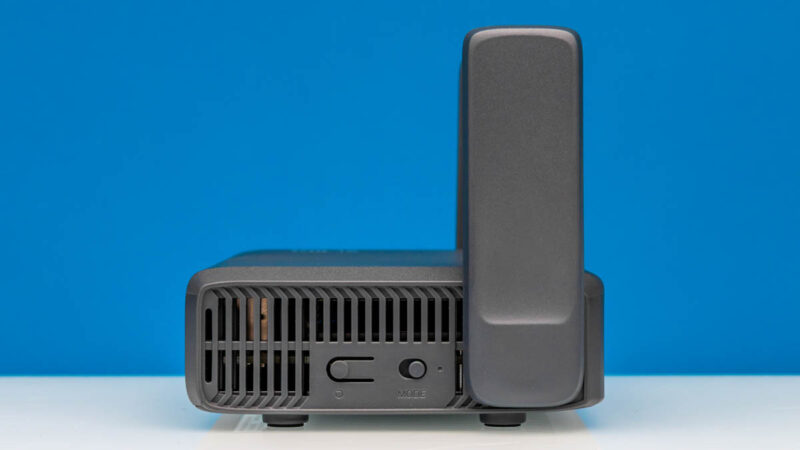
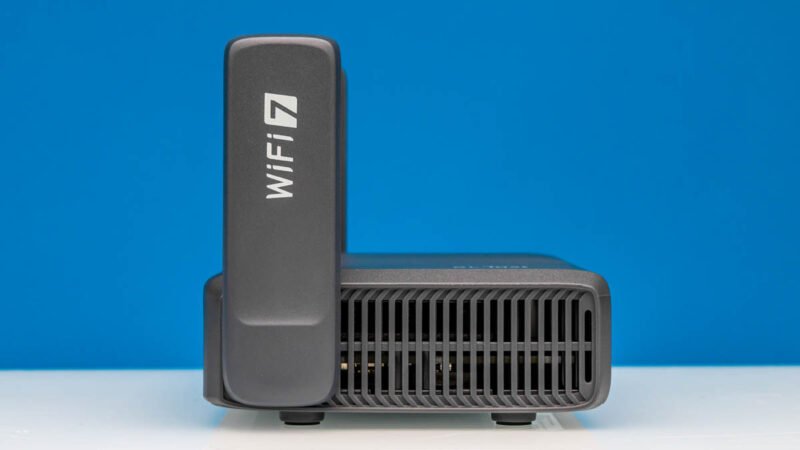
On the other side, we just get vents.
On the rear, we get the major wired connectivity features.
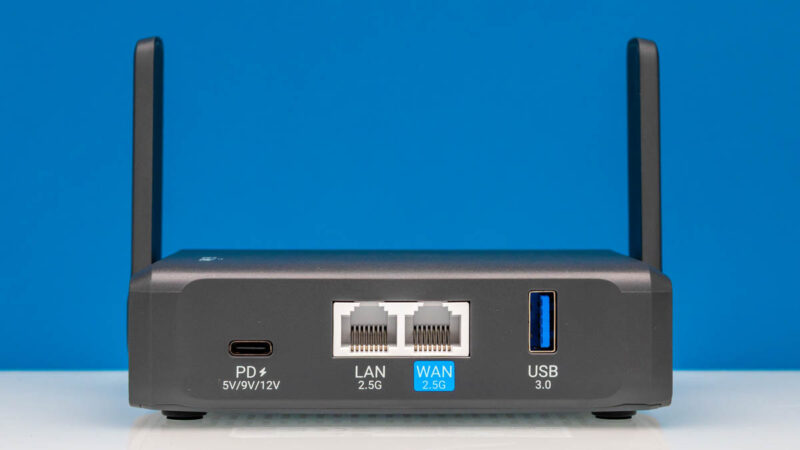
First, we get a USB PD input. If you travel with Type-C power adapters, then you are probably good-to-go. You can also power this off of a portable battery bank if you wanted.
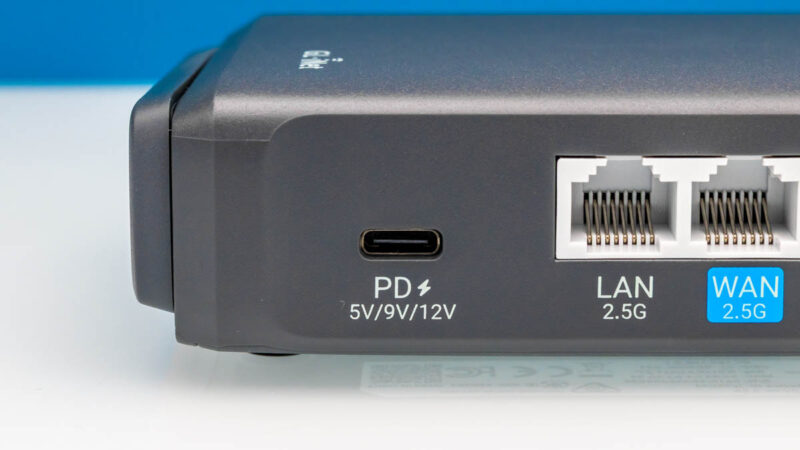
Next, we have 2.5GbE LAN and WAN ports. For most hotels and travel ISPs, or really many ISPs in generall, 2.5GbE is going to be plenty. Still, it is nice to have and we were surprised with the performance.
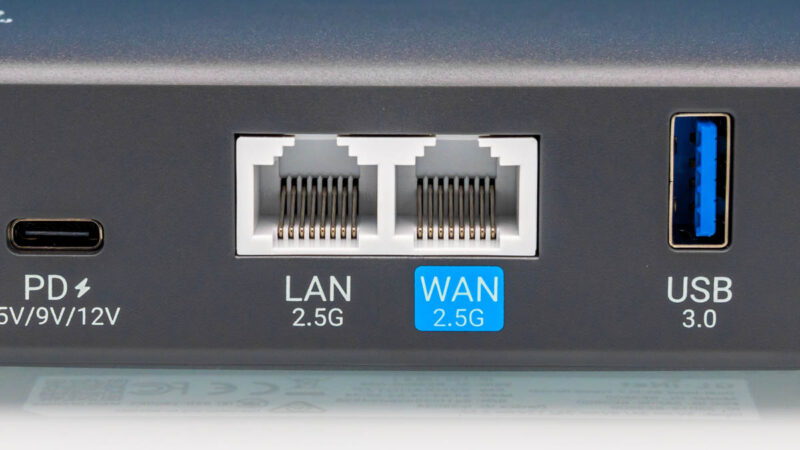
On the USB 3.0 Type-A port this is interesting. You can use it to tether to a modem or for storage as examples.
On the power side, we get a small adapter with international plugs.
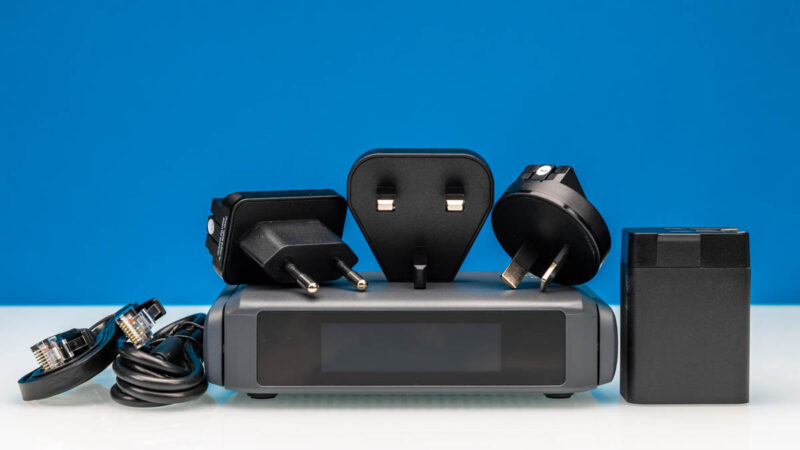
We also get a single black Ethernet cable.
Next, let us get to the software and setup.




I had the GL-MT3000. The user interface is really nice for it’s use case and the software was regularly getting updates which is a plus. Especially with Wireguard running a Cloudflare Warp config it really helped me out.
Can this model tether wifi on the same band it connects to an AP? That was the one missing feature I had experienced before
Your new testing is sick. I’d still like to see the flat line charts tho
How might one connect this to cellular?
If it isn’t too difficult to plug in a 4G/5G/LTE modem in, or connect it to a spare phone somehow, that could be very cool.
What I would like to point out is that this router has a fan and that fan is constantly running, even when there is minimal traffic being routed (sub-100Mbps). It is also compeletely inaudible, but it does mean that I wouldn’t personally recommend using it in dusty environments or where a potential outage due to a fan failure would cause serious problems.
Also, there is a very nice traffic graph feature on the front screen, but that only works if you disable hardware acceleration.
I’ve also had some weird issues when I used mine with a Nintendo Switch PSU (I know, that’s not entirely standard USB-PD) where it would sometimes just freeze and I would need to physically unplug and replug the power to make it work again. Needless to say, it took me a while until I figured out what was causing the issue.
All in all, would buy again, but if you don’t have any space constraints or you don’t need the portability of the device, just go with their full sized routers.
Also, while the Beryl AX does have a fan too, it doesn’t seem to run it all the time, which might be a plus in some scenarios.
> Danny:
You can either use an android phone (an iphone would likely work too) and connect it via USB or use a 4G/5G modem via USB. Or just create a wifi hotspot with your phone and allow this to connect and essentially rebroadcast that network.
The other thing that the review forgot to mention is that alongside of the basic interface, you also have full access to LuCI, so this is essentially a full-fledged OpenWRT router, which is really cool in such a tiny package.
I’m curious if there’s an option to combine the 2.4ghz and 5ghz radios into a single SSID. This is one of the features that seems to actually work on recent Asus routers.
I use some lighter glinet travel routers to connect other family member’s TV to my home network so they can stream plex media and use paid streaming services from a common IP. Luckily, I have bandwidth for days and rarely lose connectivity.
Glinet stuff is simple to setup and build wireguard VPNs to my UDM Pro. I’ve setup 4 of these and none has required tinkering since deploying.
I have one of their older models. It’s great for a VPN appliance. The review is great and that testing is another level. I’ve always been upset at your iperf3. I don’t care if others use it but this is STH
“We were able to get into the 2-2.5Gbps range, largely due to the Netflix and YouTube streams pushing a lot of data. Still, even with 16 users, we were getting connection issues.”
So all those folks who run beefy, full-fledged Xeons/EPYCs as home routers were after all making the right choice? Or is it just SQM-related and there was none in use?
I have the 1st Slate. Is it just me or are they getting away from their actual purpose?
The new thing seems huge. I love to have them as a travel router when I am on events or Hotels. But with the new sizes of those things and all cables and stuff I would get to lazy to actually take them. Smaller == better.
I feel like without a sim slot, it really limits the usefulness of a device like this to me – if I’ve already got to whip out my phone and hotspot it in order to have a source wifi connection, I may as well just use the phone to route the traffic too.
Lack of sim is a missed opportunity IMO.