

CWWK X86-P6 NAS Internal Hardware Overview
The top pops off by gripping both sides and then pulling. Getting to the SSDs is a tool-less affair which is great.
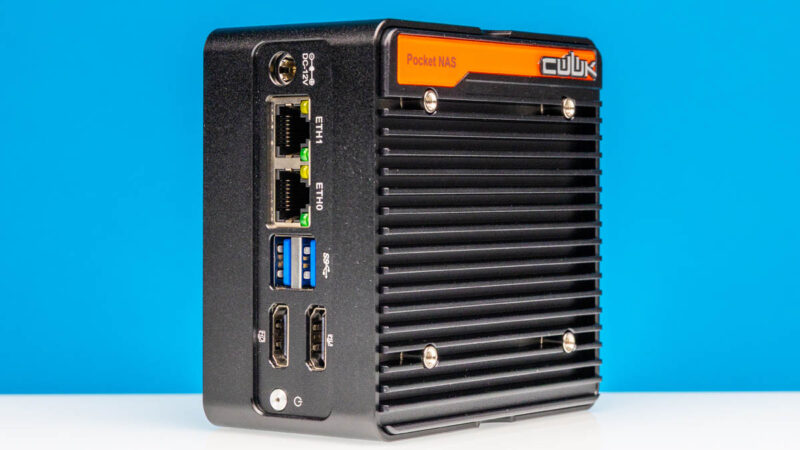
The four M.2 SSDs are placed on this PCB riser and are held in place by screws. This is far from tool-less, but at least getting to this point one does not need to use a screwdriver.
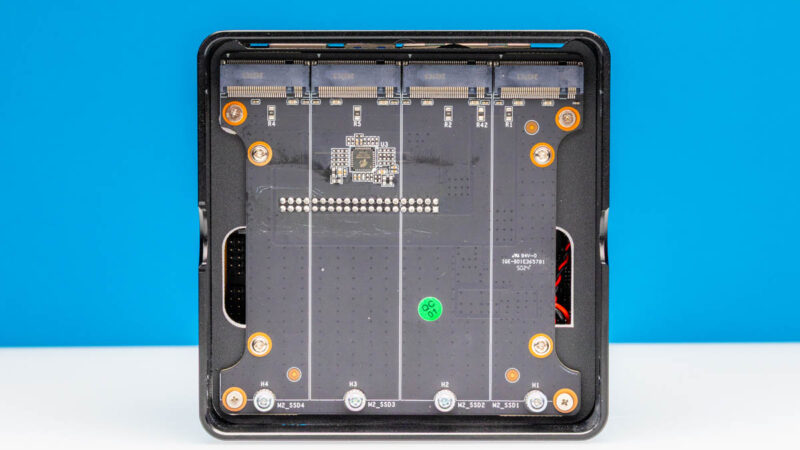
Here is a quick look at that four M.2 2280 (80mm) SSD board out of the system.
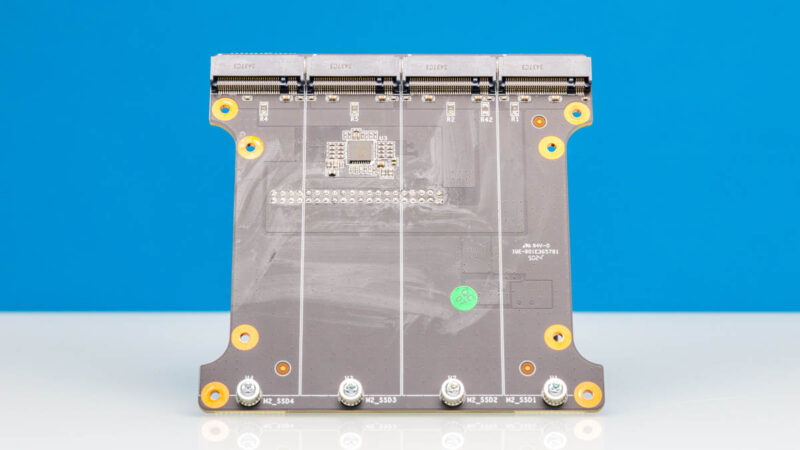
We should note that our system also came with a SATA cable to potentially use an external SATA SSD. It also came with four thermal pads to go between the SSD and the top to help keep the SSDs cool.
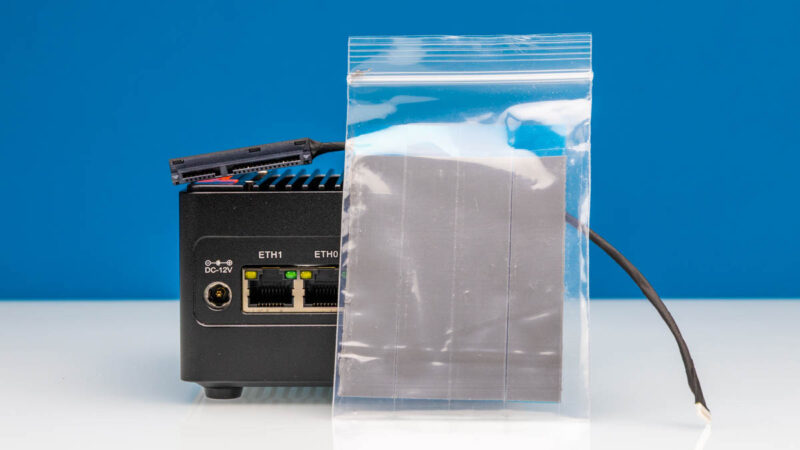
Getting beyond that SSD installation, however, is not fun. Eight screws allow you to get underneath the SSD area and to the rest of the system. Sam tried this, and was not a fan. I tried this and was not a fan of the assembly process. A tip here is that if you take the motherboard out, remember to seat the power button before you put it back together or it will fall out when you reinstall the motherboard, and you will have to do it again.
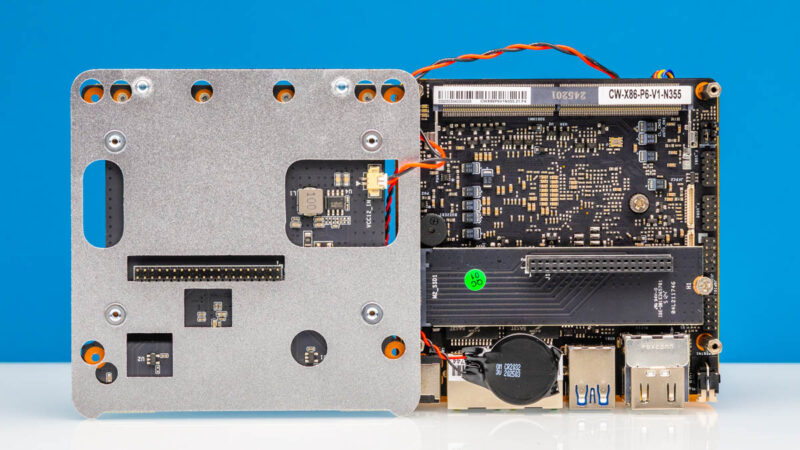
The M.2 SSDs are held up by metal standoffs.
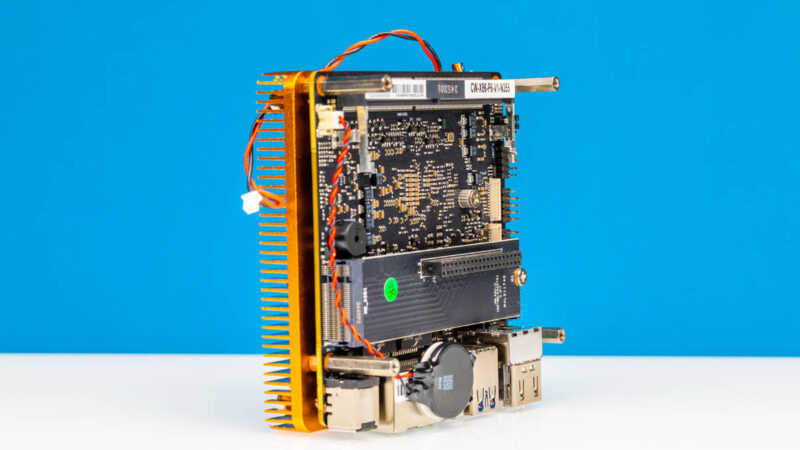
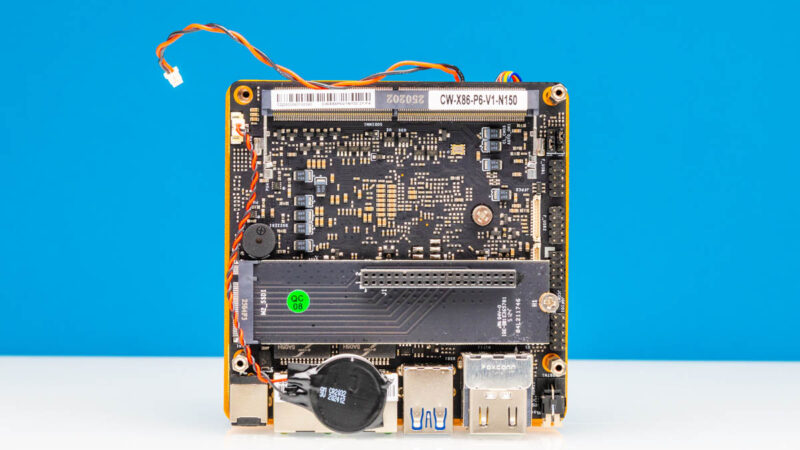
Under that, we get the motherboard. Here is the N150 motherboard:
Here is the N355 motherboard. You can see they are the same, except for the SoC on the other side.
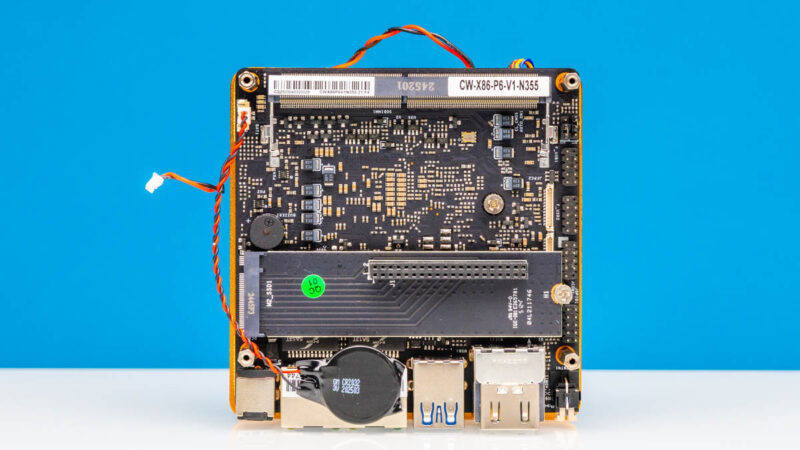
The reason this disassembly challenge is a bummer is that the DDR5-4800 SODIMM slot is underneath. If you got a barebones unit, or you installed 8GB today, but then decided you wanted 8GB tomorrow, you are going to do a good amount of disassembly.
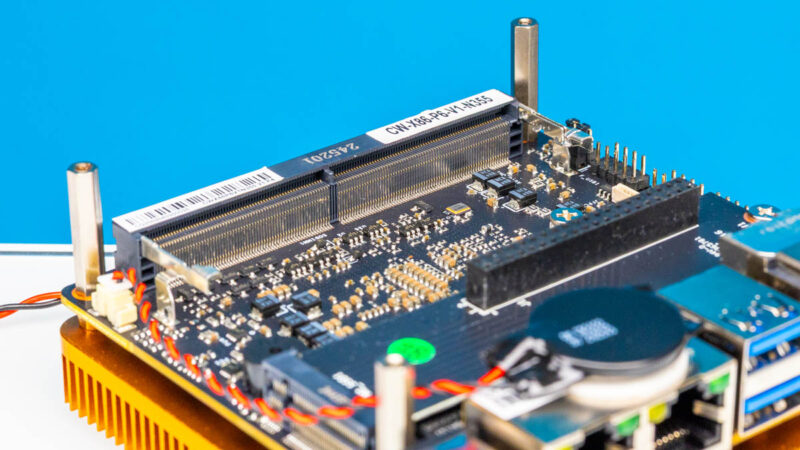
The 4x M.2 riser assembly plugs into this M.2 card on the motherboard. For PCIe Gen3 this might work. I do not think this type of setup would work well at PCIe Gen5 speeds, and probably not Gen4. It is a good thing this is a Gen3 platform.
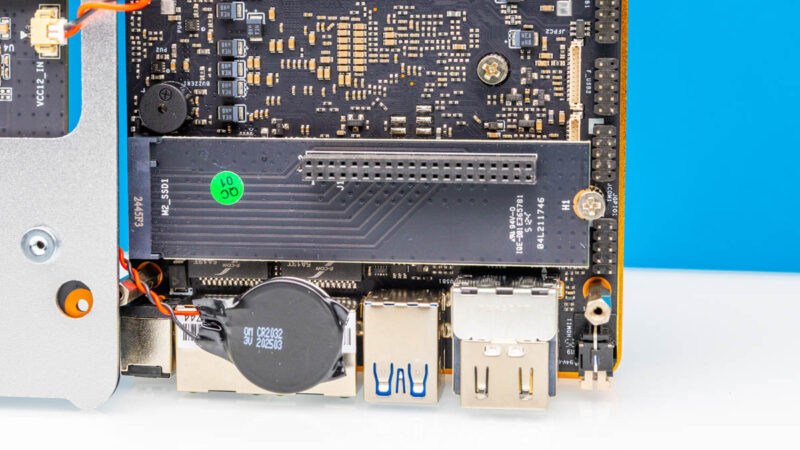
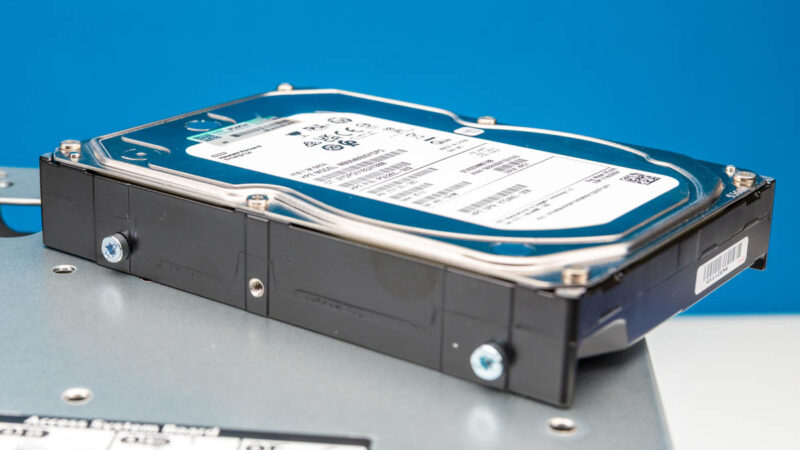
Since that is a M.2 slot with a PCIe Gen3 x4 link, that means each of our four SSDs is only getting a x1 interface to the system. Gen3 SSDs are mostly discontinued at this point. As a result, we usually use lower-cost Gen4 SSDs in here. The performance does not matter as much since a Gen3 x1 interface is 1/8th of a normal Gen4 x4 interface. Instead of thinking about this as using SSDs for speed, think about using it for space and reliability. Remember, our HPE ProLiant MicroServer Gen11 came with a 4TB 3.5″ hard drive, and this entire NAS with 4x 4TB is a similar total volume.
The bottom section opens up with four screws under the rubber feet. Most likely folks will not need to go here, but we figured we would. Under here you can see a heatsink and fan to cool the low-power SoCs.
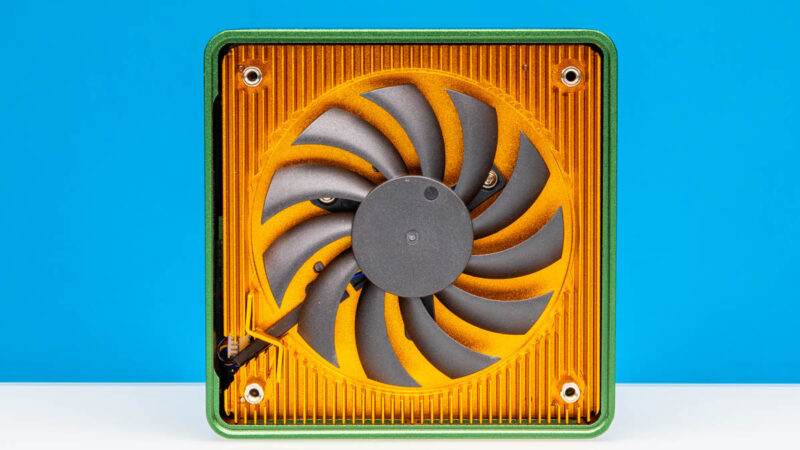
This setup does well to cool the low-power chips since they operate at 6-9W maximum sustained power. At the same time, while this may in pictures look like a copper heatsink, it feels like an aluminum heatsink weight wise made to look like copper. Maybe a “genuine synthetic copper alternative” is an accurate description here?
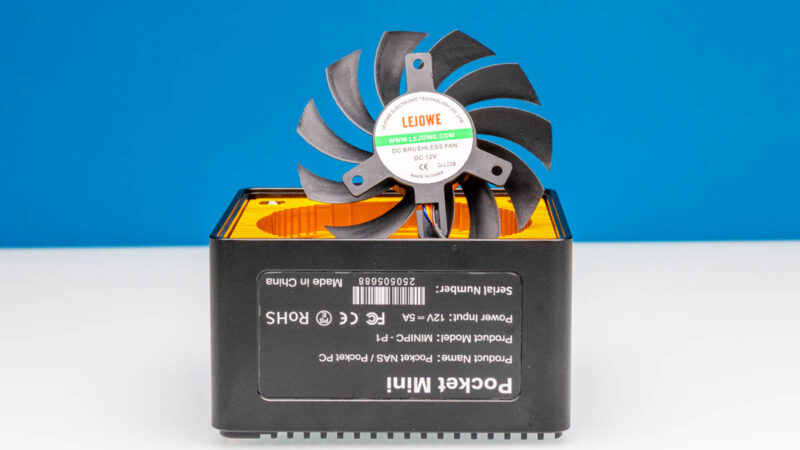
We also popped out the fan so you can see that.
Next, let us get to the performance.


I wish more of these would be built somewhere else than China. I pretty much stopped watching your videos, because all you show is Chinese stuff. Sigh….
Bought the N150 back in February, plopped a 48 GB RAM stick and 4×4 TB SSDs in (2x Samsung 990 EVO Plus & 2x WD Black SN850X). There seems to be some kind of power and/or thermal issue, as a RAID10 configuration kept failing after a few seconds of benchmarking/stress testing. There’s a couple of similar reports from other users on Reddit as well.
I suspect it’s either that the 3.3 V cable powering the NVMe board is too thin to handle the peak current draw, or the PCIe switch (which splits the single PCIe 3.0 x4 into four x1 lanes for each M.2 slot) overheating. The SSDs are not visible in BIOS for several minutes after such failure occurs, so I’m leaning towards the switch chip being the culprit.
The only reasonably stable configuration is with 2 drives (but don’t try pegging the CPU/iGPU too hard…), at which point the 4-slot daughter board is kinda pointless.
Overall, my system running TrueNAS SCALE with two SSDs in a mirror runs pretty warm and idles at 18-27 W, which is suspiciously high.
Like the “Unreliable” commenter said, most of these mini NAS systems don’t supply enough v3.3 power to the m.2 slots. I’ve experienced the same thing on two other brands of mini NAS. It’s frustrating that print and YouTube reviewers neglect to test for this, seemingly only using cheaper non DRAM SSDs in their reviews. Leaving consumers that buy bigger SSDs to have surprise problems after they already bought their gear.
I see a lot of “default string” in your stats and tables, this must be a bug. Thank you very much for all the valuable information on STH!
@Patrick: Please, could you fix your strings? As written on 08/25, some Informations are missing.
@Unrealiable: Your WD Black SN850X pulls 8 Watt each…. So no wondering about failing raid-sets und tests.