

Today, we have a quick review of the ASUS RT-BE58 Go. This is a portable router, similar to the TP-Link BE3600 TL-WR3602BE and GL.iNet GL-BE3600 Slate 7 routers that we have tested recently. This is a popular model, and so we purchased one to test. What we found during our wired testing was quite neat.
If you just want to check current pricing or buy a unit, here is an Amazon affiliate link.
ASUS RT-BE58 Go Hardware Overview
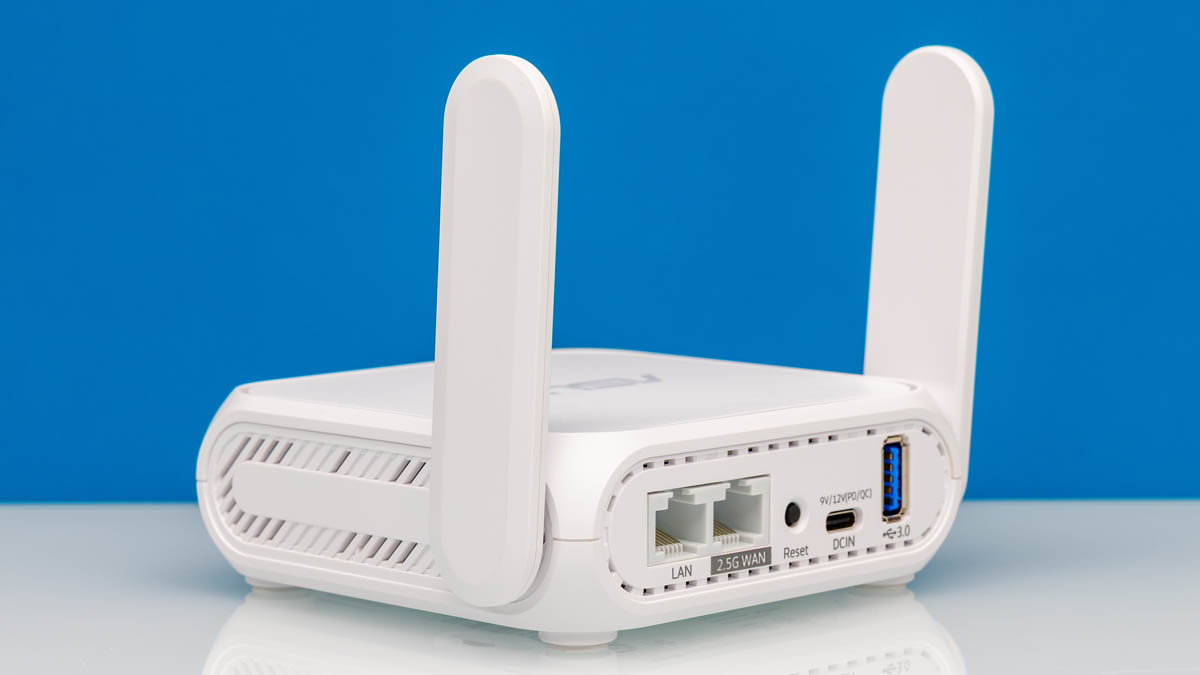
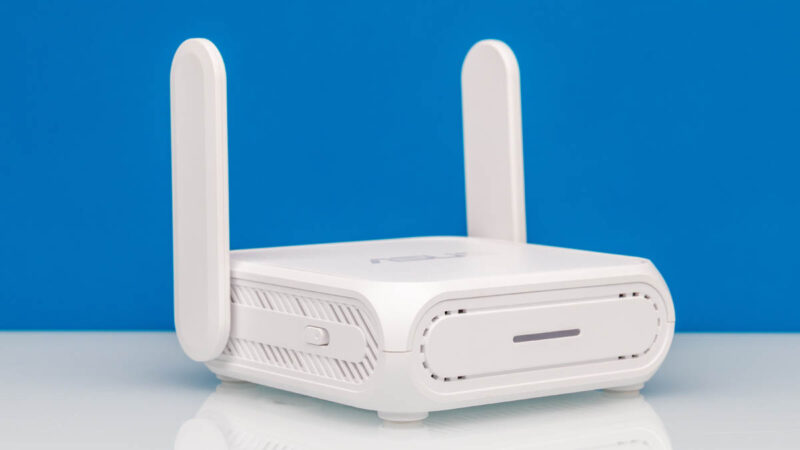
The router itself is very small, thanks to folding side antennas that we have seen on a number of units in the past. At 99x111x36mm and 242g it is easy to pack into a bag.
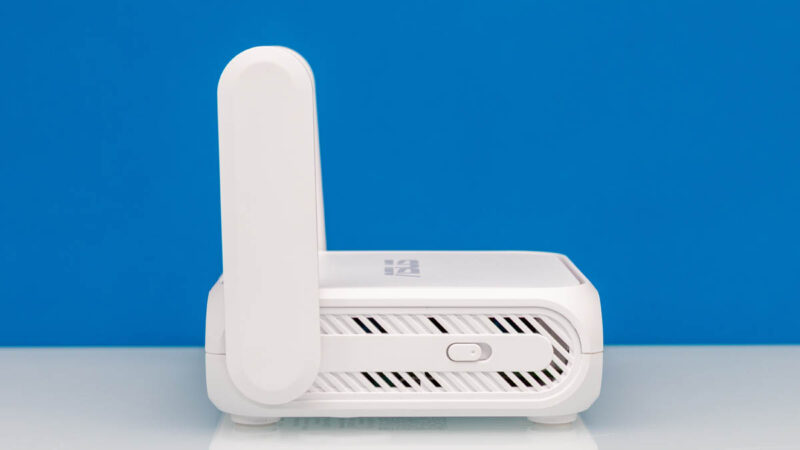
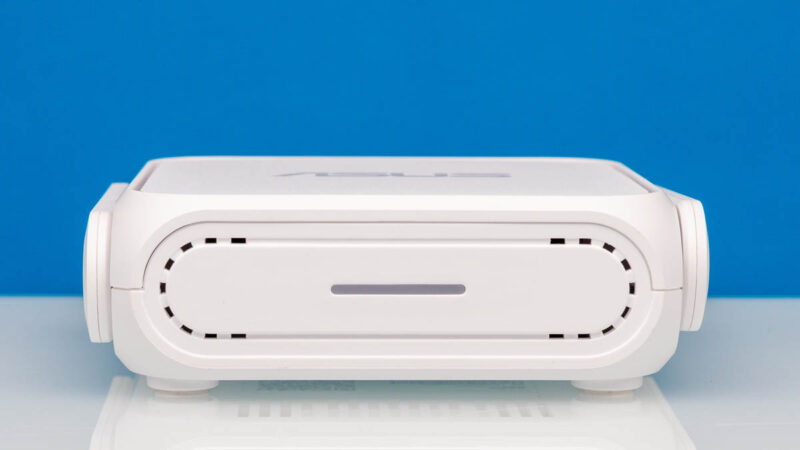
On the side, we get an action button.
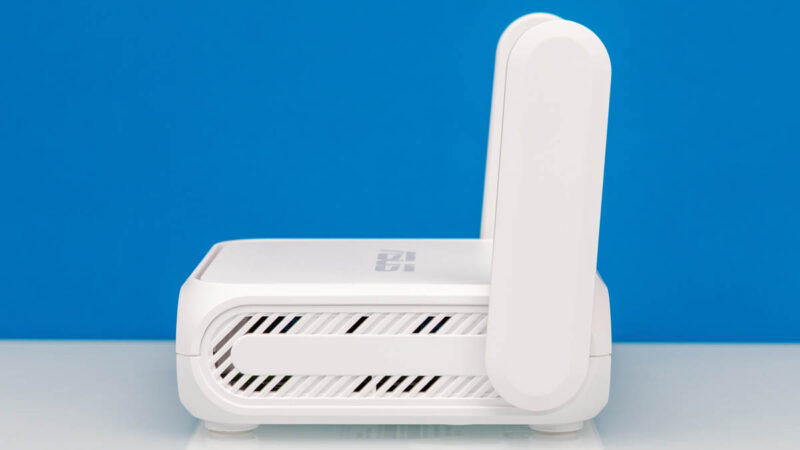
On both sides, we get vents under the antennas.
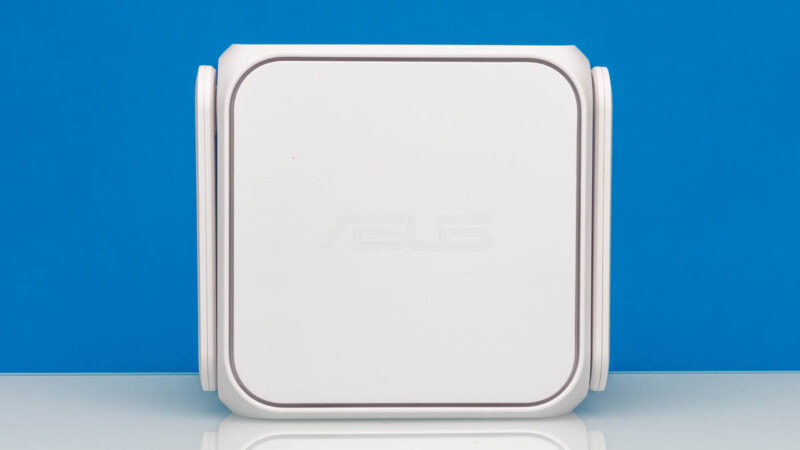
The front has a status LED.
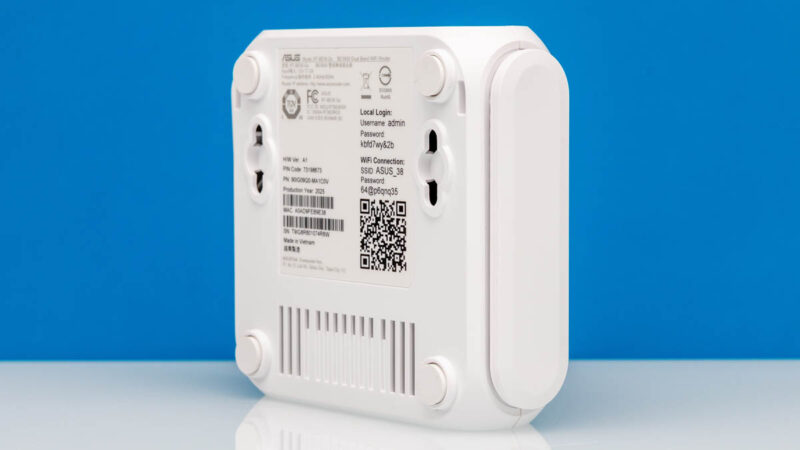
On the bottom, we get rubber feet, more vents, the login information, and mounting holes.
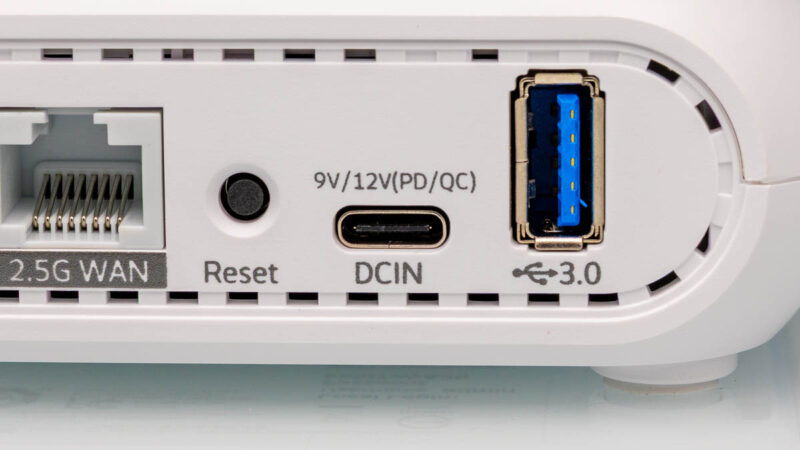
On the back, we get all of the ports that folks will want to use.
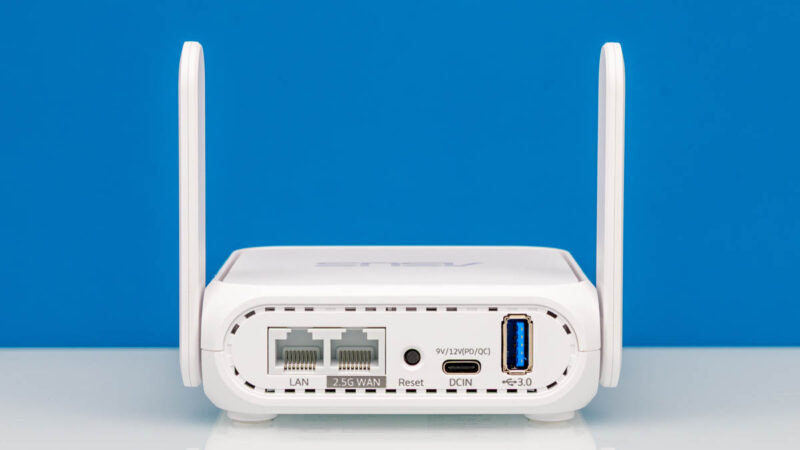
First off, there is a LAN port and a 2.5G WAN port. Unfortunately, with this router, the LAN port is 1GbE while the WAN is 2.5GbE. Since our WiFi testing protocol is not great yet (to say the least), we are focused on the wired side. We thought that the unit would just cap itself at 1Gbps speeds because that is the maximum throughput on the LAN side, but we were incorrect.
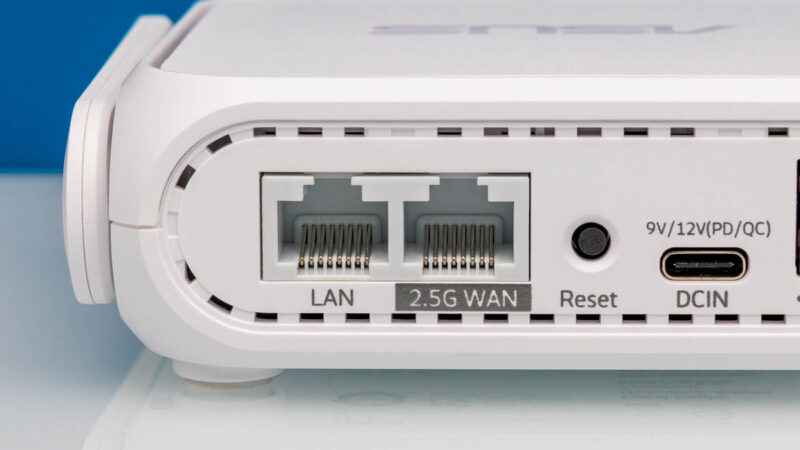
On the back there is a reset button, a Type-C port for power input, and then a USB 3 port that can be used for 4G/5G modem tethering or for storage.
Overall, this is a fairly simple piece of hardware, but it is quite attractive as far as these portable routers go.
Next, let us get to the management.




this review is pretty basic, no mention of how to use it as, you know, an actual travel router (what i assume in the settings is “wisp” mode) since most people might take one of these and use it at a hotel or something
Can we get info on the insides? Looks like these devices might all be based on the same hardware.
The UI is the same that ASUS uses with their high end routers too and seems to have the same rich feature set. Their router OS is regarded as being very stable. As is OpenWRT which the Gl.iNet is based on.
No reviewer has published the SOC but it has 1GB of DRAM and 256MB of flash.
Send it to Mikrotik guys as a reference.
mAP devices need a refresh !