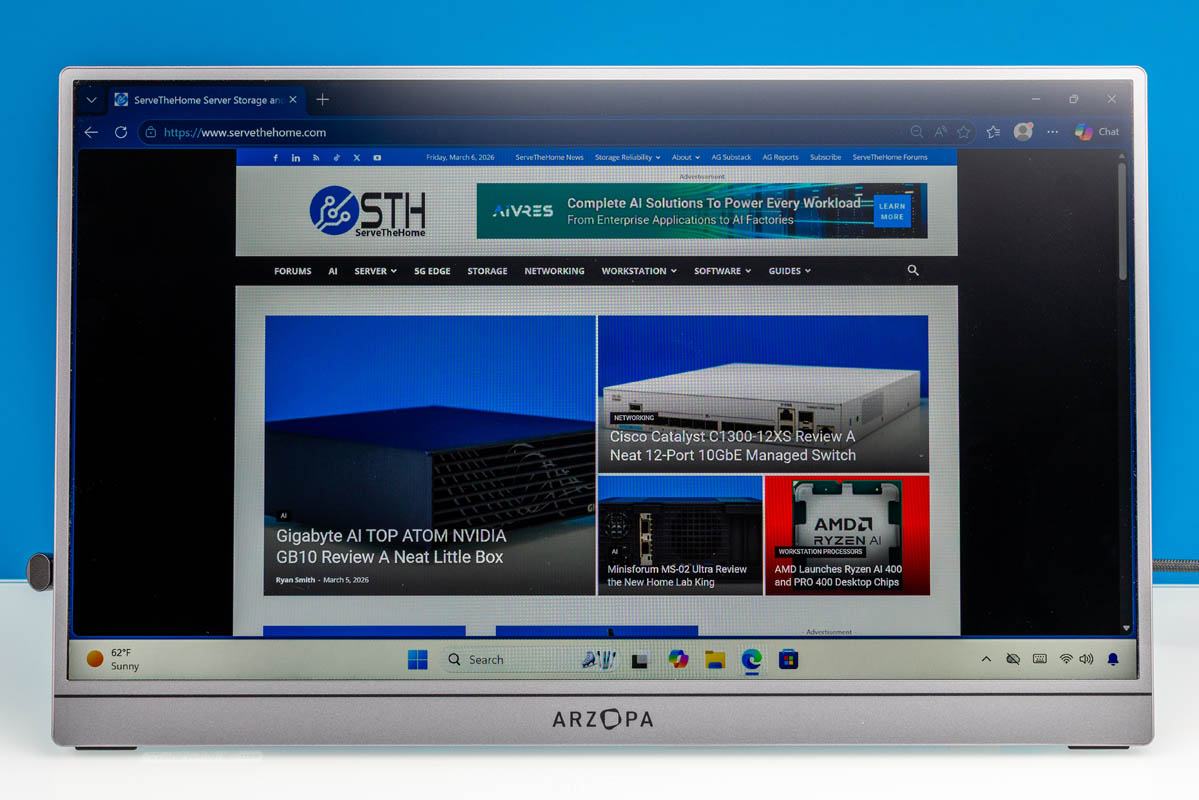
Recently, we purchased a handful of portable flat-panel monitors. One of the ones we were most eager to test was the Arzopa Z3FC 16.1in 180Hz 2.5K Portable Monitor. Currently priced just $143 on Amazon (at the time of writing), the Arzopa Z3FC is one of the cheapest QHD/2.5K portable monitors on the market, offering specs far beyond the monitors that we have tested in the $48-80 range. Let us get into our review of the monitor to see if the extra cost is worth it.
Here is the Amazon affiliate link to where we purchased this unit.
Arzopa Z3FC Hardware Overview
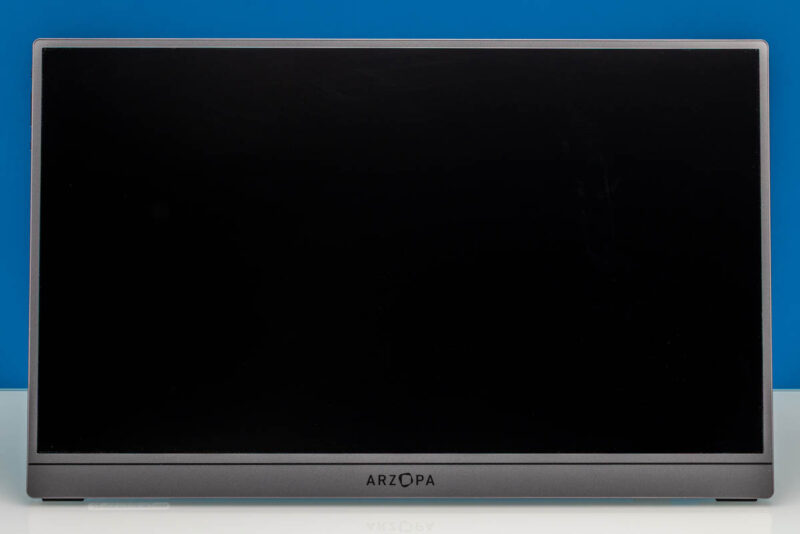
Arzopa Z3FC’s monitor has a 16.1-inch IPS panel with a QHD (2560×1440) resolution. That may not matter to some people, but so many of the panels we have tested are 1080p that this offers a lot more resolution.
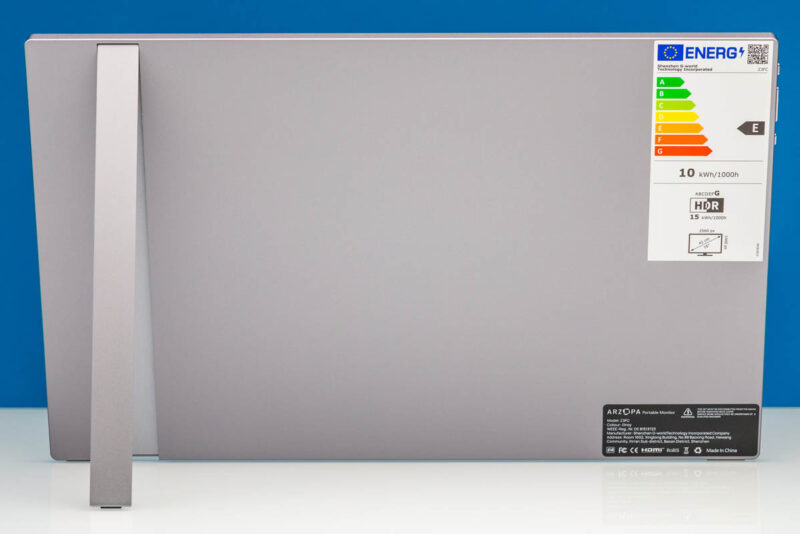
Here is a look at the rear of the monitor and kickstand. It is around 13.0in (Width) x 0.39in (Depth) x 8.0in (Height) with the foldable kickstand.
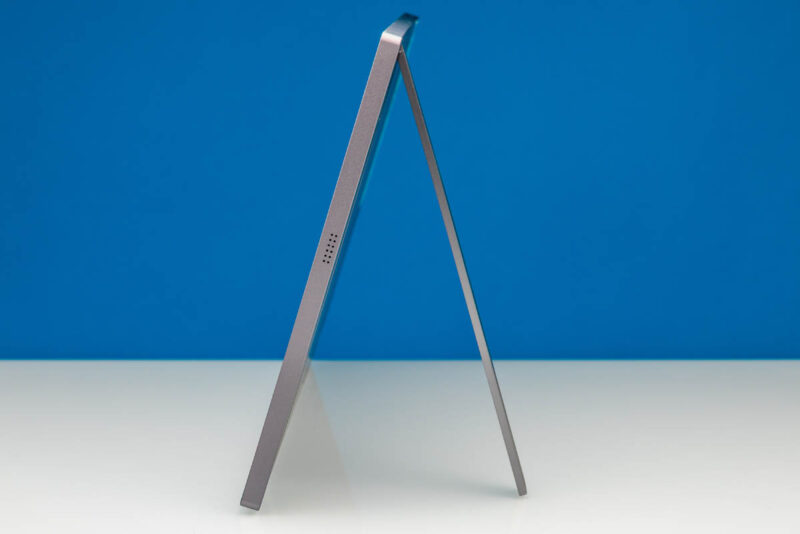
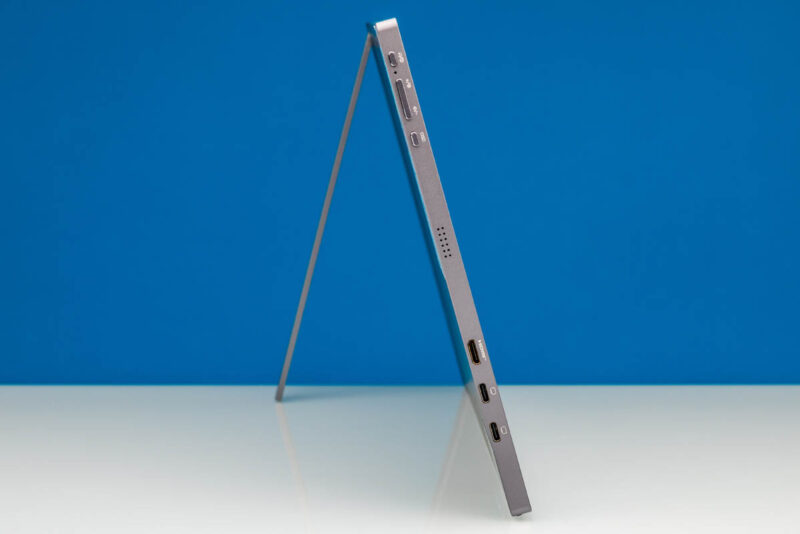
This stand allows for viewing angles up to 80 degrees.
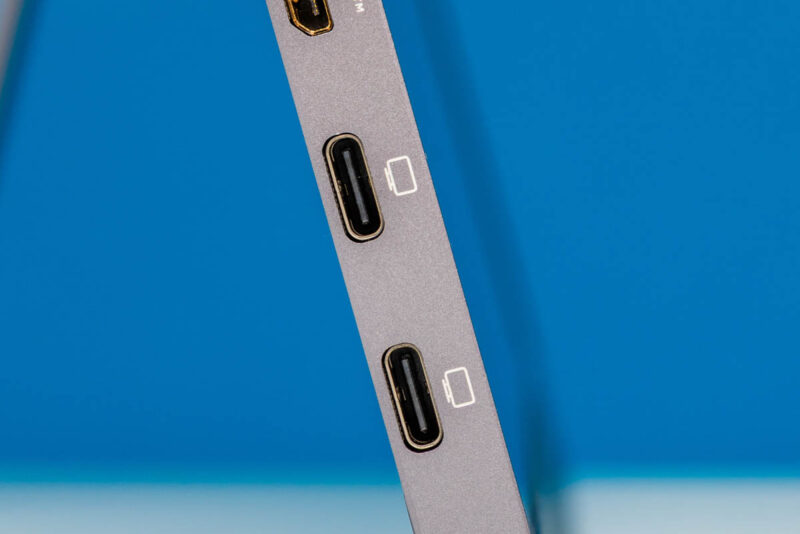
For display inputs, the monitor has two full-feature USB Type-C ports with DisplayPort Alt Mode capabilities.
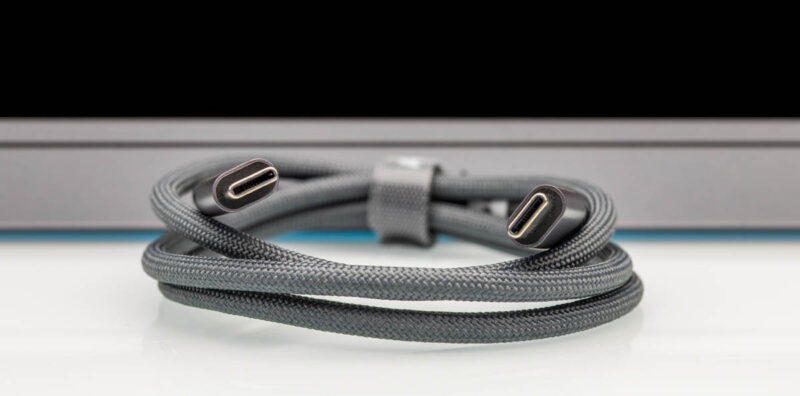
Unusually, Arzopa’s Z3FC comes with two USB Type-C cables. And of these two cables, only one supports carrying video. It is differentiated from the other cable by the use of a 90-degree connector on one end.
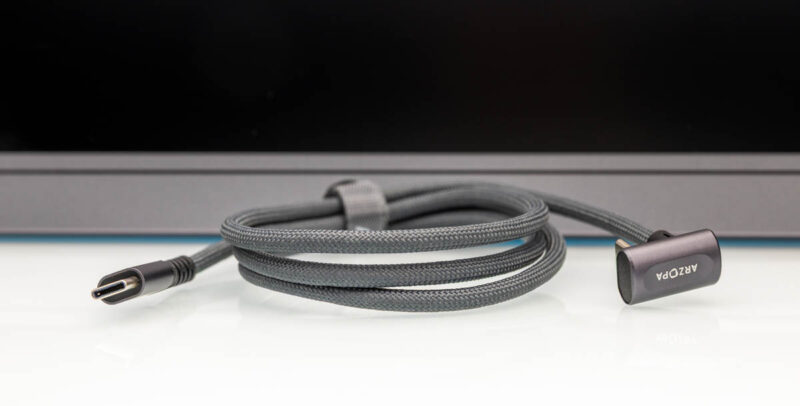
As for the other USB Type-C cable, it is strictly for power only and does not support carrying a display signal. Thankfully, Arzopa does attach a tag to the cable stating as much. From these limitations, we presume that the underlying technical difference is that the full-feature cable is USB 3.x grade while the power-only cable is USB 2.x grade – making it akin to a phone charging cable that does not have any conductors for carrying high bandwidth data or video.
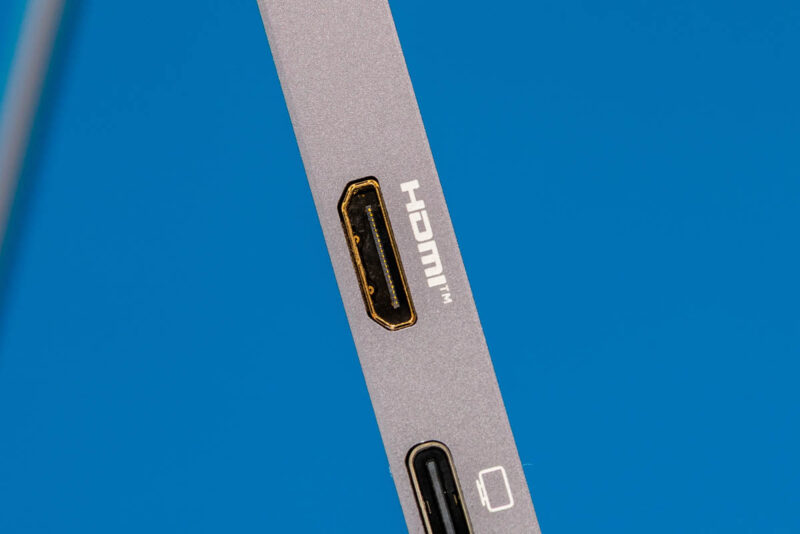
The monitor also has a Mini HDMI input. Arzopa does not supply any kind of Mini HDMI adapter or cable here, so it is strictly a bring-your-own-cable affair if you wish to use this uncommon input. An example of a mini HDMI to HDMI is this one (Amazon Affiliate) that you would need to add to the cost of the solution if you cannot use the USB Type-C cable.
On the same side, you have a power/back button.
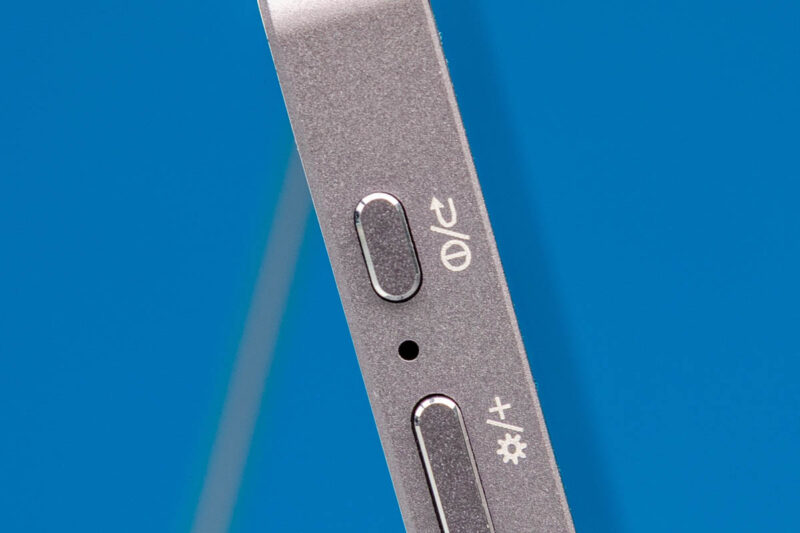
A button to control monitor brightness and volume.
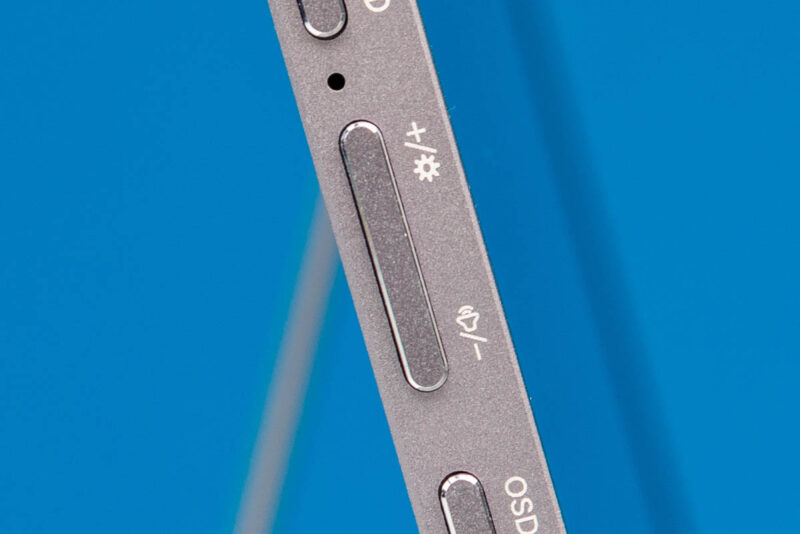
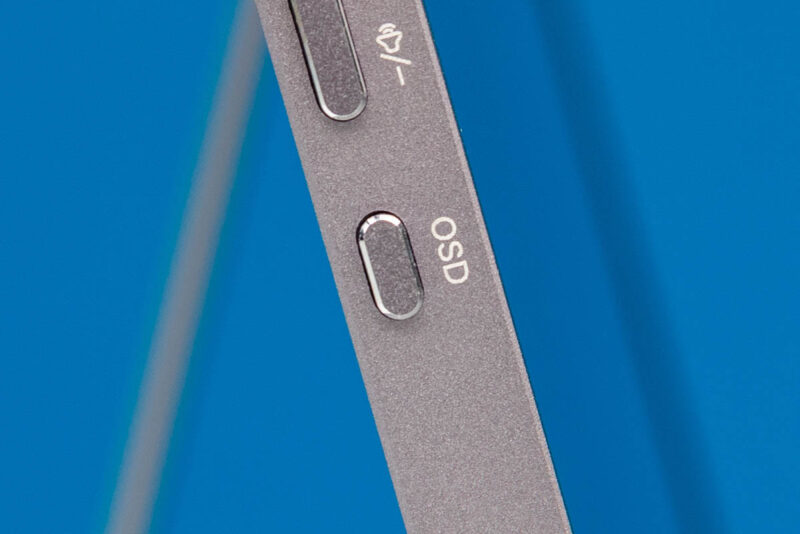
As well as an OSD menu button.
The variable kick-stand option of the Arzopa Z3FC makes it great for viewing at various angles. This setup does not provide the portable monitor with an integrated case.
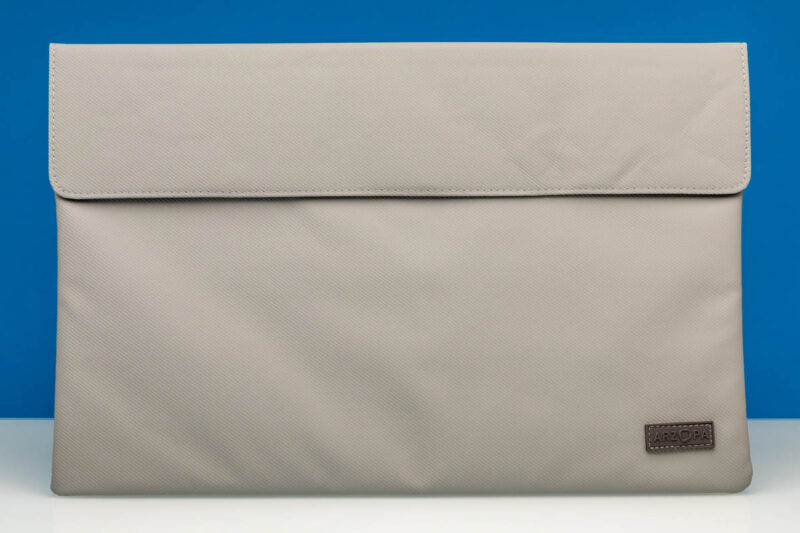
However, a protective case is included for your portable monitor while traveling. This does not serve as a protective case when using the monitor, but if you throw it in a carry on bag, it provides some protection.
Next, let us see how the Arzopa Z3FC QHD 180Hz monitor performs.