

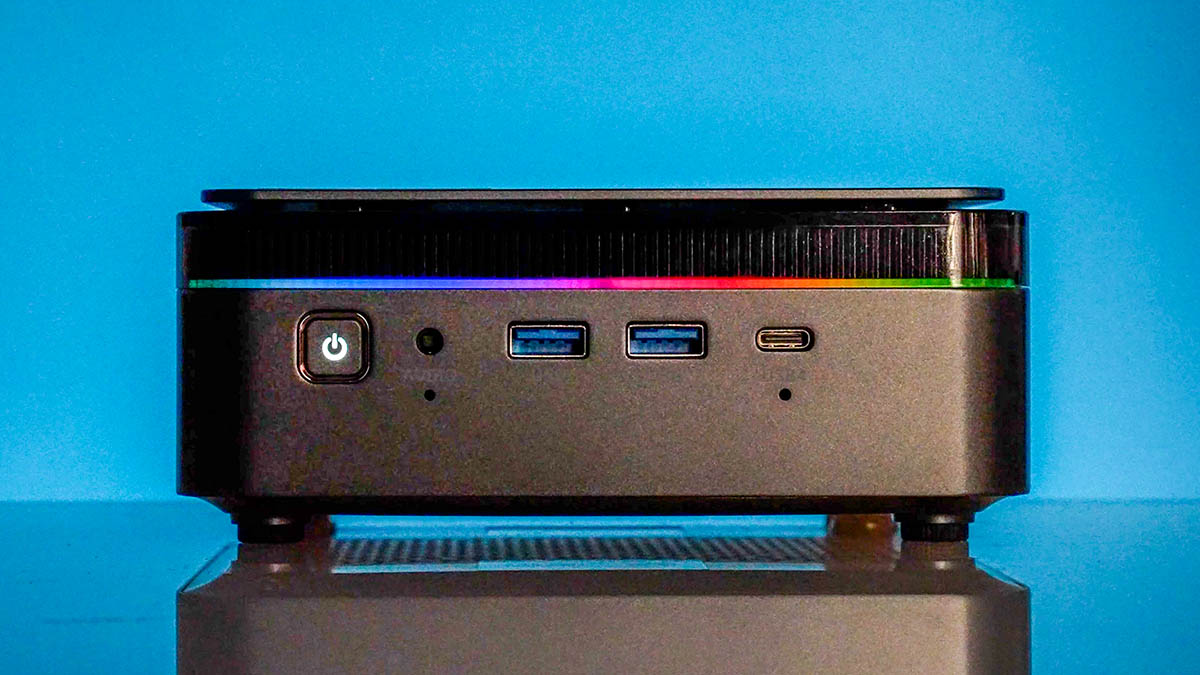
This is one that we were not expecting. The Acemagic F3A is a mini PC powered by the AMD Ryzen AI 9 HX 370. That is a super cool CPU, but the last time we looked at it in the Beelink SER9 we were limited on memory capacity with a fixed memory configuration. The F3A, however, has DDR5-SODIMMs, so naturally, we thought, why not try the 128GB (2x 64GB) kit. It worked, and this has been running llama3.3 70b and deepseek-r1 70b for the past few weeks.
For this one, we have a video that you can find here:
As a quick aside, I sent a note to a Crucial contact since after our Lenovo ThinkCentre M75q Tiny Gen5 Review Amazon, Newegg, and others went out-of-stock on the Crucial 128GB (2x 64GB) kits. I was told late last week that we should see more stock later in the week we are publishing this review with the modules.
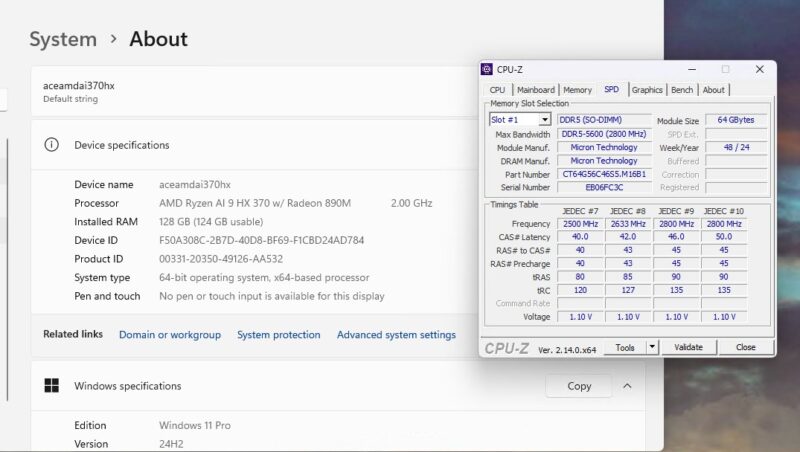
A lot of our discussion is going to be around this configuration. We had many folks bemoan that the Beelink SER9 at 32GB of fixed LPDDR5X was not enough. This is considerably more interesting. Just as a note: we also had the 96GB (2x 48GB) kit working as well.
Acemagic F3A External Hardware Overview
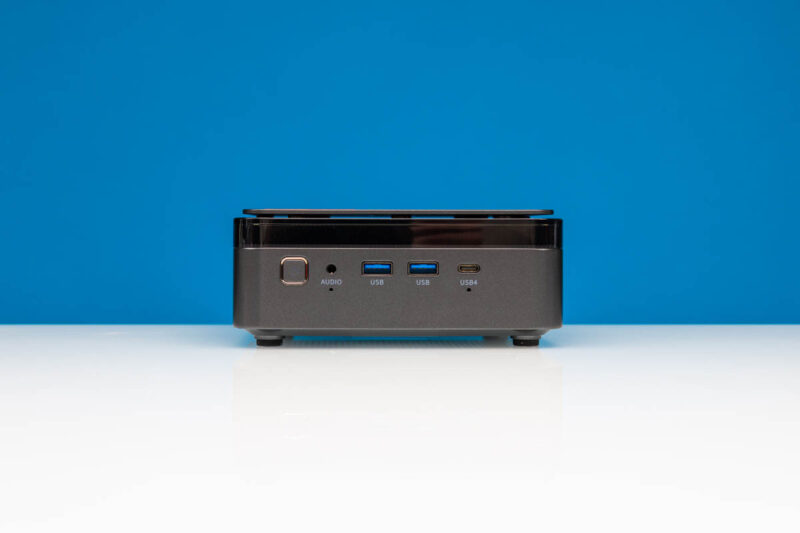
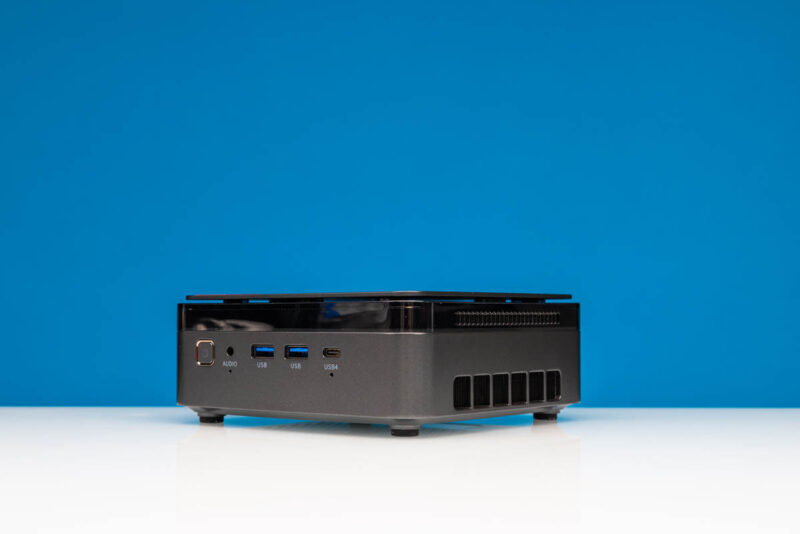
On the front of the system we have a poewr button and audio jack which are fairly standard. There are also two USB 3.2 Gen1 Type-A ports. The other big feature on the front is the USB4 port. We often get folks saying they want to see Type-C ports on the front when they were on the rear. When the ports are on the front, folks say they want them on the rear. The F3A has both.
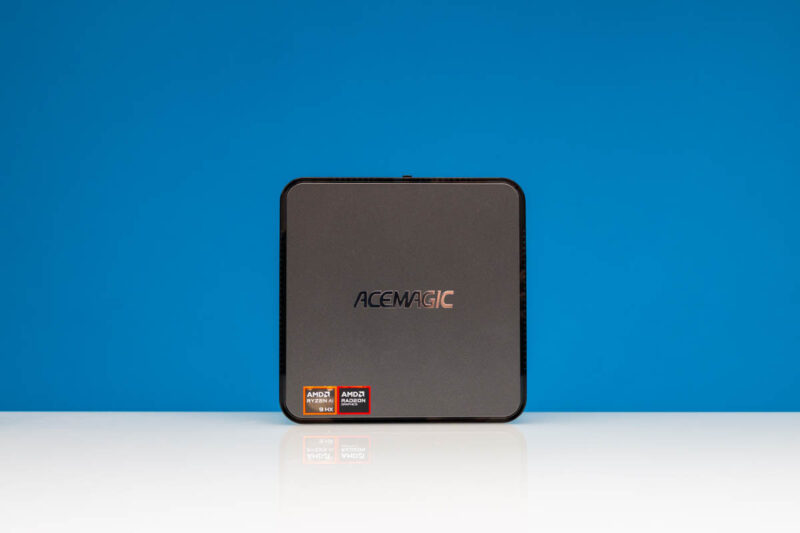
On the top, we get an Acemagic logo as well as our AMD Ryzen AI and Radeon stickers.
The design is a bit different. That gap on the top panel is functional for airflow. We will show that in our internal overview. At the same time, it is not linked to the bottom side vent you see here.
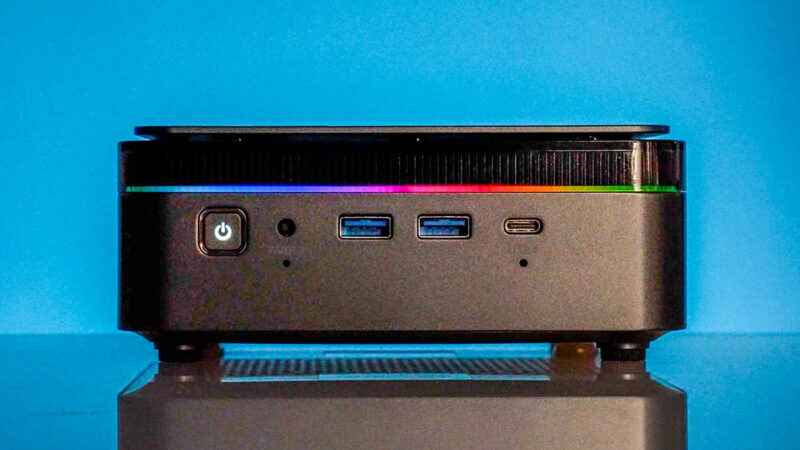
The top portion is a clear plastic, but that is because there is some RGB here. We showed it in the video, but it did not photograph overly well. Here is what it looks like turned on as the colors go around the exterior of the system.
Here is the rear, and there is a lot going on. We have two more USB 3.2 Gen1 ports, but then two Realtek 2.5GbE ports. Next to that we have a HDMI and a DisplayPort. We showed this in the video, but the DP did not output video on the system setup, we had to use HDMI.
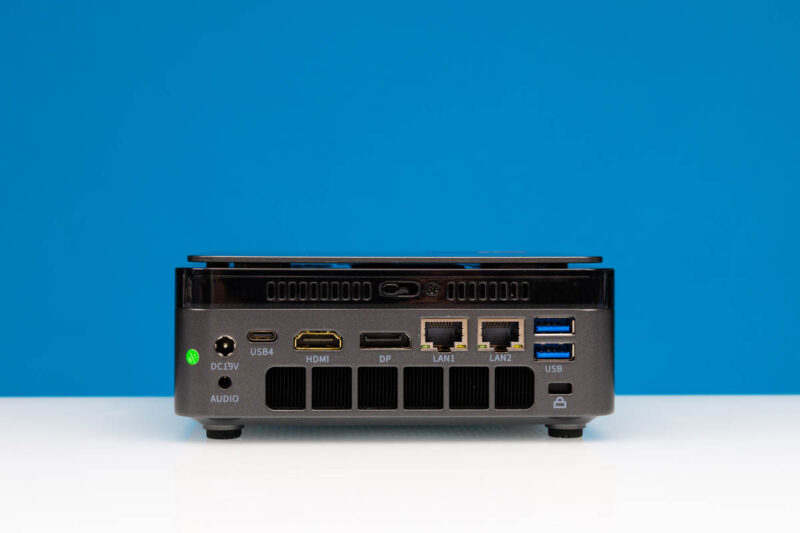
Next to that is the rear USB4 port. It is nice to have two combined with the front USB4. Then we have a 19V DC power input and another audio jack.
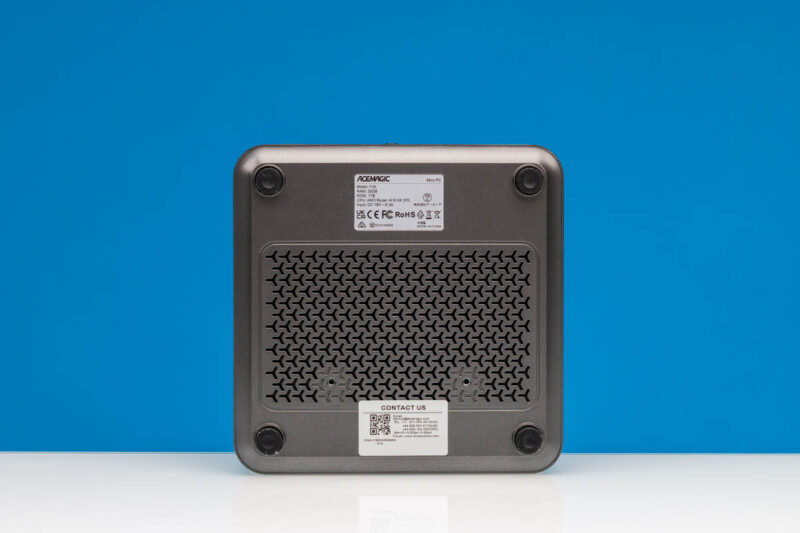
On the bottom, we have labels and vents.
Next, let us get inside the system.


Consider changing the hero image description to “Acemagic F3A: ISO 64,000” LOL.
According to the review this mini PC can run DeepSeek R1 70B distilled although slowly. How slowly? I’ve tried the same model on an older dual socket Epyc server and quickly realised that too slow makes a big difference in terms of usability.
As large language models perform differently than what’s included in the current selection of Serve the Home benchmarks, I think comparing DeepSeek R1 70B performance across a wide variety of CPU and GPU hardware would be make a very interesting article.
Did this thing come with preinstalled Windows? Be careful, Acemagic shipped Mini PCs with preinstalled malware/spyware in the past; you can find this documented very well on YT.
TBH, since then i dont trust them. Uefi is clean? With that, it would be possible to undermine anya installation, also fresh own ones.
I’d guess, no ECC Ram capabilities? This i’d love: a silent Ryzen mini PC for proxmox with 2 fast Lan ports and ECC support.
I am also waiting for the AMD AI MAX+ 395 MiniPCs to come out. I agree with Eric Olson that it would be nice to see an LLM inference speed comparison across different CPUs and GPUs. For me the expandable RAM is key. I was looking at the SER9 when it launched late last year, but I ended up with a 8945HX MiniPC because I didn’t like that I couldn’t get at least 48 GB of RAM in the SER9. I do LLM inference on some of my MiniPCs but my primary use for them is part of a Proxmox cluster so having expandable RAM is more important than maximum performance.
Does it have GPIO pins for connecting a pikvm for power control?
There is a 64GB version of the SER9 available now.
RAM size and (computational) speed needs to be kept in balance. Upgrading to 256 GB of RAM is pointless, since models requiring that amount of RAM will be very slow at this system. Even a 70B model is sluggish.
Thats where nvidias DGX Spark is much more promising: It combines a fair amount of RAM with, well, acceptable speed. This combination is much more usefull. That explains the price difference.
DPC Latencies would be interesting.
As important as computational speed is, bandwidth to memory is also pretty vital. Otherwise you not only have less than optimal number crunching, but the processor spends more time sitting idle waiting. The (quad channel?) higher bandwidth memory in the Spark is an important part of the design as well.
Which leads to my question: does anyone know if there’s a HEDT or workstation or gaming price range product (system or motherboard and compatible CPU) that uses DDR5 and has quad channel RAM? Ideally paired with an integrated GPU, but that seems unlikely.
Right now seems like Threadripper is probably my best bet for pricing, but I am interested if anyone has other suggestions.
Threadripper, Epyc, Xeon are the only choices I know of that support quad channel with DDR5 memory slots. Mac’s M4 minis have quad channel as well but they suck for gaming. M4Pros are Octachannel? They double the bandwidth and you can get a Mini with up to 64GB of ram, soldered. That makes them possibly decent for moderate gaming. The upcoming Framework desktop will be quad channel up to 128GB, and has an internal PCIe x4 header. In comparison, all of the AI 370 mini PCs are dual channel from how I’m reading specs.
DDR5 only supports up to 6000 MT/s, LPDDR5X supports around 8000 MT/s. If you need an AI-specific design both the M4 Mac Mini and Framework systems are looking interesting. Otherwise, unless you really need quad channel RAM, you can probably buy a decent base system for cheap and use dedicated GPUs instead.
Any idea where the wifi antennas are? I’m getting pretty slow wifi performance. Will probably swap the wifi card first before thinking of swapping the antennas
i sm no overly concerned abou it having ddr5 instead of lddr5 qs it allows you to add memory. 5600 vs 7000 clock isn’ really gating o be noticeable in real world applications. benchmarks might see it, but i doubt snyone will to se any in rregular use/.
The mem modules do not look like DDR5-5600 SODIMMs.
Hi,
I ordered the Acemagic F3A barebones following your youtube video about the device.
I have some difficulties to make it work properly.
I installed 128 Go of Ram, a SSD and Windows pro.
I updated the OS and all the drivers recognized automatically by Windows.
I installed AMD Adrenalin in order to allocate more Vram to the radeon iGPU. On this program, the changes applied are not taken into account after a restart and the VRAM drop to an insignificant 0.5 Go of Vram. I did not see a useful menu on the bios to set the allocation.
Moreover, the wifi board seems not taken into account as well because it does not show up.
The official website offers some drivers to download but offers no explanation to use them.
Could you enlighten us how to start from here?
Cheers,
Aiille
The company has not offered to refund me yet but this has major driver/hardware issues, bios update didnt help, the stats are misleading and the company has no support. It took me 3 months to make the pc work close to specs accessible but a lot of issues here and unfortunately this review made me buy it. I guess I learned they did the review to get a kickback. A lot of good options out there but his is not one. Now I am 850 out plus the 600 I spent to upgrade it to get a running Local llm but I would of been better off getting the framework or GTK.
Official website claim it just supports 96Gb of RAM so even it shows 128 I doubt its true
@sdchew its inside and put antenas outside of box because there is some interference (its not card i also replaced card but if i use same antennas wifi signal was wrong so i just pout 30 cm intenas outside of box and everything is working.
@mehdi I have lapotop where official support is 32gb and i just intalled there 64gb without problems. So probably you need look on supported memory in cpu spec.