

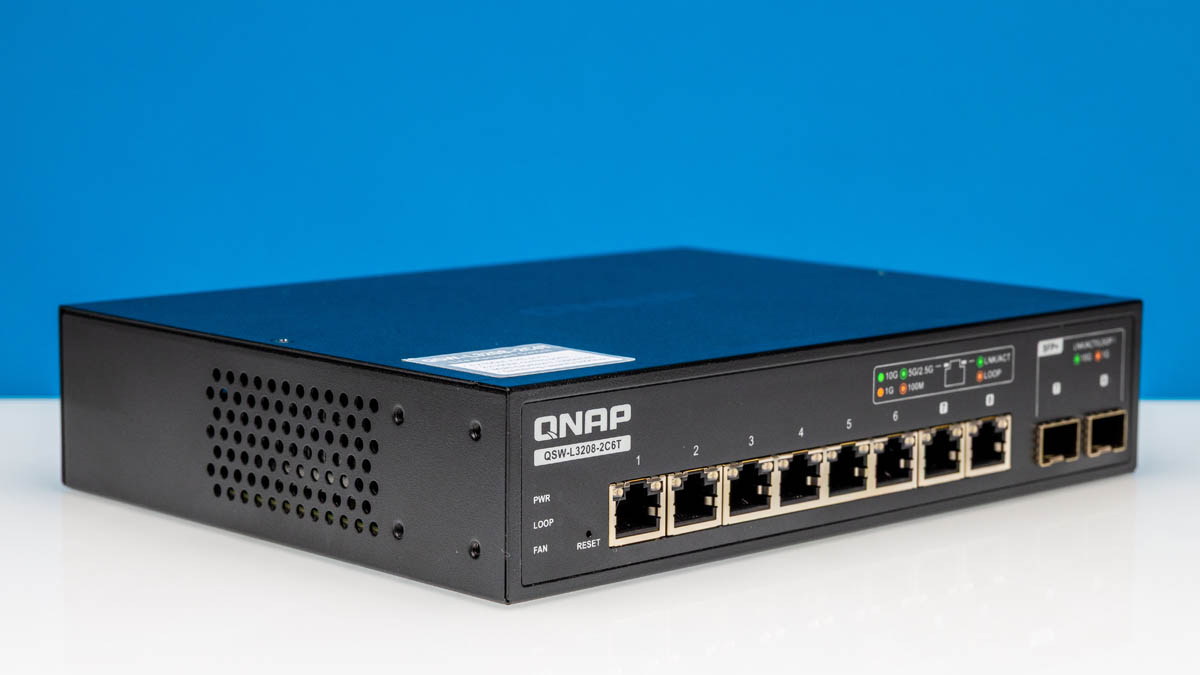
We found the QNAP QSW-L3208-2C6T as an 8-port 10GbE switch while browsing online one night, so we decided to purchase one for review. They tend to sell in the $350-450 range, so they are not the cheapest. On the other hand, it can use up to eight 10Gbase-T ports or use the combo ports as 10G SFP+ ports. That makes this a very flexible form factor. Also, it is a web-managed or “lite” managed switch, so it has some basic management features.
Here is an Amazon Affiliate link to what we purchased.
As a fun one, this is going to be one of the first reviews we are using with our new Keysight XGS2 setup. We now have two XGS2 chassis and three line cards. Two of the line cards are the 8x 100G QSFP28 NRZ NOVUS cards (here is the cheapest used one we can find with an eBay affiliate link, currently at $50K.) For this, however, we are using the 16-port dual PHY NOVUS10/1GE16DP, which allows us to test 1GbE/ 10GbE gear in 10Gbase-T or SFP+ combinations.
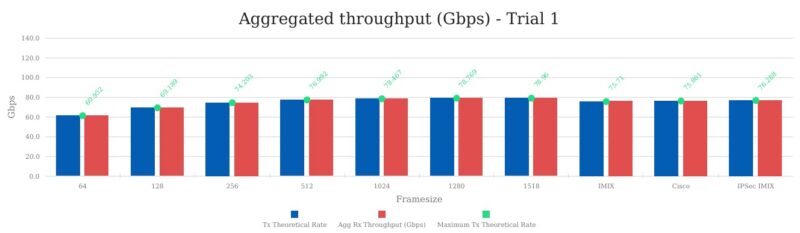
The new switch testing tool means we now can do full line rate 64B packets on over 1.7Tbps of ports allowing us to get solid latency figures in the process. It also gives us the ability to look at L2-3 traffic (and get good L1 stats) and see actual to theoretical throughput. This is in addition to the big L4-7 CyPerf box we have been using with gateways, some switches, and even the NVIDIA ConnectX-8. So yes, this is going to be a fun review.
QNAP QSW-L3208-2C6T Hardware Overview
The switch is interesting since it is 44 x 210 x 160mm in size. It feels like a desktop switch, but it is in a 1U height.
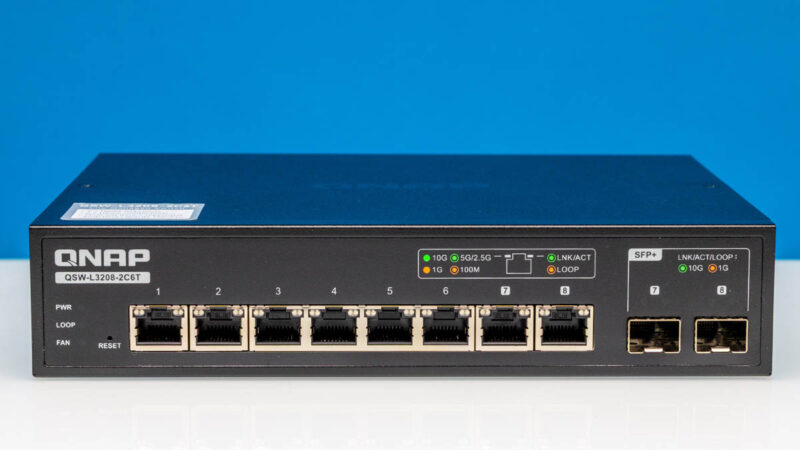
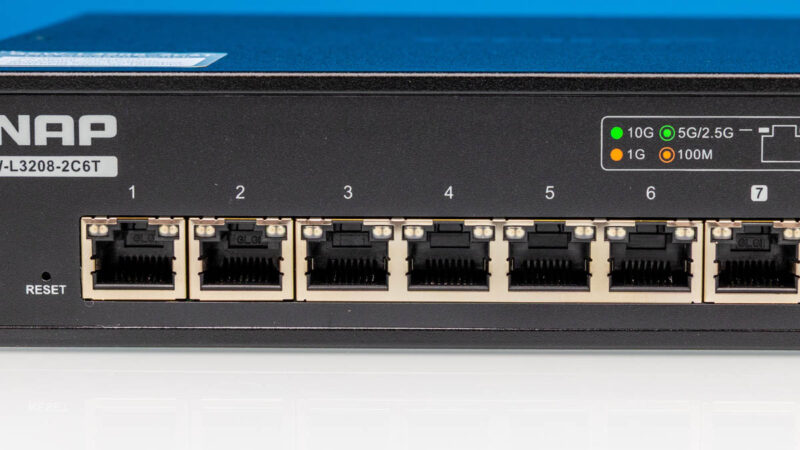
On the first six ports, we get 10Gbase-T ports. The switch is new enough that it supports 2.5GbE and 5GbE speeds as well.
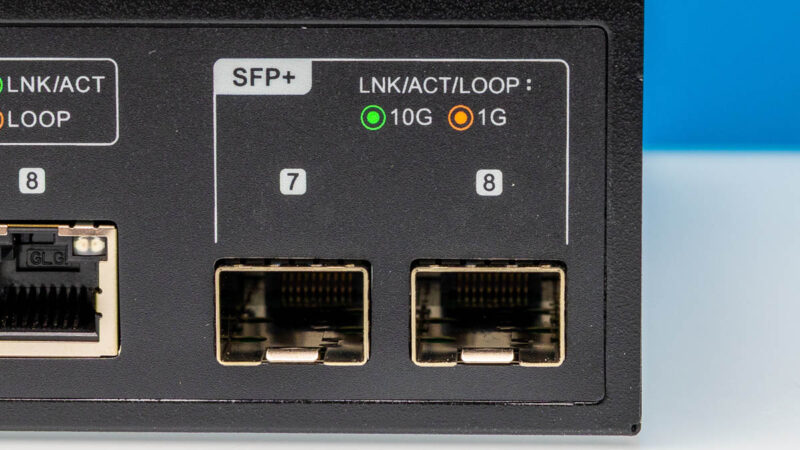
Ports 7 and 8 are noted differently.
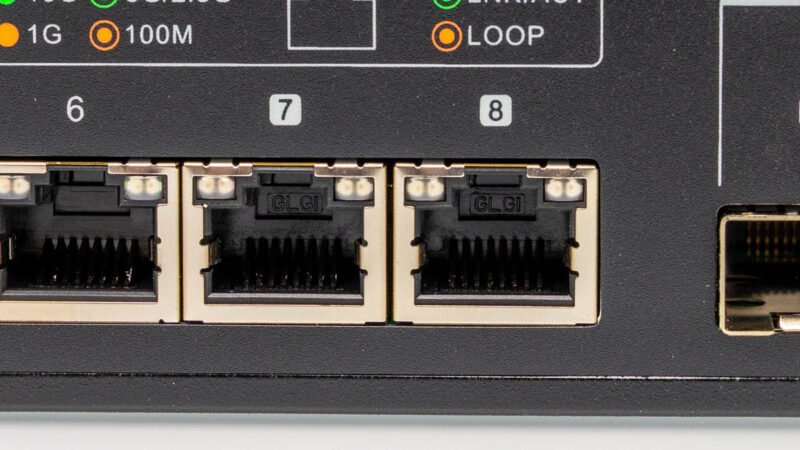
That is because they are combo ports. Instead of using the 10Gbase-T side, you can use the SFP+ ports for optics, or even an easy DAC connection to SFP+ switches. While this may not sound exciting at first, it is powerful since you can uplink to SFP+ switches directly. It is also an upgrade from a switch where ports 7 and 8 would only be SFP+ since being able to run 10Gbase-T on a switch is generally a higher-cost option.
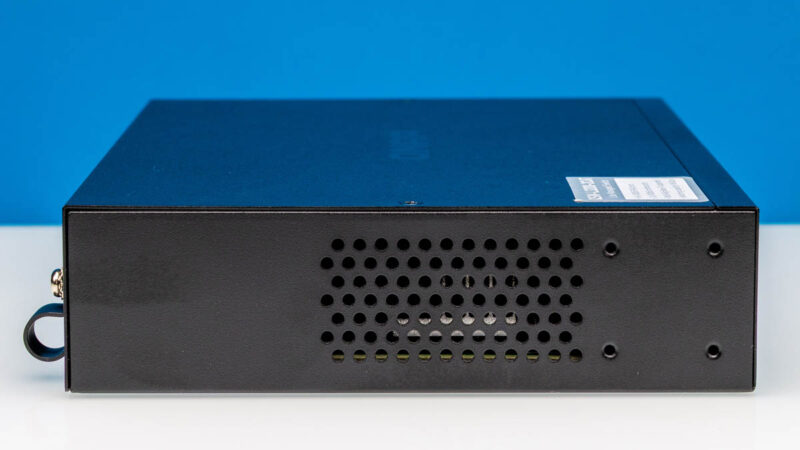
On the side, you can see a vent and our rack ear mounting holes.
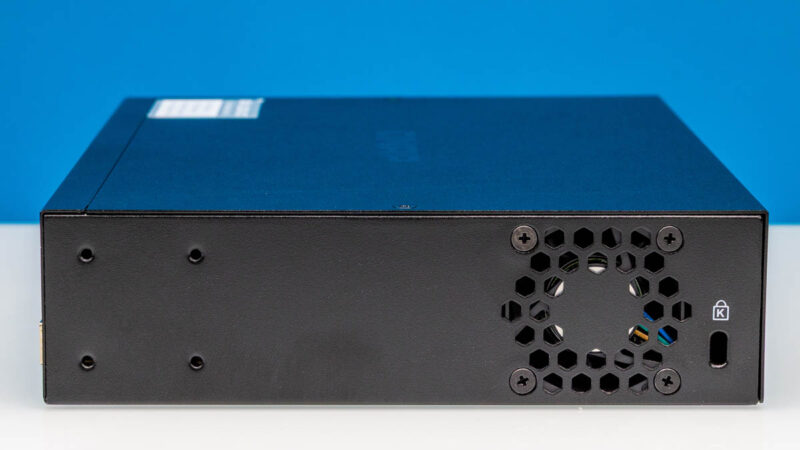
On the other side, we get a fan vent and a locking port.
On the rear, we get a console port and power.
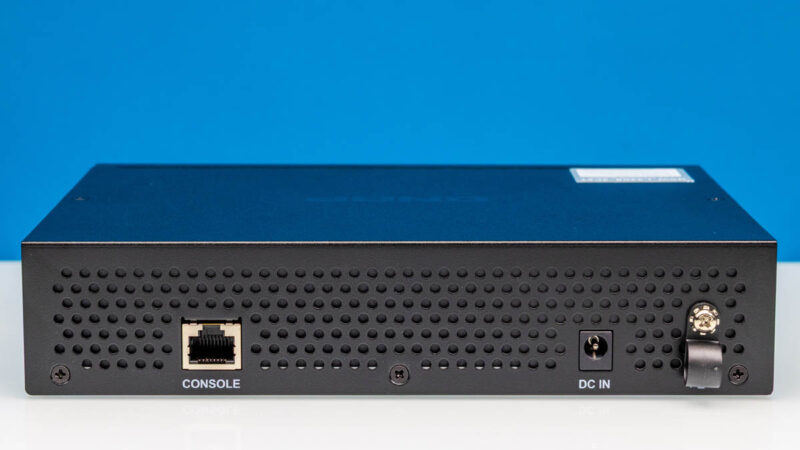
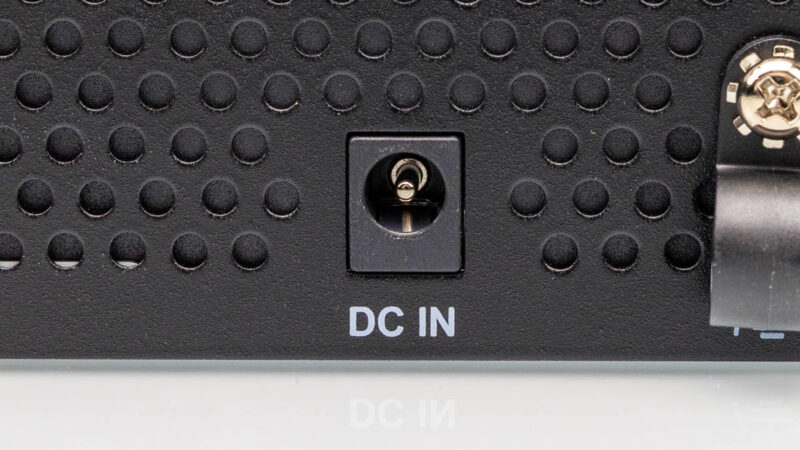
On the power side, we get a simple DC power input, but then there is a retention clip to hold the power cable in place.
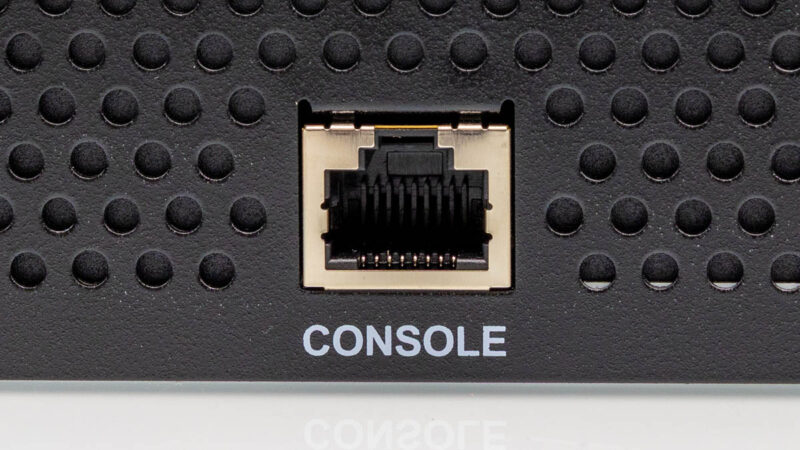
Here is the console port.
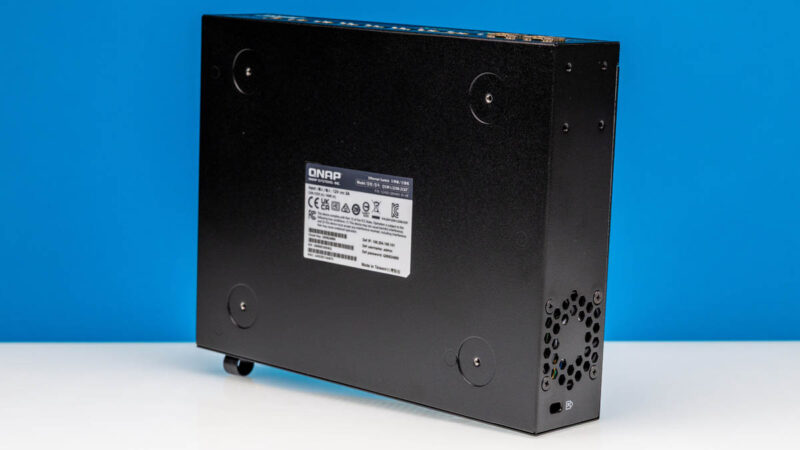
At the bottom, we get login information and four places to put the large rubber feet that come with this switch.
The rack ears are a bit strange. They do not fit into a standard 19″ rack.
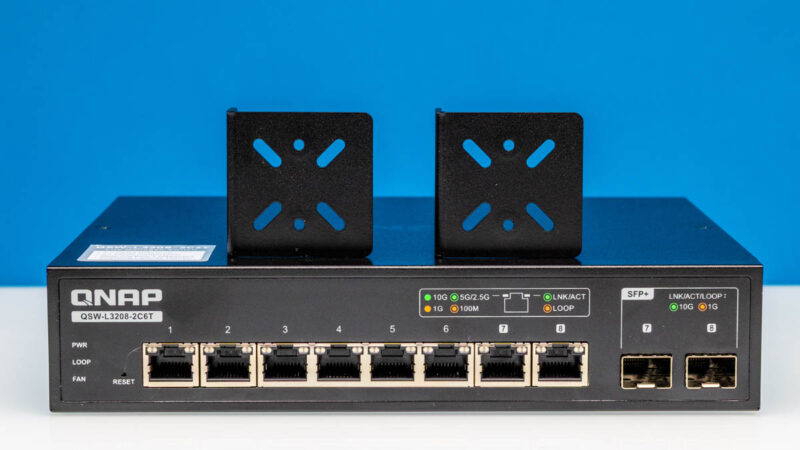
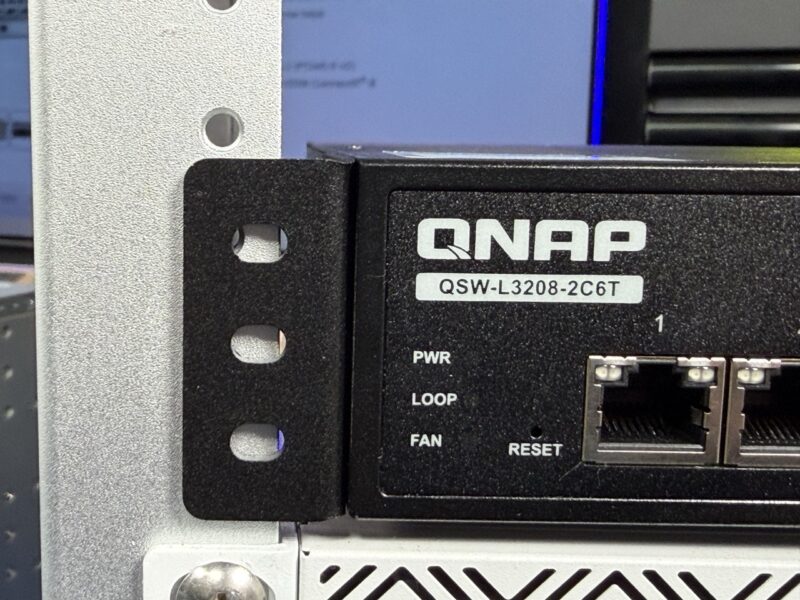
Then things get really strange. We thought, “Oh, this must be for 10 racks.” So we placed it in the DeskPi RackMate T0 4U 10in rack and it was not wide enough to fit the rack. We were as far over as we could get on the right ear, and the left ear did not fit into our DeskPi. This is not the first time we have seen these low-cost switches have strange rack ear sizes, but this is a detail that we wish QNAP did a better job on.
Inside the switch, we have a fairly simple layout.
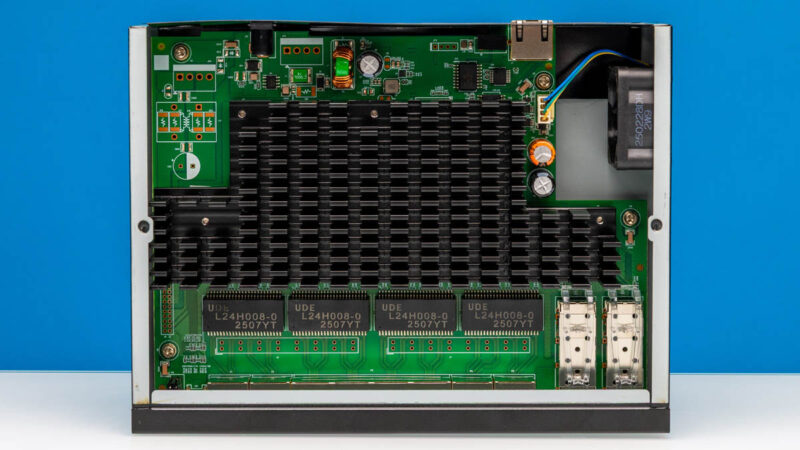
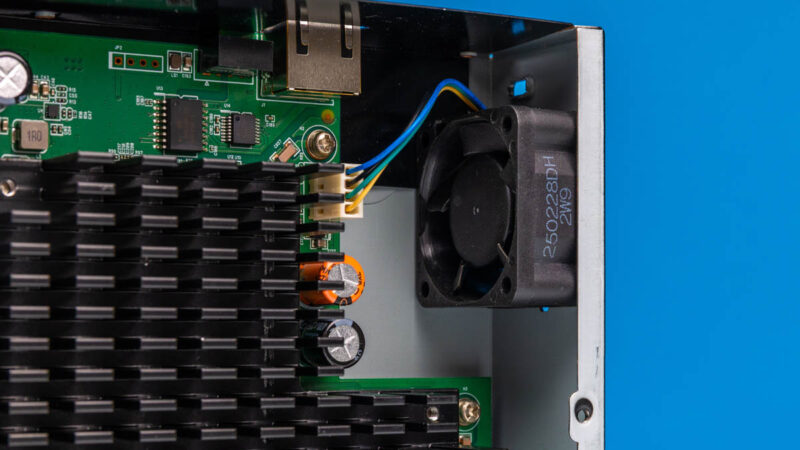
There is a single fan inside the chassis.
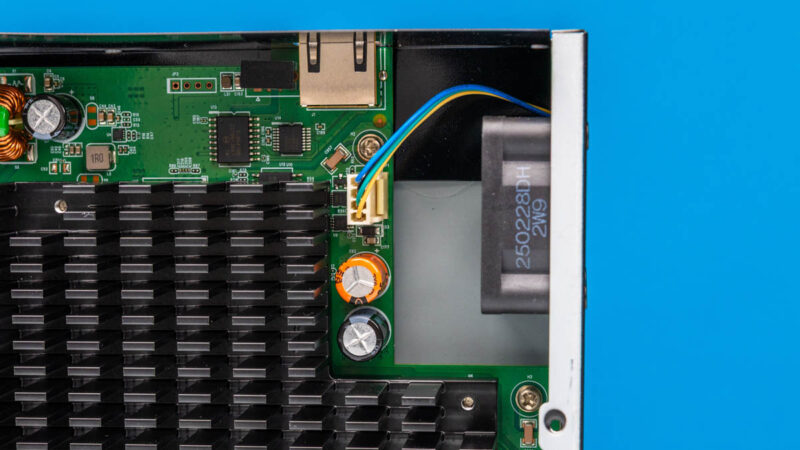
This is a four-pin fan unit. There might be some who would want to swap it, but we did not get that much fan noise.
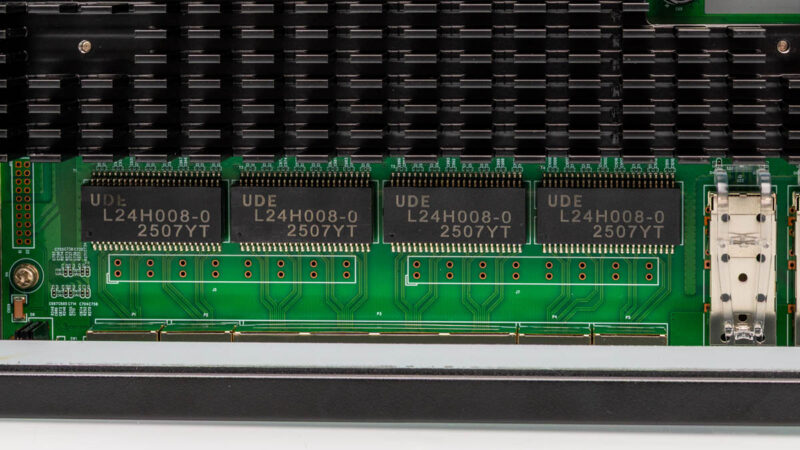
Here we can see the UDE transformers. A major challenge is that we could not pull the heatsink off without damaging the device, so we had to leave it on. We wish vendors would make all of these removable. Still, we have a forum thread stating this is likely the Realtek RTL9303, and that seems right based on the ports, power consumption, and performance.
Next, let us get to the management.
 performs using high-end IxNetwork testing)
About what data to show: There’s no point in showing us bps and pps charts or tables is it’s perfect line rate. Just say that.
Oops. “*if* it’s perfect line rate”.
I’d like to see an estimated BOM, as I still feel they are over priced, for the components.
I just wanted to point out that this switch is introducing 5.37 microseconds of latency, or 0.00537 milliseconds. That is such a ridiculously low number! I have seen some online that say a switch can add 1ms or more, and we see here that you would need about 200 of these switches chained together to get to 1ms of latency. The extra cabling would add some delay to that end-to-end packet transmission time as well.
Just a fun observation that the new testing hardware is letting us see!
I have been trying to get more answers about this switch so here is a short update and summary of the specs:
Manufacturer: QNAP Systems, Inc. is a Taiwanese corporation with Headquarter in New Taipei. The switch is made in Taiwan.
Switch Chip: I tried to figure out what switch chip is used. The user guide says CPU Realtek RTL9303-CG and Ethernet PHY Realtek RTL8261BE.
Management: It uses lite-management for Layer2/3. You can use the nice web GUI for management or the RJ45 console port on the backside for management with CLI.
The Console port/CLI can be used with an RS-232C or RJ45-to-USB console cable from the switch to a PC. Connect with terminal software like PuTTY.
QNAP QSW switches internally have a full blown Cisco-style management CLI hidden behind the dumbed down web interface. More at Github (https://github.com/marcan/qsw-tools) which has a useful guide on how to use the built-in CLI.
Ports: 6 ports are 10GbE BASE-T (RJ45). 2 ports are 10GbE SFP+/RJ45 Combo Ports. All ports supporting 10G/5G/2.5G/1G/100M.
It’s Broadcom based, I asked at Computex.
So how does this compare to the mikrotik 12 port switch with 4 combo for €550?
The Amazon price is jumping around a bit, currently it’s at $439 which removes some of the appeal this switch had at $350. At $439 it is close in price to USW-Pro-XG-8-Po ($499) but with 2 fewer ports and no poe++
That’s insane
I’ve bought a switch on the same platform (also 8port 10G), based on the reference design from realtek, with the same software – for 90£ (120$) and you say that this one is cheap?
@Val what switch manufacturer and model is that ?