

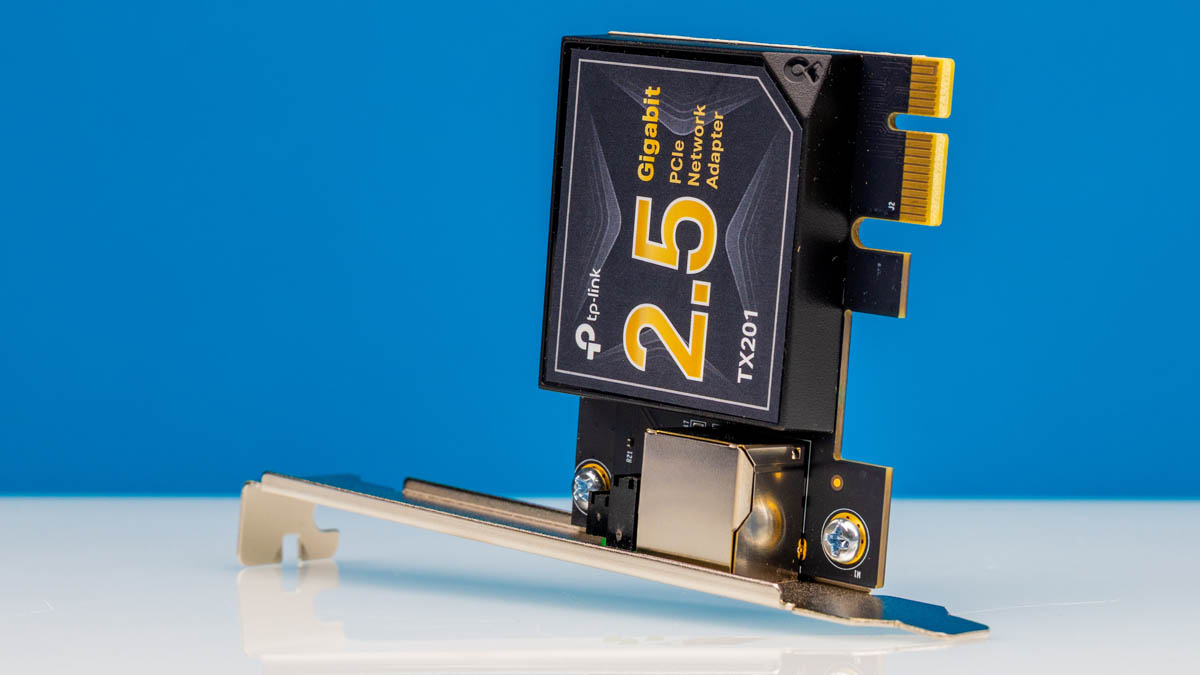
This TP-Link TX201 is a fairly simple card. It is a 2.5GbE Realtek RTL8125-based PCIe network adapter. We purchased a bunch of these 2.5GbE PCIe x1 adapters just to bolster our coverage. At $29, this is not the least expensive part, but many have heard of TP-Link as a brand, so perhaps that is a reason it sells for a small premium. We figured we would at least take a look at this one.
Here is an Amazon affiliate link to the adapter we purchased.
TP-Link TX201 2.5GbE PCIe Adapter Overview
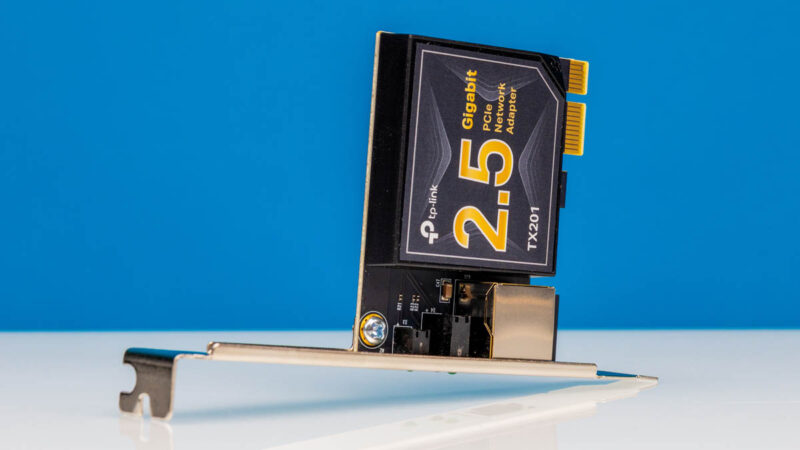
The adapter itself is very simple with a single port and LEDs for status.
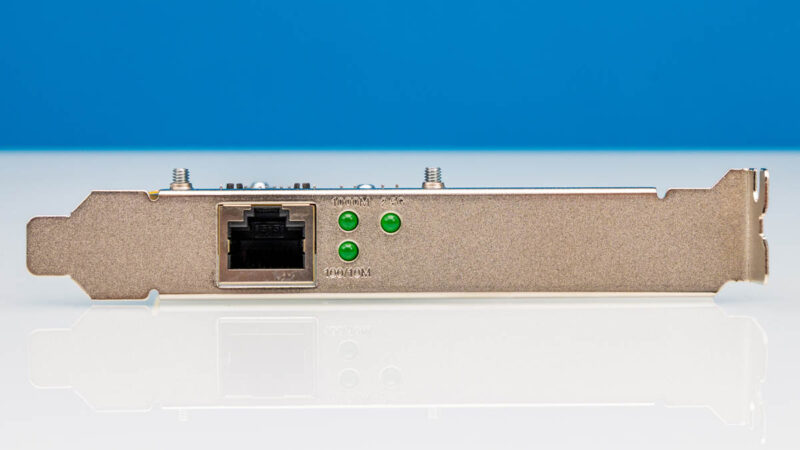
We have the full-height bracket installed, but it also came with a low-profile bracket.

Something different here is that this almost looks like a WiFi NIC board since we have the network controller fully covered in a case.
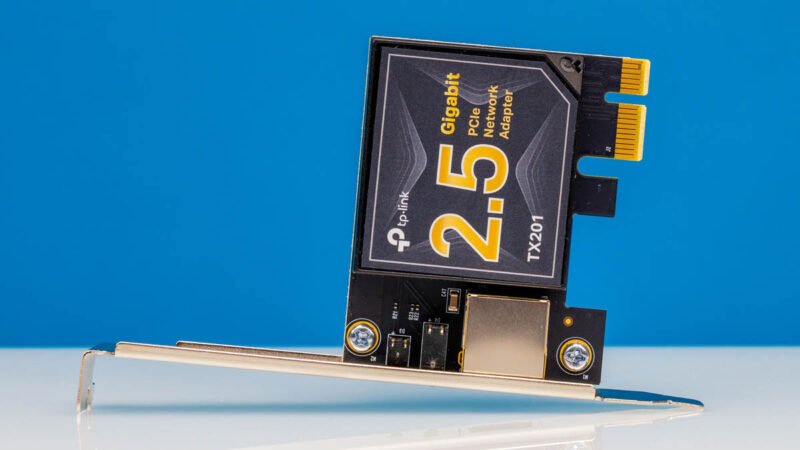
Unlike other 2.5GbE NICs with a similar form factor, this case is relatively thick and extends over most of the NIC.
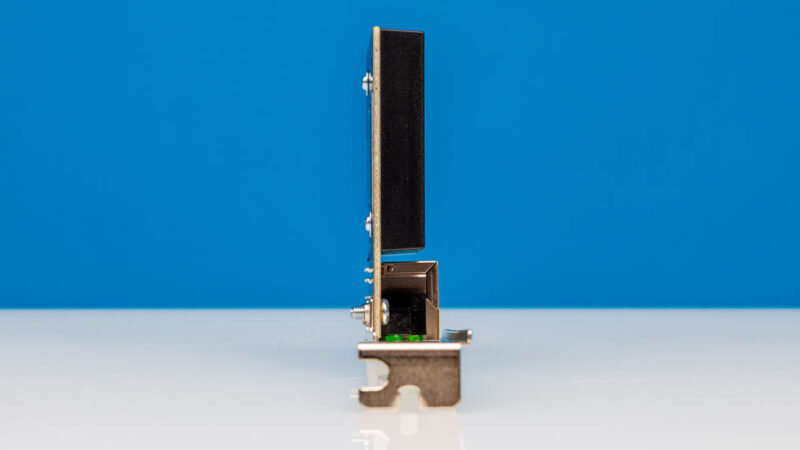
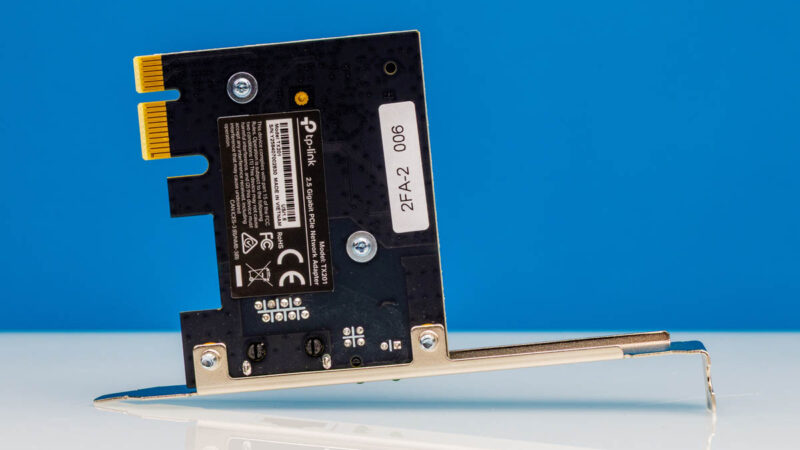
The back does not have much, other than labels. You can also see that this is a PCIe Gen2.1 x1 NIC.
Next, let us get to the performance.
TP-Link 2.5GbE PCIe Adapter Performance
We did a quick iperf3 test with this NIC:
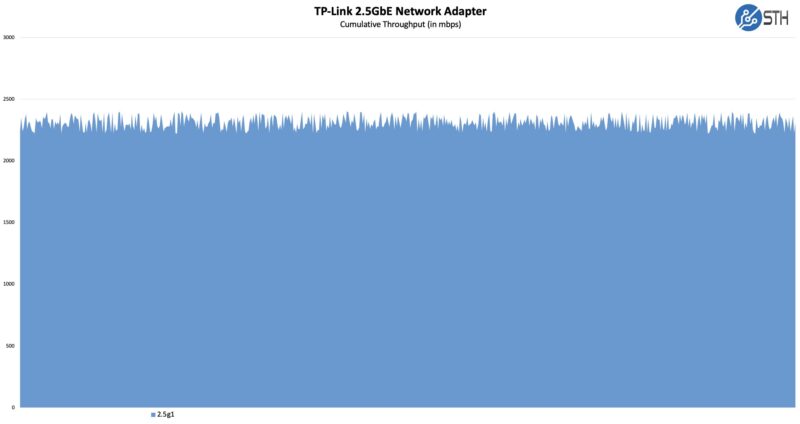
Performance here was identical to the BrosTrend 2.5GbE PCIe Network Adapter that we looked at previously, as well as other Realtek RTL8125 NICs.
Have We Seen This Before?
Something we considered when we purchased this was that we were effectively buying the exact same NIC multiple times. Just to give you a quick one, if you have seen our previous reviews, here is the TP-Link TX201:
Here is what we thought was the same at first, the BrosTrend 2.5GbE PCIe Network Adapter.

While we have a black PCB and a metal cover over the NIC chip, on the TP-Link that also covers the transformer.
Final Words
Overall, this NIC worked; it supports 2.5GbE speeds and uses relatively low power at low single-digit watts. If you just want to add 2.5GbE to a system with a free x1 slot, then this NIC at $29 is a bit more expensive than other Realtek-based 2.5GbE options, but it works.
To me, the question is whether you would spend $5-12 more for a TP-Link over the BrosTrend or another option. In this segment, oftentimes it just comes down to price and if you prefer a brand or small variances in cooling solutions.
Where to Buy
Here is an Amazon affiliate link to the adapter we purchased.

I went with NICGIGA 2.5 when homelabbing a Proxmox cluster.
I’d hoped for a bit more depth. For example, does VMware esxi – still running in a lot of home labs – support this card? What chipset does it use?
If this is pci express 2.1 how can it be 2.5GB?
A single pcie 2 lane is only 1/5 of that bandwidth. Am I missing something?
@Jeremiah You are confusing gigabit and gigabyte. This card is gigabit, it works out to around 300 MB/s. A single lane of pcie 2 can do 500 MB/s, more than enough for this card.
1G/2.5G/5G now or should be EOL (maybe not for low bandwidth management interfaces) with 10G now slowly becoming common and not much more expensive, yes we still have to get the 8+port 10G switches down to the 2.5G pricing.
@manek dubash
It uses the Realtek RTL8125.
Wish you knew more about technology before being allowed to have a website /blog, because your lack of knowledge deters people who are even dumber than you . You know nothing about TP link history, historical chop shortages. You say they charge a premium because people heard of them, that’s so dumb and a lie.
@DumbPeopleEverywhere, could you please expand on your critique? Like, provide missing info or correct where it’s wrong. That’s how this website/blog thing works. We are here to get information, whether from the article or from the comments. You seem to be knowledgeable, but can you be useful to the others? Or point us to your website/blog?
Does it need any new drivers or its simple plug and play for windows or for proxmox ?