


Today, we are taking a quick look at the ASUS ExpertWiFi EBG19P. This is a router/ firewall device capable of multi-WAN, and importantly, PoE+ across eight ports. With its onboard switch ports, PoE+ capabilities, and the ability to act as a router, we thought we would give this one a shot.
If you just want to check current pricing, here is the Amazon affiliate link to the unit.
ASUS ExpertWiFi EBG19P Hardware Overview
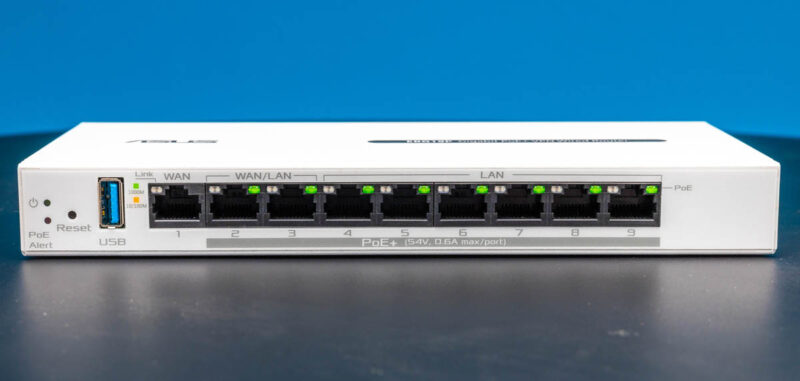
For this one, we are just going to take a quick look at the hardware. The front of the switch has our status LEDs, then a USB port. That USB port can be used for scenarios like adding network storage. Then there are nine ports. One is a dedicated WAN port, and then there are eight more LAN ports. These ports are PoE+ capable with up to 123W available across those ports. Two of them can also be used as WAN ports.
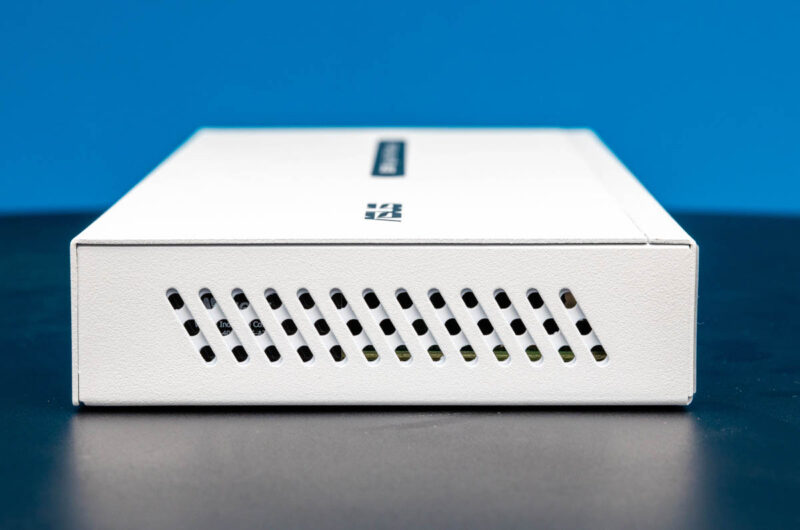
On the side, we get airflow vents.
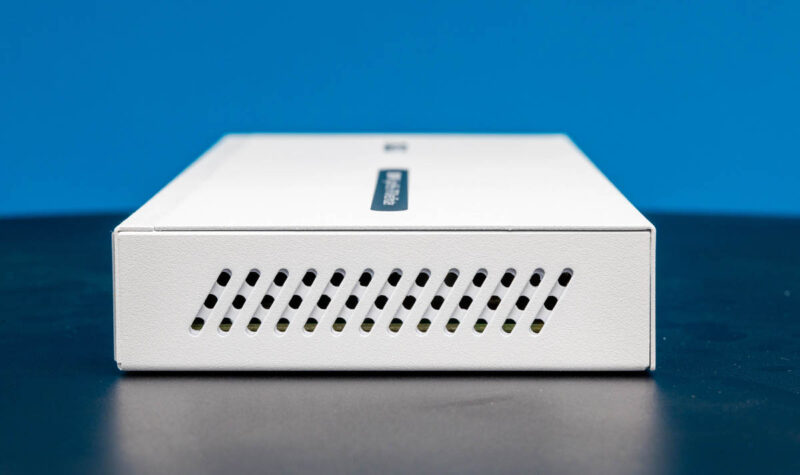
We get the same on the other side.
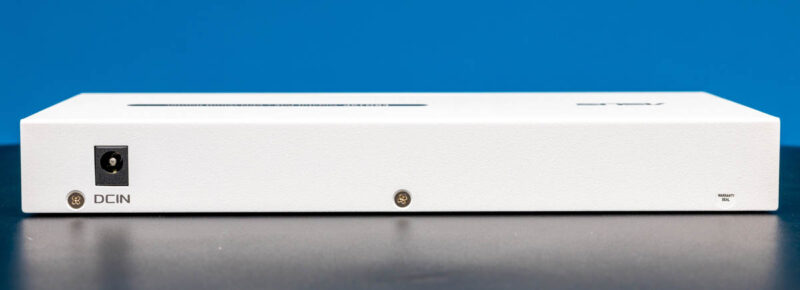
On the rear, we get a DC input. It would have been nice to also get a power supply retention clip or screw on locking mechanism to keep the power secure here.
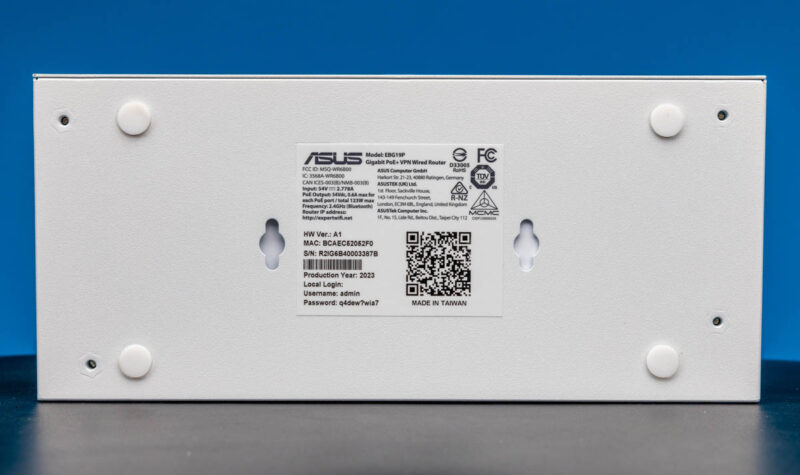
On the bottom, we get connectivity information, but also rubber feet and holes for mounting.
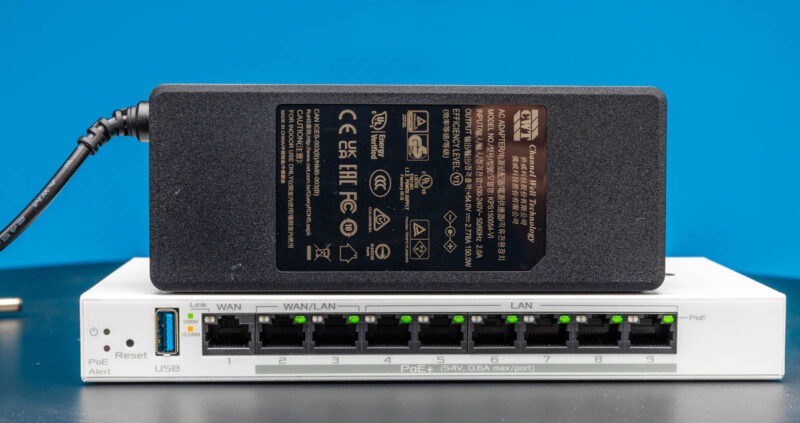
Since this is a PoE+ switch, we also get a larger power supply. This one is a Channel Well 150W PSU.
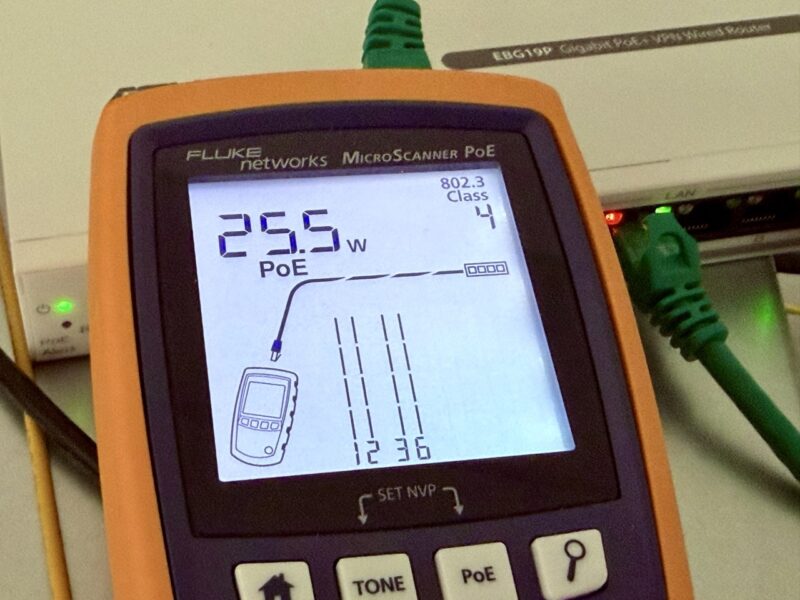
We tested the PoE+ capabilities, and our Fluke MicroScanner PoE gave us the 25.5W we would expect.
Next, let us get to the management.
ASUS ExpertWiFi EBG19P Management
ASUS has an ExpertWiFi phone app, but it also has a web management interface. The web interface is easy to use, but by default, you get timed out relatively quickly and then have to log in again.
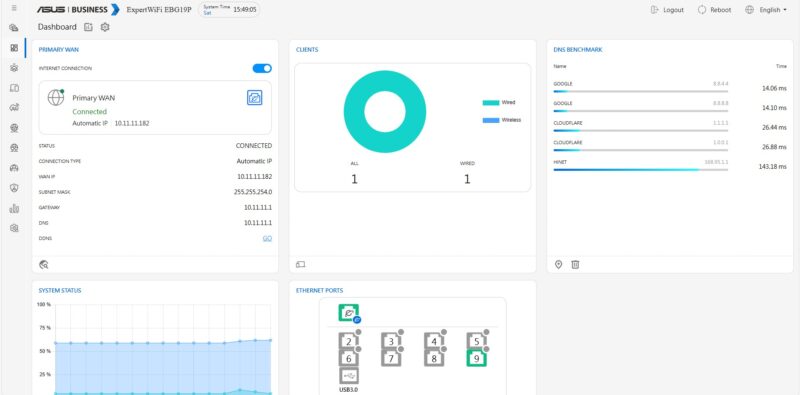
You can see connected clients, which is especially useful when this is used with WiFi products. This has the WiFi controller software built-in so you can just add access points as needed.
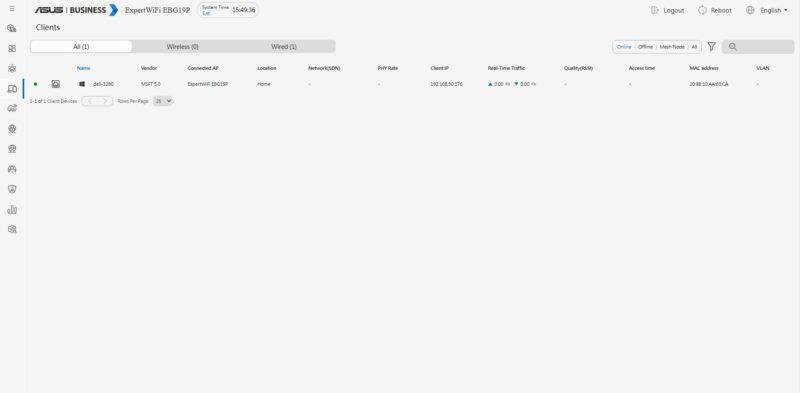
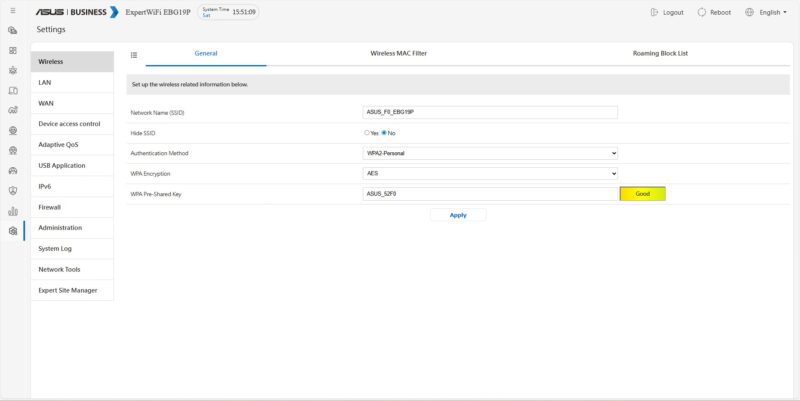
You can change many settings in the interface and it is relatively easy to use.
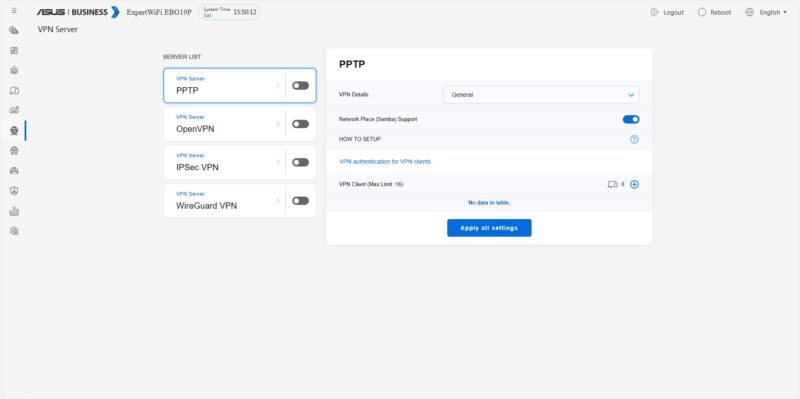
You can also set up VPNs from here. We have an option for WireGuard, but we did not see a default Tailscale or Headscale option here.
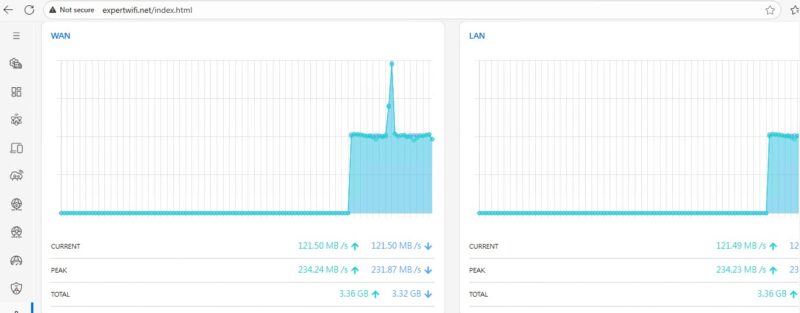
The traffic monitoring capabilities were OK as you get some basic charts and statistics.
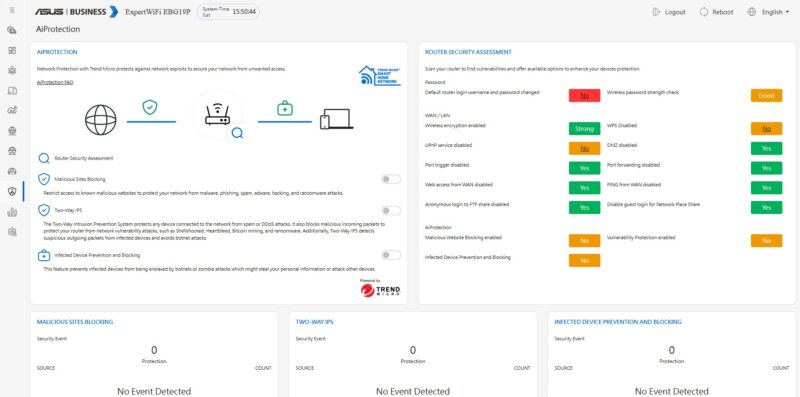
ASUS also has AI protection features that we did not turn on, powered by Trend Micro. We actually had traffic emulated through many countries and many applications during our testing, but we did not get to try this feature. We will likely start turning these on in future pieces. That will be the next layer in our performance testing. Still, ASUS has a nice dashboard here.
Next, let us get to the performance.

no wifi in a product with wifi in the title?
@confused It has Asus’ wifi controller software installed, so you would get a few WAPs like the ASUS ExpertWiFi EBA63 and be able to configure and control them from this device.
Also, a question for the team, can we get the images to pop out to full size with one click on the image, instead of redirecting to the gallery and then clicking for full size?
Disappointed that he has no 2,5 Gbps
DiHydro has an excellent request.
DiHydro is correct on the controller software.
On the images thing, I get it. We ran an A/B test on this a few months ago. It actually has an impact on bot traffic as well so there is a bit more to balance.
This looks like a really nice device, but I would be willing to go up to $200-$225 to get the ports up to 2.5G with one at 10G. 1G speeds seem a bit 2010 at this point.
Does it have PoE on the WAN port? Would be great if it did then you can hook up some PoE access points use a splitter on your ONT and then power it from a UPS and your internet will stay up with the power out.
This is really interesting, I work in networking, my house is church to all things network.. and I never knew ASUS had this.. so this was eye opening, and more competition in the smaller SDN space is really welcome.
But “ASUS has folks that just want to use ASUS”.. this feels like a copy and paste from a parallel universe
What’s interesting is that this “pro” product doesn’t have 2.5 Gb ports, even though Asus launched its consumer series with multigig ports long, long before this product was released. It looks like the developers aren’t communicating with each other.
P.S.
Things are stinking up in the ASUS kingdom!
The ASUS ExpertWiFi EBA63 access point advertised speed on WiFi 6 is 2402 Mbps, but the ethernet port connection on AP side is 1Gb as it is on EBG19P Router/Switch….
I wouldn’t even call this a stinker, but a scam.