

Today, we are taking a look at the CWWK X86-P6 NAS. It combines the new Intel N355 8-core processor (with a twist) and M.2 SSD slots to make something that is small, yet capable. We also had a lower-cost (sub $199) version with the new Intel N150 4-core processor, and came away with an unexpected outcome. This is a tiny system that has been in my bag for over two dozen flights and well over 35,000 miles at this point, and I think I have some interesting observations.
Of course, for this one we have a video:
If you want to check for these, you can find them on CWWK’s site or on normal reseller sites like AliExpress (affiliate link.) Here is an Amazon Affiliate link to a seller we found there. As always, check with the seller if you want some of the accessories, like the USB fan, and if they are included. Here is an Amazon Affiliate link to the Crucial P3 Plus 4TB SSDs we use for this class of systems.
CWWK X86-P6 NAS External Hardware Overview
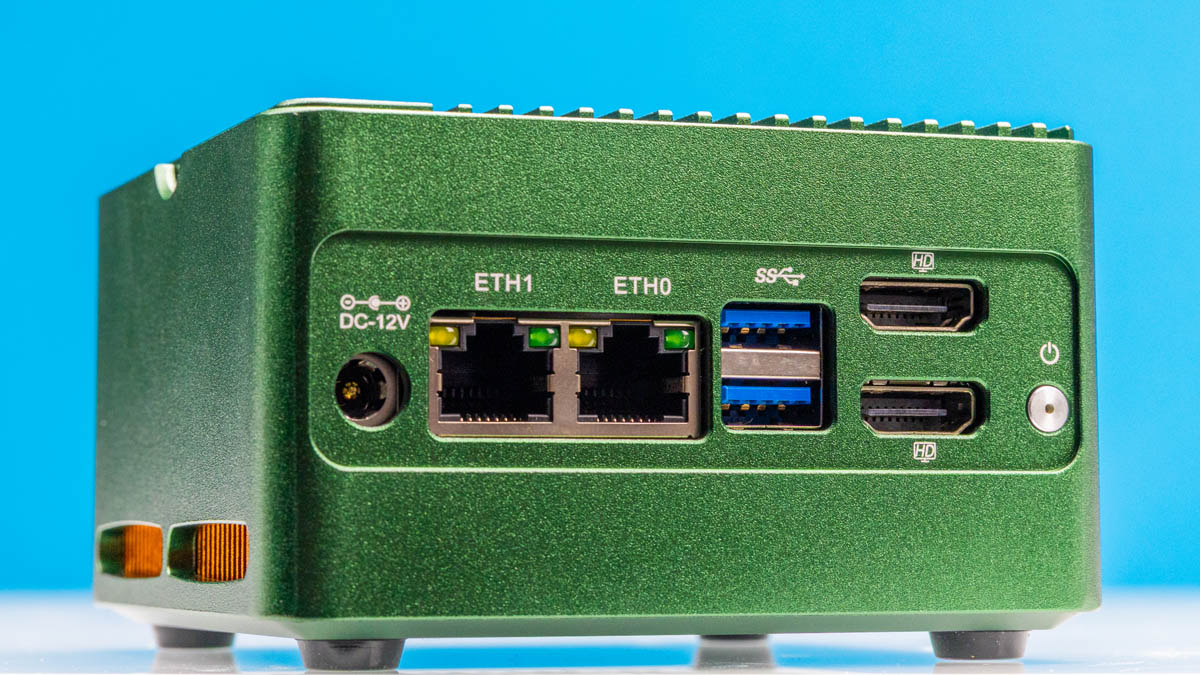
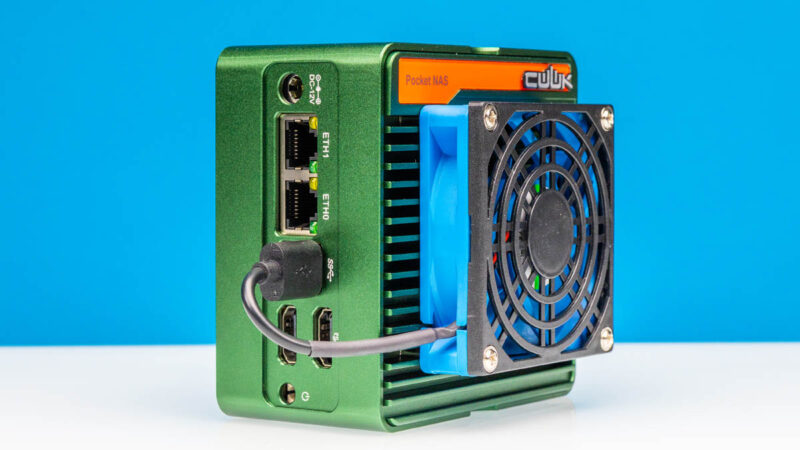
The main panel of the unit is this one with a DC 12V input, two 2.5GbE (Intel i226-V) NICs, two USB 3 ports, two HDMI ports, and a power button. If you need to plug in a keyboard, mouse, and a USB stick for setup, then you will want another USB port. You may actually want two more once you see one of the accessories.
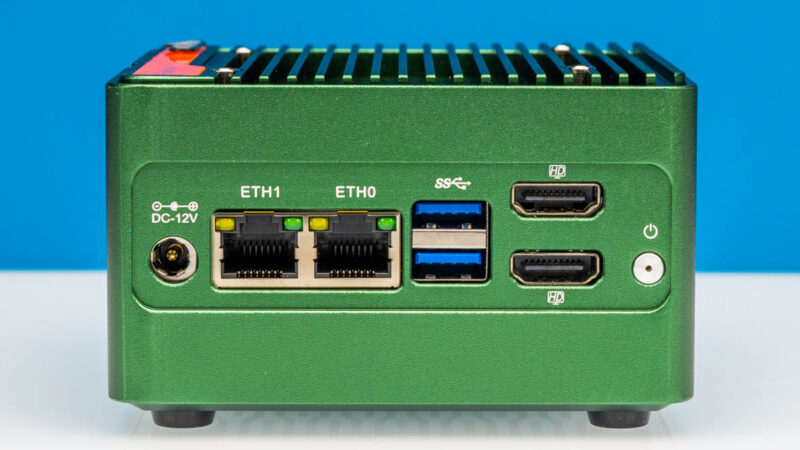
In this review, we had two units. The black one has an Intel N150 processor while the green has the Intel N355. Other than the CPU SoC and the color of the chassis, they were virtually identical, so we are mainly going to use the green one for photos.
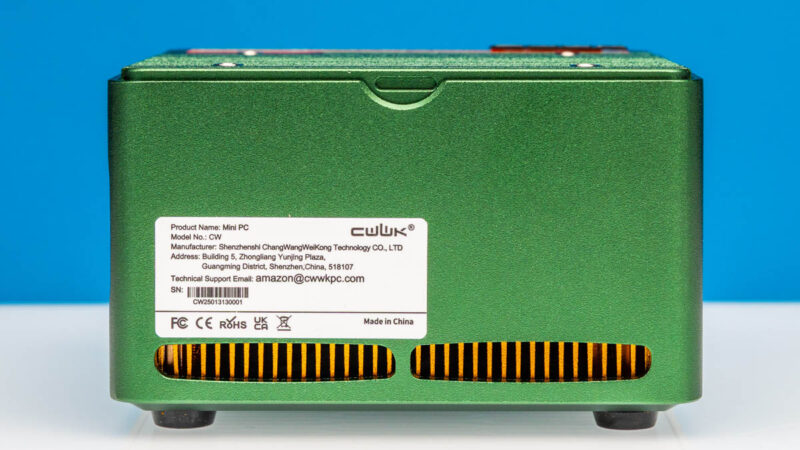
On the side, we get a label and vents. The label has a support e-mail that lists amazon@cwwkpc.com as how to get technical support. That is a bit different than something like a Dell, but it is one of the reasons it is a lower-cost system.
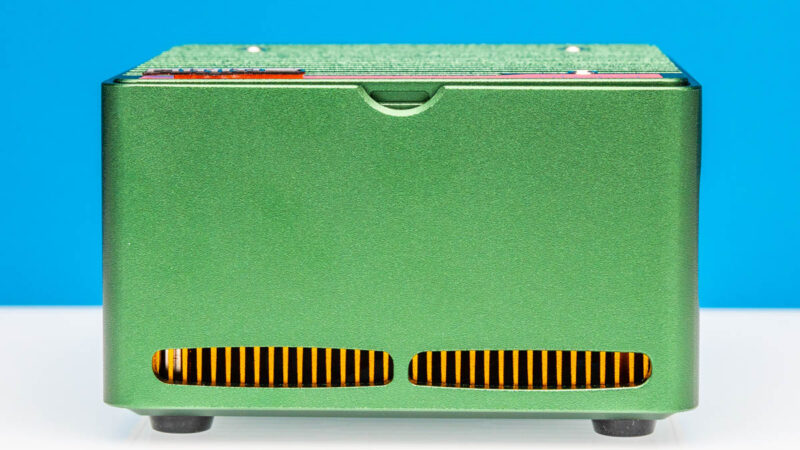
On the other side, we get more vents.
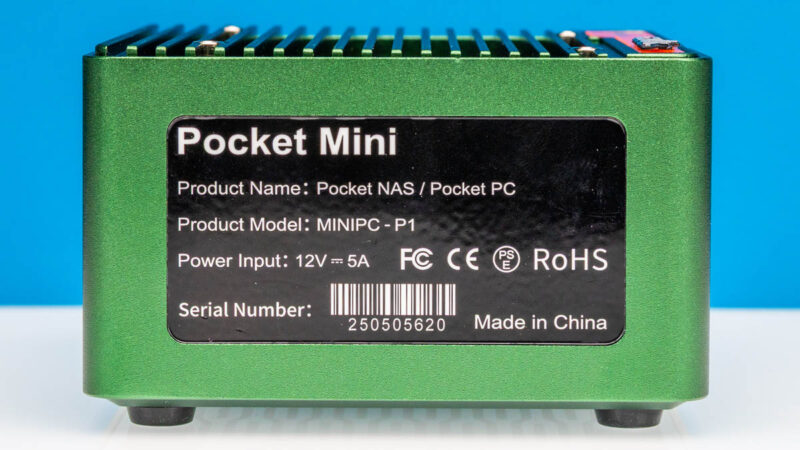
Finally, we get another label with the serial number.
On the top, we get a heatsink top with holes for a fan.
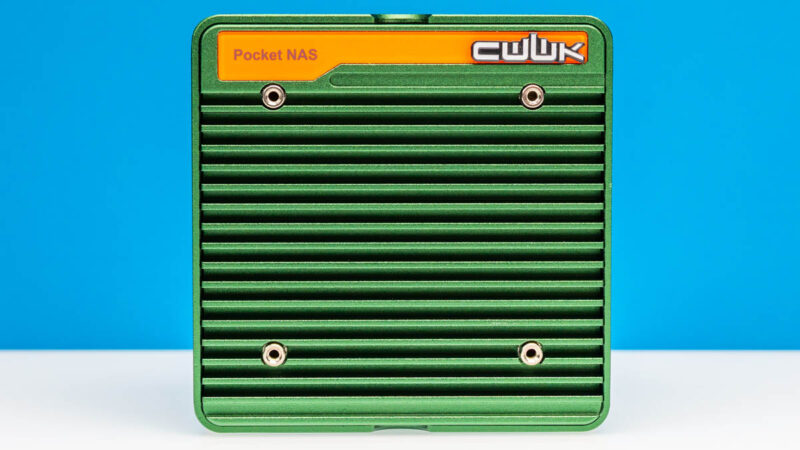
With our systems, we got USB fans that you mount to the top and then plug into a USB port. This helps cool the SSDs which we will see as we get inside, but it also occupies one of our two USB ports.
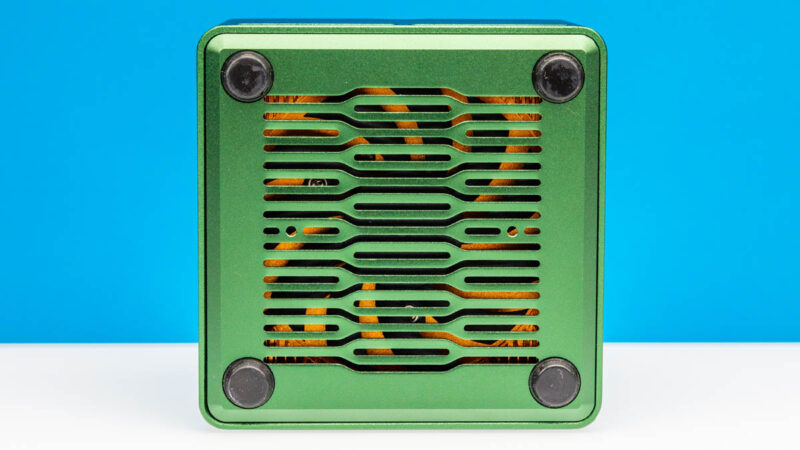
On the bottom, we get a large vent for the SoC fan. Underneath the rubber feet we get screws to open the bottom panel.
Next, let us get inside to see how it works.


I wish more of these would be built somewhere else than China. I pretty much stopped watching your videos, because all you show is Chinese stuff. Sigh….
Bought the N150 back in February, plopped a 48 GB RAM stick and 4×4 TB SSDs in (2x Samsung 990 EVO Plus & 2x WD Black SN850X). There seems to be some kind of power and/or thermal issue, as a RAID10 configuration kept failing after a few seconds of benchmarking/stress testing. There’s a couple of similar reports from other users on Reddit as well.
I suspect it’s either that the 3.3 V cable powering the NVMe board is too thin to handle the peak current draw, or the PCIe switch (which splits the single PCIe 3.0 x4 into four x1 lanes for each M.2 slot) overheating. The SSDs are not visible in BIOS for several minutes after such failure occurs, so I’m leaning towards the switch chip being the culprit.
The only reasonably stable configuration is with 2 drives (but don’t try pegging the CPU/iGPU too hard…), at which point the 4-slot daughter board is kinda pointless.
Overall, my system running TrueNAS SCALE with two SSDs in a mirror runs pretty warm and idles at 18-27 W, which is suspiciously high.
Like the “Unreliable” commenter said, most of these mini NAS systems don’t supply enough v3.3 power to the m.2 slots. I’ve experienced the same thing on two other brands of mini NAS. It’s frustrating that print and YouTube reviewers neglect to test for this, seemingly only using cheaper non DRAM SSDs in their reviews. Leaving consumers that buy bigger SSDs to have surprise problems after they already bought their gear.
I see a lot of “default string” in your stats and tables, this must be a bug. Thank you very much for all the valuable information on STH!
@Patrick: Please, could you fix your strings? As written on 08/25, some Informations are missing.
@Unrealiable: Your WD Black SN850X pulls 8 Watt each…. So no wondering about failing raid-sets und tests.
Comments are closed.