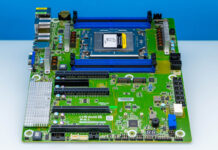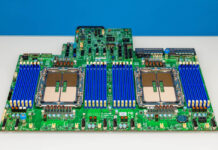
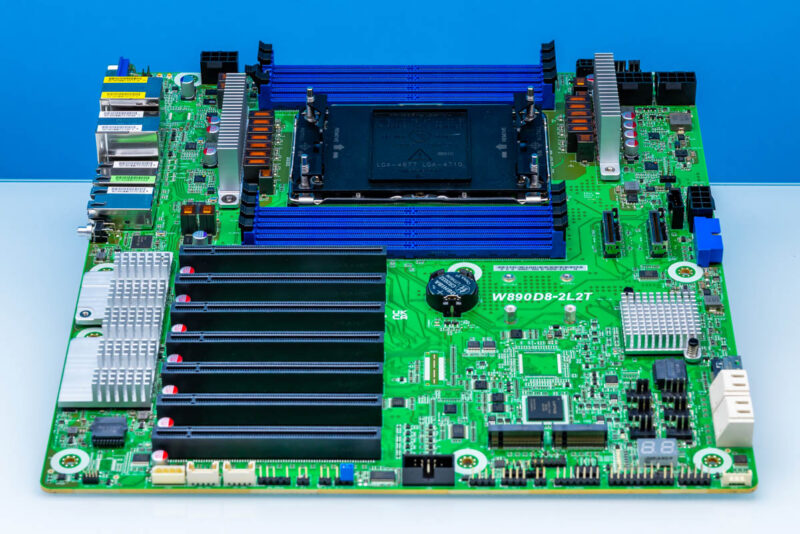
The ASRock Rack W890D8-2L2T is a really interesting motherboard because it brings the Intel Xeon 600 series, primarily for workstations, into a form factor that can be used as a workstation, a server, or a data center/rack-mounted workstation. That latter category is becoming more exciting. Beyond the appeal of having relatively high-core-count Xeon CPUs with eight memory channels in a workstation, many are using this type of platform to host GPUs and accelerators. As great as those are desk-side, that is pushing more of these types of platforms into a rackmount form factor as well. That makes this type of platform very flexible, so let us get to the hardware.
ASRock Rack W890D8-2L2T Hardware Overview
If you cannot tell by the motherboard shot, the form factor on this one is a bit different. It is “CEB-like” at 12″x10.9″. Double-check the mounting stand-off pattern you are using and the size of the case you have, since that large socket and DIMM array take up a good chunk of the motherboard.
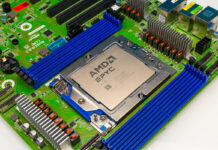
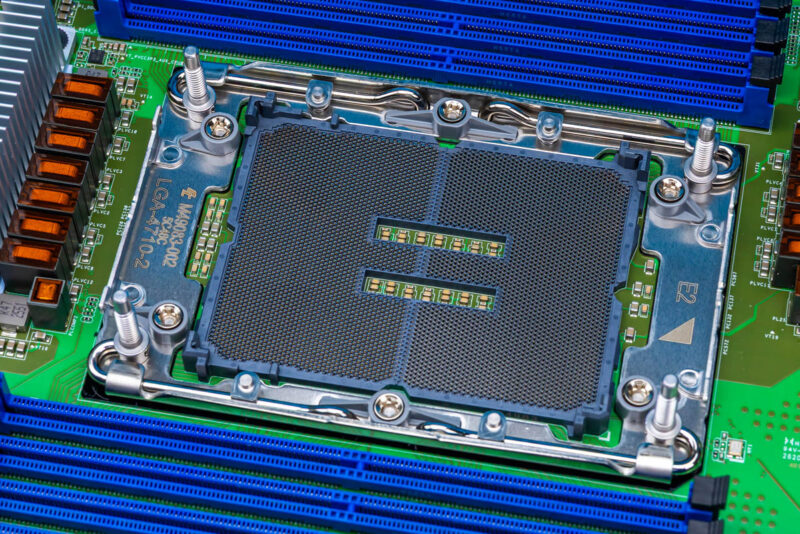
Regarding the socket, we have an Intel LGA4710-2 “E2” socket on the motherboard.
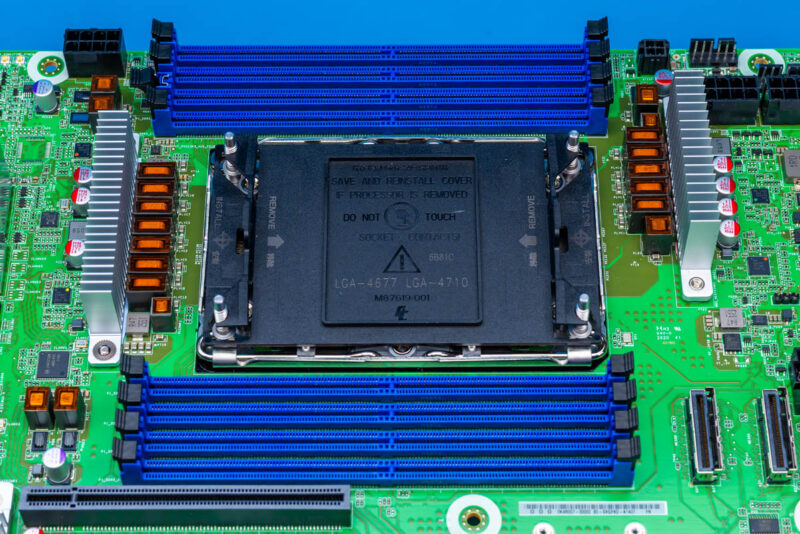
That is surrounded by eight DDR5 ECC RDIMM slots.
Going down the left side of the motherboard, the big feature is clearly the PCIe slots. There are seven PCIe Gen5 x16 slots that can also be CXL 2.0 x16.
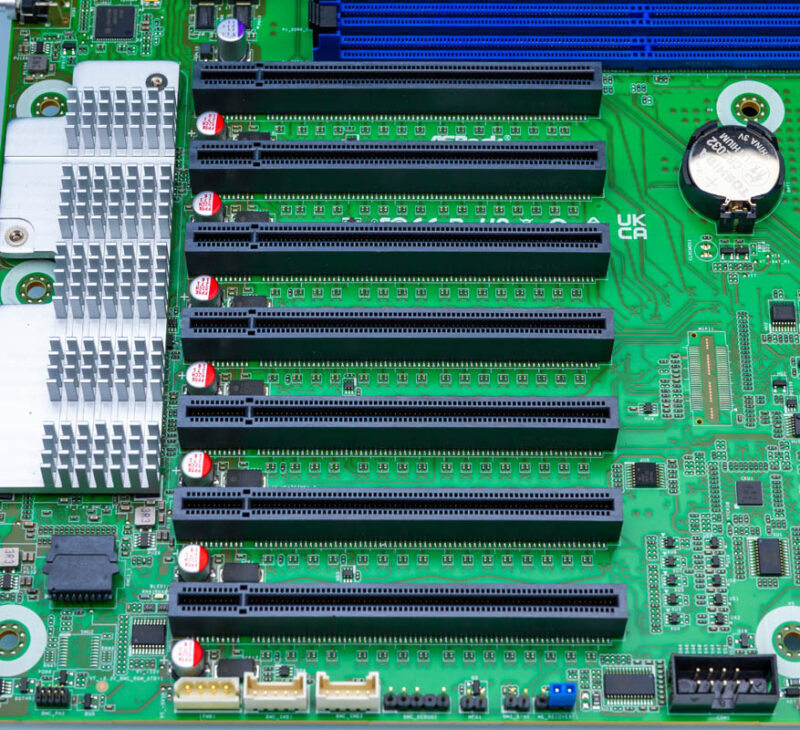
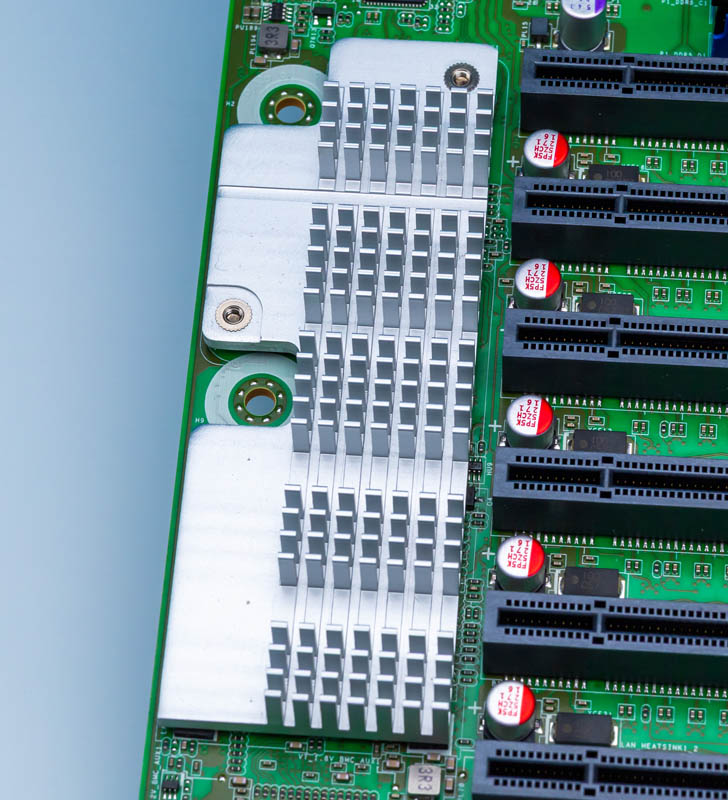
Next to that, we get the heatsink primarily there to cool the Intel E610 dual 10GbE NIC.
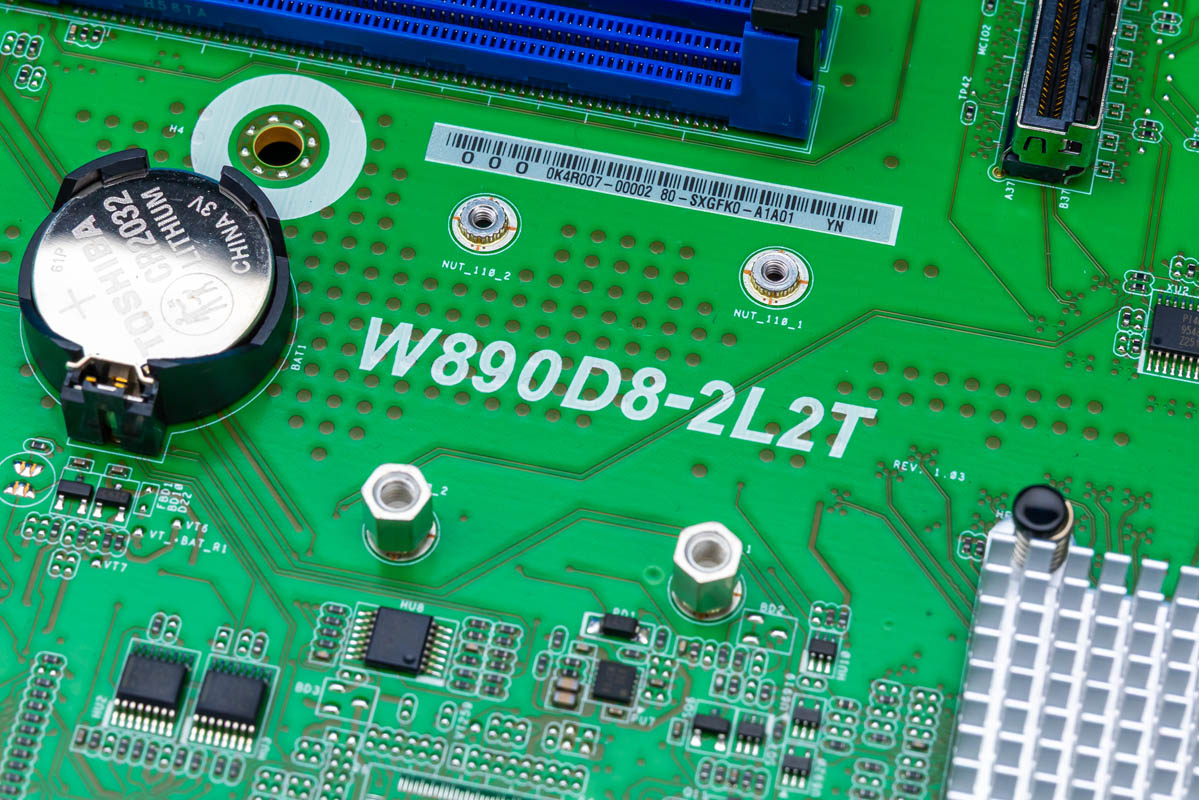
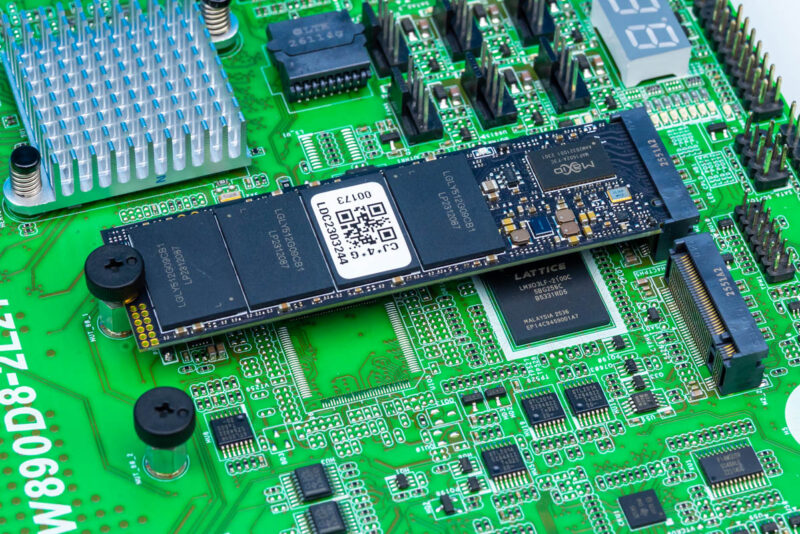
Expansion also includes two M.2 slots. You can see we have an M.2 drive installed in one of them, but they are both PCIe Gen4 x4 slots.
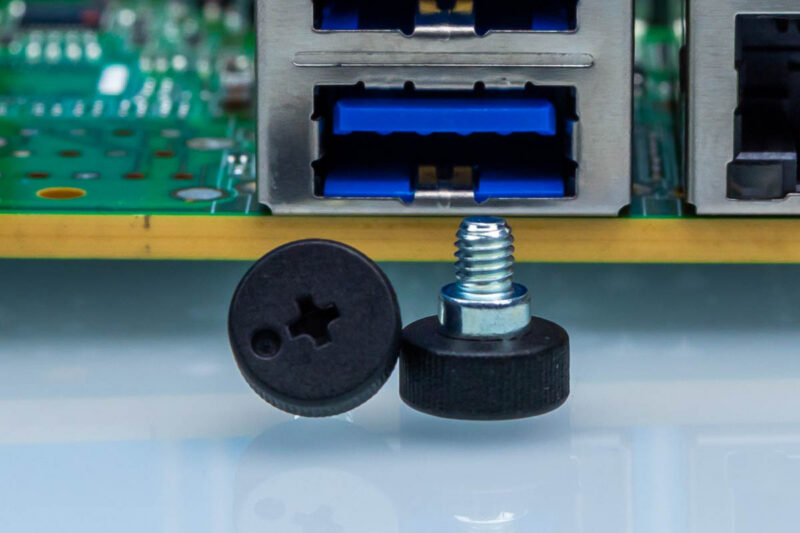
Many vendors have moved to tool-less M.2, but ASRock Rack supplies surprisingly nice thumb screws. We have seen these on a number of ASRock Rack motherboards, but have not really called them out as much as we should have.
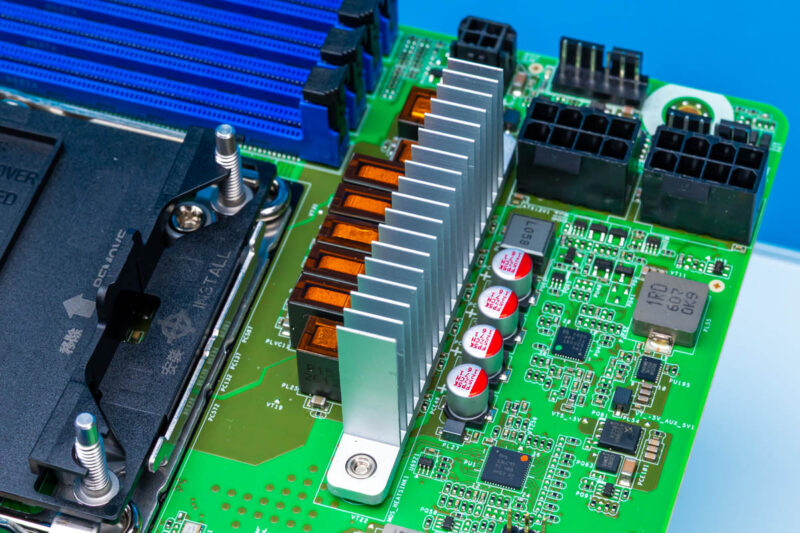
Next to the CPU socket and memory, we get ASRock’s 4-pin header for its ATX power trigger. We also get fan headers and two eight-pin connectors. There are a total of four 8-pin power inputs, so make sure your power supply is up to the task of powering this, as finding that many CPU power inputs is not easy.
Onboard, there are also two MCIO x8 connectors that are PCIe Gen5/ CXL 2.0 as well.
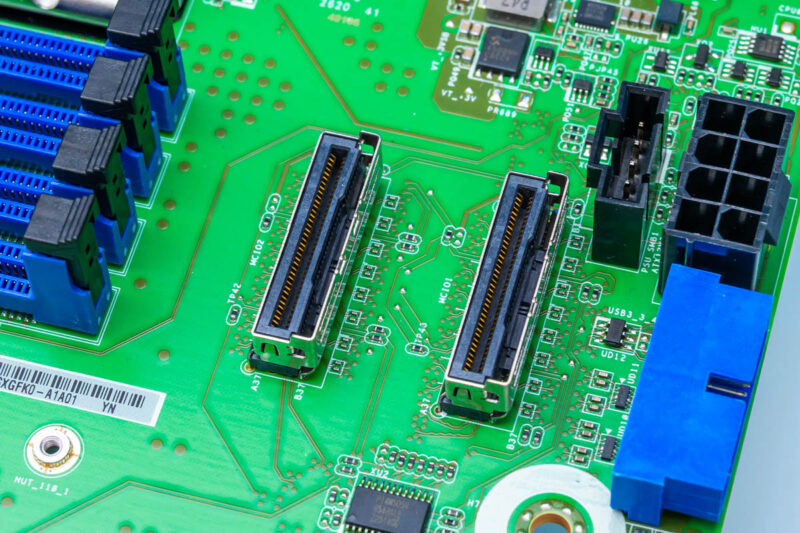
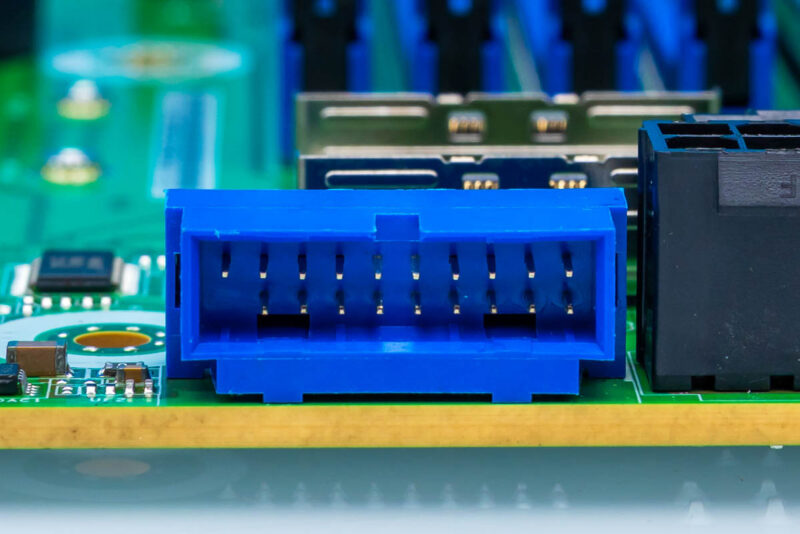
We get a front panel USB 3 header.
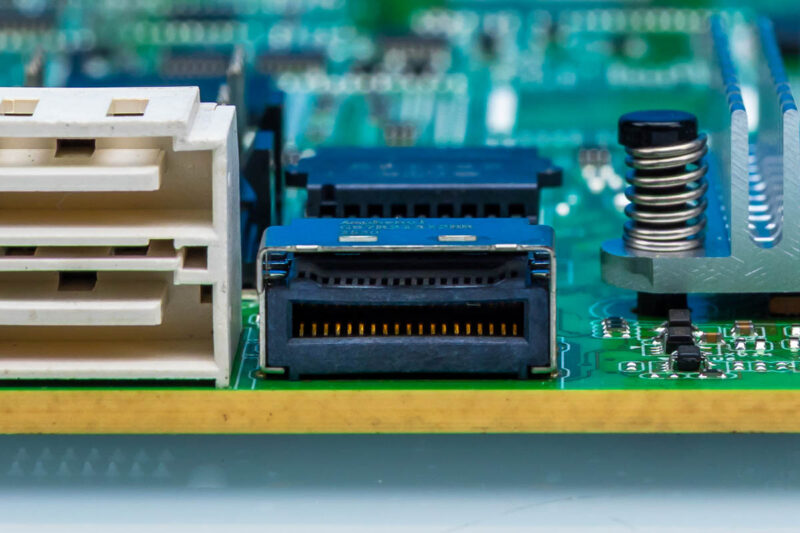
Then there is a PCIe Gen4 x4 MCIO connector that can also run as 4x SATA ports.
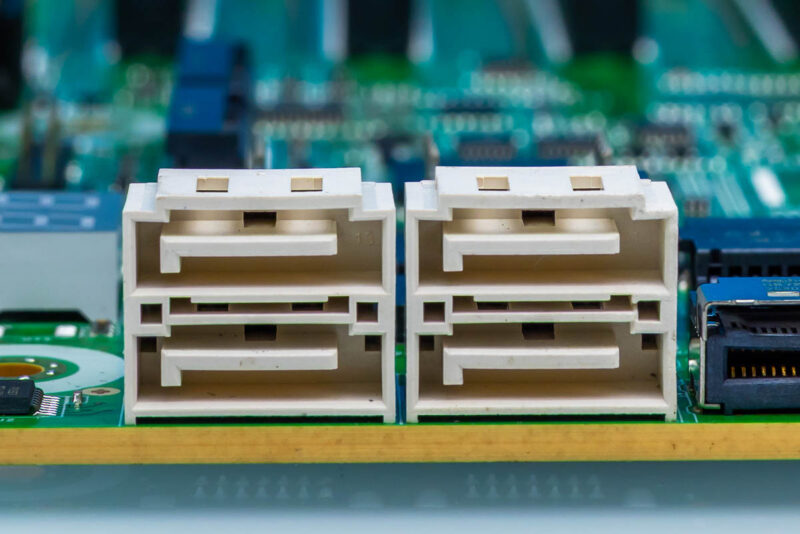
There are also four SATA ports onboard. This is neat since it provides an easy path to eight SATA drives for those running hard drives in their systems.
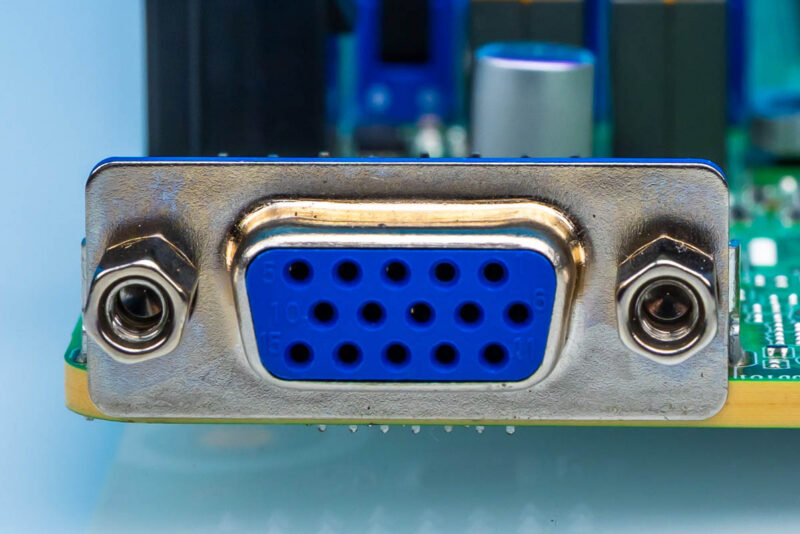
Getting to the rear I/O, there is a VGA port from the ASPEED AST2600 BMC that is covered by a heatsink.
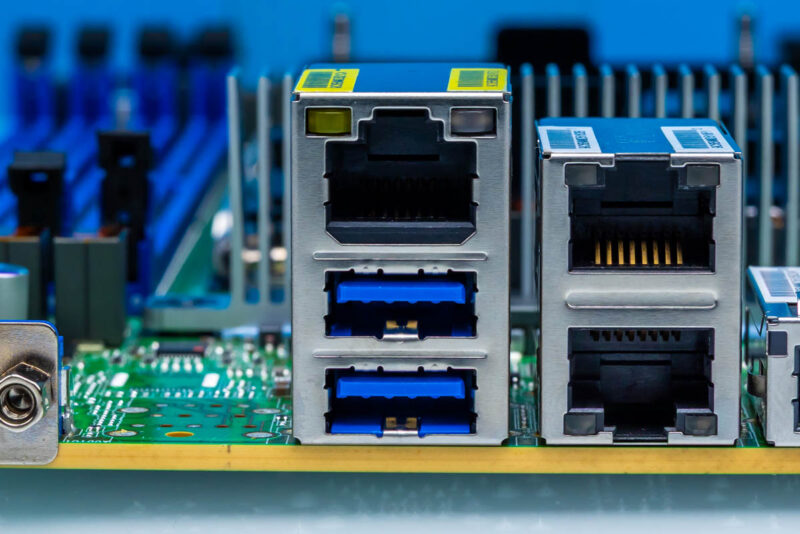
Next we get the out-of-band IPMI management port and two USB 3 ports.
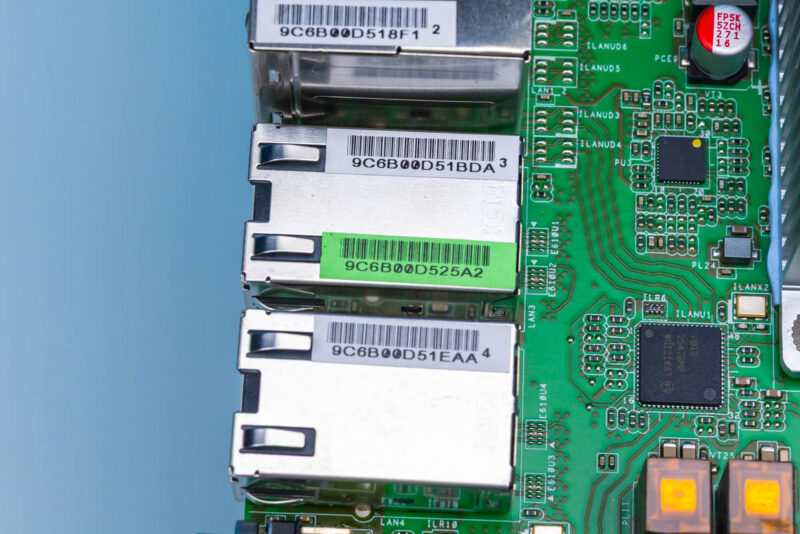
The two stacked network ports are for the Intel i210 1GbE NICs.
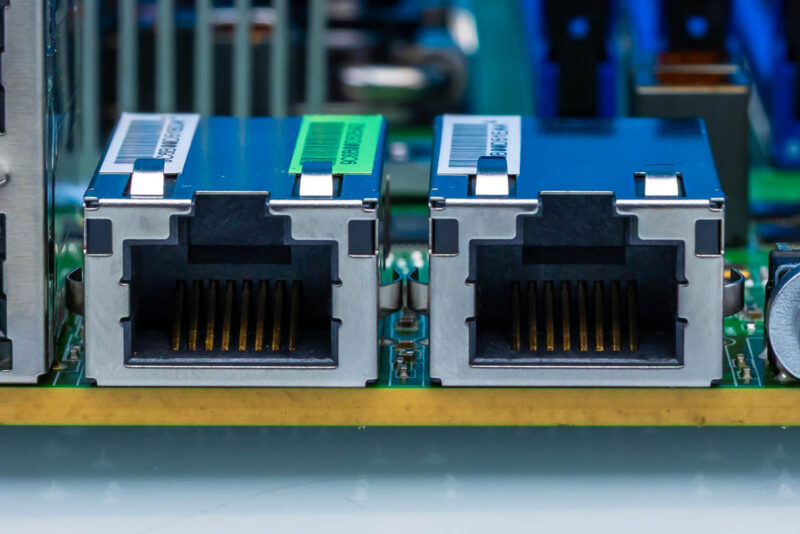
This pair of motherboard ports is for the Intel E610 dual 10Gbase-T networking.
Next, let us get the motherboard assembled, plugged in, and start with the topology.