ASRock Rack W890D8-2L2T Accessories
I always like to have something interesting to cover when doing motherboard reviews. For this one, I thought it might be worth focusing on some accessories beyond the M.2 thumb screws we showed earlier.
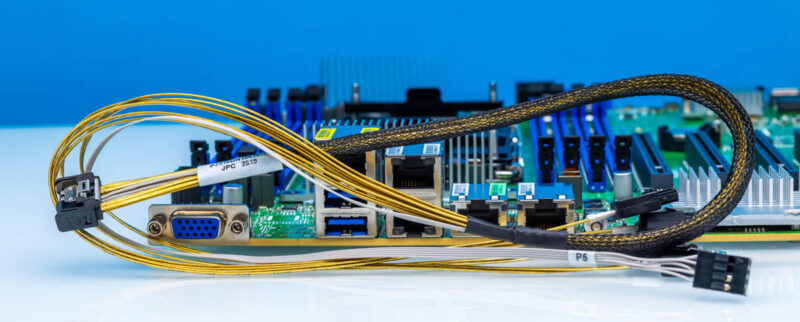
For this one, we mentioned that the MCIO x4 connector can run either in PCIe Gen4 x4 mode or as 4x SATA. Here you can see the cable you would use for the MCIO x4 header.
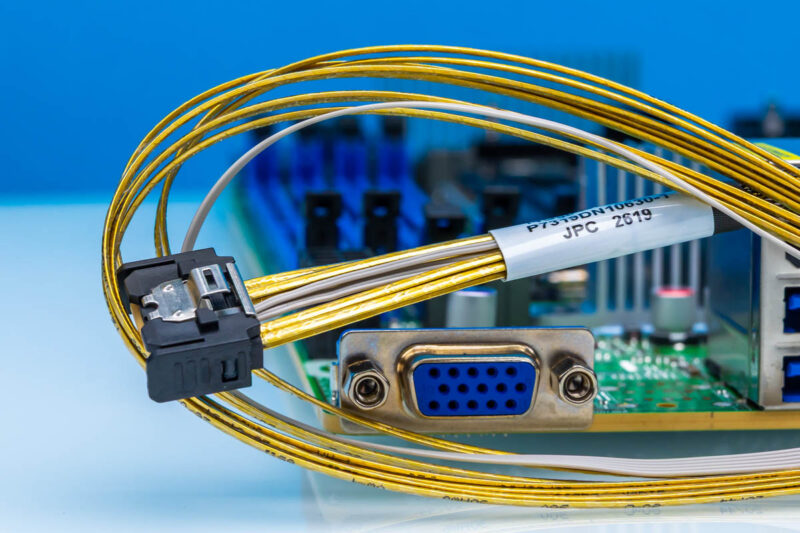
It breaks out to four ports with the status header.
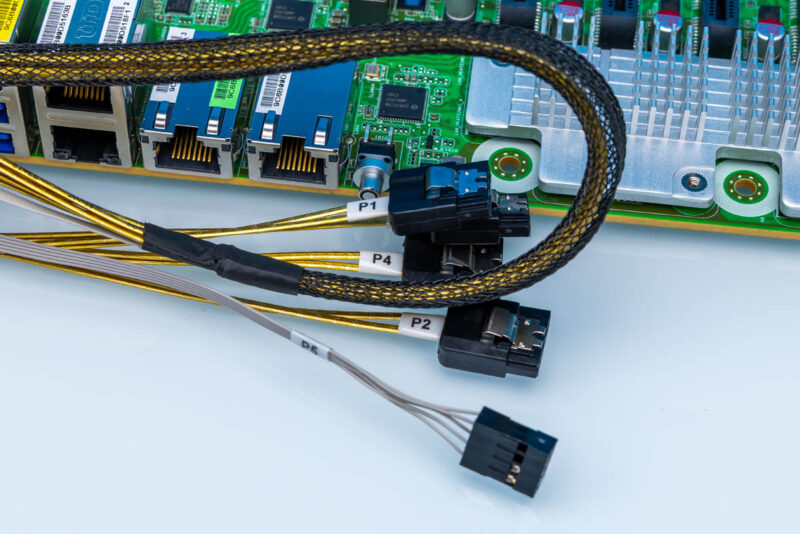
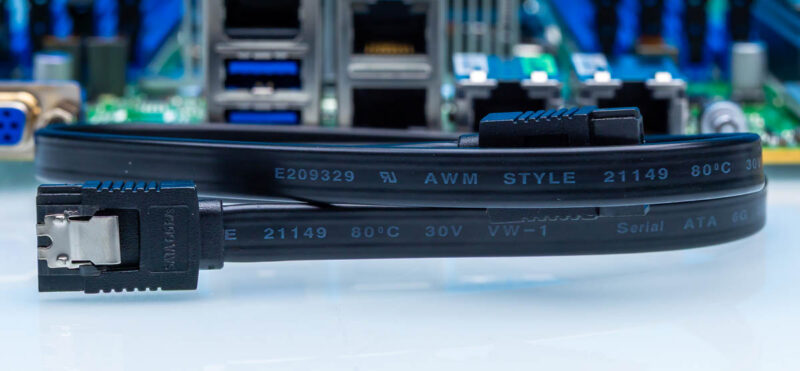
You can also just use four standard 7-pin SATA headers directly on the motherboard. Overall, we do not see as many platforms optimizing on SATA these days, so it is just neat that ASRock Rack is doing that on this platform.
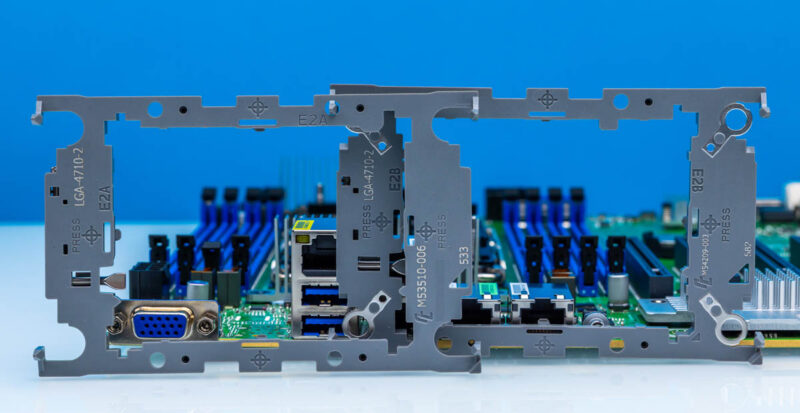
Another big one is that you need to use the correct bracket, either E2A or E2B in order to install the CPU. The basic motion is that you install your CPU into the bracket (use a table/ manual to look up which you need). Then you install the CPU and bracket onto the thermal solution. Then you install everything into the motherboard.
One item that surprised me a bit is that this motherboard uses the ATX power trigger adapter found on many ASRock Rack motherboards.
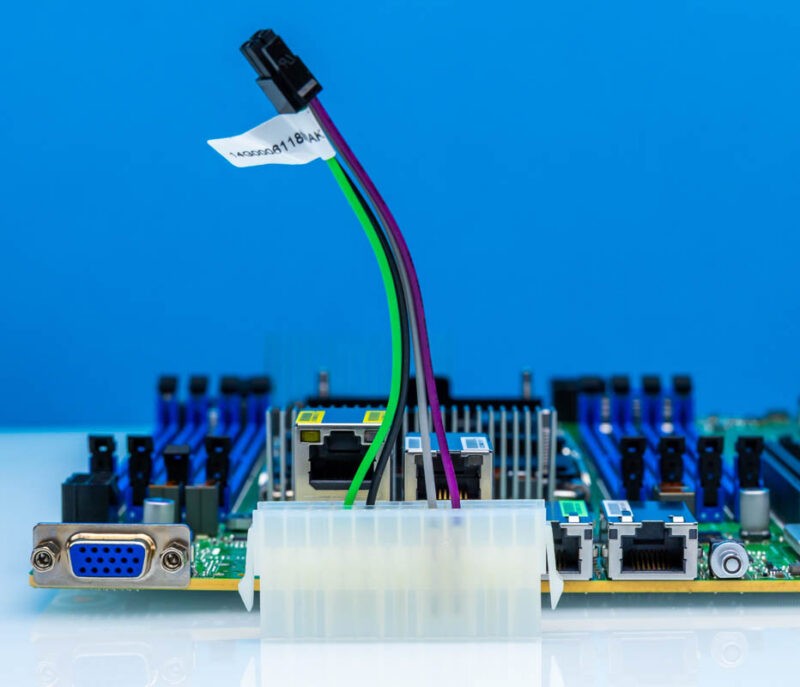
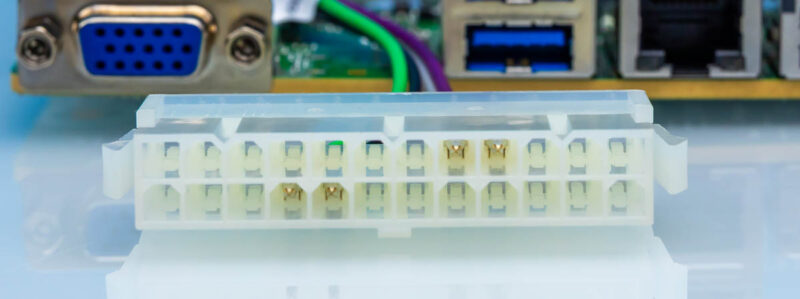
Since you do not get a standard ATX power header, you plug the 24-pin ATX power supply connector into this one, and then there is a little four-pin header on the motherboard that is used to trigger power-on. To me, this motherboard feels like it has enough room for an ATX power connector onboard, and I prefer that to this solution on larger boards, since finding a PSU with four CPU power cables is harder. We have the luxury of having shelves with everything we need, but not everyone does.
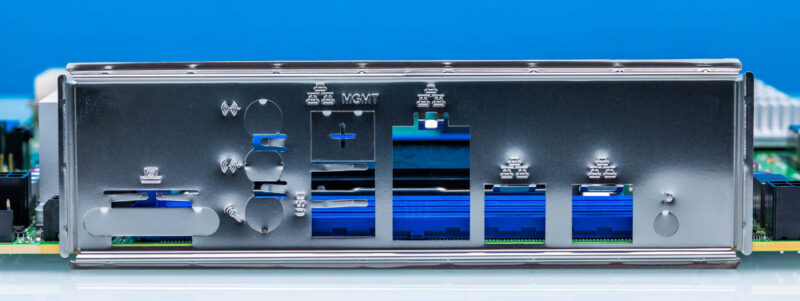
Then the I/O shield. This is not spectacular, but it is fun to think about how far we have come in computing with basically this same I/O shield design.
Folks generally do not ask about accessories, but we thought it was worth taking a few moments to look at them.
Final Words
To me, the interesting part about the ASRock Rack W890D8-2L2T is that it does a lot. If you wanted to build a traditional workstation around the Intel Xeon 600 series, you might be light on USB ports and onboard audio, but you could do it. Likewise, if you wanted to build a server, you just need to find a case, power supply, and cooler, and you would be set. If you wanted a trendy workstation in a rackmount chassis build, this might actually be ideal, just given how many PCIe Gen5 x16 slots are onboard. With out-of-band management, pairs of 1GbE and 10GbE networking onboard, and flexible storage options, there is a lot that you can build with a motherboard like this.
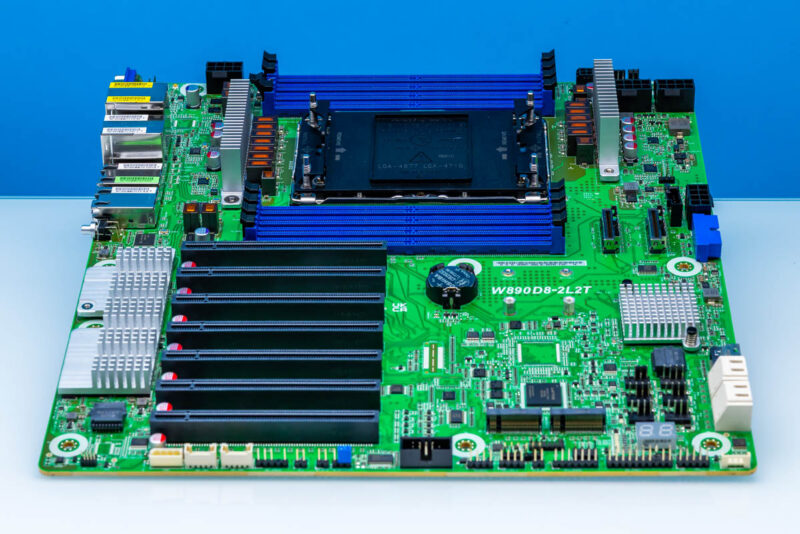
Overall, the ASRock Rack W890D8-2L2T worked great, performing on par with, and sometimes a bit better than, fancy workstation motherboards, which was something I was not expecting. We did not get into the OC settings much, but for folks who want high single-core/ single-thread performance in a server form factor, this is a neat system.